
11.6-inch Touchscreen POS Terminal (Android & Windows) — Compact, Flexible POS for Retail & Hospitality
- How to choose an 11.6-inch touchscreen POS terminal for my retail or hospitality business?
- What operational benefits will an 11.6-inch touchscreen POS terminal deliver for small and medium stores?
- How to secure payments and protect customer data on a POS terminal?
- How to deploy and maintain an 11.6-inch POS terminal across multiple locations?
- Frequently Asked Questions

The 11.6-inch touchscreen POS terminal from FAVORPOS combines a space-saving 11.6-inch projected capacitive display, dual operating system support (Android and Windows), and a flexible I/O suite to meet modern point-of-sale requirements for convenience stores, restaurants and retail chains. This product is optimized for touchscreen point-of-sale workflows, secure payments, and peripheral expansion—helping businesses reduce transaction time and simplify device management. For product details see the detailed product page: 11.6-inch touchscreen POS terminal.
How to choose an 11.6-inch touchscreen POS terminal for my retail or hospitality business?
What display and touch features should I prioritize when replacing a POS terminal?
Prioritize an 11.6-inch high-brightness IPS panel with projected capacitive multi-touch for consistent responsiveness and wide viewing angles in front-of-house environments. A robust glass surface resists scratches and supports glove and stylus use; these factors reduce mis-touches and speed cashier throughput during peak hours.
Why does dual OS support (Android and Windows) matter for my software ecosystem?
Dual OS support enables you to run native Android POS apps for lightweight, cloud-driven operations, or Windows-based legacy POS and back-office software for greater compatibility. This flexibility allows phased migration without disrupting critical services and supports integrations with both mobile-first and traditional enterprise software stacks.
How to evaluate peripheral connectivity for printers, scanners and payment modules?
Assess available COM (RS232), USB, LAN, and optional serial interfaces to ensure compatibility with receipt printers, barcode scanners and MSR/PINPAD devices. Choosing a POS terminal with multiple USB ports and at least one RJ45 plus optional COM ports reduces adapter complexity and future-proofs deployments.
What operational benefits will an 11.6-inch touchscreen POS terminal deliver for small and medium stores?
How does a compact 11.6-inch POS reduce counter congestion and improve service speed?
A compact footprint frees counter space for merchandising and customer interaction while the responsive touchscreen accelerates item lookup and checkout, reducing average transaction times. Less clutter also improves hygiene and cleaning routines in foodservice and high-traffic locations.
How can integrated peripherals lower total cost of ownership?
Built-in support for peripheral modules—such as customer displays, magnetic stripe readers and optional printers—reduces the need for separate devices and wiring, cutting installation and maintenance costs. Consolidation often reduces failure points and simplifies spare-part inventories.
Why is fanless or thermally optimized design important for 24/7 operation?
Fanless, passive-cooling designs minimize moving parts that commonly fail under continuous operation, improving long-term reliability and reducing onsite maintenance. Quiet operation also improves the customer experience in environments like cafés and boutique stores.
How to secure payments and protect customer data on a POS terminal?
What payment-security standards should my POS meet before deployment?
Ensure the terminal supports PCI DSS-aligned deployment practices and that payment peripherals are certified for EMV/Chip & Contactless interactions. Refer to the PCI Security Standards Council guidance on POS security for implementation best practices to reduce fraud risk.
How can operating system choices affect device hardening and updates?
Android and Windows have different patching cadences; using an OS with vendor-managed updates or fleet-management tools ensures timely security patches. Follow manufacturer update policies and use mobile device management (MDM) to enforce security configurations and remote patching.
What role do standards like EMV and contactless play in hardware selection?
Compliance with EMV and contactless standards ensures interoperability with major card schemes and mobile wallets; hardware that accommodates EMV-certified PIN entry devices and secure card readers enables seamless, compliant payment acceptance. For standardization details see the EMVCo technical resources.
How to deploy and maintain an 11.6-inch POS terminal across multiple locations?
How to streamline rollout using remote device management?
Use MDM and remote management tools to push OS updates, application packages and configuration profiles, cutting onsite IT time. Remote diagnostics and logging reduce mean time to repair and allow centralized monitoring of device health and peripheral connectivity.
What are best practices for backups, software updates and compliance audits?
Automate nightly backups of configuration and key transactional settings; schedule off-hours updates and maintain a documented audit trail for PCI/EMV compliance. Regular checkpoints every 3–6 months help catch drift in configurations and firmware versions.
How to plan spare inventory and lifecycle replacement to avoid downtime?
Maintain a 5–10% spare pool for high-turnover locations and plan refresh cycles every 4–6 years depending on performance needs and OS support lifecycles. This approach minimizes lost revenue from device failures and aligns with warranty and OEM support timelines.
Authoritative resources and technical guidance referenced include the industry overview on point-of-sale systems, developer documentation for Android OS, and Windows IoT/Windows support resources for business devices at Microsoft Learn. These references support secure, compliant and modern POS deployments.
Frequently Asked Questions
What operating systems does the 11.6-inch touchscreen POS support?
Conclusion: The terminal supports both Android and Windows operating environments for maximum compatibility. Supplementary: Dual-OS support lets you run modern Android POS apps or legacy Windows POS software without replacing hardware.
How big is the display and why does that matter?
Conclusion: The terminal features an 11.6-inch touchscreen that balances readability and counter space efficiency. Supplementary: An 11.6-inch IPS screen provides clear menus and large touch targets while conserving valuable retail or counter area.
Can I connect standard receipt printers and barcode scanners to this POS?
Conclusion: Yes, the terminal offers a broad I/O set (USB, LAN, and optional serial ports) to connect printers and scanners. Supplementary: Multiple ports reduce need for adapters and simplify integration with existing peripherals.
How often should I update firmware and security settings?
Conclusion: Apply critical security updates as released and perform full firmware reviews at least every 3–6 months. Supplementary: Scheduled maintenance windows reduce service disruption and keep payment functions compliant with PCI requirements.
Is the device suitable for kitchen or outdoor environments?
Conclusion: The terminal is optimized for front-of-house, indoor environments and not for direct outdoor exposure unless an enclosure is used. Supplementary: For kitchens, choose models with splash-resistant surfaces or covers to handle moisture and heat.
How can I ensure PCI and EMV compliance when using this terminal?
Conclusion: Use PCI DSS best practices and EMV-certified payment modules to achieve compliant payment processing. Supplementary: Consult the PCI Security Standards Council and EMVCo specifications for certification and implementation steps.
If you need a tailored quote, OEM/ODM configurations, or technical consultation, contact FAVORPOS sales and support: FAVORPOS official site. Our team can advise on configuration, bulk pricing, and deployment planning.
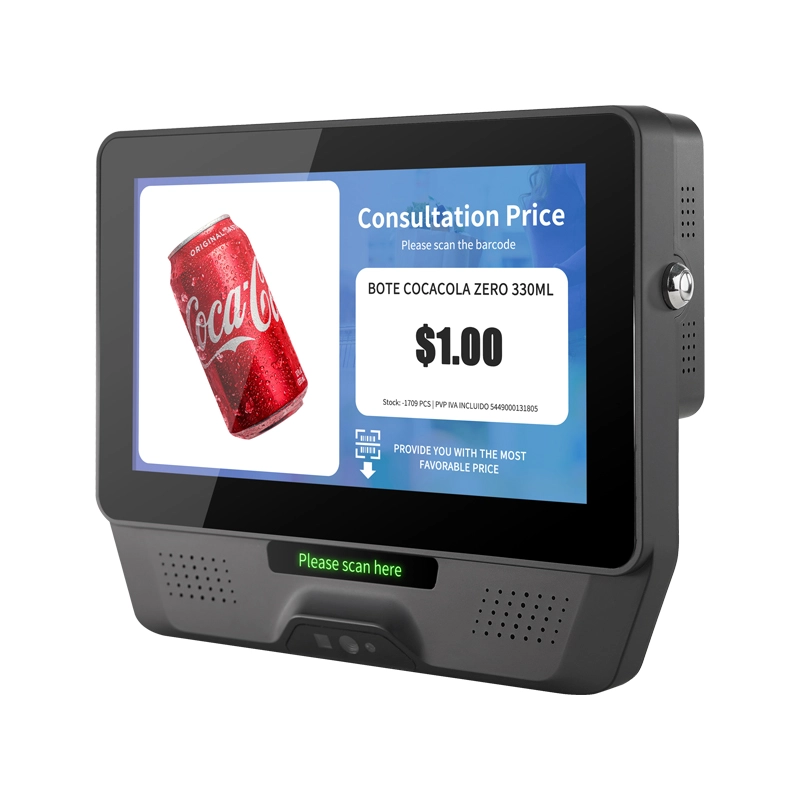
FAVORPOS 7 inch screen plastic price checker and custom check-in barcode scanner combines lightweight portability with reliable performance for retail and warehouse operations. Fast scanning, clear display, built to handle daily checkout demands.
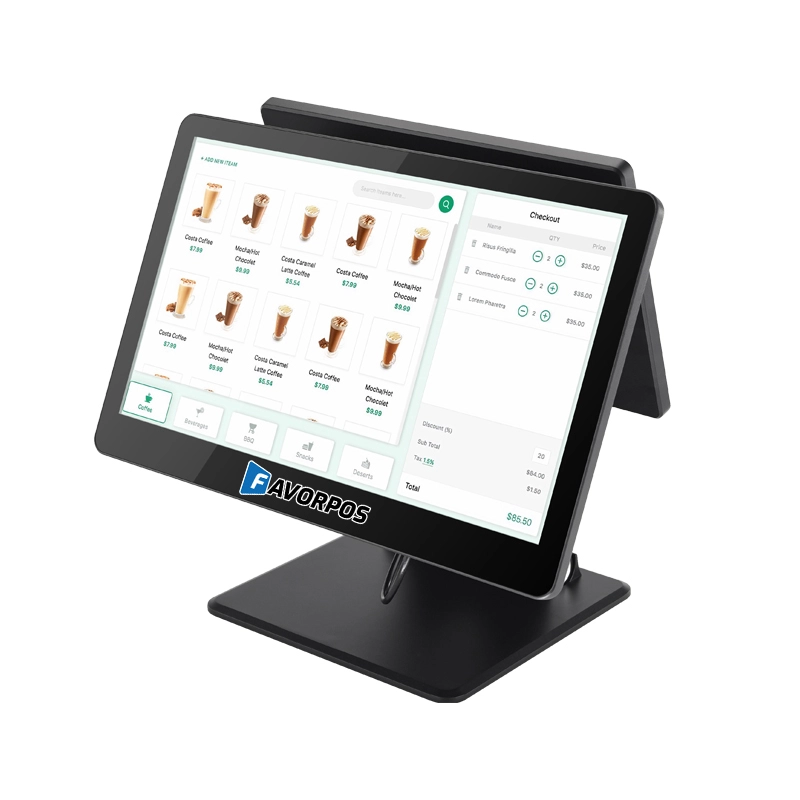
FAVORPOS dual screen POS terminals deliver fast, reliable checkout performance for retail and hospitality businesses. Built by our commercial pos terminal manufacturer, these thin-profile systems streamline transactions while maximizing counter space—trusted by checkout pos systems factory operations worldwide.
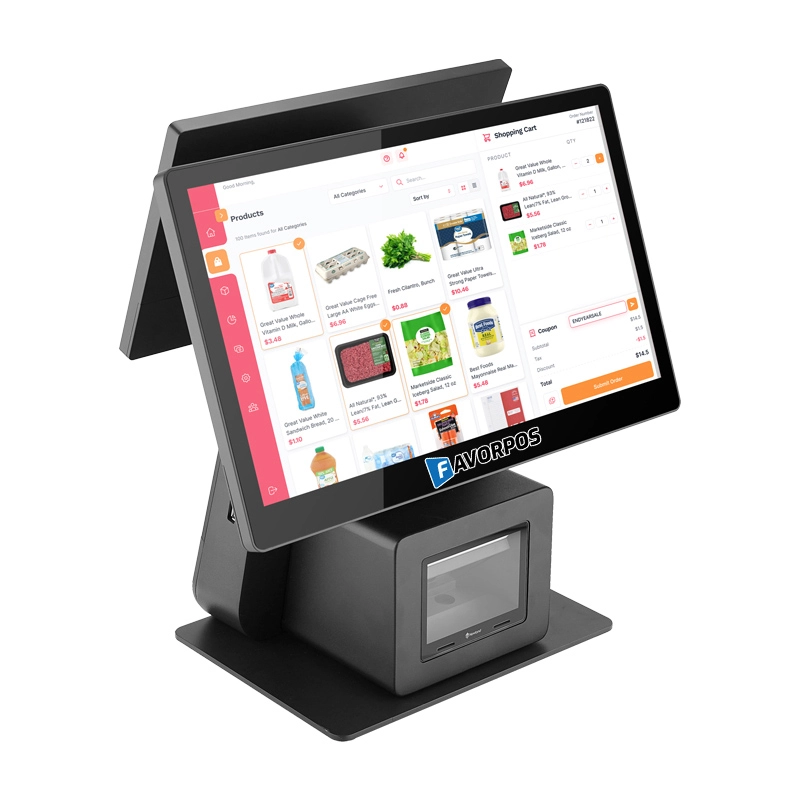
FAVORPOS: Your leading dual screen POS factory and manufacturer. Our desktop POS with barcode scanner offers 15.6/11.6 client screen options and OS flexibility. Get reliable, efficient dual screen POS with barcode scanner solutions directly from us.
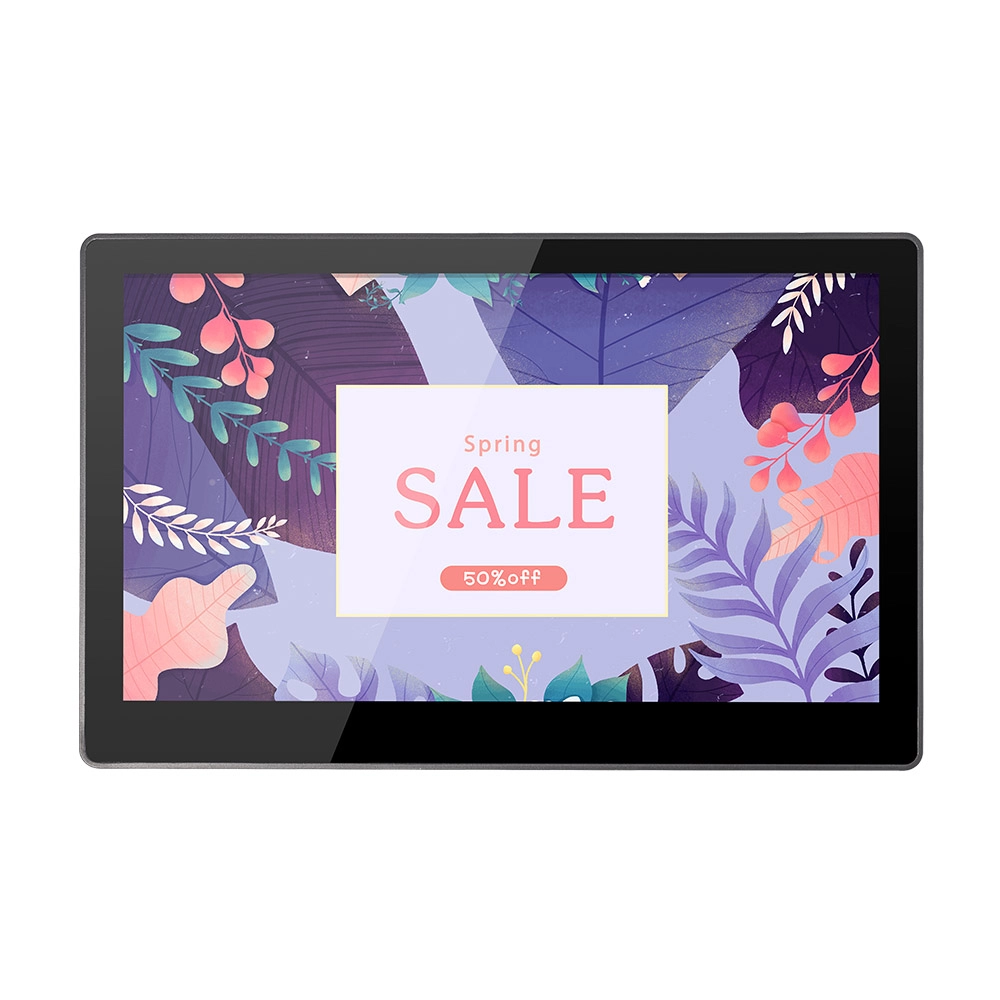
FAVORPOS 11.6-inch capacitive touchscreen, specifically designed for POS machines to deliver a seamless and responsive user experience. This high-definition display offers vibrant visuals and crystal clear clarity, making it easy for staff to navigate through transactions efficiently. The capacitive technology ensures quick and accurate touch recognition, reducing wait times and enhancing customer satisfaction. Built to withstand the rigors of daily use, this touchscreen is perfect for retail and hospitality environments.


Copyright © 2025 Favorpos All Rights Reserved.
