
11.6-Inch Metal All-in-One POS Terminal with Printer
- How Can an Integrated Checkout Terminal Improve Daily Operations?
- How Should Businesses Choose Android or Windows POS Compatibility?
- What Makes This POS Hardware Suitable for Retail and Hospitality?
- How Can Businesses Prepare for a Reliable POS System Deployment?
- What Should Buyers Know About This All-in-One POS Terminal?

The all-in-one POS system from FAVORPOS integrates an 11.6-inch touchscreen, durable metal housing, and built-in thermal receipt printer into a compact checkout terminal. With support for Android or Windows configurations, it gives retailers, supermarkets, cafés, restaurants, and service businesses a practical way to reduce counter clutter, simplify installation, and match existing point-of-sale software. The integrated design addresses common buyer concerns around reliability, space, compatibility, maintenance, and total deployment cost while leaving room for OEM and ODM customization.
How Can an Integrated Checkout Terminal Improve Daily Operations?
Why does an all-in-one design help businesses save counter space?
Traditional checkout stations often require a display, computer, receipt printer, power adapters, and multiple connecting cables. That arrangement consumes valuable counter space and creates more points of failure during busy periods. This terminal combines the primary computing and printing functions in one enclosure, giving businesses a cleaner workstation and a more consistent installation process. A compact footprint is especially valuable for convenience stores, cafés, kiosks, pharmacy counters, and small-format retail locations where every centimeter affects customer flow.
Fewer separate devices can also make staff training easier. Employees interact with one coordinated terminal rather than switching between unrelated hardware, while managers can standardize the same checkout layout across multiple branches. The metal enclosure provides a professional appearance suitable for customer-facing environments and is designed for the demands of continuous commercial use. Buyers should still confirm the required mounting method, operating temperature, ports, and peripheral interfaces before placing a volume order.
What transaction problems can a built-in thermal printer solve?
A built-in thermal printer reduces the risk of loose printer cables, misplaced power supplies, and incompatible counter accessories. It supports a more direct receipt workflow: staff complete a sale on the touchscreen and print the receipt from the same station. Thermal printing is widely used in retail because it does not require ink cartridges, reducing routine consumable maintenance. Businesses should select paper width, roll diameter, print speed, and receipt format according to their software and local tax requirements.
Receipt printing is only one part of transaction reliability. A dependable checkout environment should also maintain clear records, protect payment-related workflows, and support accurate cash management. The Wikipedia overview of point-of-sale systems explains how modern POS environments combine sales recording, inventory information, and payment operations. This integrated terminal can serve as a practical hardware foundation when paired with properly configured retail or hospitality software.
How Should Businesses Choose Android or Windows POS Compatibility?
When is Android a practical choice for a POS deployment?
Android can be suitable for businesses seeking a familiar touch-first interface, fast application deployment, and straightforward device management. It is often considered for cafés, quick-service restaurants, mobile-style counters, small retailers, and applications developed specifically for Android hardware. The operating system can help simplify user interaction because many employees already understand gesture-based navigation, but buyers must verify that their POS application supports the intended Android version, screen resolution, printer commands, and peripheral connections.
Android selection should be based on the complete software environment rather than the operating system alone. Confirm whether the application supports offline transactions, inventory synchronization, user permissions, receipt reprints, customer displays, barcode scanners, and payment integrations. Businesses should also ask about update policies and long-term application support before deploying terminals across multiple locations. FAVORPOS can discuss configuration requirements for projects that need a particular application image or branded user experience.
Why might Windows be better for established retail software?
Windows can be the stronger option when a business already uses desktop-based POS software, Microsoft-compatible back-office tools, database systems, or specialized peripherals. It may reduce migration effort by allowing operators to retain familiar programs and workflows. Windows is also commonly considered for supermarkets and multi-department retailers that require broader software compatibility, advanced reporting, or integration with existing office and inventory systems.
Before selecting Windows, buyers should review processor performance, memory, storage, licensing, security management, and application requirements. A terminal should not be judged only by operating system availability; its performance must remain stable during peak checkout periods and software updates. The PCI Security Standards Council information on PCI DSS provides important context for organizations handling payment-card data. Hardware selection should be coordinated with the payment provider and software vendor so that the complete environment follows applicable security responsibilities.
How can buyers verify software and peripheral compatibility?
Request a compatibility checklist before purchasing. It should identify the POS application version, supported operating system, printer language, barcode scanner interface, cash drawer connection, customer display requirements, network method, payment terminal integration, and database or cloud service dependencies. If the business operates in several countries, it should also confirm currency, tax, receipt, language, and regulatory requirements.
A sample or pilot deployment is often the most reliable validation method. Test opening and closing shifts, refunds, discounts, barcode scanning, receipt printing, network interruptions, software updates, and synchronization with back-office systems. This process exposes problems that a basic power-on test may miss. FAVORPOS supports OEM and ODM projects, allowing qualified buyers to discuss customized hardware combinations, branding, operating system configuration, and deployment quantities.
What Makes This POS Hardware Suitable for Retail and Hospitality?
How does the 11.6-inch touchscreen support faster staff interaction?
An 11.6-inch touchscreen provides a balance between visibility and counter efficiency. It gives operators enough area for product buttons, order details, payment status, and system prompts without requiring a large desktop monitor. A properly designed interface can reduce unnecessary navigation and help employees complete common actions quickly during queues. Actual productivity depends on software layout, touch response, employee training, and the number of products or modifiers displayed at once.
Touchscreen workflows are particularly useful in cafés and restaurants where staff need to select menu items, options, quantities, and service types in sequence. Retail operators can use the display for barcode-driven sales, product lookup, customer information, and return processing. Businesses should evaluate screen brightness, viewing angle, cleaning procedures, and glove or moisture conditions when the terminal will be used in demanding service environments. ISO 9241 guidance on human-system interaction offers useful reference points for evaluating usability and ergonomic interaction.
Why is a metal enclosure important in a commercial checkout area?
A metal enclosure can provide a more robust structure than lightweight consumer-oriented equipment, helping the terminal withstand frequent handling and the everyday vibration associated with commercial counters. It also presents a professional appearance for customer-facing locations. However, durability is a system-level consideration: installation quality, ventilation, power protection, cleaning chemicals, and operating conditions all influence service life.
For high-use environments, buyers should request information about enclosure material, internal cooling, display protection, warranty coverage, spare parts, and repair procedures. They should also establish whether the terminal is intended for continuous operation and how the printer is accessed for paper replacement. FAVORPOS’s industry focus includes retail, catering, supermarkets, and related applications, enabling project discussions around workload, environment, and service expectations rather than relying on a one-size-fits-all specification.
How can an integrated terminal reduce ownership complexity?
Combining core checkout components can reduce the number of vendors, power connections, mounting decisions, and service contacts involved in a deployment. This may simplify procurement, installation, troubleshooting, and replacement planning. It can also improve visual consistency across branches when businesses purchase standardized units. The financial benefit should be measured across the complete lifecycle, including software, accessories, support, consumables, warranty terms, and downtime—not only the initial hardware price.
FAVORPOS provides POS systems and peripherals, cash registers, handheld terminals, scanners, price checkers, thermal printers, and accessories. This broader product capability can help buyers plan a coordinated checkout ecosystem instead of assembling unrelated products. For larger rollouts, request a bill of materials, compatibility confirmation, packaging details, production lead time, quality-control process, and after-sales support terms. Clear documentation at the quotation stage reduces avoidable delays after delivery.
How Can Businesses Prepare for a Reliable POS System Deployment?
What should be tested before terminals go live?
Before launch, test the complete transaction path from login to receipt archive. Include cash sales, card or alternative payments, refunds, voids, discounts, tax calculations, barcode scanning, printer paper replacement, end-of-day reports, inventory updates, and network recovery. Test at the busiest expected workload rather than only during idle operation. A controlled pilot in one store or service area can reveal training and configuration issues before a full rollout.
Deployment teams should document user roles, network settings, software credentials, backup procedures, escalation contacts, and maintenance intervals. Payment devices should be configured with the acquiring bank or payment provider, while sensitive information should be handled according to applicable security policies. A written acceptance checklist gives purchasers objective evidence that the terminal, operating system, printer, and application perform together as required.
How can OEM and ODM services support business-specific requirements?
OEM and ODM support is valuable when a buyer needs a branded enclosure, customized boot screen, specific operating system image, altered peripheral combination, packaging requirements, or a repeatable configuration for multiple locations. Instead of adapting operations to a generic device, the business can define the hardware and software conditions that matter most to its workflow. Customization should be evaluated against minimum order quantities, tooling, certification, development charges, sample approval, and production lead times.
FAVORPOS works with businesses seeking customized POS hardware and solution development. A productive project brief should specify application compatibility, screen requirements, printer parameters, connectivity, environmental conditions, branding, target markets, forecast quantities, and support expectations. This information allows the manufacturer to recommend a practical configuration and identify potential risks early. It also creates a stronger basis for quality inspection and consistent repeat orders.
Why should after-sales support influence the purchase decision?
Checkout equipment directly affects revenue, so support quality can be as important as processor or screen specifications. Buyers should clarify warranty duration, replacement policy, technical response time, firmware or driver availability, spare-part access, remote troubleshooting, and the procedure for handling defective units. Multi-location operators should also ask whether serial-number tracking and standardized configuration support are available.
A long-term manufacturing relationship can reduce operational uncertainty as the business expands or software requirements change. FAVORPOS combines product development with OEM and ODM capabilities and maintains a commitment to quality and industry development. Selecting a supplier that can discuss hardware, peripherals, customization, and deployment support together helps businesses build a more maintainable POS environment and protect the value of their investment.
Contact FAVORPOS customer service today to confirm specifications, operating system compatibility, customization options, pricing, and deployment support for your business.
What Should Buyers Know About This All-in-One POS Terminal?
What businesses can use this all-in-one POS terminal?
This terminal is suitable for retail stores, supermarkets, cafés, restaurants, kiosks, and service counters that need integrated touchscreen checkout and receipt printing. Its compact 11.6-inch format helps conserve counter space, while Android or Windows configurations allow businesses to match the terminal with compatible software and existing operational workflows.
Does the terminal support both Android and Windows?
Yes, the product is available with Android or Windows configurations, subject to the selected model and project requirements. Buyers should confirm the required operating system version, application compatibility, printer integration, peripheral interfaces, licensing, and software support before ordering so the complete checkout environment performs reliably.
Does this POS terminal include a receipt printer?
Yes, the all-in-one design includes a built-in thermal receipt printer alongside the touchscreen computer. This reduces separate equipment and cable connections at the counter, but buyers should verify paper width, roll diameter, printing commands, receipt layout, and local fiscal or tax requirements with their software provider before deployment.
Can FAVORPOS customize the terminal for OEM or ODM projects?
Yes, FAVORPOS provides OEM and ODM services for businesses with customized POS requirements. Potential project options may include branding, operating system configuration, enclosure details, peripheral combinations, packaging, and application preparation, with final feasibility depending on order quantity, technical specifications, sampling, certification, tooling, and production lead time.
What should businesses test before deploying the terminal?
Businesses should test sales, refunds, voids, discounts, tax calculations, barcode scanning, receipt printing, paper replacement, shift closing, reporting, inventory synchronization, and network recovery before launch. A pilot should also verify payment-device integration, user permissions, software updates, backup procedures, and performance during peak operating periods.
How should buyers evaluate long-term support?
Buyers should review warranty coverage, technical response times, spare-part availability, repair procedures, firmware or driver support, and replacement policies before purchasing. For multi-location deployments, standardized configurations, serial-number tracking, documentation, and an agreed escalation process can reduce downtime and make future expansion easier to manage.
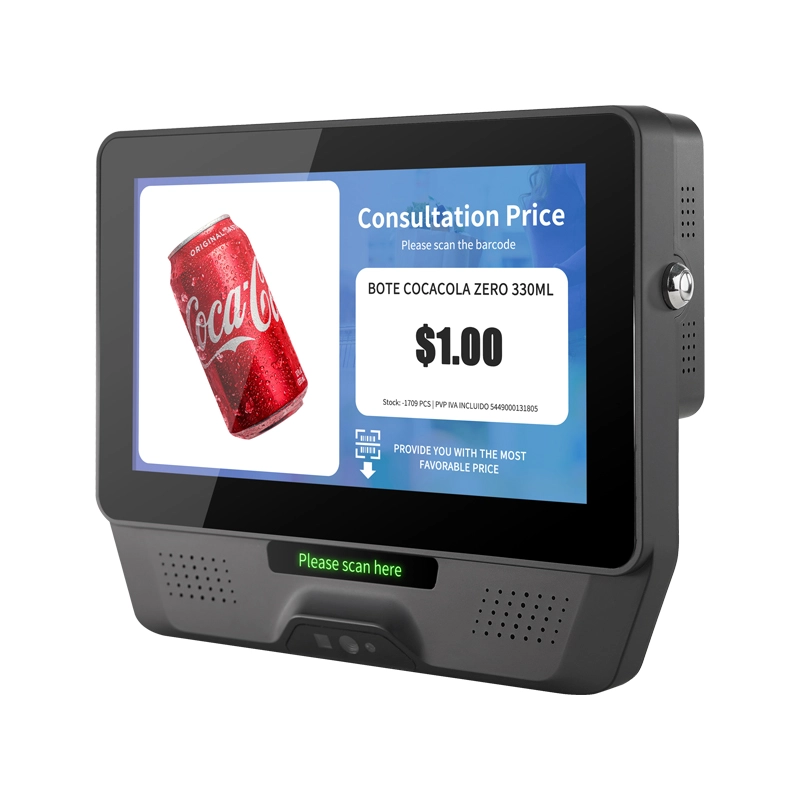
FAVORPOS 7 inch screen plastic price checker and custom check-in barcode scanner combines lightweight portability with reliable performance for retail and warehouse operations. Fast scanning, clear display, built to handle daily checkout demands.

FAVORPOS dual screen POS terminals deliver fast, reliable checkout performance for retail and hospitality businesses. Built by our commercial pos terminal manufacturer, these thin-profile systems streamline transactions while maximizing counter space—trusted by checkout pos systems factory operations worldwide.
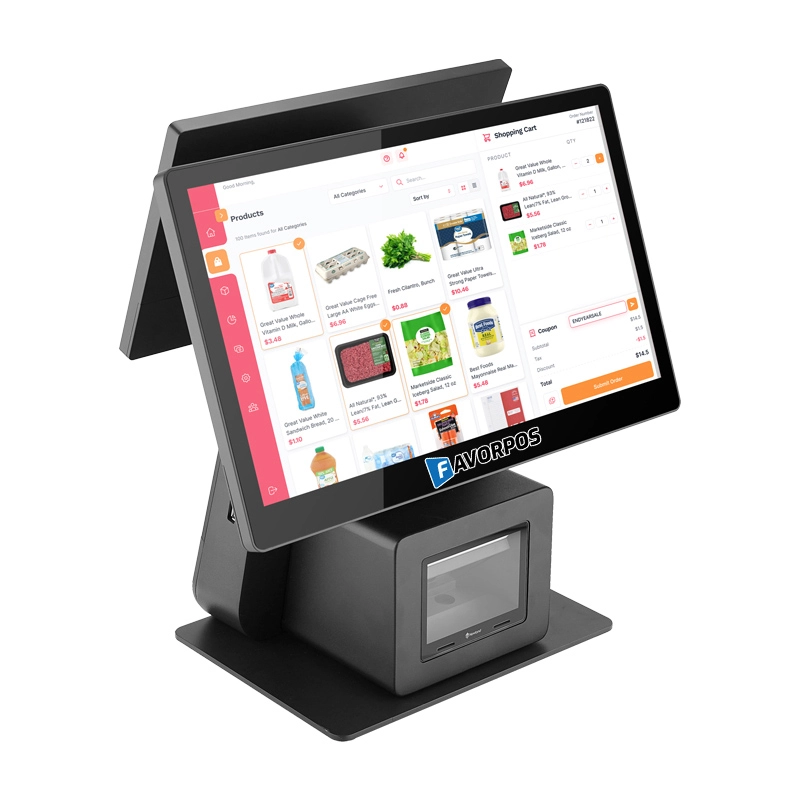
FAVORPOS: Your leading dual screen POS factory and manufacturer. Our desktop POS with barcode scanner offers 15.6/11.6 client screen options and OS flexibility. Get reliable, efficient dual screen POS with barcode scanner solutions directly from us.
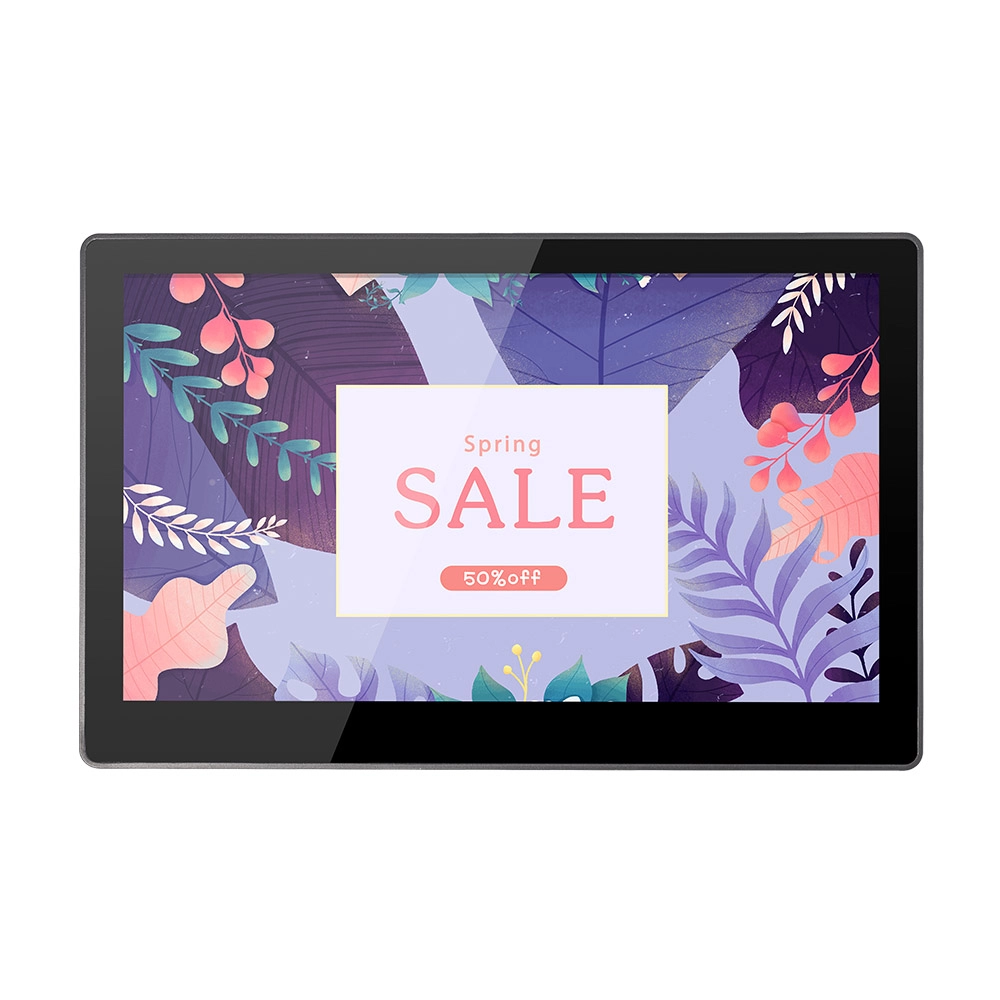
FAVORPOS 11.6-inch capacitive touchscreen, specifically designed for POS machines to deliver a seamless and responsive user experience. This high-definition display offers vibrant visuals and crystal clear clarity, making it easy for staff to navigate through transactions efficiently. The capacitive technology ensures quick and accurate touch recognition, reducing wait times and enhancing customer satisfaction. Built to withstand the rigors of daily use, this touchscreen is perfect for retail and hospitality environments.


Copyright © 2025 Favorpos All Rights Reserved.
