
Android Handheld POS Device and Touchscreen POS Terminal
- How Can a Mobile Android Checkout Terminal Improve Daily Operations?
- What Should Buyers Check Before Selecting a Handheld POS Terminal?
- What Business Benefits Can FAVORPOS Provide Through OEM and ODM Support?
- How Can Businesses Plan a Successful POS System Deployment?
- What Should Buyers Know About Android Handheld POS Devices?
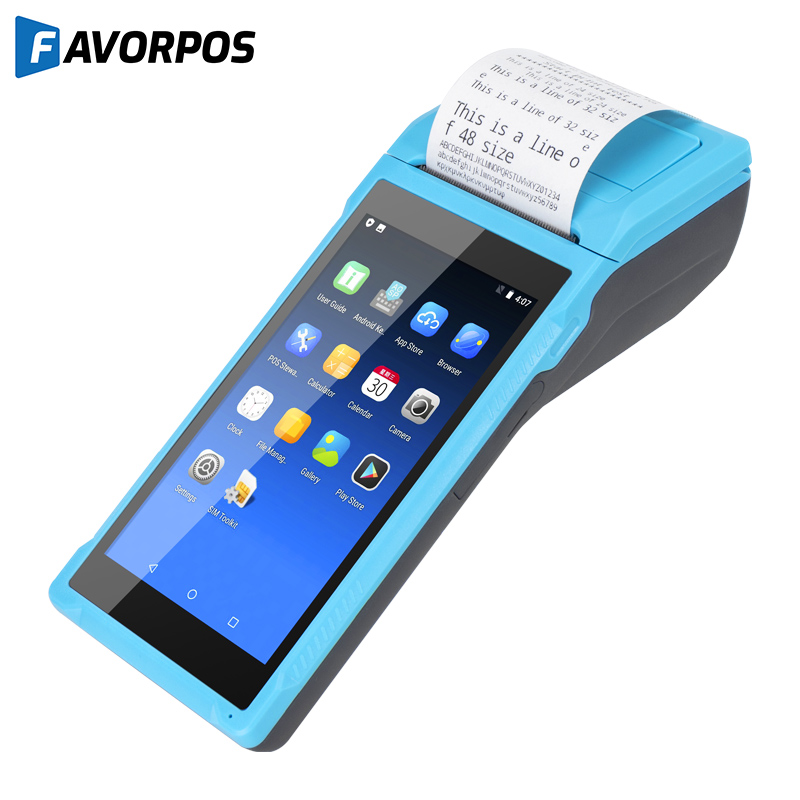
FAVORPOS provides an Android handheld POS system solution for businesses that need faster transactions, mobile checkout, and flexible deployment across retail, catering, supermarkets, and service environments. Designed around a touch-screen handheld terminal, the solution helps staff accept orders, check prices, manage customer queues, and complete sales closer to the point of service while reducing dependence on fixed checkout counters.
How Can a Mobile Android Checkout Terminal Improve Daily Operations?
Why is handheld operation valuable for busy retail and hospitality teams?
A fixed counter can create queues when customers are distributed across a sales floor, dining area, event space, or pickup zone. An Android handheld POS device allows authorized employees to move with customers, enter orders at the table, perform stock or price checks in the aisle, and support line-busting during peak periods. This mobility can improve staff responsiveness without requiring every employee to work from a stationary register.
What does a touchscreen interface contribute to transaction accuracy?
A clear touchscreen interface gives operators direct access to product categories, order options, payment workflows, and operational functions. When menu layouts are configured around real working habits, employees can complete common tasks with fewer physical buttons and less training. Businesses should also confirm screen size, brightness, touch responsiveness, and interface customization requirements before selecting a final configuration.
How can Android support flexible business application deployment?
Android provides a familiar software environment for application integration, device management, and workflow customization. Businesses can deploy approved POS applications, inventory tools, customer-service software, or delivery workflows according to their operating model. Because Android versions and application requirements vary, buyers should validate compatibility, security updates, permissions, and deployment controls with their software provider and hardware manufacturer.
What Should Buyers Check Before Selecting a Handheld POS Terminal?
Which hardware characteristics affect reliability in commercial use?
Reliability depends on more than processor performance. Buyers should assess construction quality, screen durability, battery capacity, charging method, ergonomics, heat management, button or touch controls, and the availability of replacement accessories. A device used continuously in a supermarket has different demands from one used intermittently by a restaurant server, so operating hours and handling conditions should shape the specification.
How should connectivity and peripheral compatibility be evaluated?
A handheld terminal must communicate consistently with the business network, cloud services, payment equipment, printers, scanners, or customer displays used in the workflow. Confirm supported wireless connectivity, network security, peripheral interfaces, and application protocols before purchase. Compatibility testing is particularly important when the device must connect with existing thermal printers, barcode scanners, cash drawers, or payment terminals.
Why do software security and payment compliance matter?
Transaction devices process commercially sensitive information, so security cannot be treated as an optional feature. Businesses should ask how the device supports user authentication, application control, data protection, remote management, and update procedures. Payment deployments should also be reviewed against the requirements of the payment provider and the PCI Security Standards Council, rather than relying on a general-purpose device description.
What Business Benefits Can FAVORPOS Provide Through OEM and ODM Support?
How can customization solve industry-specific workflow problems?
Standard hardware may not fully match the way a retailer, restaurant group, supermarket, or mobile vendor operates. FAVORPOS OEM and ODM services can help buyers define suitable branding, hardware combinations, enclosure requirements, software coordination, accessories, and packaging. This approach is useful for distributors and solution providers that need a consistent product line instead of adapting their business model to an inflexible terminal.
How does a complete POS hardware portfolio simplify deployment?
FAVORPOS supports broader point-of-sale deployments with terminals, cash registers, scanners, price checkers, thermal printers, peripherals, and accessories. Coordinating these components through one experienced manufacturer can simplify sourcing, testing, documentation, and after-sales communication. It also helps businesses design a complete checkout environment rather than selecting isolated devices that may create avoidable integration problems.
What should distributors ask about quality and long-term supply?
Distributors should evaluate production consistency, quality-control procedures, sample approval, lead times, spare-part planning, warranty handling, and communication during product updates. A dependable supplier should explain how configuration changes are controlled and how support continues after installation. FAVORPOS’s stated focus on quality and long-term industry development makes these questions central to a responsible sourcing decision.
How Can Businesses Plan a Successful POS System Deployment?
Which operating requirements should be documented first?
Start by mapping the complete transaction journey: product selection, order entry, discount approval, payment, receipt printing, refunds, inventory updates, and reporting. Document the number of users, locations, expected transactions per hour, working environment, network coverage, and required peripherals. This operational baseline prevents buyers from choosing a device that looks attractive but cannot support real peak-period workloads.
How should staff training and device management be organized?
Training should focus on the actual tasks employees perform most often, including login, product search, order modification, payment handoff, receipt handling, and exception management. Managers should define user permissions and device assignment rules before rollout. A controlled pilot in one store or service area can reveal workflow issues early and reduce disruption when the POS system expands across multiple locations.
Why is lifecycle support important after installation?
Hardware value is measured over its operating life, not only at the purchase stage. Confirm technical support channels, firmware or operating-system maintenance, accessory availability, repair procedures, and replacement timelines. Businesses should also establish a process for reviewing application compatibility as their software evolves. The Android Enterprise resource provides useful context for managed Android deployments, while point-of-sale technology background can help nontechnical stakeholders understand system roles.
Contact FAVORPOS customer service today to discuss the right Android handheld POS terminal configuration, OEM or ODM requirements, and a scalable solution for your business.
What Should Buyers Know About Android Handheld POS Devices?
What is an Android handheld POS device used for?
An Android handheld POS device is used to process sales, orders, price checks, and customer-service tasks away from a fixed checkout counter. Its portable touchscreen format helps retail, restaurant, supermarket, and mobile-service employees work closer to customers while supporting compatible POS applications and connected peripherals.
Can this handheld POS terminal work with existing business software?
It may work with existing business software when the application, Android version, connectivity, and peripheral interfaces are compatible. Buyers should confirm technical requirements with the software provider and FAVORPOS before deployment, especially when integrating barcode scanners, thermal printers, payment terminals, inventory platforms, or cloud-based management tools.
How can businesses improve security when deploying Android POS devices?
Businesses should use controlled applications, strong user authentication, managed permissions, secure networks, regular updates, and remote device-management policies. Payment environments should also be reviewed with the payment provider against applicable PCI requirements, because security responsibilities depend on the complete application, network, hardware, and transaction architecture.
Is a handheld POS system suitable for restaurants and catering businesses?
Yes, a handheld POS system can suit restaurants and catering operations that need order entry or payment support at tables, counters, queues, or event locations. Managers should evaluate battery endurance, wireless coverage, screen usability, cleaning procedures, printer integration, and peak-service performance before selecting the final configuration.
What customization options are available through OEM and ODM services?
OEM and ODM programs can address branding, packaging, hardware combinations, accessories, enclosure requirements, and deployment coordination according to a buyer’s market needs. The precise scope depends on project volume and technical specifications, so distributors should request sample approval, production schedules, quality documentation, and support terms before placing a large order.
How long should a business test a POS terminal before rollout?
A practical pilot should run for at least 1 to 2 weeks during normal and peak operating periods before wider deployment. This timeframe allows teams to evaluate connectivity, battery behavior, transaction speed, staff training, peripheral compatibility, reporting, and exception handling while there is still time to correct configuration or workflow problems.
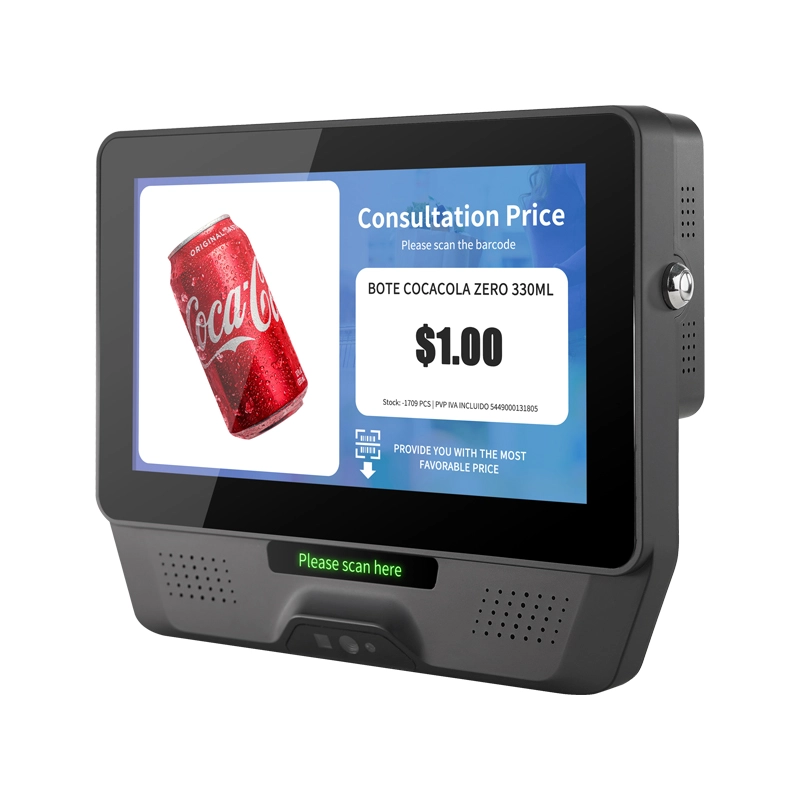
FAVORPOS 7 inch screen plastic price checker and custom check-in barcode scanner combines lightweight portability with reliable performance for retail and warehouse operations. Fast scanning, clear display, built to handle daily checkout demands.
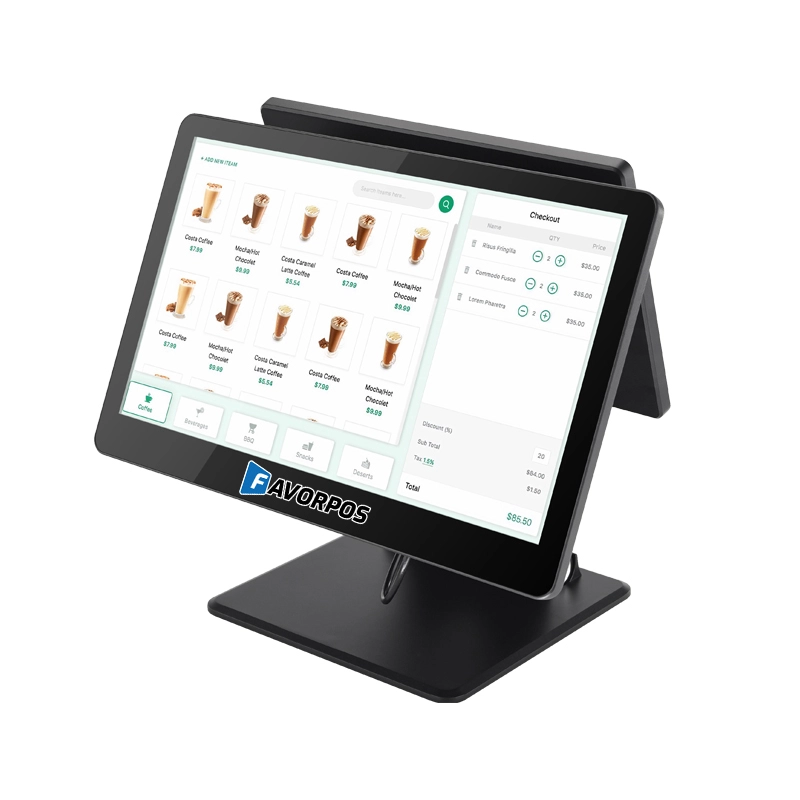
FAVORPOS dual screen POS terminals deliver fast, reliable checkout performance for retail and hospitality businesses. Built by our commercial pos terminal manufacturer, these thin-profile systems streamline transactions while maximizing counter space—trusted by checkout pos systems factory operations worldwide.
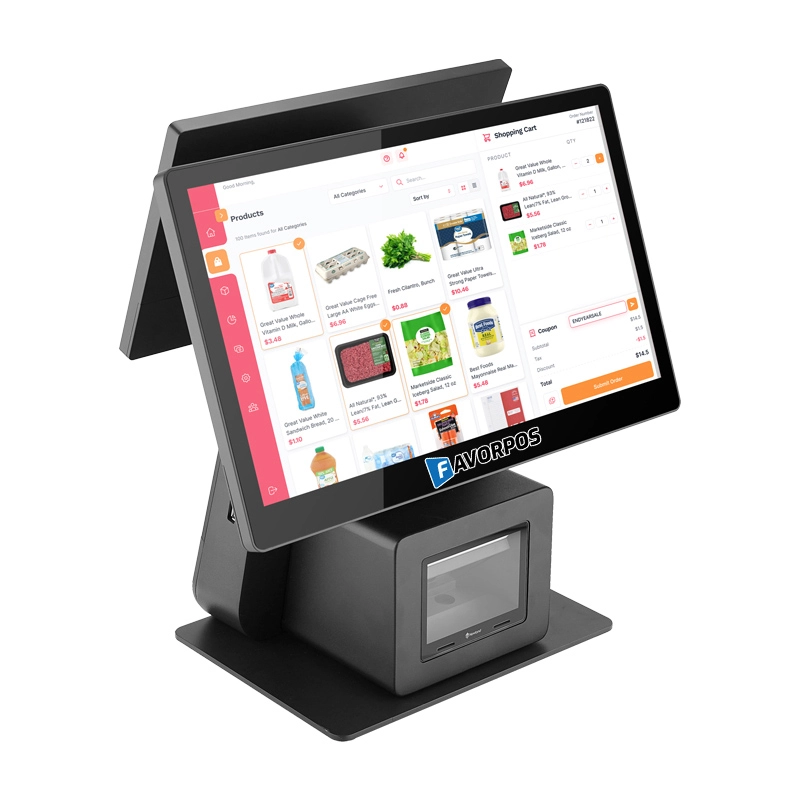
FAVORPOS: Your leading dual screen POS factory and manufacturer. Our desktop POS with barcode scanner offers 15.6/11.6 client screen options and OS flexibility. Get reliable, efficient dual screen POS with barcode scanner solutions directly from us.
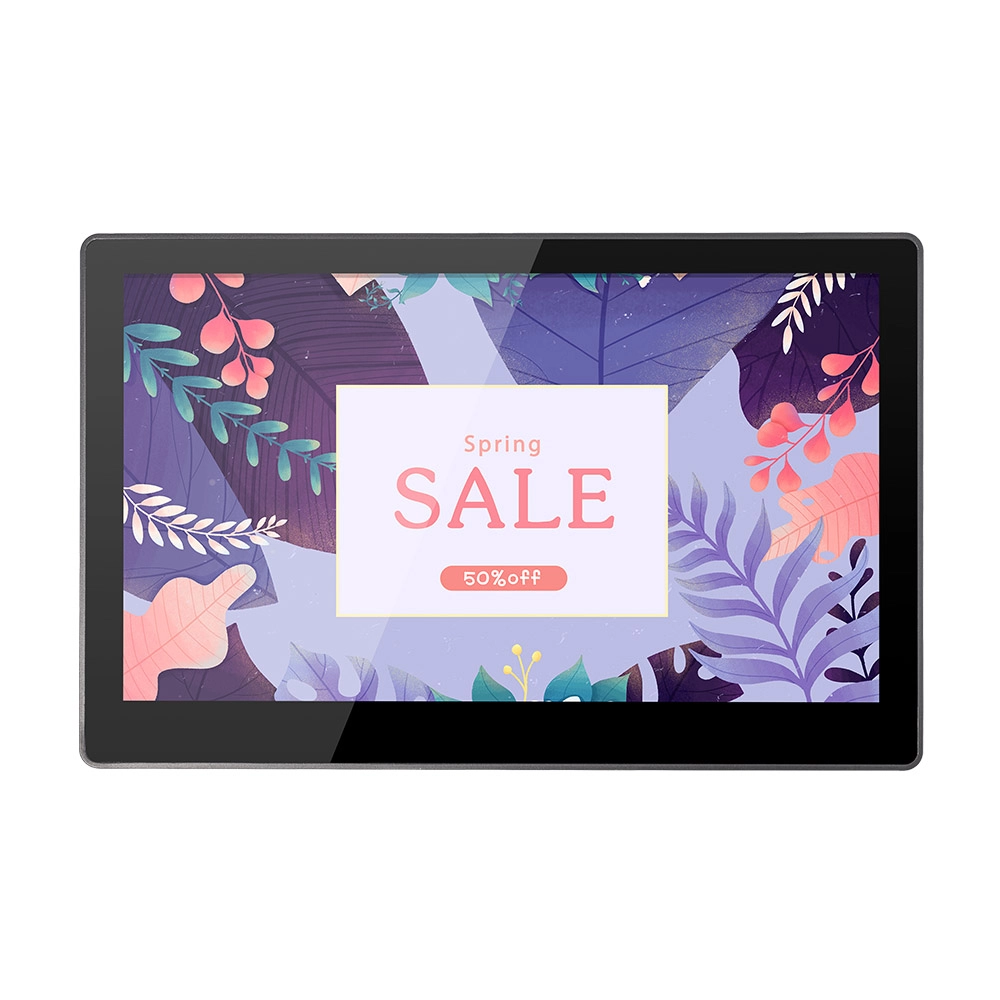
FAVORPOS 11.6-inch capacitive touchscreen, specifically designed for POS machines to deliver a seamless and responsive user experience. This high-definition display offers vibrant visuals and crystal clear clarity, making it easy for staff to navigate through transactions efficiently. The capacitive technology ensures quick and accurate touch recognition, reducing wait times and enhancing customer satisfaction. Built to withstand the rigors of daily use, this touchscreen is perfect for retail and hospitality environments.


Copyright © 2025 Favorpos All Rights Reserved.
