
7-Inch Android Price Checker Deployment Guide: Wall, Desktop, Barcode and Cable Planning
A 7-inch Android price checker can provide a compact interface for barcode-based product and price inquiries. Before deployment, buyers should confirm whether the terminal will be wall-mounted or desktop-installed, which 1D and 2D codes must be scanned, how the Android application connects to the product database, and how power, network and cable routing will be planned.
- How Does a 7-Inch Android Price Checker Fit Into the Retail Workflow?
- When Is a 7-Inch Screen the Right Choice?
- How Should the Terminal Be Installed and Connected?
- What Should B2B Buyers Confirm Before Ordering?
- Frequently Asked Questions
- When is a 7-inch price checker suitable for retail?
- Can the terminal be wall-mounted or used on a desktop?
- Does the device support both 1D barcodes and 2D QR codes?
- What should buyers confirm about the Android software environment?
- What should be checked before wall installation?
- What information should buyers include in an RFQ?
- Plan the Deployment Before Selecting the Configuration
A 7-inch Android price checker provides a compact customer-facing interface for barcode-based product and price inquiries. The configuration described here supports 1D barcode and 2D QR code recognition, wall-mounted or desktop installation, a lightweight plastic housing and rear cable management.
For B2B buyers, the useful question is not simply whether the terminal has a touchscreen and scanner. The better question is how the screen size, installation method, Android application, scanning requirements, data connection and cable routing fit the intended retail workflow.
A practical deployment sequence is:
Define the customer task → confirm whether 7 inches is suitable → choose wall or desktop installation → verify barcode and QR requirements → confirm Android software and data integration → plan power, network and cable routing → select the final configuration.
How Does a 7-Inch Android Price Checker Fit Into the Retail Workflow?
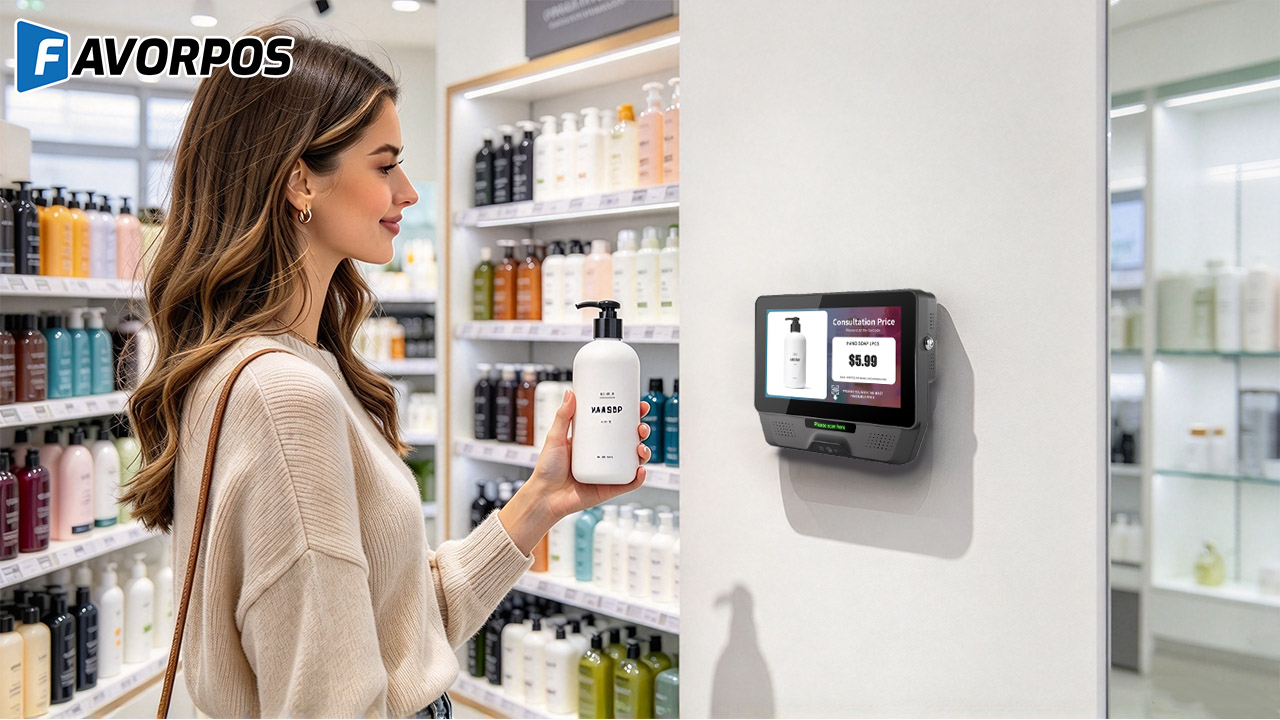
A price checker is most useful when the customer task is clearly defined. In a basic retail workflow, a shopper approaches the terminal, scans a supported product code and receives information supplied by the connected application and database.
The terminal itself provides the touchscreen and scanning interface. The software determines how the scanned code is interpreted, which product record is retrieved and what information is shown to the user.
Depending on the code format and the software connected to the device, the screen may present a price, product name, product details or other information available through the retail application. Additional content such as promotional information should also be treated as software-dependent rather than as an automatic hardware function.
The current configuration supports 1D barcodes and 2D QR codes. Buyers should still confirm the exact code formats used by their products or applications because scanning performance depends on the final scanner configuration, supported formats and software integration.
The hardware supports the interaction; the Android application and connected data source determine the actual price-checking workflow.
When Is a 7-Inch Screen the Right Choice?
A 7-inch touchscreen can be appropriate when the user interface is relatively focused and installation space is limited. For a simple product or price inquiry, the application may only need enough space to show a scanned result, basic product information and clear instructions.
The smaller display can also be useful when the terminal needs to fit near product shelves, on a compact counter or at another customer-facing point where a larger screen would occupy more space.
However, screen size should follow the interface rather than the other way around. If the application needs to display large amounts of information, support many on-screen controls or guide users through a more complex multi-step process, buyers should first confirm that a 7-inch display provides enough usable space.
The right decision therefore depends on the amount of information shown, the expected interaction and the available installation area.
How Should the Terminal Be Installed and Connected?
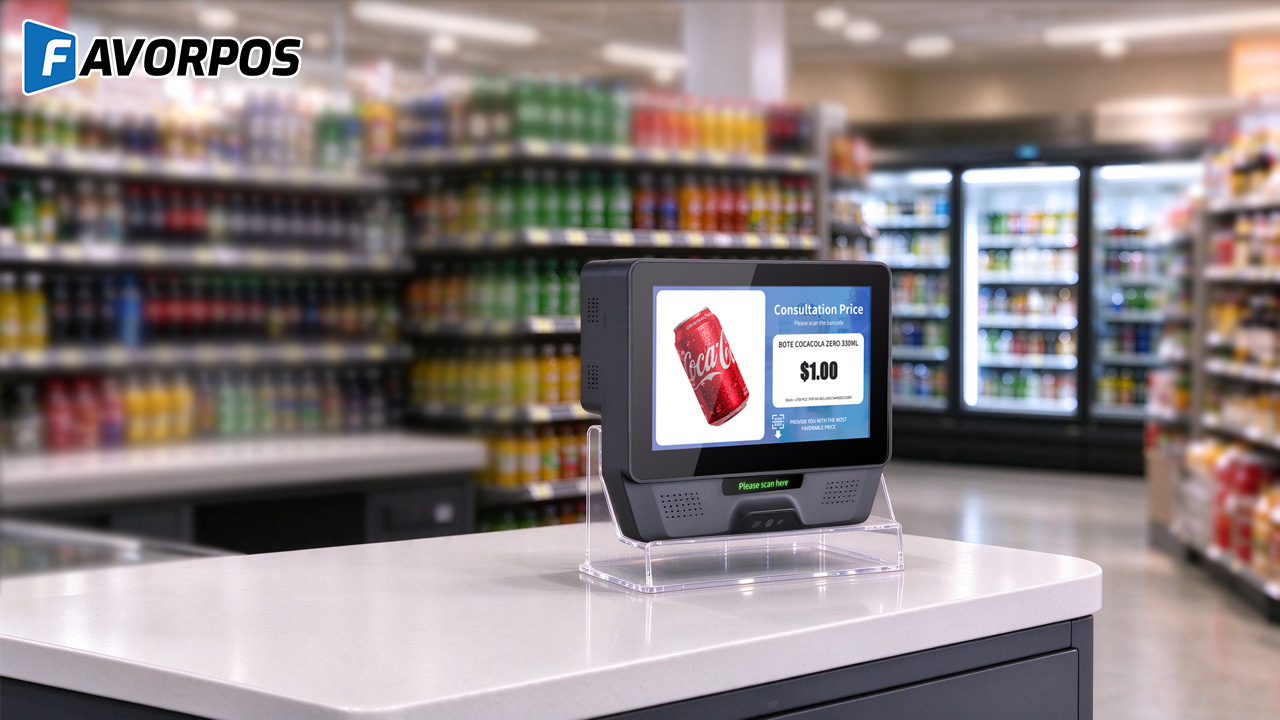
The configuration described here supports both wall-mounted and desktop installation. The correct choice depends on available space, customer access, cable routing and maintenance requirements.
Wall mounting can keep the terminal in a fixed self-service position without occupying counter space. Before installation, buyers should confirm the mounting surface, user height, scanner access, power location, network requirements and how staff will reach the device when maintenance is required.
A desktop installation may be more suitable for a service counter, checkout area or another supervised position. In this case, buyers should consider the available surface area, the direction from which customers approach the scanner and how visible cabling will be managed around the terminal.
The lightweight plastic housing can be considered when planning handling and installation, but the installation surface and mounting method still need to be suitable for the final configuration.
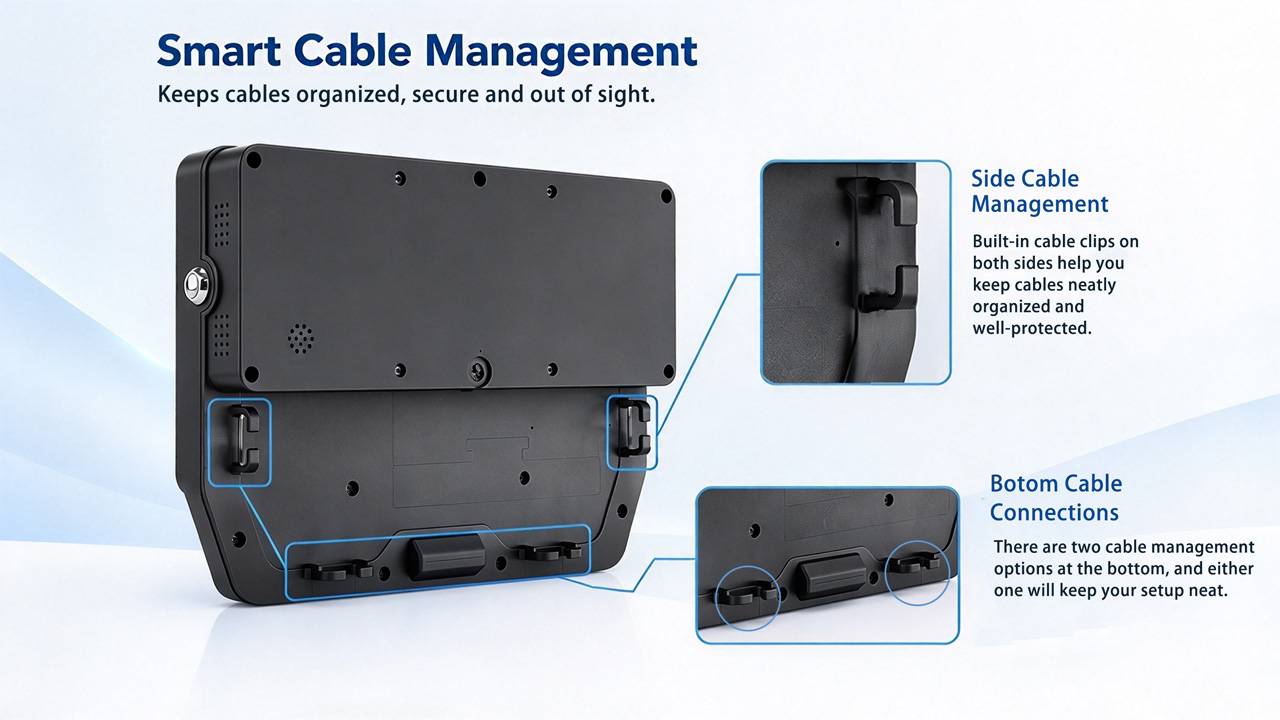
Rear cable management can help organize connected wiring when the installation is planned correctly. It does not remove the need to decide where power, network and other required connections will be routed.
| Installation question | What the buyer should confirm |
|---|---|
| Wall or desktop? | Where users will approach and operate the terminal |
| Mounting location | Available surface, height and access for maintenance |
| Power and network | Where required connections will be routed |
| Scanner access | How customers will present products or codes to the scanner |
| Cable organization | How visible wiring will be managed after installation |
What Should B2B Buyers Confirm Before Ordering?
The final hardware configuration should be selected only after the retail workflow and software environment are clear.
Start with the Android application. Buyers should confirm the required Android version, application requirements, available interfaces and compatibility with the product database or retail management software used in the project.
Next, define the scanning requirement. The current configuration supports 1D barcodes and 2D QR codes, but the exact code formats and expected workflow should be checked against the software and scanner configuration.
Installation and connectivity should then be documented. Buyers should state whether the terminal will be wall-mounted or used on a desktop, what power and network connections are available, how cables should be routed and whether additional peripherals are required.
A useful RFQ should describe the application rather than asking only for a general “7-inch price checker price.” The more clearly the buyer defines the intended workflow, the easier it is to review a suitable hardware configuration.
| Decision | Information to confirm |
|---|---|
| Customer task | What information should the shopper retrieve? |
| Screen requirement | Is a 7-inch interface suitable for the intended content and interaction? |
| Installation | Wall-mounted or desktop? |
| Android software | Which application and Android environment are required? |
| Scanning | Which 1D or 2D codes must be supported? |
| Data source | Which product database or retail system supplies the information? |
| Connectivity | What power, network and interface requirements apply? |
| Installation planning | How will the device, cables and maintenance access be arranged? |
| Customization | Are OEM or ODM requirements involved? |
For the related hardware configuration, buyers can review the 7-inch price checker product page.
For additional sizes and price-checker configurations, see the FAVORPOS Price Checker category.
The central purchasing question should remain: What screen size, installation method, Android application, scanning capability and connectivity are required to support the intended retail workflow?
Frequently Asked Questions
When is a 7-inch price checker suitable for retail?
A 7-inch price checker can be suitable when the application needs a compact interface for basic product or price inquiries and the available installation space is limited. Buyers should confirm that the screen provides enough space for the intended content and interaction.
Can the terminal be wall-mounted or used on a desktop?
Yes. The current configuration supports both wall-mounted and desktop installation. The choice should be based on available space, user access, cable routing, power and network requirements, and maintenance access.
Does the device support both 1D barcodes and 2D QR codes?
The current configuration supports 1D barcodes and 2D QR codes. Buyers should still confirm the exact code formats required by their application and scanner configuration.
What should buyers confirm about the Android software environment?
Confirm the required Android version, application requirements, interfaces, database connection and compatibility with the retail software used in the project.
What should be checked before wall installation?
Check the mounting surface, user height, scanner access, power and network locations, cable routing and maintenance access before installation.
What information should buyers include in an RFQ?
Include the intended retail workflow, screen requirements, wall or desktop installation, Android application requirements, 1D and 2D scanning needs, data source, network and interface requirements, installation constraints and any OEM or ODM needs.
Plan the Deployment Before Selecting the Configuration
A 7-inch Android price checker is most useful when the hardware is selected around a clearly defined retail workflow.
Once the screen requirement, installation method, Android application, scanning formats, data source and cable routing are clear, buyers can evaluate the final configuration more accurately.
Contact FAVORPOS with your application, installation and scanning requirements to discuss a suitable 7-inch price checker configuration.
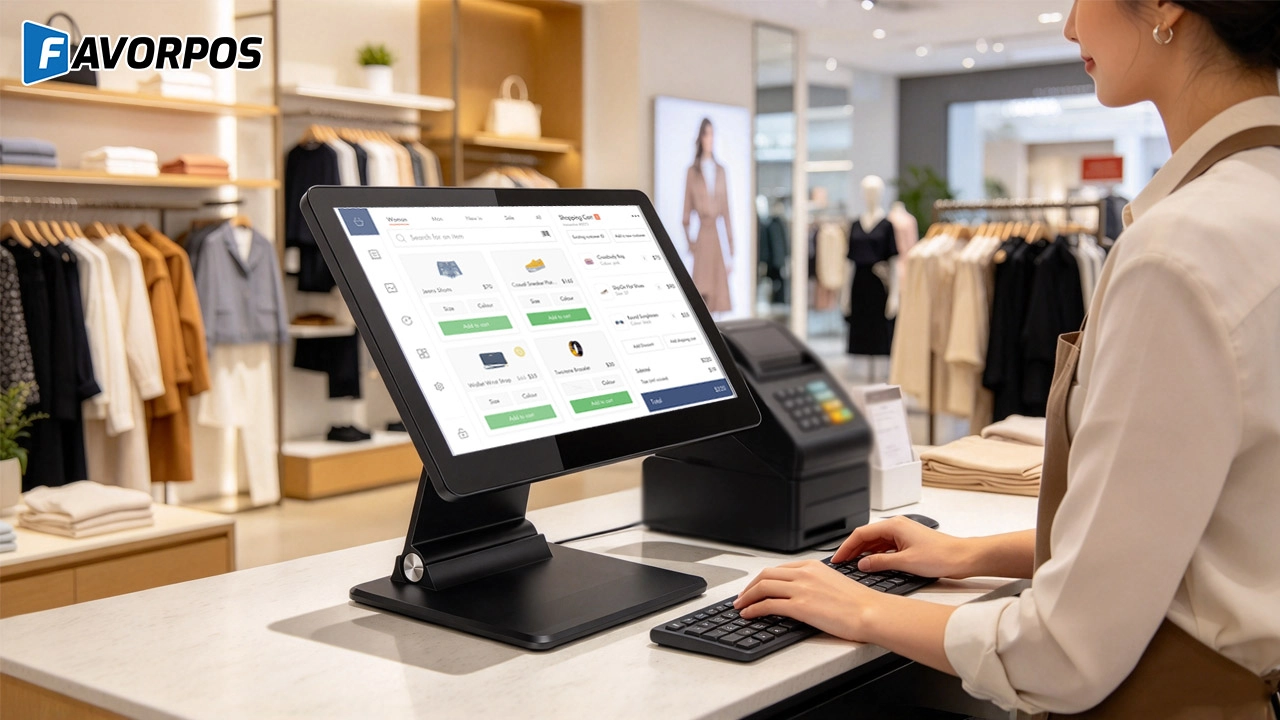
15.6-Inch Foldable POS: Counter-Space, Storage and Transport Planning
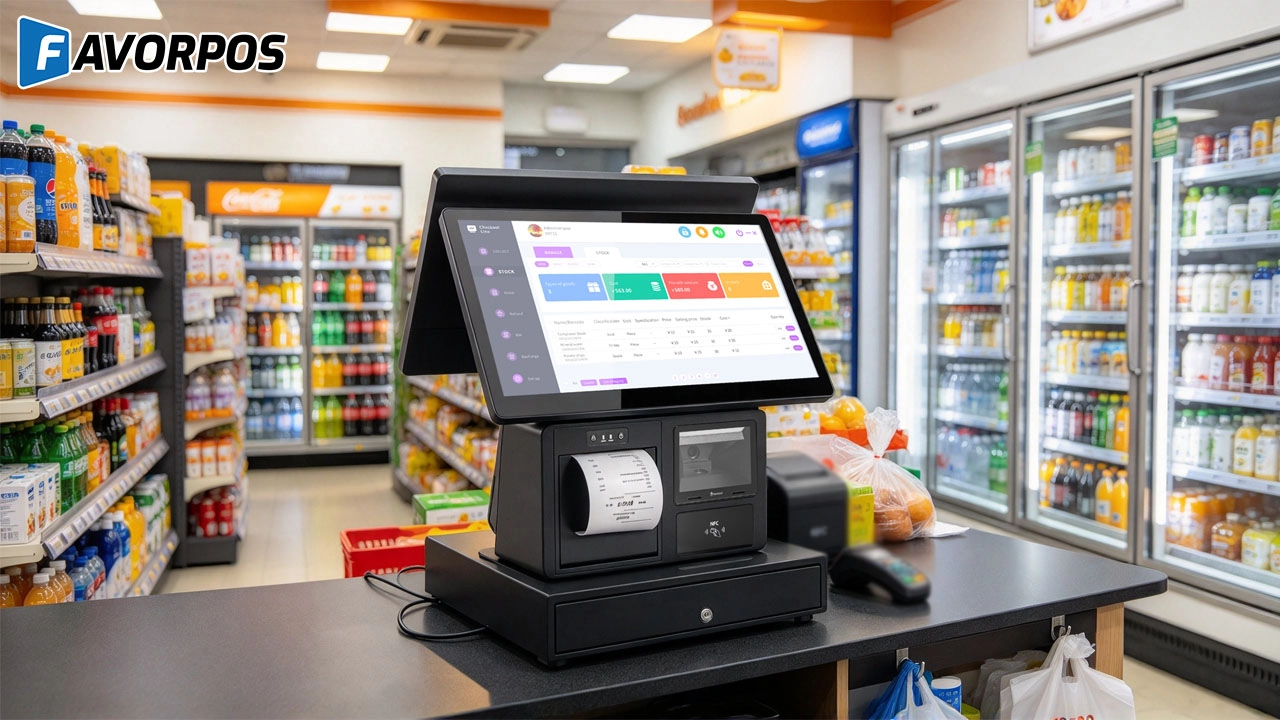
Single-Screen vs Dual-Screen POS: How to Choose for Retail Checkout
15.6-Inch All-in-One Dual-Screen POS: Planning Printer, Scanner, NFC and OS Integration
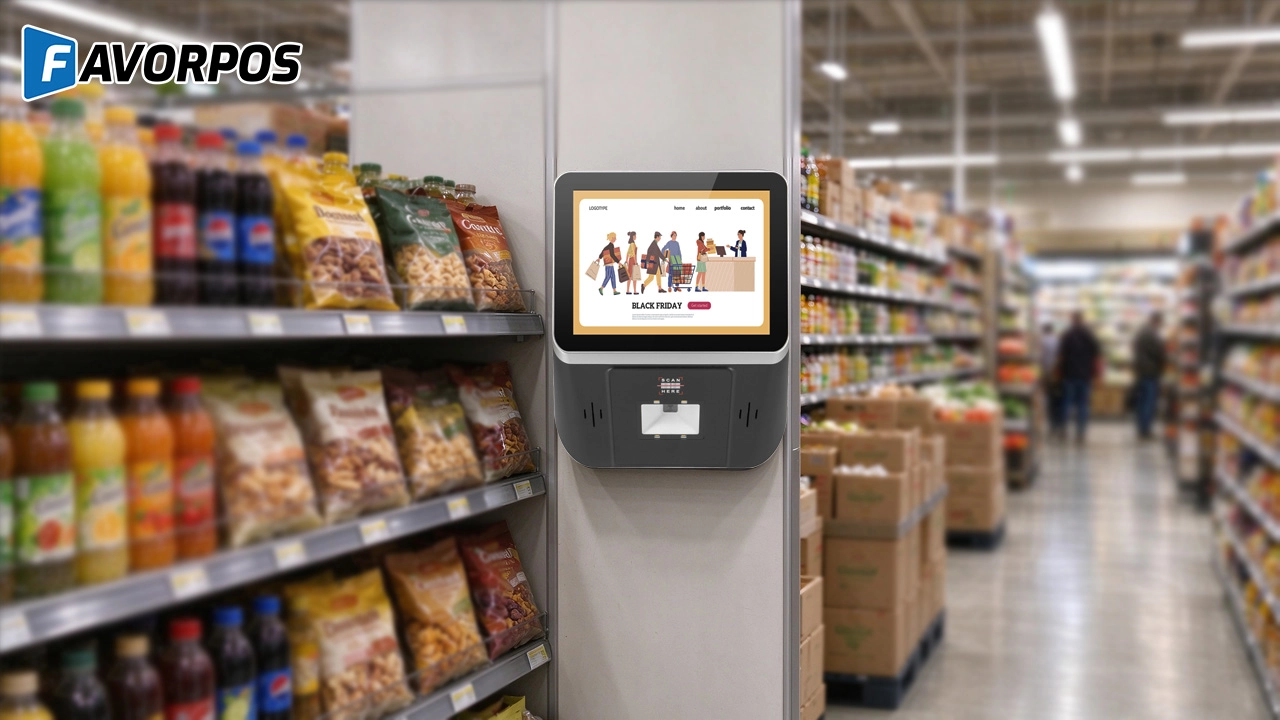
8-Inch Price Checker for Retail and Software-Based Check-In Workflows
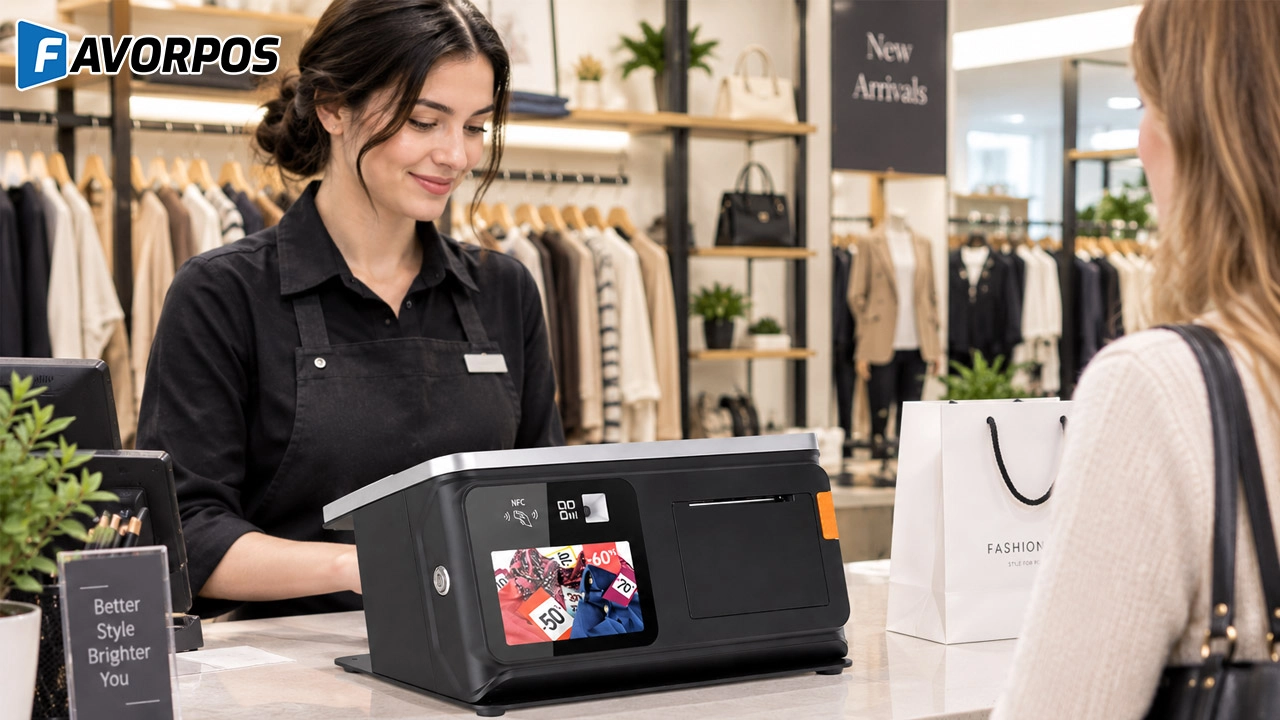
11.6-Inch All-in-One POS Terminal: Planning a Compact Checkout
For Healthcare
How much does it cost to develop a POS solution?
The cost depends on the level of customization, required functionality, and scale of deployment. We offer competitive pricing and work with you to develop a solution that fits your budget.
For E-commerce
How long does it take to implement a POS system?
Implementation time depends on the complexity of the customization, but it can usually be completed within a few weeks, including testing and training.
For OEM
Do you provide technical support and training services?
Yes, we provide comprehensive online technical support and training services to help your team become familiar with the operation and maintenance of POS machines.
For company
Can I visit the FAVORPOS factory?
Please contact FAVORPOS in advance to discuss factory visit arrangements and confirm availability with our team.
For Beauty and Wellness
What support is provided after the system is deployed?
We provide 24/7 technical support and regular hardware maintenance to ensure that the system continues to operate efficiently.
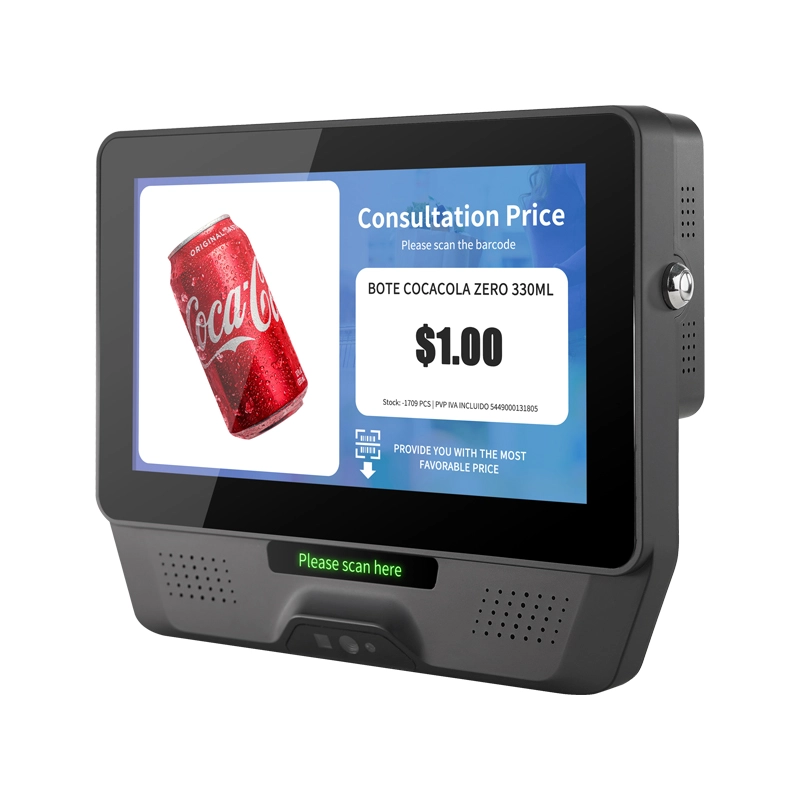
Factory 7 inch Screen Price Checker Check-in Barcode Scanner Light in Weight
FAVORPOS 7 inch screen plastic price checker and custom check-in barcode scanner combines lightweight portability with reliable performance for retail and warehouse operations. Fast scanning, clear display, built to handle daily checkout demands.
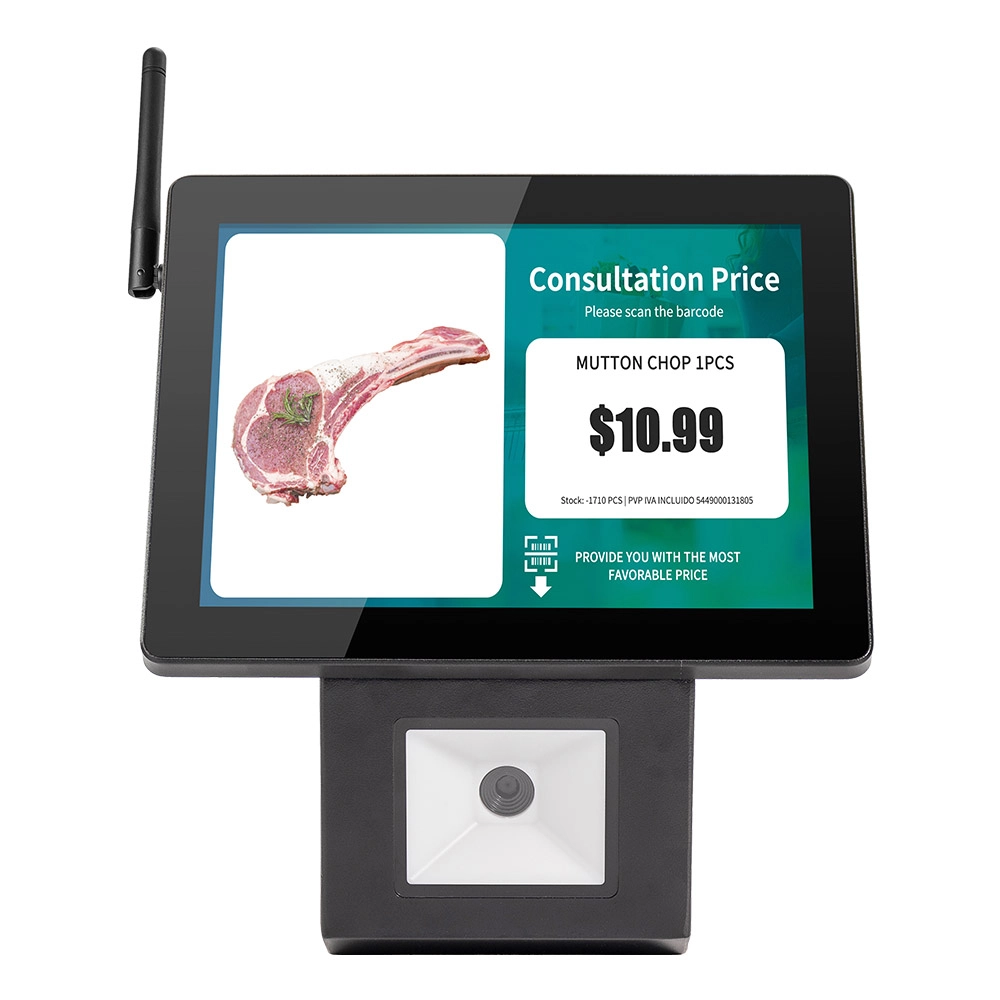
8 inch Touchscreen Price Checker Barcode Scanner Wifi Optional Android Win 10
FAVORPOS Touchscreen Price Checker offers a user-friendly interface, perfect for retail environments. With optional Wi-Fi connectivity, this device runs on Android or Windows, providing flexibility and ease of use. The integrated barcode scanner allows for quick price verification, enhancing the shopping experience for customers. Compact and efficient, it's designed to streamline operations and improve checkout speed.
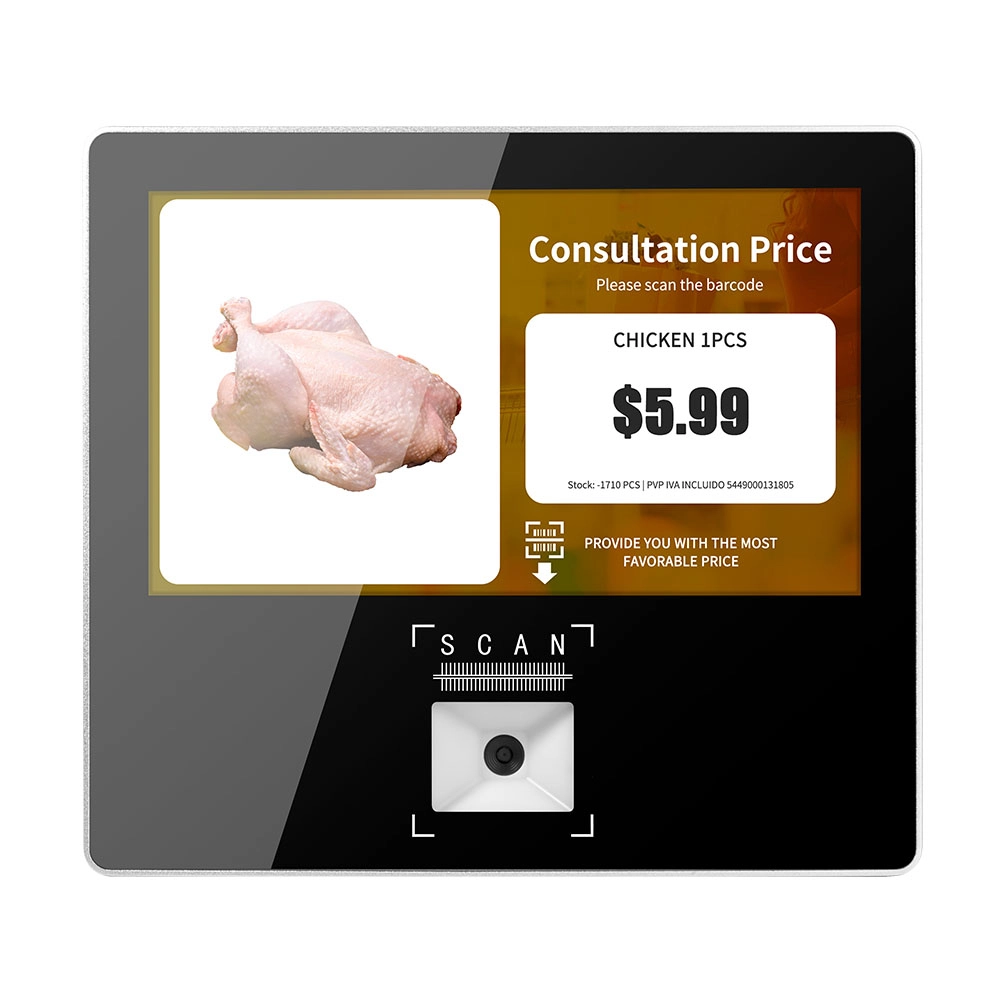
Metal 11.6 inch Price Scanner Machine Android Windows with Wifi Supplier
FAVORPOS Metal 11.6-inch Price Scanner Machine, designed for durability and efficiency in retail environments. This versatile device operates on both Android and Windows, providing seamless functionality for various applications. With built-in Wi-Fi connectivity, it allows for quick access to pricing data and updates. The 11.6'' display ensures clear visibility for easy operation, making it perfect for price checking and inventory management. Enhance your retail experience with this reliable and robust price scanner from a trusted supplier!
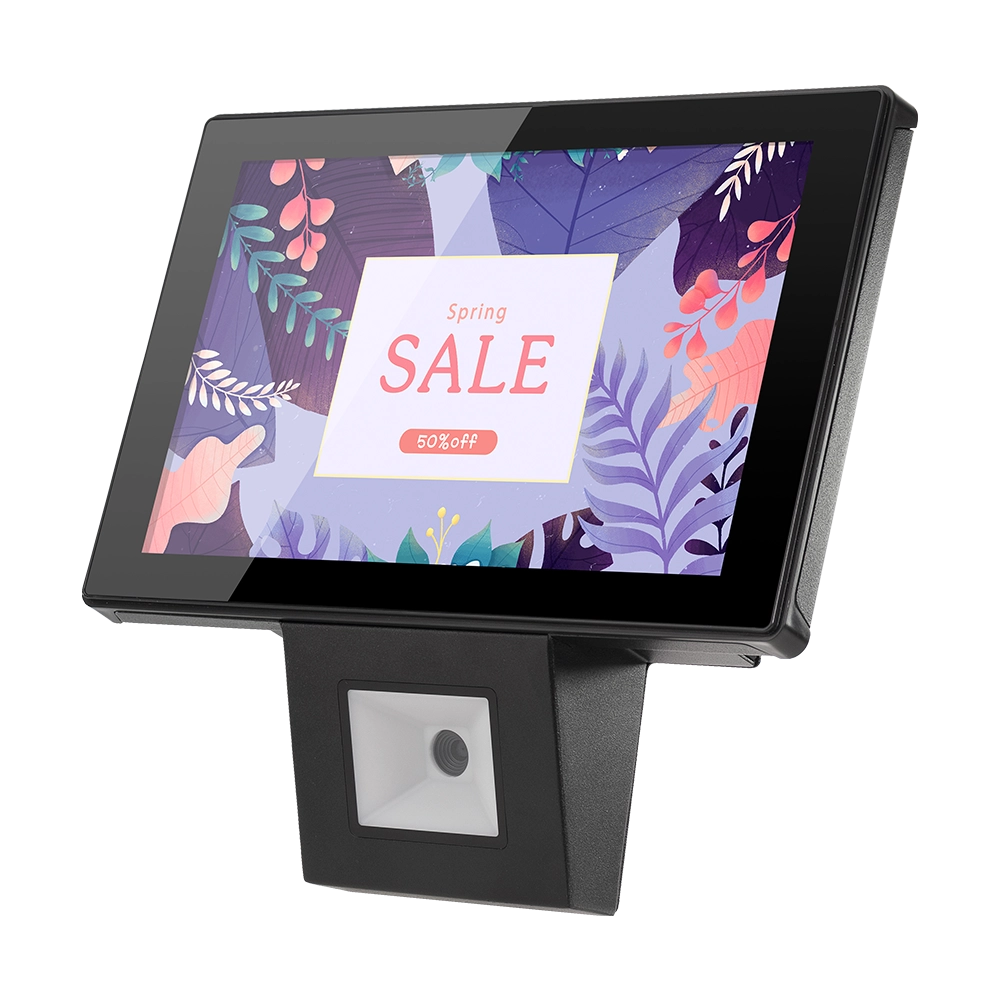
10 inch Price Checker Device Supplier Barcode Scanner for Sale Price Check for Supermarket
FAVORPOS offers 10 inch Price Checker Device, perfect for supermarkets. This wall mounted 10 inch touch screen barcode scanner ensures fast, accurate price checks, enhancing customer experience and operational efficiency. Durable, user-friendly, and perfect for high-traffic retail environments.
Get in touch
Interested in becoming a POS system dealer? Contact us for more information and start the process of joining our dealer network.
We look forward to working with you to expand the market together.


Copyright © 2025 Favorpos All Rights Reserved.
