
11.6-Inch Touchscreen Price Checker Deployment Guide: Wall, Desktop, Android or Windows
An 11.6-inch touchscreen price checker can support product and price inquiries while also providing enough interface space for more guided self-service workflows. This configuration supports wall-mounted or desktop installation and can be configured with Android or Windows according to the software environment.
For B2B buyers, the key decision is not whether an 11.6-inch screen is simply better than a smaller display. The more useful question is how the complete terminal should be deployed: where customers will use it, what they need to scan, what information the software must display, which operating system is required, and how the device will connect to the existing retail system.
A practical deployment sequence is: Define the customer task → choose the installation position → confirm the software and operating system → define barcode and integration requirements → select the hardware configuration.
- How Should an 11.6-Inch Price Checker Be Deployed?
- How Should Buyers Choose Between Wall, Desktop, Android and Windows?
- When Is an 11.6-Inch Touchscreen the Right Configuration?
- What Should B2B Buyers Confirm Before Selecting the Final Configuration?
- Frequently Asked Questions
- What is an 11.6-inch touchscreen price checker?
- Can the terminal be wall-mounted or placed on a desktop?
- Does the terminal support Android and Windows?
- Can the same hardware support check-in or registration?
- When should a buyer choose an 11.6-inch screen instead of a smaller price checker?
- What should a buyer prepare before requesting a configuration?
- Build the Hardware Around the Workflow
How Should an 11.6-Inch Price Checker Be Deployed?
The first step in selecting a price checker is to define what the customer needs to accomplish.
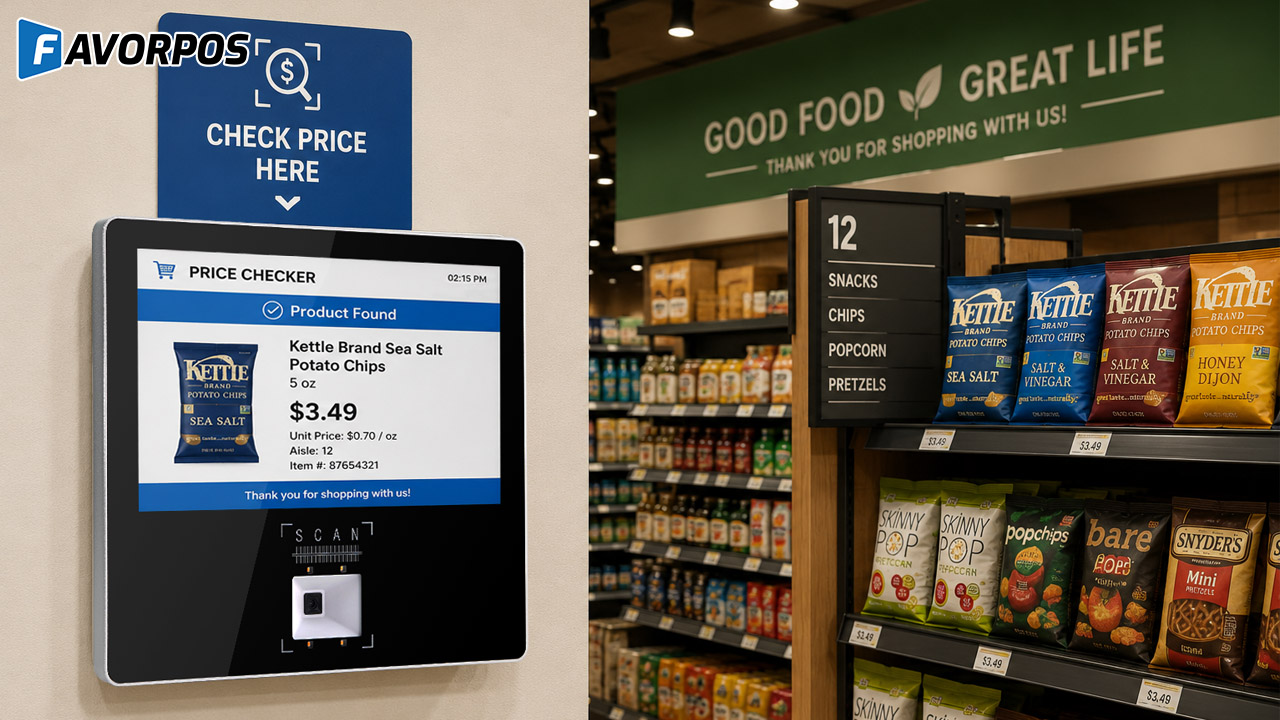
For a basic retail application, the workflow may be simple. A customer scans a product barcode, the software identifies the corresponding product record, and the touchscreen displays the information available in the connected system.
Depending on the software and database, that information may include a product name, price, product details or promotional information.
The 11.6-inch touchscreen becomes particularly relevant when the interface needs more room than a basic compact price display can provide. A larger screen can give the application more space for instructions, additional product information, confirmation messages or several interface elements.
The terminal should therefore be evaluated as part of the complete retail information system.
A typical workflow can be summarized as:
- The customer approaches the terminal.
- A product barcode or supported code is scanned.
- The software identifies the corresponding record.
- The connected system retrieves the available information.
- The touchscreen presents the result.
- The customer completes the inquiry without requiring staff assistance for the basic task.
The final customer experience still depends on more than the hardware. Software design, database quality, barcode integration, networking and the physical position of the terminal all influence how well the workflow performs.
This is why deployment planning should come before the final hardware configuration.
How Should Buyers Choose Between Wall, Desktop, Android and Windows?
Installation method and operating system should be decided together with the intended workflow.
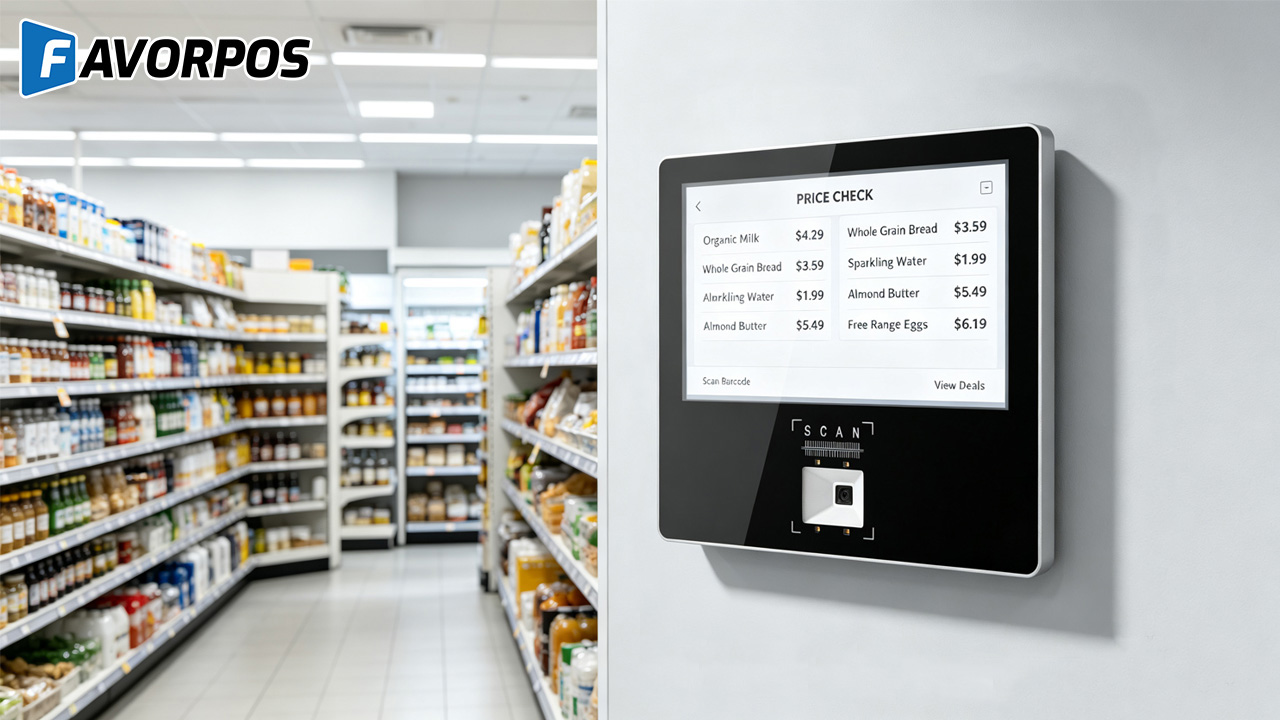
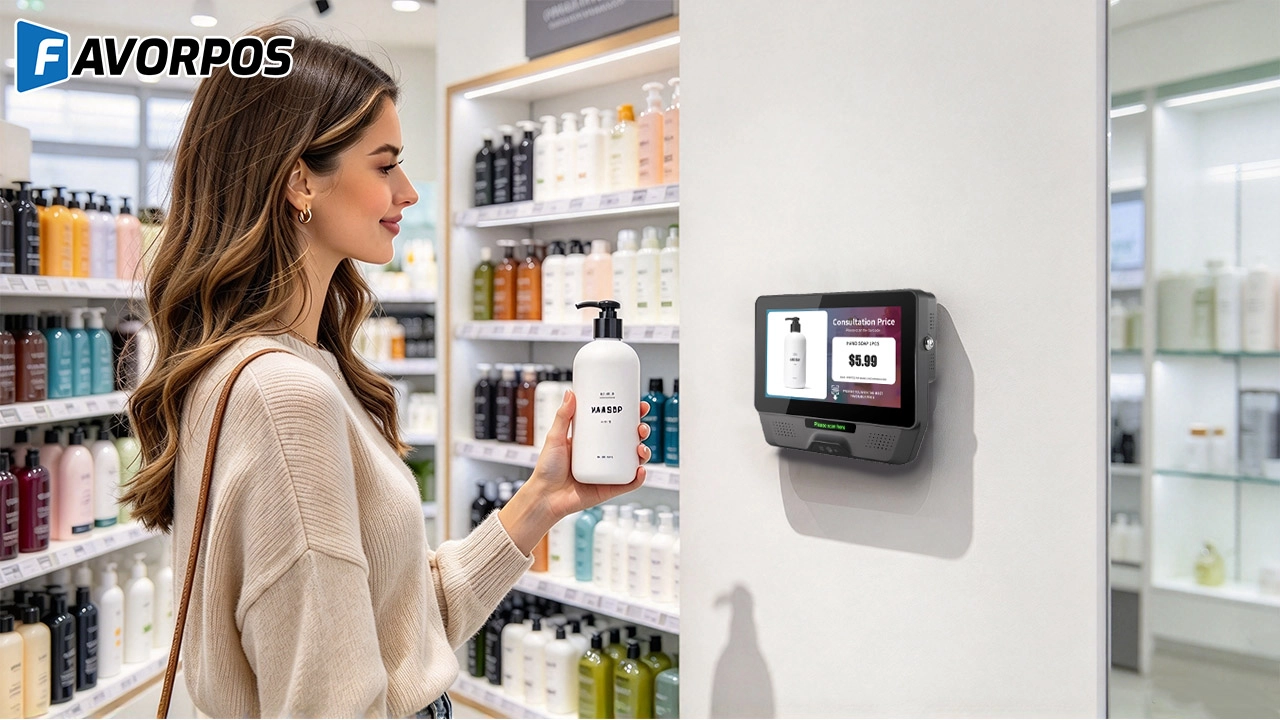
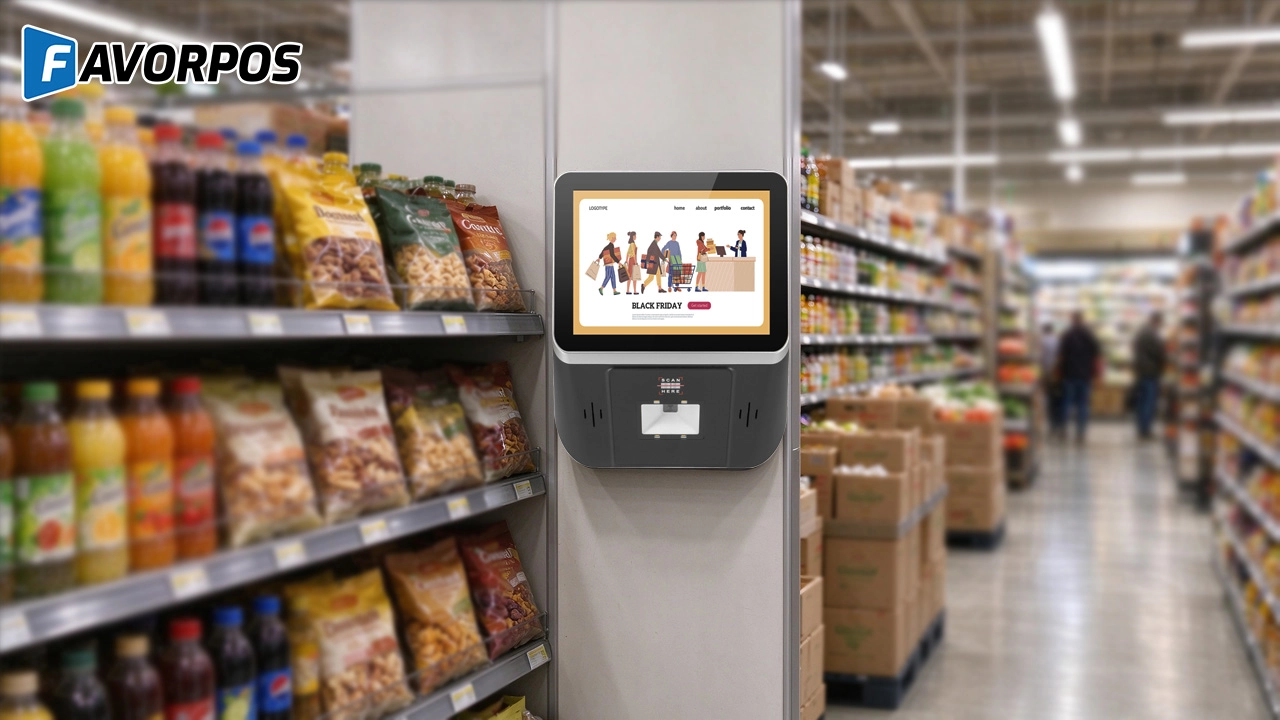
This 11.6-inch configuration supports both wall-mounted and desktop use.
A wall installation can be appropriate when the business wants a permanent self-service point without occupying counter space. A desktop installation may be more suitable when the terminal needs to sit on an information counter, service desk, reception point or another supervised location.
The decision should not be based only on available mounting hardware. Buyers should first confirm whether customers can comfortably reach the touchscreen and scanner, whether power and network connections can be routed correctly, whether the terminal interferes with customer traffic, and whether staff can access the unit when maintenance is required.
| Deployment factor | Wall-mounted | Desktop |
|---|---|---|
| Counter space | Does not occupy the counter | Requires available surface area |
| Position | Fixed location | Easier to reposition |
| Customer access | Depends on mounting height | Depends on counter height |
| Cable planning | Requires planned routing | Often easier to access |
| Maintenance access | Depends on mounting position | Usually more accessible |
| Best suited to | Fixed self-service point | Counter or supervised station |
The operating system should then be selected according to the application.
Android may be appropriate when the project uses software designed for Android-based touchscreen hardware. Windows may be more appropriate when the application, drivers, peripherals or existing retail environment depend on Windows.
Neither operating system should be selected simply because it is familiar. Before making the choice, buyers should confirm application compatibility, scanner integration, peripheral drivers, networking requirements, remote-management requirements and responsibility for software maintenance.
The installation method and operating system are therefore part of one configuration decision: Where will the terminal operate, what application will run on it, and what systems must it communicate with?
When Is an 11.6-Inch Touchscreen the Right Configuration?
An 11.6-inch display is useful when the application needs more interface space, but a larger screen is not automatically the better choice for every price-checking project.
If customers only need to scan a product and view a short price result, a smaller display may be sufficient. It can also require less installation space.
An 11.6-inch touchscreen becomes more relevant when the application needs to display additional information or guide the customer through more than one simple step.
For example, suitable software may use the screen for product details, instructions, membership information, confirmation messages or other customer-facing content.
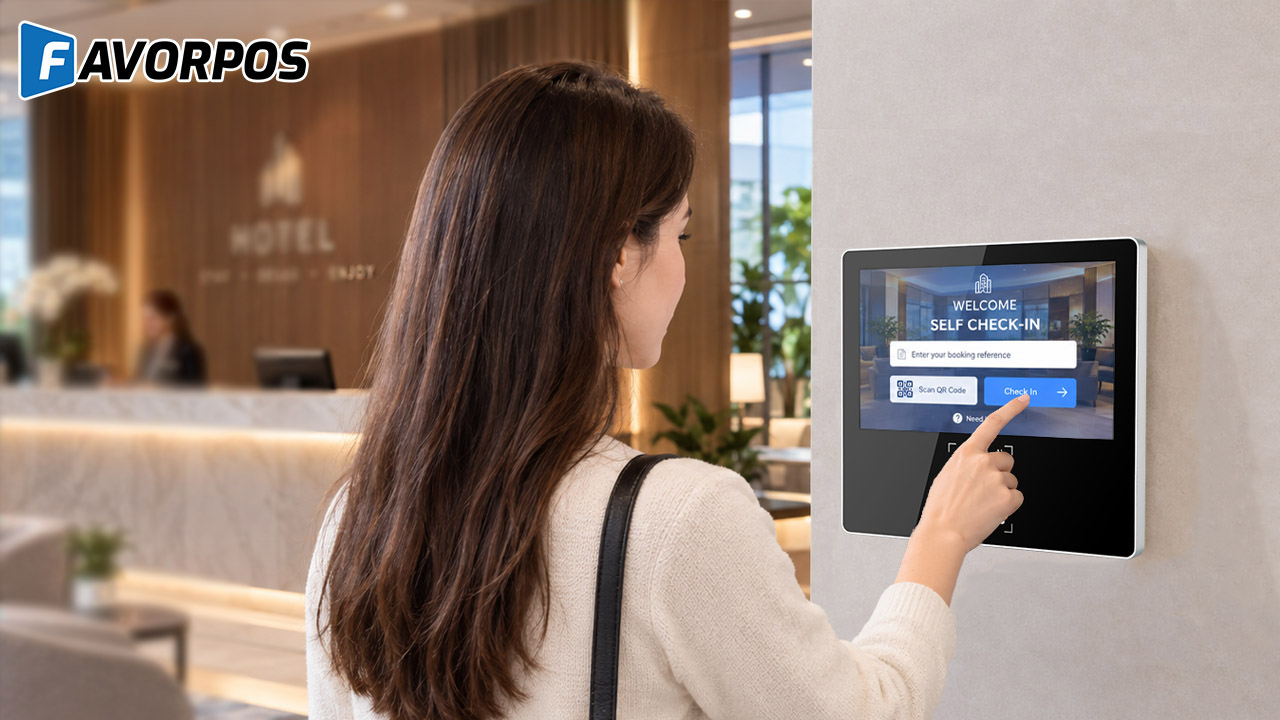
With appropriate software and system integration, the same touchscreen hardware may also support workflows such as customer registration, membership verification or check-in.
Those additional functions should not be treated as automatic hardware capabilities. A touchscreen and barcode scanner alone do not create a complete registration or check-in system. The final function depends on the application, connected database, workflow rules and any additional peripherals required by the project.
For a more advanced self-service application, buyers should therefore define what users must enter or scan, what database the terminal needs to access, whether customer identification is required, what happens after the interaction is completed and whether another peripheral is needed.
Screen size should then be evaluated against those requirements.
| Buying consideration | Smaller price checker | 11.6-inch touchscreen terminal |
|---|---|---|
| Basic price inquiry | Suitable | Suitable |
| Installation footprint | More compact | Requires more space |
| Product information | Less display area | More room for content |
| Guided user interface | Possible | More interface space |
| Multi-step workflow | Software dependent | Better suited to larger layouts |
| Wall installation | Model dependent | Supported by this configuration |
| Desktop installation | Model dependent | Supported by this configuration |
The goal is therefore not to buy the largest screen available. The goal is to provide enough interface space for the actual customer task without adding unnecessary hardware or installation requirements.
What Should B2B Buyers Confirm Before Selecting the Final Configuration?
Once the customer workflow is defined, the remaining purchasing decisions can be handled as one structured configuration process.
Start with the application. Determine whether the primary requirement is product-price inquiry, product-information access or another software-driven self-service workflow.
Next, define the physical installation. Confirm whether the terminal will be mounted on a wall or used on a desktop. Measure the available space and consider touchscreen height, scanner access, customer position, cable routing and maintenance access.
Then confirm the software environment. Decide whether the application requires Android or Windows and verify operating-system compatibility, software support and any required drivers.
The next step is barcode and system integration. Buyers should know which codes need to be scanned, where the associated information is stored, how the application retrieves that information and what network connection is required.
Finally, define the complete hardware requirement. This may include interfaces, peripherals, networking requirements, installation accessories and OEM or ODM requirements where applicable.
| Decision | Information to confirm |
|---|---|
| Customer task | What must the user accomplish? |
| Installation | Wall-mounted or desktop? |
| Screen requirement | How much information must be displayed? |
| Operating system | Android or Windows? |
| Software | Which application will run on the terminal? |
| Barcode workflow | What codes must be scanned? |
| Data integration | Which database or retail system supplies the information? |
| Networking | How will the terminal connect? |
| Peripherals | Are additional devices required? |
| Physical space | What installation dimensions are available? |
| Customization | Are OEM or ODM requirements involved? |
FAVORPOS's current site information confirms that the company provides price-checker and other POS-related hardware and offers OEM and ODM services.
For buyers who first need to compare the wider product category, review FAVORPOS Price Checker Solutions.
For a related 11.6-inch hardware configuration, see the Metal 11.6-Inch Price Scanner Machine.
The central purchasing question should remain consistent throughout the project: What combination of installation, software, scanning and hardware is required to support the intended customer workflow?
Frequently Asked Questions
What is an 11.6-inch touchscreen price checker?
It is a customer-facing self-service terminal that combines an 11.6-inch touchscreen with barcode-based product-information or price-query functions. The information displayed depends on the connected software and database.
Can the terminal be wall-mounted or placed on a desktop?
Yes. The current article information supports both wall-mounted and desktop installation. The choice should be based on available space, customer access, scanner position, cable routing and maintenance requirements.
Does the terminal support Android and Windows?
Android or Windows configuration options are available. Buyers should select the operating system according to the required application, drivers, peripherals and integration environment.
Can the same hardware support check-in or registration?
Potentially. With suitable software and system integration, touchscreen hardware of this type may support check-in, registration or other guided self-service workflows. The hardware alone does not provide a complete check-in system.
When should a buyer choose an 11.6-inch screen instead of a smaller price checker?
An 11.6-inch display is more relevant when the software needs additional interface space for product information, instructions or guided interaction. A smaller display may be sufficient for basic price inquiries and may require less installation space.
What should a buyer prepare before requesting a configuration?
Prepare the intended customer workflow, installation method, operating system, software environment, barcode requirements, networking, data integration, installation dimensions, required peripherals and any OEM or ODM requirements.
Build the Hardware Around the Workflow
An 11.6-inch touchscreen terminal should not be selected by comparing isolated specifications.
The deployment should begin with one complete question: What does the customer need to do at this terminal?
Once that is clear, the business can determine where the terminal should be installed, how much screen space is required, whether Android or Windows is appropriate, what needs to be scanned and how the device must communicate with the existing retail system.
That sequence turns hardware selection into a deployment decision instead of a list of unrelated specifications.
Contact FAVORPOS to discuss the configuration requirements for an 11.6-inch price-checker or self-service terminal project.
15.6-Inch Foldable POS: Counter-Space, Storage and Transport Planning
Single-Screen vs Dual-Screen POS: How to Choose for Retail Checkout
7-Inch Android Price Checker Deployment Guide: Wall, Desktop, Barcode and Cable Planning
15.6-Inch All-in-One Dual-Screen POS: Planning Printer, Scanner, NFC and OS Integration
8-Inch Price Checker for Retail and Software-Based Check-In Workflows
For Bakeries
Does your POS system support tracking at the raw material level?
Of course, our POS system is able to track individual raw materials, helping you to effectively manage inventory and reduce waste.
For Hotels
Can mobile POS be used for poolside or outdoor services?
Yes, our mobile POS solution allows staff to place orders and process payments in any area of the hotel (such as poolside or outdoors), improving guest convenience.
For Distributor
How often do you update your products and launch new products?
We regularly update our product lines to incorporate the latest technology and meet market needs. Dealers will be kept informed when new products and updates are released.
For E-commerce
Can your POS system integrate with my existing e-commerce platform?
Yes, our POS system is compatible with major e-commerce platforms (such as Shopify, WooCommerce, Magento) and supports custom platforms through API integration.
For Government and Public
Can FAVORPOS hardware be used for ticketing and permit issuance?
Ticketing and permit issuance depend on the selected POS hardware, connected peripherals and compatible software. Contact FAVORPOS with your application requirements to confirm suitable hardware options. Software-specific functions should be verified with the relevant solution provider.
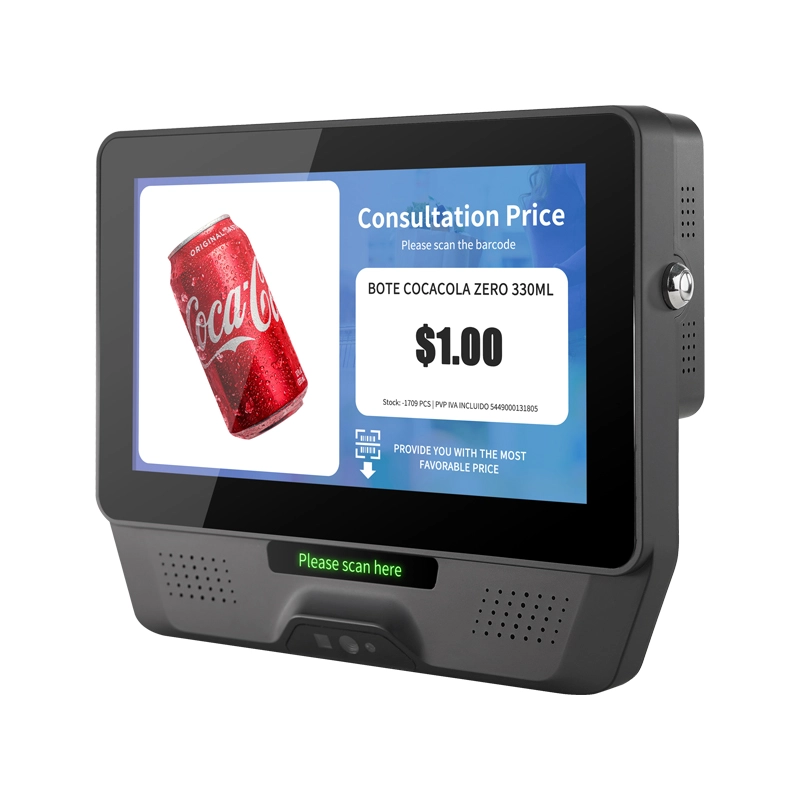
Factory 7 inch Screen Price Checker Check-in Barcode Scanner Light in Weight
FAVORPOS 7 inch screen plastic price checker and custom check-in barcode scanner combines lightweight portability with reliable performance for retail and warehouse operations. Fast scanning, clear display, built to handle daily checkout demands.
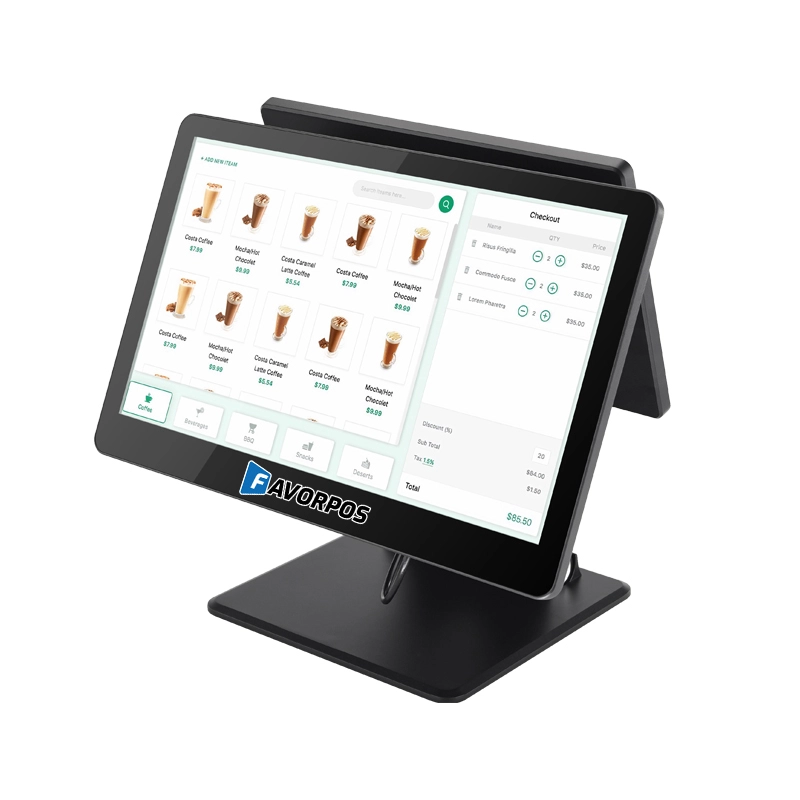
Dual Screen Thin Screen POS Systems Point of Sales Systems Manufacturer
FAVORPOS dual screen POS terminals deliver fast, reliable checkout performance for retail and hospitality businesses. Built by our commercial pos terminal manufacturer, these thin-profile systems streamline transactions while maximizing counter space—trusted by checkout pos systems factory operations worldwide.
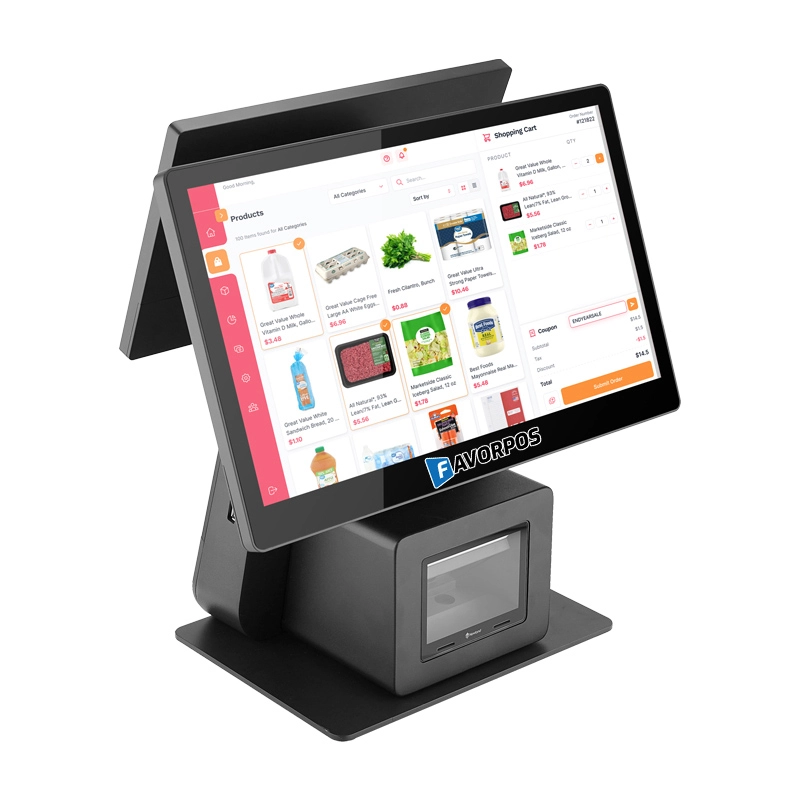
Dual Screen POS With Barcode Scanner Desktop POS Manufacturer POS Factory 15.6 11.6 Client Screen Optional
FAVORPOS: Your leading dual screen POS factory and manufacturer. Our desktop POS with barcode scanner offers 15.6/11.6 client screen options and OS flexibility. Get reliable, efficient dual screen POS with barcode scanner solutions directly from us.
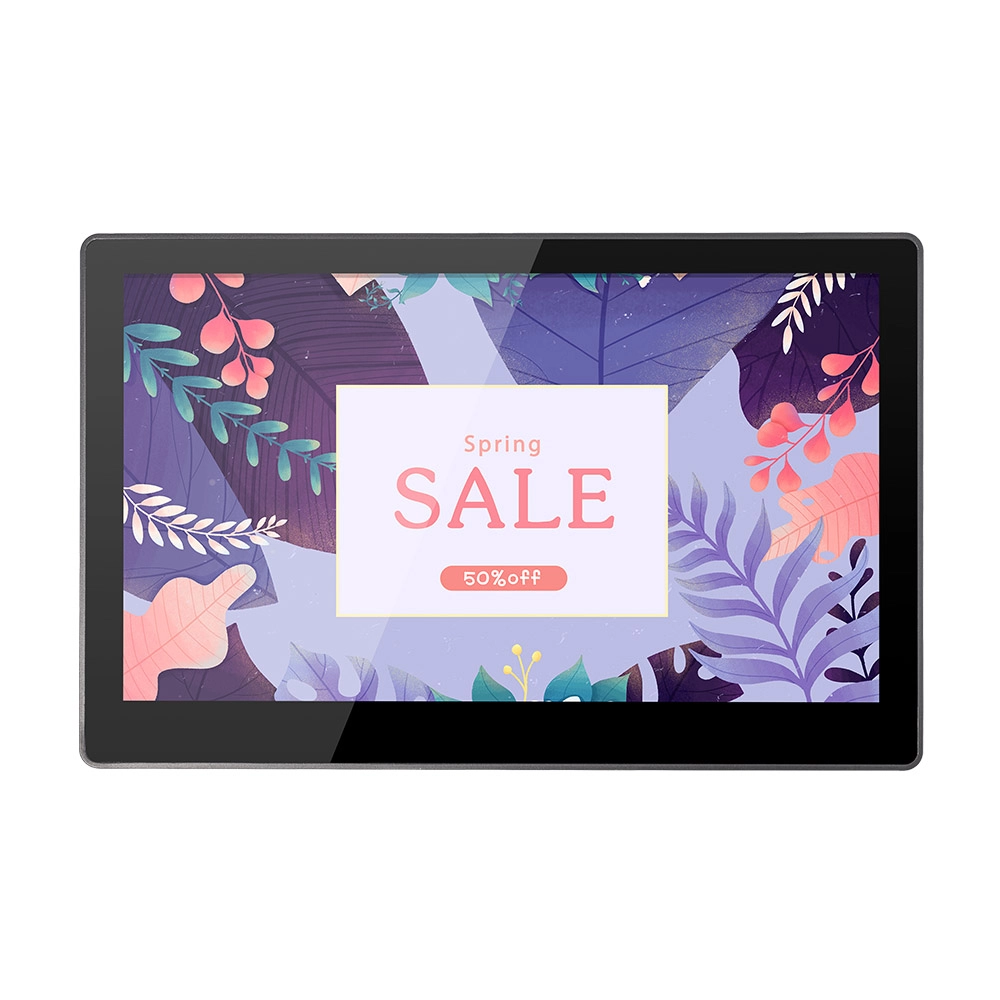
11.6 inch Capacitive Touchscreen for POS Machine POS Monitor
FAVORPOS 11.6-inch capacitive touchscreen, specifically designed for POS machines to deliver a seamless and responsive user experience. This high-definition display offers vibrant visuals and crystal clear clarity, making it easy for staff to navigate through transactions efficiently. The capacitive technology ensures quick and accurate touch recognition, reducing wait times and enhancing customer satisfaction. Built to withstand the rigors of daily use, this touchscreen is perfect for retail and hospitality environments.
Get in touch
Interested in becoming a POS system dealer? Contact us for more information and start the process of joining our dealer network.
We look forward to working with you to expand the market together.


Copyright © 2025 Favorpos All Rights Reserved.
