
Are POS touch screens secure for card payments?
- Can malware record PIN entries on a POS touch screen?
- Are screen overlays a risk for modern POS touch screens?
- Does the OS version affect POS touch screen payment security?
- Is capacitive touch more secure than resistive POS touch screens?
- How do POS touch screens prevent unauthorized remote access?
- Can ghost touches lead to fraudulent POS payment transactions?
- Frequently Asked Questions About POS Touch Screen Security
The security of a POS touch screen for card payments is a multi-layered architecture where the interface is merely the tip of the iceberg. In high-stakes B2B environments, the primary concern isn't the glass surface, but the underlying data transmission path. Modern hardware utilizes Point-to-Point Encryption (P2PE), ensuring that as soon as a card is dipped, tapped, or swiped, the data is encrypted before it ever reaches the touch screen's operating system. This isolation prevents malware from intercepting sensitive information. Furthermore, professional-grade hardware incorporates physical tamper-responsive circuits that zero-out encryption keys if the device casing is breached, providing a level of security that consumer tablets simply cannot match.
Can malware record PIN entries on a POS touch screen?
While screen-recording malware is a theoretical threat on consumer-grade tablets, purpose-built POS hardware utilizes secure PIN entry (SPE) protocols. On a professional pos touch screen, the PIN pad UI is often rendered by a secure processor that is isolated from the main application processor. This hardware-level separation, known as a Trusted Execution Environment (TEE), ensures that even if the primary operating system is compromised, the touch coordinates for PIN entry remain invisible to unauthorized software. Furthermore, PCI-certified devices employ randomized keypad layouts or encrypted touch-grid mapping to defeat sophisticated pattern-recognition attacks.
Are screen overlays a risk for modern POS touch screens?
Screen overlays, or soft skimmers, are thin, transparent membranes placed over a pos touch screen to capture touch inputs. While this was a significant vulnerability in early resistive touch models, modern capacitive screens used by industry leaders like FAVORPOS are highly sensitive to changes in electrical capacitance. High-end systems include sensors that detect the slight offset in touch accuracy or electrical impedance caused by an overlay, triggering a security alert. To mitigate this risk, businesses should perform daily physical inspections for any tactile irregularities or unusual thickness on the screen surface.
Does the OS version affect POS touch screen payment security?
The security of a pos touch screen is intrinsically linked to its operating system's patch cycle. Many legacy systems run on End-of-Life versions of Windows Embedded or outdated Android builds, which lack the latest entropy-based encryption updates. A secure system must utilize a hardened OS where non-essential services are disabled, and the bootloader is locked. This prevents side-loading of malicious drivers that could intercept data between the touch controller and the payment application. Regular firmware updates are non-negotiable for maintaining a secure payment environment.
Is capacitive touch more secure than resistive POS touch screens?
From a security perspective, capacitive touch technology offers a distinct advantage over older resistive screens. Resistive screens rely on physical pressure, making them susceptible to mechanical wear that can reveal frequently used PIN patterns over time (ghosting). Capacitive pos touch screen technology uses the electrical properties of the human body, which does not leave physical indentations. Additionally, capacitive controllers are better at filtering out noise from external electronic interference, which is a common tactic used in signal-injection attacks designed to simulate unauthorized transactions.
How do POS touch screens prevent unauthorized remote access?
Remote access Trojans (RATs) are a primary vector for payment fraud. Professional POS systems combat this by disabling standard Remote Desktop Protocols (RDP) in favor of proprietary, encrypted management tunnels. On a secure pos touch screen, any remote session must be physically initiated or approved by an on-site operator, and sensitive payment fields are typically blacked out in the remote view. This ensures that even if a technician is assisting with a software issue, they cannot view or interact with the secure payment interface where cardholder data is processed.
Can ghost touches lead to fraudulent POS payment transactions?
Ghost touches—unintended inputs caused by electromagnetic interference or screen damage—are often dismissed as a mere nuisance, but they can pose a security risk if they trigger unintended functions. High-quality POS hardware utilizes advanced firmware filtering to distinguish between legitimate human interaction and erratic electrical signals. To ensure security, a pos touch screen should be calibrated to ignore rapid, repetitive inputs that don't match human behavioral patterns. This prevents automated brute-force attempts to bypass software locks or confirm unauthorized administrative changes.
At FAVORPOS, we understand that security is the foundation of every transaction. With over 15 years of industry-leading expertise, we engineer our POS systems with a security-first mindset, integrating military-grade encryption and tamper-resistant hardware to protect your business from evolving digital threats. Our commitment to E-E-A-T principles ensures that every piece of hardware we deliver meets the most stringent global compliance standards, providing you with peace of mind and operational excellence.
Contact our technical consulting team today for a customized security assessment and a professional quote at www.favorpos.com or via email at sales2@wllpos.com.
Frequently Asked Questions About POS Touch Screen Security
Can malware record PIN entries on a POS touch screen?
Professional POS hardware uses Trusted Execution Environments (TEE) to isolate PIN entry from the main OS, preventing malware from capturing touch coordinates.
Are screen overlays a risk for modern POS touch screens?
Capacitive screens detect changes in electrical impedance, making it difficult for thin overlays to go unnoticed, though daily physical inspections are still recommended.
Does the OS version affect POS touch screen payment security?
Yes, outdated or 'End-of-Life' operating systems lack critical security patches, making them vulnerable to driver-level interception of touch data.
Is capacitive touch more secure than resistive POS touch screens?
Capacitive screens are more secure as they do not suffer from physical wear patterns (ghosting) that can reveal PINs, and they offer better resistance to signal-injection attacks.
How do POS touch screens prevent unauthorized remote access?
Secure systems disable standard RDP, use encrypted tunnels, and mask sensitive payment fields during remote support sessions to prevent data theft.
Can ghost touches lead to fraudulent POS payment transactions?
While rare, ghost touches are mitigated in high-end hardware through firmware filters that distinguish between human touch and erratic electrical interference.
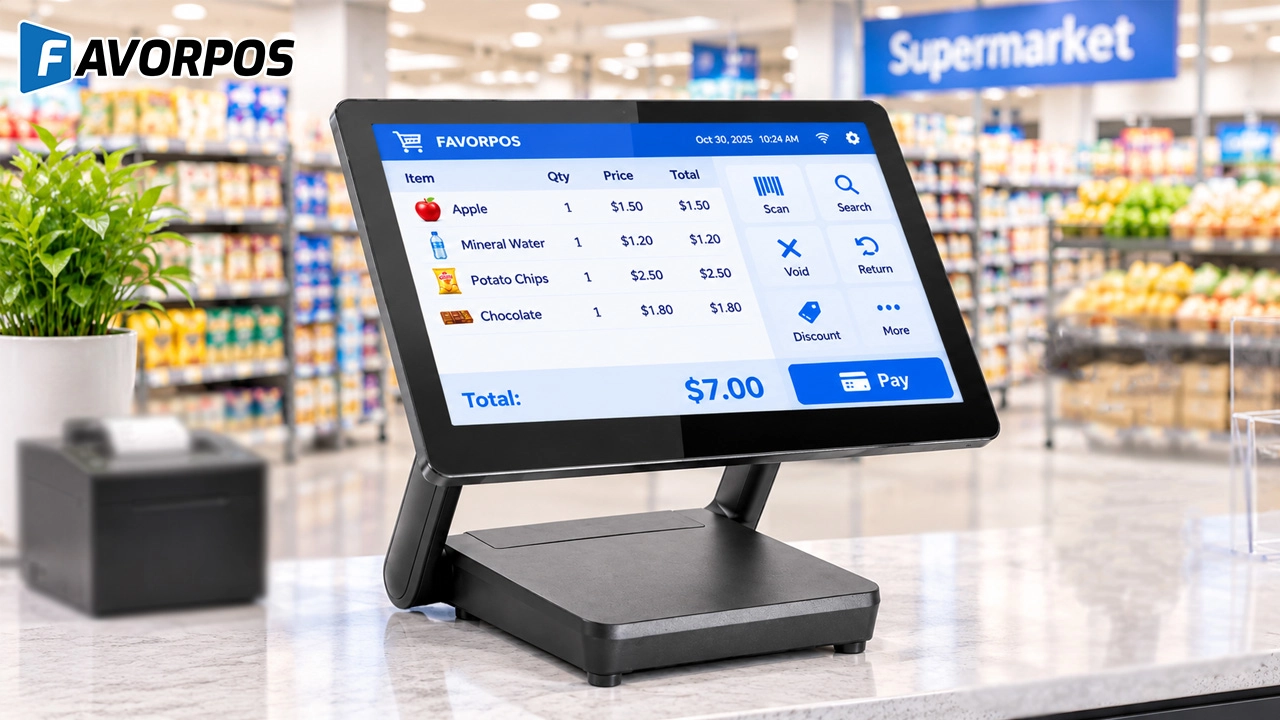
15.6-Inch Foldable POS: Counter-Space, Storage and Transport Planning
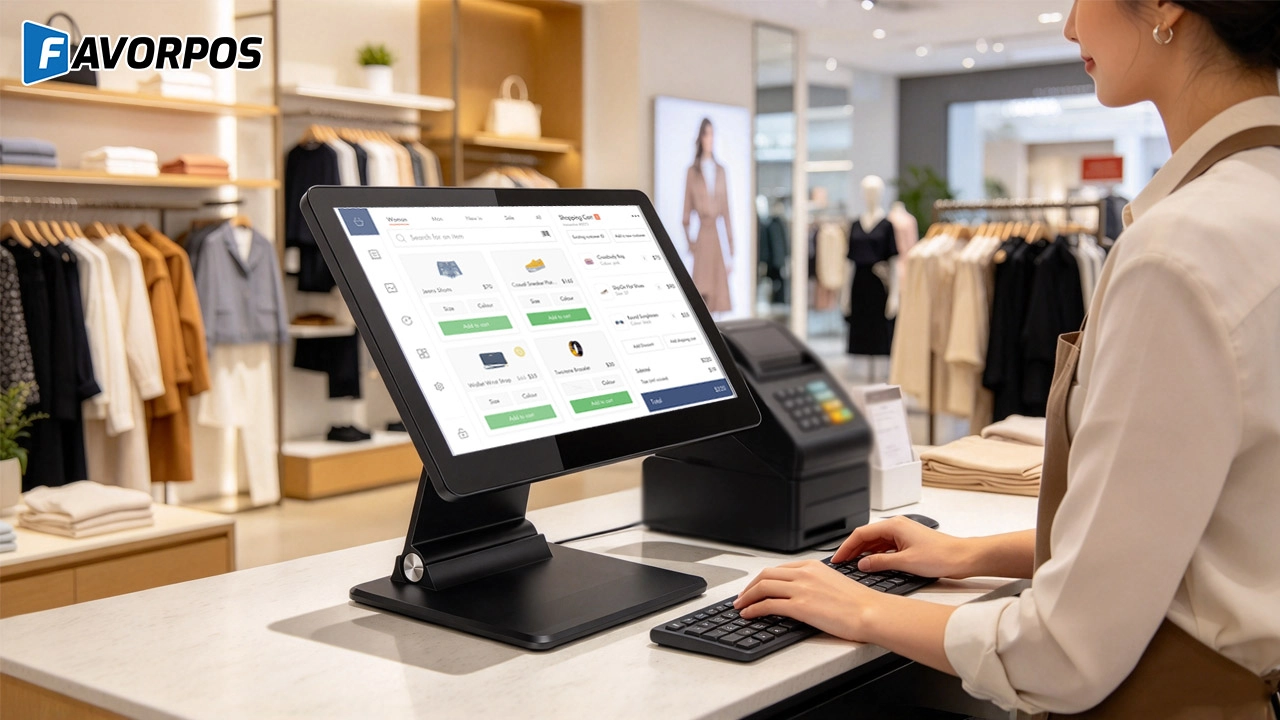
Single-Screen vs Dual-Screen POS: How to Choose for Retail Checkout
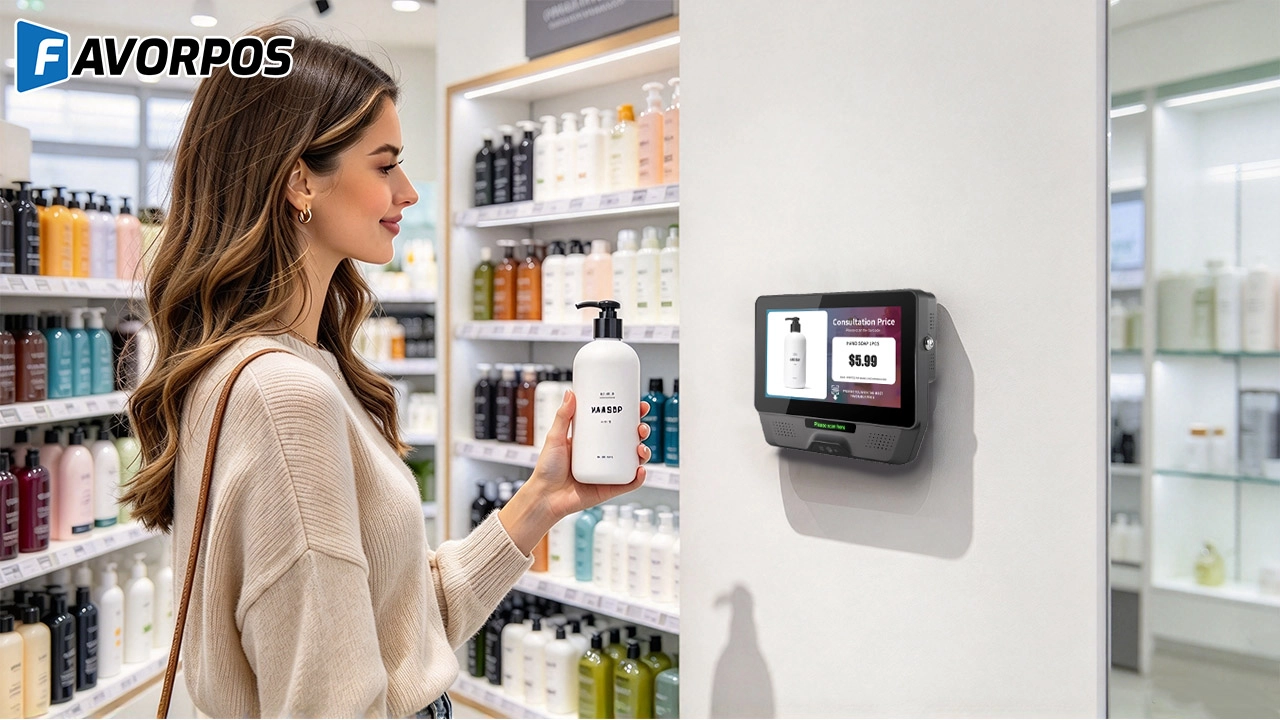
7-Inch Android Price Checker Deployment Guide: Wall, Desktop, Barcode and Cable Planning
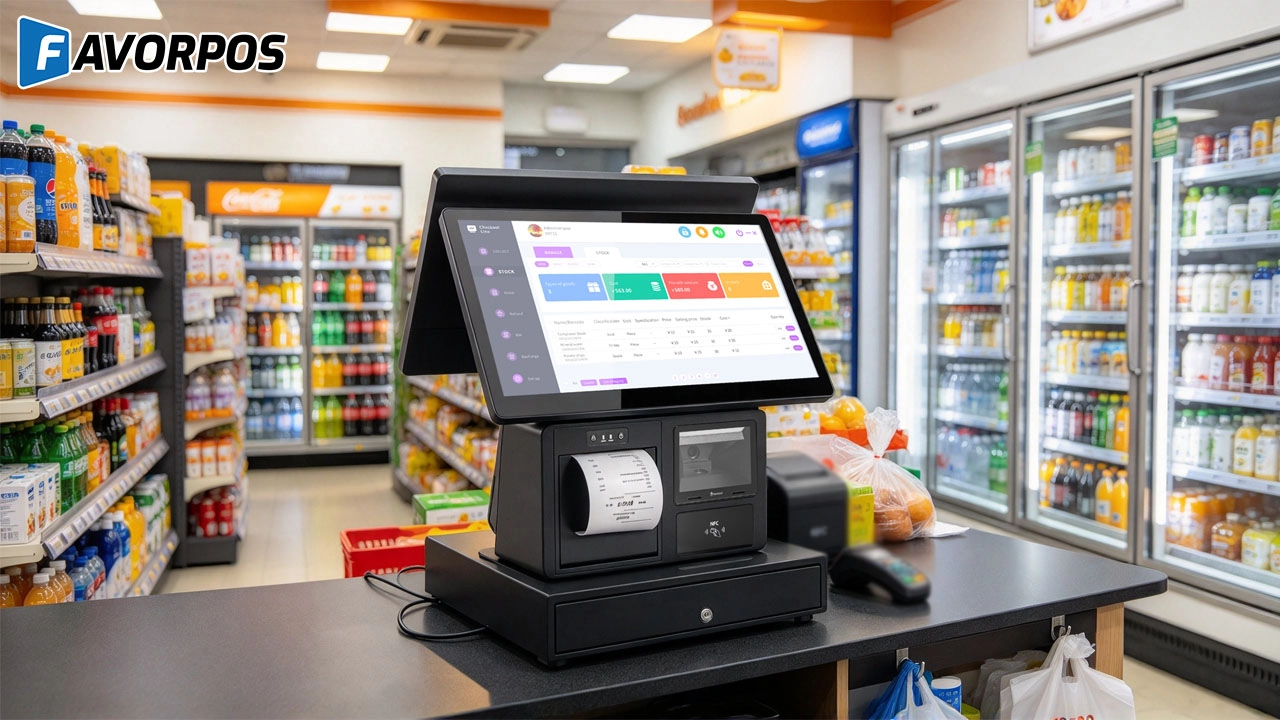
15.6-Inch All-in-One Dual-Screen POS: Planning Printer, Scanner, NFC and OS Integration
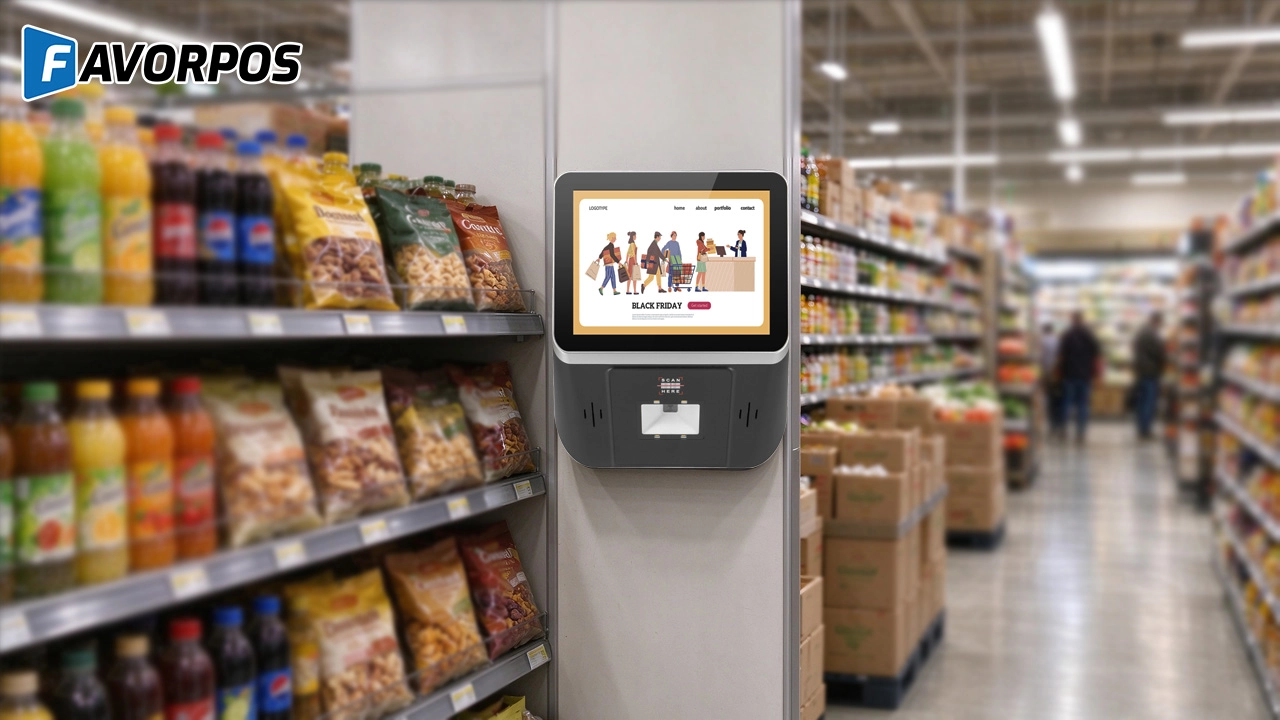
8-Inch Price Checker for Retail and Software-Based Check-In Workflows
How long is the warranty period of the equipment?
We provide a standard warranty period of at least one year, and the specific time can be agreed upon according to the terms of the contract.
How do we start customizing POS machines?
To start customizing POS machines, please first contact our sales team with your needs and specifications. We will arrange a detailed consultation to understand your specific requirements and provide a design plan and quotation.
What types of reports can I generate through your POS system?
You can generate detailed real-time reports on sales, guest spending patterns, department performance, and more.
Can your POS system handle ticket sales and on-site catering at the same time?
Yes, our system can seamlessly manage ticket sales, catering services and merchandise, ensuring efficient and smooth online and on-site sales operations.
Can we provide our own designs?
Of course. We welcome customers to provide their own design concepts and specifications. Our design team will work with you to ensure that your design is implemented in the manufacturing process and make necessary optimizations.
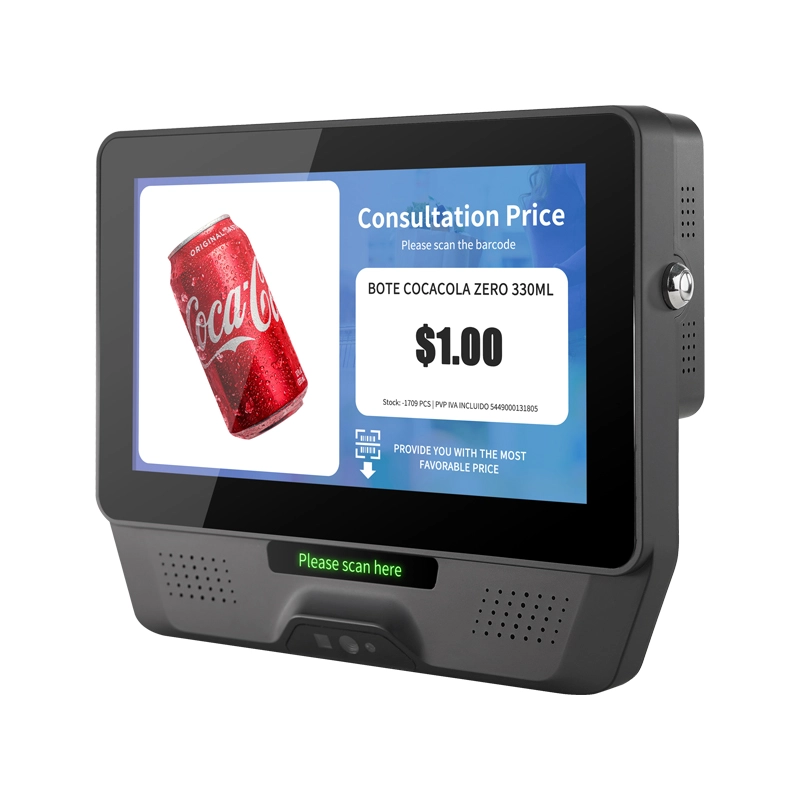
Factory 7 inch Screen Price Checker Check-in Barcode Scanner Light in Weight
FAVORPOS 7 inch screen plastic price checker and custom check-in barcode scanner combines lightweight portability with reliable performance for retail and warehouse operations. Fast scanning, clear display, built to handle daily checkout demands.
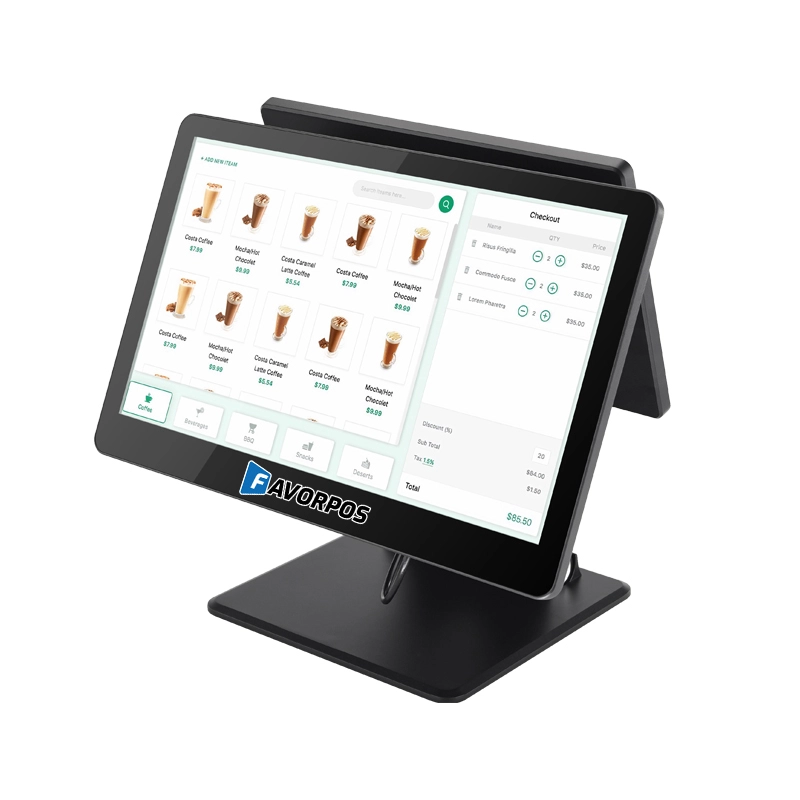
Dual Screen Thin Screen POS Systems Point of Sales Systems Manufacturer
FAVORPOS dual screen POS terminals deliver fast, reliable checkout performance for retail and hospitality businesses. Built by our commercial pos terminal manufacturer, these thin-profile systems streamline transactions while maximizing counter space—trusted by checkout pos systems factory operations worldwide.
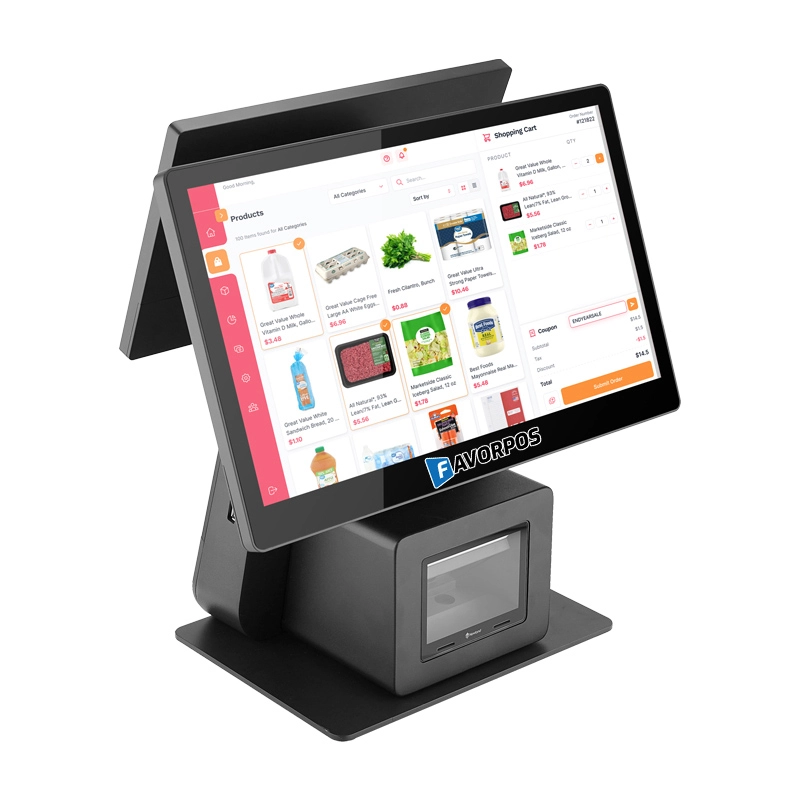
Dual Screen POS With Barcode Scanner Desktop POS Manufacturer POS Factory 15.6 11.6 Client Screen Optional
FAVORPOS: Your leading dual screen POS factory and manufacturer. Our desktop POS with barcode scanner offers 15.6/11.6 client screen options and OS flexibility. Get reliable, efficient dual screen POS with barcode scanner solutions directly from us.
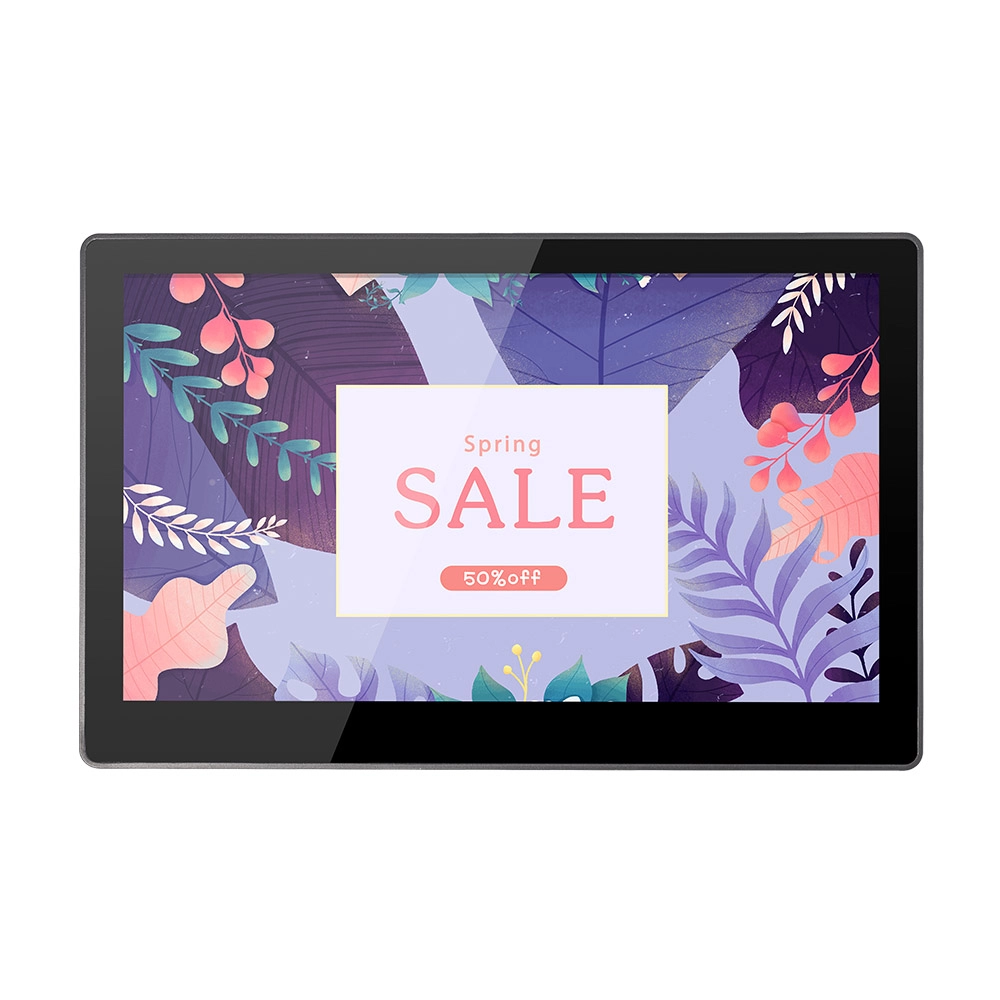
11.6 inch Capacitive Touchscreen for POS Machine POS Monitor
FAVORPOS 11.6-inch capacitive touchscreen, specifically designed for POS machines to deliver a seamless and responsive user experience. This high-definition display offers vibrant visuals and crystal clear clarity, making it easy for staff to navigate through transactions efficiently. The capacitive technology ensures quick and accurate touch recognition, reducing wait times and enhancing customer satisfaction. Built to withstand the rigors of daily use, this touchscreen is perfect for retail and hospitality environments.
Get in touch
Interested in becoming a POS system dealer? Contact us for more information and start the process of joining our dealer network.
We look forward to working with you to expand the market together.


Copyright © 2025 Favorpos All Rights Reserved.
