
Single-Screen vs Dual-Screen POS: How to Choose for Retail Checkout
A single-screen or dual-screen POS should be selected according to the checkout workflow rather than screen count alone. This guide compares the two configurations and explains how customer-display requirements, counter space, POS software, operating system, peripherals and installation needs should influence the final hardware decision.
- Single-Screen vs Dual-Screen POS: What Is the Difference?
- When Is a 15.6-Inch Foldable Single-Screen POS Suitable?
- When Should a Retailer Consider a Dual-Screen POS?
- What Else Should Buyers Confirm Before Choosing a POS Configuration?
- Frequently Asked Questions
- What is the main difference between a single-screen and dual-screen POS?
- When is a single-screen POS enough?
- When should a retailer consider a customer-facing display?
- Does a dual-screen POS automatically improve checkout speed?
- Can a single-screen POS connect to external peripherals?
- How should the operating system influence the choice?
- What should buyers include in a POS configuration RFQ?
- Choose the Screen Configuration Around the Checkout Workflow
Choosing between a single-screen and dual-screen POS is not simply a question of whether two displays are better than one. The right configuration depends on what employees need to control, what customers need to see, how much counter space is available, and whether the POS software supports a separate customer-facing display.
A single-screen POS keeps the main checkout interface focused on the employee. A dual-screen setup adds a separate customer-facing display when the checkout workflow requires transaction information, order details or other supported content to be shown independently.
For B2B buyers, the practical decision should therefore begin with the checkout workflow rather than the number of screens.
A practical decision sequence is:
Define what the cashier needs to do → determine what customers need to see → review the available counter space → confirm POS software and operating-system requirements → identify required peripherals → choose the screen configuration.
Single-Screen vs Dual-Screen POS: What Is the Difference?
The main difference is the way checkout information is divided between employees and customers.
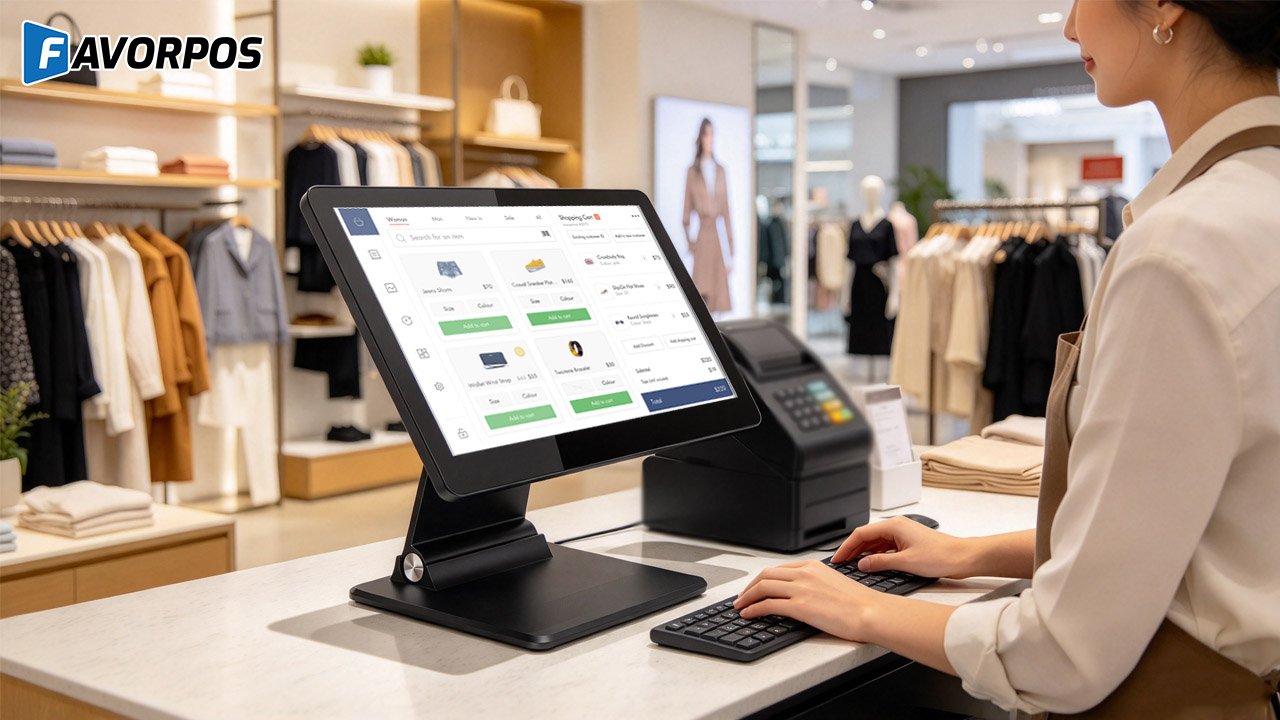
In a single-screen configuration, the primary touchscreen is mainly used by the cashier or employee operating the POS application. Product lookup, order entry, transaction review and payment steps can all take place through the main interface, depending on the software.
A dual-screen configuration adds a separate customer-facing display. That secondary screen may show supported transaction, order or other customer-facing information when the POS software and hardware configuration are designed to provide it.
The presence of a second screen does not automatically make the checkout faster or more effective. Its value depends on whether the business actually needs a separate customer view and whether the software supports the intended content.
| Decision factor | Single-screen POS | Dual-screen POS |
|---|---|---|
| Employee interface | Main screen used for POS operation | Main screen remains employee-facing |
| Customer-facing information | No dedicated second display unless another device is added | Separate customer display when supported by the software |
| Counter planning | Generally requires planning around one primary display | Requires space and viewing consideration for two displays |
| Software requirement | POS application must support the required cashier workflow | Software must also support the intended customer-facing display behavior |
| Best reason to choose | A dedicated customer display is not required | Customers need an independent view of supported checkout information |
The first decision should therefore be whether the checkout workflow actually requires a separate customer-facing interface.
When Is a 15.6-Inch Foldable Single-Screen POS Suitable?
A single-screen configuration can be suitable when the cashier performs the main transaction steps from one touchscreen and customers do not require a dedicated second display.
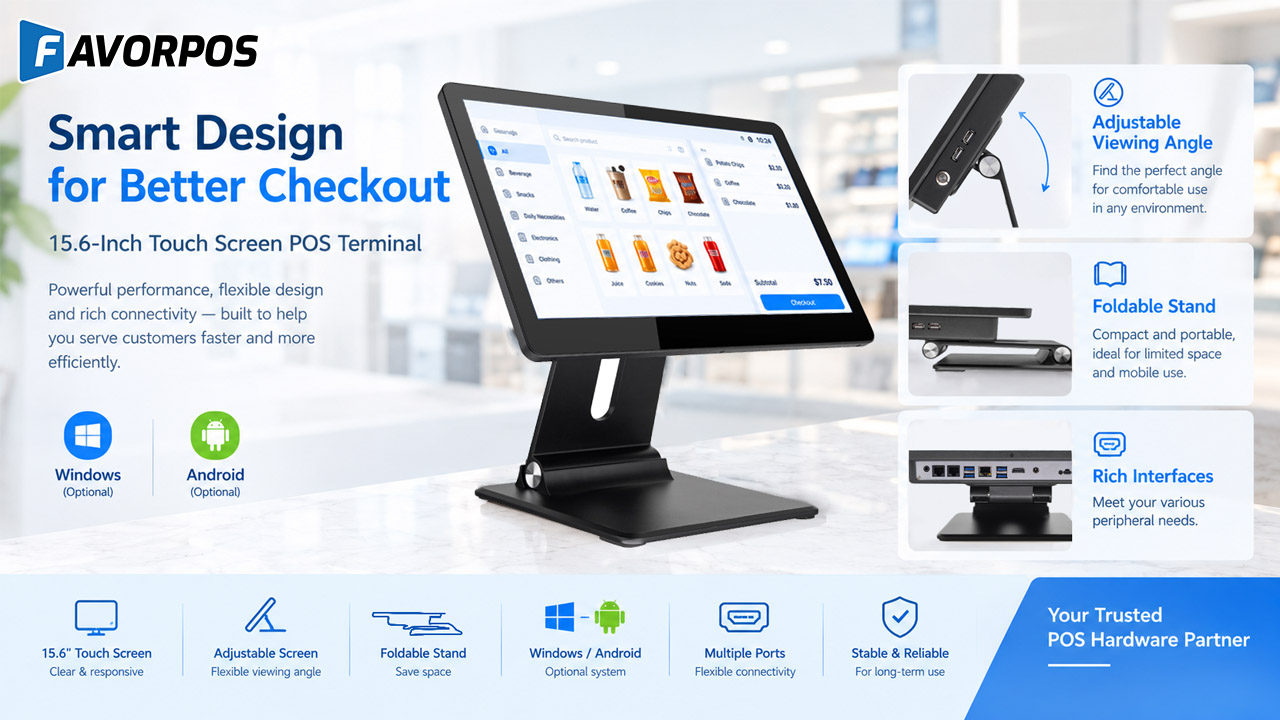
The 15.6-inch foldable POS configuration described in the original article provides a relatively large touchscreen area for the employee-facing POS interface. The adjustable display and foldable stand can also be considered when planning how the terminal fits the checkout counter.
A foldable structure may be useful when equipment needs to be repositioned, transported or arranged within different counter layouts. The practical value depends on the installation environment rather than the folding mechanism alone.
A single-screen configuration may be appropriate when:
- Employees perform the checkout workflow from one main display;
- Customers do not need a permanent independent transaction display;
- Counter space needs to be planned around a simpler display arrangement;
- Printers, scanners, cash drawers or payment equipment can be positioned separately;
- The POS software does not require a separate customer-facing interface.
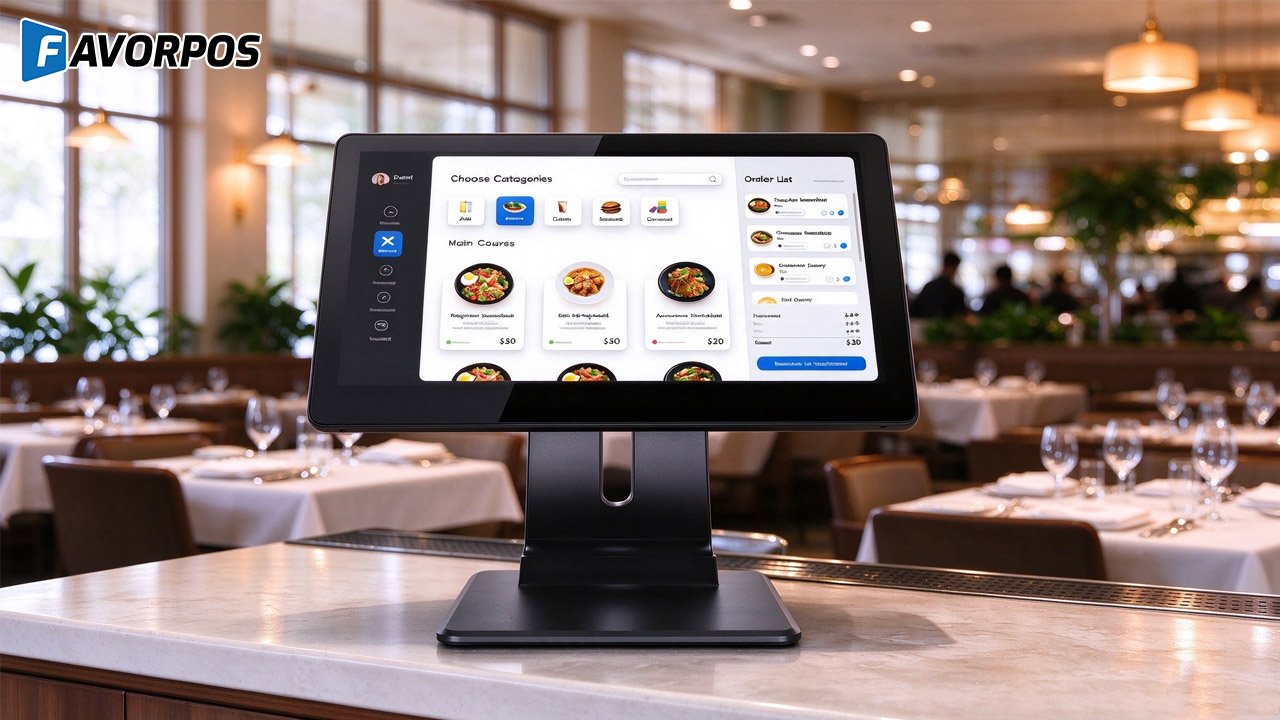
Buyers evaluating a specific Windows-based foldable configuration can review the 15.6-inch foldable Windows POS terminal.
The product page should be used to confirm the actual model configuration rather than assuming every foldable POS shares the same operating system, interfaces or hardware specifications.
When Should a Retailer Consider a Dual-Screen POS?
A dual-screen POS becomes relevant when the checkout workflow requires a dedicated customer-facing display in addition to the employee interface.
For example, a business may want customers to review supported order or transaction information without sharing the cashier's main operating screen. In that case, a second display can create a separate customer-facing interface.
The decision should still begin with software requirements. Buyers should verify whether the POS application supports a customer display, what information can be sent to that display and whether the required hardware interfaces are available.
A second screen should therefore be treated as part of the software and checkout architecture rather than as an automatic upgrade from a single-screen POS.
For a deeper review of what customer-facing displays can show and what software requirements apply, see the customer-facing POS display guide.
For projects that already require a dual-screen workstation and need to evaluate integrated printing, barcode scanning, NFC and operating-system requirements, review the dual-screen all-in-one POS integration guide.
This article stops at the screen-configuration decision; detailed customer-display functions and dual-screen peripheral integration belong to those dedicated guides.
What Else Should Buyers Confirm Before Choosing a POS Configuration?
Once the screen configuration has been selected, the next step is to confirm whether the rest of the POS hardware matches the software and checkout environment.
The original article describes Windows or Android operating-system options and multiple connectivity choices. Buyers should still confirm the exact operating system, interfaces and hardware configuration for the specific model they intend to order.
The POS application should be identified before the hardware configuration is finalized. That application determines which operating system is required, whether a second display is supported and how connected peripherals communicate with the terminal.
Peripheral planning should include any receipt printer, barcode scanner, cash drawer, payment device or other checkout equipment required by the project. The exact port types and quantities should be checked against the selected terminal configuration.
| Decision | Information to confirm |
|---|---|
| Screen configuration | Single-screen or customer-facing second display? |
| POS software | Which application and version will run on the terminal? |
| Operating system | Which OS does the POS application require? |
| Customer display | What information should customers see, and does the software support it? |
| Peripherals | Which printer, scanner, cash drawer, payment device or other equipment is required? |
| Hardware interfaces | Which ports and connections are required? |
| Counter layout | How much space is available for the terminal and peripherals? |
| Installation | How will power, network, cables and maintenance access be arranged? |
| Project requirements | What estimated quantity, destination market and OEM or ODM requirements apply? |
Buyers comparing additional hardware configurations can review the FAVORPOS POS Systems category.
The final POS choice should be based on the checkout workflow, software and required customer interaction—not on screen count alone.
Frequently Asked Questions
What is the main difference between a single-screen and dual-screen POS?
A single-screen POS primarily provides one employee-facing interface. A dual-screen POS adds a separate customer-facing display when the software and hardware configuration support it.
When is a single-screen POS enough?
A single-screen POS may be sufficient when employees can complete the required checkout workflow from one main display and customers do not need a dedicated second screen for transaction information.
When should a retailer consider a customer-facing display?
A customer-facing display can be considered when customers need a separate view of supported transaction, order or other checkout information. Buyers should confirm that the POS software supports the intended display functions.
Does a dual-screen POS automatically improve checkout speed?
No. Checkout performance depends on the POS software, hardware configuration, peripherals, network, employee workflow and store procedures. A second display should be selected because the workflow requires it, not because screen count alone guarantees faster transactions.
Can a single-screen POS connect to external peripherals?
Potentially. A single-screen POS may connect to printers, scanners, cash drawers, payment devices or other equipment when the required interfaces, drivers and POS software support those peripherals. Buyers should confirm the exact ports and compatibility of the selected model.
How should the operating system influence the choice?
The operating system should follow the POS application and peripheral requirements. Buyers should confirm whether their software requires Windows, Android or another supported environment before selecting the terminal configuration.
What should buyers include in a POS configuration RFQ?
Include the checkout workflow, POS software, required operating system, single-screen or dual-screen requirement, customer-display needs, peripherals, required interfaces, counter dimensions, installation requirements, estimated quantity, destination market and any OEM or ODM needs.
Choose the Screen Configuration Around the Checkout Workflow
A single-screen POS can provide a straightforward employee-facing checkout interface, while a dual-screen configuration adds a separate customer-facing display when the workflow requires it.
The correct choice depends on the POS software, customer-display requirements, available counter space, connected peripherals and final installation environment.
Contact FAVORPOS with your software, screen, peripheral and checkout-layout requirements to discuss an appropriate POS configuration.
15.6-Inch Foldable POS: Counter-Space, Storage and Transport Planning
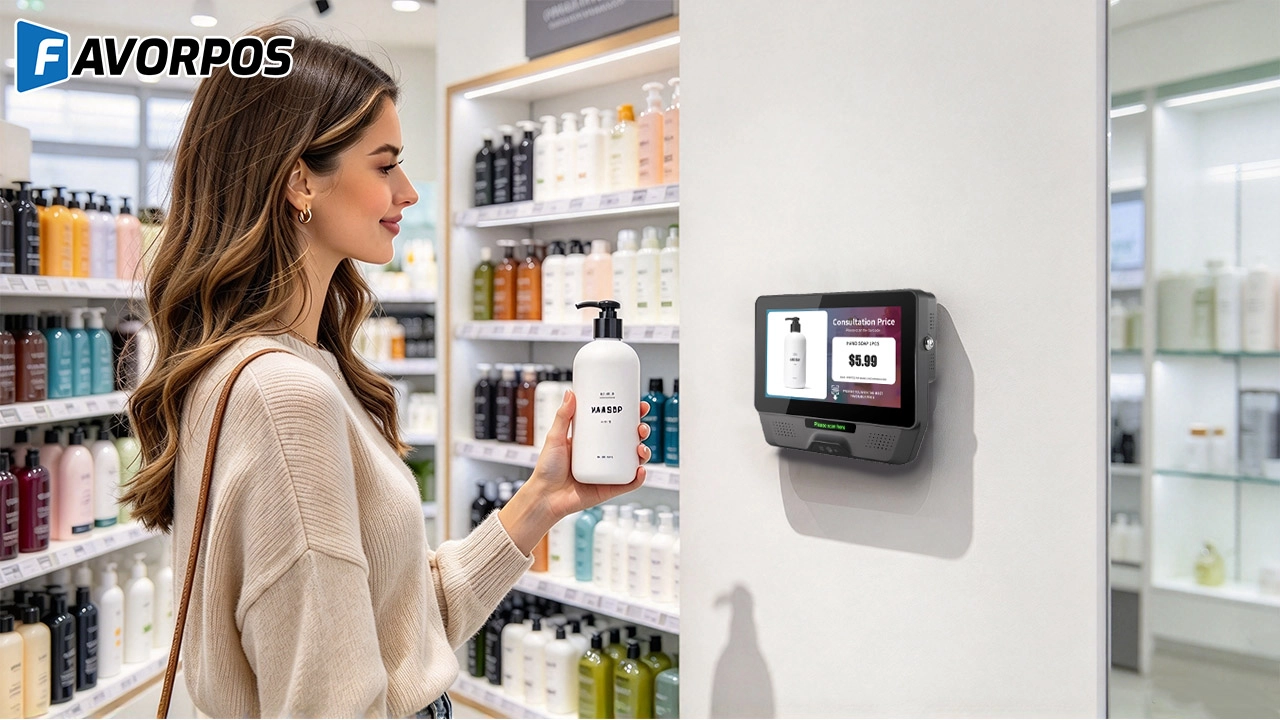
7-Inch Android Price Checker Deployment Guide: Wall, Desktop, Barcode and Cable Planning
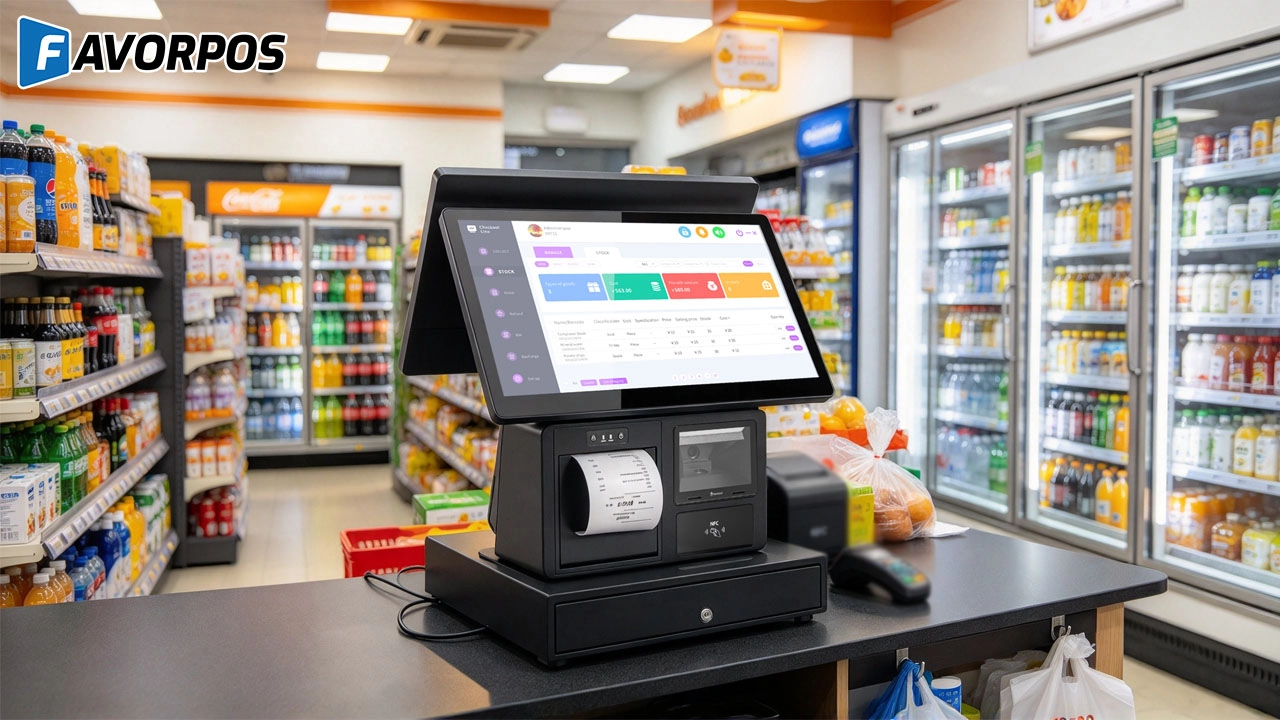
15.6-Inch All-in-One Dual-Screen POS: Planning Printer, Scanner, NFC and OS Integration
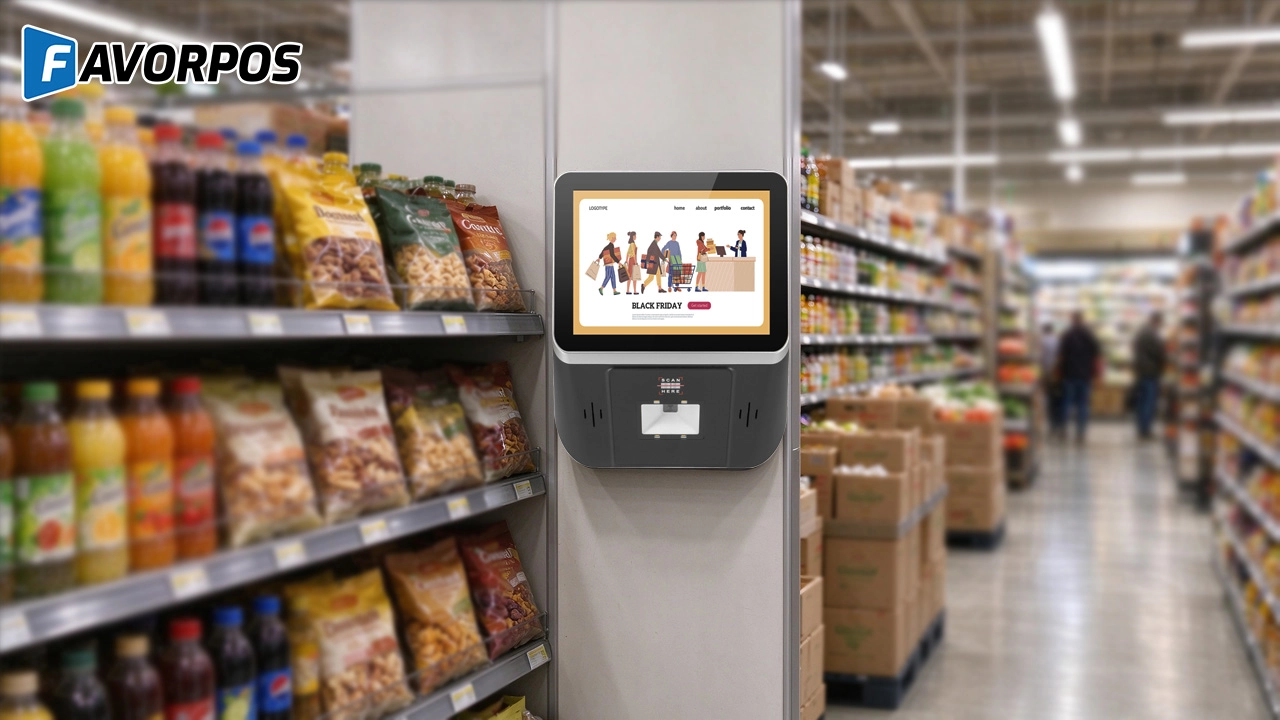
8-Inch Price Checker for Retail and Software-Based Check-In Workflows
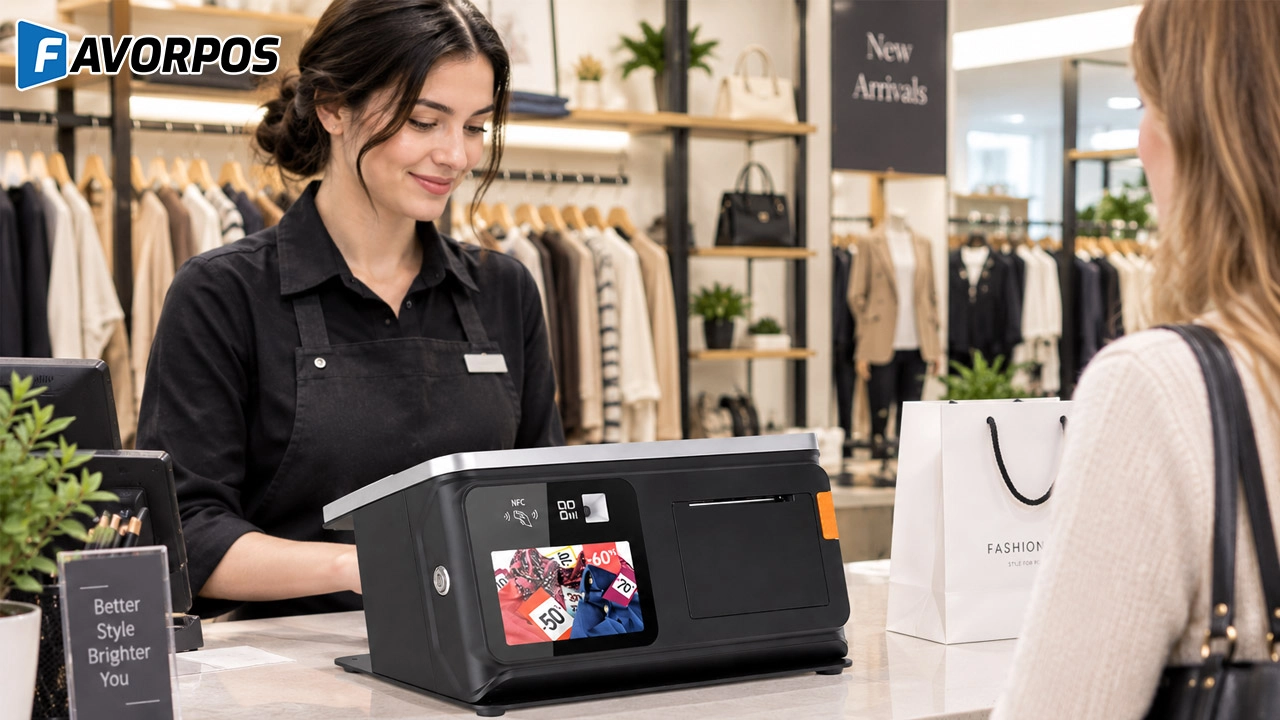
11.6-Inch All-in-One POS Terminal: Planning a Compact Checkout
For Hotels
Does your POS system support multi-currency payments?
Yes, our system supports multi-currency payments, making it convenient for international guests to pay in their preferred currency.
What types of reports can I generate through your POS system?
You can generate detailed real-time reports on sales, guest spending patterns, department performance, and more.
For Government and Public
What after-sales support is available for FAVORPOS POS hardware?
Contact FAVORPOS with your product model and issue details to discuss available technical assistance, documentation, troubleshooting and applicable service options. Warranty, repair, firmware updates and training arrangements depend on the selected product and agreed service terms.
For Healthcare
Does your POS system comply with healthcare regulations?
Yes, our POS system complies with HIPAA, PCI-DSS, and other relevant healthcare regulations to ensure the security and privacy of patient data.
For OEM
What is the development cost of a customized POS machine?
The development cost of a customized POS machine depends on the required design and functional specifications. We will provide a detailed quotation after the initial consultation. The cost includes design, prototyping, production and other related services.
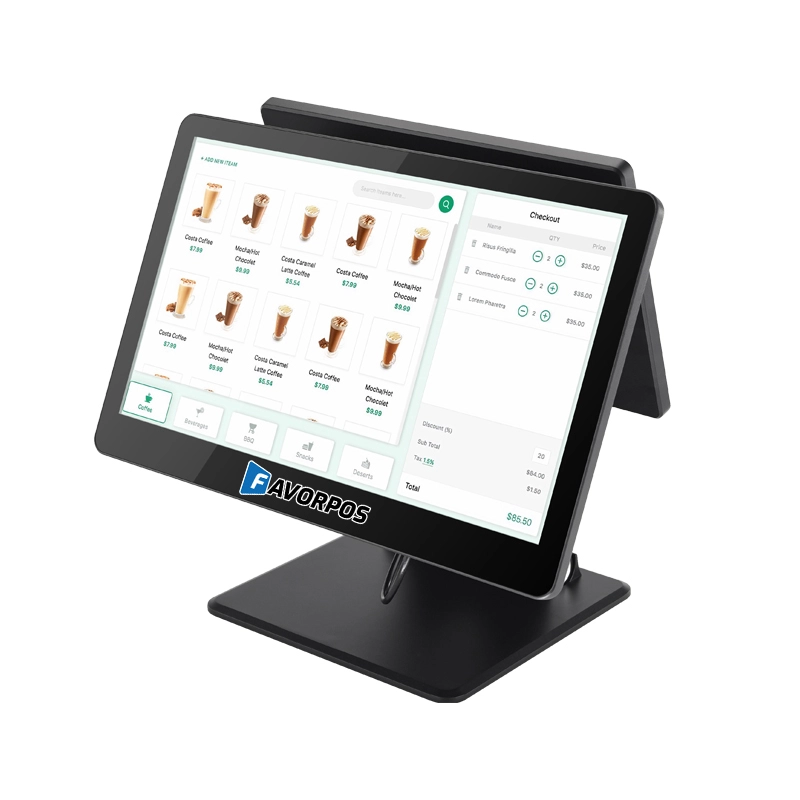
Dual Screen Thin Screen POS Systems Point of Sales Systems Manufacturer
FAVORPOS dual screen POS terminals deliver fast, reliable checkout performance for retail and hospitality businesses. Built by our commercial pos terminal manufacturer, these thin-profile systems streamline transactions while maximizing counter space—trusted by checkout pos systems factory operations worldwide.
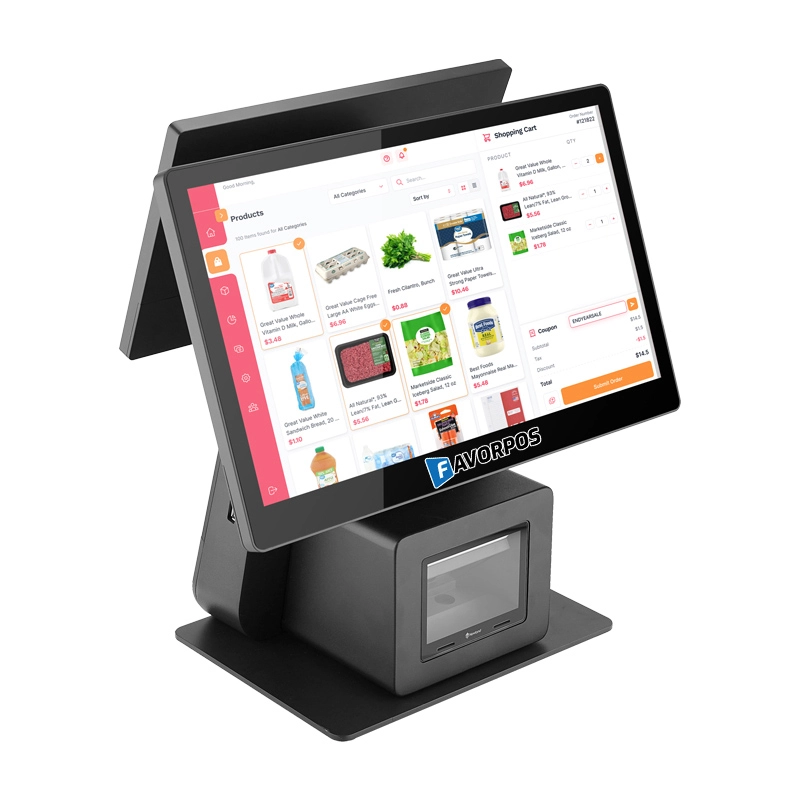
Dual Screen POS With Barcode Scanner Desktop POS Manufacturer POS Factory 15.6 11.6 Client Screen Optional
FAVORPOS: Your leading dual screen POS factory and manufacturer. Our desktop POS with barcode scanner offers 15.6/11.6 client screen options and OS flexibility. Get reliable, efficient dual screen POS with barcode scanner solutions directly from us.

New Dual Touch Screen Pos Factory Aluminum Adjustable Screen Pos Machine Manufacturer
This new-generation POS terminal features a durable aluminum alloy body and a flexible dual-screen design. The customer-facing secondary display can be adjusted vertically and horizontally to achieve the ideal viewing angle, with multiple screen size options available to meet different retail needs. Powered by either Windows or Android operating systems, the system offers strong compatibility with various POS software solutions. With its modern design, stable performance, and adaptable configuration, this POS machine is well suited for supermarkets, specialty retail stores, and other high-traffic commercial environments.

Wholesale Windows 15'' POS Machine Dual Screen Aluminum
Our advanced dual-screen aluminum POS machine is designed to elevate your retail experience with seamless transactions and robust functionality. Our POS Machine combines cutting-edge technology with user-friendly features to empower businesses in the retail industry.
Get in touch
Interested in becoming a POS system dealer? Contact us for more information and start the process of joining our dealer network.
We look forward to working with you to expand the market together.


Copyright © 2025 Favorpos All Rights Reserved.
