
Full-Lamination Dual-Screen POS Terminal: What Retail Buyers Should Evaluate
A dual-screen POS terminal should be evaluated as more than a pair of displays. Screen construction, viewing-angle adjustment, chassis material and cooling design can all influence how the hardware fits into a retail or hospitality checkout environment. This 15.6-inch and 11.6-inch configuration combines a full-lamination main touchscreen, adjustable customer-facing display, aluminum-alloy housing and fanless cooling design.
- Quick Answer
- Key Takeaways
- What Is a Full-Lamination Dual-Screen POS Terminal?
- Why Does Full Lamination Matter on a POS Touchscreen?
- Reduced Internal Reflection
- More Integrated Touchscreen Appearance
- Cleaner Display Design
- How Do the 15.6-Inch and 11.6-Inch Screens Serve Different Users?
- What Can the Customer-Facing Display Be Used For?
- Why Use Aluminum Alloy in a POS Terminal?
- What Does a Fanless POS Design Change?
- How Do Aluminum Construction and Fanless Cooling Work Together?
- Why Does Screen Adjustment Matter at the Checkout Counter?
- Where Can This Dual-Screen Hardware Be Used?
- Full Lamination vs Standard Display: What Should Buyers Compare?
- What Should B2B Buyers Confirm Before Ordering?
- Frequently Asked Questions
- What is full lamination on a POS touchscreen?
- What screen sizes does this dual-screen POS terminal use?
- Can the screen angles be adjusted?
- What is the purpose of a fanless POS design?
- Why is aluminum alloy used in this POS terminal?
- What should a buyer confirm before selecting this POS configuration?
- Plan the POS Hardware Around the Checkout Workflow
Quick Answer
A full-lamination dual-screen POS terminal combines a cashier-facing touchscreen with a separate customer display while using a laminated main screen to reduce the air gap between display layers.
For B2B buyers, the practical value comes from evaluating the complete hardware design: screen visibility, adjustment range, passive cooling, chassis construction, software compatibility, counter space and peripheral requirements.
Full lamination and fanless cooling can provide useful design advantages, but neither feature should be evaluated in isolation from the overall POS configuration.
Key Takeaways
- The terminal uses a 15.6-inch main touchscreen and an adjustable 11.6-inch customer-facing display.
- Full lamination reduces the air gap within the display assembly and can help reduce internal reflections.
- The secondary screen can show customer-facing information when supported by the POS software.
- Aluminum-alloy construction provides structural support and can assist with passive heat distribution.
- A fanless design removes a constantly rotating cooling fan, reducing one source of mechanical noise and moving parts.
- Adjustable screen angles can help the POS fit different checkout-counter layouts.
- Buyers should confirm software, operating system, interfaces, peripherals and installation conditions before choosing a configuration.
What Is a Full-Lamination Dual-Screen POS Terminal?
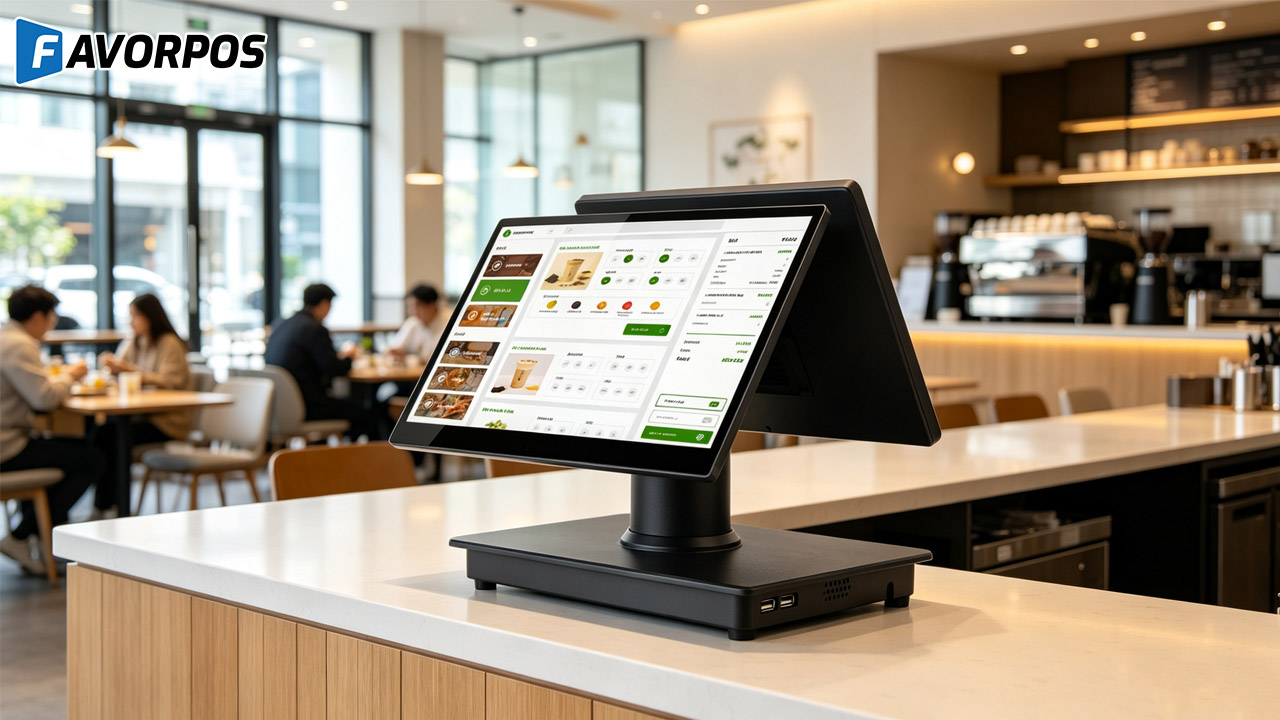
A dual-screen POS terminal separates the employee interface from the customer-facing display.
In this configuration, the cashier operates the 15.6-inch main touchscreen while the 11.6-inch secondary screen faces the customer. Depending on the POS software, the customer display may present order details, quantities, prices, payment-related information, product information or promotional content.
The main display also uses full-lamination technology.
In a laminated display, the screen layers are bonded more closely together rather than being separated by a larger air gap. In general display design, reducing this gap can help reduce internal reflections and make the touch surface appear visually closer to the displayed content.
For a POS terminal, this is primarily a hardware and usability consideration rather than a standalone reason to purchase the system. Buyers should evaluate it together with display size, brightness requirements, touch performance, software interface and the conditions around the checkout counter.
Why Does Full Lamination Matter on a POS Touchscreen?
Retail employees may interact with the main POS display hundreds of times during a working shift. That makes screen construction relevant to more than appearance.
Full lamination can affect several aspects of the display experience.
Reduced Internal Reflection
Air gaps between display layers can create additional internal reflections. By bonding the layers more closely together, full lamination can reduce some of these reflections. The actual visibility of the display will still depend on lighting conditions, display brightness and the screen surface.
More Integrated Touchscreen Appearance
With less visible distance between the cover surface and the displayed image, interface elements can appear closer to the point of touch. For POS software containing product buttons, menus, modifiers and payment controls, this can create a more integrated touchscreen appearance.
Cleaner Display Design
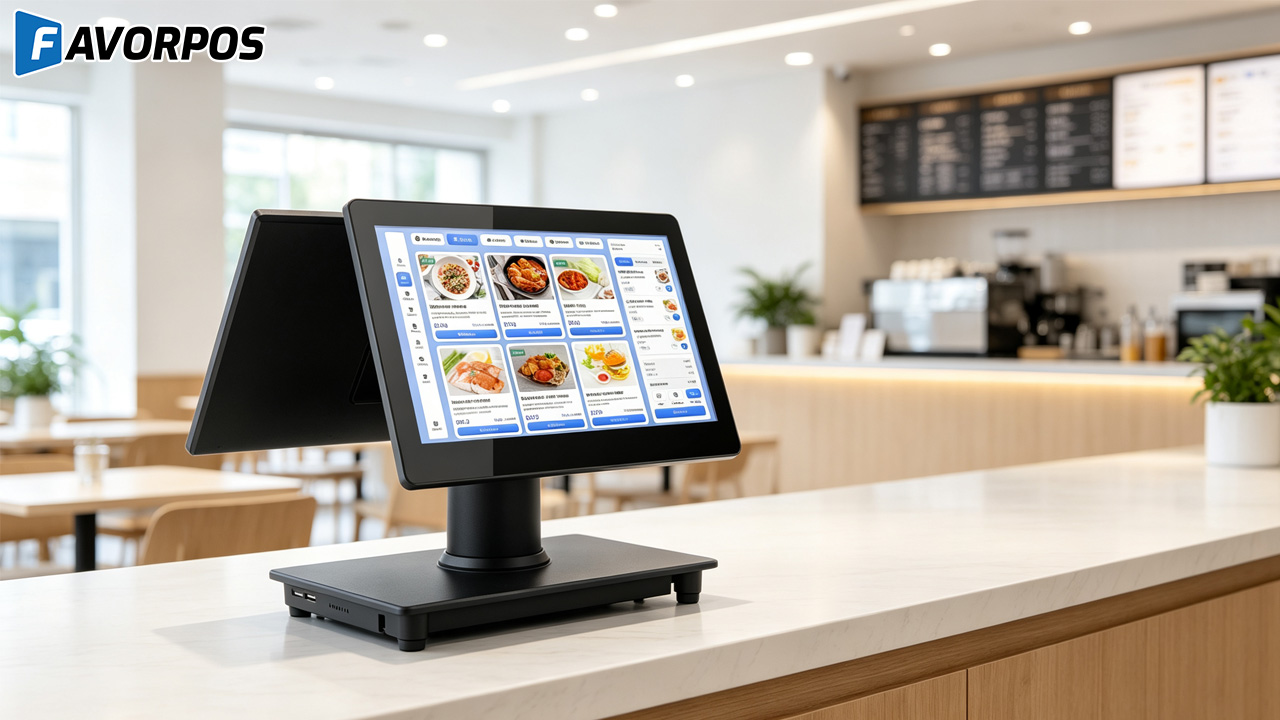
The 15.6-inch display is also designed with a slim black bezel. Together with full lamination, the result is a cleaner front surface that can fit modern checkout environments without requiring the display itself to become the visual focus of the counter. Full lamination should therefore be considered one part of the overall display design rather than a guarantee of better performance in every installation.
How Do the 15.6-Inch and 11.6-Inch Screens Serve Different Users?
The two screens perform different roles during checkout.
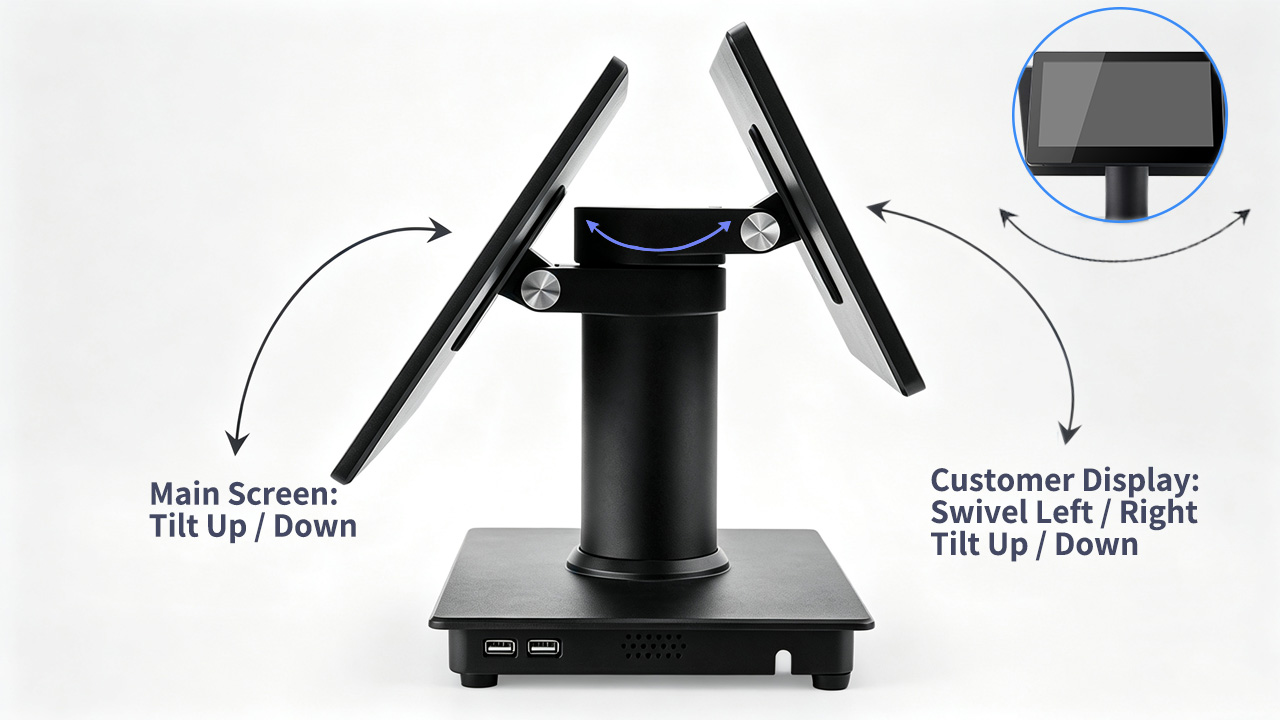
The 15.6-inch main touchscreen is intended primarily for staff operation. It provides the working area for compatible POS software and can be adjusted vertically according to the cashier's viewing position and counter layout.
The 11.6-inch secondary display is customer-facing and offers vertical and horizontal adjustment.
That distinction matters because employees and customers usually view a checkout terminal from opposite sides of the counter. Instead of forcing both users to depend on one fixed viewing angle, an adjustable dual-screen structure allows the displays to be positioned according to the installation environment.
What Can the Customer-Facing Display Be Used For?
The secondary screen can act as a communication point between the checkout system and the customer.
Depending on the POS software, possible content can include:
- purchased items and quantities;
- prices and transaction totals;
- order confirmation;
- payment-related information;
- product information;
- membership or loyalty messages;
- promotional content.
The key phrase is depending on the POS software. A second monitor does not automatically provide every customer-display function. Before deployment, buyers should confirm whether the intended software supports a separate customer screen and which content can be assigned to it.
For a deeper look at how the cashier and customer displays can divide the checkout workflow, see How a 15.6 + 11.6-Inch Dual-Screen POS Improves Retail Checkout.
Why Use Aluminum Alloy in a POS Terminal?
The chassis of a countertop POS system has several jobs. It supports the displays and internal components, provides the physical structure used throughout the working day and forms part of the terminal's thermal design.
This POS terminal uses aluminum-alloy construction.
Aluminum is commonly used in electronic enclosures because it combines structural strength with relatively good thermal conductivity. In a properly designed chassis, it can help distribute heat through the enclosure while also providing a rigid physical structure.
For B2B buyers, however, the material itself should not be treated as proof of long-term reliability.
A more complete hardware evaluation should also consider:
- processor and configuration requirements;
- expected operating hours;
- ambient temperature;
- ventilation around the terminal;
- mounting and counter conditions;
- peripheral connections;
- service and maintenance requirements.
The enclosure material is one factor within that larger system.
What Does a Fanless POS Design Change?
This POS terminal also uses a fanless cooling design.
A conventional active-cooling system may use a fan to move air across internal components. A fanless design instead relies on passive thermal management.
Removing a constantly rotating cooling fan can provide two practical characteristics.
First, it removes one source of mechanical noise. That can be useful in quieter customer-facing environments such as cafés, boutiques, specialty stores and similar checkout areas.
Second, a fanless design contains fewer cooling-related moving parts.
However, fanless does not mean that thermal performance can be ignored. The processor, enclosure, internal layout and surrounding environment still determine how effectively heat is managed. Buyers planning long operating periods should therefore confirm the required hardware configuration and installation conditions rather than selecting a terminal solely because it is fanless.
How Do Aluminum Construction and Fanless Cooling Work Together?
The two design choices are related.
A fanless system depends on passive methods for managing heat, while an aluminum enclosure can contribute to spreading thermal energy through the chassis.
This does not mean that every aluminum fanless POS terminal will perform identically. Thermal performance depends on the complete hardware design.
For procurement teams, the useful questions are therefore more specific:
| Evaluation point | What to confirm |
|---|---|
| Processor configuration | Does it match the POS software workload? |
| Cooling design | Is the configuration intended for passive cooling? |
| Operating environment | What temperatures and ventilation conditions are expected? |
| Installation | Is sufficient space available around the terminal? |
| Daily usage | How many hours is the terminal expected to operate? |
| Peripherals | What devices will be connected? |
| Maintenance | What access or servicing requirements should be planned? |
This approach is more useful than assuming that a particular chassis material or cooling method automatically guarantees performance.
Why Does Screen Adjustment Matter at the Checkout Counter?
POS terminals are installed in many different physical environments.
Counter height, counter depth, cashier position and customer viewing angle can all change from one location to another.
The adjustable main screen allows staff to modify the viewing angle according to their working position. The 11.6-inch customer display can be adjusted vertically and horizontally, providing additional flexibility on the customer side.
This can be useful when:
- the counter has limited depth;
- employees work from different positions;
- the customer display must remain clearly visible;
- the POS needs to sit alongside printers, scanners or other peripherals;
- the checkout area has a specific visual or spatial layout.
Before choosing a terminal, measuring the actual checkout counter is often more useful than evaluating product images alone.
Where Can This Dual-Screen Hardware Be Used?
The configuration can be considered for customer-facing checkout environments where staff operation and customer visibility are both important.
Examples can include cafés, dessert shops, convenience stores, specialty retail counters, general retail stores and selected hospitality environments.
The appropriate configuration will vary by application.
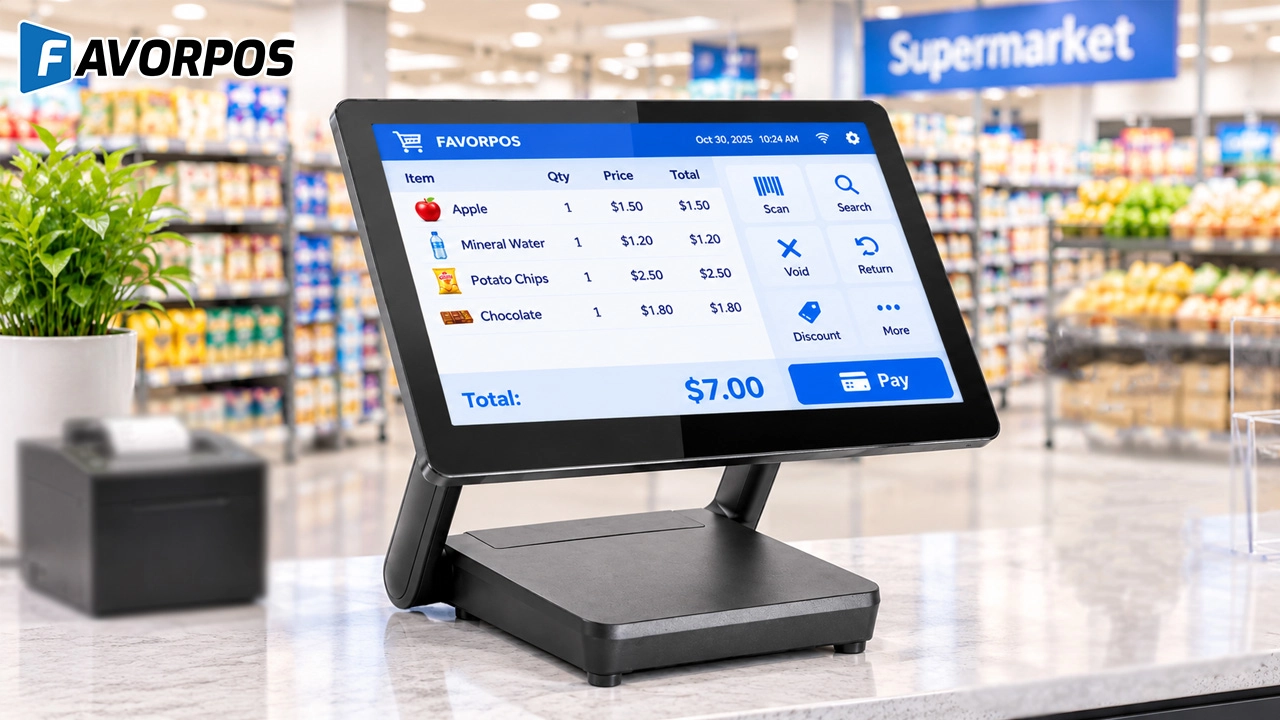
A café may focus on menu selection and a compact counter footprint. A specialty retailer may want a customer screen for product or transaction information. A convenience store may prioritize quick access to the POS interface and peripheral compatibility.
The hardware should therefore be matched to the intended checkout process rather than selected simply because a dual-screen configuration is available.
Full Lamination vs Standard Display: What Should Buyers Compare?
Full lamination is one useful specification, but procurement decisions should not be based on a single display term.
When comparing POS touchscreens, buyers can evaluate:
| Factor | Why it matters |
|---|---|
| Screen size | Determines available interface area |
| Touch technology | Affects interaction with the POS software |
| Full lamination | Reduces the internal air gap in the screen assembly |
| Viewing conditions | Influences practical screen visibility |
| Screen adjustment | Helps fit different working positions |
| Customer display | Supports separate customer-facing content |
| Software support | Determines what each display can actually show |
| Counter dimensions | Determines whether the complete terminal fits the installation |
The right screen specification depends on the actual checkout environment and software workflow.
What Should B2B Buyers Confirm Before Ordering?
A POS terminal should be evaluated as part of a complete checkout system.
Before discussing a configuration with a supplier, buyers should prepare information about:
- the intended retail or hospitality application;
- required POS software;
- required operating system;
- cashier and customer-display requirements;
- processor and memory requirements;
- interfaces and peripheral devices;
- counter dimensions and installation restrictions;
- expected daily usage;
- barcode scanner, printer, cash drawer or other peripheral requirements;
- OEM or ODM requirements, when applicable.
FAVORPOS's current site profile confirms that the company provides POS systems and related POS hardware and offers OEM and ODM services.
For the hardware configuration related to this article, buyers can review the New Dual Touch Screen Aluminum Adjustable POS Machine.
For other terminal options, explore FAVORPOS POS Systems.
Frequently Asked Questions
What is full lamination on a POS touchscreen?
Full lamination bonds the display layers more closely together, reducing the air gap between them. This can reduce internal reflections and create a more integrated visual relationship between the touch surface and displayed image.
What screen sizes does this dual-screen POS terminal use?
The current article information specifies a 15.6-inch main touchscreen and an 11.6-inch customer-facing secondary display.
Can the screen angles be adjusted?
Yes. The 15.6-inch main display can be adjusted vertically, while the 11.6-inch secondary display can be adjusted vertically and horizontally.
What is the purpose of a fanless POS design?
A fanless design uses passive cooling rather than relying on a continuously rotating cooling fan. This removes one source of mechanical noise and moving parts, although thermal performance still depends on the complete hardware configuration and installation environment.
Why is aluminum alloy used in this POS terminal?
The aluminum-alloy enclosure provides structural support and can contribute to passive heat distribution because aluminum has relatively good thermal conductivity. Overall thermal performance still depends on the complete system design.
What should a buyer confirm before selecting this POS configuration?
Confirm the POS software, operating system, processor requirements, customer-display functions, peripheral interfaces, counter dimensions, installation environment and expected usage before selecting a configuration.
Plan the POS Hardware Around the Checkout Workflow
A full-lamination screen, aluminum enclosure, fanless cooling system and adjustable dual-display structure can each contribute to the way a POS terminal fits a checkout environment.
The more important procurement question is how those features work together with the software, peripherals, physical counter and expected daily workload.
If you are evaluating a dual-screen POS configuration for a retail or hospitality project, prepare your hardware, software, peripheral and installation requirements before requesting a configuration review.
Contact FAVORPOS to discuss the requirements for your POS hardware project.
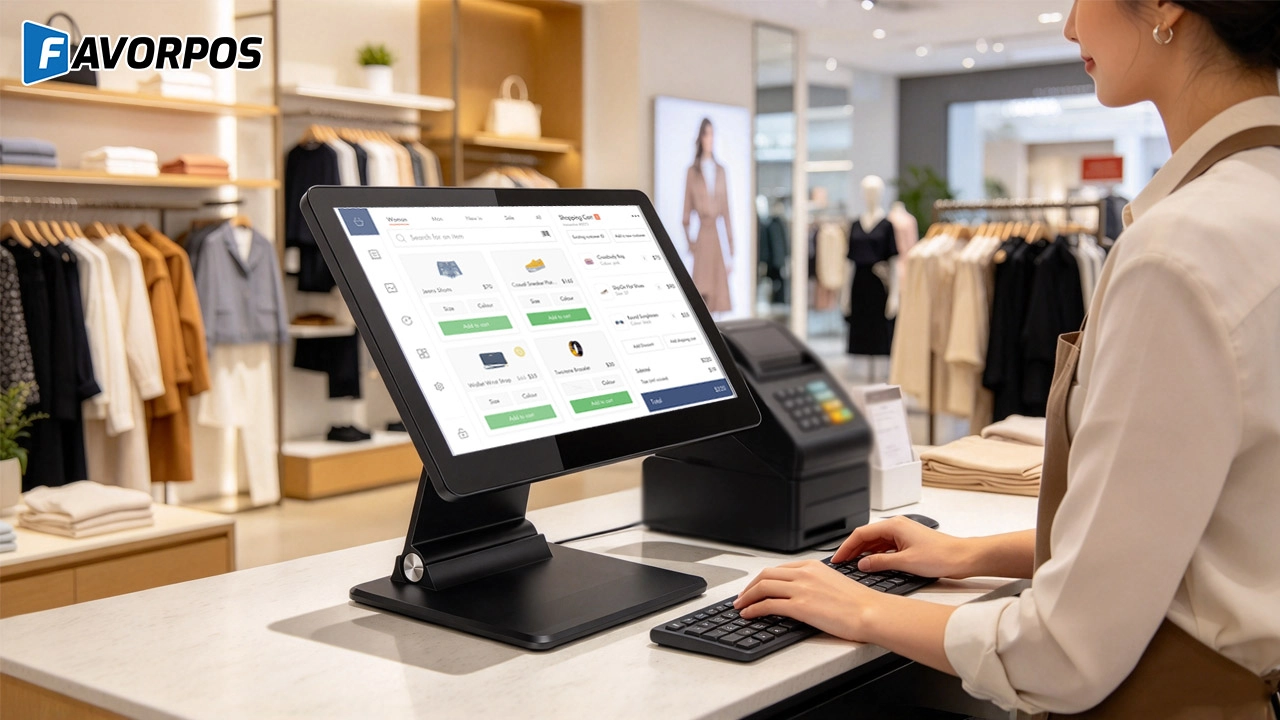
15.6-Inch Foldable POS: Counter-Space, Storage and Transport Planning
Single-Screen vs Dual-Screen POS: How to Choose for Retail Checkout
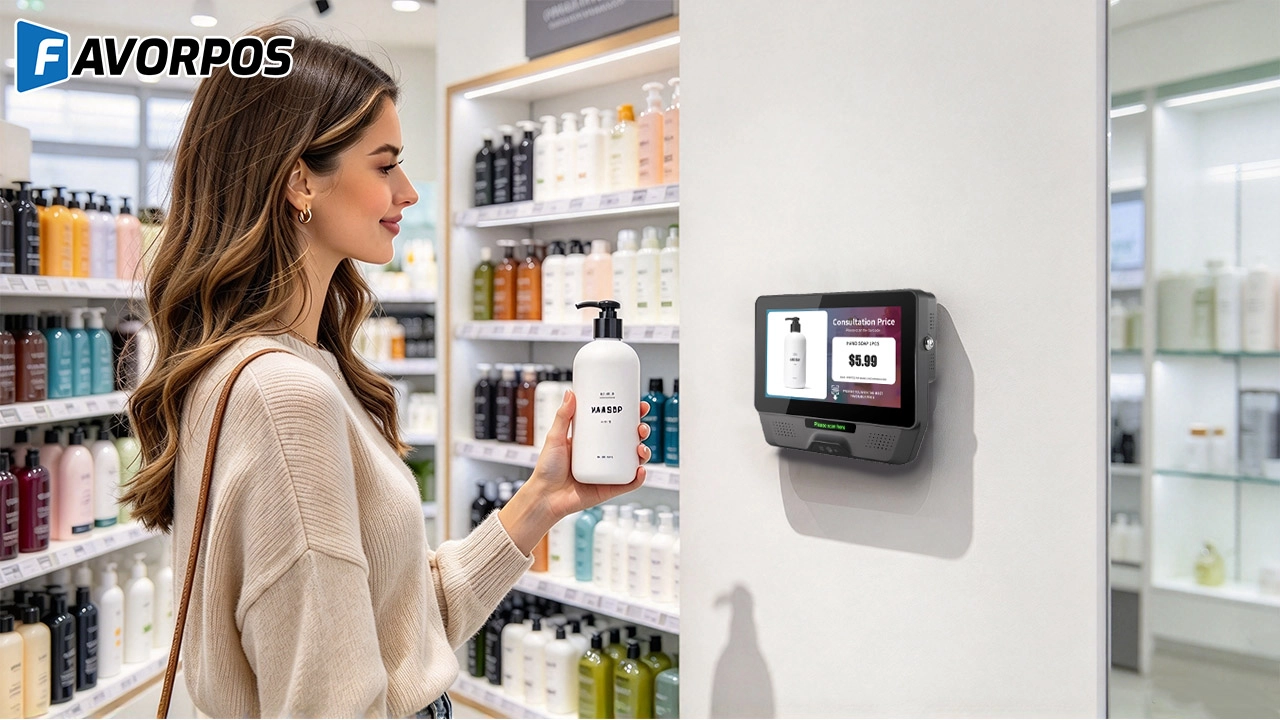
7-Inch Android Price Checker Deployment Guide: Wall, Desktop, Barcode and Cable Planning
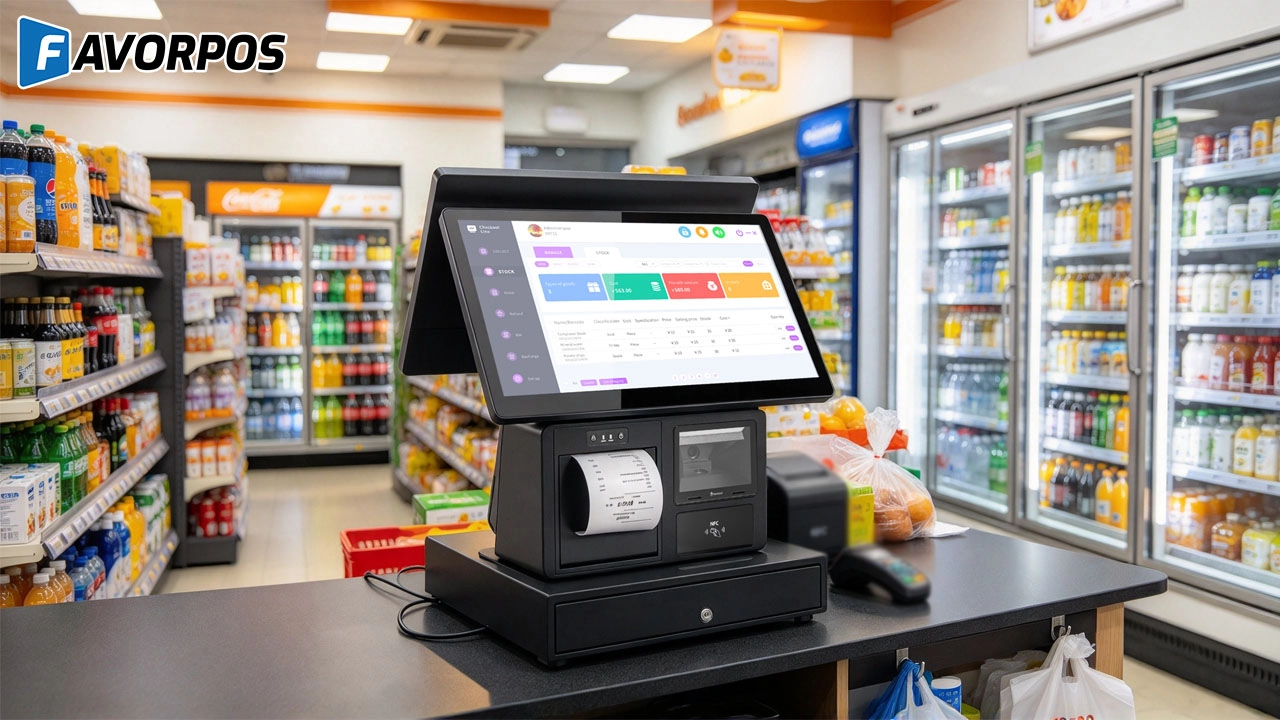
15.6-Inch All-in-One Dual-Screen POS: Planning Printer, Scanner, NFC and OS Integration
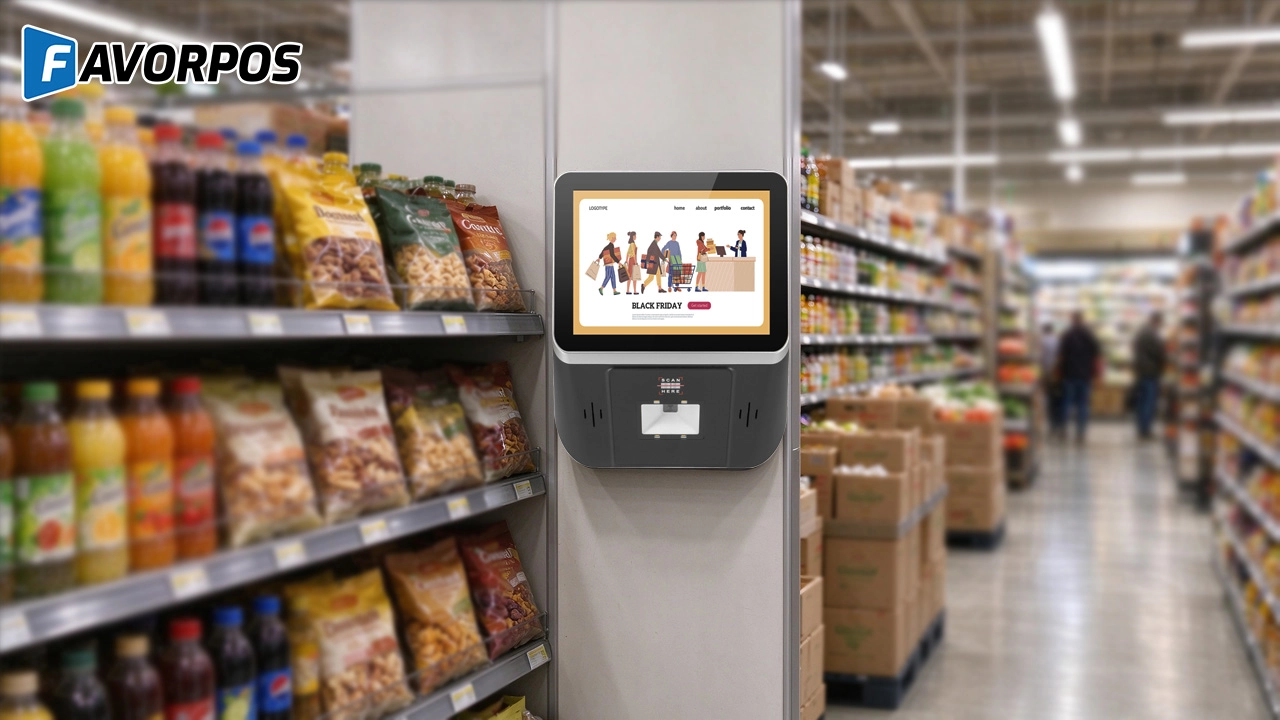
8-Inch Price Checker for Retail and Software-Based Check-In Workflows
For ODM
Does the product comply with international standards and certifications?
Our POS machines comply with various international standards and certification requirements, including safety, electrical performance and environmental standards. We ensure that all products comply with relevant regulations during the production process so that they are suitable for the global market.
For Government and Public
Can your POS system handle various types of public sector payments?
Yes, our system is designed to handle a wide range of public sector payments, including fines, utility bills and service charges, ensuring secure and efficient processing.
For company
Can I visit the FAVORPOS factory?
Please contact FAVORPOS in advance to discuss factory visit arrangements and confirm availability with our team.
For OEM
Can the POS machine be customized with multiple functions?
Yes, we provide a wide range of functional customization options, including hardware configuration, software functions, brand design, etc. You can choose different processors, screens, connection options, payment modules, etc. according to your business needs.
For Restaurants & Cafes
What is the warranty period for the POS system?
We provide a standard warranty period of at least one year. During the warranty period, if the device fails, we will provide free repair or replacement services. The specific warranty period and terms can be negotiated according to the contract.
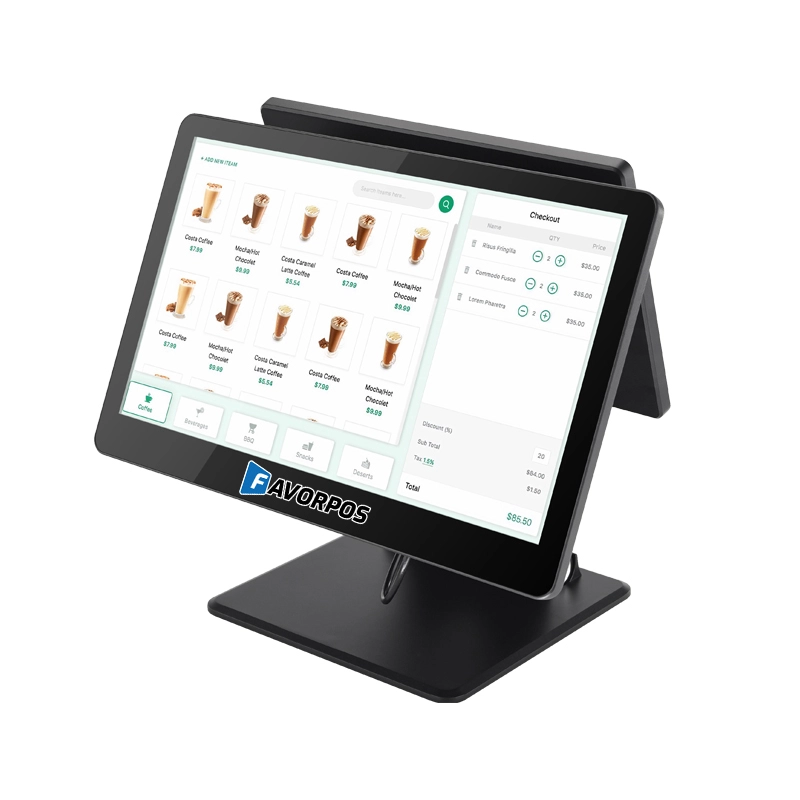
Dual Screen Thin Screen POS Systems Point of Sales Systems Manufacturer
FAVORPOS dual screen POS terminals deliver fast, reliable checkout performance for retail and hospitality businesses. Built by our commercial pos terminal manufacturer, these thin-profile systems streamline transactions while maximizing counter space—trusted by checkout pos systems factory operations worldwide.
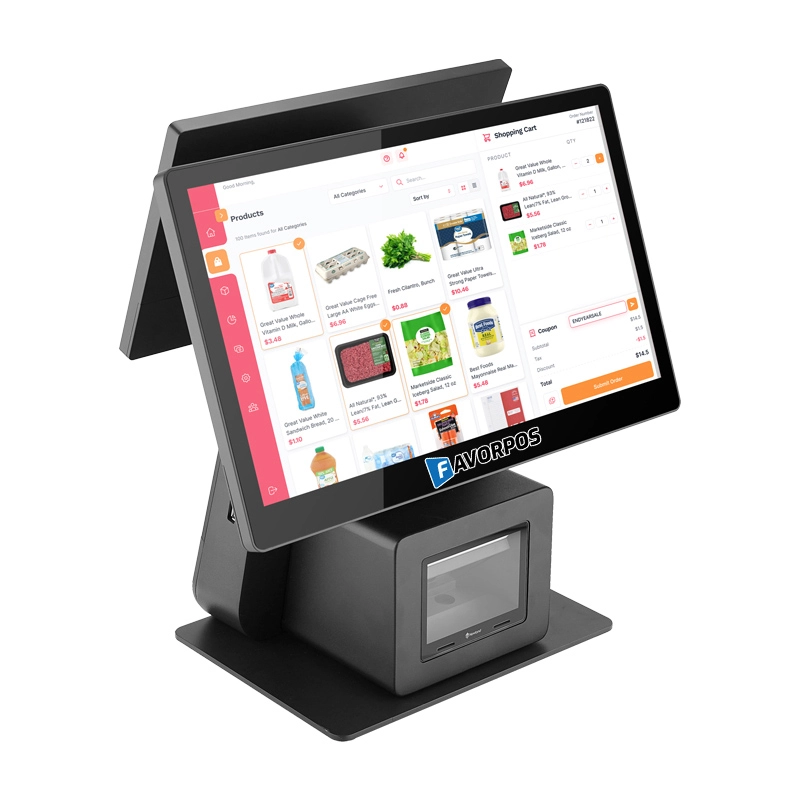
Dual Screen POS With Barcode Scanner Desktop POS Manufacturer POS Factory 15.6 11.6 Client Screen Optional
FAVORPOS: Your leading dual screen POS factory and manufacturer. Our desktop POS with barcode scanner offers 15.6/11.6 client screen options and OS flexibility. Get reliable, efficient dual screen POS with barcode scanner solutions directly from us.
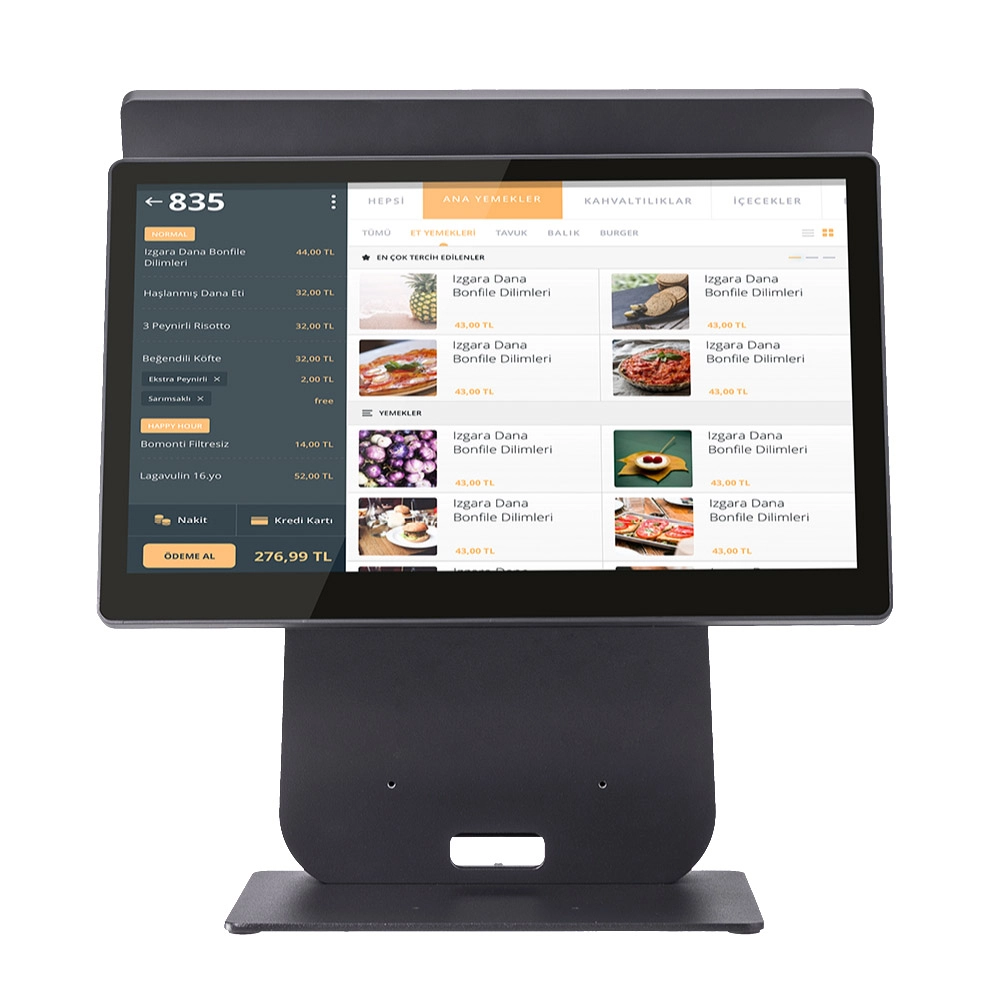
HD Dual Screen POS Machine Aluminum Hardware Android Windows Supplier
This dual-screen POS machine supports both Android and Windows systems, providing flexibility for various applications. The dual screens enhance customer interaction and streamline the checkout process, making transactions quicker and more engaging. Perfect for modern businesses looking to elevate their service and improve customer satisfaction, this POS machine is your ultimate partner in success!

New Dual Touch Screen Pos Factory Aluminum Adjustable Screen Pos Machine Manufacturer
This new-generation POS terminal features a durable aluminum alloy body and a flexible dual-screen design. The customer-facing secondary display can be adjusted vertically and horizontally to achieve the ideal viewing angle, with multiple screen size options available to meet different retail needs. Powered by either Windows or Android operating systems, the system offers strong compatibility with various POS software solutions. With its modern design, stable performance, and adaptable configuration, this POS machine is well suited for supermarkets, specialty retail stores, and other high-traffic commercial environments.
Get in touch
Interested in becoming a POS system dealer? Contact us for more information and start the process of joining our dealer network.
We look forward to working with you to expand the market together.


Copyright © 2025 Favorpos All Rights Reserved.
