
11.6-Inch All-in-One POS Terminal: Planning a Compact Checkout
An 11.6-inch all-in-one POS terminal brings several checkout functions into a compact hardware configuration. Before choosing a setup, buyers should confirm how the touchscreen, customer display, barcode scanner, receipt printer, NFC hardware and operating system will work with their actual POS software and payment workflow.
- Start With the Checkout Workflow, Not the Feature List
- How Do the Screen, Scanner, Printer, Customer Display and NFC Work Together?
- When Does an Integrated Terminal Make Sense for a Compact Counter?
- What Should B2B Buyers Confirm Before Ordering?
- Frequently Asked Questions
- What is an 11.6-inch all-in-one POS terminal?
- Does an integrated scanner and printer remove the need for software integration?
- What is the purpose of the 4.3-inch customer display?
- Does NFC mean the POS terminal can automatically accept contactless payments?
- Should a buyer choose Android or Windows?
- What information should be included in an RFQ?
- Build the Checkout Station Around the Transaction
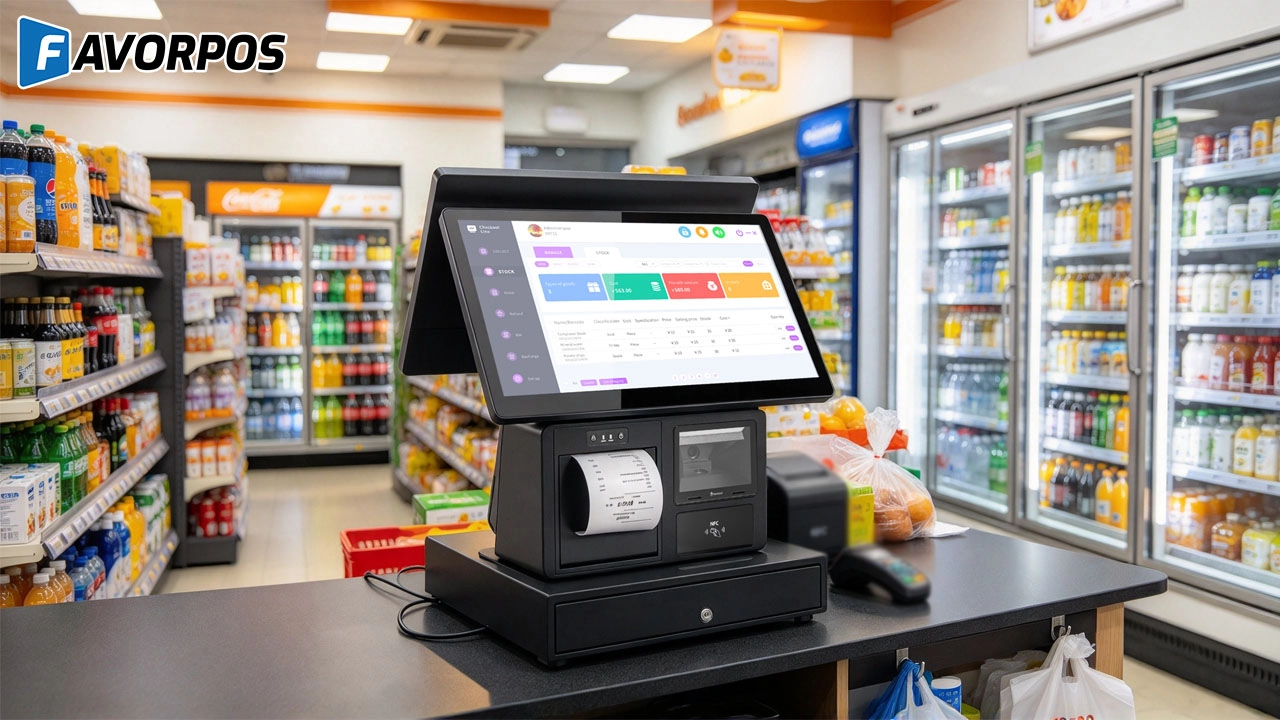
An 11.6-inch all-in-one POS terminal brings several checkout functions into one compact hardware configuration. The model described here combines a capacitive touchscreen with a 4.3-inch customer display, barcode scanning, receipt printing and NFC hardware, with Android or Windows options.
For a business planning a new checkout station, the important question is not simply how many functions can fit inside one device. It is whether those functions support the actual transaction: how items are identified, what the cashier sees, what the customer needs to confirm, how receipts are produced and which software and payment services are required.
A useful purchasing sequence is define the checkout workflow → confirm the software environment → check the required peripherals → plan the counter layout → select the final hardware configuration.
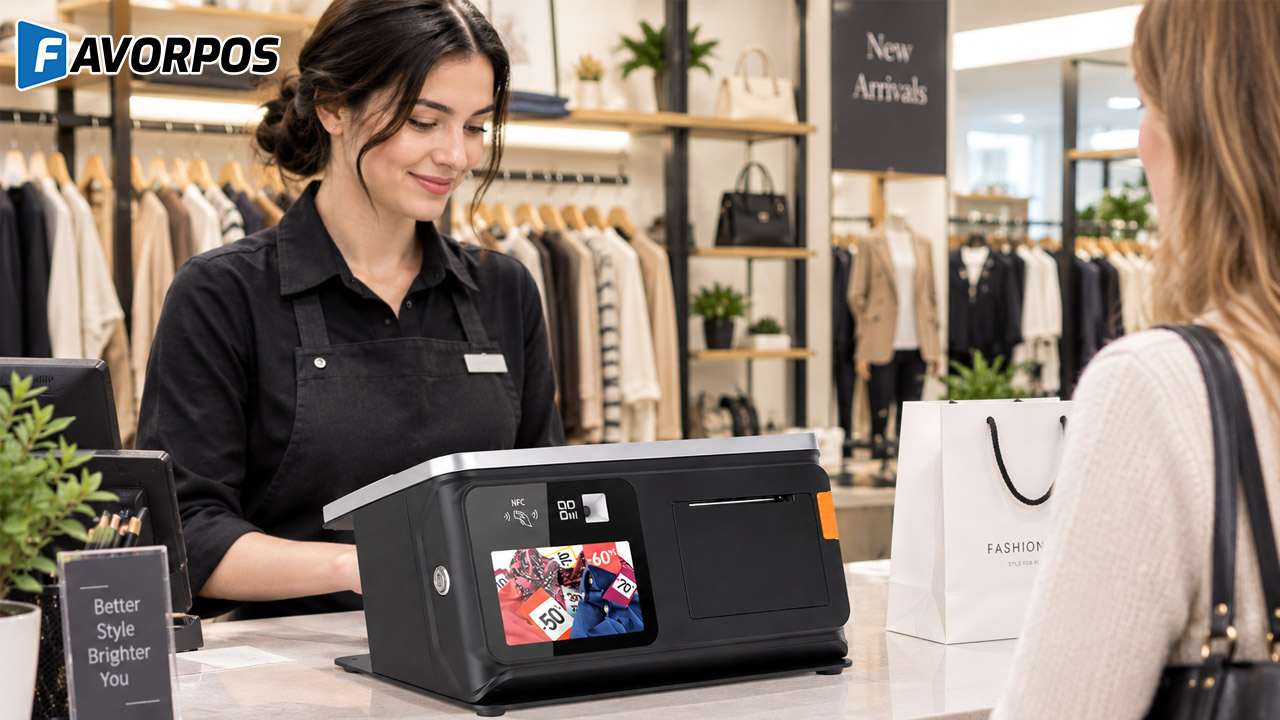
Start With the Checkout Workflow, Not the Feature List
A checkout station brings together several tasks that are often treated as separate equipment decisions. A cashier needs to identify products or enter orders, review the transaction, communicate relevant information to the customer and complete the sale. Depending on the business, the station may also need to produce a receipt or communicate with a separate payment device.
An integrated POS terminal can place several of these tasks around one primary touchscreen instead of requiring a collection of independently positioned devices. That can make the counter easier to plan, but the final experience still depends on the application running on the hardware.
For example, in a product-based retail workflow, the scanner may send an item code to the POS application. The software then identifies the matching product record, updates the transaction and presents the relevant information on the cashier’s screen. If configured to do so, the customer-facing display can show a corresponding amount or other transaction information. Once the transaction is completed through the appropriate software and payment arrangement, a receipt can be printed.
The touchscreen, scanner, customer display and printer each contribute to that process. None should be evaluated in isolation from the software that connects them.
The 11.6-inch screen is also a layout decision. It offers more visual space than a smaller interface while remaining a compact option for counters where a larger terminal may be difficult to position. Whether that size is sufficient depends on the POS application, the information shown during checkout and the way employees use the station.
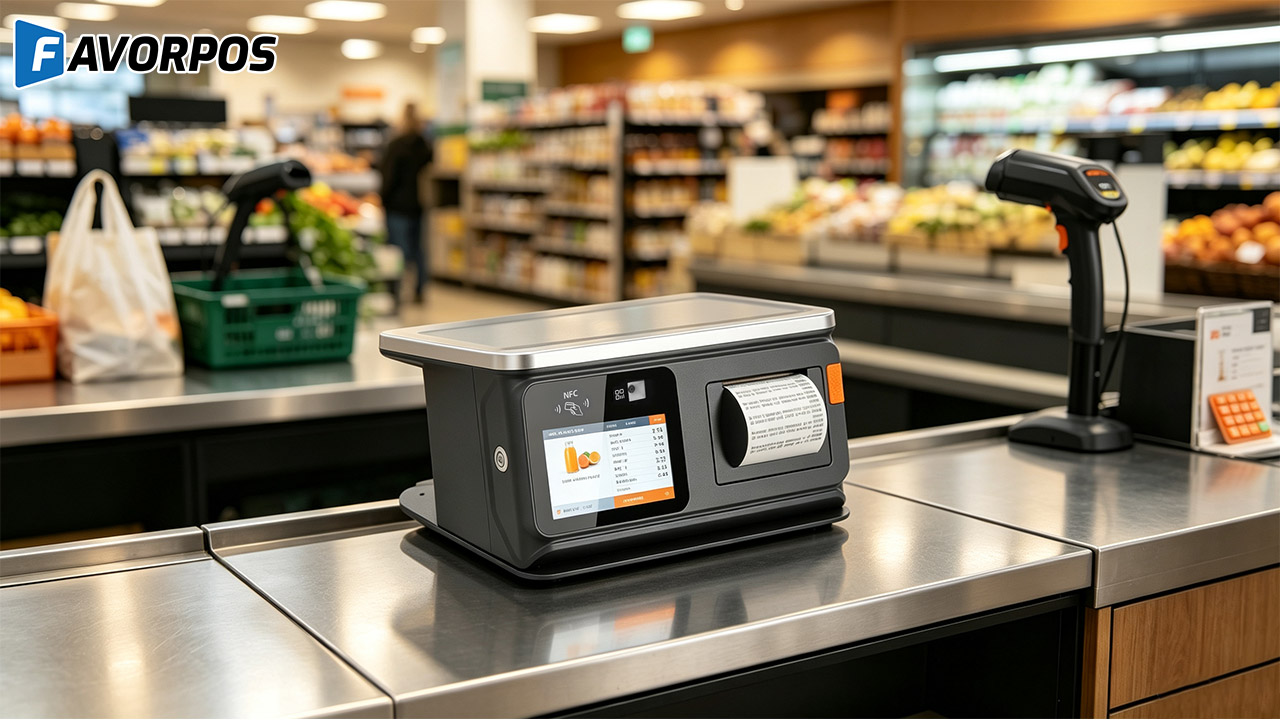
How Do the Screen, Scanner, Printer, Customer Display and NFC Work Together?
The configuration described in this article includes an 11.6-inch capacitive touchscreen and a 4.3-inch customer display. These two screens have different roles. The main display gives the cashier access to the POS application, while the customer display can present information supported by that application, such as transaction totals or confirmation messages.
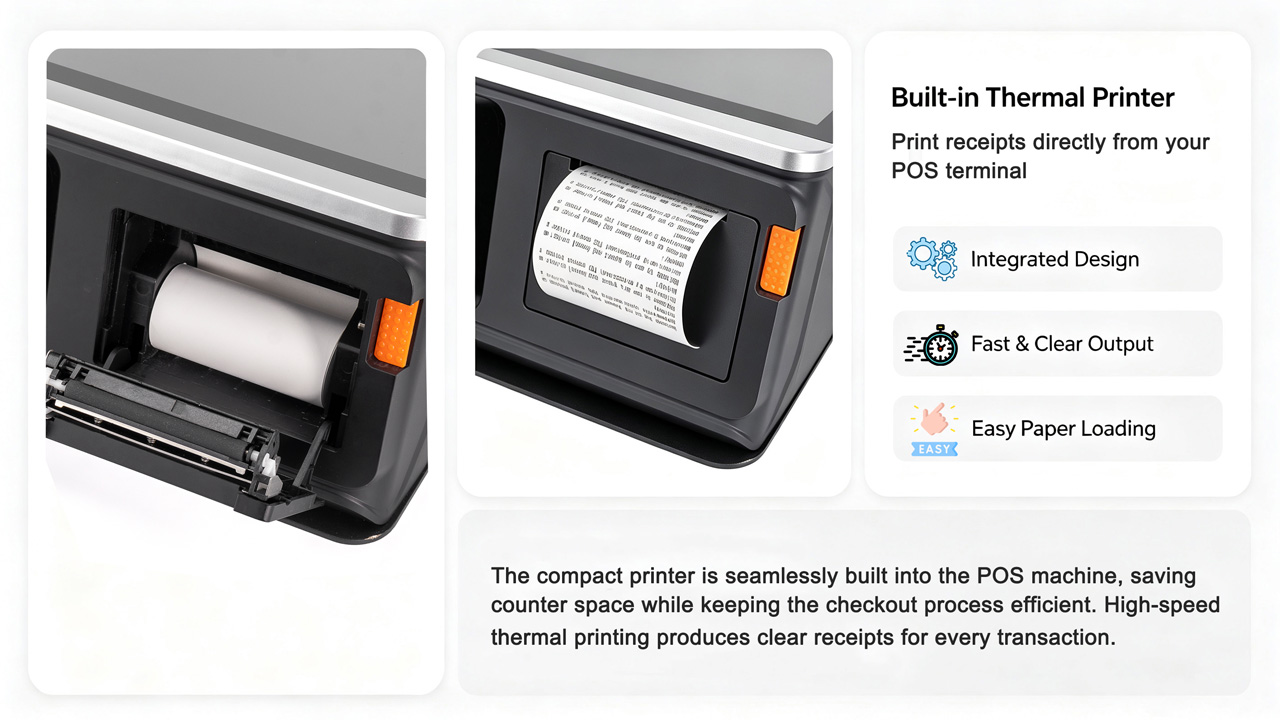
The barcode scanner and receipt printer address different stages of the transaction. Scanning can reduce the need to type product identifiers when the software and product database are configured correctly. The printer can produce a physical receipt when the application, printer driver and receipt format are compatible with the selected configuration.
That distinction matters to B2B buyers: integrated hardware reduces the number of separate devices to plan, but it does not remove the need to verify software and peripheral compatibility.
NFC requires particular care during configuration. NFC is a short-range communication technology, but the presence of NFC hardware alone does not establish that a terminal can accept every contactless payment method. A payment workflow may require compatible payment software, services, approved equipment or additional devices, depending on the intended market and arrangement.
Before treating NFC as part of a payment solution, buyers should establish what the module is expected to do, which application will use it and whether the complete payment setup meets the requirements of the intended deployment. The same principle applies if NFC will be used for an application other than payment.
This is why a product feature list should be treated as the starting point for configuration, not as proof that every advertised function will work with every software environment.
When Does an Integrated Terminal Make Sense for a Compact Counter?
An all-in-one terminal is particularly relevant when counter space is limited and the project calls for several checkout functions to be positioned around one cashier interface. Retail stores, convenience stores, cafés and specialty shops may all have that requirement, although the software and transaction workflow can differ substantially between them.
A more modular setup may still be appropriate when a business needs independently positioned peripherals, a different screen arrangement or a specific payment-device installation. Integration and modularity are design choices rather than universal measures of quality.
The best option depends on the actual work area. Buyers should consider where the cashier stands, where customers view transaction information, how products reach the scanner, how receipts are collected and where power and other connections can be routed. They should also consider whether staff can access and maintain the relevant parts without disrupting the counter.
| Configuration question | Why it matters |
|---|---|
| Is an 11.6-inch main screen suitable? | The POS application must remain usable during everyday transactions. |
| Is a separate customer display required? | The customer may need to see information without sharing the cashier’s screen. |
| Which items or codes will be scanned? | The scanner must suit the application and barcode requirements. |
| Are physical receipts needed? | Printer compatibility and receipt workflow should be confirmed. |
| What is NFC intended to do? | Payment and non-payment applications may require different arrangements. |
| Can the station be maintained easily? | Counter layout affects access to the terminal and peripherals. |
A compact integrated design is therefore useful when it fits a defined workflow and workspace. It should not be selected merely because it contains more components than another terminal.
What Should B2B Buyers Confirm Before Ordering?
Once the workflow and counter arrangement are clear, the final choice should be driven by software and project requirements.
The first decision is whether the intended application requires Android or Windows. The article’s configuration lists both as options, but that should not be interpreted as confirmation that one identical hardware specification or software package runs interchangeably on both operating systems. Buyers should verify the exact configuration offered for their selected OS.
Next, confirm how the POS application communicates with the integrated scanner, printer, customer display and NFC hardware. The required drivers, interface methods and supported functions should be checked against the actual application, not assumed from the presence of the components.
For projects involving contactless payment, the buyer should separately identify the payment workflow and the responsible payment-service or software provider. It is important to establish what the POS terminal itself provides and what must be supplied or approved elsewhere in the payment arrangement.
The physical configuration should then be reviewed with the supplier. Useful questions include how much counter space is available, where the customer display will face, how receipts will be collected, what connections are needed and whether the planned installation leaves sufficient access for maintenance.
Finally, the buyer can prepare a practical request for quotation rather than sending only a general request for an “11.6-inch POS price.” A useful RFQ should state the intended business application, required operating system, POS software, scanner requirements, printing needs, customer-display use, NFC purpose, peripheral requirements, installation constraints and any OEM or ODM requirements.
FAVORPOS provides POS-related hardware and offers OEM and ODM services. Buyers can review the related 11.6-inch all-in-one POS terminal for the product configuration, or browse the wider POS Systems category when comparing hardware types.
The central purchasing question is straightforward: which combination of hardware, software, peripherals and installation requirements supports the intended checkout workflow?
Frequently Asked Questions
What is an 11.6-inch all-in-one POS terminal?
It is a compact POS hardware configuration built around an 11.6-inch touchscreen and integrated checkout components. The particular configuration described here includes a customer display, barcode scanner, receipt printer and NFC hardware, with Android or Windows options. Buyers should confirm the final specification before ordering.
Does an integrated scanner and printer remove the need for software integration?
No. The POS application still needs to communicate correctly with the scanner, printer and any other required peripherals. Integrated components simplify hardware planning but do not guarantee compatibility with a particular software package.
What is the purpose of the 4.3-inch customer display?
It provides a separate customer-facing area for information supported by the POS application, such as transaction totals or confirmation messages. The exact content depends on the software configuration.
Does NFC mean the POS terminal can automatically accept contactless payments?
No. NFC hardware alone does not guarantee payment acceptance. The complete payment workflow depends on compatible software, payment services and any equipment or approval requirements applicable to the deployment.
Should a buyer choose Android or Windows?
The choice should follow the POS application and peripheral requirements. Buyers should confirm the exact operating-system configuration, driver support and integration needs before selecting the hardware.
What information should be included in an RFQ?
Include the business application, operating system, POS software, scanning and printing requirements, customer-display requirements, intended NFC use, additional peripherals, counter layout and any OEM or ODM needs.
Build the Checkout Station Around the Transaction
The value of an integrated POS terminal lies in how its components work together within a real business workflow.
An 11.6-inch touchscreen, customer display, scanner, printer and NFC module may fit a compact checkout station, but their usefulness depends on the application, compatibility and installation plan. Buyers who define those requirements first can compare configurations more clearly and ask more useful questions before placing an order.
Contact FAVORPOS with your intended checkout workflow and hardware requirements to discuss a suitable configuration.
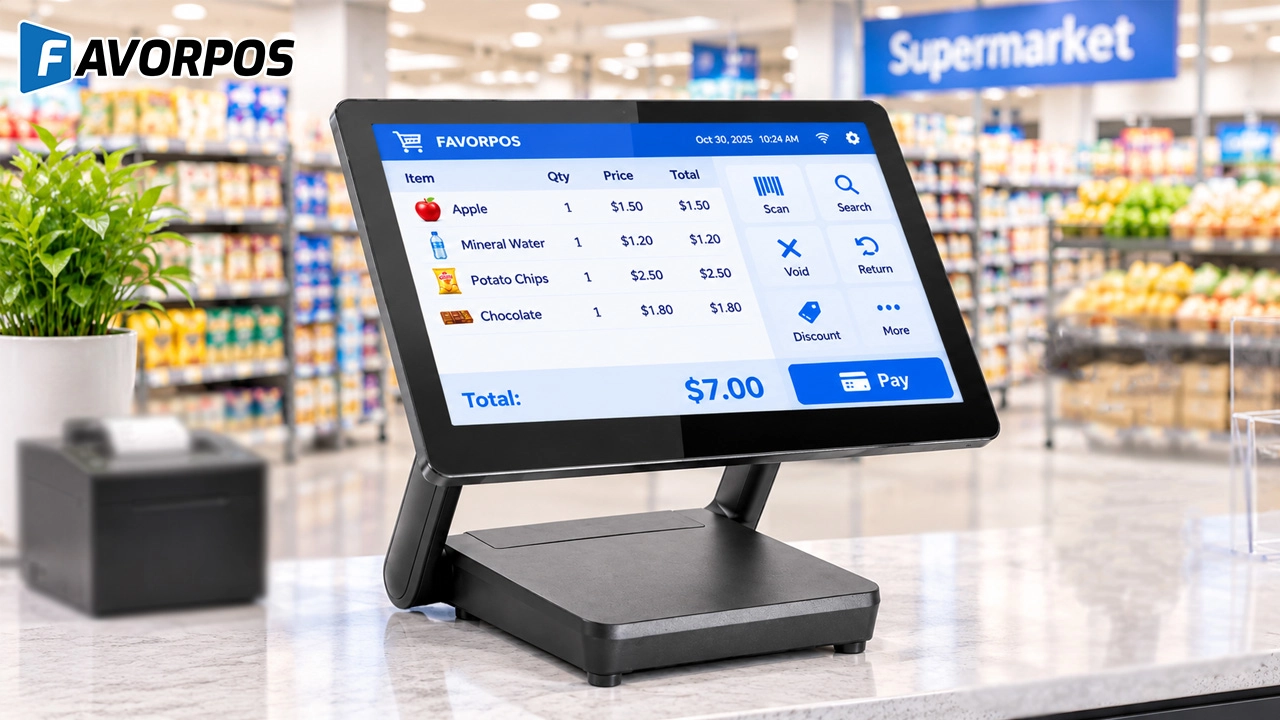
15.6-Inch Foldable POS: Counter-Space, Storage and Transport Planning
Single-Screen vs Dual-Screen POS: How to Choose for Retail Checkout
7-Inch Android Price Checker Deployment Guide: Wall, Desktop, Barcode and Cable Planning
15.6-Inch All-in-One Dual-Screen POS: Planning Printer, Scanner, NFC and OS Integration
8-Inch Price Checker for Retail and Software-Based Check-In Workflows
For Hotels
Does your POS system support room service billing?
Absolutely, our system allows guests to charge services such as food and beverage, spa treatments, etc. directly to the room account, and all charges will be settled at the time of checkout.
For Government and Public
What reporting and analysis capabilities does the system provide?
Our system provides detailed financial reports, usage insights and other analytical features to help you track performance, optimize resource allocation and improve service delivery.
For Restaurants & Cafes
How is the installation and training of the POS system carried out?
We provide comprehensive installation and training services. Our technical team will assist you in completing the installation of the POS machine and provide detailed operation training for your staff. In addition, we also provide online training resources and operation manuals to help your team get started quickly.
For Solutions Retail
How long is the warranty period of the equipment?
We provide a standard warranty period of at least one year, and the specific time can be agreed upon according to the terms of the contract.
For Entertainment & Events
Does the system support the management of multiple venues or locations?
Yes, our system supports multi-location management, allowing you to monitor and manage sales and inventory for all venues from a centralized dashboard.
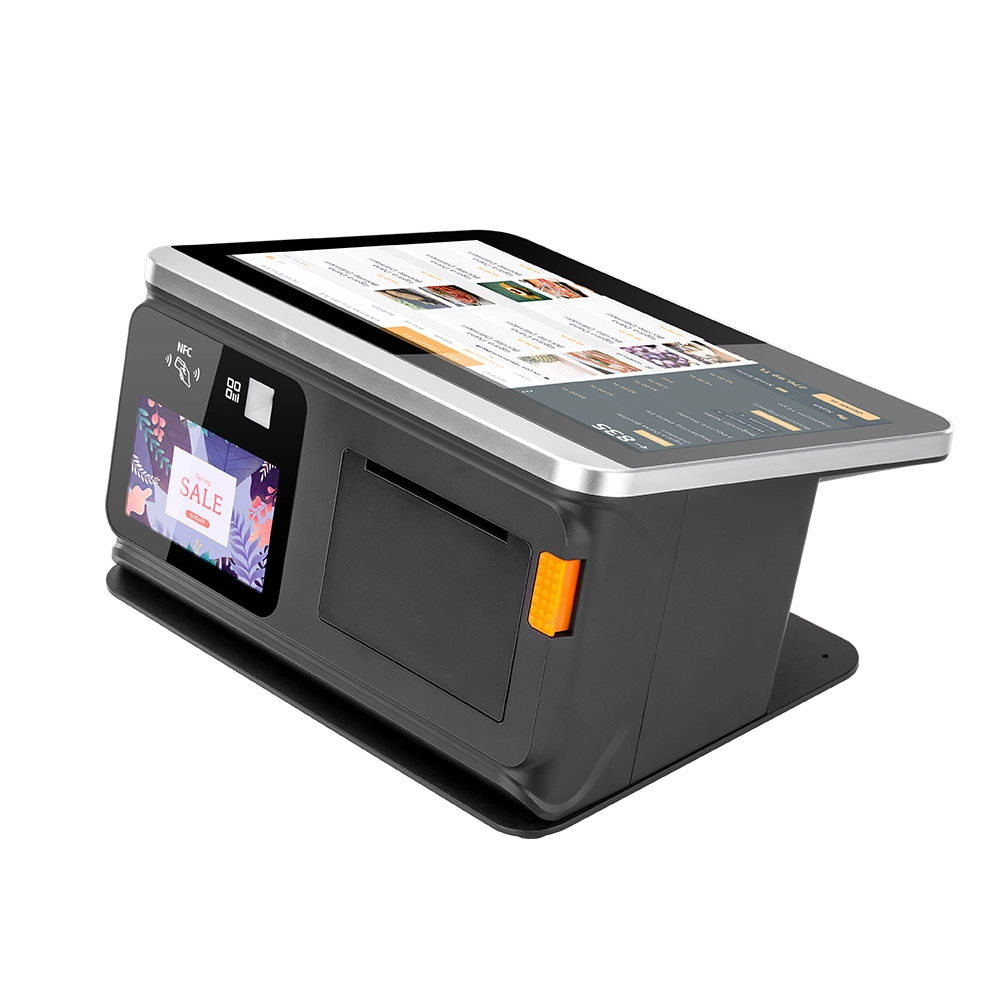
All in One POS Terminal Metal 11.6'' Touchscreen Android Windows with Printer
The All-in-One POS Terminal features an 11.6'' touchscreen display, compatible with both Android and Windows. This metal-constructed terminal combines durability with style, making it a perfect fit for any retail or hospitality environment. Equipped with a built-in printer, it streamlines transactions by allowing for instant receipt printing.
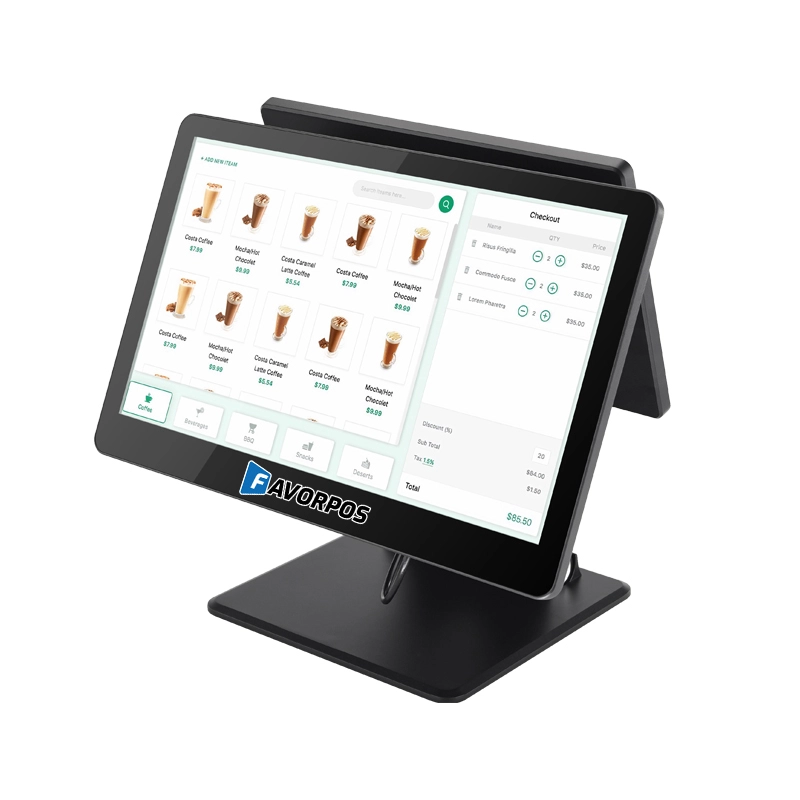
Dual Screen Thin Screen POS Systems Point of Sales Systems Manufacturer
FAVORPOS dual screen POS terminals deliver fast, reliable checkout performance for retail and hospitality businesses. Built by our commercial pos terminal manufacturer, these thin-profile systems streamline transactions while maximizing counter space—trusted by checkout pos systems factory operations worldwide.
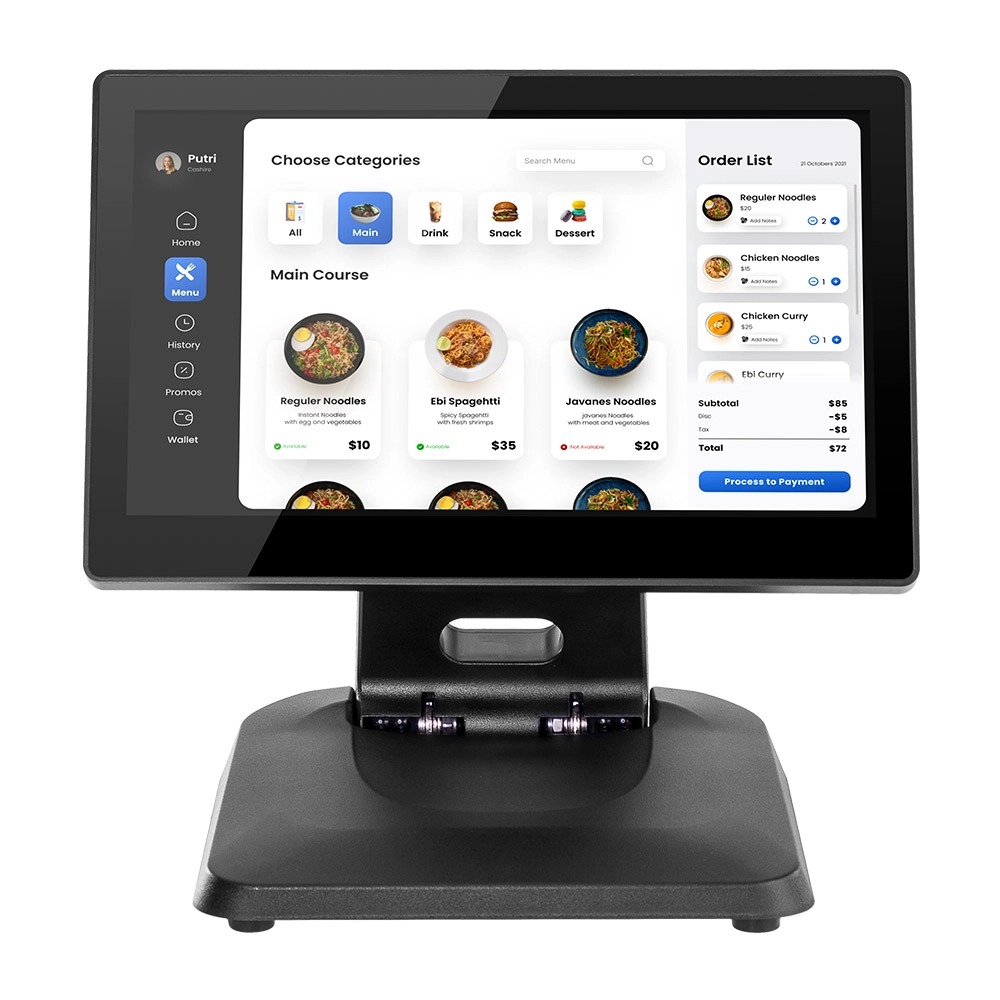
Factory 11.6'' Touch Screen POS Terminal Android Windows
The Factory 11.6'' Touch Screen POS Terminal is a versatile solution that supports both Android and Windows operating systems. Designed for durability and efficiency, this terminal is perfect for various retail environments. Its compact size and responsive touch screen enhance customer interactions, making transactions quick and seamless.

Aluminum Dual Screen Pos Terminal Pos Systems 15.6 inch Touchscreen Pos
FAVORPOS Aluminum Dual Screen POS Terminal features a 15.6-inch touchscreen, ideal for seamless transactions. As a trusted OEM Windows POS manufacturer, we deliver durable, high-performance solutions tailored for retail and hospitality businesses.
Get in touch
Interested in becoming a POS system dealer? Contact us for more information and start the process of joining our dealer network.
We look forward to working with you to expand the market together.


Copyright © 2025 Favorpos All Rights Reserved.
