
How a 15.6 + 11.6-Inch Dual-Screen POS Improves Retail Checkout
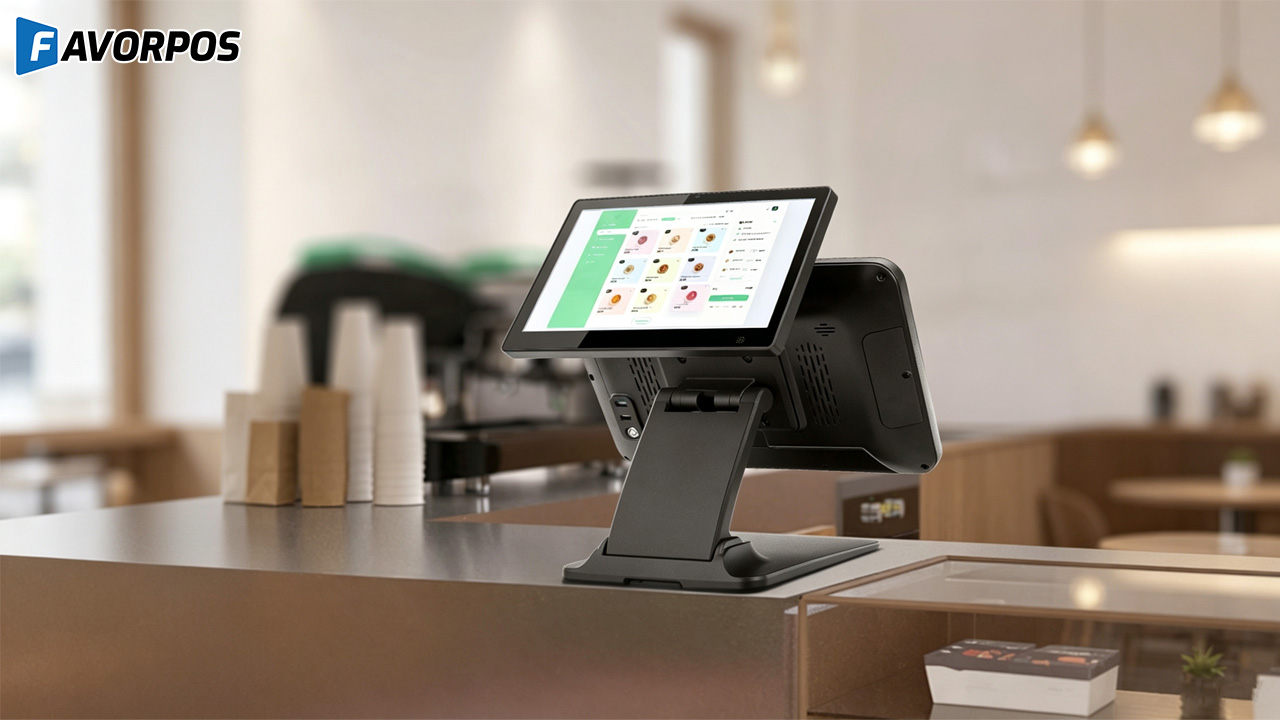
A 15.6 + 11.6-inch dual-screen POS terminal separates the cashier workflow from the customer-facing experience. With a 15.6-inch staff touchscreen, an 11.6-inch secondary display, Windows compatibility, adjustable viewing angles, and an aluminum-alloy structure, this configuration can support clearer order confirmation and more flexible retail checkout layouts.
- Quick Answer
- Key Takeaways
- What Does a Dual-Screen POS Change at the Checkout Counter?
- How Do the 15.6-Inch and 11.6-Inch Displays Divide the Workflow?
- 15.6-Inch Main Touchscreen for Staff
- 11.6-Inch Customer-Facing Display
- How Can a Customer Display Improve Order Transparency?
- Can the Second Screen Also Be Used for Promotions?
- Why Does Adjustable Screen Positioning Matter?
- What Does the Aluminum-Alloy Structure Contribute?
- Why Is Windows Compatibility Important?
- Single-Screen vs Dual-Screen POS: Which Configuration Makes Sense?
- What Should B2B Buyers Confirm Before Selecting a Dual-Screen POS?
- Who Is This Dual-Screen POS Configuration Suitable For?
- Frequently Asked Questions
- What screen sizes does this dual-screen POS terminal use?
- What can the 11.6-inch customer display show?
- Can the POS terminal operate with only one screen?
- Does this POS terminal support Windows?
- Can the display angle be adjusted?
- What should a buyer confirm before choosing a dual-screen POS?
- Plan Your POS Configuration
Quick Answer
A 15.6 + 11.6-inch dual-screen POS system gives staff a dedicated touchscreen for operating POS software while providing customers with a separate display for order details, prices, payment information, or promotional content supported by the POS software.
For retailers comparing single-screen and dual-screen checkout hardware, the main question is not simply whether two screens look better. The more useful question is whether a separate customer-facing display improves the way staff and customers exchange information during checkout.
Key Takeaways
- The 15.6-inch main touchscreen gives employees a dedicated working area for POS software and order entry.
- The 11.6-inch secondary display can present customer-facing information, depending on the software configuration.
- A second screen can help customers visually check items, quantities, prices, and payment information.
- Adjustable screen positioning can make the terminal easier to fit into different counter layouts.
- Aluminum-alloy construction provides a solid structure for commercial countertop use.
- Windows compatibility gives businesses access to Windows-based POS software options.
- The terminal can also be used in a single-screen configuration when a second display is not required.
What Does a Dual-Screen POS Change at the Checkout Counter?
A conventional single-screen POS places most transaction information in front of the cashier. A dual-screen configuration separates the employee interface from the customer-facing view.
The employee can use the main touchscreen to manage products, orders, prices, payment information, and other functions provided by the POS software. At the same time, the secondary display can show information intended for the customer.
This separation can be useful in retail stores, cafés, bakeries, dessert shops, convenience stores, and other businesses where customers benefit from seeing transaction information while an order is being prepared.
Rather than treating the second display as an extra monitor, buyers should consider it part of the overall checkout workflow.
How Do the 15.6-Inch and 11.6-Inch Displays Divide the Workflow?
15.6-Inch Main Touchscreen for Staff
The 15.6-inch touchscreen serves as the primary working display.
A larger interface can be useful when POS software needs to show multiple products, menu categories, modifiers, order details, or payment functions. For example, a café employee may need to select drinks, sizes, additions, and other options during one transaction.
The benefit depends partly on the POS software interface, but additional display space can give staff more room to work without relying on a very compact screen layout.
11.6-Inch Customer-Facing Display
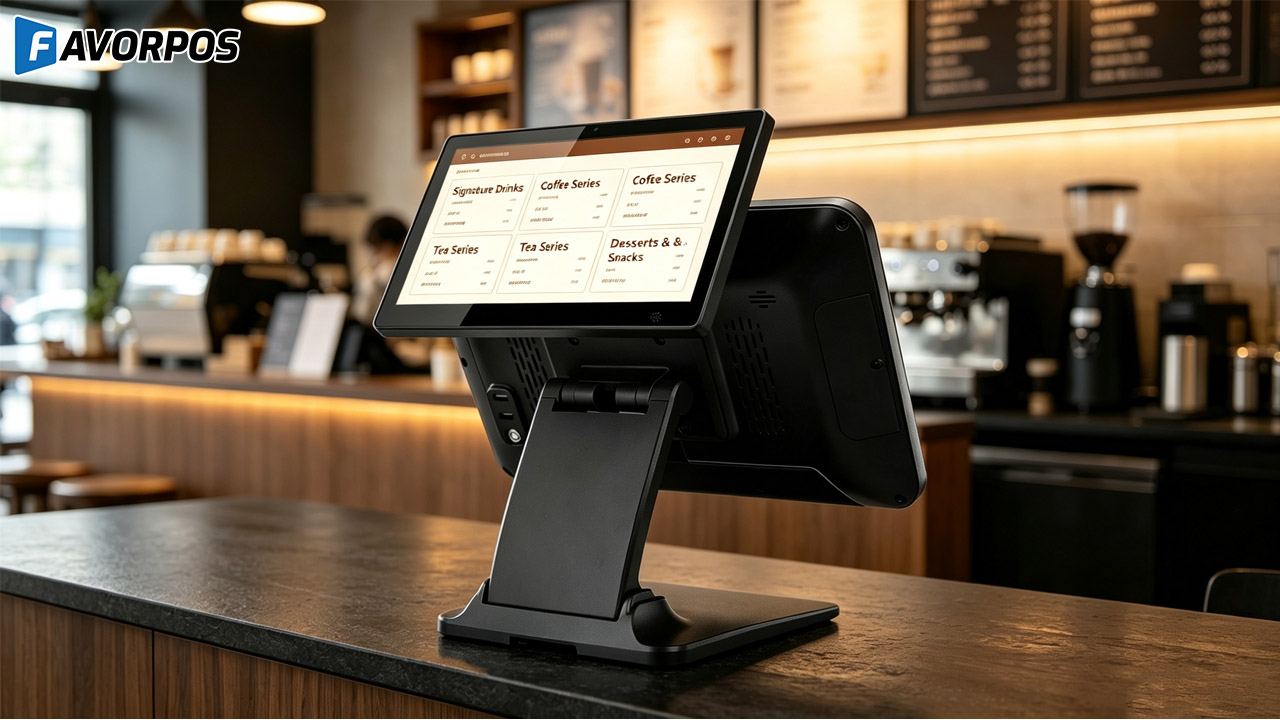
The 11.6-inch secondary screen is designed for information that customers need to see.
Depending on the POS software and configuration, it may display:
- purchased items;
- quantities;
- prices;
- order totals;
- payment information;
- product information;
- membership messages;
- promotional content.
This allows the customer to follow the transaction visually instead of depending entirely on verbal confirmation from the cashier.
How Can a Customer Display Improve Order Transparency?
One practical purpose of a customer-facing screen is order confirmation.
If a customer orders several products, the secondary display can allow them to review the transaction while it is being entered. This can be particularly useful where orders include multiple products, sizes, flavors, options, or quantities.
The display does not replace good staff communication, but it can provide another way for customers to verify transaction information before payment.
For buyers evaluating a dual-screen POS, useful questions include:
- What information can the secondary display show?
- Can the display content be controlled through the POS software?
- Can customers see order changes in real time?
- Can the display switch between transaction information and promotional content?
- Does the intended POS application support the secondary screen correctly?
These software-related functions should be confirmed before deployment.
Can the Second Screen Also Be Used for Promotions?
Potentially, yes.
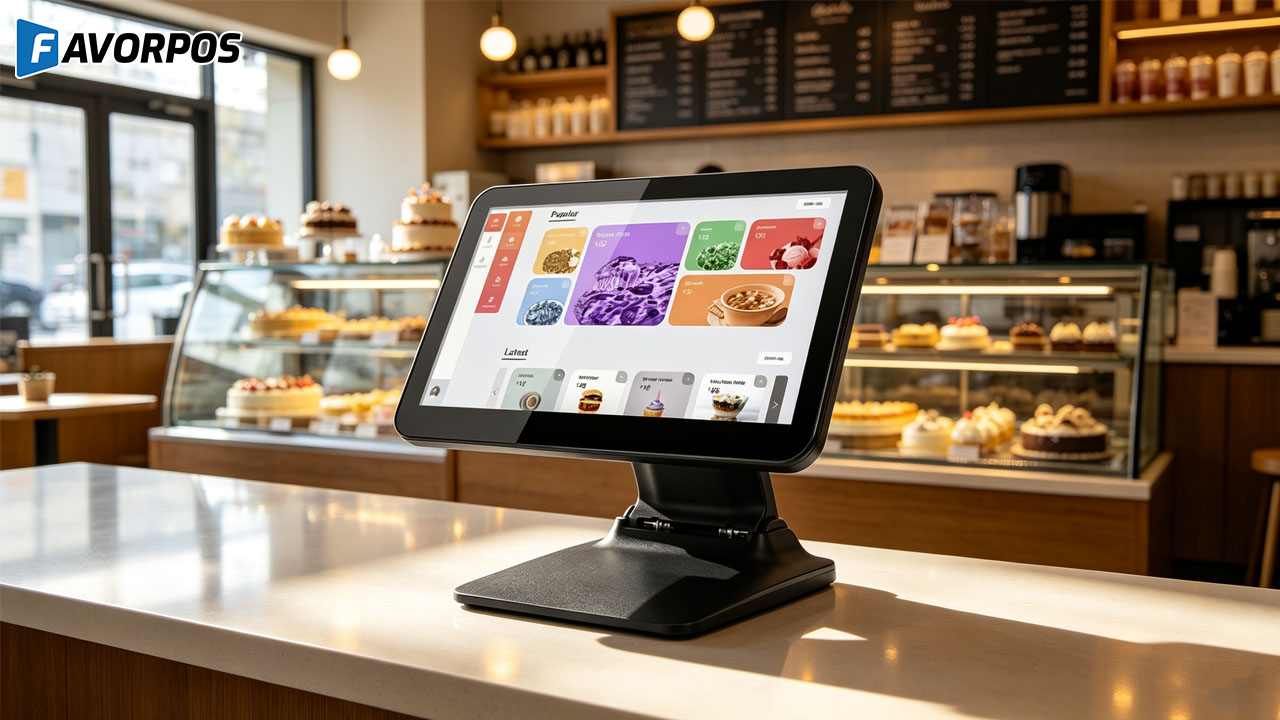
When supported by the POS software, a customer-facing screen may also display promotional information when it is not being used for transaction confirmation.
Possible uses include:
| Retail situation | Possible display content |
|---|---|
| Café or dessert shop | New products or seasonal items |
| Convenience store | Current promotions |
| Specialty retail | Featured products or collections |
| Membership program | Membership or loyalty information |
| Checkout | Order details and transaction totals |
The exact content available depends on the software being used. Buyers should therefore evaluate the display hardware and POS software as one combined checkout system rather than assuming every application supports the same customer-screen functions.
Why Does Adjustable Screen Positioning Matter?
Checkout counters vary considerably in height, depth, available space, and customer position.
An adjustable display allows the viewing angle to be changed according to the counter environment. This can make the staff touchscreen easier to position while helping keep the customer-facing display visible from the opposite side of the counter.
For businesses planning a new checkout station, buyers should consider:
- available counter depth;
- cashier viewing angle;
- customer viewing position;
- cable routing;
- nearby peripherals;
- available working space.
Screen flexibility is therefore not only a design feature. It can also affect how easily the POS terminal fits into the physical checkout layout.
What Does the Aluminum-Alloy Structure Contribute?
A countertop POS terminal may remain in operation for long periods and is regularly touched, adjusted, and used alongside other retail hardware.
The aluminum-alloy construction of this POS terminal provides a solid chassis and a professional appearance suitable for commercial environments.
When comparing POS hardware, construction material should still be considered together with other purchasing factors such as the intended operating environment, software requirements, peripheral compatibility, maintenance needs, and counter design.
Why Is Windows Compatibility Important?
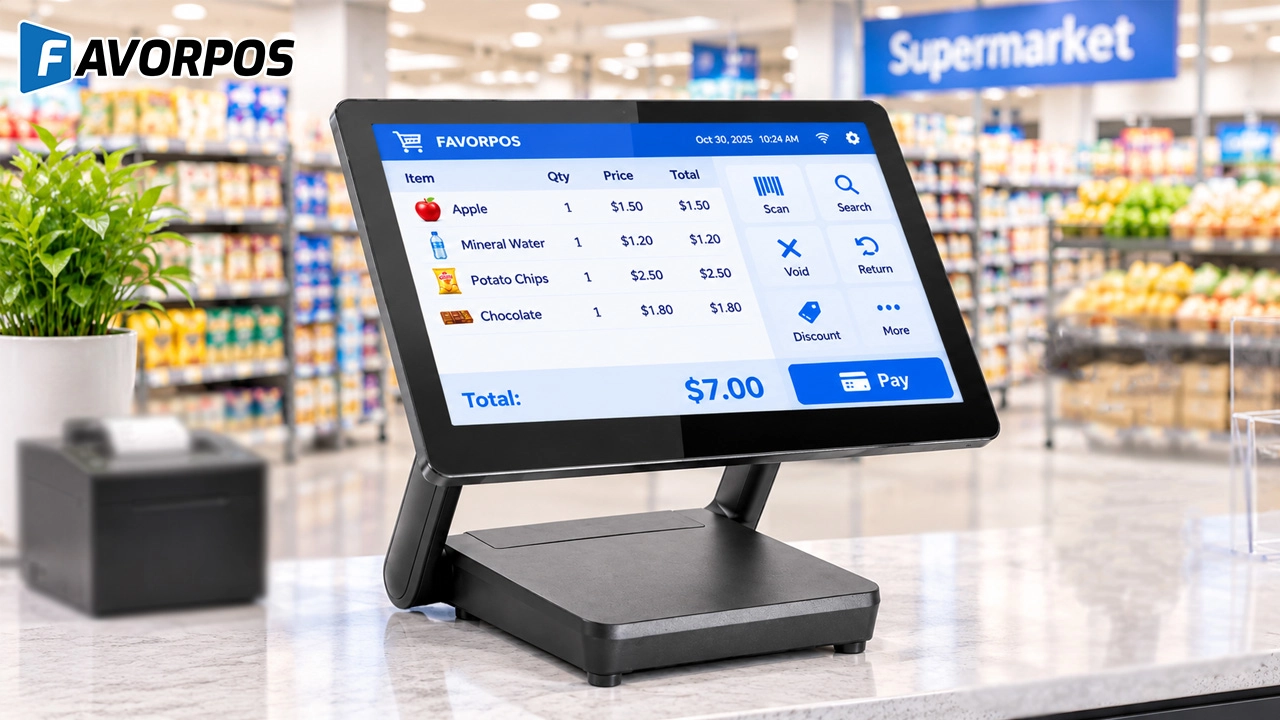
This POS terminal supports Windows, allowing businesses to use compatible Windows-based POS applications.
For companies that already operate Windows software, this may make the terminal easier to evaluate as part of an existing technology environment.
However, operating-system compatibility alone does not confirm that every POS application or peripheral will work with a particular hardware configuration.
Before purchasing or deploying a Windows POS terminal, buyers should confirm:
- POS software compatibility;
- required operating-system version;
- secondary-display support;
- peripheral requirements;
- required interfaces and connections;
- installation and configuration requirements.
These checks help ensure that the hardware specification matches the planned POS workflow.
Single-Screen vs Dual-Screen POS: Which Configuration Makes Sense?
A second screen is useful only when the business has a clear purpose for it.
| Requirement | Single Screen | Dual Screen |
|---|---|---|
| Staff POS operation | Suitable | Suitable |
| Customer order visibility | Limited | Better suited |
| Customer-facing information | Limited | Supported through secondary display |
| Promotional display opportunity | Limited | Possible with compatible software |
| Simple counter setup | Often suitable | Requires additional display space |
| Flexible customer interaction | Basic | More options |
A small shop with a straightforward checkout process may not require a permanent customer display.
A business that wants customers to review order information or view customer-facing content may benefit more from a dual-screen configuration.
Because this terminal can also operate in a single-screen configuration, businesses can select the setup according to the intended checkout environment.
What Should B2B Buyers Confirm Before Selecting a Dual-Screen POS?
Hardware selection should be based on the complete deployment requirement rather than screen size alone.
Before requesting a configuration, prepare the following information:
- business type and checkout scenario;
- required POS software;
- preferred operating system;
- whether a customer-facing display is required;
- required peripherals;
- counter dimensions and installation constraints;
- expected transaction workflow;
- required hardware configuration;
- OEM or ODM requirements, if applicable.
FAVORPOS provides POS systems and related hardware solutions for retail, catering, supermarkets, and other business environments, and its company profile confirms that OEM and ODM services are available.
For the specific dual-screen hardware discussed here, buyers can review the Aluminum Dual Screen POS Terminal.
For other terminal configurations, explore FAVORPOS POS Systems.
Who Is This Dual-Screen POS Configuration Suitable For?
A 15.6-inch main touchscreen with an 11.6-inch customer display can be relevant where both employee operation and customer-facing information are important.
Potential environments include:
- dessert shops;
- cafés;
- bakeries;
- convenience stores;
- specialty retail;
- general retail counters;
- selected hospitality checkout environments.
Suitability should ultimately be determined by the software, required peripherals, available counter space, and the way customers interact with the checkout process.
Frequently Asked Questions
What screen sizes does this dual-screen POS terminal use?
It uses a 15.6-inch touchscreen as the main staff display and an 11.6-inch secondary customer-facing display.
What can the 11.6-inch customer display show?
Depending on the POS software, it can display order details, prices, quantities, payment information, product information, or promotional content.
Can the POS terminal operate with only one screen?
Yes. The current article information states that the terminal can also be used in a single-screen configuration when a customer-facing display is not required.
Does this POS terminal support Windows?
Yes. The terminal supports Windows-based operation. Buyers should still confirm compatibility with their intended POS software and peripherals before deployment.
Can the display angle be adjusted?
Yes. The screen position can be adjusted to suit different viewing requirements and counter layouts.
What should a buyer confirm before choosing a dual-screen POS?
Confirm the intended POS software, operating system, secondary-display requirements, peripheral compatibility, counter layout, installation conditions, and required configuration.
Plan Your POS Configuration
The value of a dual-screen POS depends on how well the hardware matches the checkout workflow.
If your project requires a 15.6-inch staff touchscreen, a customer-facing secondary display, Windows compatibility, or a specific retail POS configuration, prepare your software, peripheral, counter-layout, and application requirements before requesting a configuration review.
Contact FAVORPOS to discuss the POS configuration required for your project.
15.6-Inch Foldable POS: Counter-Space, Storage and Transport Planning
Single-Screen vs Dual-Screen POS: How to Choose for Retail Checkout
7-Inch Android Price Checker Deployment Guide: Wall, Desktop, Barcode and Cable Planning
15.6-Inch All-in-One Dual-Screen POS: Planning Printer, Scanner, NFC and OS Integration
8-Inch Price Checker for Retail and Software-Based Check-In Workflows
For Healthcare
What support is available after installing healthcare POS hardware?
Contact FAVORPOS with your device model and issue details to discuss available technical assistance, product documentation and troubleshooting options. Warranty, repair, firmware updates and training arrangements should be confirmed according to the selected product and applicable service terms.
How long does it take to set up POS hardware for a healthcare project?
Setup time depends on the selected hardware, configuration, software compatibility and project requirements. Contact FAVORPOS to confirm model-specific hardware information and available support. Any medical software integration or deployment schedule should also be discussed with the relevant software provider.
For OEM
What is the minimum order quantity for customizing POS machines?
The minimum order quantity (MOQ) usually depends on the specific customization requirements and production scale. We recommend that you contact our sales representative to discuss your project requirements so that we can provide the most suitable production plan and MOQ.
For Bakeries
Does the system provide real-time sales reports?
Yes, our system provides real-time reporting and analytics to help you monitor performance, track inventory, and optimize sales strategies.
For Grocery and Supermarkets
Can I manage multiple stores with your POS system?
Yes, our POS solution provides multi-store management capabilities, allowing you to control pricing, inventory, and promotions for all stores from a single platform.
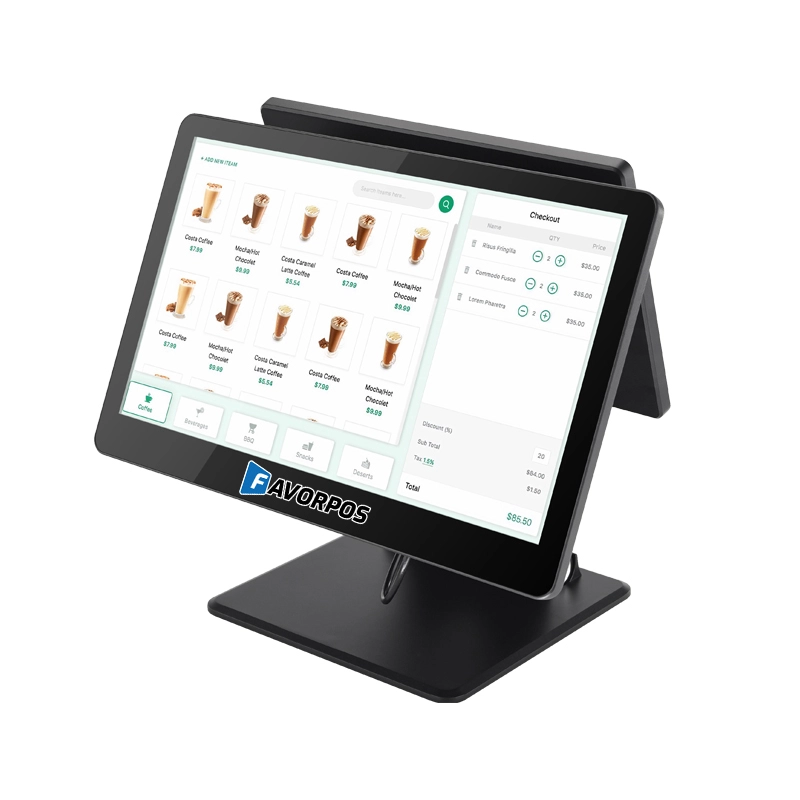
Dual Screen Thin Screen POS Systems Point of Sales Systems Manufacturer
FAVORPOS dual screen POS terminals deliver fast, reliable checkout performance for retail and hospitality businesses. Built by our commercial pos terminal manufacturer, these thin-profile systems streamline transactions while maximizing counter space—trusted by checkout pos systems factory operations worldwide.
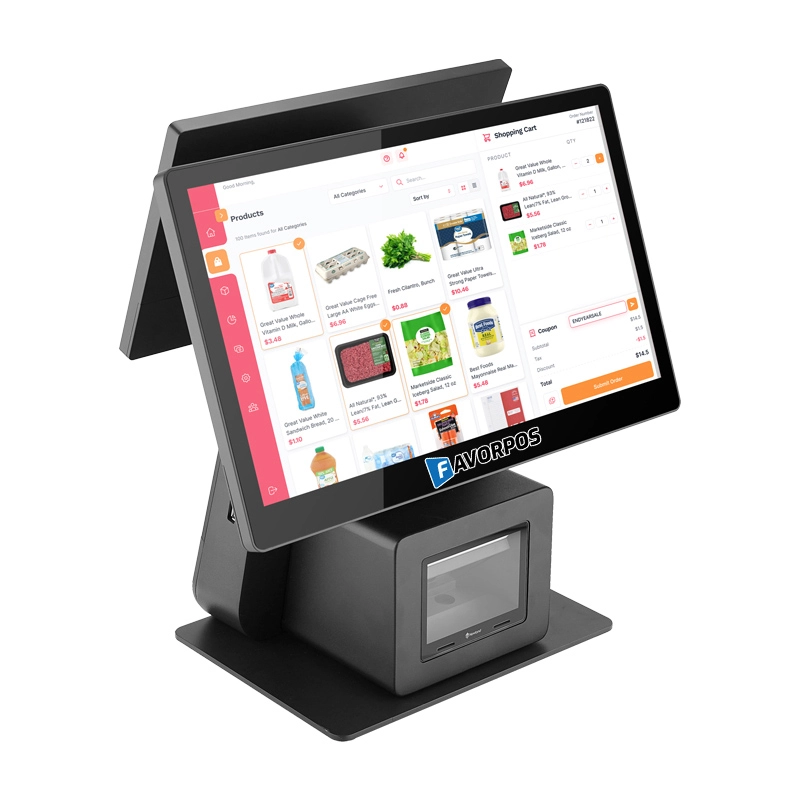
Dual Screen POS With Barcode Scanner Desktop POS Manufacturer POS Factory 15.6 11.6 Client Screen Optional
FAVORPOS: Your leading dual screen POS factory and manufacturer. Our desktop POS with barcode scanner offers 15.6/11.6 client screen options and OS flexibility. Get reliable, efficient dual screen POS with barcode scanner solutions directly from us.
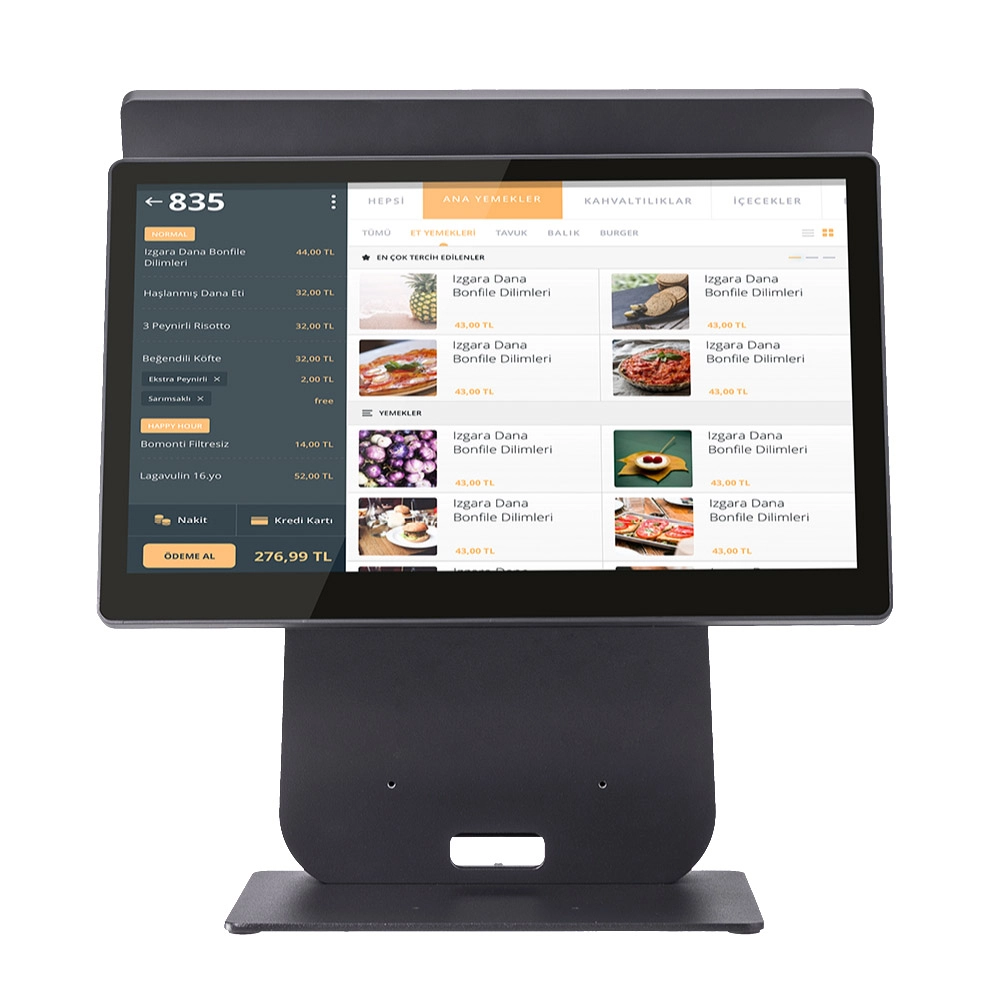
HD Dual Screen POS Machine Aluminum Hardware Android Windows Supplier
This dual-screen POS machine supports both Android and Windows systems, providing flexibility for various applications. The dual screens enhance customer interaction and streamline the checkout process, making transactions quicker and more engaging. Perfect for modern businesses looking to elevate their service and improve customer satisfaction, this POS machine is your ultimate partner in success!

New Dual Touch Screen Pos Factory Aluminum Adjustable Screen Pos Machine Manufacturer
This new-generation POS terminal features a durable aluminum alloy body and a flexible dual-screen design. The customer-facing secondary display can be adjusted vertically and horizontally to achieve the ideal viewing angle, with multiple screen size options available to meet different retail needs. Powered by either Windows or Android operating systems, the system offers strong compatibility with various POS software solutions. With its modern design, stable performance, and adaptable configuration, this POS machine is well suited for supermarkets, specialty retail stores, and other high-traffic commercial environments.
Get in touch
Interested in becoming a POS system dealer? Contact us for more information and start the process of joining our dealer network.
We look forward to working with you to expand the market together.


Copyright © 2025 Favorpos All Rights Reserved.
