
15.6-Inch All-in-One Dual-Screen POS: Planning Printer, Scanner, NFC and OS Integration
A 15.6-inch dual-screen all-in-one POS can combine cashier and customer displays with an integrated receipt printer, barcode scanner and NFC hardware. For B2B buyers, the key is to confirm how the POS software, operating system, peripherals and counter layout work together before selecting the final configuration.
- Why Should Buyers Treat the POS as One Integrated Checkout Workstation?
- How Should the Dual Screens, Barcode Scanner and Printer Work Together?
- What Role Does NFC Play in an All-in-One POS Configuration?
- How Should Buyers Choose Between Windows and Android?
- When Does an Integrated POS Workstation Make Sense?
- What Should B2B Buyers Confirm Before Ordering?
- Frequently Asked Questions
- What is a dual-screen all-in-one POS system?
- Does the integrated scanner support 1D and 2D codes?
- Does built-in NFC mean the POS automatically supports contactless payment?
- Can buyers choose Windows or Android?
- What is the purpose of the secondary display?
- Is an integrated POS always better than a modular POS setup?
- What should buyers prepare before requesting a quotation?
- Plan the Checkout Workflow Before Selecting the Hardware
A 15.6-inch dual-screen POS terminal can bring several checkout components into one counter-based hardware configuration. The setup described here combines an adjustable touchscreen system with an integrated thermal receipt printer, 1D and 2D barcode scanning, NFC hardware, and Windows or Android operating-system options.
For B2B buyers, however, the important question is not how many components can be built into one terminal.
The more useful question is: How should the screen layout, POS software, scanner, printer, NFC function and operating system work together within the intended checkout workflow?
A practical configuration sequence is:
Define the transaction workflow → confirm the POS software → select the operating system → verify scanner, printer and NFC requirements → plan the counter layout → confirm the final hardware configuration.
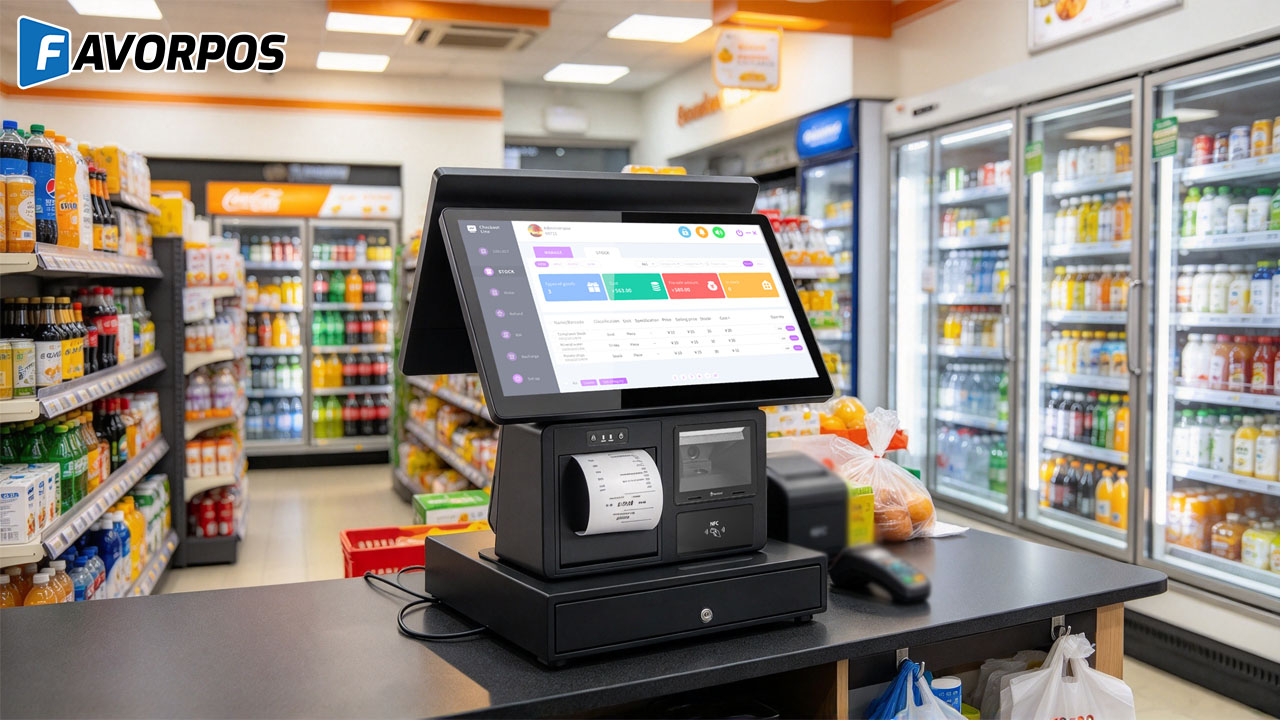
Why Should Buyers Treat the POS as One Integrated Checkout Workstation?
A checkout counter combines several connected tasks. Staff need to operate the POS application, products or orders need to be identified, customers may need to see transaction information, and a receipt may need to be produced when the sale is completed.
In a modular setup, these functions may involve several separately positioned devices.
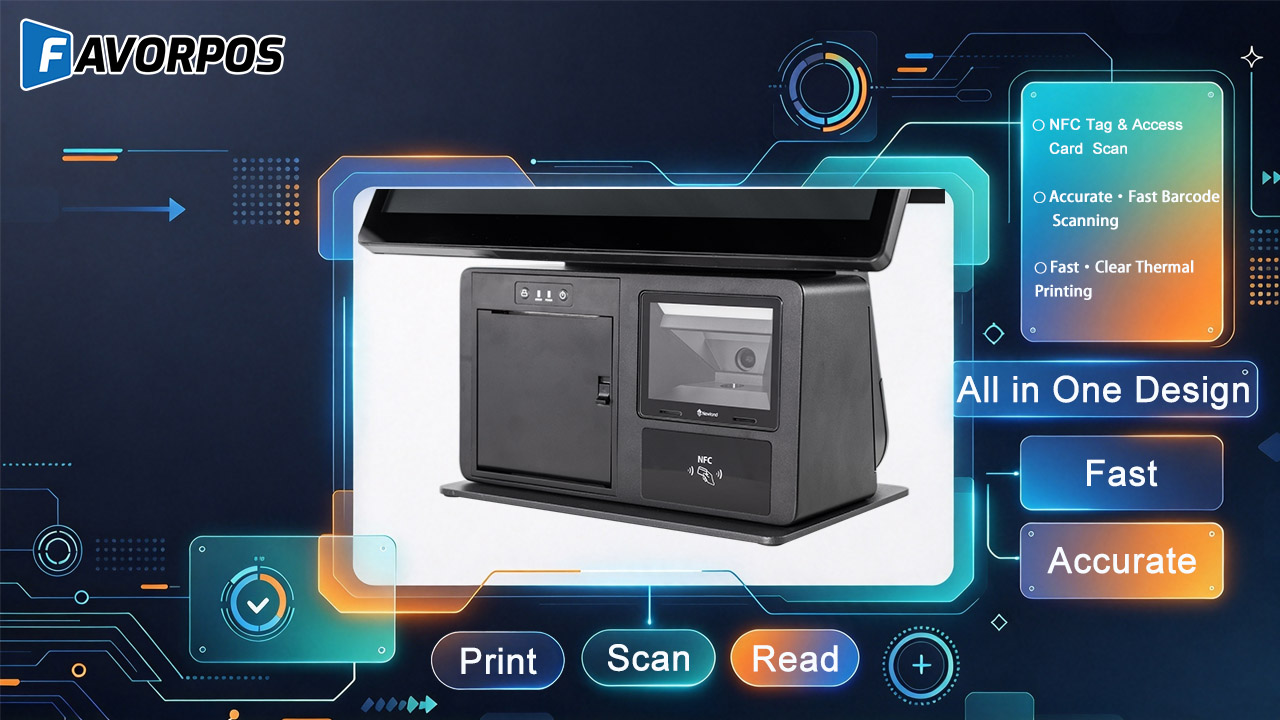
An all-in-one POS terminal can bring several hardware components around one primary workstation. The configuration discussed here combines dual displays with an integrated barcode scanner, thermal receipt printer and NFC hardware.
The benefit of this arrangement is not simply that more components are built into one enclosure. Its real value depends on whether those components support the actual transaction process.
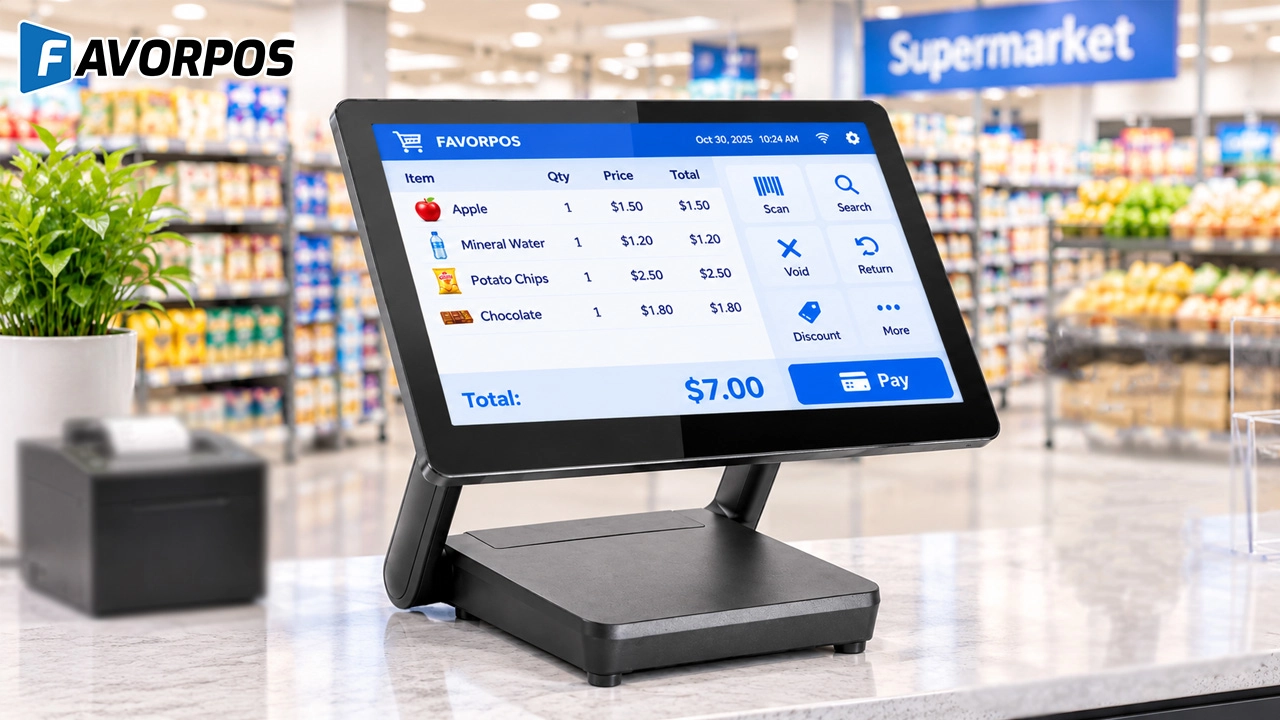
For example, the main touchscreen may provide the cashier interface for compatible POS software. A customer-facing screen can present supported transaction information. The scanner can identify a barcode or QR code used by the application, while the printer can produce a receipt when the software, drivers and receipt format are configured correctly.
Each component therefore belongs to one connected checkout workflow.
Integrated hardware can simplify counter planning, but it does not remove the need to verify software, driver and peripheral compatibility.
How Should the Dual Screens, Barcode Scanner and Printer Work Together?
The dual-screen arrangement separates the employee-facing interface from the customer-facing view.
The main touchscreen can be used by staff to operate compatible POS software. The secondary display can show information intended for customers when that function is supported by the application.
Depending on the software configuration, the customer-facing screen may display transaction totals, product information, order information or other supported content.
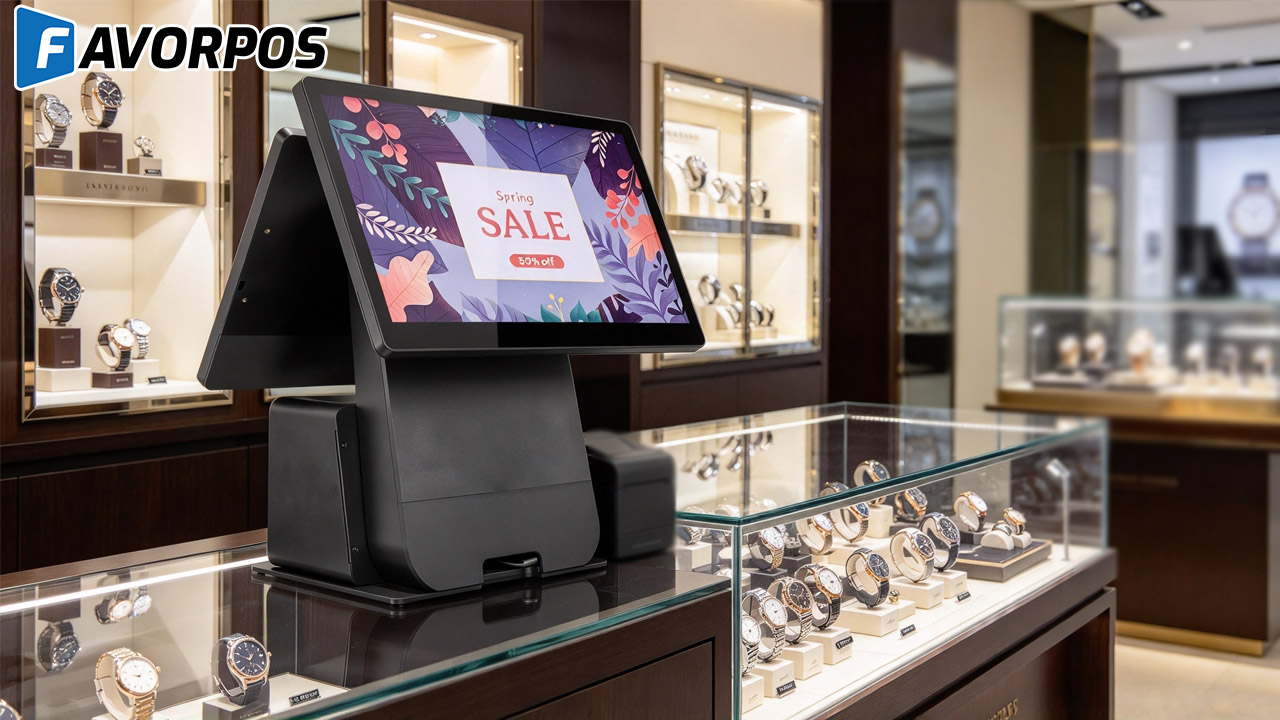
The adjustable display design also gives buyers more flexibility when planning how the terminal will sit on the checkout counter. The actual screen angle should be selected according to the cashier position, customer viewing position and surrounding equipment rather than assuming one angle is suitable for every installation.
The barcode scanner supports another part of the workflow. The current product information states that the configuration supports 1D barcodes and 2D QR codes. In a retail application, scanning may allow the POS software to identify a product or another record linked to its database.
The integrated thermal printer serves the final documentation stage of the transaction when a physical receipt is required.
Whether the printer works as intended still depends on the POS application, compatible drivers and the final configuration.
Scanner and printer integration should therefore be evaluated together with the software instead of being treated as isolated product features.
What Role Does NFC Play in an All-in-One POS Configuration?
NFC should be evaluated according to the task the project expects it to perform.
The current configuration includes NFC hardware that can support compatible NFC-related applications.
However, the presence of NFC hardware alone does not establish that the POS terminal can automatically accept every form of contactless payment.
A complete payment workflow may depend on compatible payment software, a payment-service provider, approved payment equipment, regional requirements or an external payment device. Those requirements are separate from the simple presence of an NFC module.
For this reason, a buyer should first define the intended NFC workflow.
If NFC is expected to participate in a payment process, the buyer should identify which payment application and service will be used and confirm what additional equipment or approval requirements apply. If NFC will be used for another compatible application, the same principle applies: the software must support the intended function.
The useful purchasing question is therefore not simply “Does the POS have NFC?” It is: What does the POS software need the NFC hardware to do?
How Should Buyers Choose Between Windows and Android?
The configuration described here offers Windows or Android options.
The operating system should be selected after the POS application has been identified.
Buyers should confirm which operating system the software supports, which drivers are required for the scanner and printer, how the secondary display is handled by the application, whether NFC integration requires a particular environment and what additional peripherals must communicate with the terminal.
Windows and Android should therefore not be treated as interchangeable labels on the same specification.
A project using Android software may have different driver, peripheral and application requirements from a project built around Windows.
The operating system is part of the complete deployment architecture. This is also why the final hardware configuration should be confirmed only after the intended software environment is known.
When Does an Integrated POS Workstation Make Sense?
An integrated configuration is particularly relevant when several checkout functions need to be positioned around one main terminal and counter space needs to be planned carefully.
A retail workstation may need staff access to POS software, a customer-facing display, barcode or QR-code scanning, receipt printing, NFC-related functionality and communication with additional payment or peripheral equipment.
Bringing several of these components into one terminal can reduce the number of separately positioned devices around the counter.
That does not mean an integrated POS is automatically better than a modular system. A modular arrangement may make more sense when the project requires a scanner in a different position, a separate receipt printer, a specific payment terminal or independently positioned customer displays.
The decision therefore depends on the physical checkout environment and the intended transaction workflow.
| Deployment question | What the buyer should determine |
|---|---|
| Counter space | Whether an integrated or modular layout fits the available area |
| Main display | What staff need to see and control |
| Customer display | What information customers need to see |
| Scanner | Which 1D or 2D codes must be supported |
| Printer | Whether a physical receipt is required |
| NFC | What application will use the NFC hardware |
| POS software | Which OS, drivers and peripherals it supports |
| Payment setup | Whether additional payment hardware or services are required |
| Maintenance access | Whether the terminal and peripherals remain accessible after installation |
The goal is therefore not to integrate as many components as possible. The goal is to build a workstation in which each component has a defined role.
What Should B2B Buyers Confirm Before Ordering?
A useful RFQ should describe the checkout project rather than simply asking for a price on a “dual-screen POS.”
Start with the POS software. Identify the application that will run on the terminal and whether it requires Windows or Android.
Next, define the display workflow. Buyers should explain what staff need to see on the primary touchscreen and what information, if any, should be shown on the customer-facing display.
The scanner requirement should then be confirmed. The current configuration supports 1D and 2D scanning, but the exact codes required by the project should still be identified.
Receipt printing should also be treated as part of the software workflow. Buyers should confirm whether physical receipts are required and whether the selected application supports the intended printer configuration.
NFC should be handled separately. The RFQ should explain what the NFC hardware is expected to do instead of assuming that it automatically provides a complete payment function.
Finally, document the physical checkout environment: counter dimensions, viewing angles, cable routing, external payment equipment, additional peripherals and maintenance access.
| Decision | Information to confirm |
|---|---|
| Business application | What type of checkout workflow will the terminal support? |
| POS software | Which application will run on the device? |
| Operating system | Windows or Android? |
| Main display | What does the cashier need to see and control? |
| Customer display | What information should customers see? |
| Scanner | Which 1D or 2D codes must be supported? |
| Printer | Is receipt printing required? |
| NFC | What application will use the NFC module? |
| Payment setup | Is a separate payment device or service required? |
| Counter layout | What dimensions and viewing positions are available? |
| Other peripherals | Are additional devices required? |
| Customization | Are OEM or ODM requirements involved? |
For the related hardware configuration, buyers can review the all-in-one dual-screen POS with thermal printer and barcode scanner.
For buyers comparing a wider range of POS hardware, see the FAVORPOS POS Systems category.
The central purchasing question should remain: What combination of displays, software, peripherals and installation requirements is necessary to support the intended checkout workflow?
Frequently Asked Questions
What is a dual-screen all-in-one POS system?
It is a POS hardware configuration that combines a primary touchscreen, customer-facing display and selected checkout peripherals around one workstation. The configuration discussed here includes an integrated thermal printer, barcode scanner and NFC hardware.
Does the integrated scanner support 1D and 2D codes?
The current product information states that the scanner supports 1D barcodes and 2D QR codes. Buyers should still confirm the exact code formats required by their POS application and project.
Does built-in NFC mean the POS automatically supports contactless payment?
No. NFC hardware alone does not confirm compatibility with every contactless payment application or payment service. A complete payment workflow may require compatible software, services, approvals or additional equipment.
Can buyers choose Windows or Android?
Windows and Android are available as operating-system options for this configuration. The final choice should follow the POS application, driver and peripheral integration requirements.
What is the purpose of the secondary display?
The secondary display provides a separate customer-facing screen. Depending on the POS software, it may present supported transaction, order or product information.
Is an integrated POS always better than a modular POS setup?
No. An integrated configuration can simplify counter planning, while a modular configuration may be more appropriate when peripherals need to be positioned independently. The better choice depends on the actual checkout workflow and installation environment.
What should buyers prepare before requesting a quotation?
Prepare the POS software, preferred operating system, display requirements, barcode or QR-code needs, printing workflow, intended NFC use, payment setup, counter dimensions, additional peripheral requirements and any OEM or ODM needs.
Plan the Checkout Workflow Before Selecting the Hardware
A dual-screen all-in-one POS can combine several checkout components into one workstation, but the number of integrated features should not be the primary purchasing criterion.
The project should begin with the transaction workflow.
Once the POS software, operating system, display roles, scanner requirements, receipt workflow, NFC purpose and counter layout are defined, buyers can determine whether an integrated terminal is appropriate and which configuration is required.
Contact FAVORPOS with your software, peripheral and checkout-layout requirements to discuss a suitable POS configuration.
15.6-Inch Foldable POS: Counter-Space, Storage and Transport Planning
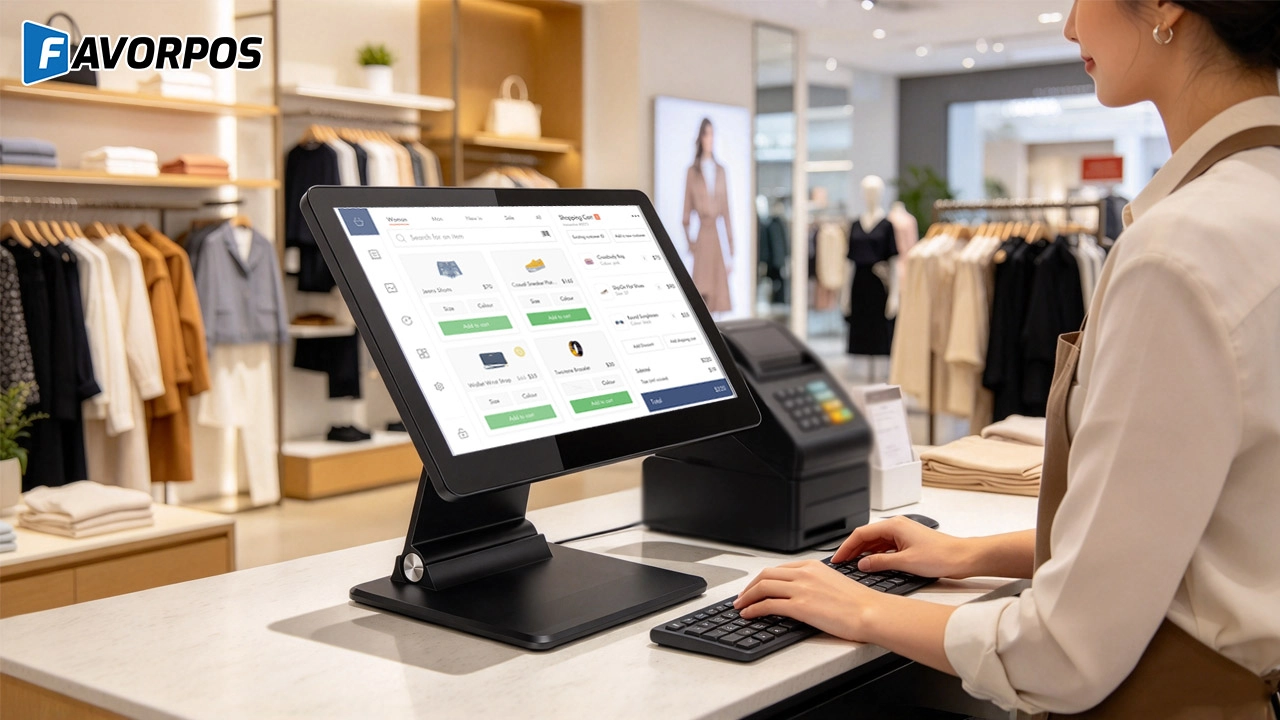
Single-Screen vs Dual-Screen POS: How to Choose for Retail Checkout
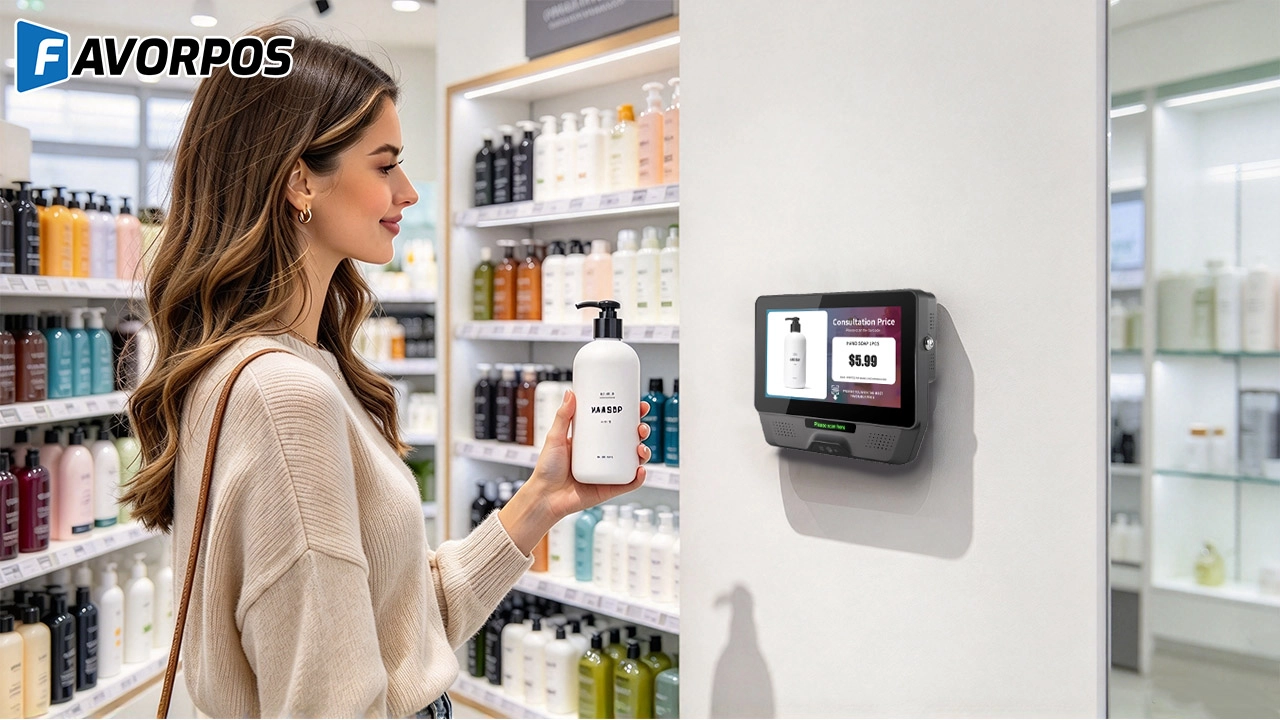
7-Inch Android Price Checker Deployment Guide: Wall, Desktop, Barcode and Cable Planning
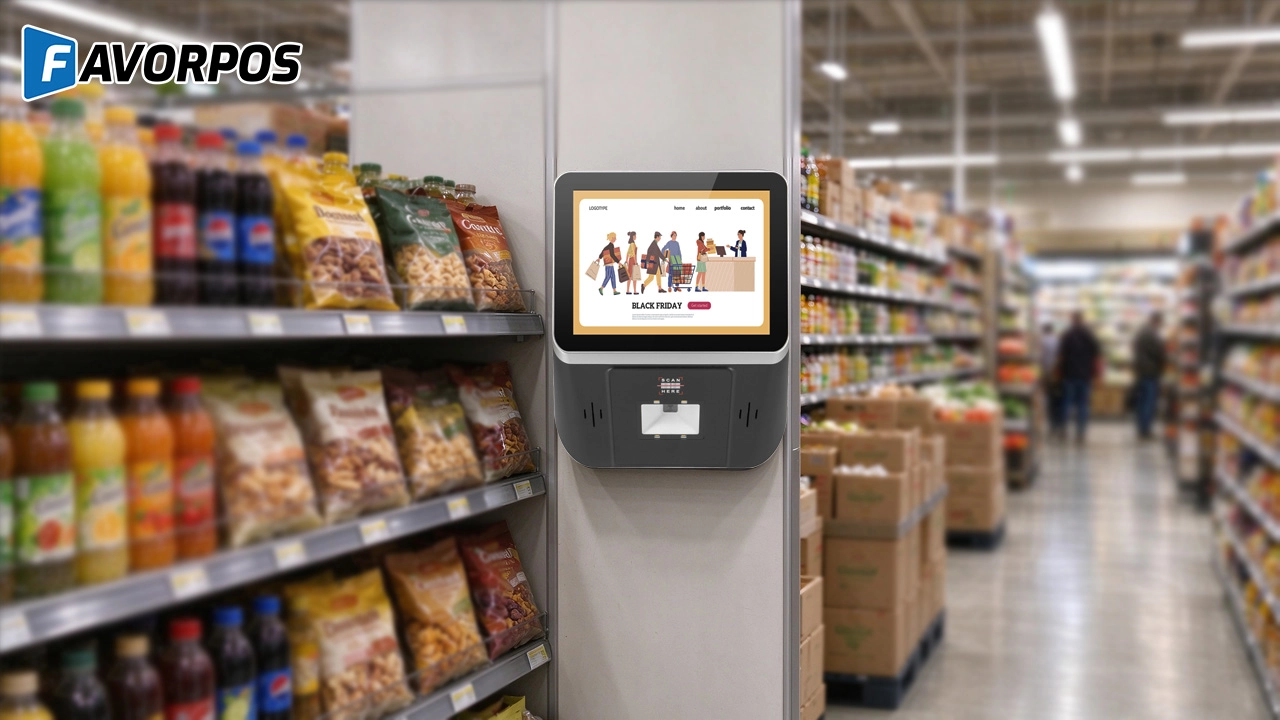
8-Inch Price Checker for Retail and Software-Based Check-In Workflows
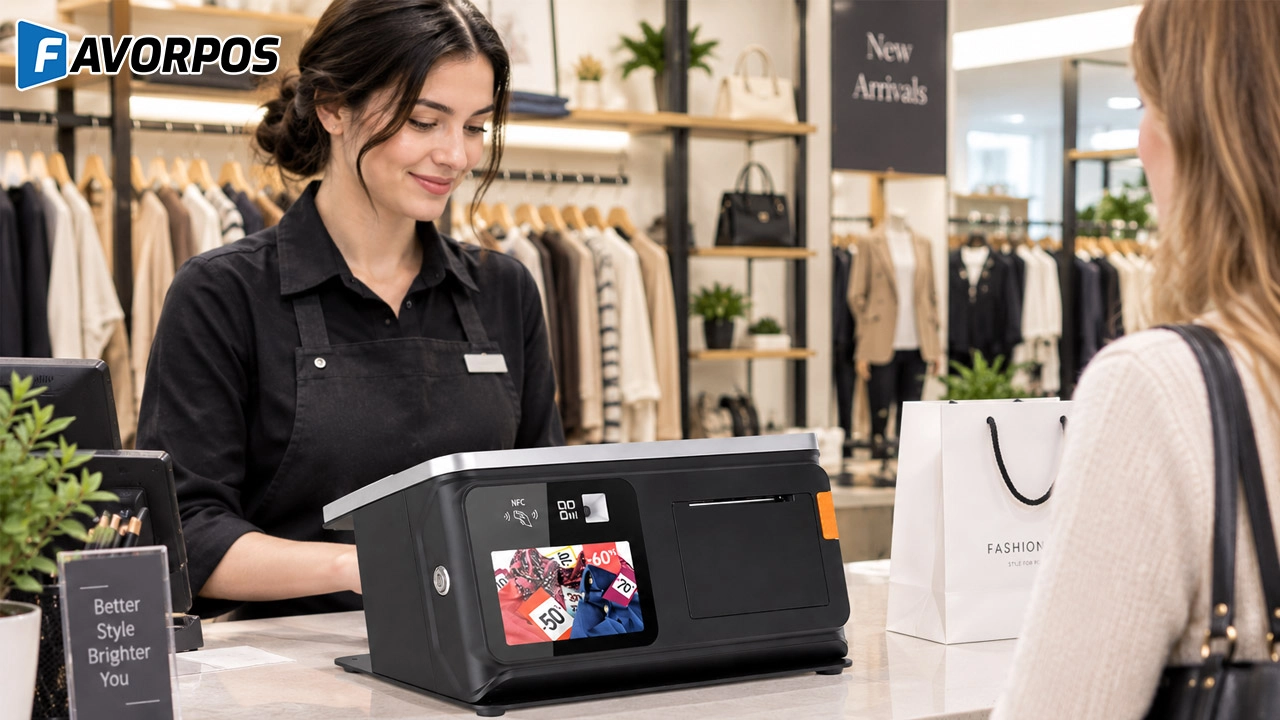
11.6-Inch All-in-One POS Terminal: Planning a Compact Checkout
For Entertainment & Events
Does the system support the management of multiple venues or locations?
Yes, our system supports multi-location management, allowing you to monitor and manage sales and inventory for all venues from a centralized dashboard.
For Bakeries
Can your POS system handle both retail and wholesale orders?
Yes, FAVORPOS's system can manage both retail sales and wholesale orders and offer different price structures for each customer type.
For ODM
What ODM services are provided?
We provide a full range of services from product concept development to production manufacturing according to customer requirements and designs. We are responsible for all aspects of product design, prototyping, production, quality control, etc. to ensure that your POS solution meets market needs and quality standards.
For Restaurants & Cafes
How is the installation and training of the POS system carried out?
We provide comprehensive installation and training services. Our technical team will assist you in completing the installation of the POS machine and provide detailed operation training for your staff. In addition, we also provide online training resources and operation manuals to help your team get started quickly.
For E-commerce
Can I manage multiple online stores from one system?
Yes, our POS system supports multi-location and multi-store management, allowing you to centrally manage all e-commerce operations.
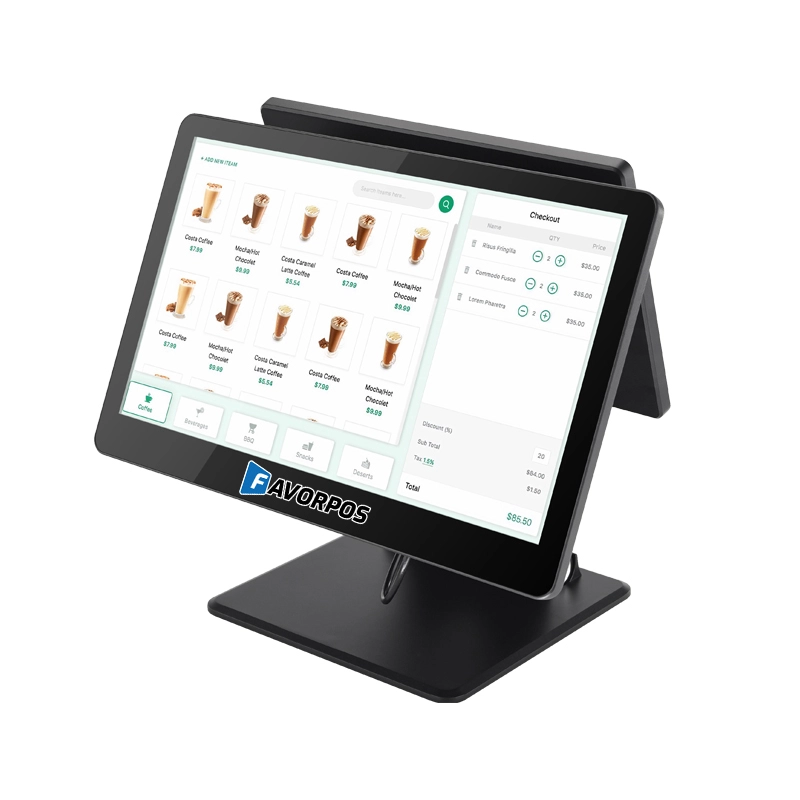
Dual Screen Thin Screen POS Systems Point of Sales Systems Manufacturer
FAVORPOS dual screen POS terminals deliver fast, reliable checkout performance for retail and hospitality businesses. Built by our commercial pos terminal manufacturer, these thin-profile systems streamline transactions while maximizing counter space—trusted by checkout pos systems factory operations worldwide.
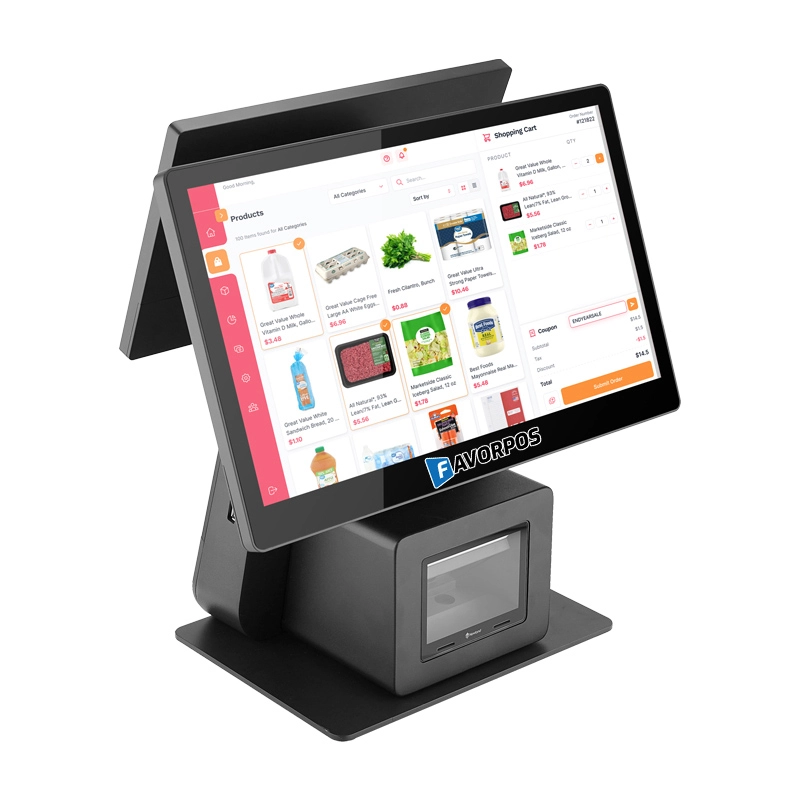
Dual Screen POS With Barcode Scanner Desktop POS Manufacturer POS Factory 15.6 11.6 Client Screen Optional
FAVORPOS: Your leading dual screen POS factory and manufacturer. Our desktop POS with barcode scanner offers 15.6/11.6 client screen options and OS flexibility. Get reliable, efficient dual screen POS with barcode scanner solutions directly from us.
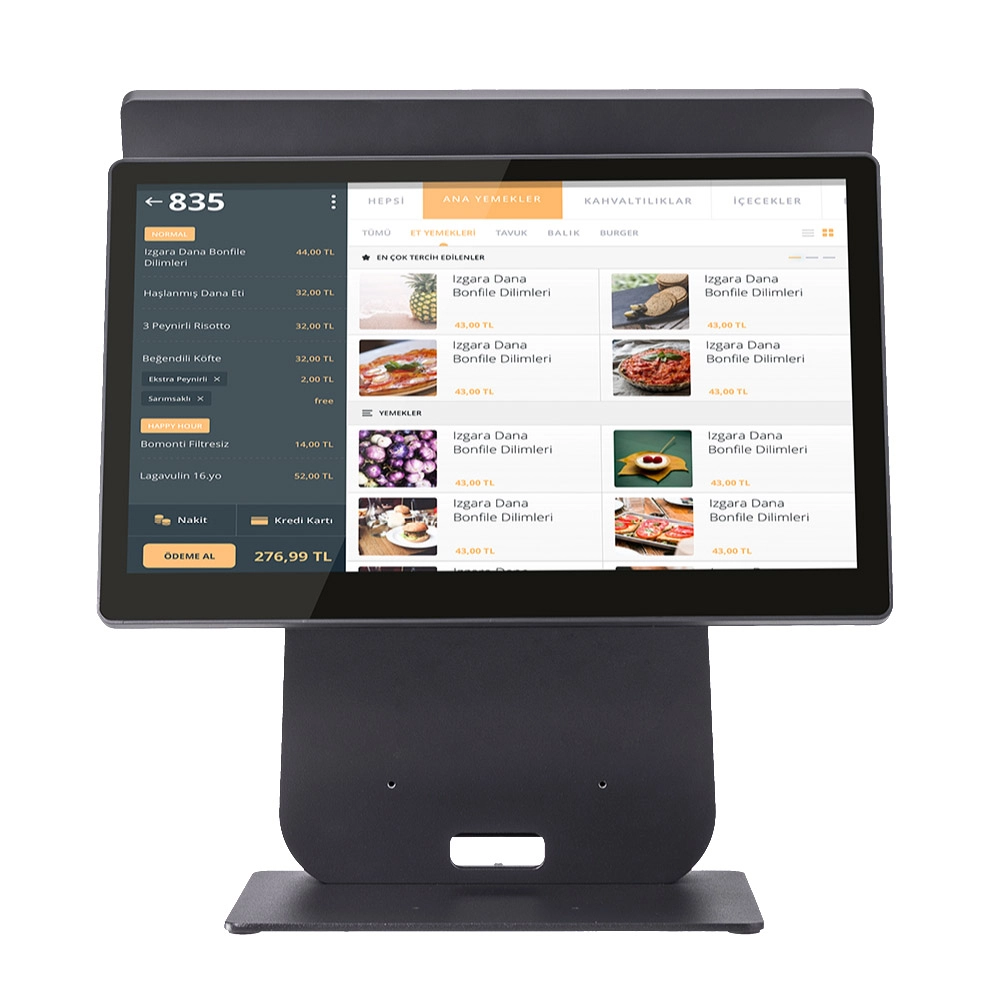
HD Dual Screen POS Machine Aluminum Hardware Android Windows Supplier
This dual-screen POS machine supports both Android and Windows systems, providing flexibility for various applications. The dual screens enhance customer interaction and streamline the checkout process, making transactions quicker and more engaging. Perfect for modern businesses looking to elevate their service and improve customer satisfaction, this POS machine is your ultimate partner in success!

New Dual Touch Screen Pos Factory Aluminum Adjustable Screen Pos Machine Manufacturer
This new-generation POS terminal features a durable aluminum alloy body and a flexible dual-screen design. The customer-facing secondary display can be adjusted vertically and horizontally to achieve the ideal viewing angle, with multiple screen size options available to meet different retail needs. Powered by either Windows or Android operating systems, the system offers strong compatibility with various POS software solutions. With its modern design, stable performance, and adaptable configuration, this POS machine is well suited for supermarkets, specialty retail stores, and other high-traffic commercial environments.
Get in touch
Interested in becoming a POS system dealer? Contact us for more information and start the process of joining our dealer network.
We look forward to working with you to expand the market together.


Copyright © 2025 Favorpos All Rights Reserved.
