
POS Hardware Solutions for Healthcare
Healthcare facilities need POS hardware suited to payment counters, pharmacy checkout and administrative service areas. FAVORPOS offers POS terminals and related peripherals for business applications. Buyers should review configurations, software compatibility and documentation for their specific environment. For medical-system integration, billing functions or regulatory requirements, contact FAVORPOS to confirm availability for the selected model and software.

POS Hardware for Healthcare Applications

Payment Counter Hardware
POS terminals can form part of a payment counter configuration. Confirm payment software and peripheral compatibility for the selected device.

Software and System Compatibility
Confirm operating system, interface and third-party software requirements before selecting hardware. For EHR or patient-management integration, contact FAVORPOS to verify model-specific compatibility and the relevant software provider's requirements.

Medical Billing Requirements
Insurance claims, co-pays and medical billing depend on the software and service configuration. Contact FAVORPOS to confirm whether the selected hardware can work with your intended system; confirm billing functions with the software provider.

Pharmacy Checkout
POS terminals and compatible barcode peripherals may be used in pharmacy checkout workflows. Inventory and prescription functions depend on the selected software and should be verified separately.

Documentation and Compliance Requirements
Request product-specific documentation and check the requirements of your destination market and intended application. Do not assume healthcare or payment compliance applies to every hardware model. Contact FAVORPOS to confirm available documents and relevant compatibility information.

Hardware Configuration
Select terminals, displays and peripherals according to counter space, connectivity, operating conditions and software requirements. Confirm multi-site software functions separately.
Healthcare Application Scenarios
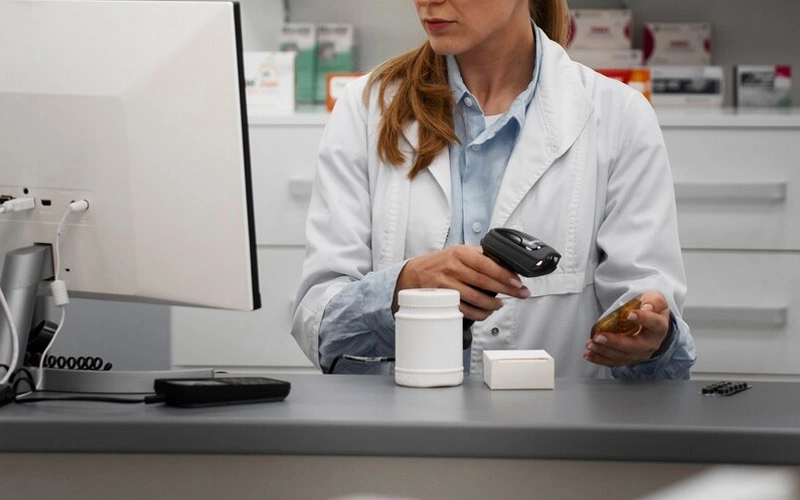
Hospitals and Clinics
POS terminals and related peripherals may support payment and administrative service counters in hospitals and clinics. Device selection should consider counter space, software compatibility and the intended workflow.

Pharmacies
Pharmacy checkout areas may require POS terminals, receipt printers and compatible barcode peripherals. Confirm the selected hardware against your pharmacy software and operating requirements.
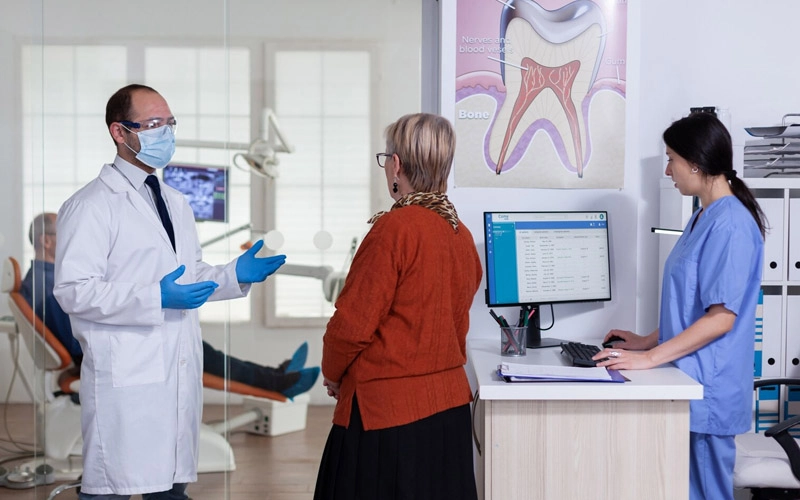
Dental and Vision Care Centers
Review POS hardware for reception and payment areas according to available space, transaction workflow and existing software. Contact FAVORPOS to confirm model-specific compatibility if medical billing or appointment-system integration is required.
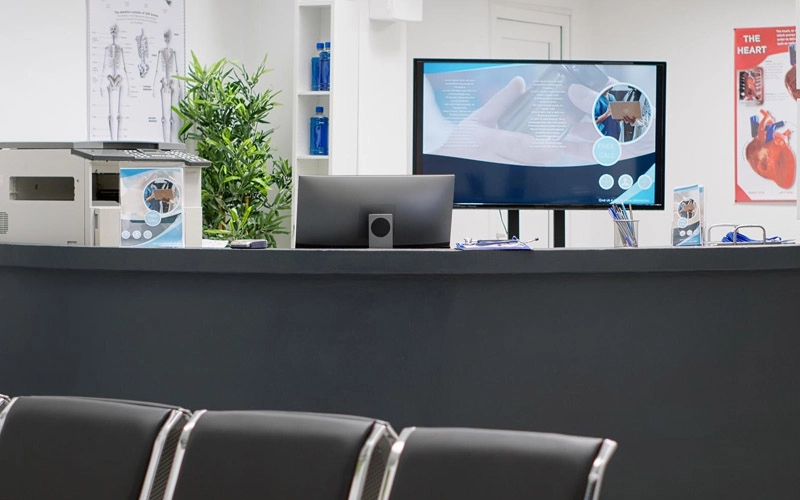
Health and Rehabilitation Centers
POS terminals and peripherals can be evaluated for reception and service payment areas. Select hardware according to application, software and connectivity requirements.
What to Check Before Choosing Healthcare POS Hardware
◎ Compliance Documentation
Check the documents applicable to the selected device and destination market. For HIPAA, PCI DSS or other project-specific requirements, confirm the relevant scope with FAVORPOS and your software or payment provider; no blanket compliance claim is made for all hardware.
◎ Data and Payment Security Requirements
Evaluate security requirements across hardware, software, networks and payment services. Request the selected model's specifications and confirm any required encryption or data-storage features with the appropriate provider.
◎ Workflow Requirements
Identify the service counter's tasks, required peripherals and software environment before choosing hardware. Software-driven administrative features should be verified separately.
◎ Configuration and Compatibility
Review the device configuration, interfaces and operating environment against your project requirements. Contact FAVORPOS to confirm options for the specific product model.
◎ Model-Specific Support
Contact FAVORPOS with your model and issue details to ask about available documentation, firmware or driver resources, and applicable service options. Support scope depends on the device and agreed terms.
How to Select POS Hardware for Healthcare
Step 01
Define Your Application
Identify the intended service area, hardware functions and operating conditions.

Step 02
Review Hardware Options
Compare POS terminals and peripherals according to your configuration requirements; ask FAVORPOS to confirm model-specific options.
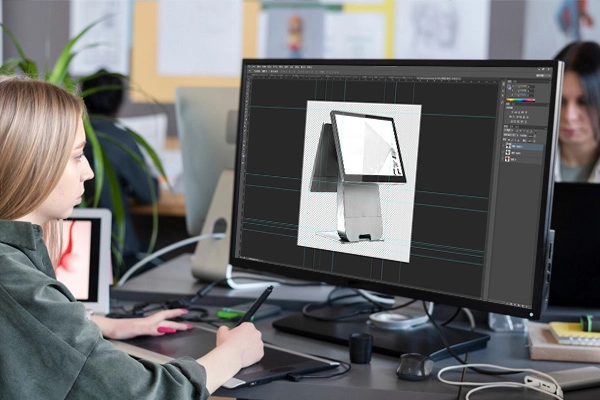
Step 03
Confirm Compatibility
Check operating system, interfaces and software requirements for the selected model. Confirm medical software functions with the relevant provider and contact FAVORPOS for hardware compatibility questions.
Step 04
Review Documentation
Request available product information and confirm applicable documents before deciding on a purchase. Training or integration services, if needed, should be discussed separately.

Step 05
Discuss Your Inquiry
Share your application, preferred model and expected quantity with FAVORPOS to discuss hardware options, documentation and any applicable support arrangements.
After-Sales Service Information

Technical Support Inquiry

Warranty & Repair Information

Firmware & Driver Information

Troubleshooting Information

Spare Parts Inquiry

Product Documentation

Healthcare POS Hardware Questions
For questions about EHR integration, medical billing, payment security or compliance, contact FAVORPOS to confirm the selected hardware model's capabilities and available documentation. Software-specific functions and certifications should also be checked with the relevant providers.
What payment methods does the POS system support?
Our POS system supports a variety of payment methods, including credit/debit cards, mobile payments, contactless payments, and integration with insurance bills.
Do you provide training for our employees?
Yes, we provide comprehensive training materials to ensure that your employees are proficient in using the new machine.
How should healthcare buyers verify data security and patient privacy requirements?
Data security and patient privacy depend on the complete hardware, software and network environment. Contact FAVORPOS to confirm the selected hardware model's capabilities and available documentation. For HIPAA, PCI DSS or other specific requirements, verify the applicable scope with the relevant software, payment and compliance providers.
Can the POS interface be customized to our specific needs?
The interface is highly customizable. We can customize it to your workflow, terminology and specific operational needs.
Can the POS system manage multiple locations?
Yes, our system supports multi-location management, allowing for centralized management of multiple facilities or departments.
How much does it cost to develop a POS solution?
The cost depends on the level of customization, required functionality, and scale of deployment. We offer competitive pricing and work with you to develop a solution that fits your budget.
Discuss Your Healthcare POS Hardware Requirements
Looking for POS hardware for a healthcare project? Share your intended application, preferred device, software environment, destination market and estimated quantity with FAVORPOS. Contact the brand team to confirm model-specific functions, compatibility and available documentation before purchasing.


Copyright © 2025 Favorpos All Rights Reserved.
