
POS System Solutions for Restaurants and Cafes
In the restaurant industry, efficiency, accuracy, and customer satisfaction are critical. Our restaurant and cafe POS system solutions are designed to streamline operations, enhance the dining experience, and drive business growth. Whether you operate a quick-service restaurant or a fine-dining restaurant, our POS machines offer customized features that meet the unique needs of the food service industry.
Key Features of Our Restaurant and Cafe POS System Solutions

Order Management System
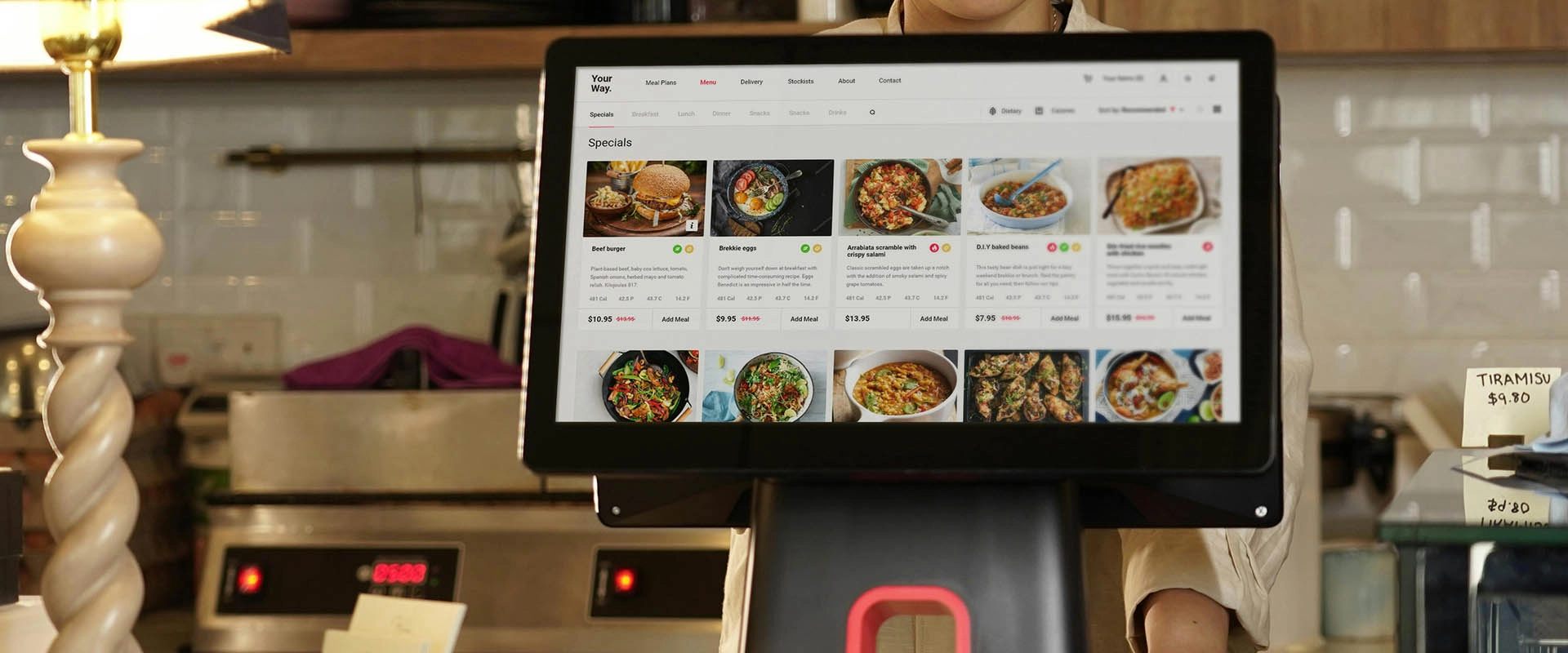
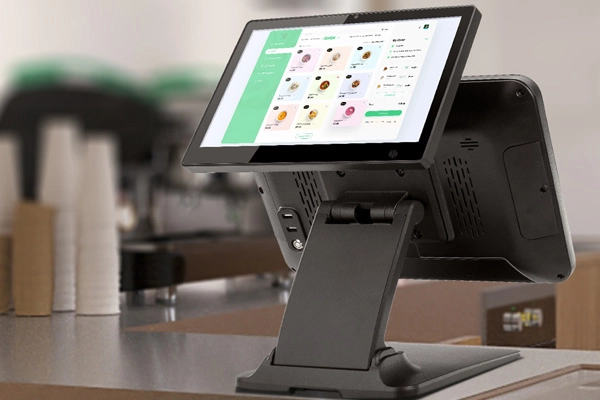
FAVORPOS's POS systems simplify order entry and management with an intuitive touchscreen interface. Customize the order screen according to your menu layout and easily modify or split the bill as needed to accommodate customer needs.

Table and Reservation Management
Efficiently manage table allocation, reservations, and waiting lists. FAVORPOS's POS system's integrated table management function can optimize seating arrangements, track table status, reduce waiting time, and improve dining efficiency.

Menu Customization and Updates
Easily update your digital menu with daily specials, seasonal dishes, or price changes. FAVORPOS's POS systems support real-time updates to ensure that your staff always have the latest menu information.

Inventory Management
By using FAVORPOS's POS system's advanced inventory management tools, you can track inventory levels, monitor ingredient usage, and receive low inventory alerts. Manage inventory efficiently, reduce waste, and prevent shortages.

Integrated Payment Solutions
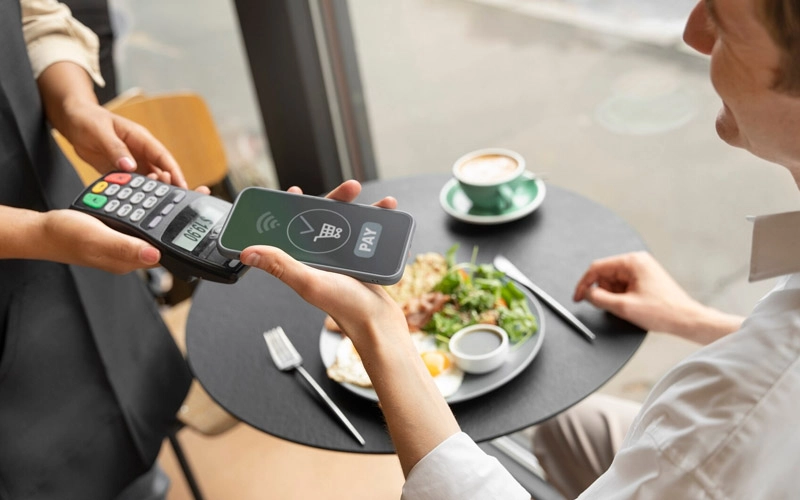
FAVORPOS's POS systems support multiple payment methods, including bank cards, mobile payments, and contactless transactions. FAVORPOS's POS system ensures secure and smooth payment processing, speeds up transactions, and enhances customer experience.

Real-time Reporting and Analysis
Get valuable insights into sales trends, employee performance, and customer behavior through real-time reporting tools. Use these data-driven insights to optimize restaurant or cafe operations.

Employee Management
Simplify employee scheduling, track hours, and manage payroll with integrated employee management capabilities. FAVORPOS's POS system also supports user permissions and role management to ensure secure and efficient access to system functions.
Industry-Specific Solutions
Quick Service Restaurants (QSRs)
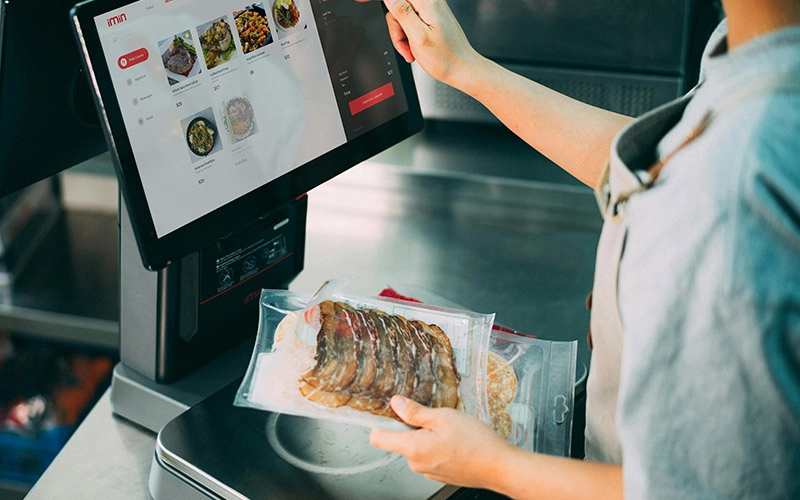
Our POS system solutions adapt to the fast-paced QSR environment, providing fast order entry, prompt payment processing, and efficient kitchen communication. Improve service speed and accuracy to meet high-volume demands.
Fine-Food Restaurants
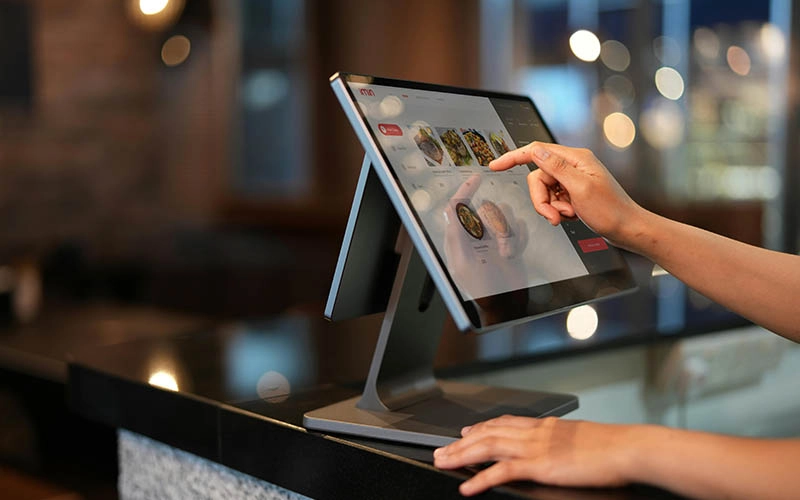
For fine-dining restaurants, our POS system systems offer advanced features such as split bills, complex order modifications, and detailed table management. Ensure a seamless, sophisticated dining experience for your guests.
Cafes and Coffee Shops
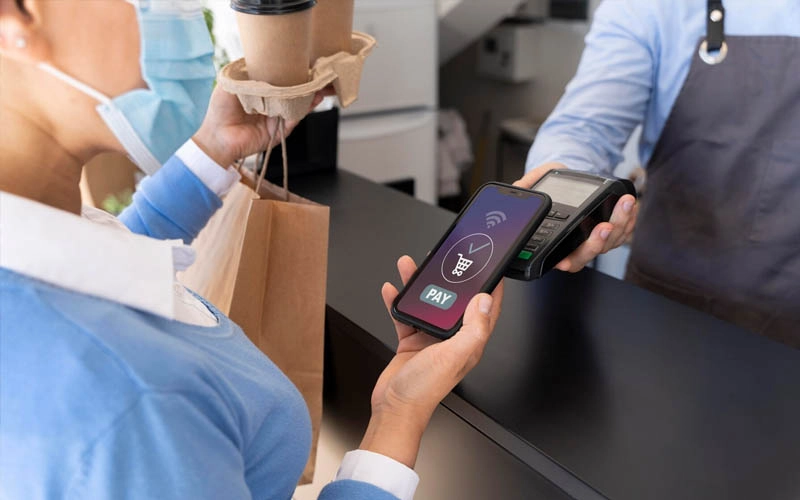
Manage high-volume transactions with ease. Our POS systems support specialty drink orders, customizable menu items, and efficient queue management, making them perfect for busy cafe environments.
Food Trucks and Pop-Up Restaurants
For mobile and temporary food service operations, our portable POS system solutions offer flexibility and ease of use. Manage orders, payments, and inventory anytime, anywhere with reliable hardware.
Advantages of working with us
◎ Tailor-made solutions
We understand the unique needs of every restaurant or cafe. Our OEM/ODM capabilities allow us to create custom POS system solutions that meet your specific requirements and improve operational efficiency.
◎ Enhanced customer experience
Our POS systems help improve customer satisfaction and loyalty by providing fast, accurate service and personalized interactions. Enhance the guest dining experience by streamlining operations and improving service efficiency.
◎ Comprehensive support services
From installation and training to ongoing technical support, we provide comprehensive services to ensure your POS machine runs smoothly. Our team is committed to helping you maximize the benefits of your investment.
◎ Innovative technology
Stay ahead of the competition with the latest POS technology. We continuously update our POS systems to incorporate the latest advances in payment processing, data security, and user experience.
Cooperation Process
Step 01
Demand Analysis
Our cooperation begins with an in-depth analysis of customer needs. Whether you need an existing POS system or a customized solution, our team of experts will work closely with you to understand your business needs, budget and timeline in detail.

Step 02
Solution Design
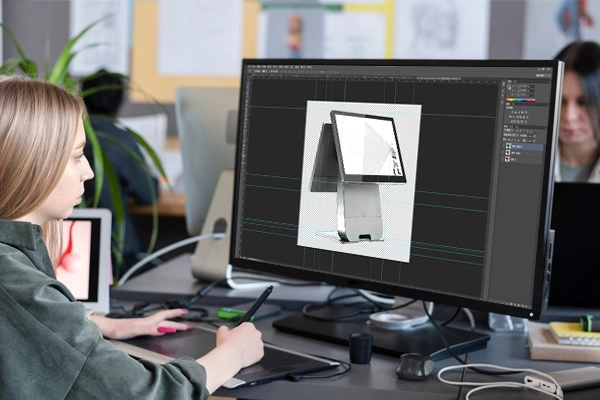
Based on your needs, our team of engineers will tailor a POS hardware solution for you to ensure that the product perfectly matches your brand and operational requirements in terms of function, appearance and user experience.
Step 03
Sample Confirmation
After the design is finalized, we will provide POS system samples for customer confirmation. This stage allows you to test the system and provide feedback to ensure that the final POS system product fully meets your expectations.
Step 04
Mass Production
After customer confirmation, we will enter the mass production stage. We follow a strict quality control process to ensure that each POS device meets high manufacturing standards.

Step 05
Quality Inspection
After POS system production is completed, we conduct multiple quality inspections to ensure that the POS system equipment meets international standards in terms of performance, durability and safety and provides stable and reliable retail terminal equipment.
Step 06
Logistics and Delivery
Our global logistics network ensures that the POS system equipment is delivered to you on time and safely. We provide flexible shipping options to ensure a fast and seamless delivery experience.

Step 07
Installation and Training
After the POS system equipment arrives, we will provide online installation guidance services and conduct operational training for your team. We ensure that your employees can quickly master the use of the POS system machine.

After-sales service

24/7 technical support

Hardware maintenance and replacement service

Firmware upgrade

Troubleshooting and remote diagnosis

Spare parts supply

Training and documentation support
Quality Assurance and Commitment
We are committed to providing customers with high-quality, reliable POS system solutions and are committed to maintaining high standards in after-sales service. Our after-sales team will always ensure that your equipment is in the best condition and escort your business.

Global experience, localized professional services
With many years of experience serving POS system global retailers, we know that each market has its own unique challenges. Our POS system solutions can adapt to different regulatory environments, languages and currency systems, provide truly global solutions, and support localized customization options.
Frequently asked questions
Here, we answer your most common questions to provide you with instant support and essential information about our products and services.
For Restaurants & Cafes
If there is a problem with the device, how can I get technical support?
You can contact our technical support team by phone, email or online customer service. We provide 24/7 support to ensure that your issues are resolved promptly and the system is up and running.
How to update the menu or add new items?
After being equipped with the corresponding software, our POS machine allows you to easily update the menu through the backend management interface. You can add new items, modify prices or adjust the menu layout, and all changes will be reflected in the system in real time, ensuring that employees always have the latest menu information.
Is your POS system suitable for different types of catering businesses?
Yes, our POS system is suitable for a variety of catering businesses, including fast food restaurants, high-end restaurants, cafes, as well as food trucks and pop-up restaurants. The system functions can be customized according to different business types to meet specific needs.
How long does it take to deliver the equipment?
The delivery time for standard equipment is generally 3 to 4 weeks. For customized equipment, the delivery time may be 6 to 8 weeks. The specific time will be provided after the order is confirmed to ensure timely delivery to meet your needs.
Does your POS system support multiple languages and currencies?
Yes, our POS system supports multi-language operation interfaces and multi-currency transactions to meet the needs of different regions and markets. You can set the corresponding language and currency options according to the specific requirements of the country or region where your business is located.
What is the warranty period for the POS system?
We provide a standard warranty period of at least one year. During the warranty period, if the device fails, we will provide free repair or replacement services. The specific warranty period and terms can be negotiated according to the contract.
Get in touch
Discover more about how our POS solutions can transform your restaurant or cafe operations.
Contact us today to arrange a demo and experience first-hand how our technology can enhance your business.


Copyright © 2025 Favorpos All Rights Reserved.
