
Our Technical POS System Support Services
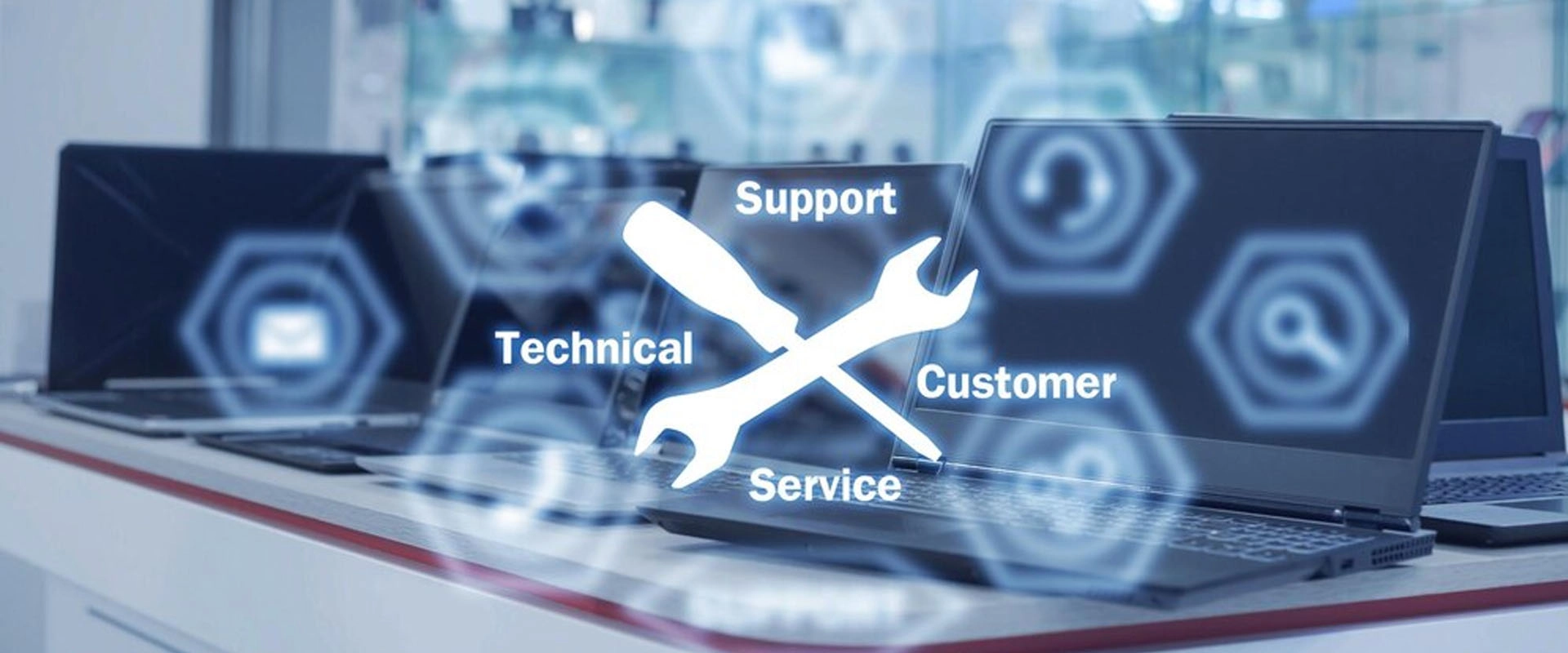
At FAVORPOS, we are committed to providing exceptional POS system support for all our POS solutions. Our dedicated team is here to assist you every step of the way, from installation and training to troubleshooting and ongoing maintenance.

Customized Solutions
We specialize in providing tailor-made POS system support to meet the unique needs of your business. Our flexible design and manufacturing capabilities ensure that each POS system is perfectly tailored to your requirements.

High Quality Standards
Our POS system products are manufactured to the highest industry standards. We use premium materials and advanced technologies to ensure product durability and reliability.

Expertise and Experience
A professional team with many years of experience in the POS system industry provides you with innovative and practical solutions.

Competitive Prices
We offer cost-effective solutions to ensure cost savings for customers without compromising quality.
Customization Process
Step 01
Initial Consultation
Please contact us with your specific needs. We will arrange a consultation to understand your requirements and preferences about the POS system.

Step 02
Design Proposal
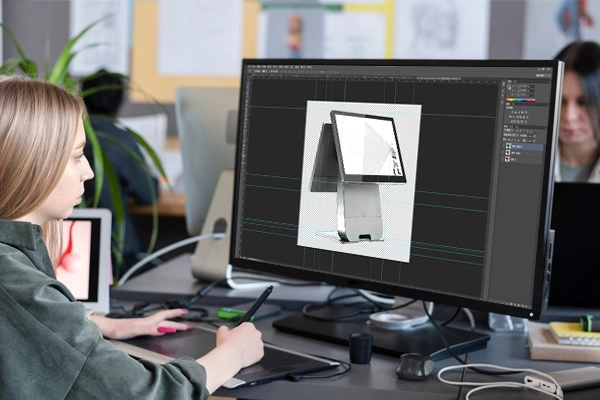
Based on your feedback, our design team will develop a proposal with detailed specifications, features and timelines.
Step 03
Prototype Development
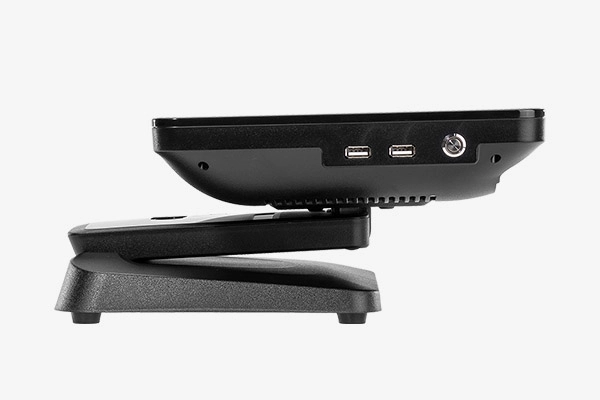
We will develop a prototype for your review. This step allows you to test and provide feedback before formal production.
Step 04
Production and Quality Assurance
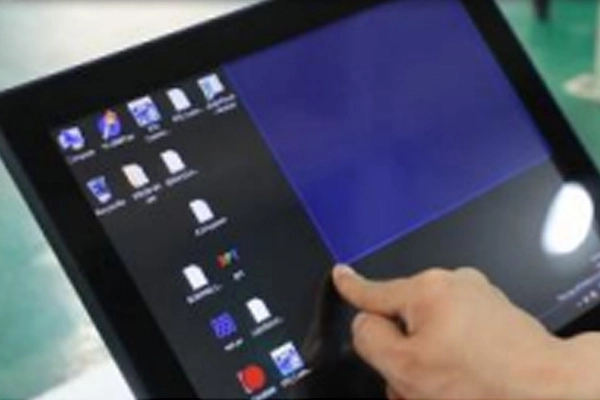
Once you approve the prototype, we will begin full production. Our quality assurance team will conduct rigorous testing to ensure that the final POS system product meets all standards.
Step 05
Delivery and Installation
We are responsible for delivery and provide installation guidance when required. Our team ensures that the POS system is set up and running properly.
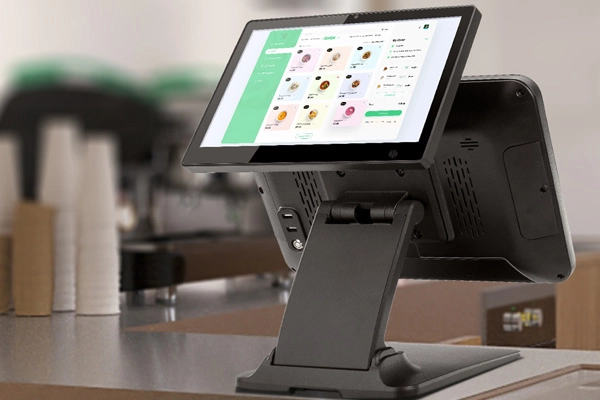
Tailored FAVORPOS POS System Solutions for Maximum Efficiency
 After-Sales Service
01. Technical Support
FAVORPOS POS System support team is always available to answer your technical questions or questions. We provide timely and effective solutions to minimize downtime.
02. Training and Resources
We provide training courses and resources to help your team get the most out of the POS system. Including user manuals, online guides and hands-on training.
03. Updates
We provide firmware upgrade and update services to ensure that your POS system is always up to date with the latest features and security patches.
After-Sales Guarantee
01. Warranty
FAVORPOS’s POS systems come with a comprehensive warranty that covers manufacturing defects and hardware issues. Warranty details will be provided at the time of purchase.
02. Repair and Replacement
In case of failure or defect, we provide repair and replacement services. Our goal is to ensure that your POS system runs smoothly and efficiently.
03. Customer Satisfaction
We are committed to your satisfaction. If you have any concerns or issues, please contact the support team, and we will promptly handle it.
More Service Support
01. Spare Parts
FAVORPOS offers a wide range of spare parts for your POS system, ensuring you can quickly replace any worn or damaged parts.
02. System Upgrades
If you need to upgrade your POS system, FAVORPOS can provide advice and support to integrate new features or hardware.
03. Customization Requests
For ongoing or additional customization needs, our team is always available to discuss new requirements and provide tailor-made solutions to suit your changing business needs.
Get in touch
Ready to make your custom POS system machine? Contact us today to discuss your project, request a quote or learn more about our customization POS system OEM & ODM services. Our team is eager to help you realize your needs and provide products that exceed your expectations.


Copyright © 2025 Favorpos All Rights Reserved.
