
Android Handheld POS Machine: Complete FAQ & Guide
- Android Handheld POS Machine: In-Depth Answers to Top FAQs
- What is an Android Handheld POS Machine?
- What Are the Main Features of Android Handheld POS Machines?
- How Is an Android Handheld POS Machine Different from Other POS Systems?
- What Are the Benefits of Using Android Handheld POS Machines?
- What Types of Businesses Use Android Handheld POS Machines?
- What Should You Consider When Choosing an Android Handheld POS Machine?
- How Secure Are Android Handheld POS Machines?
- How to Set Up and Use an Android Handheld POS Machine?
- What Is the Average Cost of an Android Handheld POS Machine?
- Authoritative Sources and Data for Further Reading
Android Handheld POS Machine: In-Depth Answers to Top FAQs
What is an Android Handheld POS Machine?
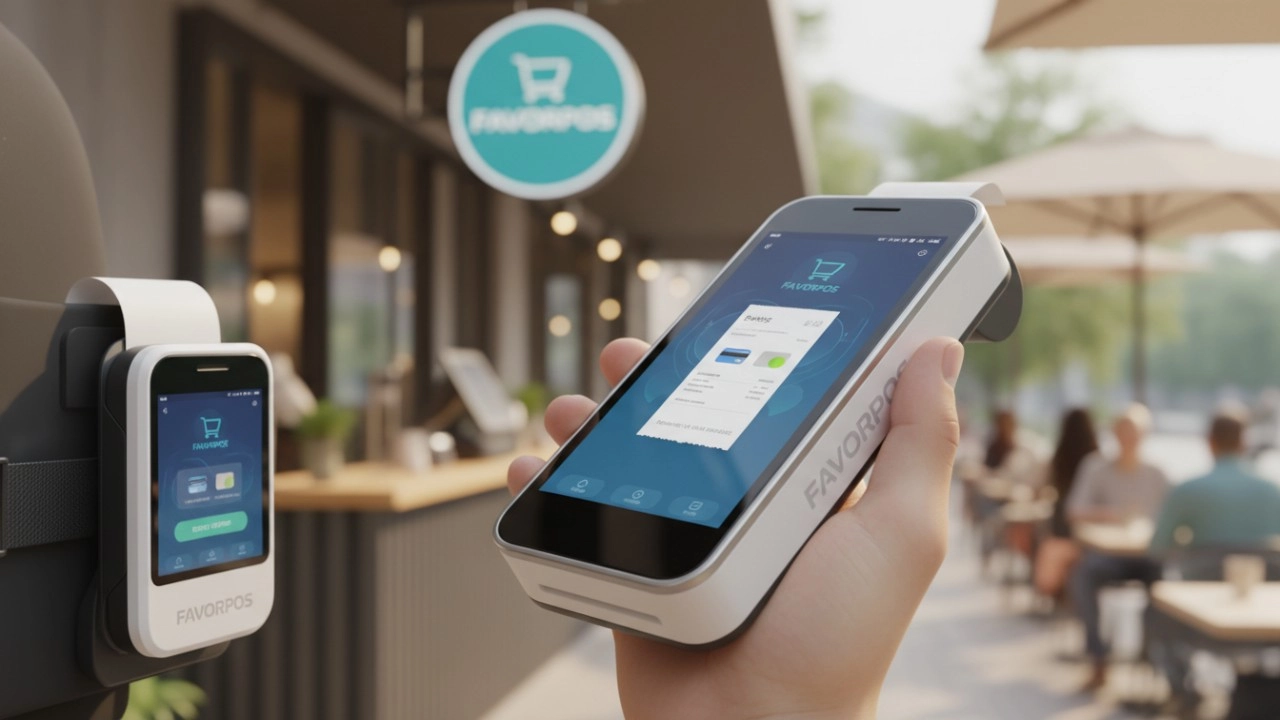
- A compact, mobile device running on the Android OS, designed for processing point-of-sale (POS) transactions.
- Combines payment acceptance (credit/debit cards, QR codes, NFC), receipt printing, and inventory management functions.
- Used widely in retail, hospitality, delivery services, and field sales.
- Typically features touchscreen interfaces, barcode scanners, cameras, and wireless connectivity.
- Examples: Sunmi V2 PRO, PAX A920, and FAVORPOS Android handheld models (source: TechCrunch, 2024).
What Are the Main Features of Android Handheld POS Machines?
- Portability: Lightweight and easy to carry for mobile sales and service environments.
- Payment Integration: Supports multiple payment types - EMV chip, magstripe, NFC/contactless, mobile wallets.
- Inventory Management: Ability to update and check inventory levels in real-time.
- Connectivity: WiFi, Bluetooth, and often 4G/5G connectivity for seamless operations.
- All-in-One Functionality: Combines payment, customer management, billing, and reporting in one device.
- Cloud Support: Syncs sales and inventory data with backend management systems.
- Long Battery Life: Designed for extended use without frequent charging.
How Is an Android Handheld POS Machine Different from Other POS Systems?
- Mobility: Unlike traditional desktop or fixed POS systems, handheld models enable sales on the go (in-aisle, curbside, at events).
- Operating System Flexibility: Open Android ecosystem supports custom business applications and frequent updates.
- Integration: Easier integration with third-party software and advanced APIs compared to legacy POS hardware.
- Cost Efficiency: Often more economical due to reduced hardware and installation costs.
What Are the Benefits of Using Android Handheld POS Machines?
- Enhanced Customer Experience: Speeds up checkout and enables staff to serve customers wherever they are.
- Improved Efficiency: Reduces queues, enables mobile ordering, and streamlines payment processes.
- Data Accuracy: Real-time syncing lowers manual entry mistakes.
- Business Insight: Generates instant sales and inventory reports for better decision-making.
- Scalability: Easily deploy more units as business grows.
What Types of Businesses Use Android Handheld POS Machines?
- Retail: For inventory and sales on the shop floor.
- Restaurants/Cafes: For tableside ordering and payment.
- Field Sales: Enables mobile invoicing and payments.
- Events and Pop-Ups: Offers portability and quick setup.
- Delivery Services: Facilitates on-the-spot customer payments.
What Should You Consider When Choosing an Android Handheld POS Machine?
- Payment Method Compatibility: Ensure EMV, NFC, QR code, and wallet support.
- Connectivity Options: Look for devices supporting WiFi, 4G/5G, and Bluetooth.
- Battery Performance: Analyze battery capacity for workday longevity.
- Durability: Prefer devices with IP ratings for dust and water resistance.
- Software Ecosystem: Evaluate POS software and app integration (inventory, CRM, loyalty).
- Support and Warranty: Choose vendors offering comprehensive after-sales support and warranties.
How Secure Are Android Handheld POS Machines?
- PCI Compliance: Devices from reputable brands meet Payment Card Industry security standards.
- Data Encryption: End-to-end encryption protects sensitive customer data during transactions.
- Device Management: Remote management allows for security updates and locking lost/stolen devices.
- Regular Software Updates: Android's update cycle ensures frequent patches for vulnerabilities (source: PCI Security Standards Council, 2024).
How to Set Up and Use an Android Handheld POS Machine?
- Initial Setup: Follow vendor instructions for charging and activating the device.
- Software Installation: Download and install required POS applications from the Play Store or APK.
- Connect Peripheral Devices: Pair Bluetooth printers, barcode scanners, or cash drawers as needed.
- Configure Payment Methods: Register merchant account details, configure card readers, and test transactions.
- Employee Training: Train staff on user interface, payment acceptance, and troubleshooting steps.
What Is the Average Cost of an Android Handheld POS Machine?
- Entry-Level: Begins at approximately $150 - $300 USD for basic models.
- Advanced Models: With integrated printers, scanners, and higher durability, $400 - $700 USD.
- Total Ownership Cost: Consider licensing fees for POS software and recurring service charges.
- (Source: Grand View Research POS Market Report, 2024)
Authoritative Sources and Data for Further Reading
- (https://www.pcisecuritystandards.org/)
- (https://www.grandviewresearch.com/industry-analysis/point-of-sale-pos-terminal-market)
- (https://techcrunch.com/)
For more information on android handheld POS machines and selecting the right solution for your business, visit FAVORPOS official website.
FAVORPOS: Powering future-ready POS hardware for modern businesses.
FAVORPOS Best professional barcode scanner for sale manufacturers and supplier brands in France
Top 10 pos system cash register Manufacturers and Supplier Brands in Saudi Arabia
Top 10 best touch screen pos system Manufacturers and Supplier Brands in Europe
15 Best Mobile POS Devices for 2026: The Ultimate Comparison for Every Budget
For Distributor
What are the benefits of joining your reseller network?
Benefits include access to innovative POS products, attractive margins, comprehensive training and support, and the opportunity to work with a globally recognized brand.
For company
May I have your product catalog?
Yes, contact us and we will send you the catalog for reference.
For Beauty and Wellness
Can the system manage the inventory of retail products?
Yes, our system can track and manage the inventory of retail products and provide real-time inventory reminders and automatic reordering functions to ensure that there is no out-of-stock.
For Bakeries
Does your POS system support tracking at the raw material level?
Of course, our POS system is able to track individual raw materials, helping you to effectively manage inventory and reduce waste.
For OEM
How long is the delivery time for customizing POS machines?
The delivery time depends on the complexity of the order and the production scale. Generally speaking, the whole process from confirming the design to delivery may take 6 to 12 weeks. We will provide a detailed delivery schedule at the beginning of the project and try our best to meet your time requirements.

Dual Screen POS With Barcode Scanner Desktop POS Manufacturer POS Factory 15.6 11.6 Client Screen Optional
FAVORPOS: Your leading dual screen POS factory and manufacturer. Our desktop POS with barcode scanner offers 15.6/11.6 client screen options and OS flexibility. Get reliable, efficient dual screen POS with barcode scanner solutions directly from us.

Foldable Touch Screen POS Cash Register 15.6'' Windows Supplier Aluminum
This innovative cash register combines portability with advanced functionality, making it ideal for retail environments. Its aluminum construction ensures durability while maintaining a lightweight design for easy transport and setup. The foldable feature allows for convenient storage and flexibility in various business settings.

Factory 11.6'' Touch Screen POS Terminal Android Windows
The Factory 11.6'' Touch Screen POS Terminal is a versatile solution that supports both Android and Windows operating systems. Designed for durability and efficiency, this terminal is perfect for various retail environments. Its compact size and responsive touch screen enhance customer interactions, making transactions quick and seamless.

HD Dual Screen POS Machine Aluminum Hardware Android Windows Supplier
This dual-screen POS machine supports both Android and Windows systems, providing flexibility for various applications. The dual screens enhance customer interaction and streamline the checkout process, making transactions quicker and more engaging. Perfect for modern businesses looking to elevate their service and improve customer satisfaction, this POS machine is your ultimate partner in success!


Copyright © 2025 Favorpos All Rights Reserved.
