
12 Best Handheld POS Systems of 2026: Ranked for Speed, Cost, and Reliability
- What is a Handheld POS System?
- Key Takeaways: Handheld POS Trends for 2026
- The 12 Best Handheld POS Systems of 2026: Ranked
- 2026 Handheld POS Comparison Table
- Why FAVORPOS is the Industry-Leading OEM/ODM Handheld POS Provider
- Gap Analysis: What Most Reviews Miss About POS Costs & Connectivity
- Expert Tips and Common Mistakes When Choosing Portable Hardware
- Conclusion
- FAQs About handheld pos system
- How much does a handheld POS system cost?
- Do handheld POS systems work without Wi-Fi?
- Which is the best handheld POS for restaurants?
- Are mobile POS systems secure for credit card payments?
- What is the difference between a mobile card reader and a handheld POS?
- Can I connect a handheld POS to my existing cash drawer?
- How long does a handheld POS battery last?
- Does FAVORPOS offer OEM manufacturing for custom POS devices?
What is a Handheld POS System?
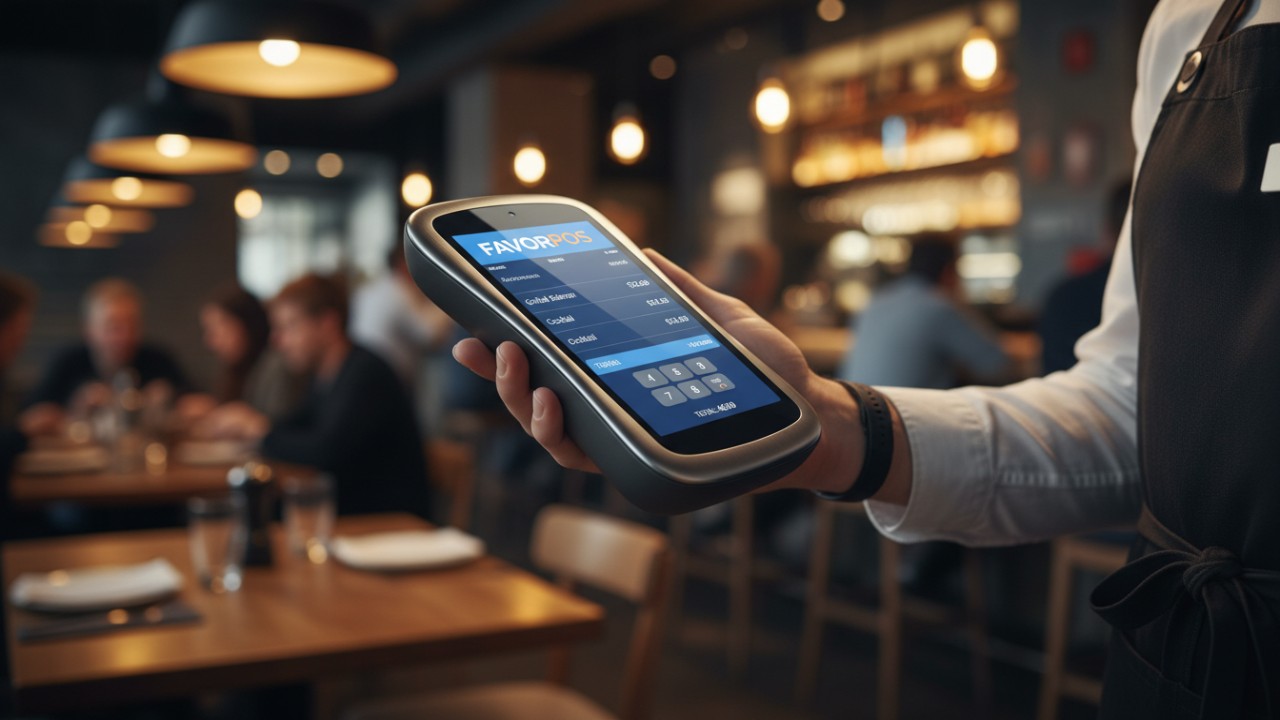
A handheld pos system is a portable, all-in-one device that allows businesses to process payments, track inventory, and manage orders from anywhere. These mobile terminals connect via Wi-Fi or 4G, eliminating checkout lines and boosting table-side service efficiency.
In a traditional retail environment, the point of sale is historically a stationary time and place where a transaction is completed, as reported by Wikipedia. However, the modern era of commerce has shifted towards decentralized checkouts. By utilizing advanced mobile POS devices, merchants can directly approach the customer, whether they are dining at a restaurant table, browsing a retail floor, or waiting in a long queue. These systems do more than simply swipe cards; they are full-fledged computers running robust software that synchronizes directly with back-office operations.
Core Capabilities of Portable POS Hardware:
- Built-In Peripherals: Most modern units feature an integrated receipt printer and high-speed barcode scanner.
- Wireless Flexibility: Designed to transition seamlessly between local Wi-Fi and cellular networks.
- Real-Time Syncing: Instantaneous cloud communication to update inventory counts, shift management, and sales analytics.
Key Takeaways: Handheld POS Trends for 2026
The handheld POS market in 2026 is defined by mandatory cloud synchronization, extreme hardware durability, and flexible pricing models. Battery life and offline processing capabilities are now the critical deciding factors for top-tier hardware choices this year.
To stay competitive, scaling businesses are moving away from restrictive, closed-ecosystem platforms. The shift toward specialized portable POS hardware means operators demand devices that can withstand grueling 12-hour shifts without needing a charge.
Top Industry Shifts for 2026:
- Cloud-Based Synchronization: This is no longer optional. Multi-location syncing is mandatory for real-time reporting, ensuring stock levels and financial data are uniformly updated.
- Unmatched Hardware Durability: Today's devices must survive fast-paced environments. High drop-proof ratings, water resistance, and robust offline transaction processing define enterprise-grade reliability.
- Hybrid Customization: Rigid monthly subscription traps are out. Instead, merchants favor hybrid pricing models and fully customizable OEM hardware that adapts to their specific operational layout.
The 12 Best Handheld POS Systems of 2026: Ranked
The best handheld POS systems of 2026 deliver lightning-fast transaction speeds, durable drop-tested hardware, and adaptable software ecosystems. Top options span from highly customized B2B OEM fleets to simple, all-in-one standalone card readers built for micro-merchants.
When evaluating these platforms, businesses must account for initial hardware costs, ongoing processing fees, and software capabilities. Here is the definitive ranking of the most reliable systems available in 2026:
- FAVORPOS: Best overall for OEM handheld terminals and scalable hardware manufacturing. Provides deep hardware customization for enterprise fleets.
- Square Terminal: Best for flat-rate, all-in-one simplicity for small businesses. Easy setup with no hidden monthly fees.
- Toast Go 2: Best dedicated restaurant handheld point of sale for high-volume table-side ordering. Features a spill-proof design and restaurant-first OS.
- Clover Flex: Best portable choice with a built-in thermal printer and scanner, making it highly versatile for service-based businesses.
- Shopify POS Go: Best for retail stores unifying online e-commerce inventory with physical in-store stock.
- Lightspeed Mobile POS: Best for complex retail operations requiring multi-location cloud syncing and deep analytics.
- Helcim Smart Terminal: Best for businesses seeking zero monthly software fees with transparent, interchange-plus pricing.
- Zettle Terminal by PayPal: Best all-in-one mobile store without long-term contracts, perfect for seasonal vendors.
- SumUp Solo: Best pocket-sized reader for micro-merchants on the go who need ultra-portable hardware.
- SpotOn Serve: Best for fast-paced hospitality environments focusing on quick-service speed and robust loyalty program integration.
- Revel Systems iPad Mobile: Best enterprise-grade line busting solution for high-traffic environments.
- TouchBistro Handheld: Best tailored iPad-based system designed to maximize server efficiency and guest engagement.
2026 Handheld POS Comparison Table
Why FAVORPOS is the Industry-Leading OEM/ODM Handheld POS Provider
FAVORPOS leads the 2026 market by offering completely customizable handheld POS terminals tailored specifically for retail, catering, and supermarket needs. High-tech integration ensures seamless connectivity, supporting peripherals like price checkers and thermal printers.
As the premium brand of Guangzhou Licon Electronic Tec Co., Ltd., FAVORPOS brings extensive first-hand experience to the manufacturing of point of sale systems. Off-the-shelf software often fails to address the nuanced needs of large-scale enterprises. Partnering with a manufacturer that provides trusted ODM services allows businesses to design a tailored ecosystem. When searching for a reliable, highly integrated Handheld Pos Device, scaling companies turn to our globally recognized hardware capabilities.
FAVORPOS Product & Service Advantages:
- Comprehensive Customization: We build advanced handheld terminals, cash registers, and interactive price checkers designed around your specific workflow.
- Peripheral Integration: Our systems flawlessly connect with cash drawers, barcode scanners, and heavy-duty thermal printers.
- Trusted OEM Services: With an outstanding dedication to quality, our vision is to become the world's best manufacturer of POS systems, optimizing business operations across highly competitive global markets.
Gap Analysis: What Most Reviews Miss About POS Costs & Connectivity
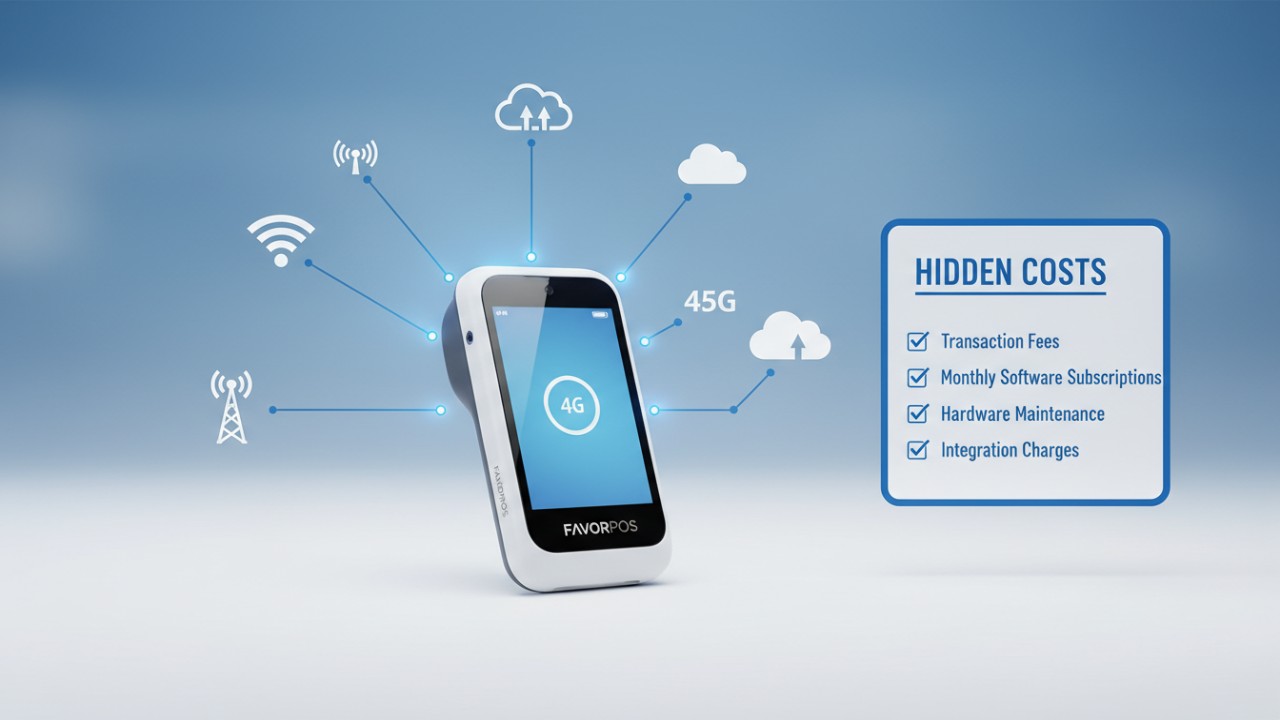
Most generic POS reviews overlook the massive financial impact of interchange-plus pricing versus flat-rate processing fees, and they fail to emphasize why 2026 hardware requires built-in 5G connectivity and AI-driven inventory analytics.
Businesses must critically evaluate the underlying technology powering a wireless credit card reader. While simple flat-rate fees seem appealing to new merchants, high-volume businesses can lose thousands of dollars annually without transparent interchange-plus pricing. Furthermore, payment security relies heavily on modern chip architecture. EMV technology, standing for Europay, Visa, and Mastercard, makes card transactions fundamentally more secure by generating one-time encrypted codes, as reported by Stripe.
Critical Hidden Factors in POS Selection:
- True Long-Term Costs: Ensure your processing partner offers scalable rates. Flat-rate structures penalize businesses as their transaction volume grows.
- Future-Proofing Technology: Hardware in 2026 must support built-in 5G capabilities for uninterrupted processing and AI-driven analytics that automatically predict inventory shortages before they happen.
- Real-World Efficiency Gains: Transitioning from stationary registers to dedicated mobile hardware like customized FAVORPOS terminals has been shown to reduce restaurant table turnover time by up to 20 percent.
Expert Tips and Common Mistakes When Choosing Portable Hardware
Selecting portable hardware requires prioritizing high drop ratings, water resistance, and offline mode capabilities to ensure continuous sales. A common mistake is choosing closed API systems that prevent custom peripheral connections.
Merchants frequently misjudge the physical demands placed on their equipment. A dropped tablet in a busy kitchen can instantly halt service if it isn't rated for high-impact environments.
Essential Purchasing Guidelines:
- Mistake: Ignoring drop ratings and water resistance. Fast-paced restaurant and retail environments will inevitably expose devices to spills and concrete floors.
- Mistake: Locking into a system with a closed API. Proprietary ecosystems prevent you from integrating future software tools or connecting third-party custom peripherals.
- Tip: Always vigorously test offline mode capabilities. Your system must reliably store payment data securely during sudden internet outages, syncing automatically once connectivity is restored.
- Tip: Look for hardware providers that offer OEM services if you plan to scale, franchise, or brand your own fleet of dedicated devices.
Conclusion
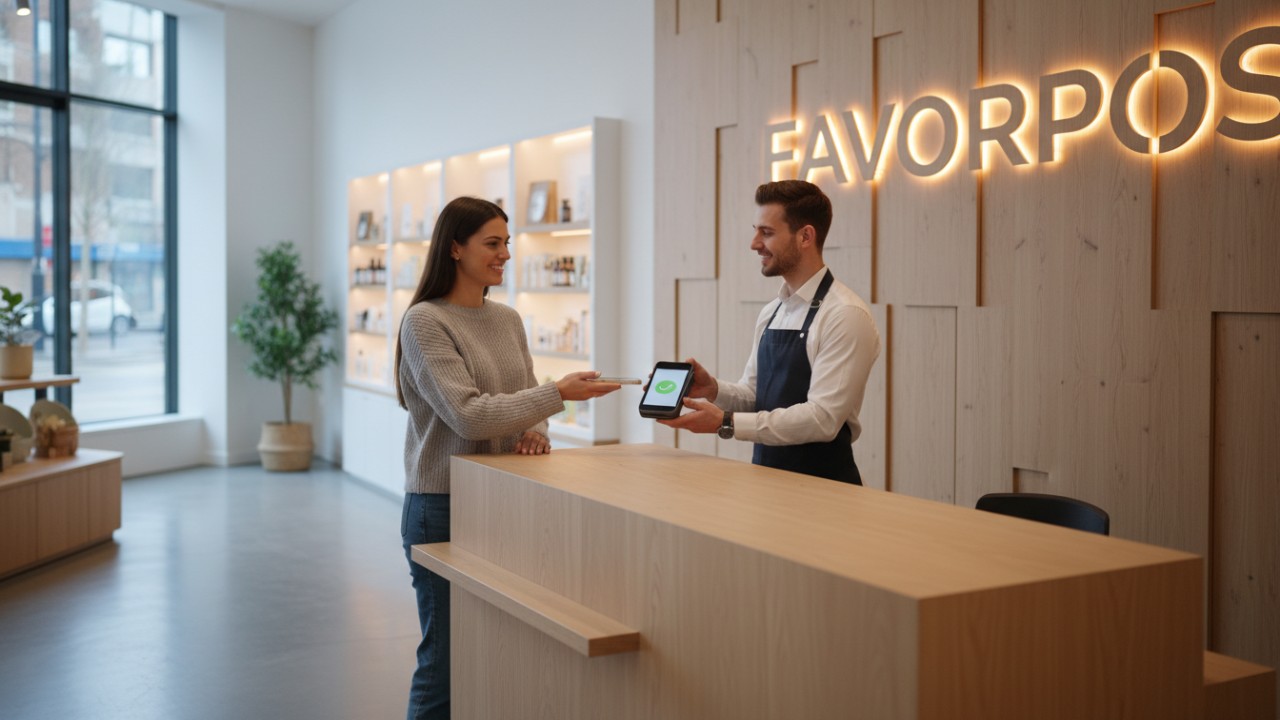
Selecting the right handheld pos system in 2026 requires carefully balancing processing speed, hardware durability, and long-term cost. Whether you need a standalone card reader or a custom-manufactured enterprise fleet, the right portable hardware fundamentally transforms business operations. By avoiding rigid software traps and prioritizing customizable, high-tech devices, you can future-proof your checkout experience and drive operational success. Contact us today to optimize your handheld pos system strategy.
FAQs About handheld pos system
How much does a handheld POS system cost?
Handheld POS hardware typically ranges from $49 for basic card readers to over $400 for robust, all-in-one terminals with built-in printers and scanners. Businesses must also factor in monthly software fees and credit card processing rates.
Do handheld POS systems work without Wi-Fi?
Yes, many top-tier handheld POS systems come equipped with 4G LTE SIM card slots to process payments via cellular networks. Most also feature an offline mode that stores transactions securely until internet connectivity is restored.
Which is the best handheld POS for restaurants?
Systems specifically designed for hospitality, such as Toast Go 2 and custom-configured FAVORPOS terminals, are ideal for restaurants because they offer spill-proof hardware, table-side ordering, and seamless kitchen communication.
Are mobile POS systems secure for credit card payments?
Absolutely. Modern handheld POS systems use point-to-point encryption (P2PE) and EMV chip technology to ensure that all contactless and physical card payments are highly secure and PCI compliant.
What is the difference between a mobile card reader and a handheld POS?
A mobile card reader is a simple accessory that connects to a smartphone or tablet to process payments. A handheld POS system is a standalone smart device with its own built-in software, screen, and often a receipt printer.
Can I connect a handheld POS to my existing cash drawer?
Many cloud-based handheld POS devices can connect wirelessly to a central hub, thermal printer, or cash drawer via Bluetooth or local Wi-Fi, keeping your entire checkout ecosystem synchronized.
How long does a handheld POS battery last?
Most enterprise-grade portable POS terminals are designed to last for an entire shift, offering between 8 to 12 hours of continuous use on a single charge.
Does FAVORPOS offer OEM manufacturing for custom POS devices?
Yes, FAVORPOS specializes in providing customized OEM and ODM services, developing advanced handheld terminals, price checkers, and POS peripherals tailored perfectly to your business requirements.
Everything You Need to Know About best retail pos systems
How to Choose the best pda device manufacturer and supplier ?
Everything You Need to Know About china thermal wifi label printer manufacturers
Top best pos systems for retail stores Manufacturers and Suppliers in America
For company
How much does customization cost?
The cost varies according to customization requirements. We will provide a detailed quotation after understanding your specific needs.
For Solutions Retail
Can your equipment support multiple languages and currencies?
Yes, our POS system supports multi-language operation interfaces and multi-currency transactions to meet the needs of the global market. You can set different language and currency options according to the specific requirements of the country or region where your business is located.
For OEM
Do you provide technical support and training services?
Yes, we provide comprehensive online technical support and training services to help your team become familiar with the operation and maintenance of POS machines.
How to deal with warranty and repair issues of POS machines?
We provide warranty services for customized POS machines. The warranty period and coverage are subject to specific contracts. During the warranty period, if the device fails, we will provide free repair services. You can submit a repair request through our after-sales service team, and we will handle your problem as soon as possible.
For Bakeries
What payment methods are supported?
Our POS system accepts a variety of payment methods, including credit cards, mobile wallets, and contactless payments.
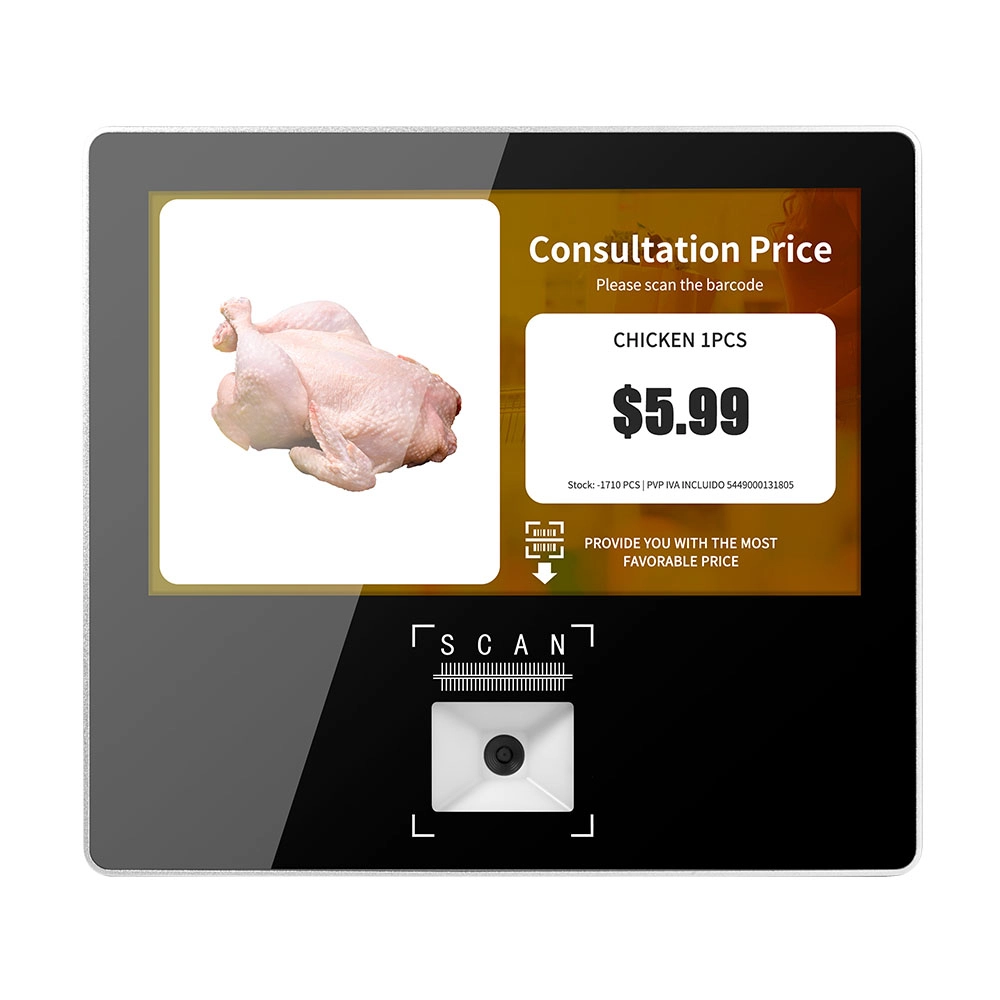
Metal 11.6 inch Price Scanner Machine Android Windows with Wifi Supplier
FAVORPOS Metal 11.6-inch Price Scanner Machine, designed for durability and efficiency in retail environments. This versatile device operates on both Android and Windows, providing seamless functionality for various applications. With built-in Wi-Fi connectivity, it allows for quick access to pricing data and updates. The 11.6'' display ensures clear visibility for easy operation, making it perfect for price checking and inventory management. Enhance your retail experience with this reliable and robust price scanner from a trusted supplier!
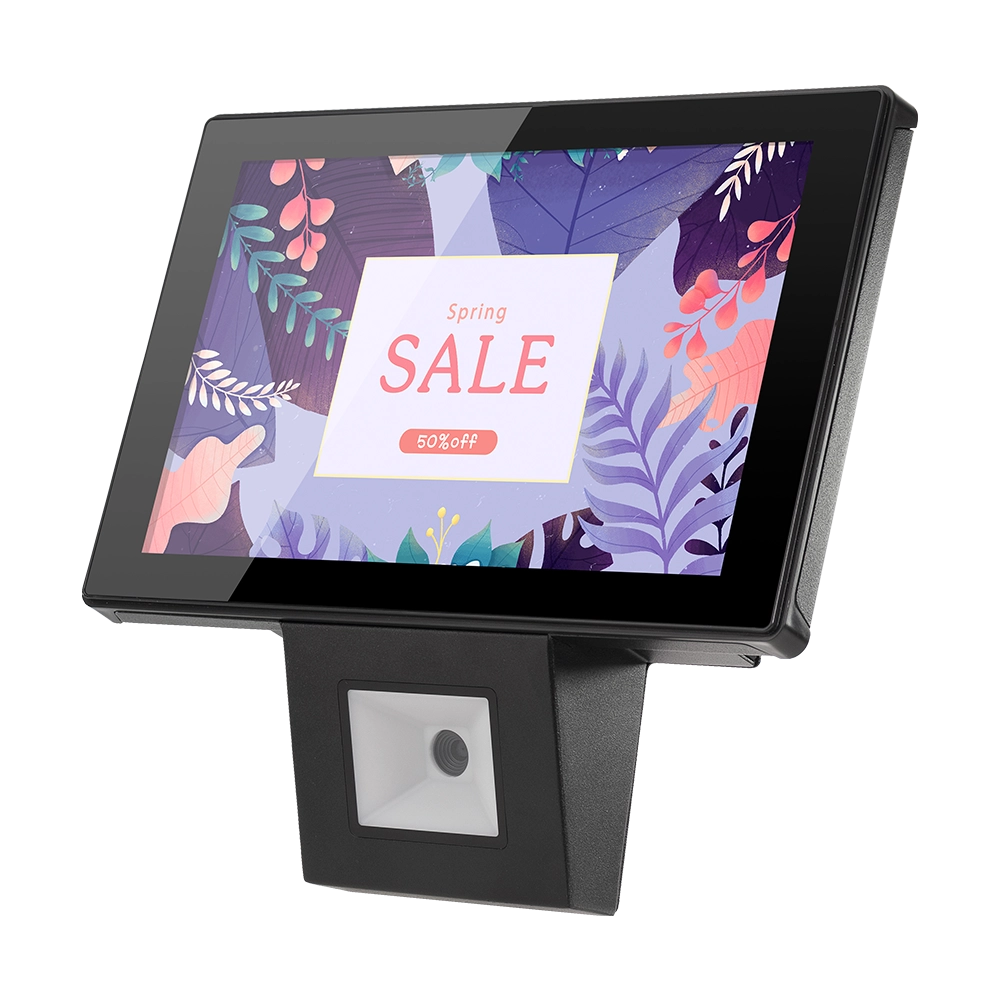
10 inch Price Checker Device Supplier Barcode Scanner for Sale Price Check for Supermarket
FAVORPOS offers 10 inch Price Checker Device, perfect for supermarkets. This wall mounted 10 inch touch screen barcode scanner ensures fast, accurate price checks, enhancing customer experience and operational efficiency. Durable, user-friendly, and perfect for high-traffic retail environments.

Aluminum Dual Screen Pos Terminal Pos Systems 15.6 inch Touchscreen Pos
FAVORPOS Aluminum Dual Screen POS Terminal features a 15.6-inch touchscreen, ideal for seamless transactions. As a trusted OEM Windows POS manufacturer, we deliver durable, high-performance solutions tailored for retail and hospitality businesses.
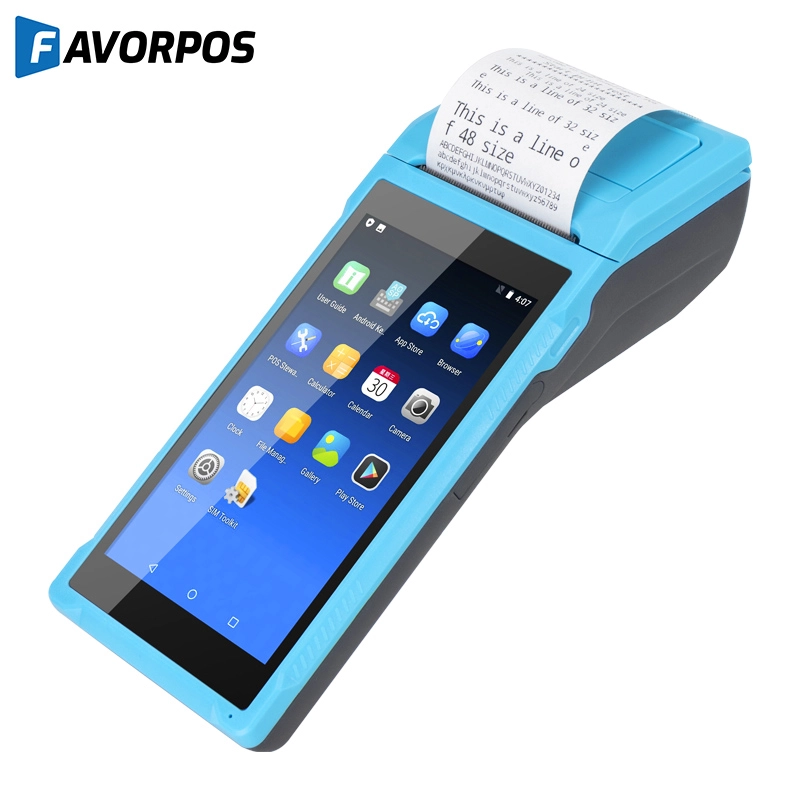
Android Handheld Pos Device Touch Screen Pos Terminal Manufacturer


Copyright © 2025 Favorpos All Rights Reserved.
