
POS Touch Screen Cash Register Systems: Hardware & Buying Guide
- Quick Answer: How Do You Choose a POS Touch Screen Cash Register System?
- 1. Define the Touchscreen Workflow
- 2. Evaluate Display Requirements
- 3. Review Hardware Architecture
- 4. Check Peripheral Compatibility
- 5. Consider Software Compatibility
- 6. Plan Serviceability and Deployment
- 7. OEM and Private Label Requirements
- FAQ
Quick Answer: How Do You Choose a POS Touch Screen Cash Register System?
Select a POS touch screen cash register system by matching the display, hardware configuration, software compatibility, peripherals, service requirements and deployment environment to the business workflow. A suitable terminal should support daily operations instead of being selected only by popularity.
1. Define the Touchscreen Workflow
Touchscreen POS systems are used in many environments including retail, hospitality and service counters. Define whether staff need item entry, order management, customer interaction, inventory access or other functions. The interface design should match the actual workflow.
2. Evaluate Display Requirements
Consider screen size, resolution, touch technology, viewing angle, brightness requirements and the working environment. The correct display depends on the application, counter space and user interaction needs.
3. Review Hardware Architecture
Buyers should evaluate processor, memory, storage, operating system support, ports and expansion options according to the software and workload requirements. The terminal should be considered as part of the complete POS solution.
4. Check Peripheral Compatibility
POS deployments may include scanners, receipt printers, cash drawers, customer displays, payment devices and other accessories. Confirm required interfaces and software support before selecting the final configuration.
5. Consider Software Compatibility
Verify operating system support, POS application compatibility, integration requirements and update processes. Hardware capability alone does not guarantee a successful deployment if software requirements are not matched.
6. Plan Serviceability and Deployment
For multiple locations, standardize configuration, installation procedures, documentation and replacement processes. Service access and maintenance planning can affect long-term operation.
7. OEM and Private Label Requirements
For OEM projects, define branding, housing requirements, configuration, packaging, documentation, quantity and destination-market needs. FAVORPOS's site profile confirms OEM/ODM services; exact customization scope should be confirmed for each project.
FAQ
What is a POS touch screen cash register system?
It is a POS terminal using a touch display interface for sales, service or business workflows.
How do I choose a touchscreen POS terminal?
Evaluate workflow, display needs, hardware, software compatibility, peripherals and deployment requirements.
Do touchscreen POS systems need printers and scanners?
It depends on the business workflow. Required peripherals should be defined before selecting hardware.
Why is software compatibility important?
The terminal must support the POS application, operating system and integrations required by the business.
What matters for OEM touchscreen POS projects?
Define configuration, branding, quantity, packaging, documentation and project requirements.
What should be included in a POS hardware RFQ?
Include display, hardware configuration, peripherals, software requirements, quantity, deployment and customization needs.
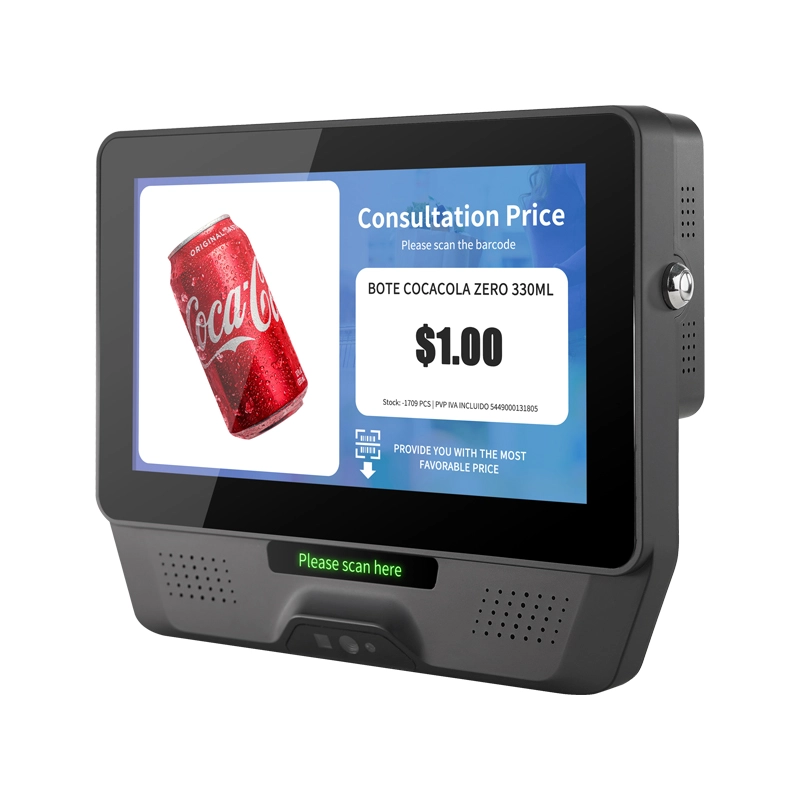
FAVORPOS 7 inch screen plastic price checker and custom check-in barcode scanner combines lightweight portability with reliable performance for retail and warehouse operations. Fast scanning, clear display, built to handle daily checkout demands.
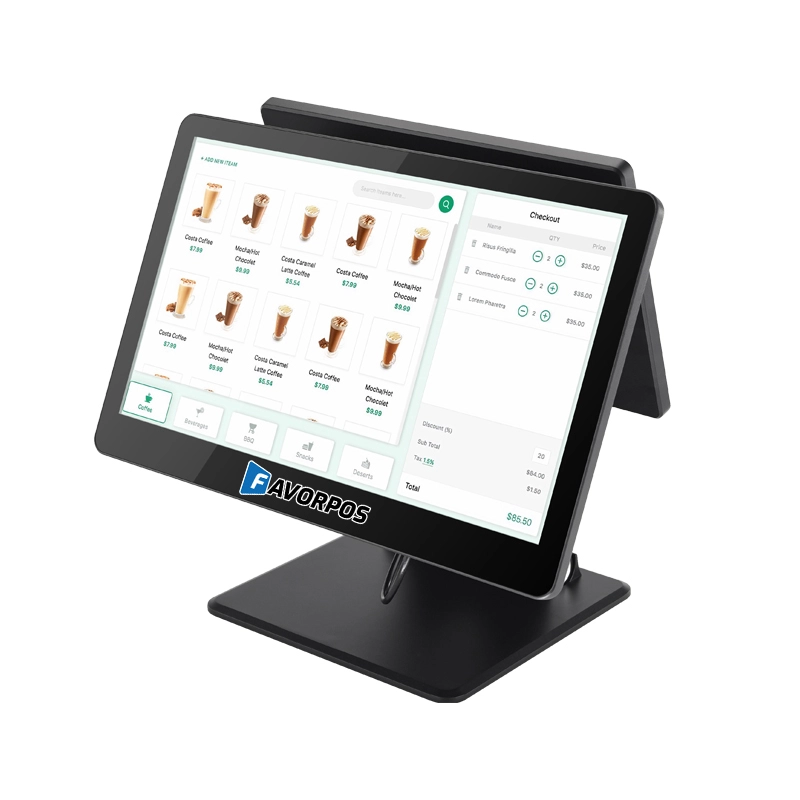
FAVORPOS dual screen POS terminals deliver fast, reliable checkout performance for retail and hospitality businesses. Built by our commercial pos terminal manufacturer, these thin-profile systems streamline transactions while maximizing counter space—trusted by checkout pos systems factory operations worldwide.
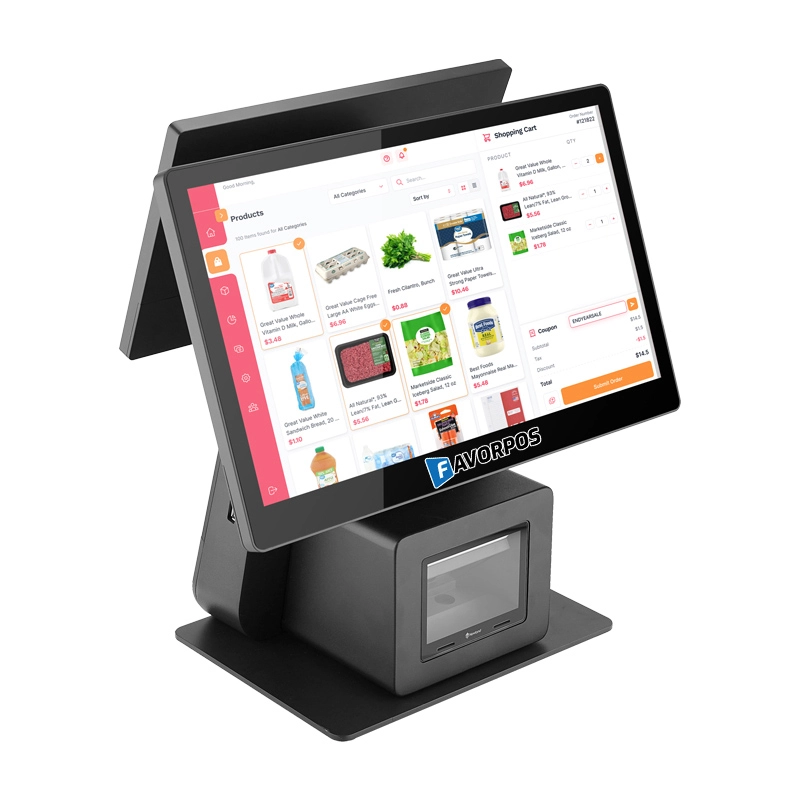
FAVORPOS: Your leading dual screen POS factory and manufacturer. Our desktop POS with barcode scanner offers 15.6/11.6 client screen options and OS flexibility. Get reliable, efficient dual screen POS with barcode scanner solutions directly from us.
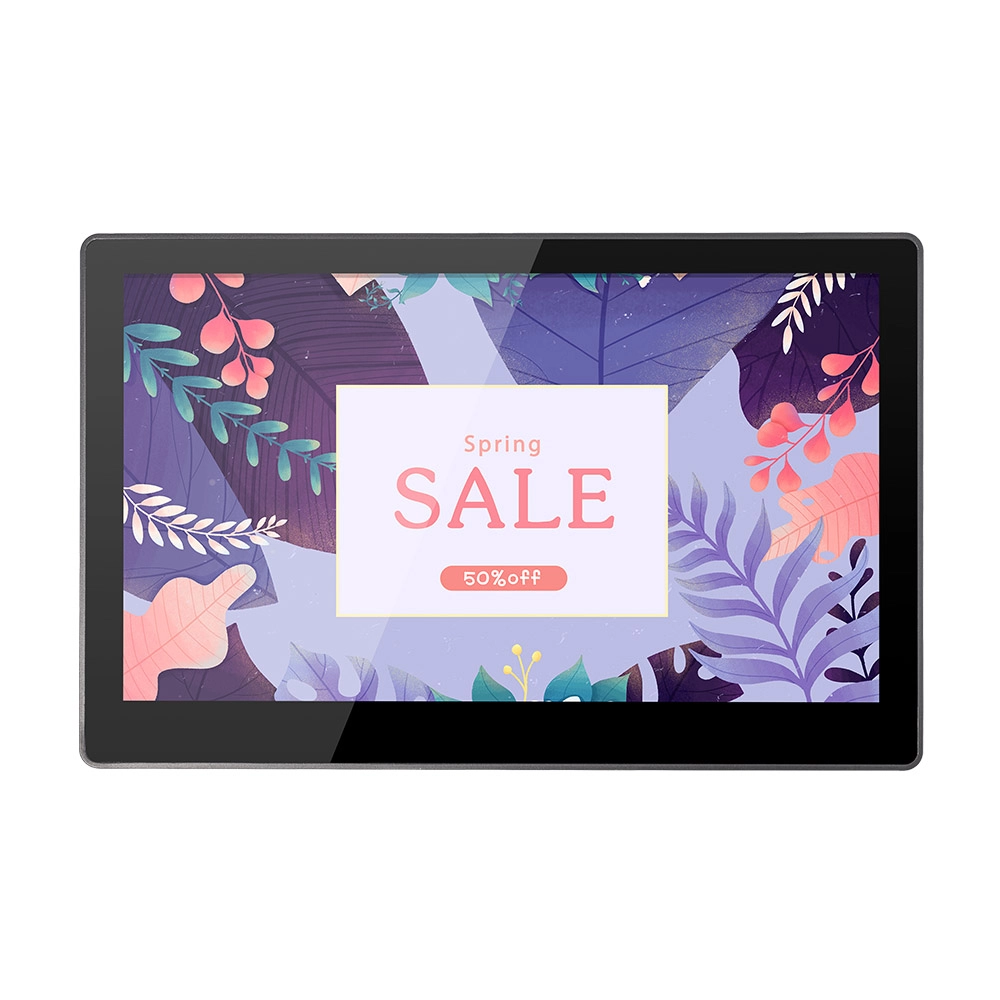
FAVORPOS 11.6-inch capacitive touchscreen, specifically designed for POS machines to deliver a seamless and responsive user experience. This high-definition display offers vibrant visuals and crystal clear clarity, making it easy for staff to navigate through transactions efficiently. The capacitive technology ensures quick and accurate touch recognition, reducing wait times and enhancing customer satisfaction. Built to withstand the rigors of daily use, this touchscreen is perfect for retail and hospitality environments.


Copyright © 2025 Favorpos All Rights Reserved.
