
What is the difference between ATM and POS? | FAVORPOS Guide
What's the Difference Between ATM and POS? | FAVORPOS
Core Functional Differences Between ATMs and POS Systems
- ATM (Automated Teller Machine): Primarily designed for cash dispensing, balance inquiries, and limited fund transfers. Focuses on cash-based transactions within a bank's network.
- POS (Point of Sale) System: Processes a broader range of transactions including sales, returns, and payments (credit/debit cards, mobile wallets, etc.). Integrates with inventory, customer relationship management (CRM), and other business applications.
Transaction Types and Processing
- ATMs: Limited transaction types, mainly cash withdrawals, deposits, and balance checks. Relies heavily on bank networks for authorization and clearing.
- POS: Supports diverse payment types and transaction scenarios, including sales, refunds, loyalty programs, and gift card transactions. Integrates with various payment gateways and processors.
Network Integration and Security
- ATMs: Primarily connected to a bank's internal network and interbank networks (e.g., SWIFT). Security focuses on cash handling and fraud prevention in ATM-specific contexts.
- POS: Connects to various payment processors (e.g., Visa, Mastercard, PayPal) and often integrates with internet-based systems for real-time transaction processing. Security protocols encompass various payment card industry (PCI DSS) standards and data encryption methods. ((https://www.pcisecuritystandards.org/))
Hardware and Software Components
- ATMs: Specialized hardware including cash dispensers, card readers, and secure communication modules. Software focuses on cash management, transaction processing, and security protocols specific to ATM operations.
- POS: Ranges from basic hardware configurations (cash register, card reader) to complex systems with integrated peripherals (barcode scanners, receipt printers, etc.). Software caters to diverse business needs including sales tracking, inventory management, and customer data analysis.
Typical Deployment Locations
- ATMs: Typically located in banks, retail locations, and public spaces.
- POS: Deployed across various business sectors—retail, restaurants, healthcare, etc.
Key Differences Summarized
| Feature | ATM | POS System |
|---|---|---|
| Primary Function | Cash dispensing, balance inquiry | Sales processing, payment processing |
| Transaction Types | Limited to cash transactions | Diverse payment methods and sales |
| Network | Primarily bank networks | Various payment gateways and processors |
| Integration | Limited business integration | Extensive business application integration |
While both ATMs and POS systems play crucial roles in the financial technology landscape, their functionalities, target audiences, and operational scopes differ significantly. Understanding these distinctions is essential for professionals navigating the complexities of the payments industry.
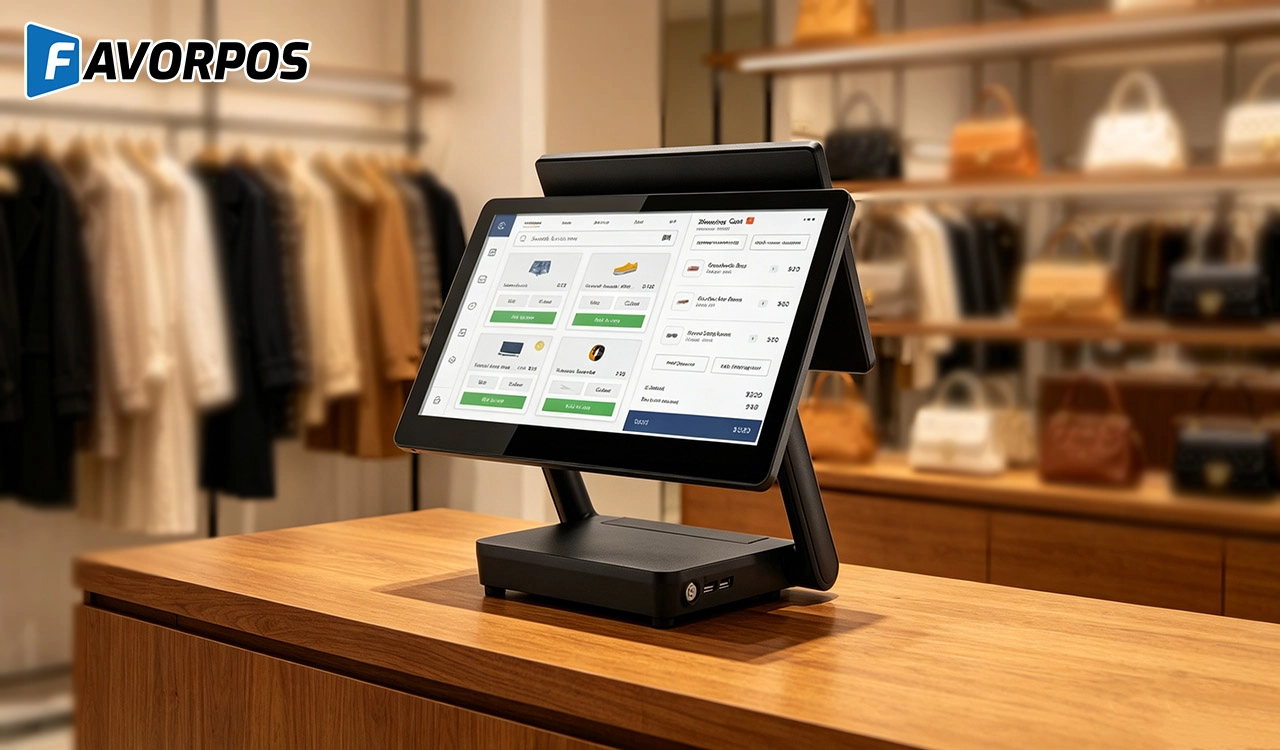
Why a 15.6” Touch POS Terminal Is Becoming the New Standard in High-Traffic Retail
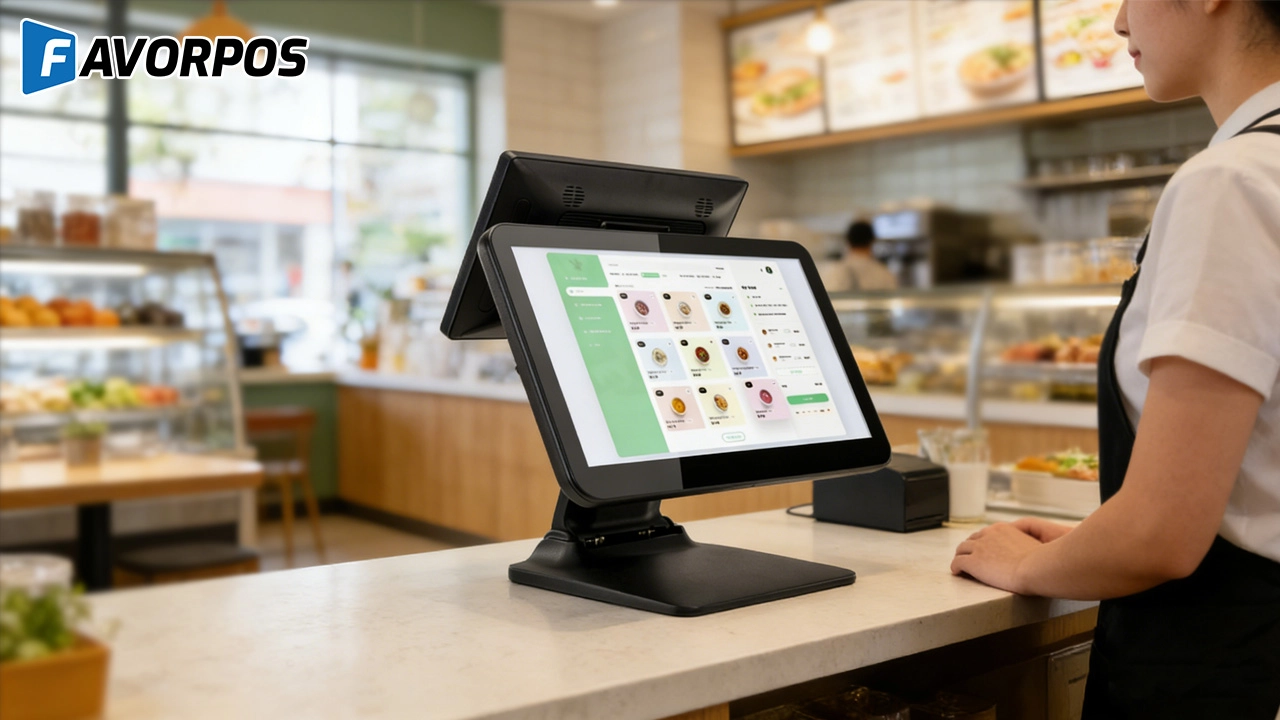
Beyond Checkout: How a 15.6-Inch Aluminum POS System Redefines Retail Efficiency
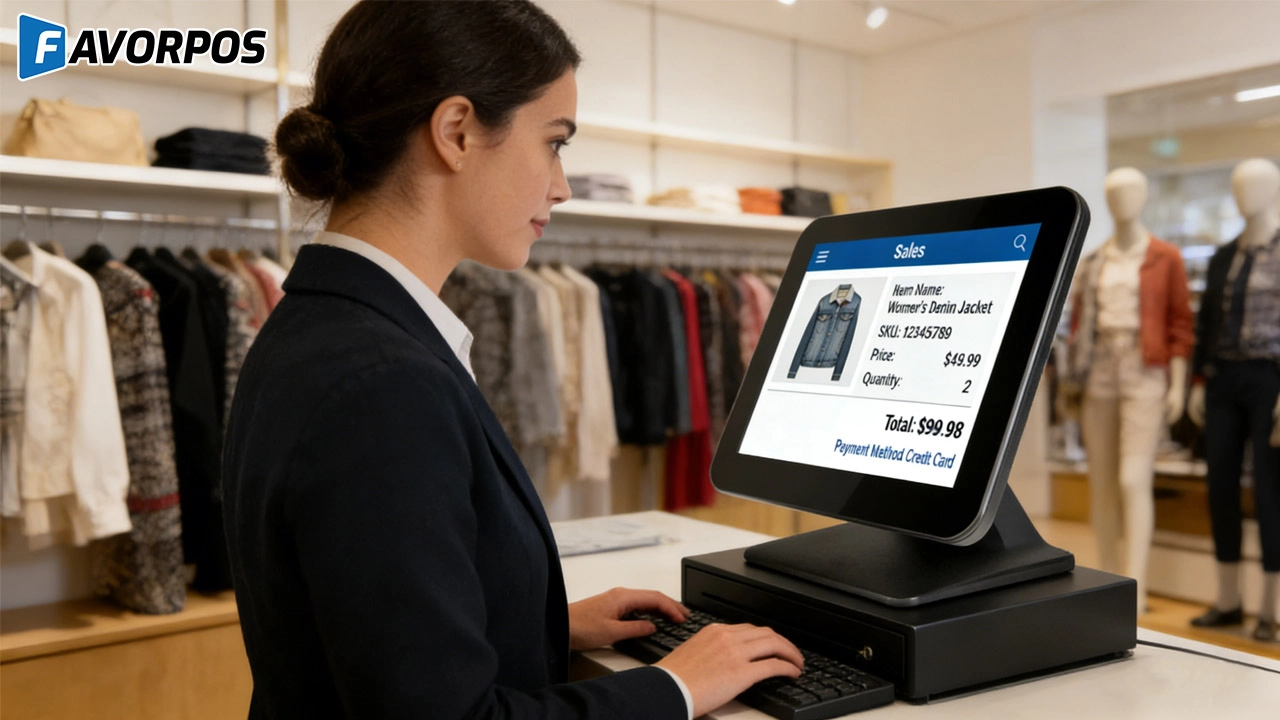
Understanding 15-Inch Aluminum POS Terminals in Modern Commercial Use
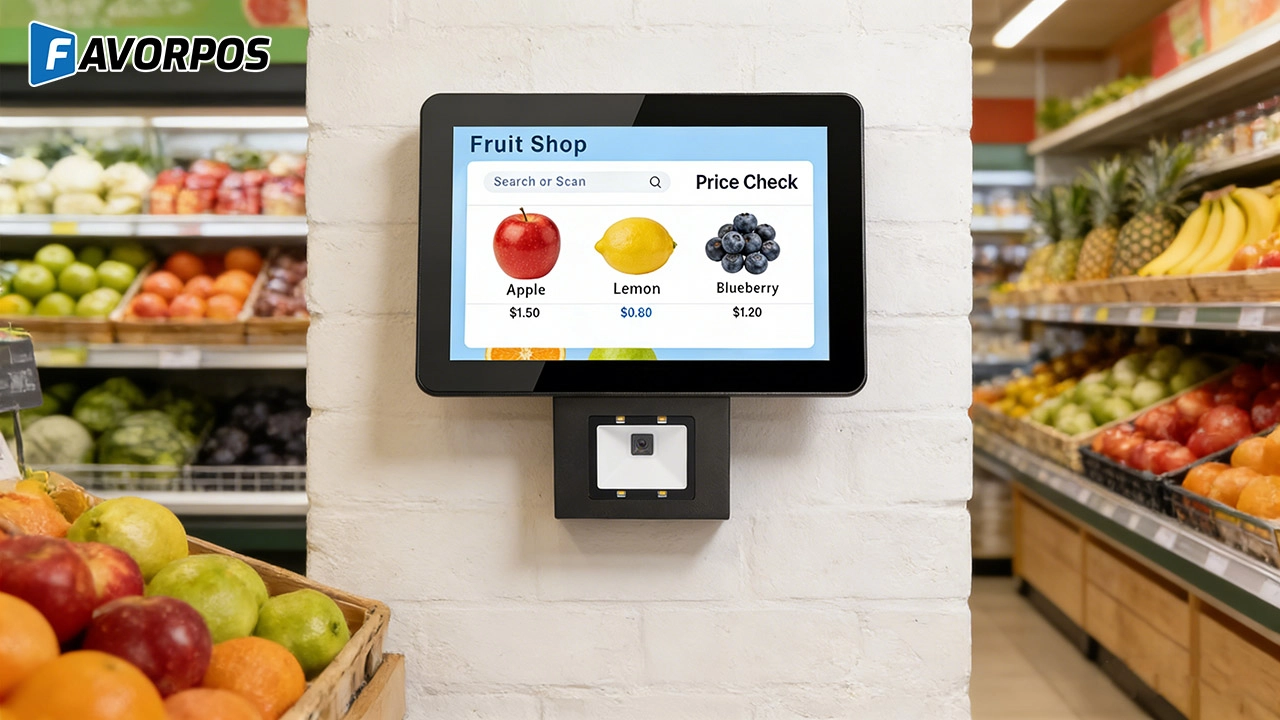
The Smart Way to Check Prices: How a 10.1-Inch Wall-Mounted Price Checker Transforms Retail Stores
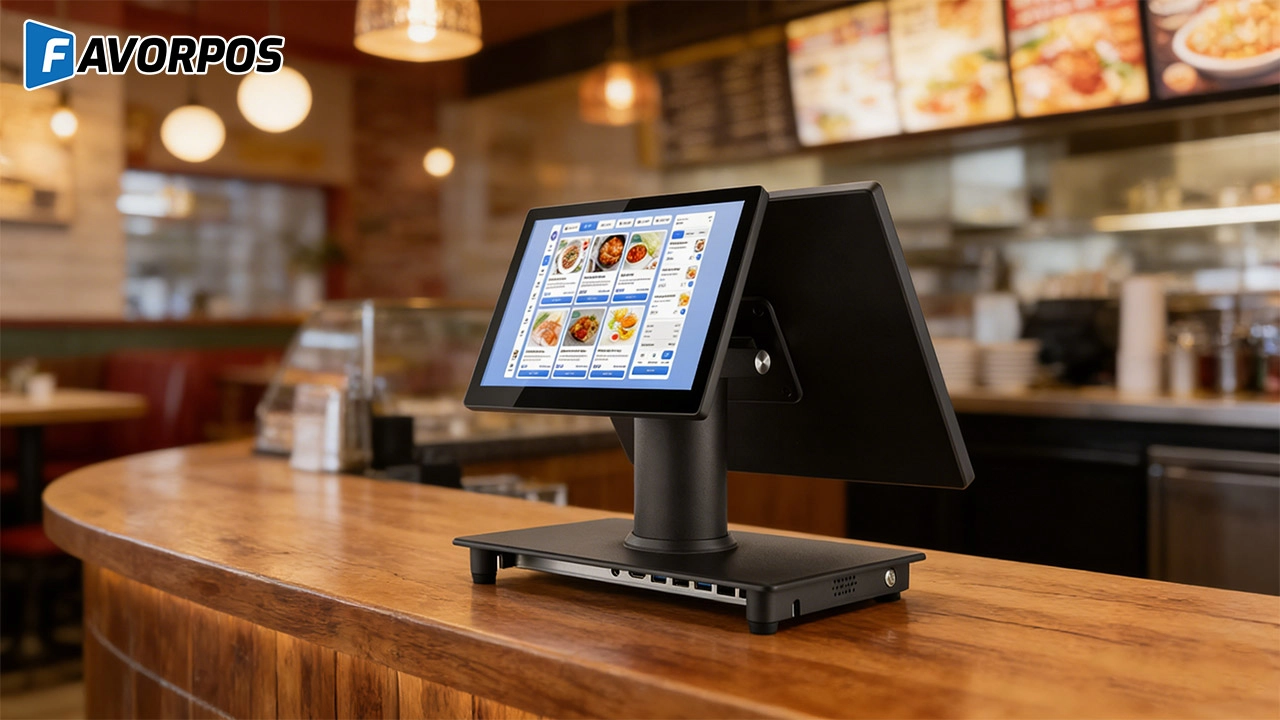
A Smarter Checkout Experience: The 15-Inch Dual-Screen POS Built for Modern Retail
For Restaurants & Cafes
If there is a problem with the device, how can I get technical support?
You can contact our technical support team by phone, email or online customer service. We provide 24/7 support to ensure that your issues are resolved promptly and the system is up and running.
For ODM
Does the product comply with international standards and certifications?
Our POS machines comply with various international standards and certification requirements, including safety, electrical performance and environmental standards. We ensure that all products comply with relevant regulations during the production process so that they are suitable for the global market.
For Beauty and Wellness
Can the system manage the inventory of retail products?
Yes, our system can track and manage the inventory of retail products and provide real-time inventory reminders and automatic reordering functions to ensure that there is no out-of-stock.
For Distributor
What are the benefits of joining your reseller network?
Benefits include access to innovative POS products, attractive margins, comprehensive training and support, and the opportunity to work with a globally recognized brand.
For Grocery and Supermarkets
Can I manage multiple stores with your POS system?
Yes, our POS solution provides multi-store management capabilities, allowing you to control pricing, inventory, and promotions for all stores from a single platform.
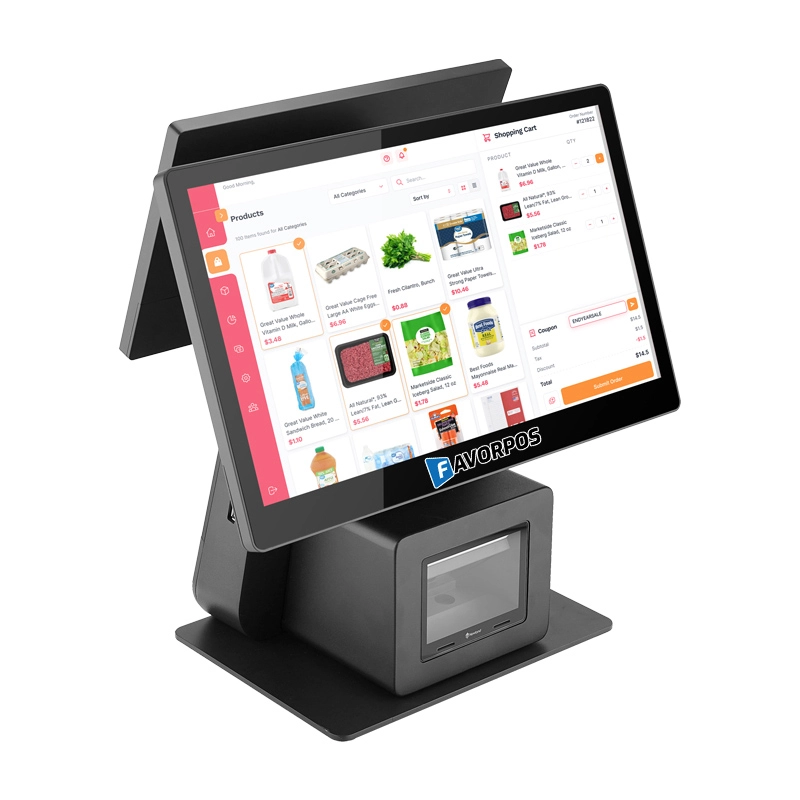
Dual Screen POS With Barcode Scanner Desktop POS Manufacturer POS Factory 15.6 11.6 Client Screen Optional
FAVORPOS: Your leading dual screen POS factory and manufacturer. Our desktop POS with barcode scanner offers 15.6/11.6 client screen options and OS flexibility. Get reliable, efficient dual screen POS with barcode scanner solutions directly from us.
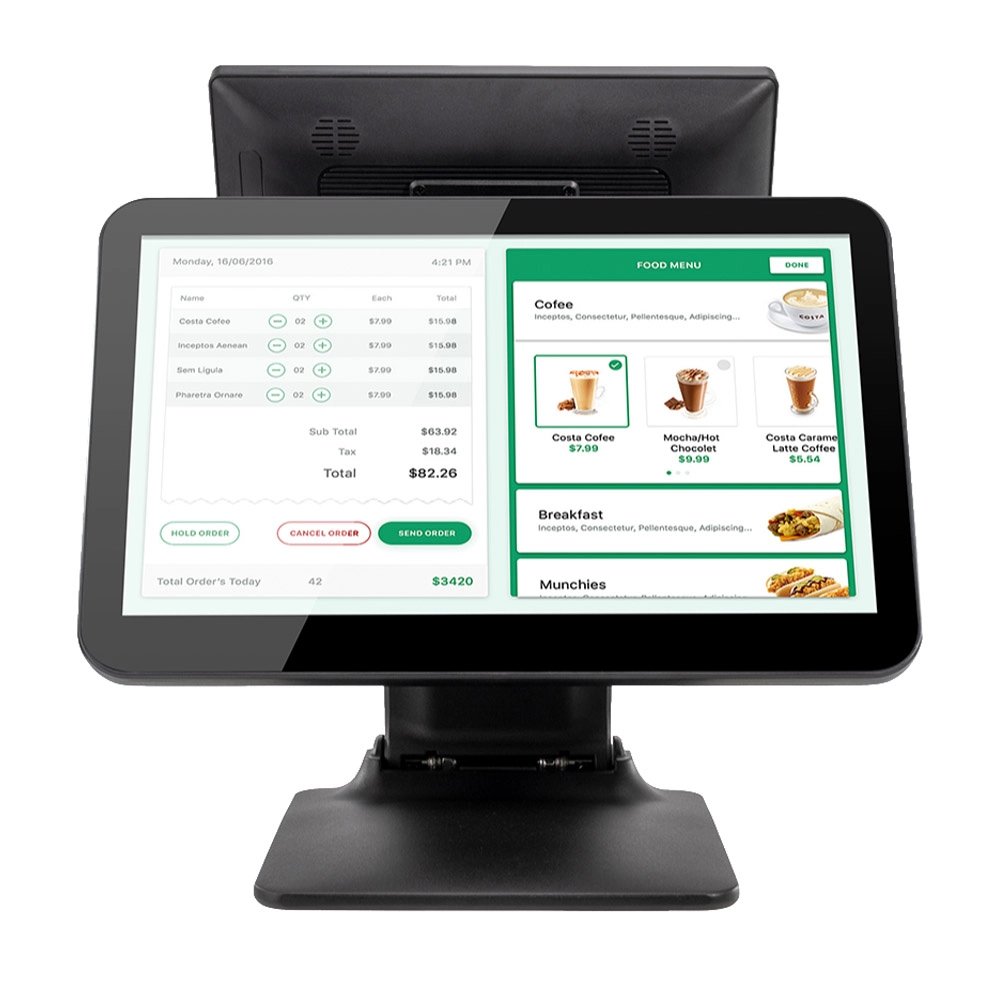
Foldable Touch Screen POS Cash Register 15.6'' Windows Supplier Aluminum
This innovative cash register combines portability with advanced functionality, making it ideal for retail environments. Its aluminum construction ensures durability while maintaining a lightweight design for easy transport and setup. The foldable feature allows for convenient storage and flexibility in various business settings.
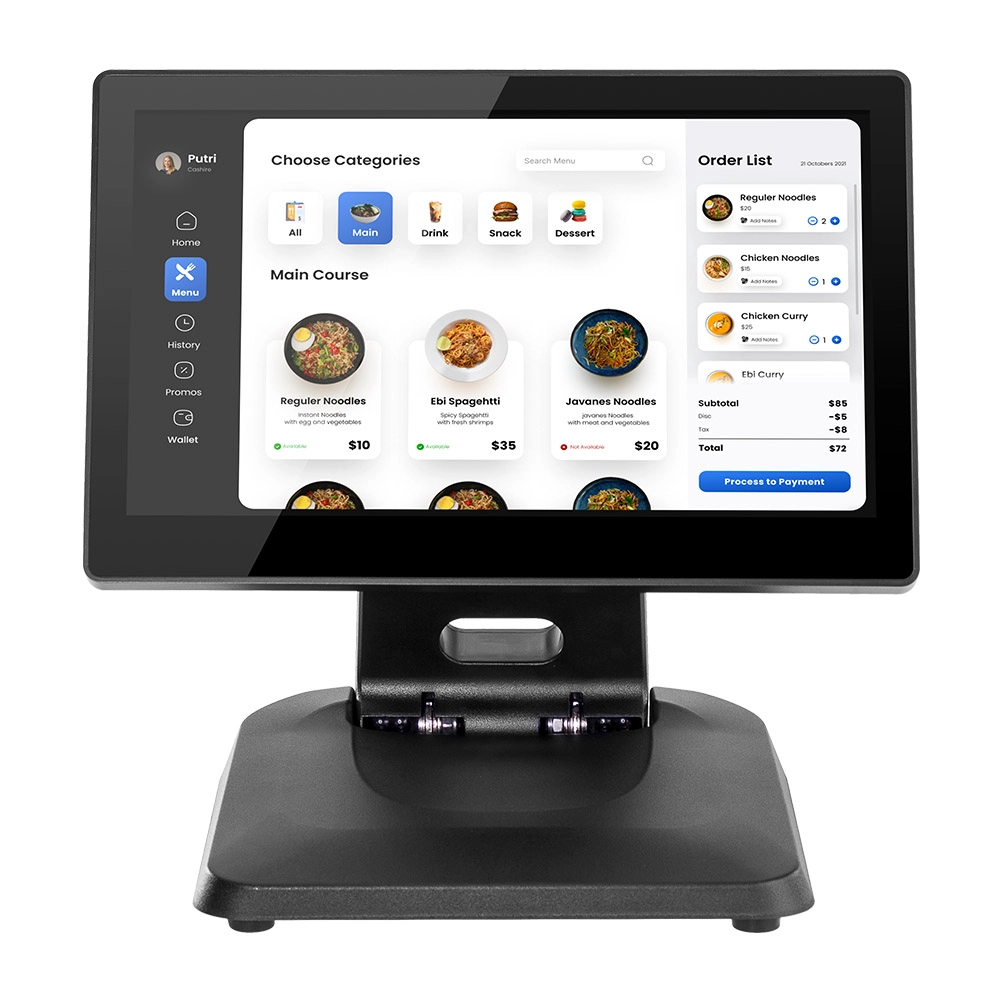
Factory 11.6'' Touch Screen POS Terminal Android Windows
The Factory 11.6'' Touch Screen POS Terminal is a versatile solution that supports both Android and Windows operating systems. Designed for durability and efficiency, this terminal is perfect for various retail environments. Its compact size and responsive touch screen enhance customer interactions, making transactions quick and seamless.
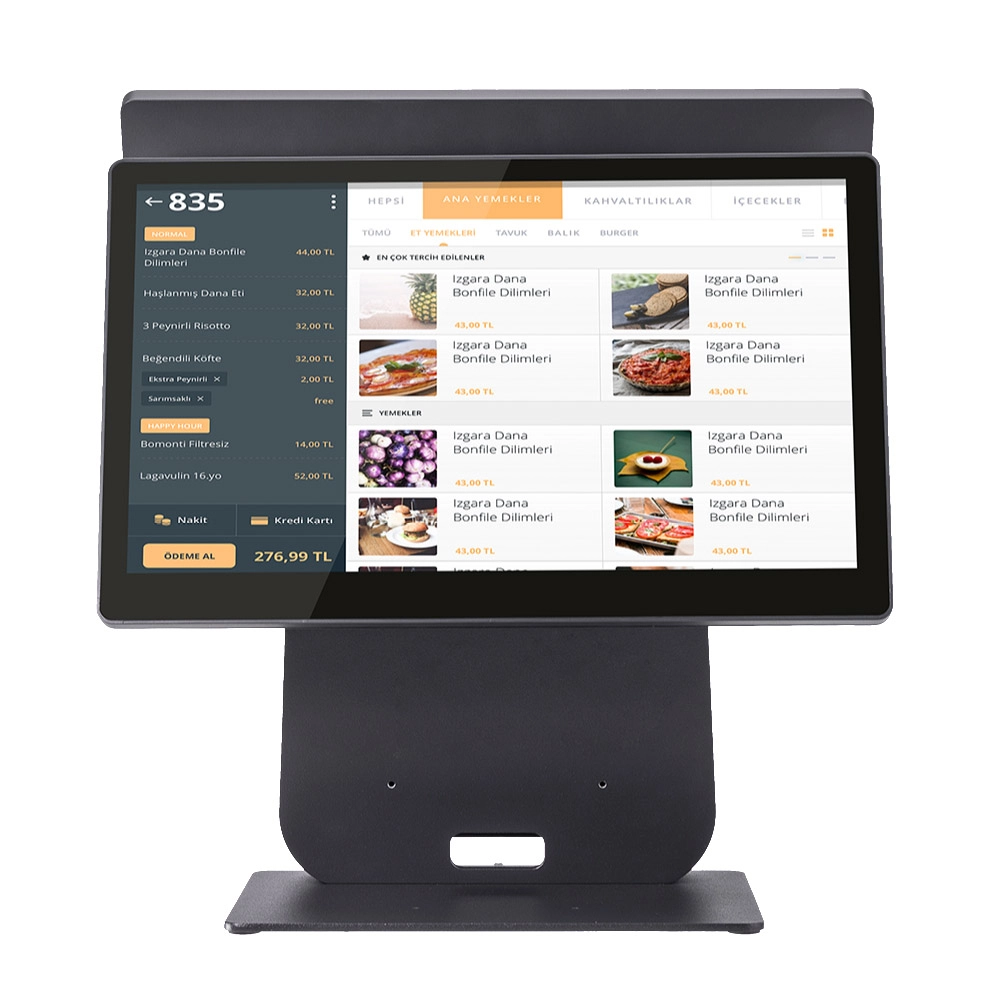
HD Dual Screen POS Machine Aluminum Hardware Android Windows Supplier
This dual-screen POS machine supports both Android and Windows systems, providing flexibility for various applications. The dual screens enhance customer interaction and streamline the checkout process, making transactions quicker and more engaging. Perfect for modern businesses looking to elevate their service and improve customer satisfaction, this POS machine is your ultimate partner in success!
Get in touch
Interested in becoming a POS system dealer? Contact us for more information and start the process of joining our dealer network.
We look forward to working with you to expand the market together.


Copyright © 2025 Favorpos All Rights Reserved.
