
Which printer is most commonly used for printing receipts? | FAVORPOS Guide
Which Printer is Most Commonly Used for Printing Receipts?
Choosing the right receipt printer for your POS system is crucial for efficient operations. This article clarifies the most popular printer types used in the POS industry, helping you avoid common pitfalls and select the best option for your business needs.
Thermal Printers: The Industry Standard
Thermal printers are the most common type of receipt printer used with POS systems. They utilize heat-sensitive paper and a thermal printhead to produce images. This technology offers several advantages: they're generally quieter than impact printers, require less maintenance (no ink cartridges to replace), and are compact, making them ideal for countertop POS setups. The low running costs are also a significant benefit. Many FAVORPOS systems seamlessly integrate with thermal printers.
Impact Printers: A Durable Alternative
Impact printers, while less prevalent than thermal printers in modern POS systems, still hold a place in specific applications. These printers use an impact mechanism to print onto paper, often using carbon ribbons for multiple copies. Their durability and ability to print on multiple-part forms make them suitable for environments requiring high-volume printing or multiple-copy receipts. However, their higher maintenance needs and noise levels compared to thermal printers mean they are less commonly chosen for typical POS applications.
Selecting the Right Printer for Your Needs
The choice between a thermal and an impact printer largely depends on your specific requirements. For most POS environments, the thermal printer's quiet operation, low cost of ownership, and compact size make it the clear winner. However, if your business requires durable, multi-copy receipts, an impact printer might be considered. Factors such as print speed, paper roll size, and connectivity options (USB, Ethernet, wireless) should also be carefully evaluated.
Best Receipt Printer for POS Systems | FAVORPOS
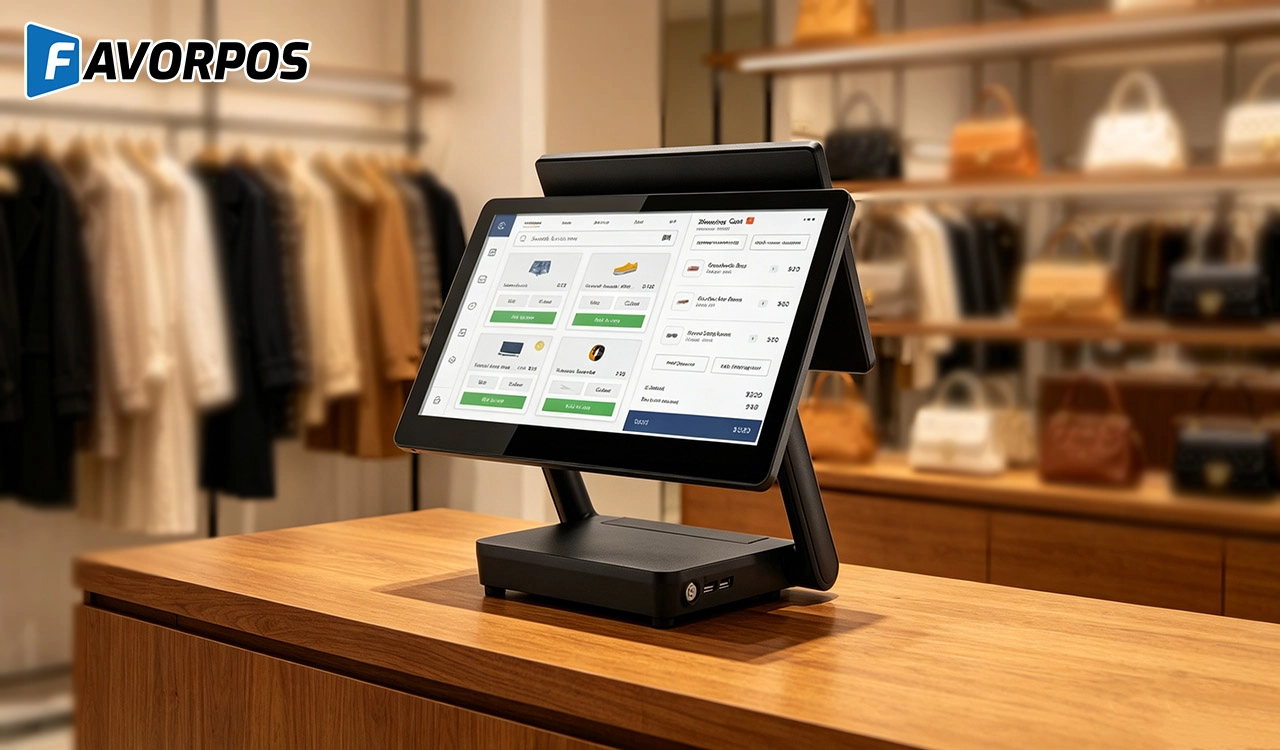
Why a 15.6” Touch POS Terminal Is Becoming the New Standard in High-Traffic Retail
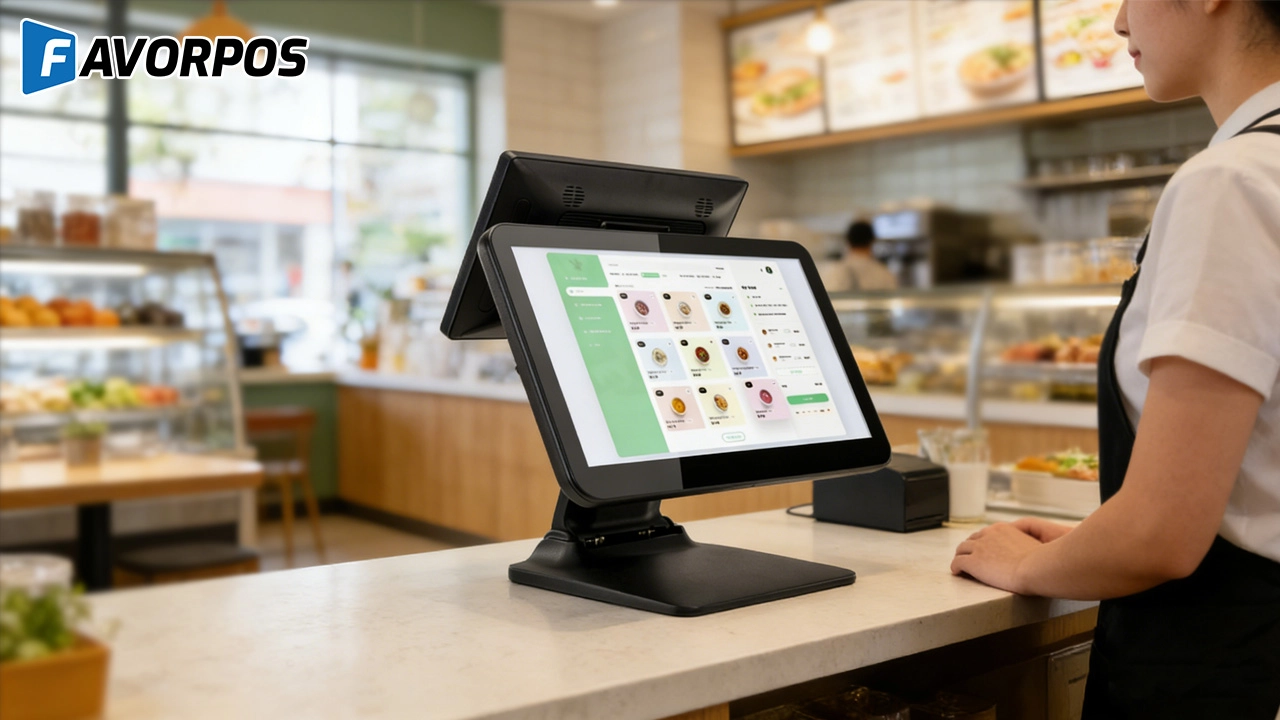
Beyond Checkout: How a 15.6-Inch Aluminum POS System Redefines Retail Efficiency
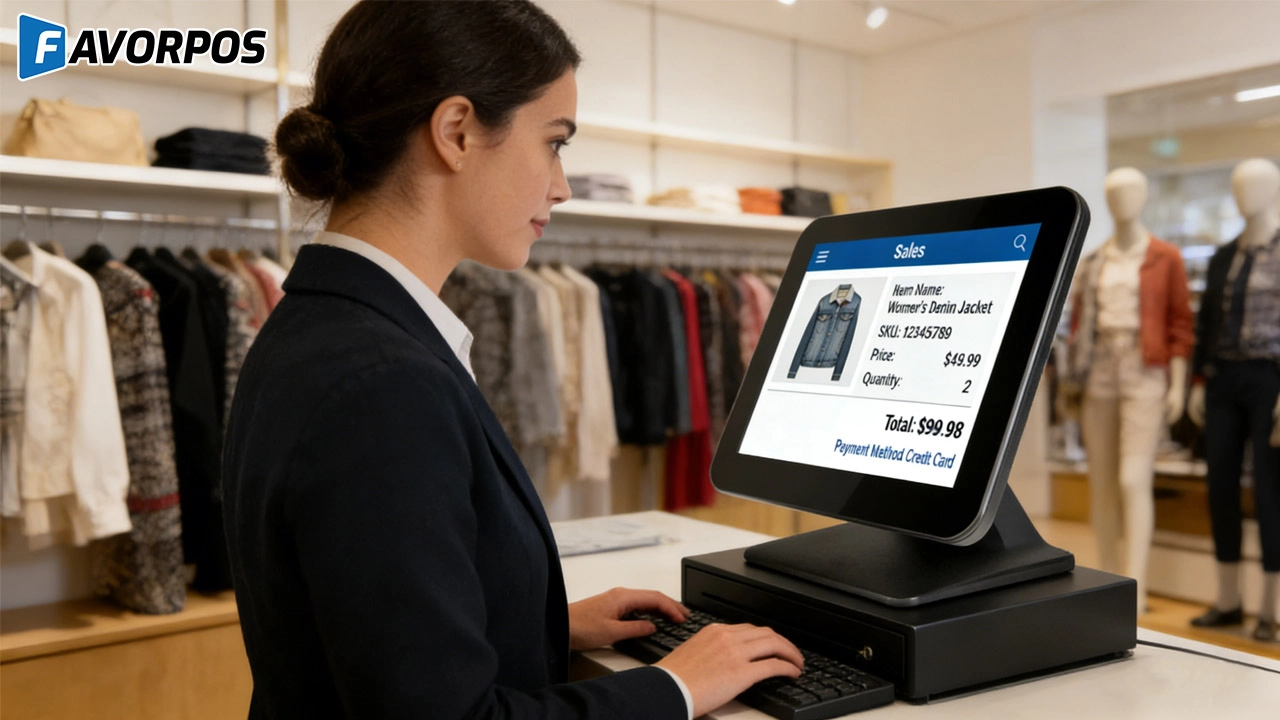
Understanding 15-Inch Aluminum POS Terminals in Modern Commercial Use
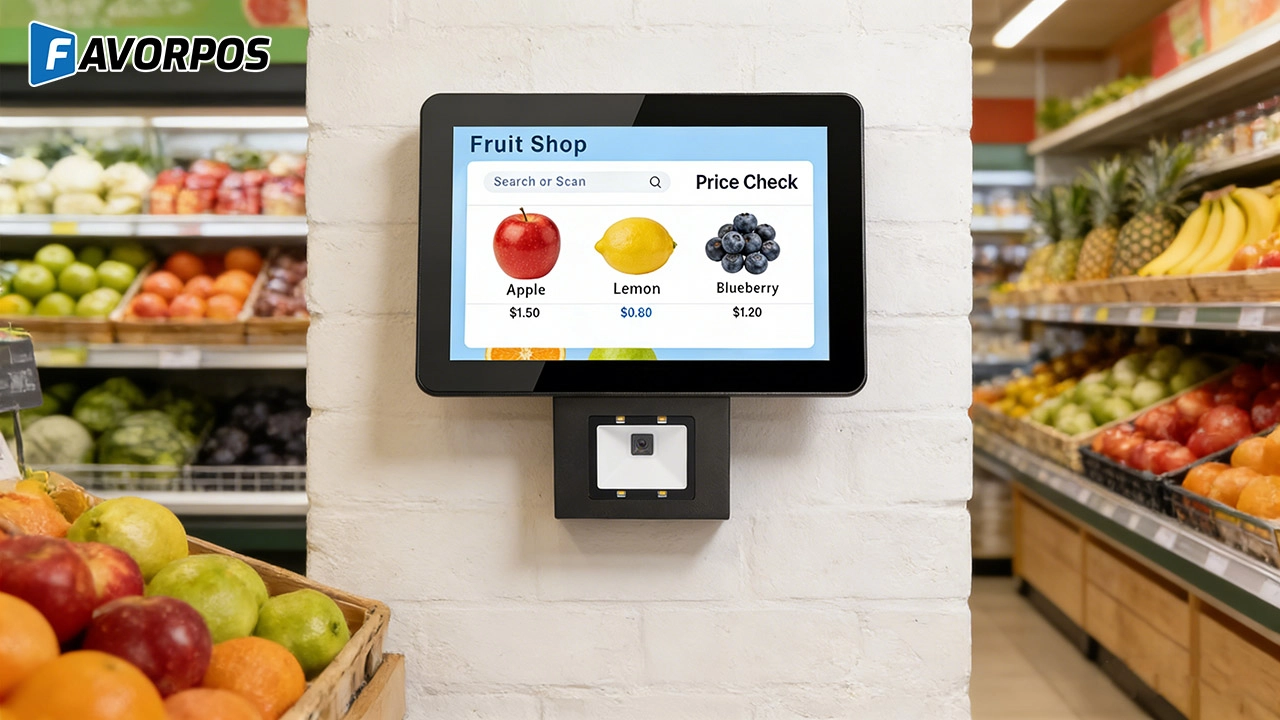
The Smart Way to Check Prices: How a 10.1-Inch Wall-Mounted Price Checker Transforms Retail Stores
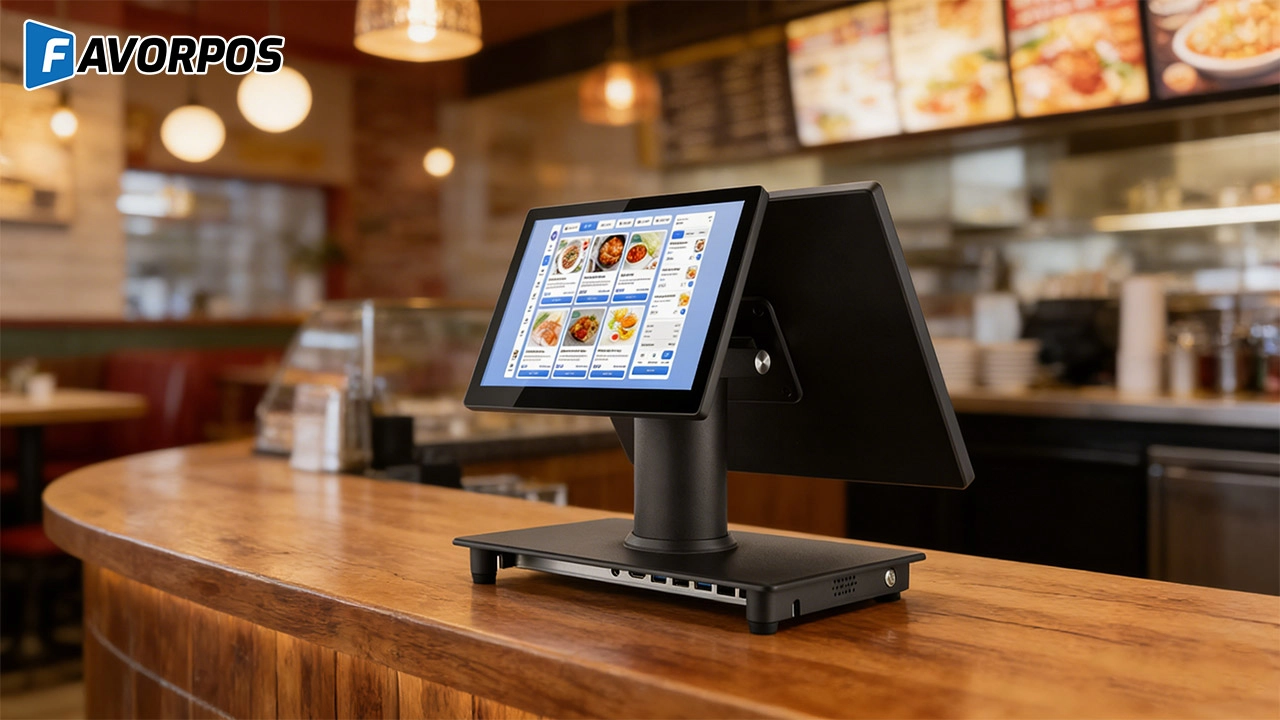
A Smarter Checkout Experience: The 15-Inch Dual-Screen POS Built for Modern Retail
For Entertainment & Events
What payment methods does your system support?
Our POS system supports multiple payment methods, including credit cards, digital wallets and contactless payments, providing customers with a convenient payment experience.
For ODM
Does ODM service provide product warranty and after-sales support?
Yes, we provide product warranty and after-sales support. Our technical support team can assist with any problems that arise after production and provide maintenance and repair services to ensure the long-term use of the product.
For Hotels
What types of reports can I generate through your POS system?
You can generate detailed real-time reports on sales, guest spending patterns, department performance, and more.
For Distributor
How often do you update your products and launch new products?
We regularly update our product lines to incorporate the latest technology and meet market needs. Dealers will be kept informed when new products and updates are released.
For E-commerce
Can I manage multiple online stores from one system?
Yes, our POS system supports multi-location and multi-store management, allowing you to centrally manage all e-commerce operations.
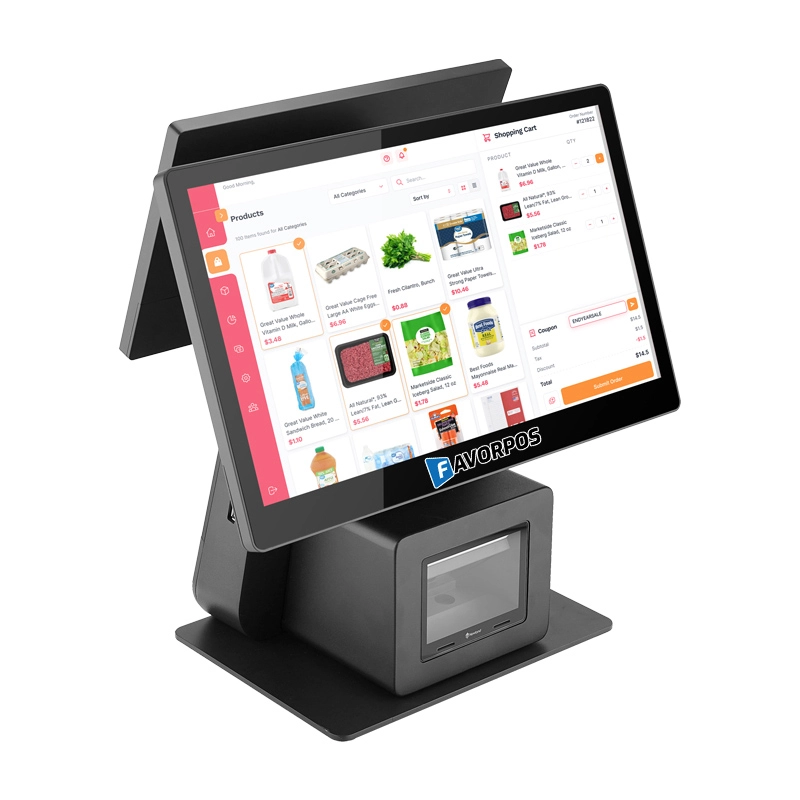
Dual Screen POS With Barcode Scanner Desktop POS Manufacturer POS Factory 15.6 11.6 Client Screen Optional
FAVORPOS: Your leading dual screen POS factory and manufacturer. Our desktop POS with barcode scanner offers 15.6/11.6 client screen options and OS flexibility. Get reliable, efficient dual screen POS with barcode scanner solutions directly from us.
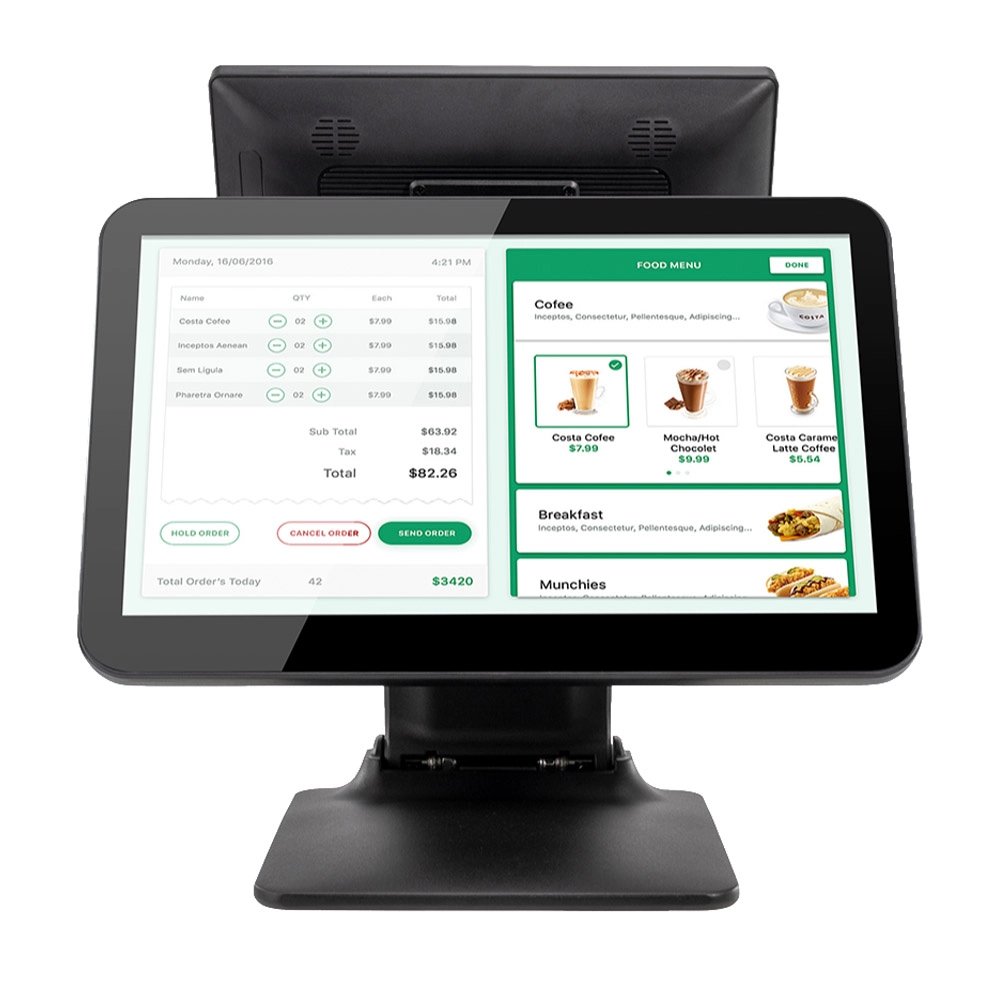
Foldable Touch Screen POS Cash Register 15.6'' Windows Supplier Aluminum
This innovative cash register combines portability with advanced functionality, making it ideal for retail environments. Its aluminum construction ensures durability while maintaining a lightweight design for easy transport and setup. The foldable feature allows for convenient storage and flexibility in various business settings.
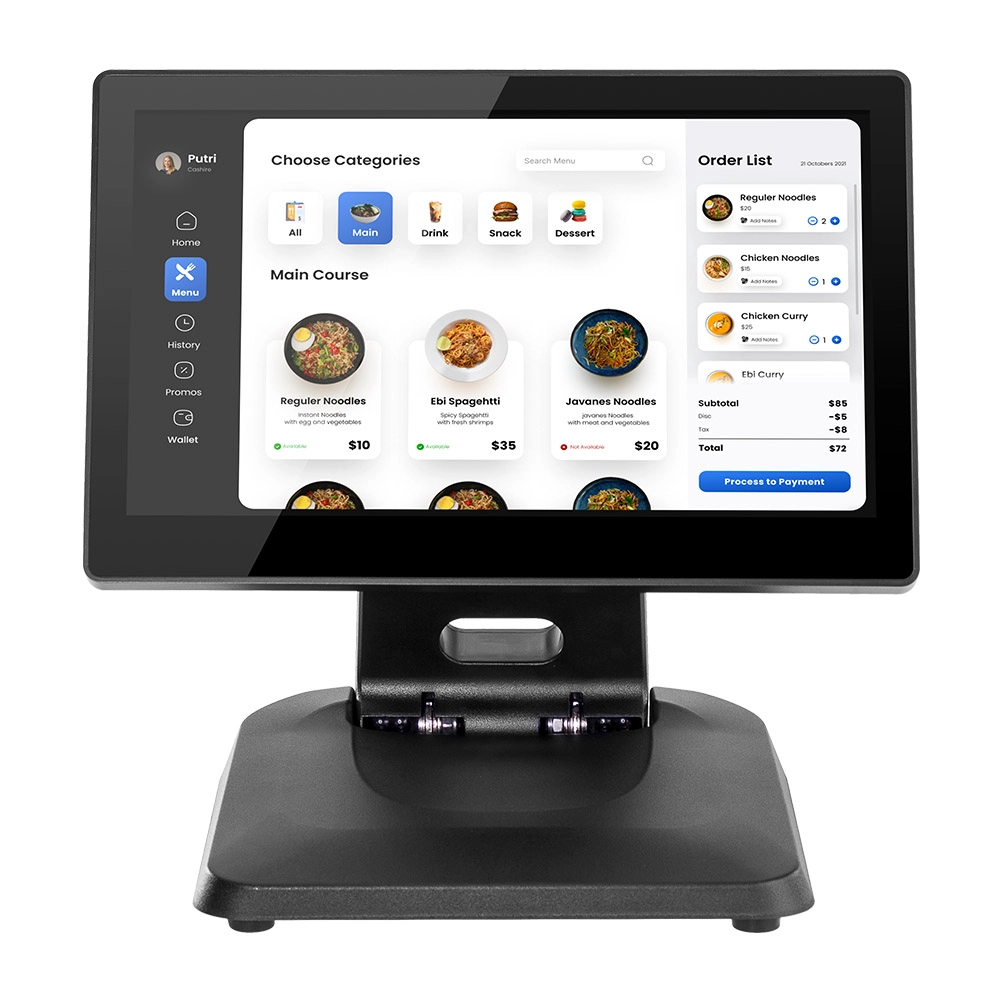
Factory 11.6'' Touch Screen POS Terminal Android Windows
The Factory 11.6'' Touch Screen POS Terminal is a versatile solution that supports both Android and Windows operating systems. Designed for durability and efficiency, this terminal is perfect for various retail environments. Its compact size and responsive touch screen enhance customer interactions, making transactions quick and seamless.
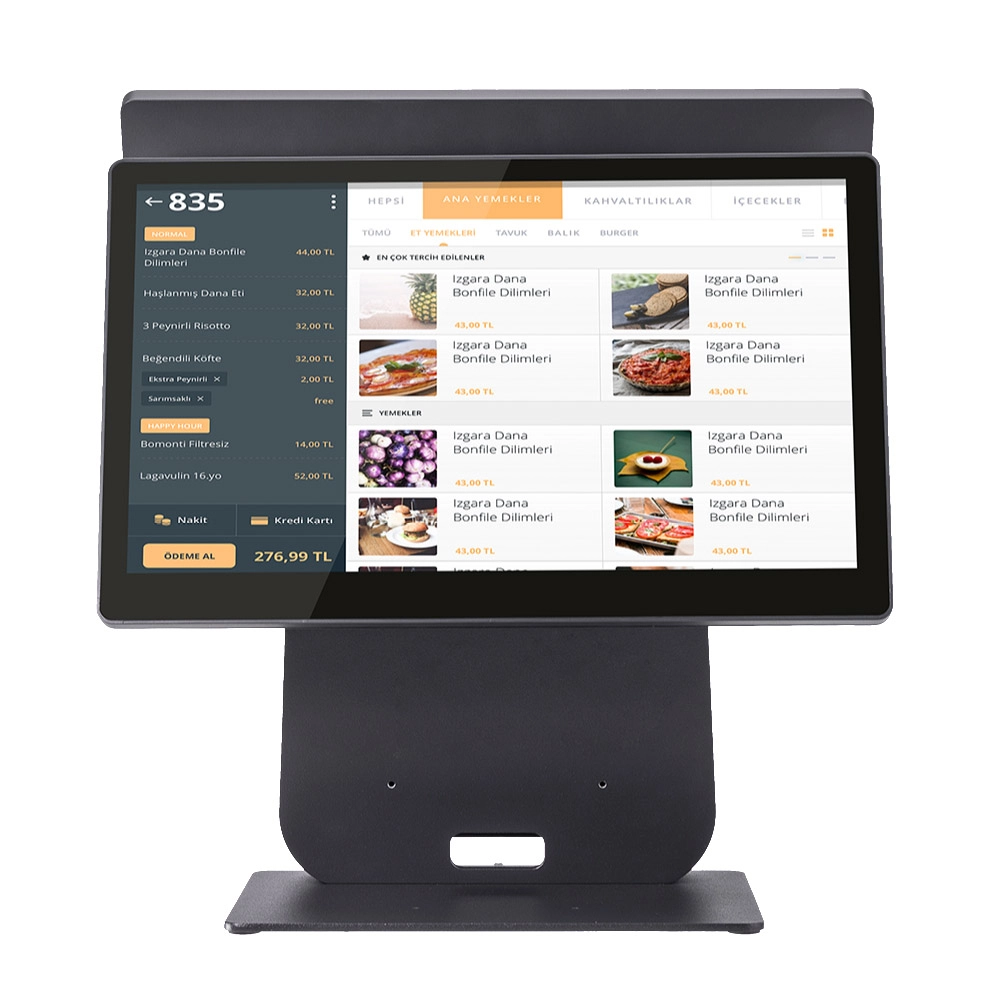
HD Dual Screen POS Machine Aluminum Hardware Android Windows Supplier
This dual-screen POS machine supports both Android and Windows systems, providing flexibility for various applications. The dual screens enhance customer interaction and streamline the checkout process, making transactions quicker and more engaging. Perfect for modern businesses looking to elevate their service and improve customer satisfaction, this POS machine is your ultimate partner in success!
Get in touch
Interested in becoming a POS system dealer? Contact us for more information and start the process of joining our dealer network.
We look forward to working with you to expand the market together.


Copyright © 2025 Favorpos All Rights Reserved.
