
How to choose an all-in-one POS system for multi-location stores?
- 1. How do I ensure real-time inventory synchronization across 20+ stores when some locations have intermittent internet?
- 2. What hidden operational and scaling costs should I expect when deploying all in one pos systems across 50+ locations?
- 3. How should I evaluate data residency, privacy and compliance for an all in one POS system operating in multiple countries?
- 4. Which all in one POS architectures minimize transaction latency for stores spread across multiple continents?
- 5. How can I evaluate reporting granularity and multi-store KPIs before buying an all in one POS system?
- 6. What are the best practices to manage user permissions, audit trails, and loss prevention across multiple locations?
Choosing the right all in one pos systems for multi-location retail or restaurant operations requires more than comparing feature checklists. Below are six specific, buyer-focused questions beginners rarely find deep answers to online, followed by practical, actionable guidance you can use during vendor evaluations.
1. How do I ensure real-time inventory synchronization across 20+ stores when some locations have intermittent internet?
Problem: Inventory drift and oversells occur when stores cannot reliably update a central catalog. Many vendors claim “real-time sync” but do not explain conflict resolution, local caching, or reconciliation workflows.
What to require and test:
- Architecture: Prefer hybrid cloud designs where each register or local edge node keeps a store-level cache and queues transactions during outages. This approach (common in modern cloud POS and tablet POS solutions) allows sales to continue and syncs when connectivity returns.
- Conflict resolution rules: Ask vendors how they handle concurrent edits to the same SKU (last-write-wins vs. versioned merges). For multi-store environments you want deterministic, timestamped merges and a clear audit trail.
- Sync frequency and granularity: Check whether the system performs near-real-time SKU-level updates, or only batch-level store snapshots. For inventory-sensitive categories (limited-stock items), require sub-minute sync or reservation mechanisms at checkout to prevent double-sells.
- Reservations and hold logic: The POS should support a short reservation or 'hold' on an item at the moment of checkout so two concurrent checkouts at different stores can’t both commit a sale for the final unit until the reservation expires or is confirmed.
- Reconciliation tools: Ensure the vendor provides automated reconciliation reports and exception queues (negative stock, mismatched counts) and supports scheduled stocktakes with variance workflows.
- Testing checklist for pilots: simulate network dropouts, create concurrent SKU edits, perform high-volume checkouts, and validate how queued transactions are replayed and how conflicts are shown in the audit log.
Red flags: No offline mode, no clear conflict policy, no reservation or SKU lock mechanism, or inability to export time-stamped change logs.
2. What hidden operational and scaling costs should I expect when deploying all in one pos systems across 50+ locations?
Problem: Vendors often quote per-terminal subscription fees and hardware costs but omit ancillary expenses that quickly increase TCO as you scale.
Costs to budget and negotiate:
- Licensing model: Confirm whether the price is per terminal, per store, or per location and whether add-ons (inventory, loyalty, advanced reporting) are separate modules.
- Payment processing: Integrated payments are convenient, but interchange and gateway fees vary by provider and transaction type (card present vs. keyed). Ask for pricing examples for your typical basket size and card mix.
- Hardware lifecycle and spares: Include POS terminals, receipt printers, barcode scanners, and payment terminals. Plan for replacements (3–7 year lifecycle) and keep spare devices onsite for fast swaps.
- Networking and WAN upgrades: Multi-location deployments often require better routers, dedicated internet, or LTE failover to maintain uptime; include MPLS/VPN costs if you require private connectivity.
- Onboarding and customization: Data migration (SKUs, price lists, historical sales), integrations (ERP, payroll, accounting), and customized reporting can be significant professional-services fees.
- Support SLAs and regional support: 24/7 support, on-site technicians, or faster SLAs usually cost more but are essential at scale.
- Compliance and audits: PCI DSS remediation, annual scans, and potential local tax filing connectors may have recurring fees or consultancy costs.
- API usage and integrations: Some vendors limit API calls or charge for High Quality integration tiers—evaluate expected API volumes for BI and third‑party syncs.
Negotiation tips: Ask for volume discounts, bundle professional services into a fixed onboarding fee, and request predictable caps on API calls or negotiate a tier that fits your BI usage. Require a clear definition of 'terminals' (some vendors count each payment terminal and tablet separately).
3. How should I evaluate data residency, privacy and compliance for an all in one POS system operating in multiple countries?
Problem: Compliance requirements (GDPR, national data residency laws, PCI) vary by geography. Beginners often accept cloud-based services without verifying where data is stored or how payments are tokenized.
Evaluation checklist:
- Data center locations and regional tenancy: Ask the vendor to list physical data center regions and whether you can restrict your company’s data to specific regions (e.g., EU-only). For multinational retailers this prevents cross-border transfer issues.
- Data classification: Confirm what data is stored in the POS cloud (PII, transaction metadata, full card data). Best practice: card PANs should never be stored by the POS — use tokenization via a PCI-compliant payment processor.
- PCI and payment compliance: Verify the processor’s PCI DSS level (Level 1 is required for high-volume processors) and whether the POS supports EMV/contactless terminals and point-to-point encryption (P2PE) to reduce PCI scope.
- Privacy and legal obligations: For EU operations, confirm GDPR compliance — data subject access, retention limits, and right-to-be-forgotten workflows. For other jurisdictions, check local consumer data rules and breach notification requirements.
- Contracts and data processing agreements: Require a signed Data Processing Agreement (DPA) that specifies processing locations, sub-processors, incident notification timelines, and audit rights.
- Backup, retention and export: Confirm backup cadence, retention windows, and how easily you can export full transactional data (for tax audits or migration).
Red flags: Vague statements about “cloud hosting” without region specificity, refusal to sign a DPA, or storing full card data in the POS database.
4. Which all in one POS architectures minimize transaction latency for stores spread across multiple continents?
Problem: Slow transaction confirmation hurts customer experience. Retailers with stores in different regions need architectures that reduce checkout latency while preserving central control.
Architectural patterns that work:
- Local authorization with queued central sync: Authorize and commit transactions locally (edge), then asynchronously replicate to the cloud. This reduces checkout latency because approval doesn’t wait for a round trip to distant data centers.
- Regional cloud instances: Some POS providers offer regional tenants or the ability to host regionally (e.g., Europe, APAC). This reduces RTT for stores in each region.
- Payment tokenization at the gateway: Use an integrated payment gateway with local acquirers to reduce card processing latency. Cross-border card routing is slower than local processing.
- Network optimization: Use local DNS, connection pooling, and keep-alive settings for POS devices. Deploy LTE/4G failover for stores with unreliable wired internet to maintain low latency.
- Queue backpressure and graceful degradation: The POS should display clear UI states during degraded connectivity and retry with exponential backoff rather than freezing the terminal.
How to validate prior to purchase:
- Run latency tests: Ask for a PoC where you simulate checkouts from representative store locations and measure average approval times.
- Inspect architecture docs: Request documentation showing local caching, sync mechanisms, and regional data handling.
5. How can I evaluate reporting granularity and multi-store KPIs before buying an all in one POS system?
Problem: Many POS dashboards present canned reports but lack the drill-down, export, or API capabilities required for corporate BI and store-level operations.
What to require and test:
- Core KPIs: Ensure the POS supports–at minimum–sales by SKU, category, hour, store, gross margin, refunds, promotions impact, basket size, and comp sales vs. prior periods.
- Drill-down and control: Can you start at a company-wide dashboard and drill to region → store → terminal → cashier → transaction? Verify time-based filtering and segment comparisons.
- Custom reports and scheduled exports: Check if the system allows custom reports, scheduled CSV/JSON exports, and automated delivery to SFTP or BI endpoints.
- API access and limits: For large-scale BI, raw API access is essential. Ask for rate limits, data retention windows, and sample API responses for orders and inventory events.
- Data latency and retention: Confirm how quickly a sale appears in corporate reports (real-time vs. hourly) and how long historical data is retained in the system.
- Support for enterprise BI: If you use Power BI, Tableau, or Looker, verify existing connectors or provide a migration playbook for automated ETL into your warehouse.
Vendor proof: Request example multi-store reports built for customers with similar scale and ask for access to a sandbox reporting instance to validate capability against your KPIs.
6. What are the best practices to manage user permissions, audit trails, and loss prevention across multiple locations?
Problem: Store managers often need different permissions than corporate users. Without granular RBAC and immutable audit logs, loss prevention and compliance suffer.
Security and controls checklist:
- Role-based access control (RBAC): Define roles for corporate analysts, regional managers, store managers, cashiers, and temporary staff. Permissions should be set at module and function levels (e.g., price override, refund, discount, voids).
- Session controls and authentication: Use SSO where possible and require MFA for admin roles. Time-limited session tokens and device binding reduce credential misuse.
- Immutable audit logs: The system must log who did what, when, and from which terminal. Logs should be tamper-evident, exportable, and retained according to your policy for investigations or audits.
- Cash reconciliation workflows: Require POS workflows for open/close shifts, cash drops, and variance reporting. Automated alerts for register anomalies (unexpected void spike or high discounts) help early detection.
- Remote control features: For centralized loss prevention, ensure you can remotely disable terminals, lock user accounts, or restrict certain actions at the store level.
- Integrations with cameras and analytics: If you use video-based loss prevention, check for POS integrations (timestamped event mapping) to correlate transactions with footage.
Operational governance: Define a separation of duties and require periodic permission reviews. During vendor evaluation, ask for sample audit logs and verify ease of extraction for forensic analysis.
Conclusion — Advantages of a well-chosen all in one POS system for multi-location stores
When selected and implemented correctly, an all in one POS system delivers centralized inventory and pricing control, consistent omnichannel customer experiences, consolidated reporting for faster decisions, reduced PCI scope through tokenized payments, and lower operational overhead via unified integrations (ERP, payroll, and loyalty). The right solution will support offline resilience, region-aware data handling, granular RBAC, and scalable pricing that matches your growth.
If you’d like help evaluating vendors, running a pilot, or obtaining a formal quote, contact us for a tailored proposal: www.favorpos.com or sales2@wllpos.com.

Understanding 15-Inch Aluminum POS Terminals in Modern Commercial Use

The Smart Way to Check Prices: How a 10.1-Inch Wall-Mounted Price Checker Transforms Retail Stores

A Smarter Checkout Experience: The 15-Inch Dual-Screen POS Built for Modern Retail

8-Inch Smart Price Checker: A Small Device Powering Smarter Retail Spaces

Built for Retail Precision: Manufacturing Excellence Behind the 11.6” Smart Price Checker
For OEM
What is the minimum order quantity for customizing POS machines?
The minimum order quantity (MOQ) usually depends on the specific customization requirements and production scale. We recommend that you contact our sales representative to discuss your project requirements so that we can provide the most suitable production plan and MOQ.
Can I upgrade or add features to the existing POS machine?
We can upgrade or add features to the existing POS machine as needed. The specific upgrade services and costs depend on the design of the original device and the required functions. Please contact your account manager to discuss the upgrade options.
For Beauty and Wellness
What payment methods does the system support?
Our system supports a variety of payment methods, including credit cards, digital wallets and contactless payments, providing customers with a convenient payment experience.
For Solutions Retail
If there is a problem with the device, how can I contact your after-sales support?
You can contact our after-sales team by phone, email or online customer service. We provide 7x24 hours of technical support to ensure timely response and resolution of your problems.
For E-commerce
Can I manage multiple online stores from one system?
Yes, our POS system supports multi-location and multi-store management, allowing you to centrally manage all e-commerce operations.

Point of Sale System with Thermal Printer All in One Pos Dual Touchscreen Pos with Barcode Scanner Supplier
FAVORPOS presents the all-in-one Point of Sale System with Thermal Printer, featuring dual touchscreens and an integrated barcode scanner. As a leading POS with NFC factory and barcode scanner supplier, we deliver reliable, efficient solutions tailored for your business needs.

8 inch Wall Mount Price Checker with Scanner Android Windows Factory
Our 8-inch Wall Mount Price Checker is designed for optimal convenience in retail spaces, featuring a sleek design that fits seamlessly into any environment. Compatible with both Android and Windows, this unit includes an integrated scanner for quick and accurate price checks. Its wall-mounted design saves counter space while providing easy access for customers. Ideal for enhancing efficiency and improving the shopping experience.
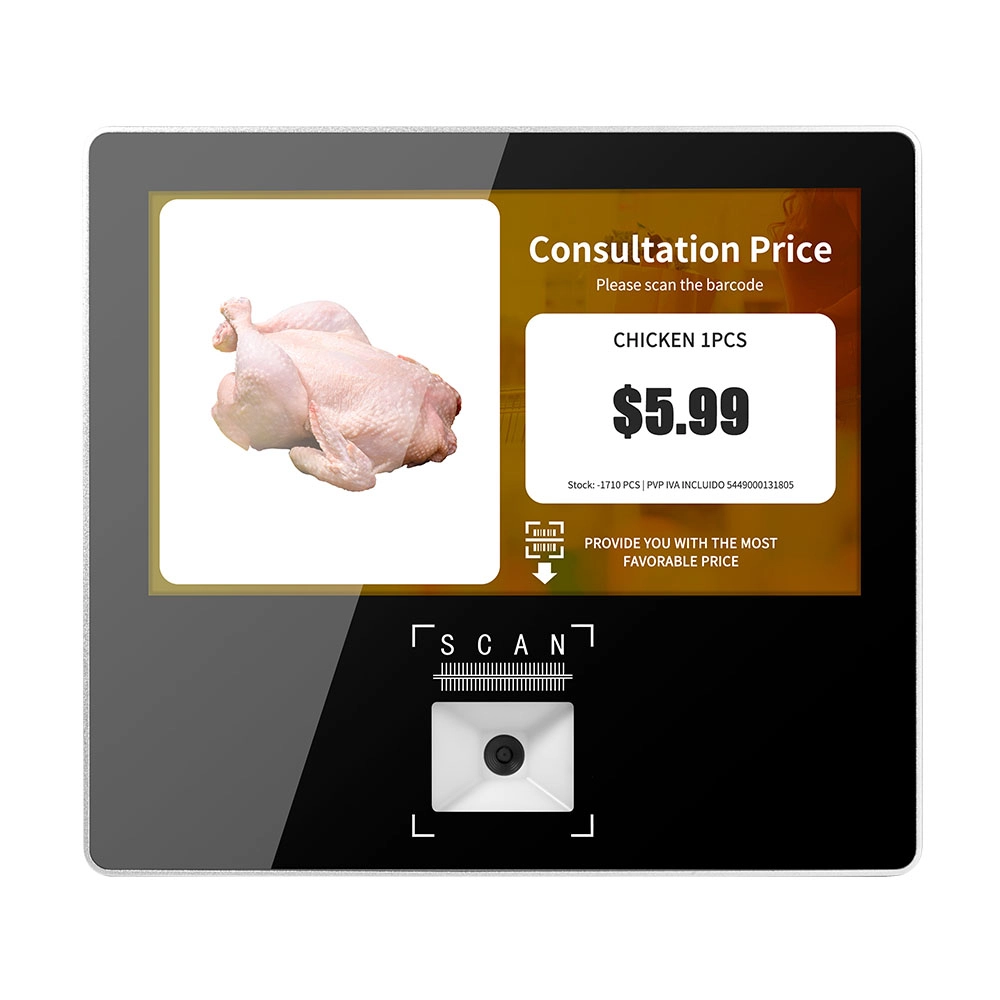
Metal 11.6 inch Price Scanner Machine Android Windows with Wifi Supplier
FAVORPOS Metal 11.6-inch Price Scanner Machine, designed for durability and efficiency in retail environments. This versatile device operates on both Android and Windows, providing seamless functionality for various applications. With built-in Wi-Fi connectivity, it allows for quick access to pricing data and updates. The 11.6'' display ensures clear visibility for easy operation, making it perfect for price checking and inventory management. Enhance your retail experience with this reliable and robust price scanner from a trusted supplier!
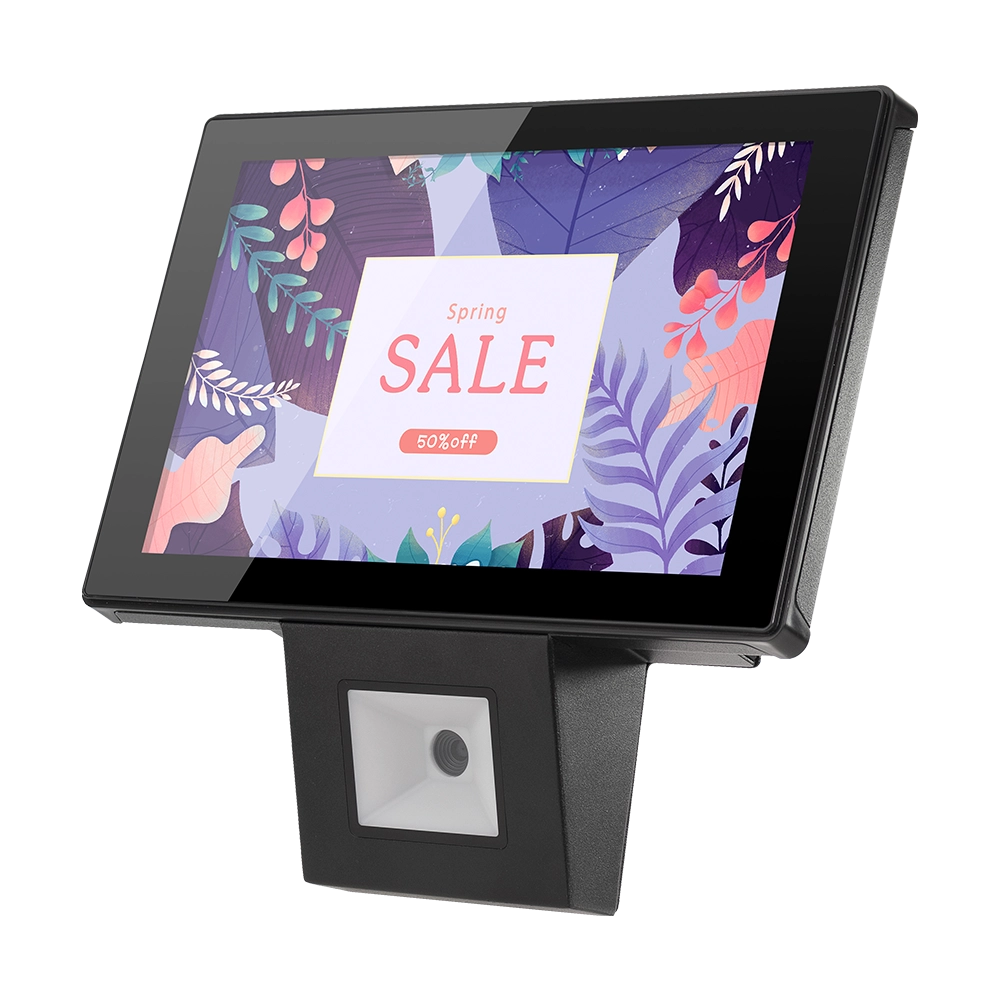
10 inch Price Checker Device Supplier Barcode Scanner for Sale Price Check for Supermarket
FAVORPOS offers 10 inch Price Checker Device, perfect for supermarkets. This wall mounted 10 inch touch screen barcode scanner ensures fast, accurate price checks, enhancing customer experience and operational efficiency. Durable, user-friendly, and perfect for high-traffic retail environments.
Get in touch
Interested in becoming a POS system dealer? Contact us for more information and start the process of joining our dealer network.
We look forward to working with you to expand the market together.


Copyright © 2025 Favorpos All Rights Reserved.
