
How long does a POS last? | FAVORPOS Guide
How Long Does a POS Last?
Understanding the lifespan of a POS system is key to budgeting, operational success, and maximizing ROI. This article explores industry best practices, average lifespans, and influential factors using authoritative sources and straightforward technical insight.
Factors That Determine the Lifespan of a POS System
Hardware Durability
- Average POS hardware lifespan: 5–7 years (source: POSGuys).
- Commercial-grade terminals last longer than consumer-grade tablets.
- Frequent use or harsh environments (e.g., restaurants, retail floors) may reduce lifespan.
- Components to monitor: printer heads, touchscreens, card readers.
Software Lifecycle
- POS software typically updated for 3–5 years before vendors focus on new platforms.
- Cloud-based solutions extend usefulness; updates deployed regularly.
- Legacy systems may become unsupported, increasing security risks.
Peripheral Components
- Cash drawers, barcode scanners, and receipt printers have varying tolerances:
- Printers: 3–5 years.
- Barcode Scanners: 5–7 years with regular cleaning.
- Cash drawers: Over 10 years with minimal moving parts.
Security Compliance
- Payment Card Industry Data Security Standard (PCI DSS) updates can force earlier hardware/software upgrades.
- Regulatory compliance is often a reason for system refresh cycles every 4–5 years (source: PCI Council).
Signs It’s Time to Replace Your POS
Decreased Performance
- Slow transaction times.
- System crashes or frequent reboots.
Compatibility Issues
- Inability to integrate with new payment methods.
- Lack of support for modern hardware or features.
Increased Maintenance Costs
- Frequent repairs or parts replacements.
- Sunsetting manufacturer support increases IT costs and risks.
Best Practices to Lengthen POS Lifespan
- Schedule regular software updates and hardware maintenance.
- Opt for modular systems—easier upgrades of individual components.
- Invest in business-grade, weather-resistant hardware for challenging environments.
- Implement proactive staff training to reduce mishandling.
- Partner with reputable vendors offering clear support timelines.
When to Plan for an Upgrade
- Every 5–7 years for hardware
- Every 3–5 years for software
- Earlier if compliance, integration, or security risks arise.
Staying proactive minimizes downtime and ensures scalability.
Sources
- POSGuys: How Many Years Will My POS Hardware Last?
- PCI Security Standards Council: PCI DSS Requirement Lifecycle
- Retail Consulting Partners: POS/Customer Engagement Survey
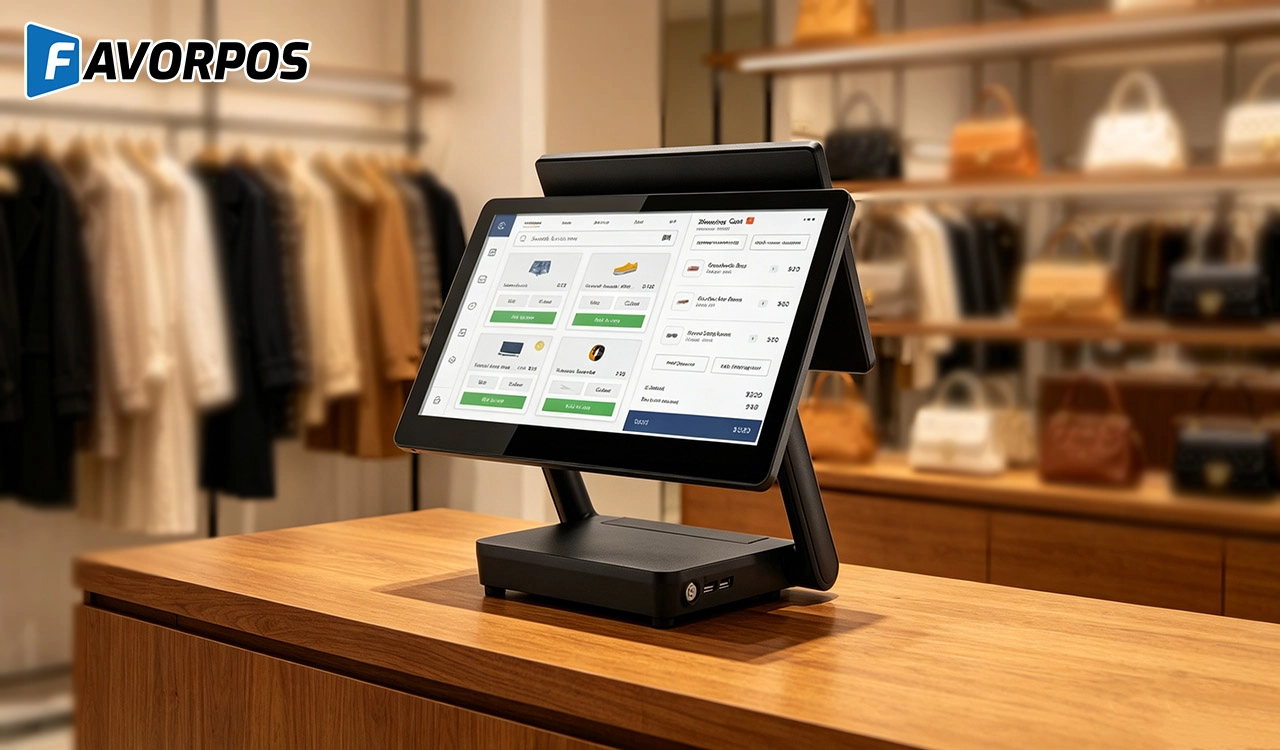
Why a 15.6” Touch POS Terminal Is Becoming the New Standard in High-Traffic Retail
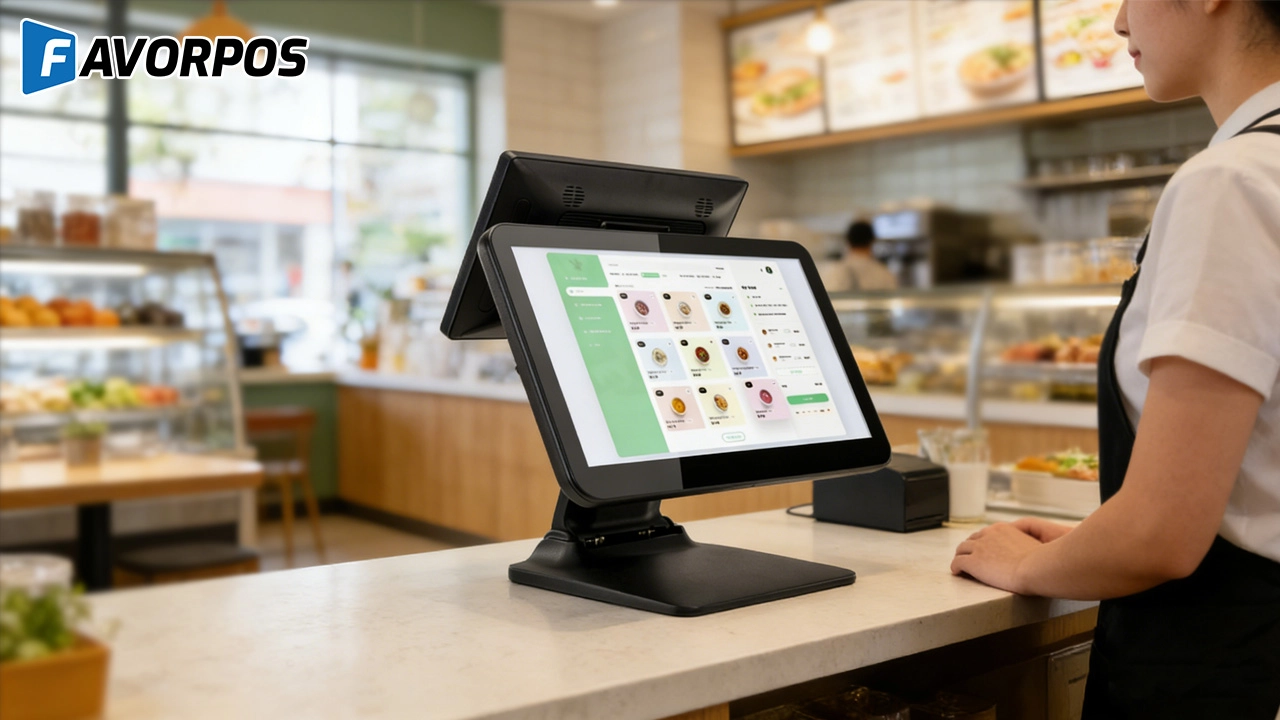
Beyond Checkout: How a 15.6-Inch Aluminum POS System Redefines Retail Efficiency
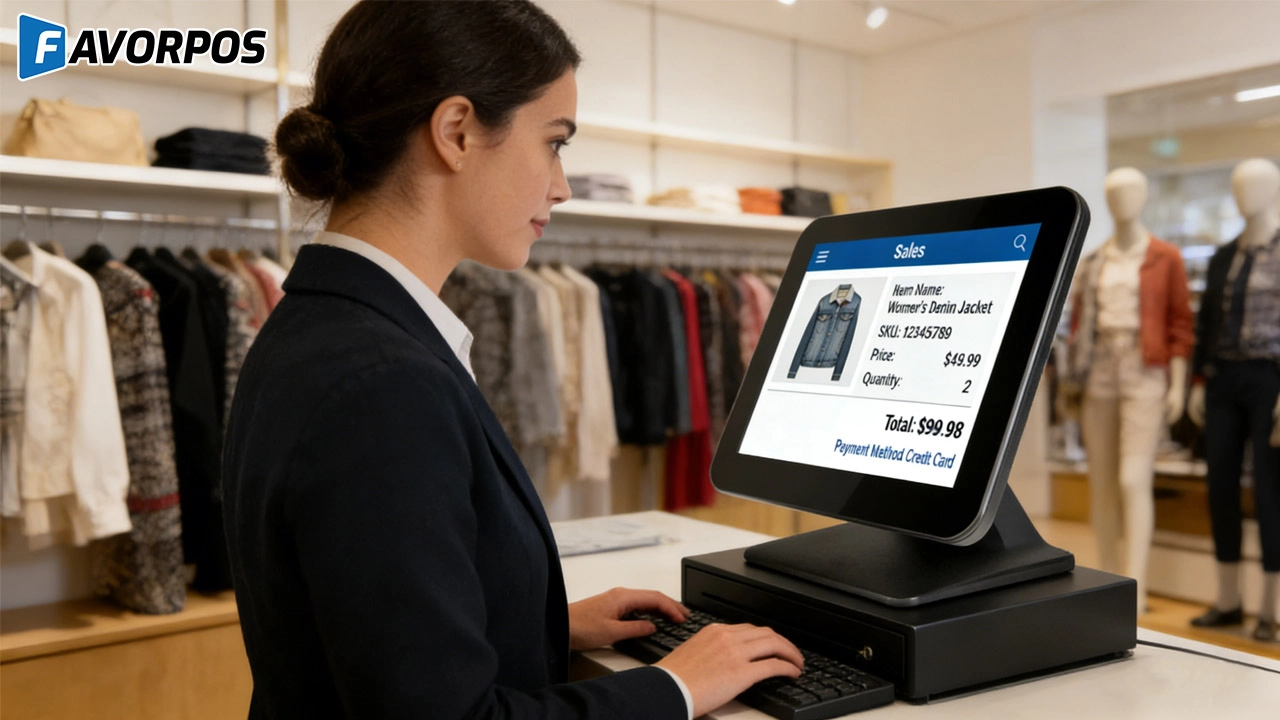
Understanding 15-Inch Aluminum POS Terminals in Modern Commercial Use
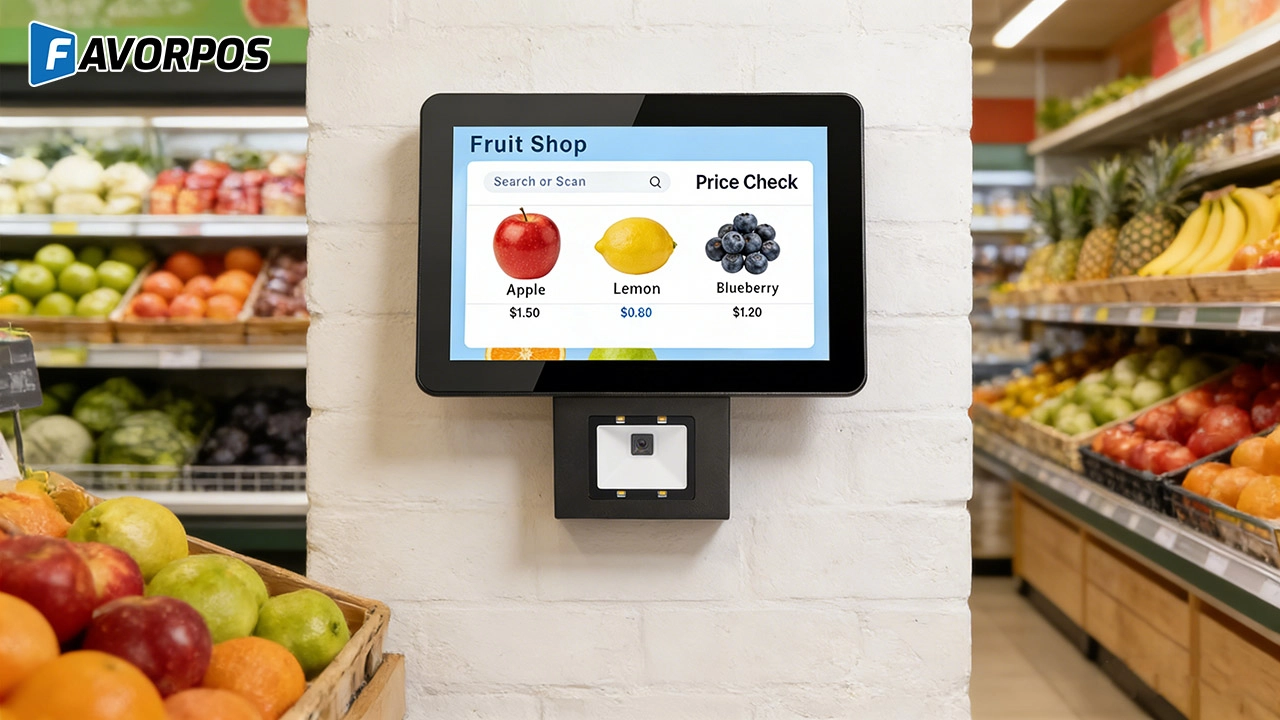
The Smart Way to Check Prices: How a 10.1-Inch Wall-Mounted Price Checker Transforms Retail Stores
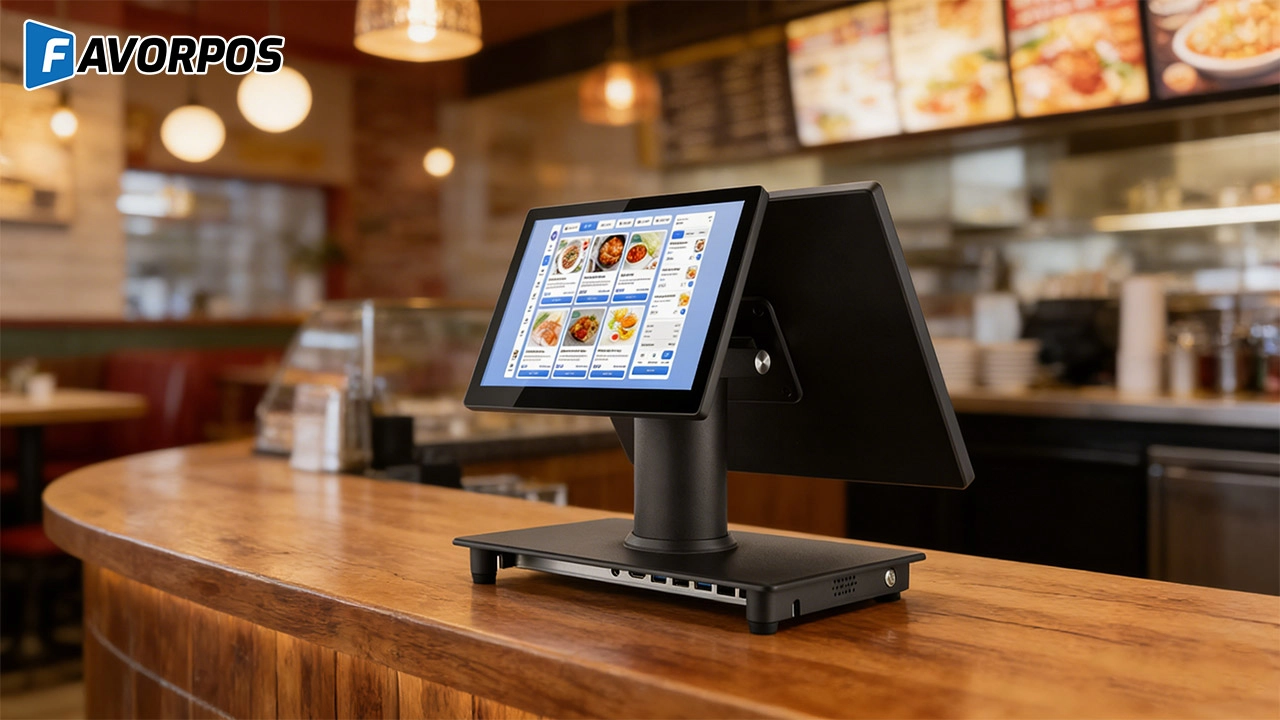
A Smarter Checkout Experience: The 15-Inch Dual-Screen POS Built for Modern Retail
For Healthcare
How long does it take to implement the POS system?
Implementation time varies depending on customization requirements and usually ranges from a few weeks to a few months, including installation and employee training.
For Restaurants & Cafes
How to update the menu or add new items?
After being equipped with the corresponding software, our POS machine allows you to easily update the menu through the backend management interface. You can add new items, modify prices or adjust the menu layout, and all changes will be reflected in the system in real time, ensuring that employees always have the latest menu information.
For Entertainment & Events
What payment methods does your system support?
Our POS system supports multiple payment methods, including credit cards, digital wallets and contactless payments, providing customers with a convenient payment experience.
For OEM
What kind of OEM service do you provide?
OEM (Original Equipment Manufacturer) service means that we provide services such as printing logos and custom packaging to customers according to their needs.
For E-commerce
Does the POS system support global payments?
Yes, we support multi-currency and cross-border transactions, enabling you to accept payments from customers around the world.
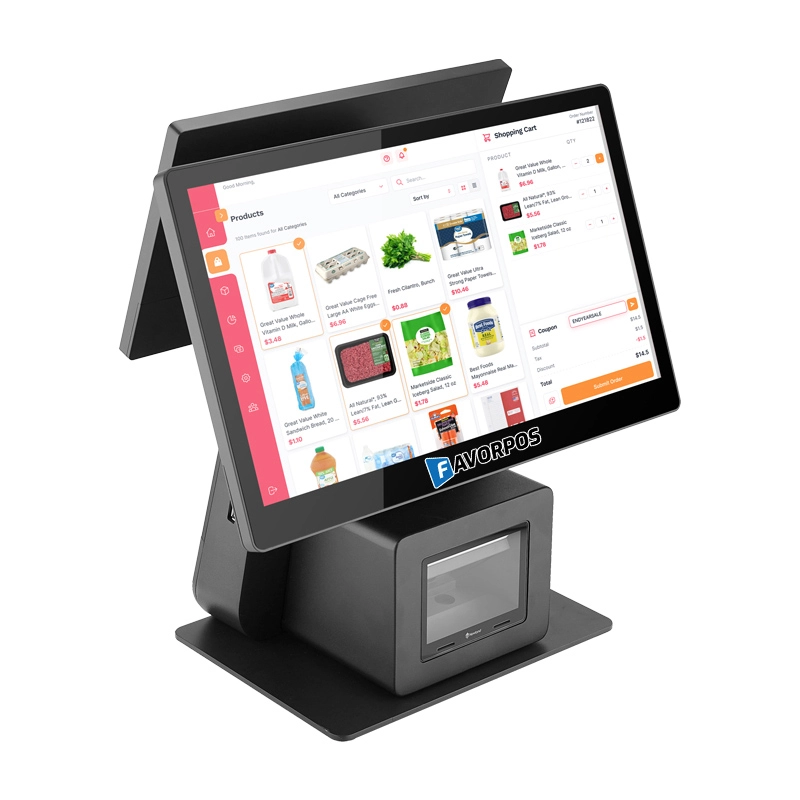
Dual Screen POS With Barcode Scanner Desktop POS Manufacturer POS Factory 15.6 11.6 Client Screen Optional
FAVORPOS: Your leading dual screen POS factory and manufacturer. Our desktop POS with barcode scanner offers 15.6/11.6 client screen options and OS flexibility. Get reliable, efficient dual screen POS with barcode scanner solutions directly from us.
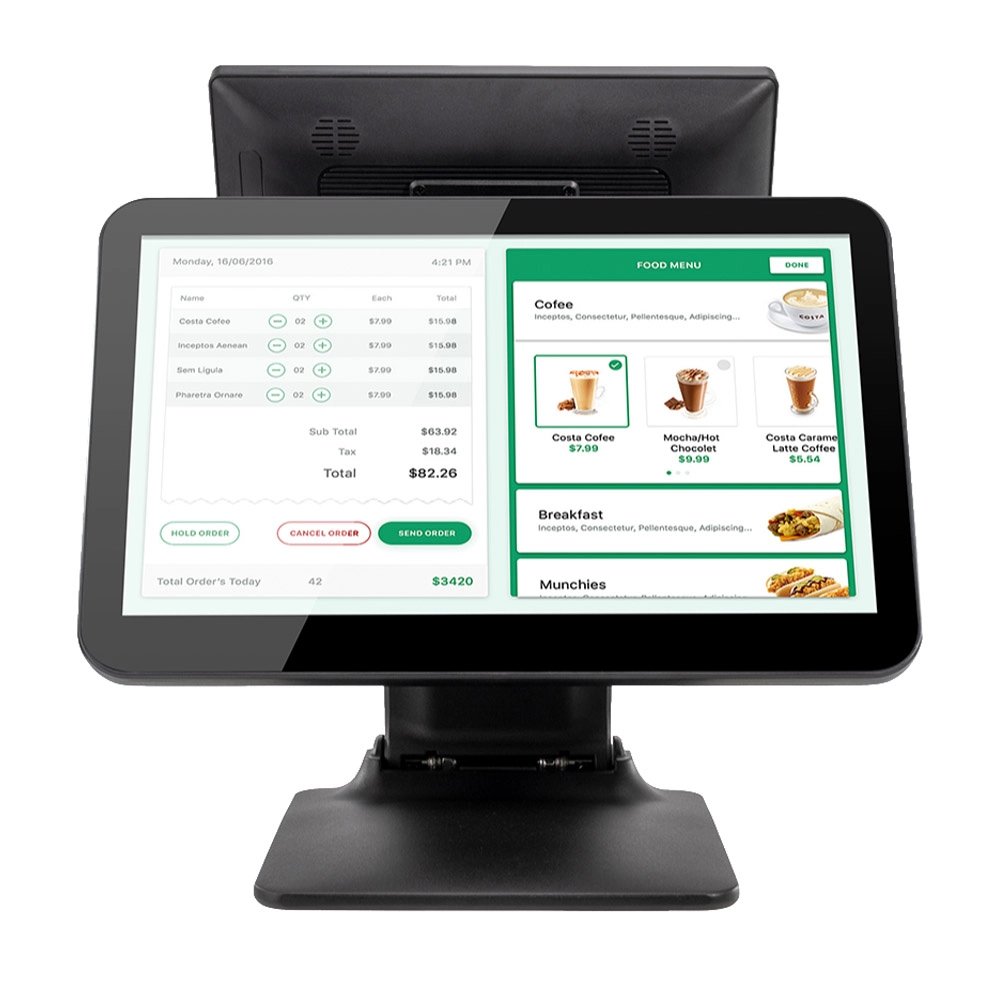
Foldable Touch Screen POS Cash Register 15.6'' Windows Supplier Aluminum
This innovative cash register combines portability with advanced functionality, making it ideal for retail environments. Its aluminum construction ensures durability while maintaining a lightweight design for easy transport and setup. The foldable feature allows for convenient storage and flexibility in various business settings.
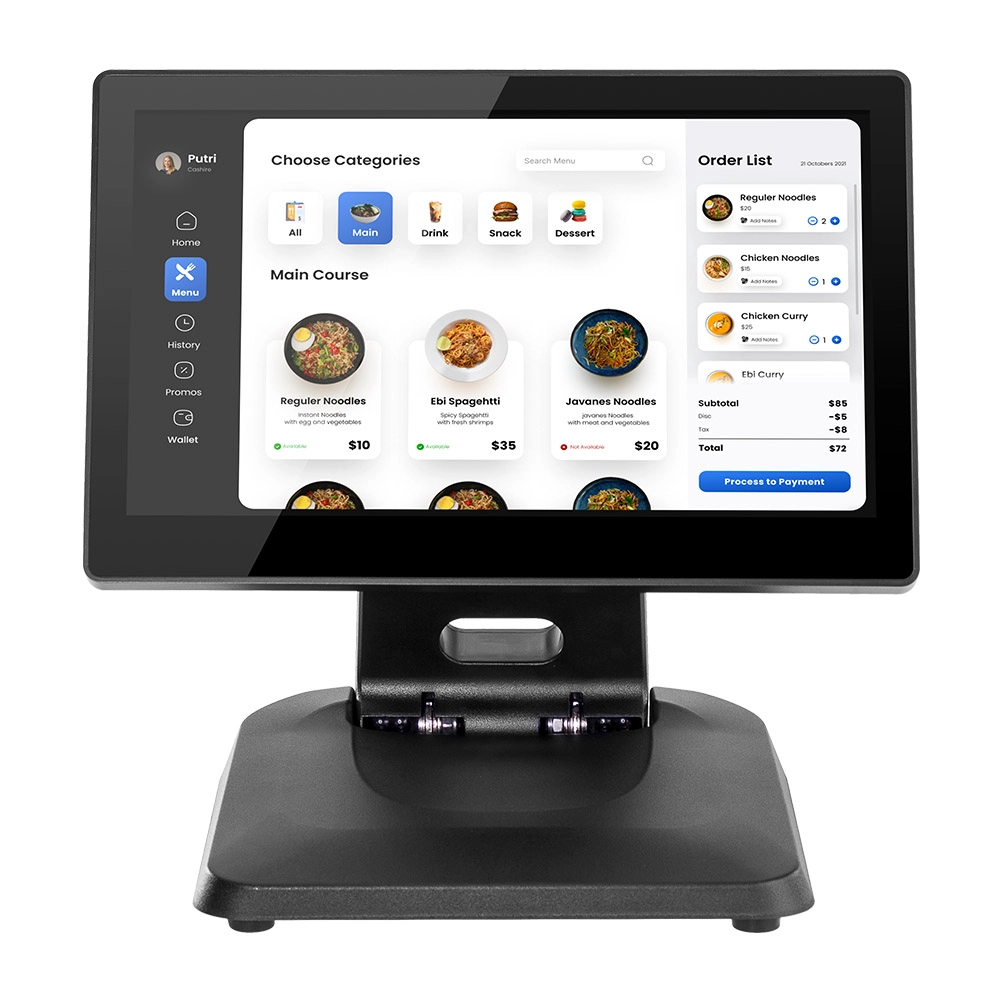
Factory 11.6'' Touch Screen POS Terminal Android Windows
The Factory 11.6'' Touch Screen POS Terminal is a versatile solution that supports both Android and Windows operating systems. Designed for durability and efficiency, this terminal is perfect for various retail environments. Its compact size and responsive touch screen enhance customer interactions, making transactions quick and seamless.
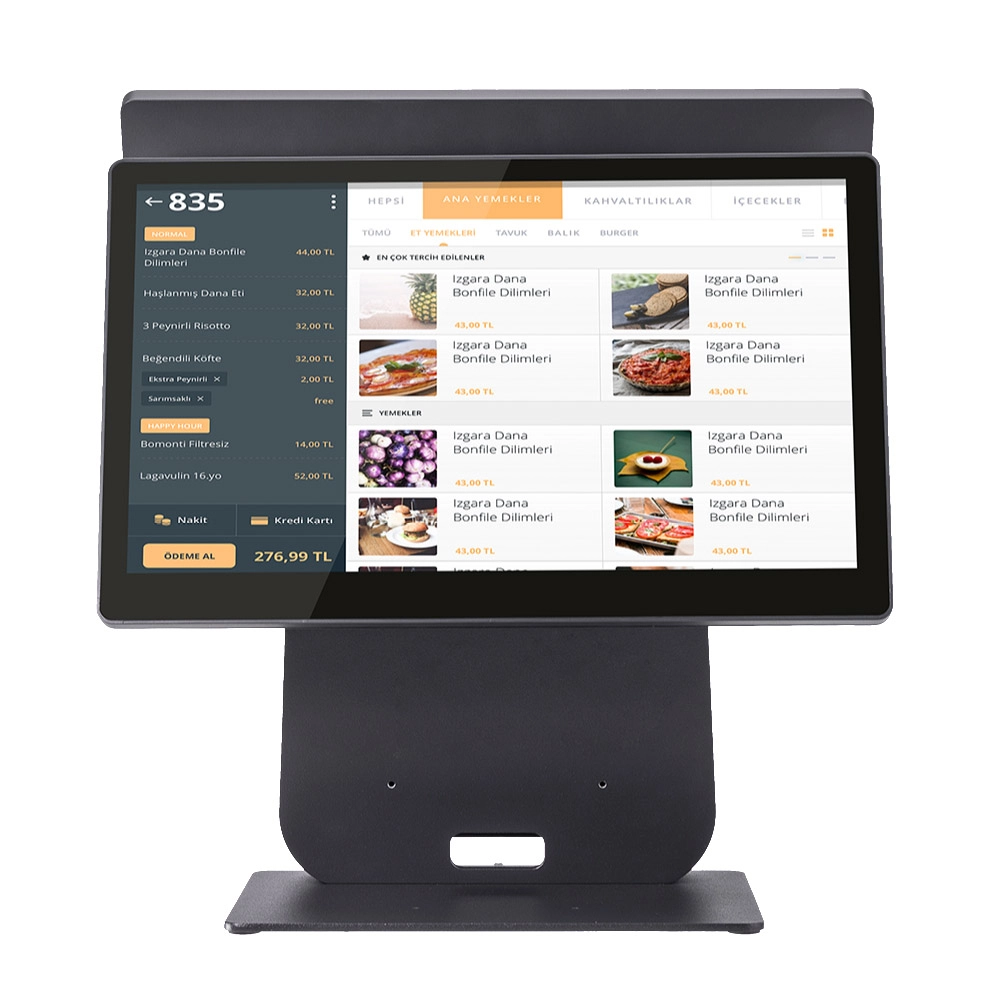
HD Dual Screen POS Machine Aluminum Hardware Android Windows Supplier
This dual-screen POS machine supports both Android and Windows systems, providing flexibility for various applications. The dual screens enhance customer interaction and streamline the checkout process, making transactions quicker and more engaging. Perfect for modern businesses looking to elevate their service and improve customer satisfaction, this POS machine is your ultimate partner in success!
Get in touch
Interested in becoming a POS system dealer? Contact us for more information and start the process of joining our dealer network.
We look forward to working with you to expand the market together.


Copyright © 2025 Favorpos All Rights Reserved.
