
can thermal transfer label be printed on direct thermal printer | FAVORPOS Guide
Can Thermal Transfer Labels Be Printed on a Direct Thermal Printer?
This article clarifies the key differences between thermal transfer and direct thermal printing technologies, addressing a common point of confusion for POS system professionals. Understanding these differences is crucial for selecting the right printer and labels for your point-of-sale needs. Improper label selection can lead to wasted supplies and operational inefficiencies.
Understanding Thermal Printer Technologies
There are two main types of thermal printers used in POS systems: direct thermal and thermal transfer. Each uses heat to print, but the methods and resulting labels differ significantly.
Direct Thermal Printing: This method uses heat-sensitive paper. The printer head directly heats the paper, causing the paper to darken and create the image. These printers are generally cheaper and simpler, but the printed images are less durable and susceptible to fading from heat, sunlight, or abrasion. Direct thermal labels are not suitable for long-term storage or harsh environments.
Thermal Transfer Printing: This process uses a ribbon containing a dye or ink. The printer head heats the ribbon, transferring the ink onto a separate label material that is more durable and resistant to fading. This results in higher-quality, longer-lasting prints. Thermal transfer labels can withstand exposure to sunlight, chemicals, and extreme temperatures, making them ideal for various applications.
Why You Can't Use Thermal Transfer Labels in a Direct Thermal Printer
A direct thermal printer lacks the ribbon mechanism needed for thermal transfer printing. Attempting to print a thermal transfer label on a direct thermal printer will result in a blank or partially printed label. The label material will not react to the heat from the printer head. Using the wrong label type will result in wasted supplies and potential downtime.
Choosing the Right Printer and Labels for Your POS System
Selecting the correct printer and labels is vital for operational efficiency. Consider the following factors when making your choice:
* Durability requirements: If you need labels that will last for an extended period, thermal transfer printing with durable labels is recommended.
* Budget: Direct thermal printers are generally less expensive upfront, but the lower durability of the labels might increase overall costs in the long run.
* Printing environment: Consider environmental factors like exposure to sunlight, moisture, or chemicals.
By understanding the differences between direct thermal and thermal transfer technologies, you can avoid common pitfalls and select the most appropriate and cost-effective solution for your POS system.
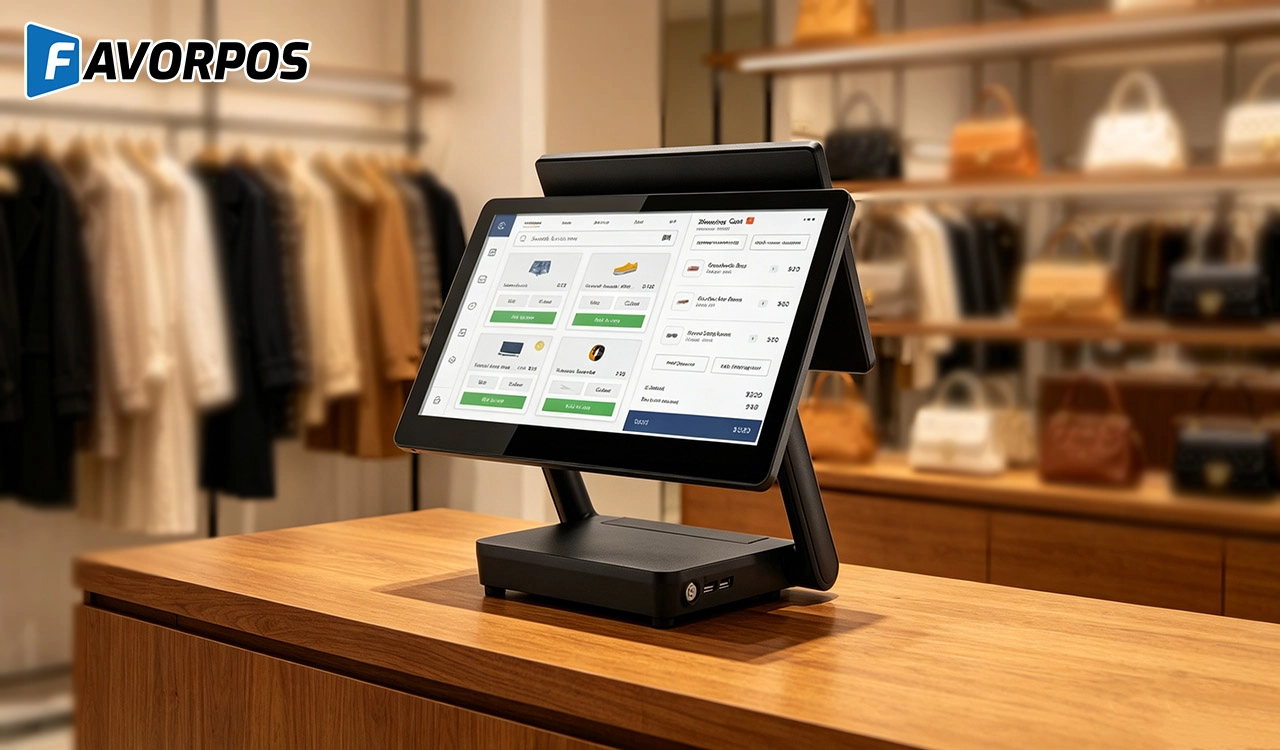
Why a 15.6” Touch POS Terminal Is Becoming the New Standard in High-Traffic Retail
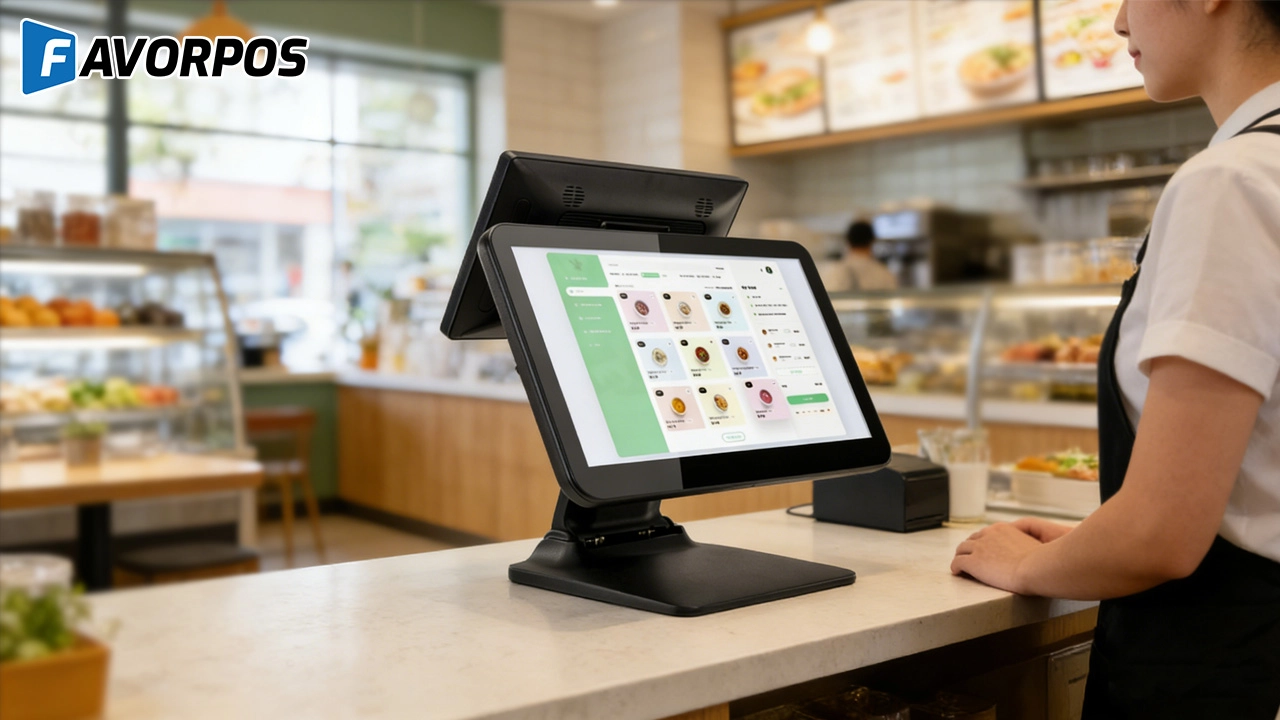
Beyond Checkout: How a 15.6-Inch Aluminum POS System Redefines Retail Efficiency
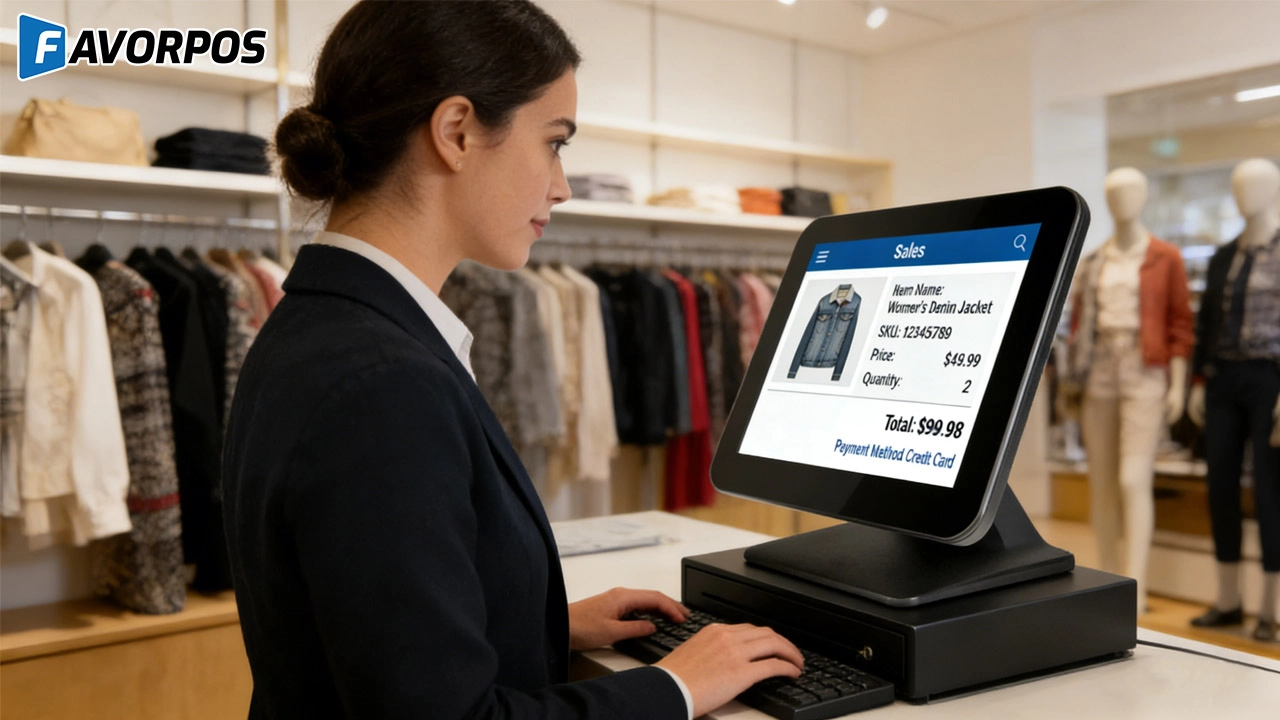
Understanding 15-Inch Aluminum POS Terminals in Modern Commercial Use
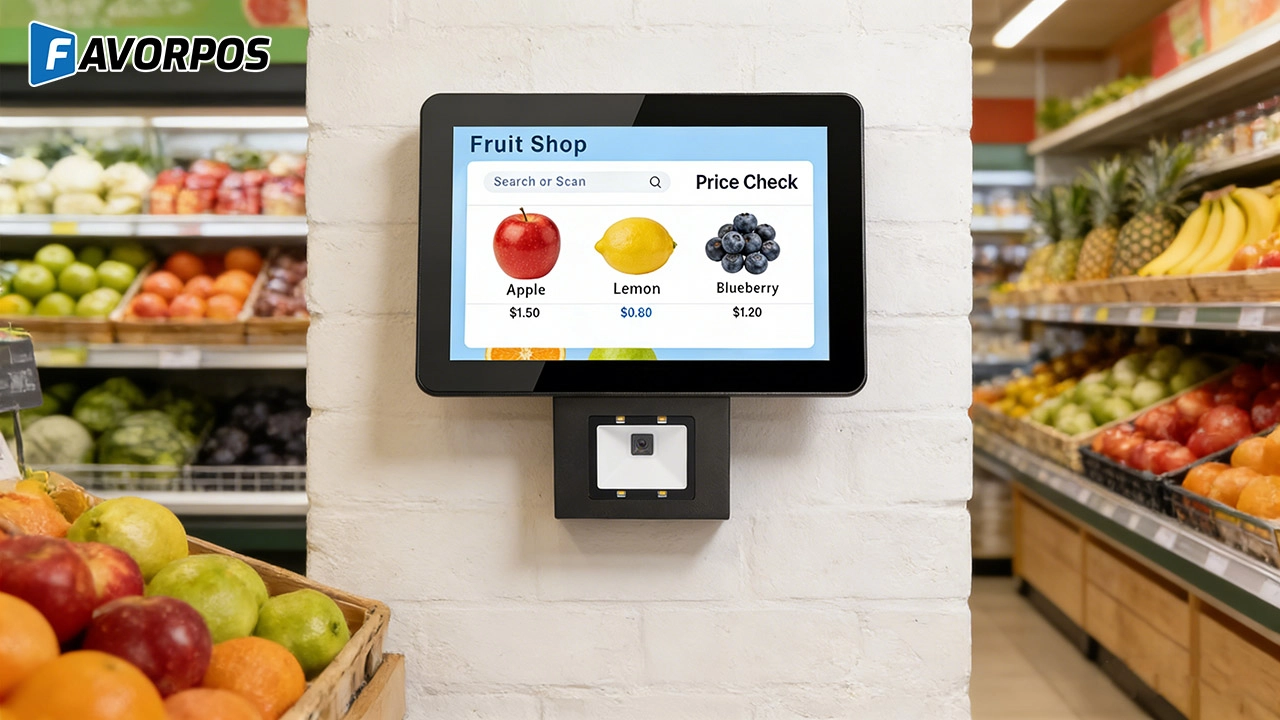
The Smart Way to Check Prices: How a 10.1-Inch Wall-Mounted Price Checker Transforms Retail Stores
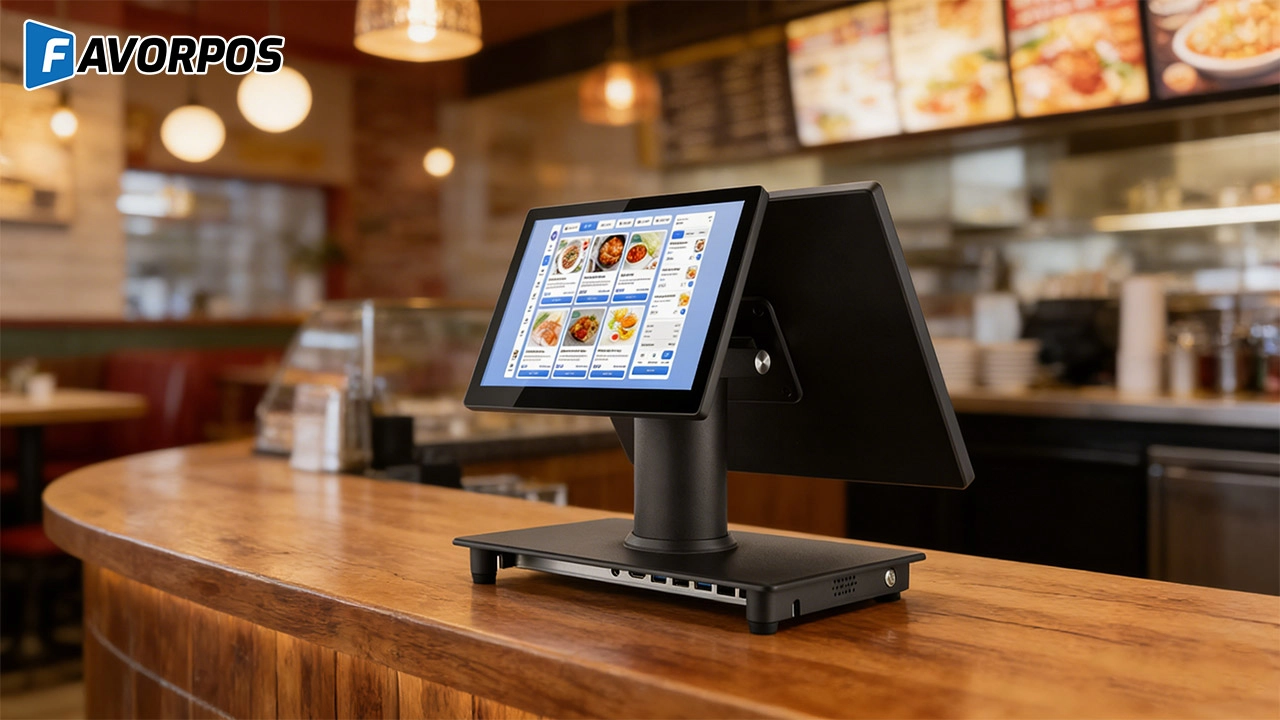
A Smarter Checkout Experience: The 15-Inch Dual-Screen POS Built for Modern Retail
For Grocery and Supermarkets
How does your system help manage perishable goods?
Our POS system tracks the shelf life of goods and provides reminders for perishable goods, helping you reduce waste and ensure product freshness.
For Healthcare
Can the POS system manage multiple locations?
Yes, our system supports multi-location management, allowing for centralized management of multiple facilities or departments.
For ODM
What is the minimum order quantity for ODM service?
We support different needs, from small batches to large-scale production. The specific minimum order quantity will be determined based on product type, complexity and production requirements. Please contact us for details.
What are the main advantages of ODM service?
You can enjoy the following advantages by choosing our ODM service:
1. Innovative design: Our team provides cutting-edge design solutions to ensure that products meet the latest market trends.
2. Full process management: Full process management from design to production to reduce your operational complexity.
3. Customization: We provide personalized hardware customization services according to your needs.
4. Quality assurance: Strict quality control procedures ensure high standards for each POS machine.
5. Cost-effectiveness: Efficient production processes help reduce costs while maintaining high quality.
For Restaurants & Cafes
How to update the menu or add new items?
After being equipped with the corresponding software, our POS machine allows you to easily update the menu through the backend management interface. You can add new items, modify prices or adjust the menu layout, and all changes will be reflected in the system in real time, ensuring that employees always have the latest menu information.
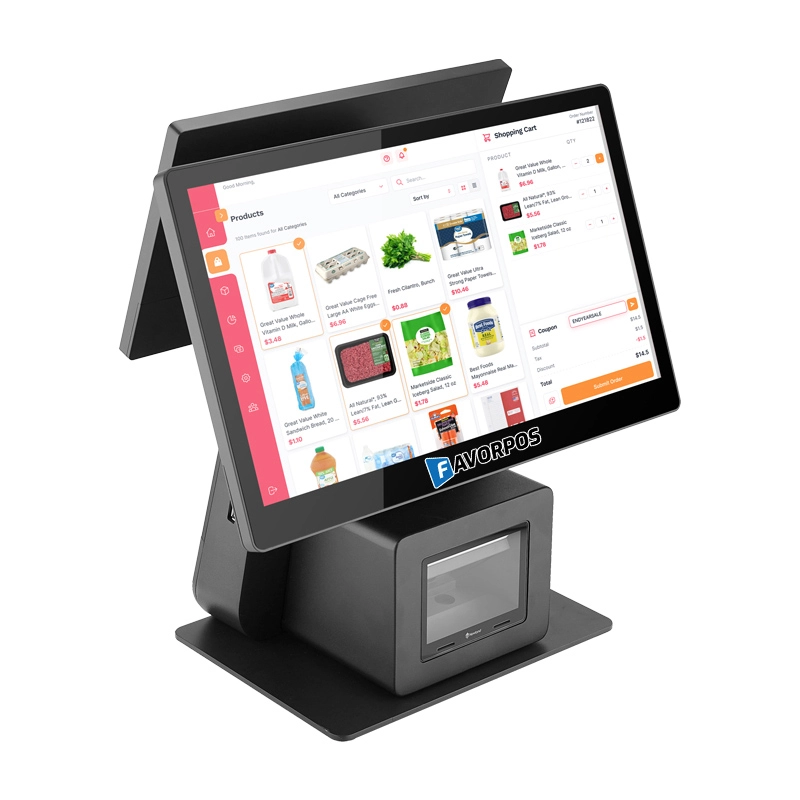
Dual Screen POS With Barcode Scanner Desktop POS Manufacturer POS Factory 15.6 11.6 Client Screen Optional
FAVORPOS: Your leading dual screen POS factory and manufacturer. Our desktop POS with barcode scanner offers 15.6/11.6 client screen options and OS flexibility. Get reliable, efficient dual screen POS with barcode scanner solutions directly from us.
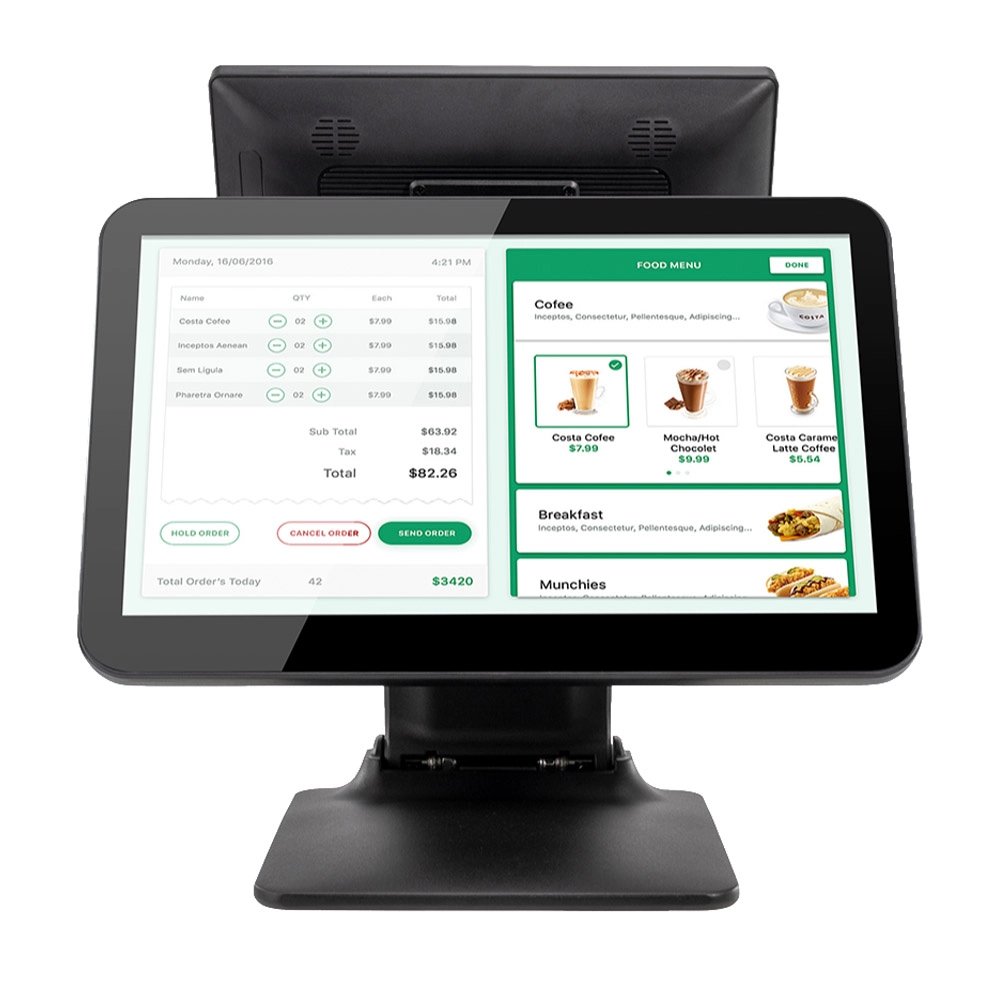
Foldable Touch Screen POS Cash Register 15.6'' Windows Supplier Aluminum
This innovative cash register combines portability with advanced functionality, making it ideal for retail environments. Its aluminum construction ensures durability while maintaining a lightweight design for easy transport and setup. The foldable feature allows for convenient storage and flexibility in various business settings.
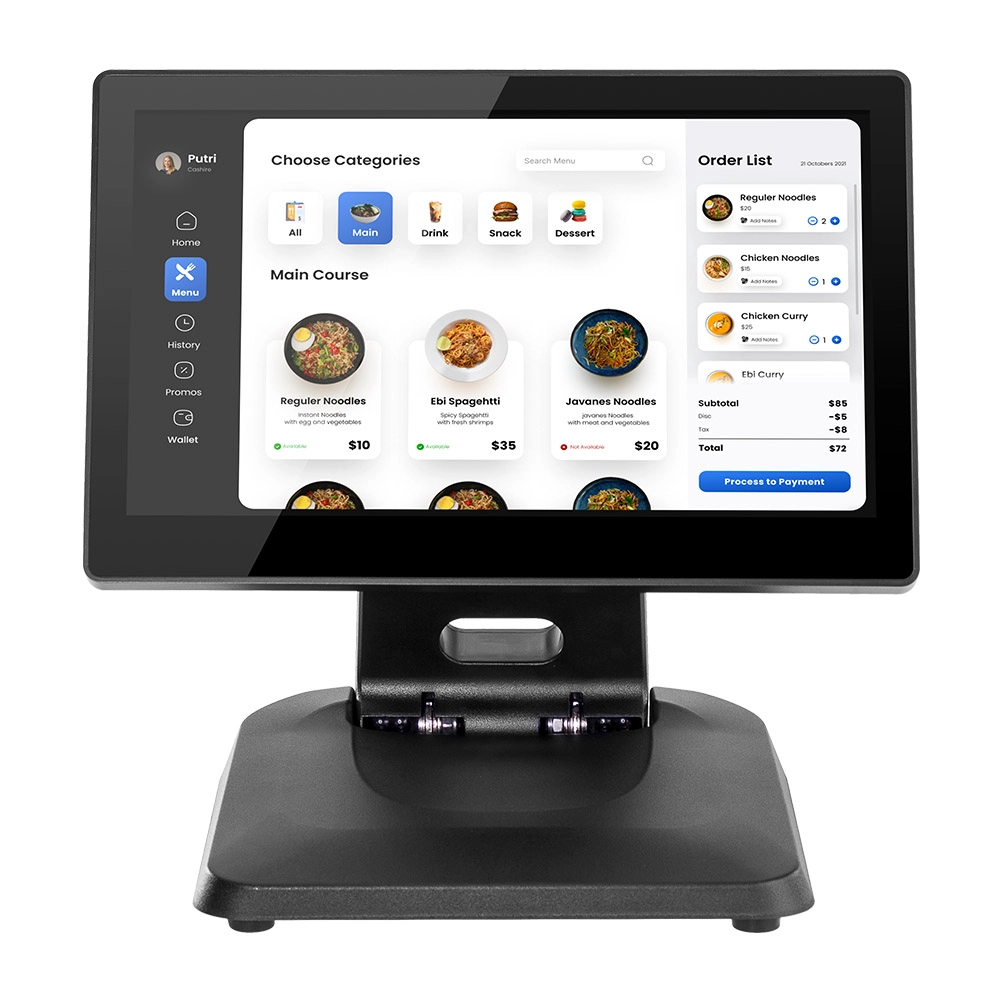
Factory 11.6'' Touch Screen POS Terminal Android Windows
The Factory 11.6'' Touch Screen POS Terminal is a versatile solution that supports both Android and Windows operating systems. Designed for durability and efficiency, this terminal is perfect for various retail environments. Its compact size and responsive touch screen enhance customer interactions, making transactions quick and seamless.
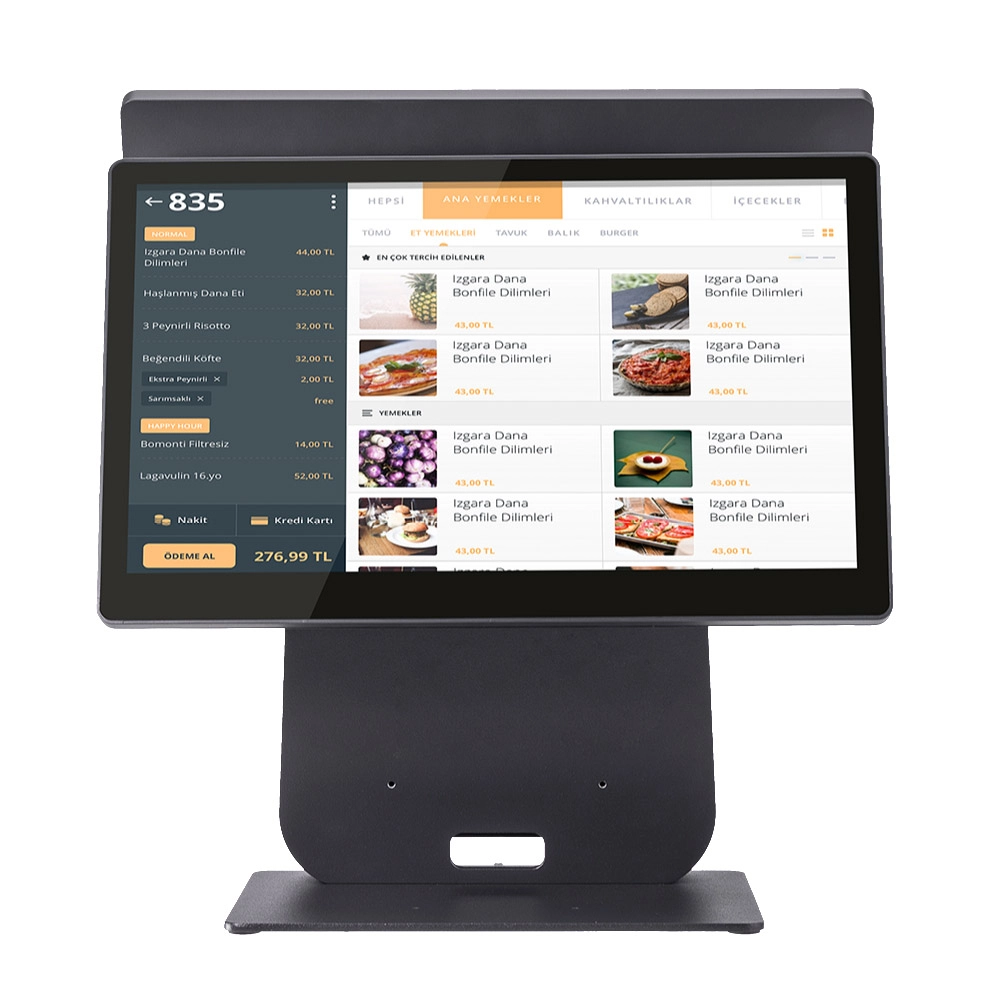
HD Dual Screen POS Machine Aluminum Hardware Android Windows Supplier
This dual-screen POS machine supports both Android and Windows systems, providing flexibility for various applications. The dual screens enhance customer interaction and streamline the checkout process, making transactions quicker and more engaging. Perfect for modern businesses looking to elevate their service and improve customer satisfaction, this POS machine is your ultimate partner in success!
Get in touch
Interested in becoming a POS system dealer? Contact us for more information and start the process of joining our dealer network.
We look forward to working with you to expand the market together.


Copyright © 2025 Favorpos All Rights Reserved.
