
what are the different types of pos systems? | FAVORPOS Guide
- What Are the Different Types of POS Systems?
- 1. What Is a POS System and How Does It Work?
- 2. What Are the Main Types of POS Systems?
- 3. Which POS System Is Best Suited to My Business?
- 4. What Are the Key Features to Look for in Different POS Systems?
- 5. How Are POS Systems Connected Within a Network?
What Are the Different Types of POS Systems?
1. What Is a POS System and How Does It Work?
A POS (Point of Sale) system is a combination of hardware and software that enables businesses to process transactions, manage inventory, and capture sales data. Modern POS systems streamline sales operations and integrate with other digital business tools for efficient management.
2. What Are the Main Types of POS Systems?
There are several types of POS systems designed to suit different business needs:
- Traditional On-Premise POS: Installed locally on business premises with dedicated hardware.
- Cloud-Based POS: Runs on the internet, offering flexibility and remote access to data.
- Mobile POS (mPOS): Uses smartphones or tablets as a register, ideal for mobility and on-the-go sales.
- Tablet POS: Dedicated tablet devices, commonly used in restaurants and retail.
- Self-Service Kiosk POS: Allows customers to complete transactions without direct staff assistance.
3. Which POS System Is Best Suited to My Business?
The best POS system depends on your business model and size. For example, retail stores may benefit from cloud-based or tablet POS, while food service outlets might use self-service kiosks. Mobile POS is ideal for pop-up events or mobile vendors. Evaluate your business needs, transaction volume, and required features before choosing.
4. What Are the Key Features to Look for in Different POS Systems?
Must-have features include inventory management, sales reporting, employee management, and customer relationship management (CRM). Integration with payment processors, scalability, and multi-location support are critical depending on business growth plans and industry requirements.
5. How Are POS Systems Connected Within a Network?
POS systems can operate independently or as part of a network. Cloud-based POS systems use the internet to sync data in real-time across locations, while on-premise solutions typically use a local area network (LAN). Networked POS systems improve efficiency, enable central management, and support seamless data flow across devices.
FAVORPOS offers tailored POS solutions to match your business needs.
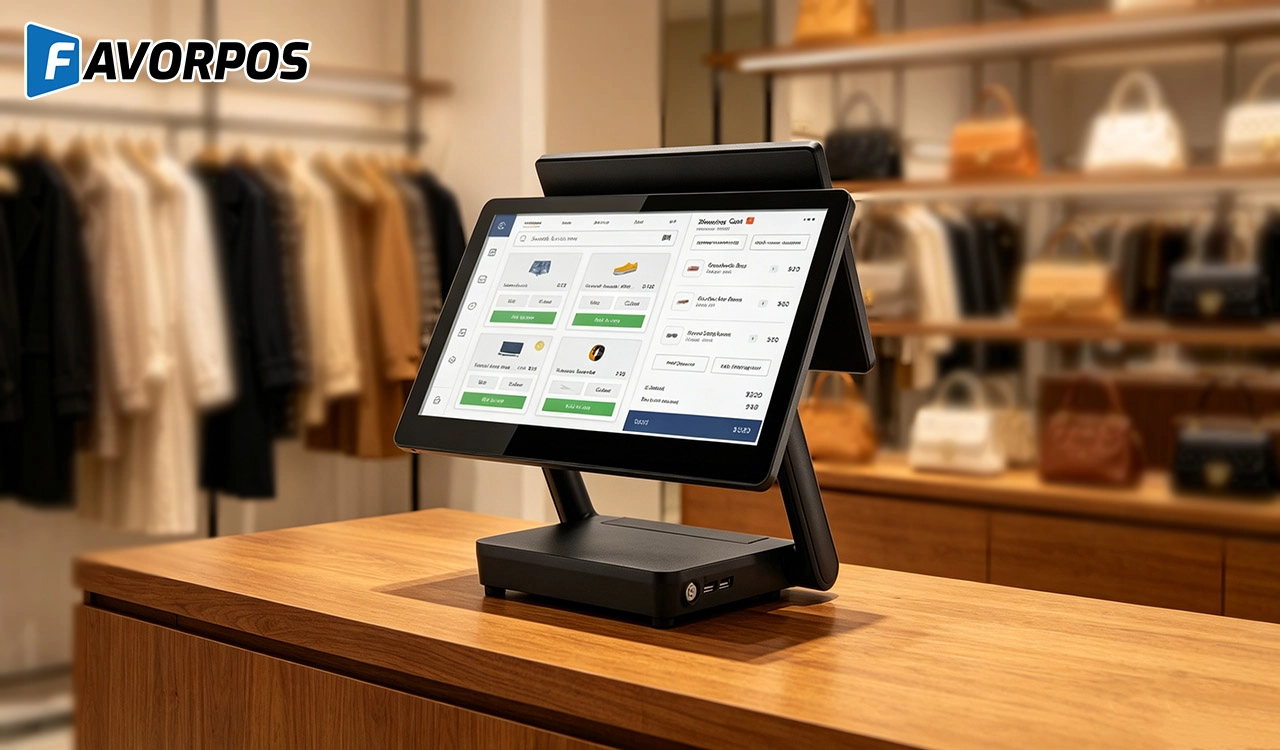
Why a 15.6” Touch POS Terminal Is Becoming the New Standard in High-Traffic Retail
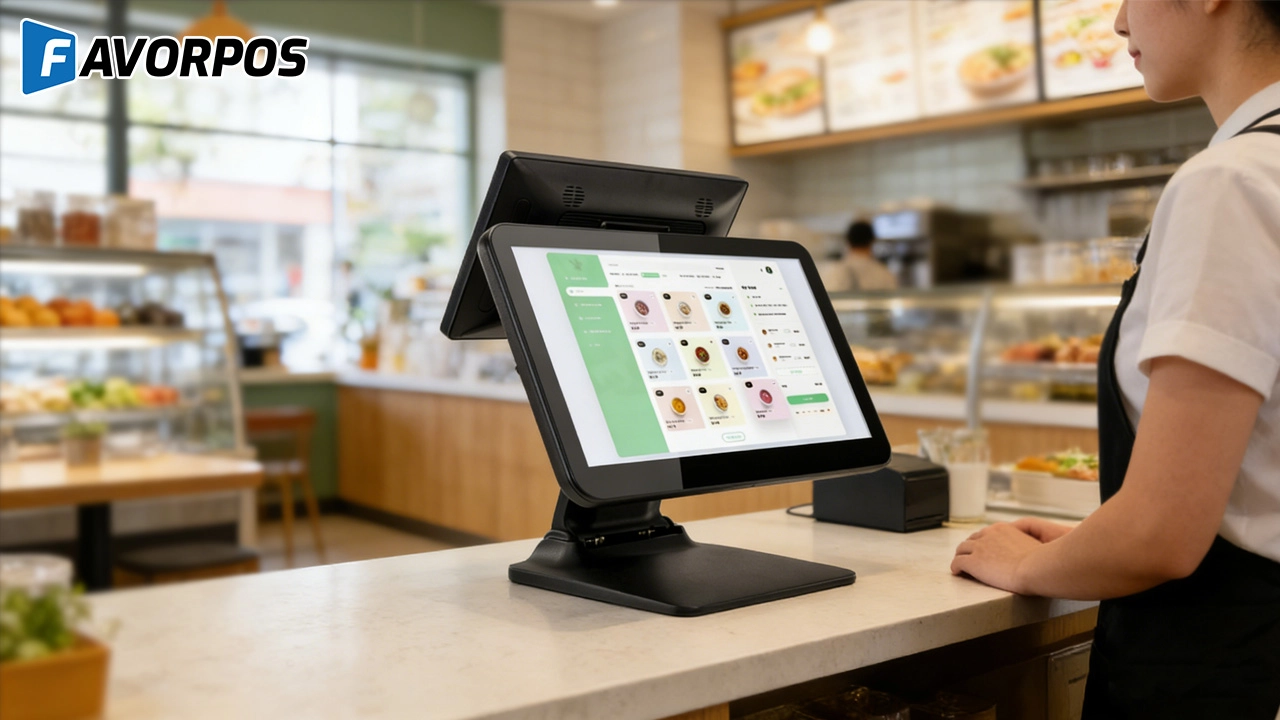
Beyond Checkout: How a 15.6-Inch Aluminum POS System Redefines Retail Efficiency
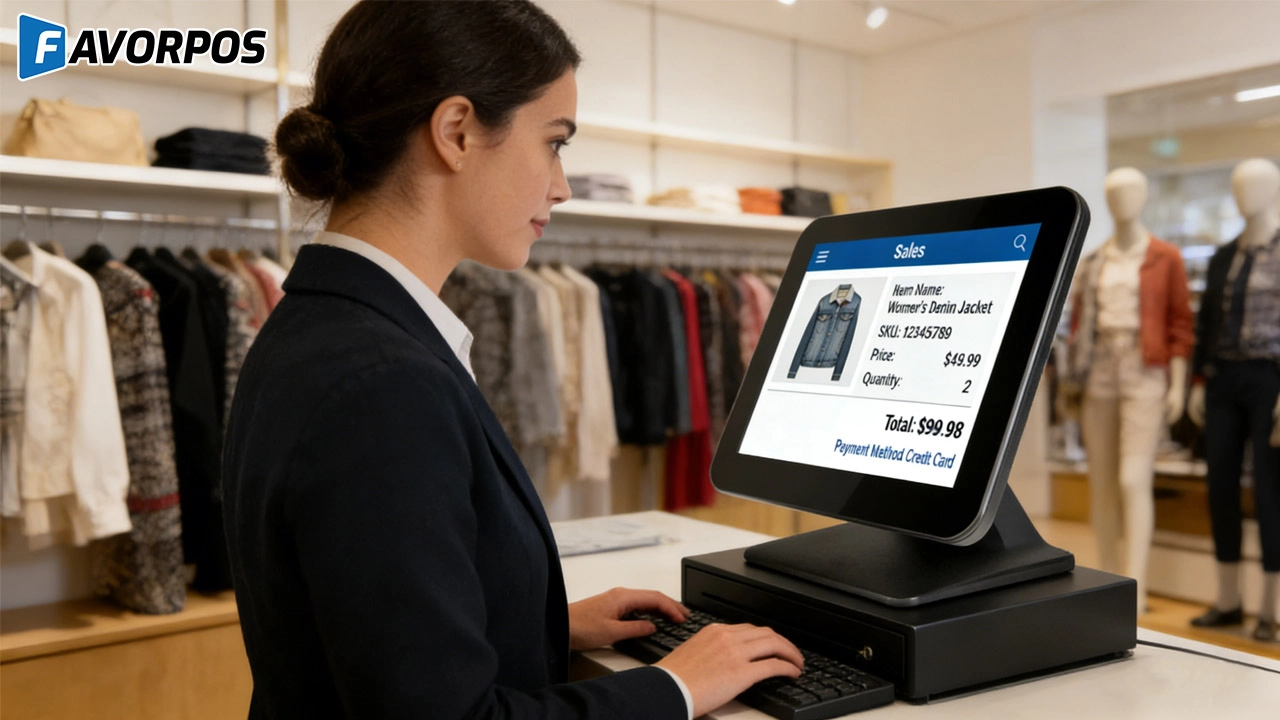
Understanding 15-Inch Aluminum POS Terminals in Modern Commercial Use
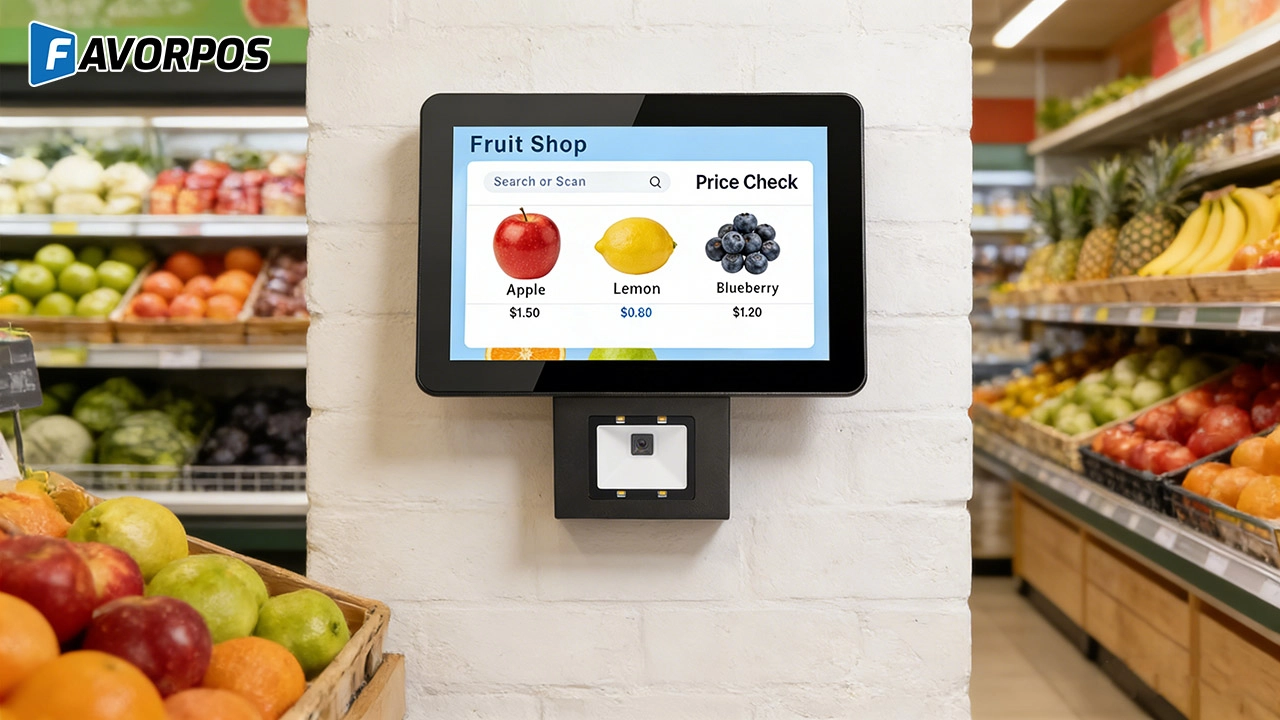
The Smart Way to Check Prices: How a 10.1-Inch Wall-Mounted Price Checker Transforms Retail Stores
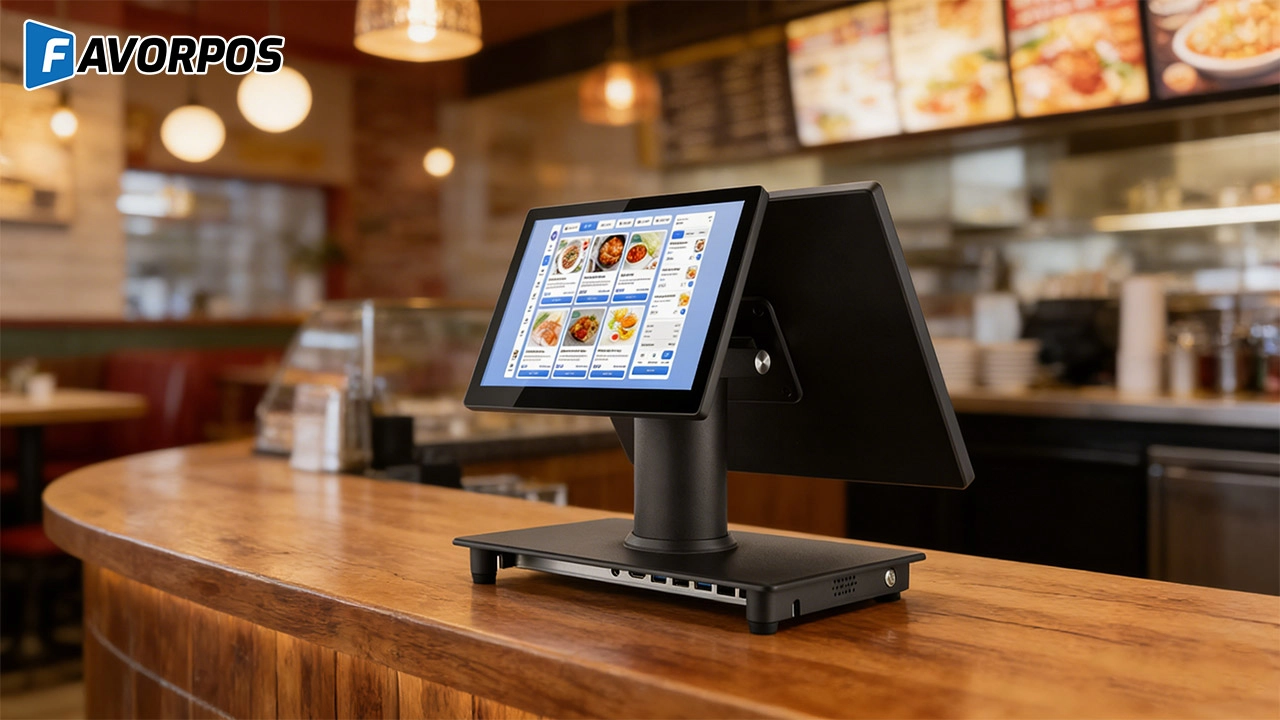
A Smarter Checkout Experience: The 15-Inch Dual-Screen POS Built for Modern Retail
For Healthcare
Do you provide training for our employees?
Yes, we provide comprehensive training materials to ensure that your employees are proficient in using the new machine.
For Distributor
What kind of support will I receive as a reseller?
As a reseller, you will receive comprehensive support, including product training, technical assistance, and support from a dedicated account management team.
What are the benefits of joining your reseller network?
Benefits include access to innovative POS products, attractive margins, comprehensive training and support, and the opportunity to work with a globally recognized brand.
For Grocery and Supermarkets
Can your POS system handle the high volume of transactions in a supermarket?
Yes, our POS system is designed for high-volume environments like supermarkets, ensuring transactions are processed quickly and efficiently even during peak hours.
For E-commerce
Can your POS system integrate with my existing e-commerce platform?
Yes, our POS system is compatible with major e-commerce platforms (such as Shopify, WooCommerce, Magento) and supports custom platforms through API integration.
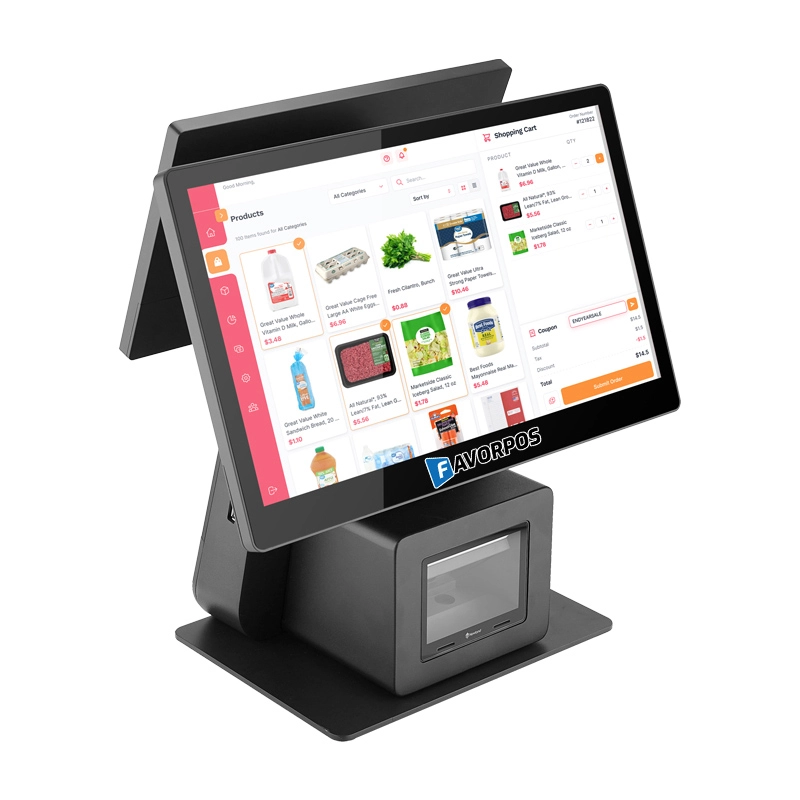
Dual Screen POS With Barcode Scanner Desktop POS Manufacturer POS Factory 15.6 11.6 Client Screen Optional
FAVORPOS: Your leading dual screen POS factory and manufacturer. Our desktop POS with barcode scanner offers 15.6/11.6 client screen options and OS flexibility. Get reliable, efficient dual screen POS with barcode scanner solutions directly from us.
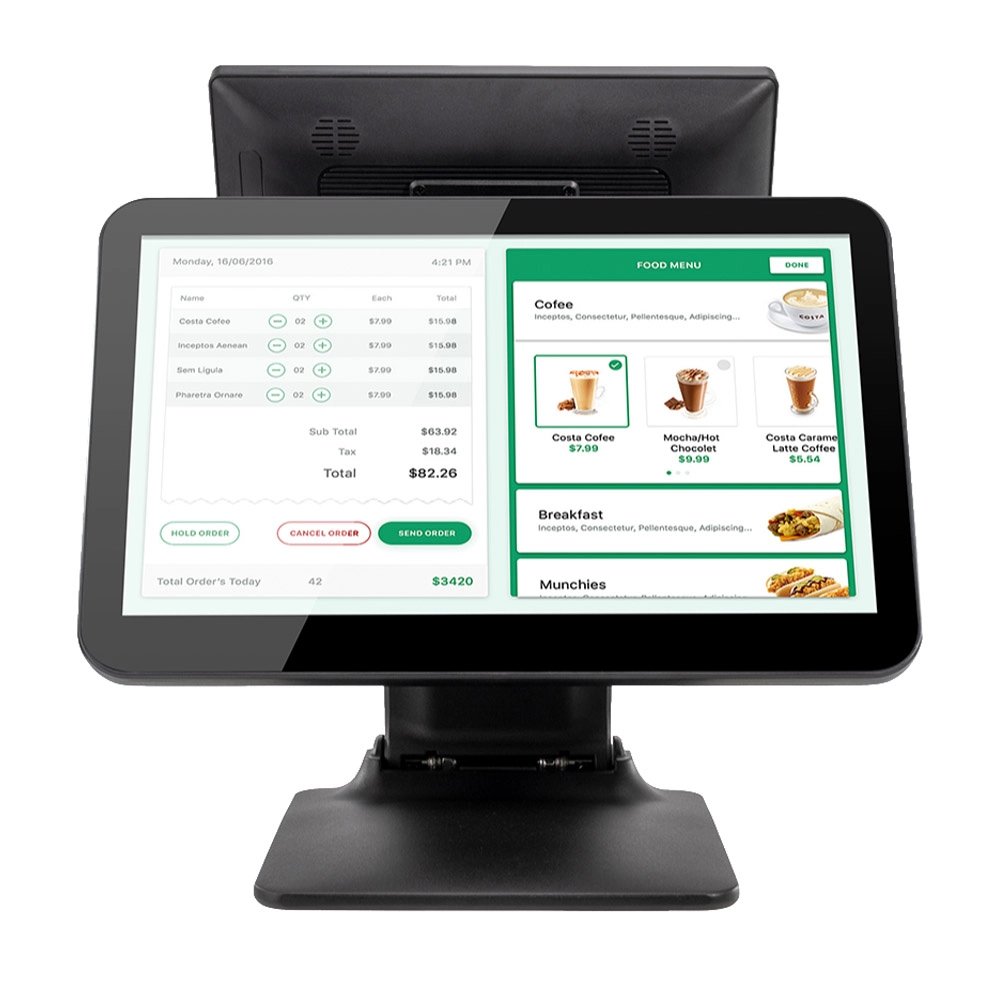
Foldable Touch Screen POS Cash Register 15.6'' Windows Supplier Aluminum
This innovative cash register combines portability with advanced functionality, making it ideal for retail environments. Its aluminum construction ensures durability while maintaining a lightweight design for easy transport and setup. The foldable feature allows for convenient storage and flexibility in various business settings.
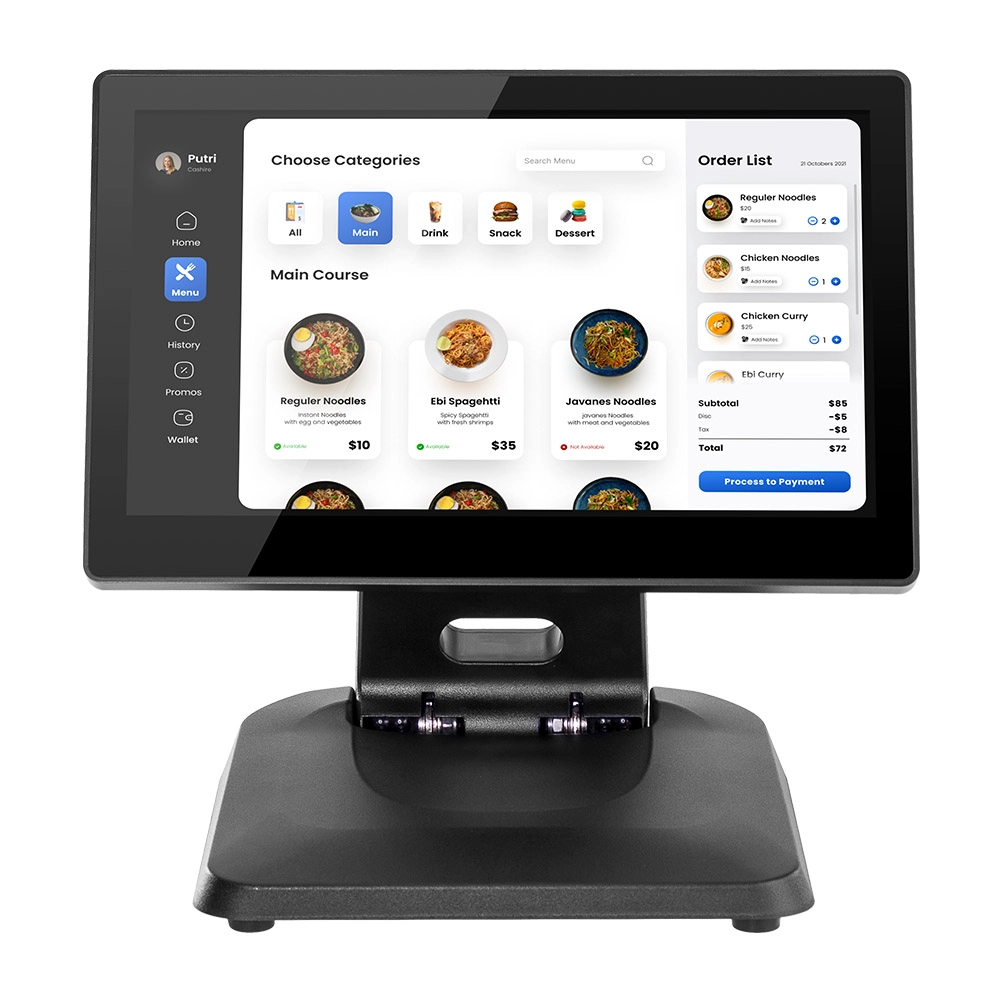
Factory 11.6'' Touch Screen POS Terminal Android Windows
The Factory 11.6'' Touch Screen POS Terminal is a versatile solution that supports both Android and Windows operating systems. Designed for durability and efficiency, this terminal is perfect for various retail environments. Its compact size and responsive touch screen enhance customer interactions, making transactions quick and seamless.
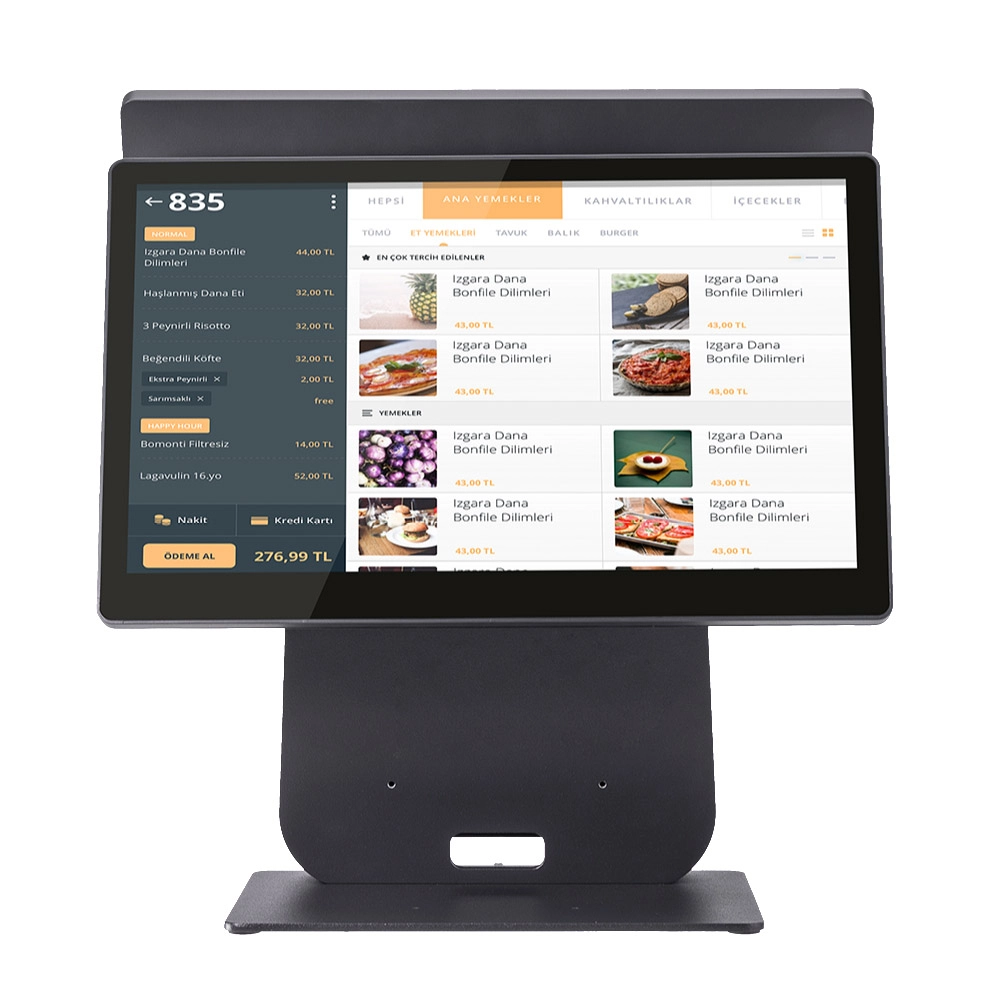
HD Dual Screen POS Machine Aluminum Hardware Android Windows Supplier
This dual-screen POS machine supports both Android and Windows systems, providing flexibility for various applications. The dual screens enhance customer interaction and streamline the checkout process, making transactions quicker and more engaging. Perfect for modern businesses looking to elevate their service and improve customer satisfaction, this POS machine is your ultimate partner in success!
Get in touch
Interested in becoming a POS system dealer? Contact us for more information and start the process of joining our dealer network.
We look forward to working with you to expand the market together.


Copyright © 2025 Favorpos All Rights Reserved.
