
where to use thermal printer? | FAVORPOS Guide
- Where to Use Thermal Printer?A Practical Guide for POS Professionals
- Where to Use Thermal Printer?Optimal Scenarios in POS Environments
- Retail Sector
- Hospitality Industry
- Healthcare Sector
- Transportation and Logistics
- Financial Services
- Why Choose Thermal Printers for These Applications?
- Key Considerations Before Deployment
- Industry Trends and Data
- Conclusion
Where to Use Thermal Printer?A Practical Guide for POS Professionals
Are you searching for where to use thermal printer? in POS systems? This article explains the best-use scenarios for thermal printers, helping industry professionals make informed, efficiency-boosting decisions. Discover placements, benefits, and industry trends to resolve your business and operational challenges.
Where to Use Thermal Printer?Optimal Scenarios in POS Environments
Retail Sector
- Receipts Printing
- Ideal for supermarkets, convenience stores, and boutiques.
- Fast and silent printing boosts cashier efficiency (Source: *National Retail Federation*).
- Barcode and Price Labeling
- Commonly used for product tags, shelf labels, and inventory tracking.
Hospitality Industry
- Restaurant Receipts
- Essential for kitchen order tickets and customer bills.
- Quick response and easy-to-read printouts streamline service (Source: *Restaurant Technology Magazine*).
- Order Management
- Back-of-house and front-of-house communication improved by efficient print jobs.
Healthcare Sector
- Patient Wristbands and Labels
- Used for patient IDs, medication labels, and laboratory samples.
- Supports compliance and traceability standards (Source: *Healthcare Information and Management Systems Society*).
Transportation and Logistics
- Shipping Labels
- Generates durable, smudge-resistant labels for parcels and packages.
- Tickets and Boarding Passes
- Fast ticketing in public transport and event venues.
Financial Services
- Transaction Slips
- Used in banks and payment kiosks for client transaction records.
Why Choose Thermal Printers for These Applications?
- High Speed & Low Noise
- Accelerate service in high-traffic areas while minimizing noise.
- Low Maintenance
- Fewer moving parts mean less downtime and repairs (Source: *POS Hardware Journal*).
- Cost Effective
- Eliminates the need for ink or toner, reducing consumable costs.
- Reliable Print Quality
- Sharp, consistent output ideal for barcodes, text, and graphics.
Key Considerations Before Deployment
- Paper Sensitivity
- Requires thermal paper, which may be sensitive to heat and light.
- Limited Color Capability
- Primarily supports black-and-white output.
- Environmental Suitability
- Optimal for indoor use to prevent degradation of print quality.
Industry Trends and Data
- Growth Rate
- Global thermal printer market is projected to reach $51.35 billion by 2031, growing at a CAGR of 6.2%. (Source: *Allied Market Research*)
- Widespread Adoption
- Over 85% of POS systems globally utilize thermal printers for everyday operations.
Conclusion
Thermal printers are indispensable across diverse POS applications, especially where speed, efficiency, and clarity are crucial. Knowing *where to use thermal printer?* helps professionals leverage the right tool for optimized operations and customer satisfaction.
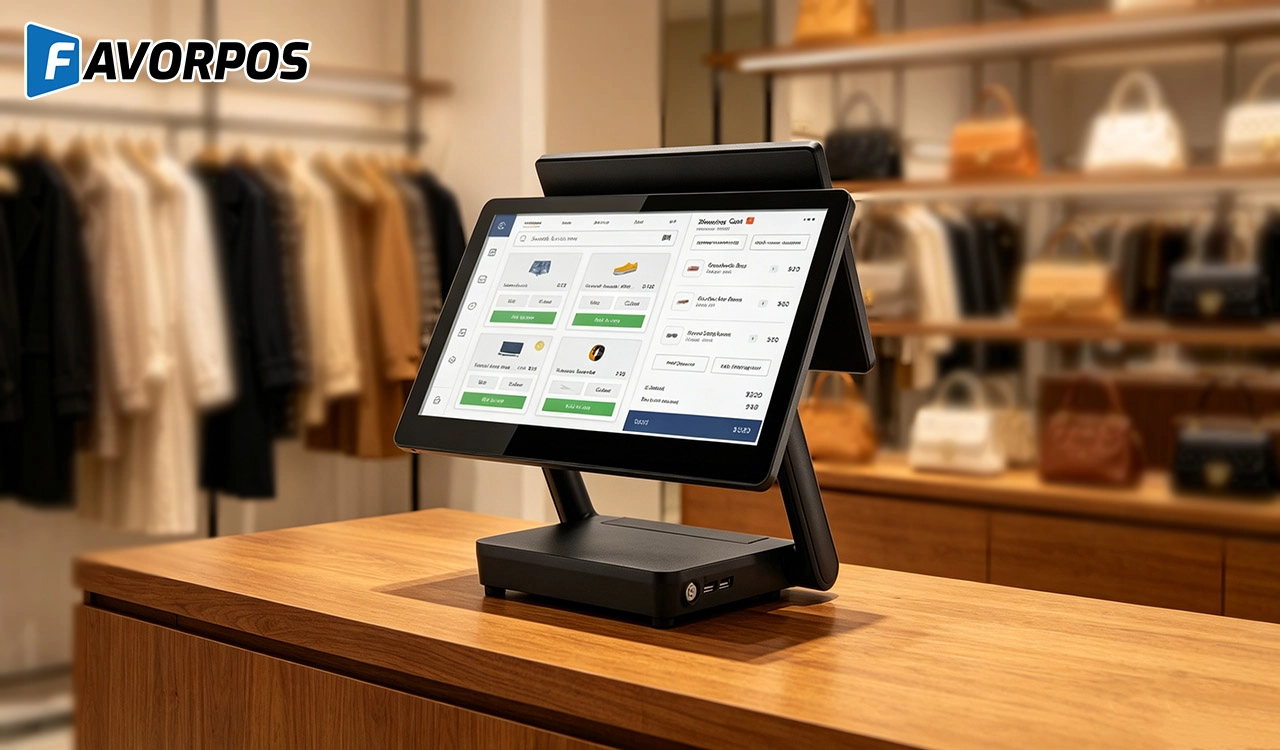
Why a 15.6” Touch POS Terminal Is Becoming the New Standard in High-Traffic Retail
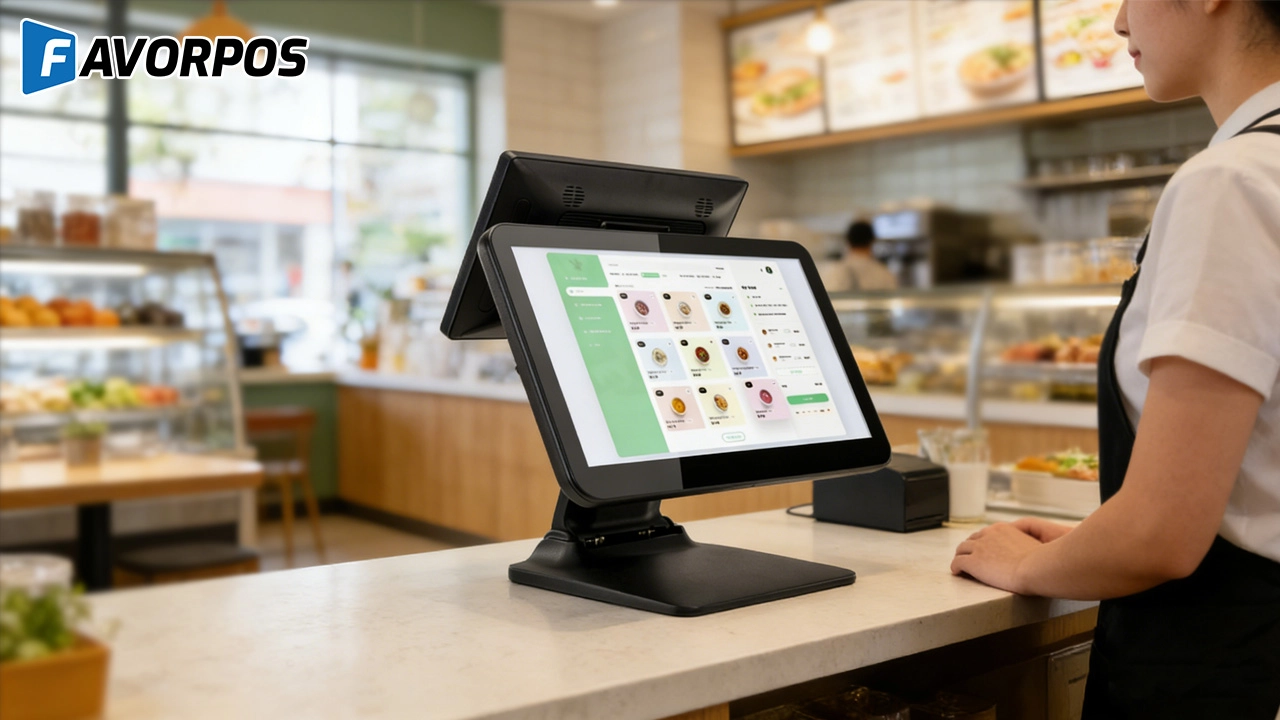
Beyond Checkout: How a 15.6-Inch Aluminum POS System Redefines Retail Efficiency
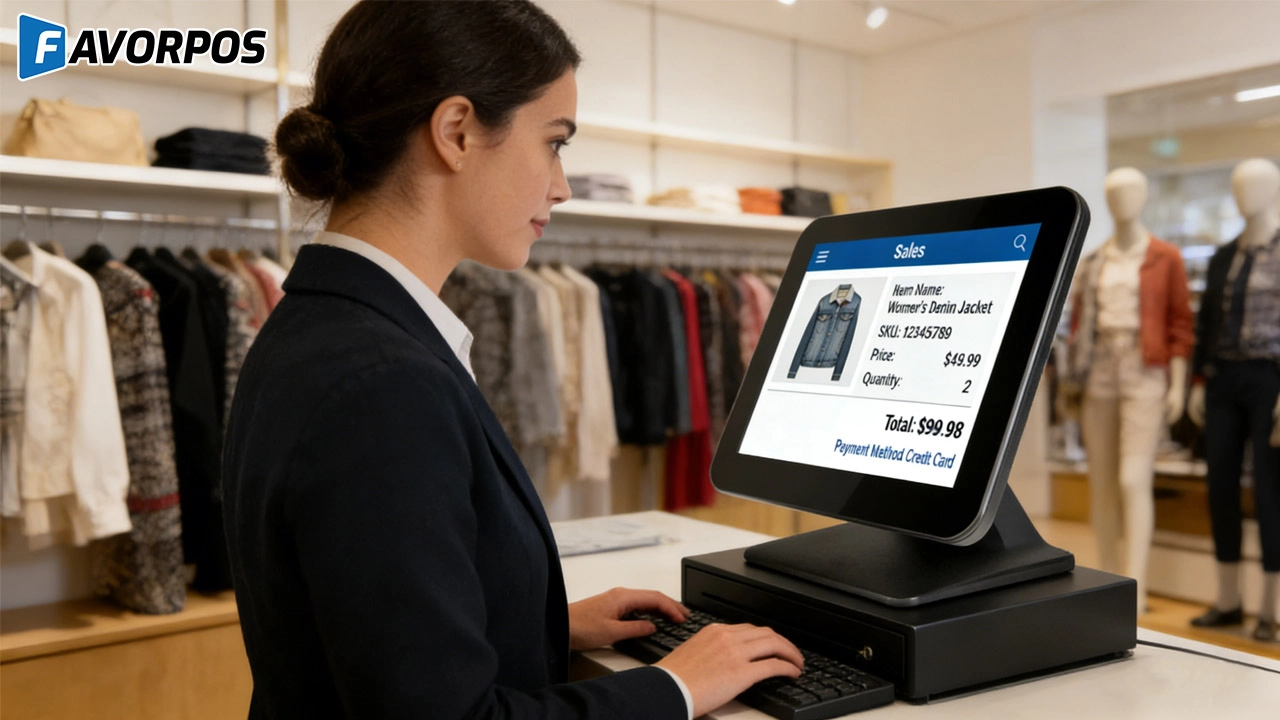
Understanding 15-Inch Aluminum POS Terminals in Modern Commercial Use
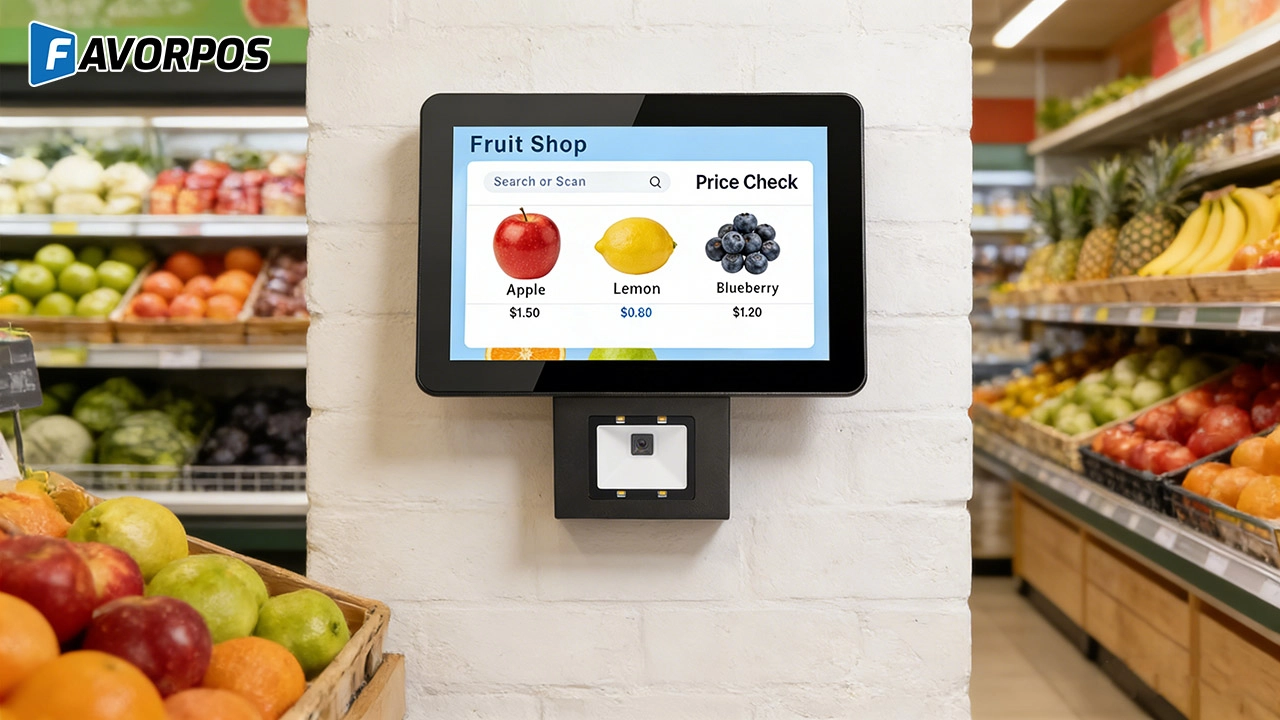
The Smart Way to Check Prices: How a 10.1-Inch Wall-Mounted Price Checker Transforms Retail Stores
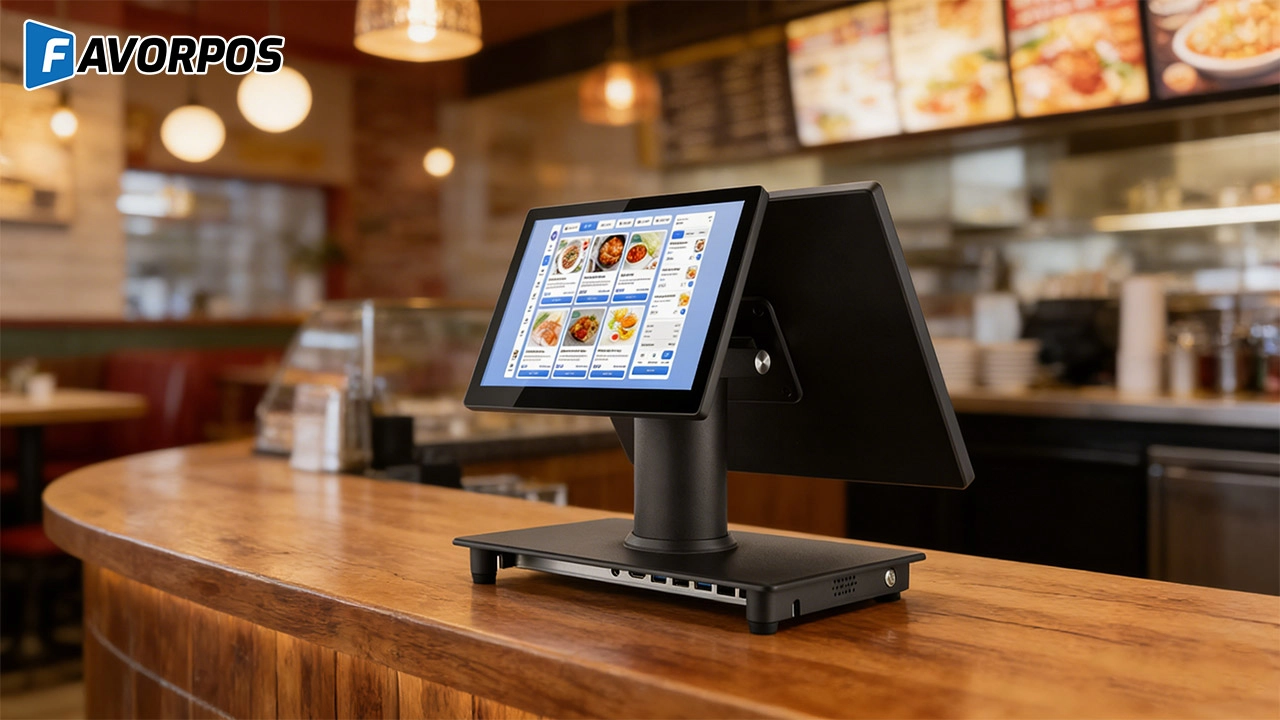
A Smarter Checkout Experience: The 15-Inch Dual-Screen POS Built for Modern Retail
For Solutions Retail
If there is a problem with the device, how can I contact your after-sales support?
You can contact our after-sales team by phone, email or online customer service. We provide 7x24 hours of technical support to ensure timely response and resolution of your problems.
For Restaurants & Cafes
If there is a problem with the device, how can I get technical support?
You can contact our technical support team by phone, email or online customer service. We provide 24/7 support to ensure that your issues are resolved promptly and the system is up and running.
For Healthcare
Do you provide training for our employees?
Yes, we provide comprehensive training materials to ensure that your employees are proficient in using the new machine.
For Bakeries
Can your POS system handle both retail and wholesale orders?
Yes, FAVORPOS's system can manage both retail sales and wholesale orders and offer different price structures for each customer type.
For OEM
Does your POS machine comply with international payment security standards?
Yes, our POS machine products comply with international payment security standards such as PCI-DSS to ensure that your transaction data is safe and reliable. We also provide customized security features to further protect payment information.
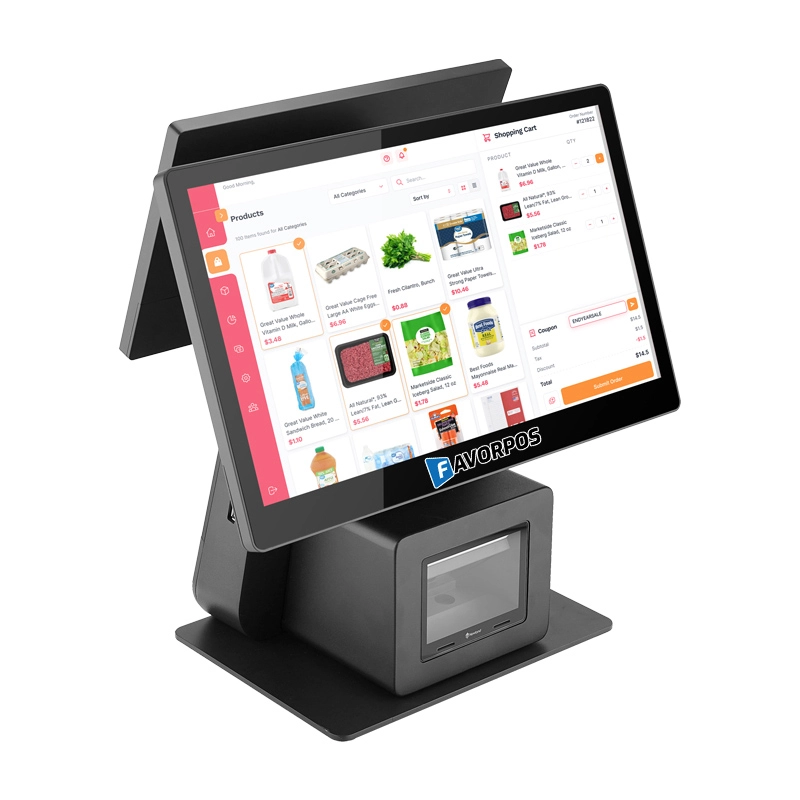
Dual Screen POS With Barcode Scanner Desktop POS Manufacturer POS Factory 15.6 11.6 Client Screen Optional
FAVORPOS: Your leading dual screen POS factory and manufacturer. Our desktop POS with barcode scanner offers 15.6/11.6 client screen options and OS flexibility. Get reliable, efficient dual screen POS with barcode scanner solutions directly from us.
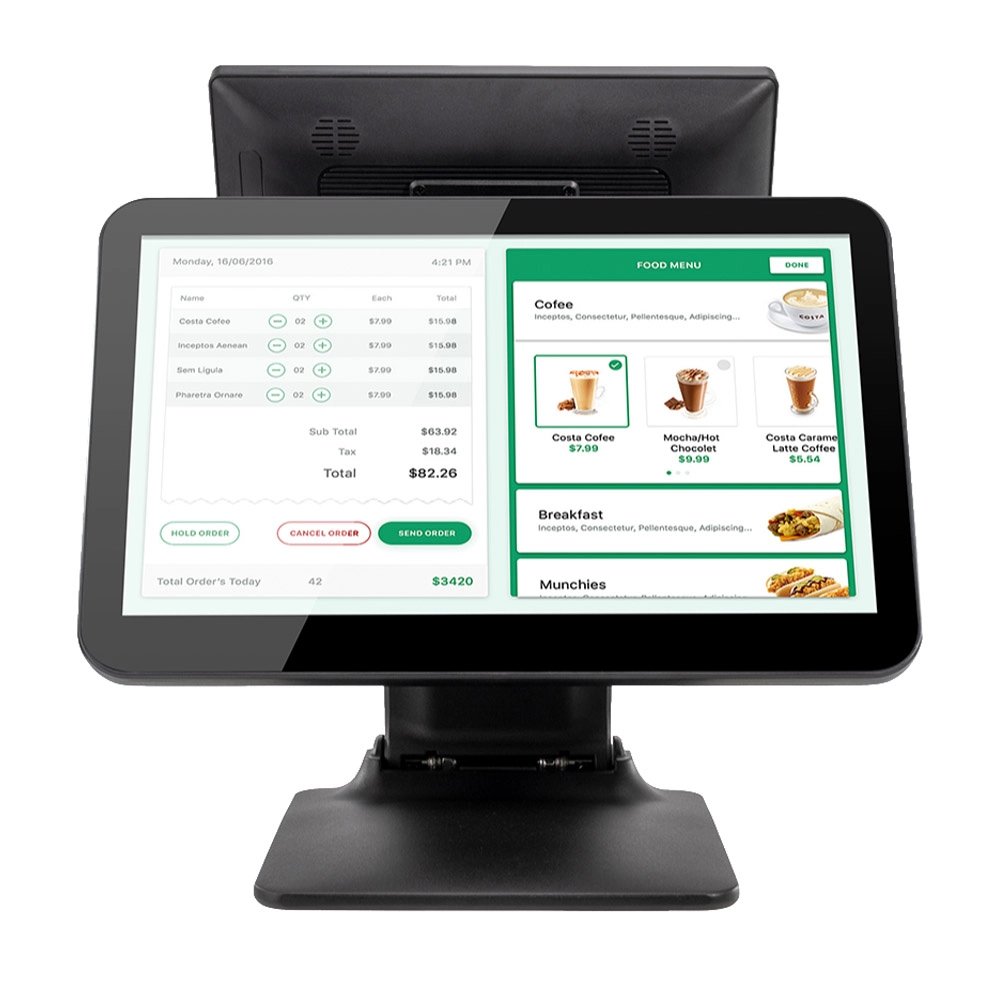
Foldable Touch Screen POS Cash Register 15.6'' Windows Supplier Aluminum
This innovative cash register combines portability with advanced functionality, making it ideal for retail environments. Its aluminum construction ensures durability while maintaining a lightweight design for easy transport and setup. The foldable feature allows for convenient storage and flexibility in various business settings.
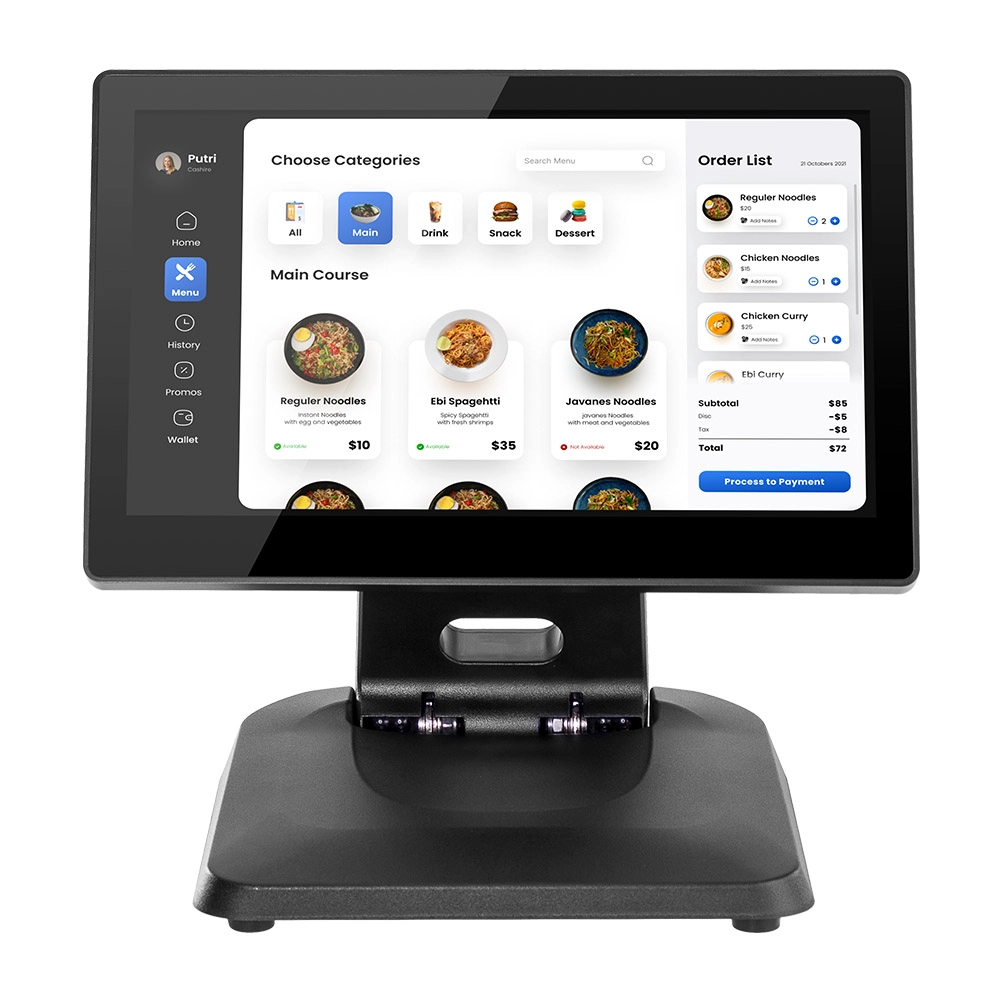
Factory 11.6'' Touch Screen POS Terminal Android Windows
The Factory 11.6'' Touch Screen POS Terminal is a versatile solution that supports both Android and Windows operating systems. Designed for durability and efficiency, this terminal is perfect for various retail environments. Its compact size and responsive touch screen enhance customer interactions, making transactions quick and seamless.
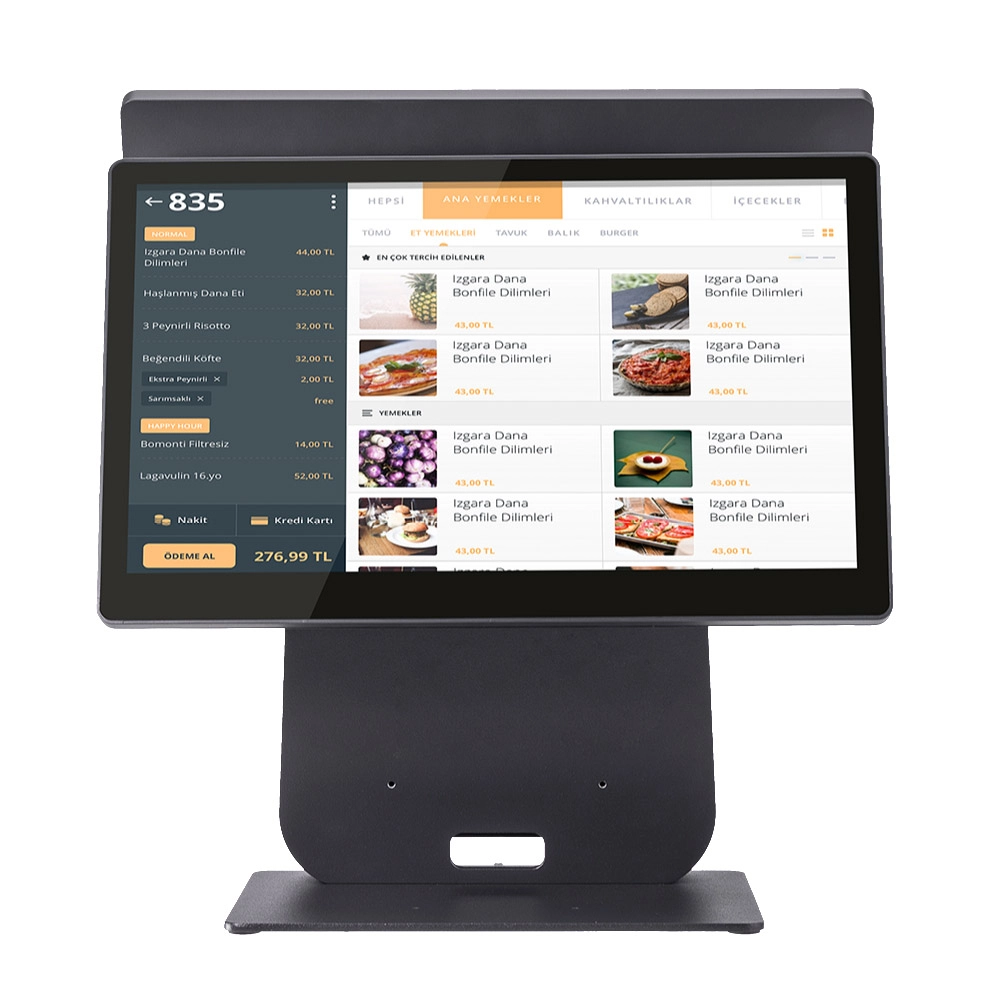
HD Dual Screen POS Machine Aluminum Hardware Android Windows Supplier
This dual-screen POS machine supports both Android and Windows systems, providing flexibility for various applications. The dual screens enhance customer interaction and streamline the checkout process, making transactions quicker and more engaging. Perfect for modern businesses looking to elevate their service and improve customer satisfaction, this POS machine is your ultimate partner in success!
Get in touch
Interested in becoming a POS system dealer? Contact us for more information and start the process of joining our dealer network.
We look forward to working with you to expand the market together.


Copyright © 2025 Favorpos All Rights Reserved.
