
why are touch screen monitors so expensive? | FAVORPOS Guide
- Why Are Touch Screen Monitors So Expensive?
- Why Are Touch Screen Monitors So Expensive?
- Market Demand and Specialized Use Cases
- Advanced Technology Integration
- Longevity and Warranty
- Certifications and Regulatory Compliance
- Integration with POS Ecosystems
- Lower Total Cost of Ownership
- Economic Factors
- Frequently Asked Facts: Touch Screen Monitor Costs
- Authoritative References:
Why Are Touch Screen Monitors So Expensive?
Are you wondering why touch screen monitors command a High Quality in the POS system industry? Many professionals want to understand what factors drive the cost up and whether the investment is justified. This article explains, in clear bullet points, exactly what makes touch screens pricier and how these costs can benefit your business.
Why Are Touch Screen Monitors So Expensive?
Market Demand and Specialized Use Cases
- Business-Grade Requirements:
Touch screen monitors for POS are engineered for high-traffic environments, unlike consumer models found in homes or casual office settings.
- Rugged Construction:
POS screens endure continuous use, accidental spills, and cleaning with harsh chemicals, demanding tougher construction and quality checks.
- Niche Market:
The market for commercial touch displays is smaller and more specialized, resulting in lower production volumes and higher per-unit costs ((https://technology.ihs.com/)).
Advanced Technology Integration
- Specialized Touch Technology:
Commercial touch screens use advanced projected capacitive or resistive touch panels—more expensive but far more reliable than the basic capacitive models in consumer tablets.
- Accuracy and Multi-Touch:
These devices are engineered for precision and to support multiple simultaneous users, which adds complexity and cost.
Longevity and Warranty
- Extended Lifespan:
Commercial touch monitors are designed to function reliably for 5+ years, compared to the shorter life expectancy of consumer displays.
- Comprehensive Warranties:
Longer warranties and advance replacement services are standard, ensuring minimal downtime—reflected in the initial price.
Certifications and Regulatory Compliance
- Safety Standards:
POS environments require UL, FCC, and often EMV/LPCI certifications that involve rigorous product testing and compliance investments.
- Food Safety:
Touch monitors in retail or hospitality often need to meet food safety and sanitation regulations (for example, NSF).
Integration with POS Ecosystems
- Peripheral Connectivity:
Enhanced compatibility with POS peripherals like barcode scanners, card readers, and receipt printers requires custom design work.
- Software Optimization:
Pre-certified compatibility with major POS software platforms also contributes to higher prices.
Lower Total Cost of Ownership
- Downtime Risk Reduction:
Although the purchase price is higher, fewer failures and reduced maintenance lower the long-term operational cost.
- Support and Service:
High Quality support and field replacement units are included, reducing the risk and cost of disruption.
Economic Factors
- Supply Chain Constraints:
Global semiconductor shortages and increased demand for durable electronics push prices upward ((https://www.idc.com/)).
- Import and Tariff Costs:
Many commercial touch screens are subject to electronic import tariffs, further adding to overall cost.
Frequently Asked Facts: Touch Screen Monitor Costs
- Can I use a consumer touch screen in my POS system?
Rarely recommended—consumer models are less durable, with limited warranties and fewer supported features.
- Are there reliable low-cost options?
Some volume-purchased models offer savings, but often sacrifice essential POS-specific features.
- How often do POS touch screens need replacement?
Commercial POS monitors often last 3-7 years, minimizing long-term expenditure.
Authoritative References:
- (https://technology.ihs.com/)
- (https://www.idc.com/)
- (https://restaurant.org/)
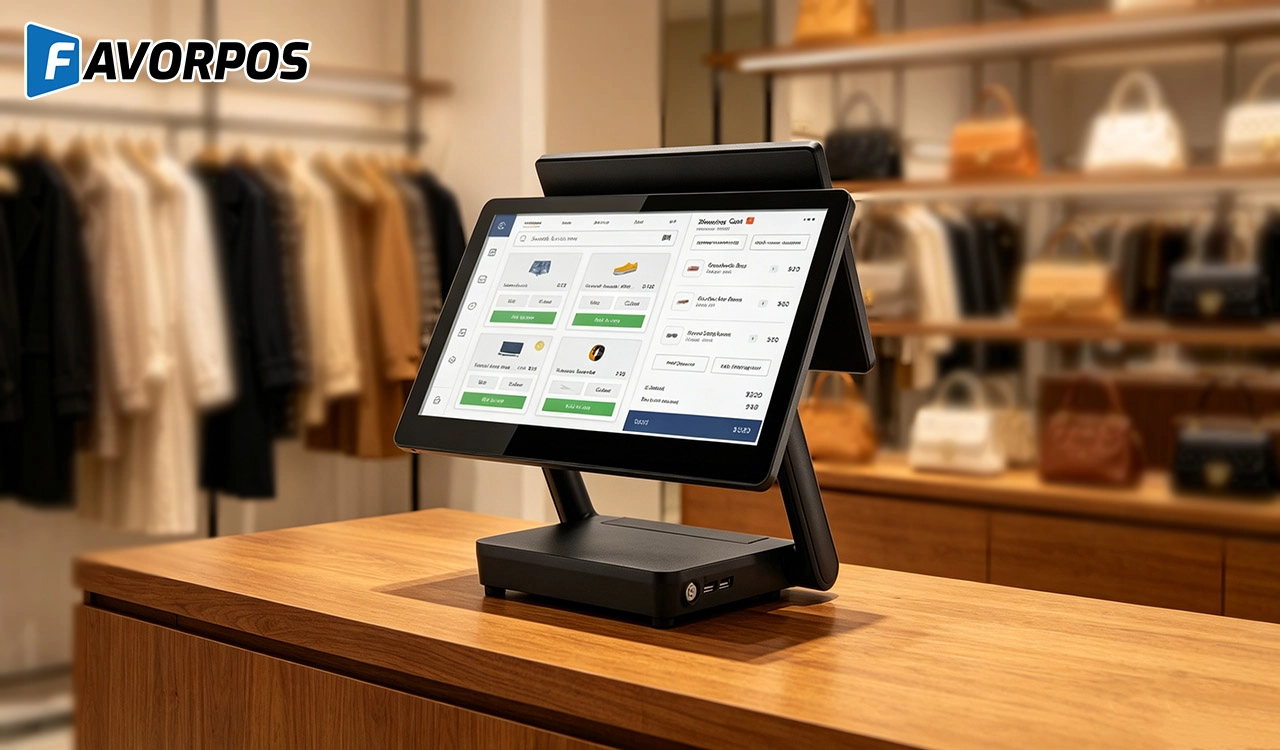
Why a 15.6” Touch POS Terminal Is Becoming the New Standard in High-Traffic Retail
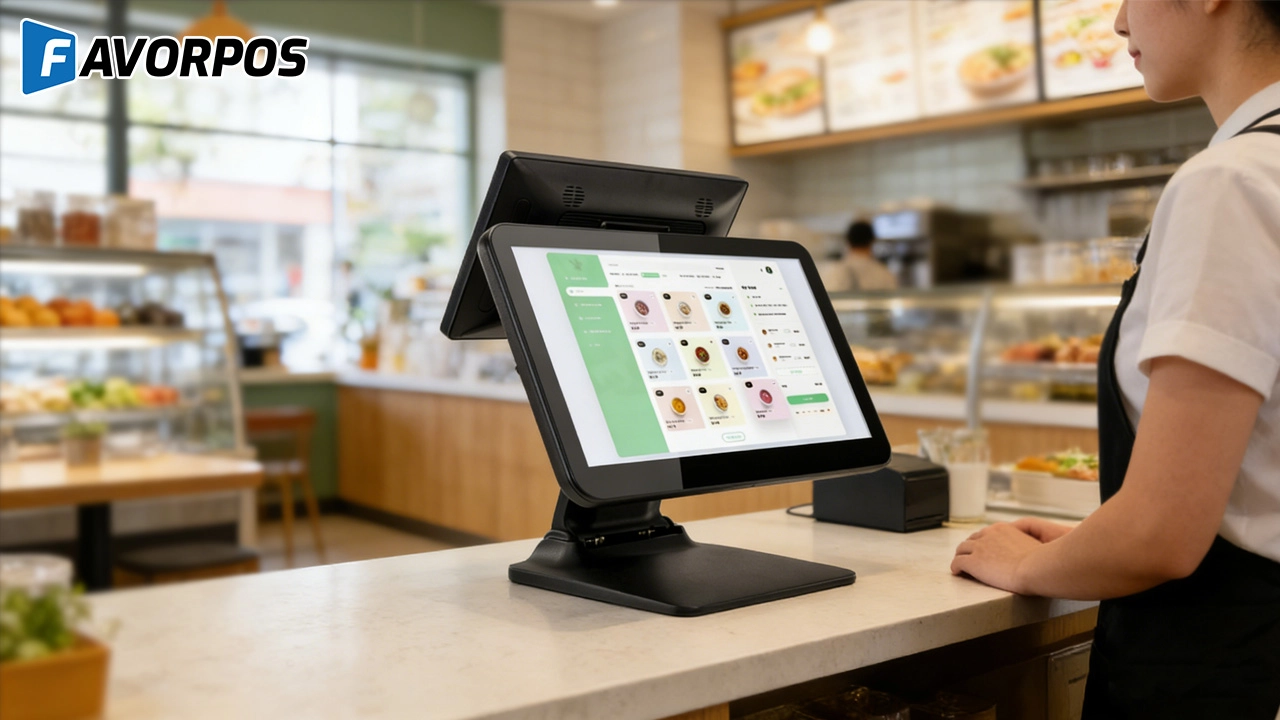
Beyond Checkout: How a 15.6-Inch Aluminum POS System Redefines Retail Efficiency
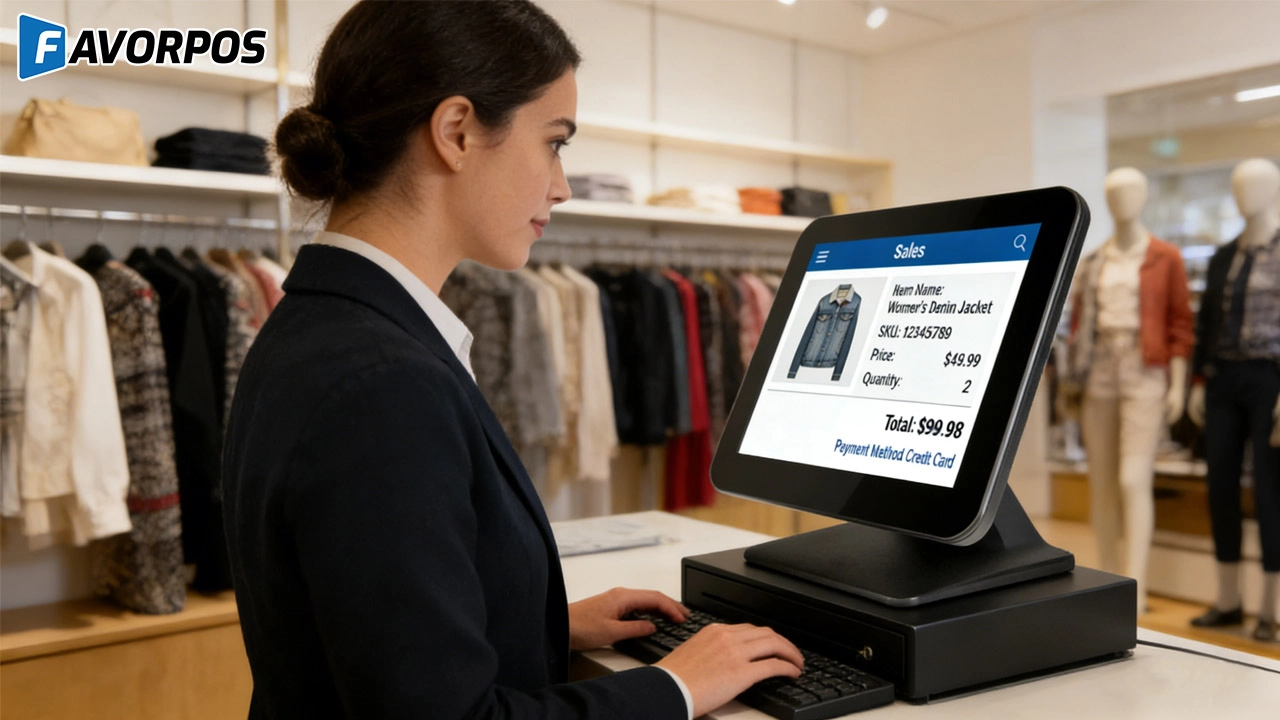
Understanding 15-Inch Aluminum POS Terminals in Modern Commercial Use
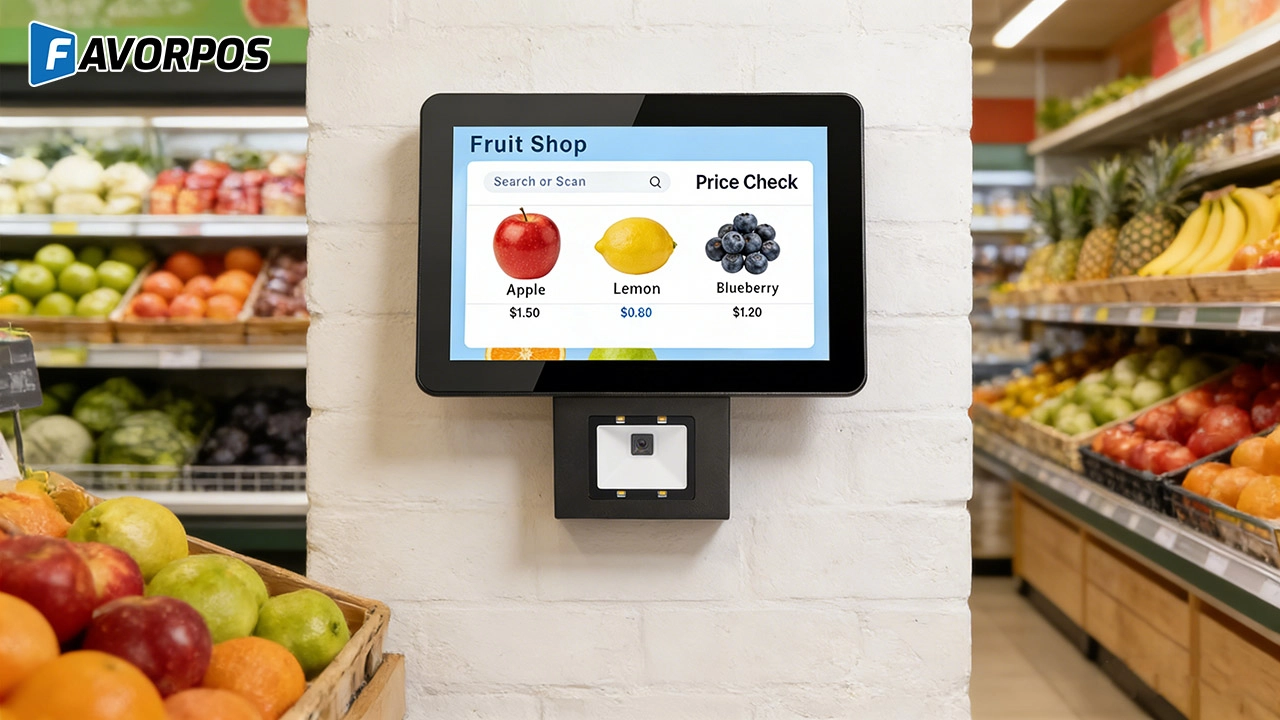
The Smart Way to Check Prices: How a 10.1-Inch Wall-Mounted Price Checker Transforms Retail Stores
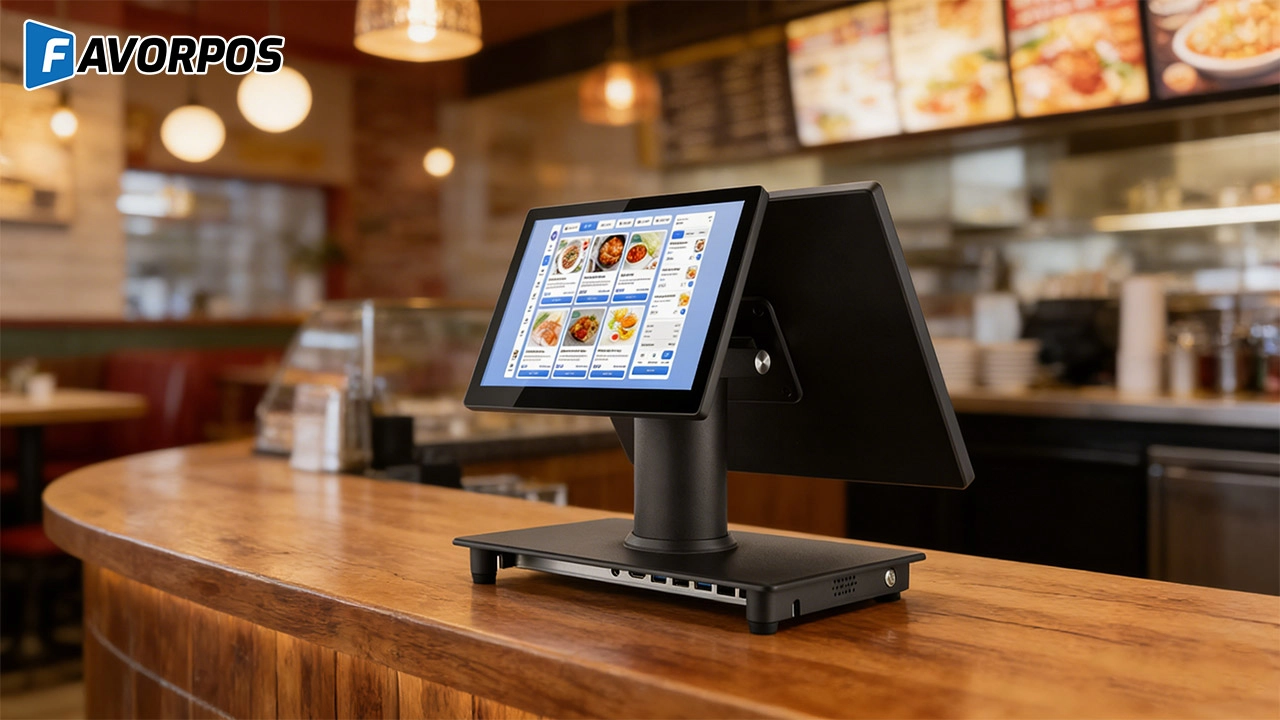
A Smarter Checkout Experience: The 15-Inch Dual-Screen POS Built for Modern Retail
For Government and Public
What support is provided after deployment?
We provide 24/7 technical support, regular hardware updates, hardware maintenance, and training resources to ensure your POS system remains operating efficiently.
For E-commerce
Is your POS solution scalable to accommodate business growth?
Yes, our POS system is designed to be scalable, and you can easily add new sales channels, locations, and features to accommodate business growth.
Can I manage multiple online stores from one system?
Yes, our POS system supports multi-location and multi-store management, allowing you to centrally manage all e-commerce operations.
For Beauty and Wellness
How does your POS system integrate with online booking platforms?
Our POS system integrates seamlessly with online booking platforms, allowing customers to book appointments online and synchronize them with in-store appointments.
What payment methods does the system support?
Our system supports a variety of payment methods, including credit cards, digital wallets and contactless payments, providing customers with a convenient payment experience.
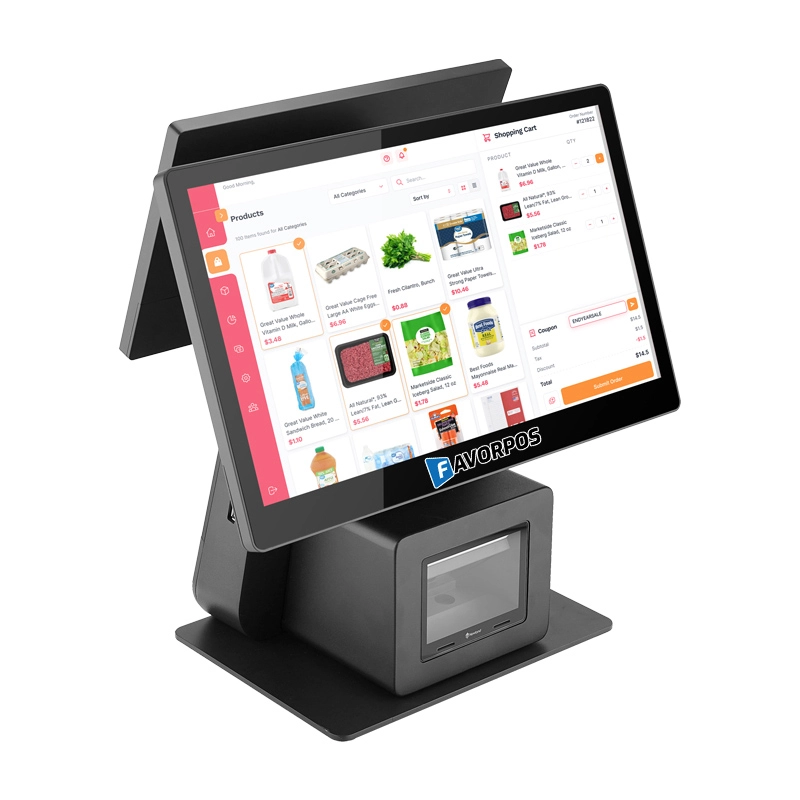
Dual Screen POS With Barcode Scanner Desktop POS Manufacturer POS Factory 15.6 11.6 Client Screen Optional
FAVORPOS: Your leading dual screen POS factory and manufacturer. Our desktop POS with barcode scanner offers 15.6/11.6 client screen options and OS flexibility. Get reliable, efficient dual screen POS with barcode scanner solutions directly from us.
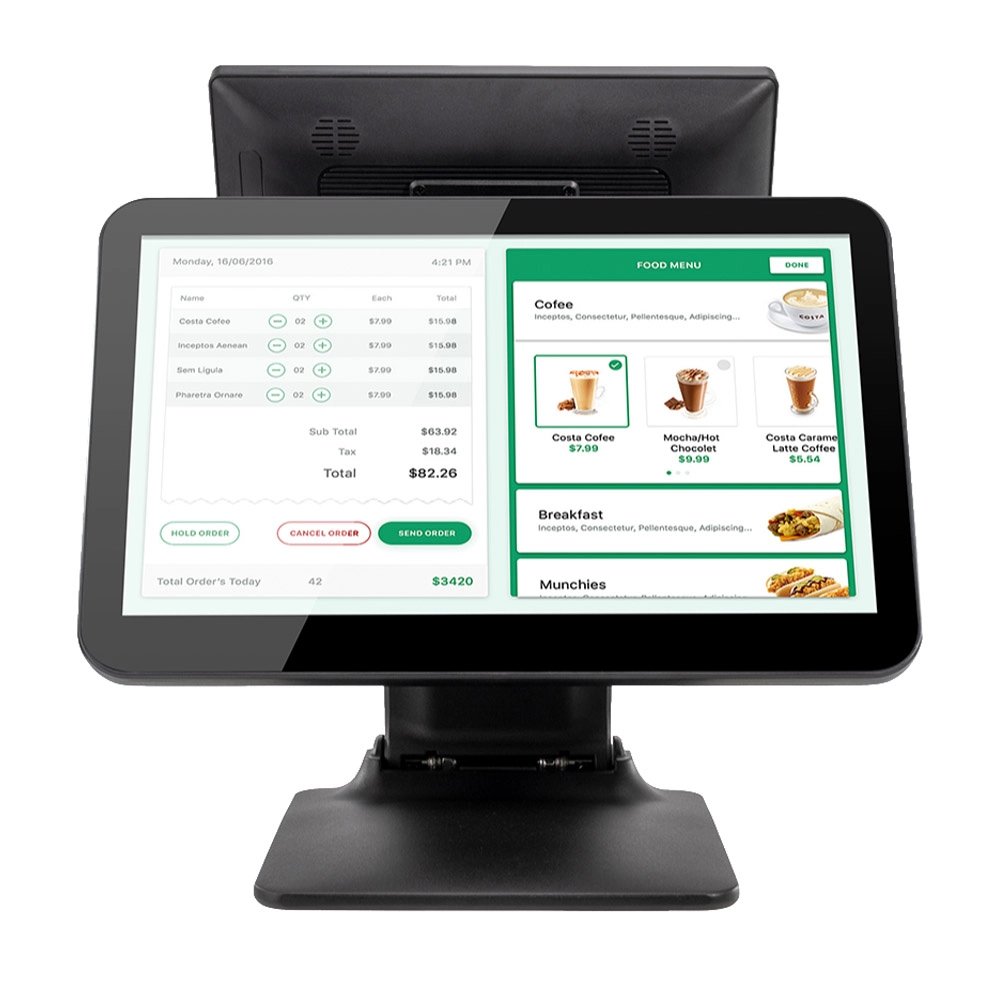
Foldable Touch Screen POS Cash Register 15.6'' Windows Supplier Aluminum
This innovative cash register combines portability with advanced functionality, making it ideal for retail environments. Its aluminum construction ensures durability while maintaining a lightweight design for easy transport and setup. The foldable feature allows for convenient storage and flexibility in various business settings.
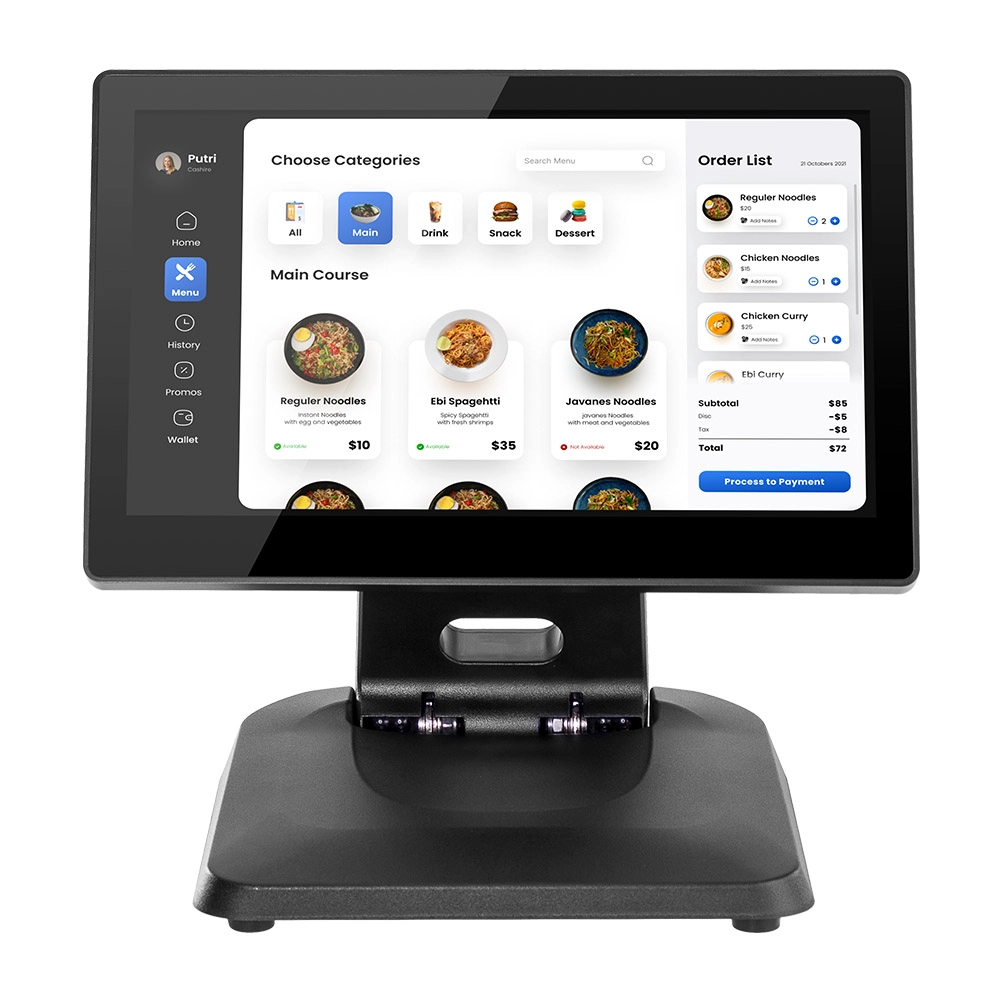
Factory 11.6'' Touch Screen POS Terminal Android Windows
The Factory 11.6'' Touch Screen POS Terminal is a versatile solution that supports both Android and Windows operating systems. Designed for durability and efficiency, this terminal is perfect for various retail environments. Its compact size and responsive touch screen enhance customer interactions, making transactions quick and seamless.
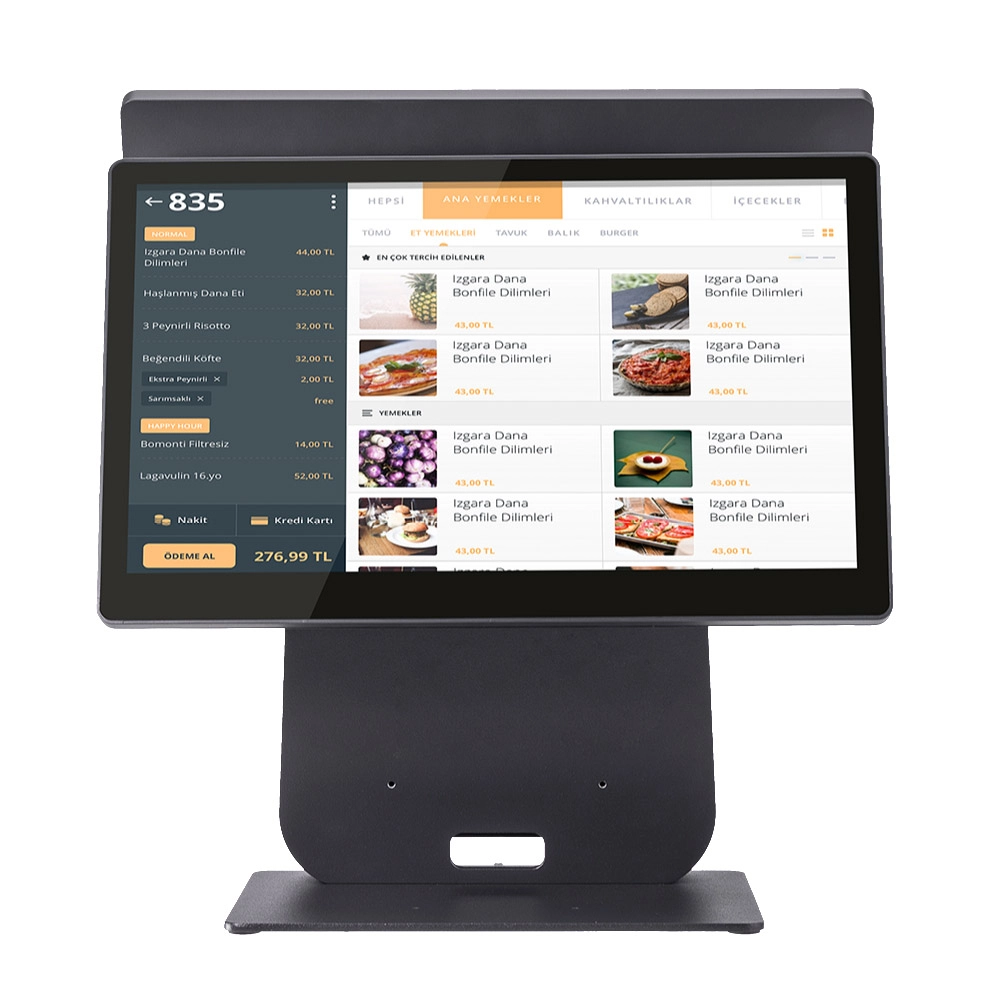
HD Dual Screen POS Machine Aluminum Hardware Android Windows Supplier
This dual-screen POS machine supports both Android and Windows systems, providing flexibility for various applications. The dual screens enhance customer interaction and streamline the checkout process, making transactions quicker and more engaging. Perfect for modern businesses looking to elevate their service and improve customer satisfaction, this POS machine is your ultimate partner in success!
Get in touch
Interested in becoming a POS system dealer? Contact us for more information and start the process of joining our dealer network.
We look forward to working with you to expand the market together.


Copyright © 2025 Favorpos All Rights Reserved.
