
Why are receipt printers so expensive? | FAVORPOS Guide
Why Are Receipt Printers So Expensive? - FAVORPOS
Deconstructing the Cost of POS Receipt Printers
* Specialized Technology: Unlike home printers, POS receipt printers utilize thermal printing technology, designed for high-volume, continuous operation. This technology demands robust components and precise engineering (Source: ).
* Durability and Reliability: POS environments demand robust printers capable of handling heavy daily use. Features like auto-cutters, durable print heads, and robust casings contribute significantly to the cost (Source: ).
* Connectivity and Integration: Seamless integration with your POS system is paramount. Support for various communication protocols (Ethernet, Wi-Fi, USB) adds to the printer's complexity and overall cost (Source: ).
Print Mechanisms and Their Impact
* Direct Thermal vs. Thermal Transfer: Direct thermal printers are generally less expensive upfront but require specialized, more costly paper. Thermal transfer printers use ribbon, providing more durable receipts but increasing initial cost (Source: ).
Features Driving Up the Price
* High-Speed Printing: Faster printing speeds (critical for peak hours) often come at a High Quality. Look for printers that balance speed with reliability.
* Advanced Features: Features like automatic paper loading, multiple interfaces, and remote management capabilities significantly add to the cost.
* Brand Reputation and Warranty: Established brands with a proven track record of reliability and excellent warranties often command higher prices.
Making Informed Purchasing Decisions
* Consider Your Needs: Evaluate your business volume and operational requirements. Don't overspend on features you won't use.
* Compare Features and Prices: Research different models and manufacturers, paying close attention to the specifications and long-term cost of ownership.
* Look Beyond the Initial Cost: Factor in the cost of consumables (paper and ribbons), maintenance, and potential repair costs over the printer's lifespan.
By understanding the factors influencing receipt printer costs, you can make a more informed decision when investing in POS equipment for your business. Contact FAVORPOS today for expert advice on selecting the right receipt printer for your specific needs.
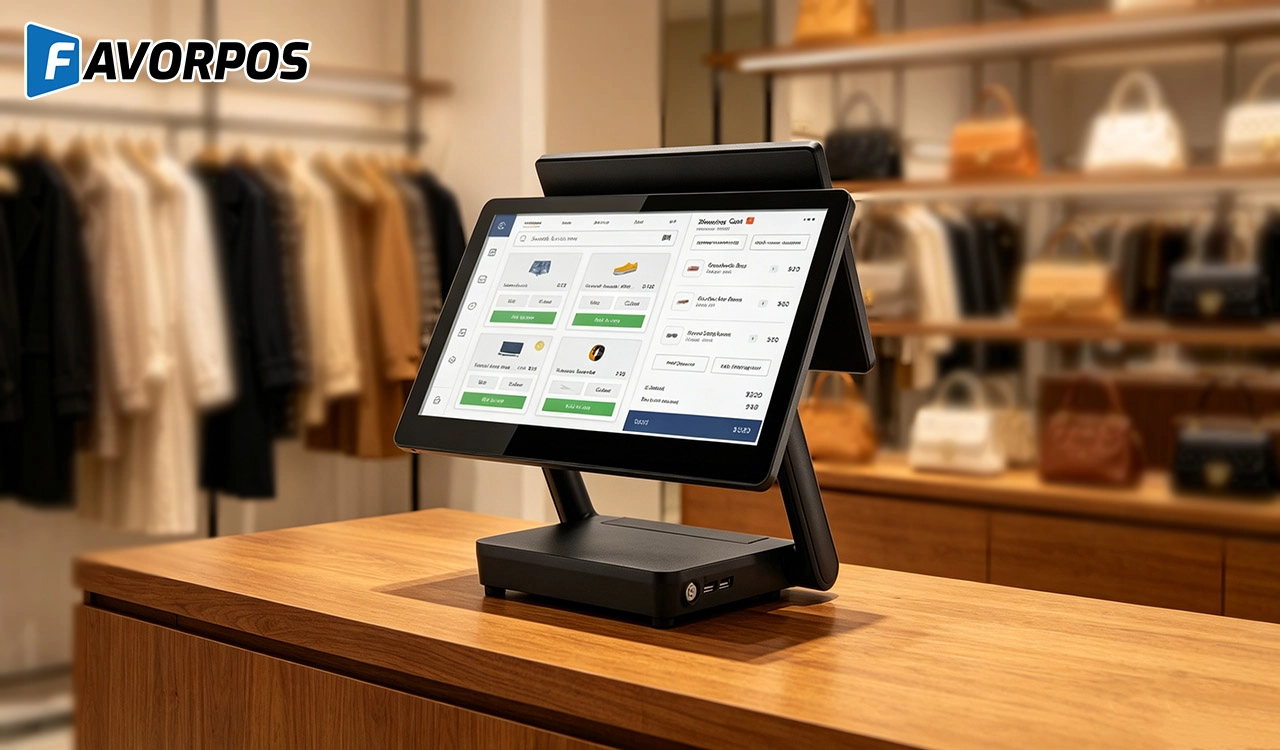
Why a 15.6” Touch POS Terminal Is Becoming the New Standard in High-Traffic Retail
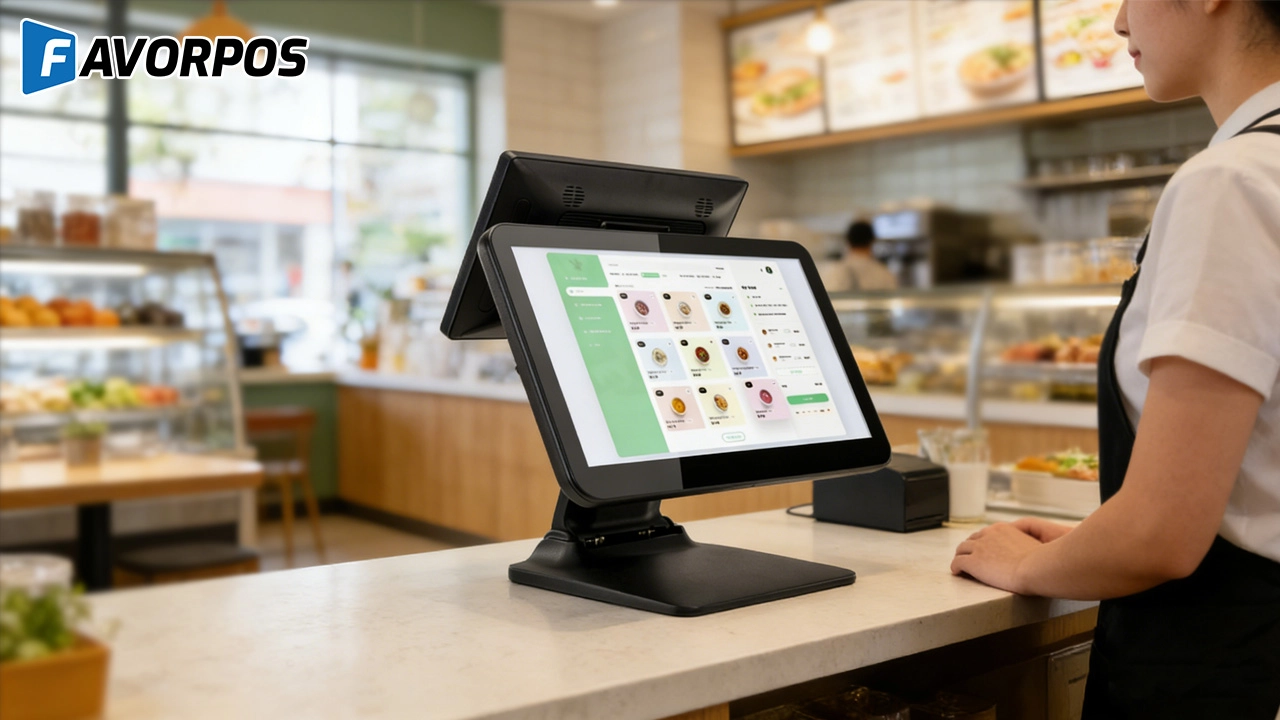
Beyond Checkout: How a 15.6-Inch Aluminum POS System Redefines Retail Efficiency
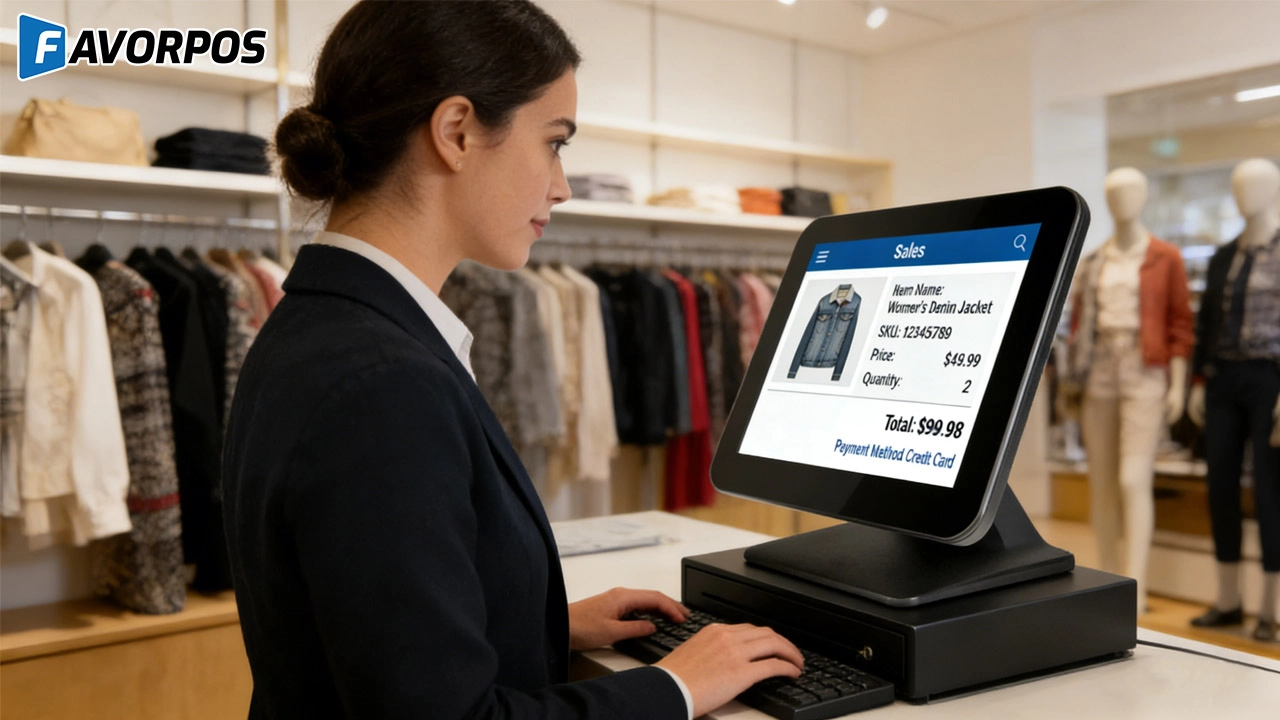
Understanding 15-Inch Aluminum POS Terminals in Modern Commercial Use
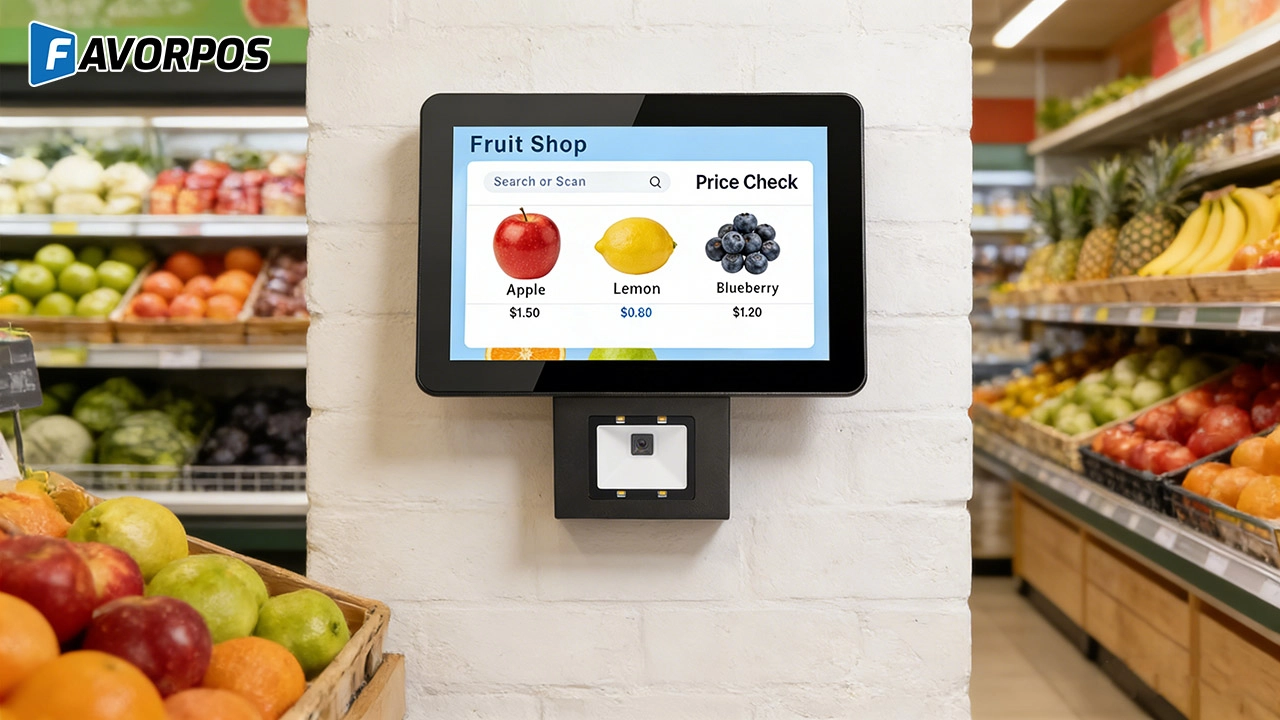
The Smart Way to Check Prices: How a 10.1-Inch Wall-Mounted Price Checker Transforms Retail Stores
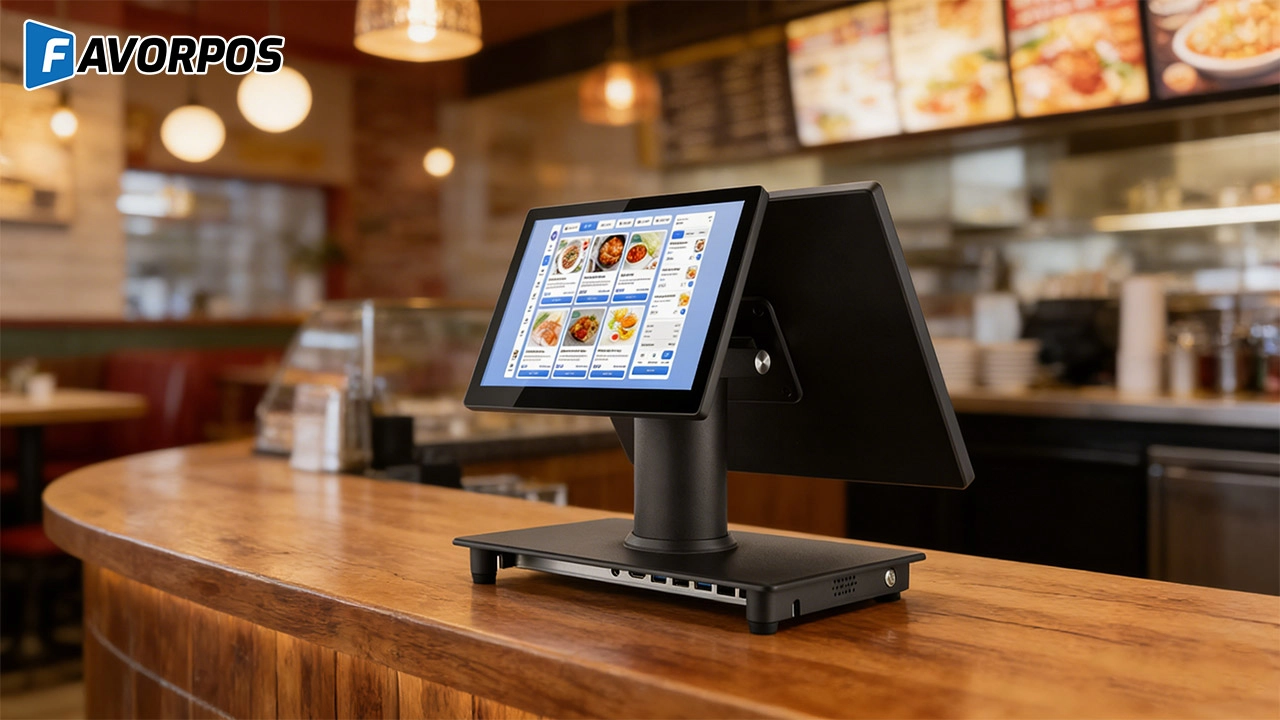
A Smarter Checkout Experience: The 15-Inch Dual-Screen POS Built for Modern Retail
For E-commerce
Is your POS solution scalable to accommodate business growth?
Yes, our POS system is designed to be scalable, and you can easily add new sales channels, locations, and features to accommodate business growth.
For OEM
What is the minimum order quantity for customizing POS machines?
The minimum order quantity (MOQ) usually depends on the specific customization requirements and production scale. We recommend that you contact our sales representative to discuss your project requirements so that we can provide the most suitable production plan and MOQ.
For Solutions Retail
How long is the warranty period of the equipment?
We provide a standard warranty period of at least one year, and the specific time can be agreed upon according to the terms of the contract.
Do you provide customized POS design services?
Yes, as an OEM/ODM manufacturer, we provide fully customized POS design services. Whether it is hardware appearance design or function integration, we can tailor it according to your brand needs.
For Healthcare
How do you ensure data security and patient privacy?
We implement advanced encryption, user authentication and access control to protect sensitive data and follow industry best security practices.
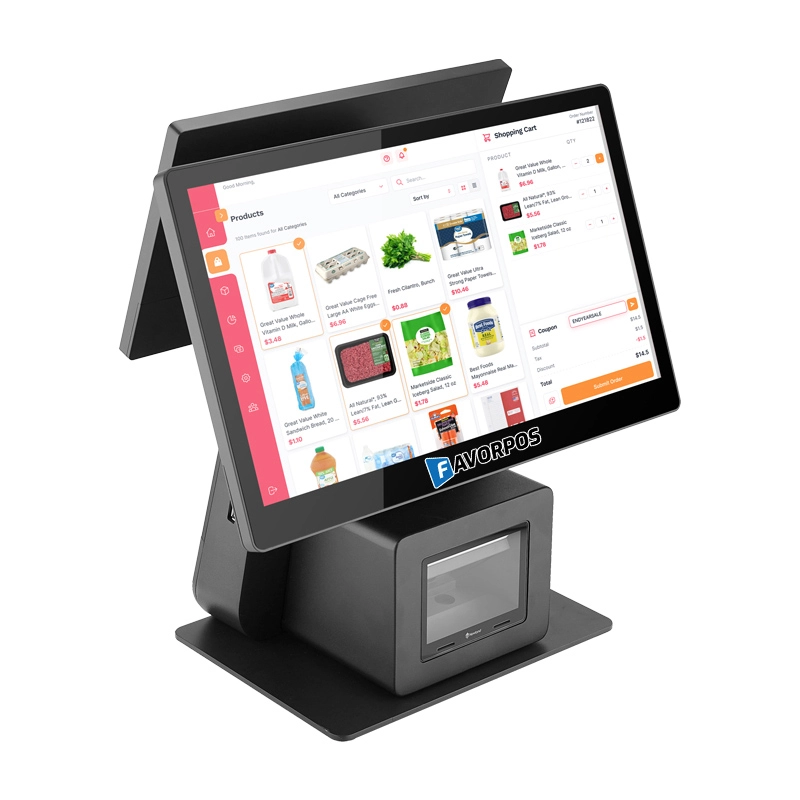
Dual Screen POS With Barcode Scanner Desktop POS Manufacturer POS Factory 15.6 11.6 Client Screen Optional
FAVORPOS: Your leading dual screen POS factory and manufacturer. Our desktop POS with barcode scanner offers 15.6/11.6 client screen options and OS flexibility. Get reliable, efficient dual screen POS with barcode scanner solutions directly from us.
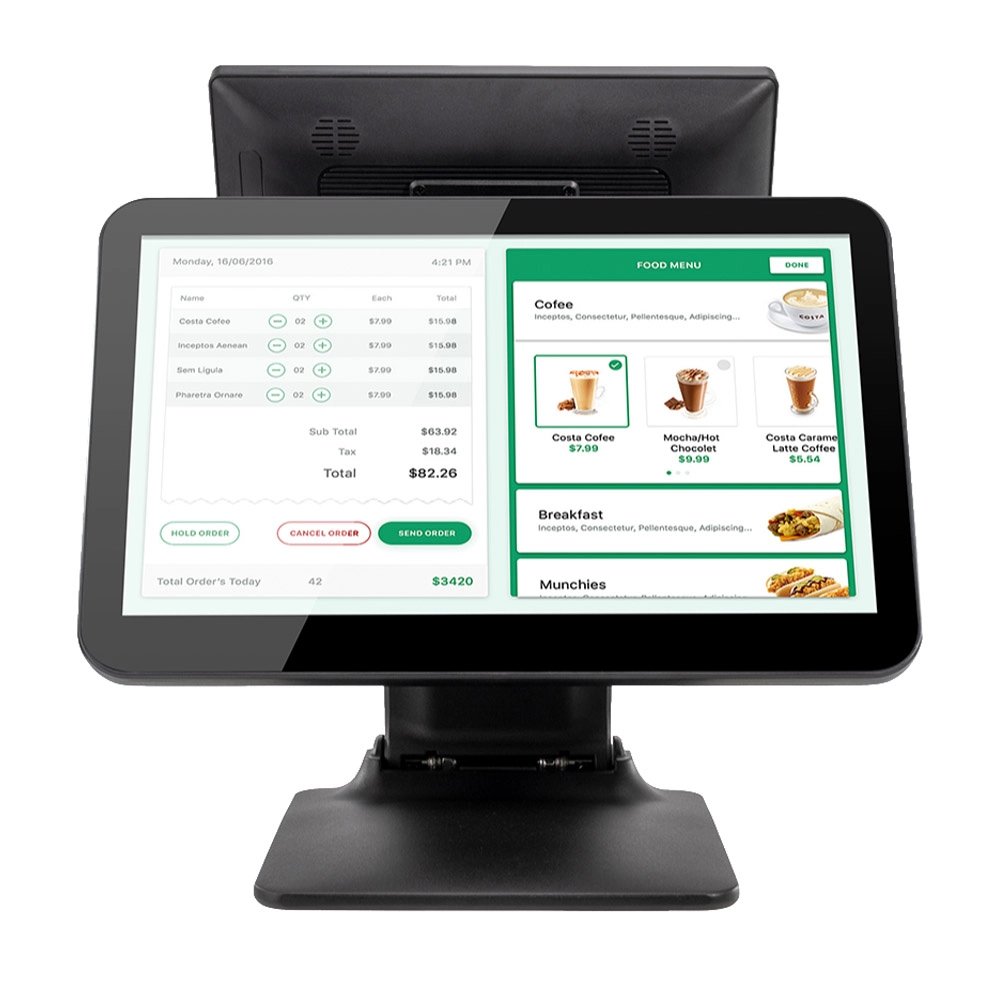
Foldable Touch Screen POS Cash Register 15.6'' Windows Supplier Aluminum
This innovative cash register combines portability with advanced functionality, making it ideal for retail environments. Its aluminum construction ensures durability while maintaining a lightweight design for easy transport and setup. The foldable feature allows for convenient storage and flexibility in various business settings.
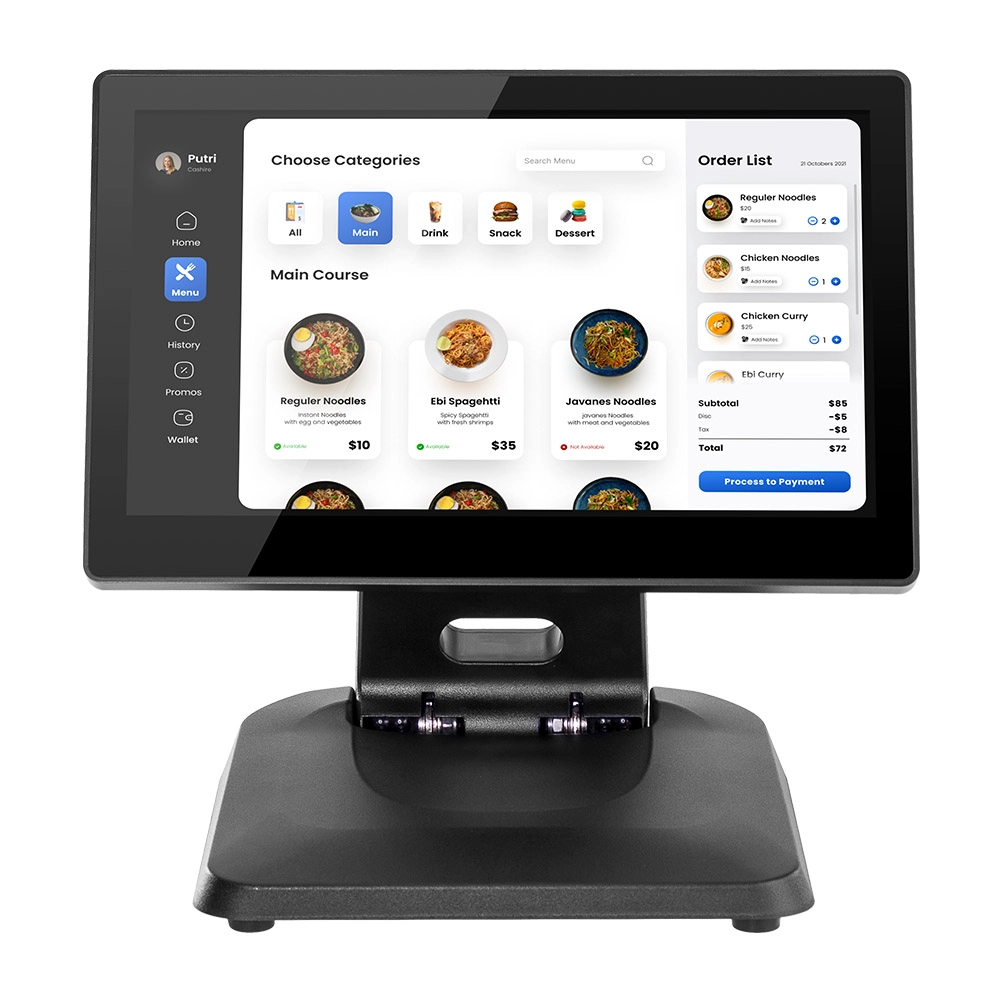
Factory 11.6'' Touch Screen POS Terminal Android Windows
The Factory 11.6'' Touch Screen POS Terminal is a versatile solution that supports both Android and Windows operating systems. Designed for durability and efficiency, this terminal is perfect for various retail environments. Its compact size and responsive touch screen enhance customer interactions, making transactions quick and seamless.
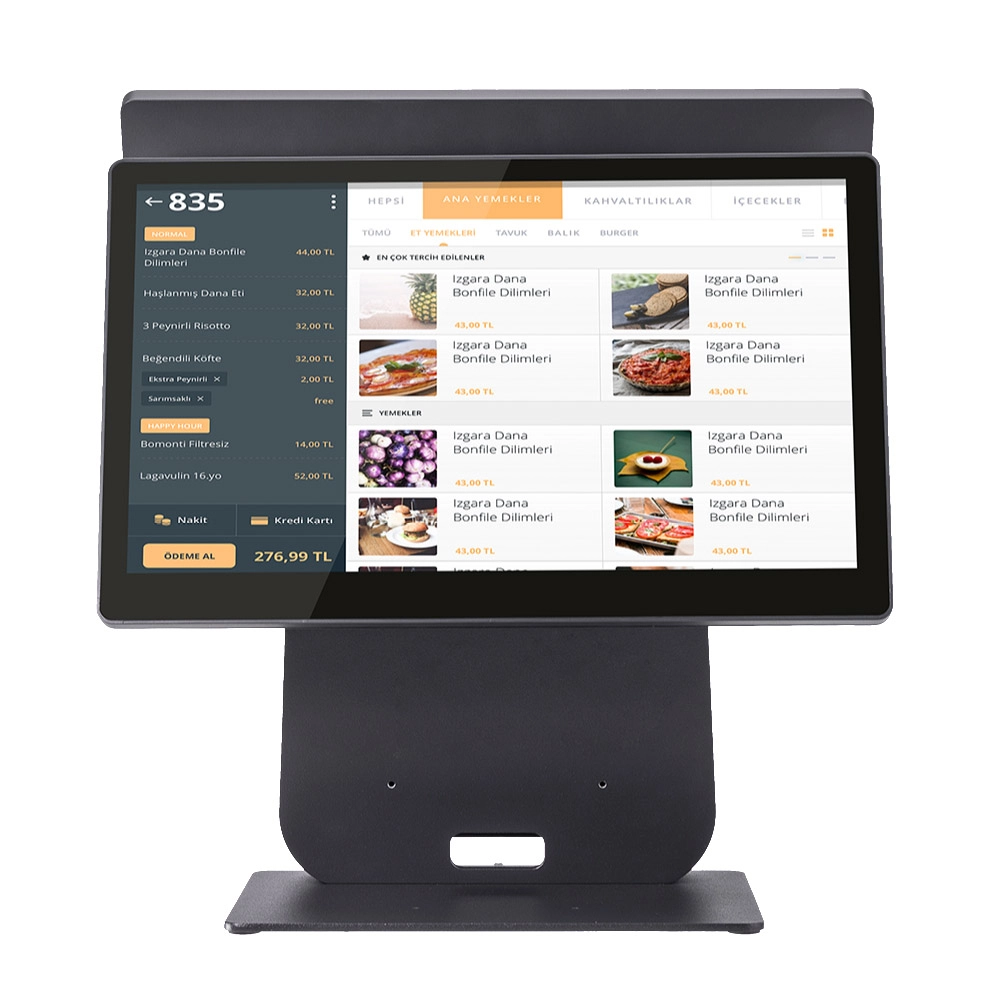
HD Dual Screen POS Machine Aluminum Hardware Android Windows Supplier
This dual-screen POS machine supports both Android and Windows systems, providing flexibility for various applications. The dual screens enhance customer interaction and streamline the checkout process, making transactions quicker and more engaging. Perfect for modern businesses looking to elevate their service and improve customer satisfaction, this POS machine is your ultimate partner in success!
Get in touch
Interested in becoming a POS system dealer? Contact us for more information and start the process of joining our dealer network.
We look forward to working with you to expand the market together.


Copyright © 2025 Favorpos All Rights Reserved.
