
Coffee Shop POS Systems: Hardware, Workflow & Cafe Buying Guide
- Quick Answer: What Should Coffee Shop POS Systems Include?
- Key Takeaways for Cafe Buyers
- Why a Cafe POS Buying Guide Is Safer Than a Brand Ranking
- Core Components of a Coffee Shop POS System
- Coffee Shop Workflow: What the POS Must Support
- Hardware Choices for Independent Cafes and Chains
- Software and Integration Checklist
- How to Evaluate POS Hardware Durability
- OEM and ODM Requirements for Cafe POS Projects
- RFQ Checklist for Coffee Shop POS Systems
- Recommended Next Step
- Frequently Asked Questions
Quick Answer: What Should Coffee Shop POS Systems Include?
A professional coffee shop POS system should support fast counter ordering, order modifiers, receipt or kitchen printing, payment processing, inventory visibility, loyalty programs, staff permissions, offline operation and durable hardware that can handle daily cafe use. For buyers, the right choice is not simply a famous software brand. It is the complete system that fits the cafe workflow, hardware environment, service volume and future expansion plan.
Procurement teams should compare POS terminals, handheld POS devices, thermal printers, cash drawers, scanners, customer displays, software compatibility, OEM/ODM requirements and after-sales support before choosing a solution.
Key Takeaways for Cafe Buyers
- Start with order flow: counter service, table ordering, takeaway, delivery and pickup workflows require different POS layouts.
- Check hardware durability: terminals, printers and cash drawers must withstand spills, heat, dust and peak-hour usage.
- Plan peripherals early: printers, scanners, customer displays and cash drawers affect checkout speed and installation cost.
- Evaluate software compatibility: payment, inventory, loyalty and accounting integrations should match the cafe operating model.
- Prepare RFQ details: suppliers need store count, terminal quantity, printer needs, payment method, operating system and customization requirements.
Why a Cafe POS Buying Guide Is Safer Than a Brand Ranking
Many buyers search for coffee shop POS systems because they want a quick list of recommended platforms. However, a ranking of third-party brands does not answer the most important procurement question: which POS architecture fits your cafe workflow and hardware requirements?
A small independent coffee bar, a bakery cafe, a drive-thru coffee shop and a multi-location cafe chain may need different hardware configurations. One business may prioritize compact counter terminals, while another needs handheld POS devices for queue busting, receipt printers for barista stations, customer-facing displays or OEM-branded terminals for franchise rollout.
Core Components of a Coffee Shop POS System
A complete cafe POS setup combines hardware, software, payment tools and service support. Buyers should evaluate each layer before approving a supplier.
| System Component | Role in a Cafe | Procurement Check |
|---|---|---|
| POS terminal | Processes orders, payments, menu items and staff operations. | Check screen size, operating system, ports, payment compatibility and mounting method. |
| Handheld POS | Supports line busting, table ordering, pickup queues and mobile payment. | Confirm battery life, Wi-Fi, scanner, printer option, payment module and drop resistance. |
| Thermal printer | Prints customer receipts, barista tickets or kitchen orders. | Check print speed, interface, paper width, cutter, reliability and placement. |
| Cash drawer | Secures cash and supports hybrid cash/card payment environments. | Confirm lock type, drawer layout, interface, durability and counter space. |
| Customer display | Shows order details, totals, promotions or payment prompts. | Check display size, mounting, dual-screen requirement and software support. |
Coffee Shop Workflow: What the POS Must Support
Cafe workflows are different from general retail. A POS system must handle menu modifiers, quick edits, pickup names, split payments, tips, loyalty points, repeated customer orders and fast handoff to the barista station. If the workflow is poorly designed, even strong hardware can slow down the morning rush.
Common workflow requirements include:
- Drink size, milk type, syrup, temperature and add-on modifiers.
- Separate order routing for counter, barista station, pickup area or kitchen.
- Fast payment processing for cards, mobile wallets and cash.
- Inventory tracking for beans, cups, milk, syrups and packaged products.
- Customer loyalty, coupons, gift cards and member accounts.
- Manager permissions, shift reports and multi-store data review.
Hardware Choices for Independent Cafes and Chains
Independent cafes often need compact, easy-to-install systems with reliable receipt printing and simple payment workflow. Multi-location cafes may need standardized hardware, remote management, OEM branding, stable supply and after-sales support. The procurement decision should consider both the first store and the future store rollout plan.
For mobile order taking and queue management, review the related handheld POS systems buying guide. For broader retail deployment planning, see POS systems for retail stores selection and TCO guide.
Software and Integration Checklist
Hardware must work with the software environment. Before choosing a coffee shop POS system, confirm whether the system supports the buyer's payment processor, menu management, inventory tools, loyalty program, reporting dashboard, accounting integration and online ordering workflow.
| Software Area | Questions to Ask | Why It Matters |
|---|---|---|
| Payment processing | Which payment methods, terminals and processors are supported? | Payment compatibility affects checkout speed and rollout complexity. |
| Inventory | Can the system track ingredients, packaged products and low-stock alerts? | Coffee shops need visibility into beans, milk, cups, snacks and retail items. |
| Loyalty | Does the system support member accounts, rewards and repeat purchase tracking? | Loyalty tools can help cafes increase repeat visits and customer retention. |
| Reporting | Can managers review sales, product mix, peak hours and staff performance? | Better reporting supports staffing, purchasing and menu decisions. |
How to Evaluate POS Hardware Durability
Cafe POS hardware must operate in a demanding environment. Counters may be exposed to liquid, heat, dust, steam, frequent tapping and constant cable movement. Buyers should ask suppliers about enclosure design, port layout, screen quality, printer reliability, power supply, service access and spare parts.
Receipt printing is especially important for order accuracy and customer records. FAVORPOS provides POS systems and peripherals, including handheld terminals, thermal printers, cash drawers, price checkers and related accessories for retail, catering and supermarket use. For printer-specific planning, see all-in-one POS systems with thermal printers. For cash handling, see register cash drawer guide for POS systems.
OEM and ODM Requirements for Cafe POS Projects
Some cafe chains, POS solution providers and distributors need more than off-the-shelf hardware. They may require branded casing, specific operating systems, custom peripherals, packaging, firmware coordination or compatibility testing. In these cases, OEM/ODM requirements should be defined before supplier comparison.
FAVORPOS provides OEM and ODM services for POS systems and related hardware. Buyers should still confirm project-specific requirements, including software environment, certification documents, interface needs, packaging, warranty terms, lead time and after-sales responsibilities.
RFQ Checklist for Coffee Shop POS Systems
Before requesting a quotation, prepare a clear technical and business brief. This helps suppliers recommend a practical configuration instead of quoting isolated hardware.
- Store format: independent cafe, chain cafe, drive-thru, bakery cafe, kiosk, food court or franchise rollout.
- Order workflow: counter ordering, table ordering, pickup, delivery, online ordering and queue management.
- Hardware needs: POS terminal, handheld POS, printer, cash drawer, scanner, customer display and payment device.
- Software requirements: operating system, POS software, inventory, loyalty, reporting, accounting and integration needs.
- Payment environment: card payment, mobile wallet, cash, local payment methods and processor requirements.
- Store rollout: number of stores, deployment schedule, branding, packaging and spare device planning.
- Support expectations: manuals, warranty, sample testing, service process and replacement parts.
Recommended Next Step
If you are planning a coffee shop POS project, start with your store workflow, terminal quantity, printer needs, payment environment and software compatibility. FAVORPOS can review POS terminal, handheld POS, thermal printer, cash drawer and OEM/ODM hardware requirements for cafe and catering projects.
Frequently Asked Questions
What is a coffee shop POS system?
A coffee shop POS system is the hardware and software used to process cafe orders, payments, receipts, inventory, loyalty and reporting. It may include a POS terminal, handheld POS, thermal printer, cash drawer, customer display and payment device.
What hardware does a cafe POS setup usually need?
A typical cafe setup may include a counter POS terminal, receipt printer, cash drawer, payment terminal, customer-facing display and optional handheld POS devices for line busting or table ordering.
Why are handheld POS devices useful in coffee shops?
Handheld POS devices can help staff take orders in queues, at tables, at pickup areas or during peak hours. They can reduce waiting time when the device supports stable connectivity, payment workflow and software compatibility.
Should a cafe choose all-in-one or modular POS hardware?
All-in-one hardware can save counter space and simplify installation. Modular hardware can provide more flexibility for printers, cash drawers, displays and scanners. The better choice depends on store layout, maintenance needs and rollout plan.
What should be included in a coffee shop POS RFQ?
Include store format, number of terminals, printer needs, cash drawer requirements, payment method, software environment, operating system, integration needs, branding, packaging, warranty and after-sales support expectations.
Can coffee shop POS hardware be customized?
Yes, when the supplier supports OEM or ODM services. Customization may include branding, configuration, packaging, interface requirements, operating system selection and compatibility testing. Buyers should confirm technical scope before ordering.
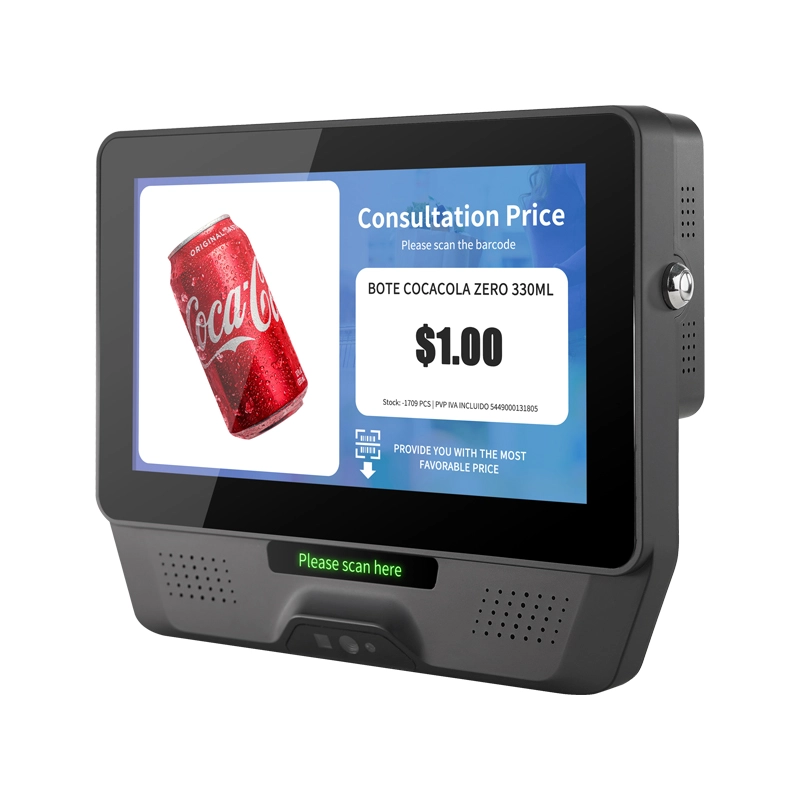
FAVORPOS 7 inch screen plastic price checker and custom check-in barcode scanner combines lightweight portability with reliable performance for retail and warehouse operations. Fast scanning, clear display, built to handle daily checkout demands.
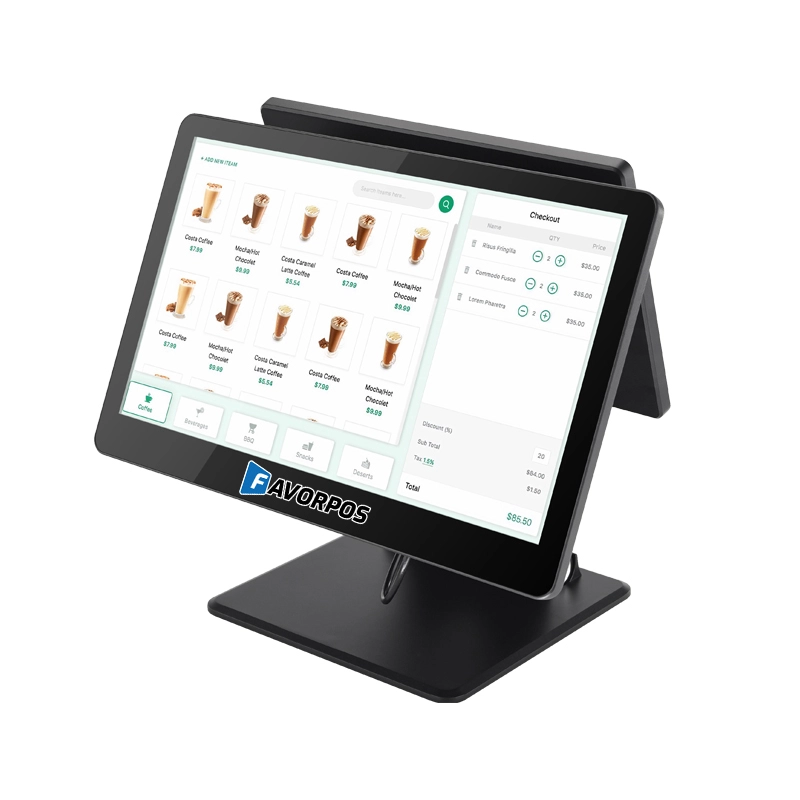
FAVORPOS dual screen POS terminals deliver fast, reliable checkout performance for retail and hospitality businesses. Built by our commercial pos terminal manufacturer, these thin-profile systems streamline transactions while maximizing counter space—trusted by checkout pos systems factory operations worldwide.
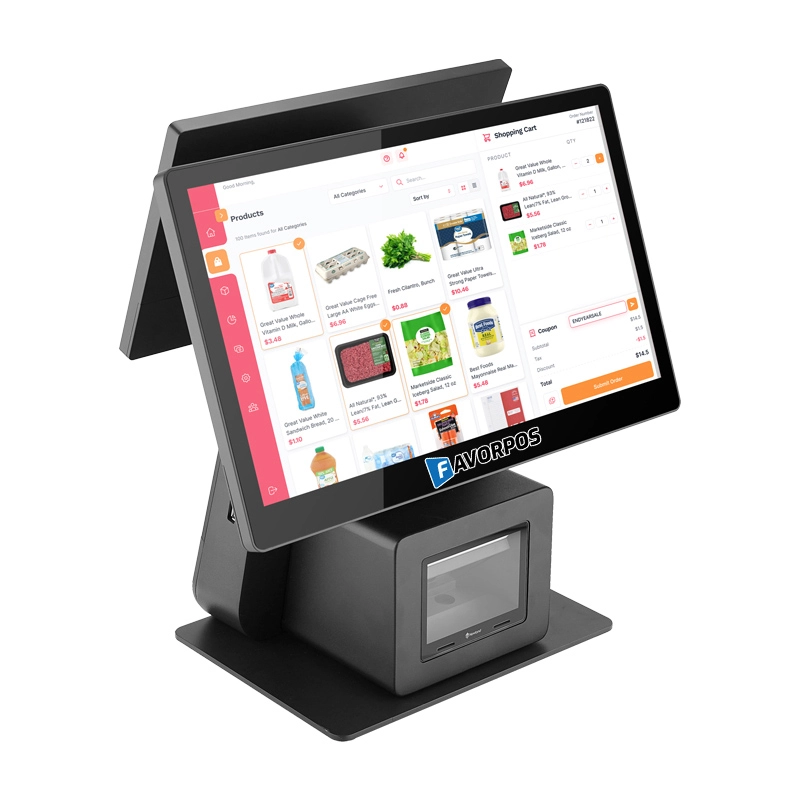
FAVORPOS: Your leading dual screen POS factory and manufacturer. Our desktop POS with barcode scanner offers 15.6/11.6 client screen options and OS flexibility. Get reliable, efficient dual screen POS with barcode scanner solutions directly from us.
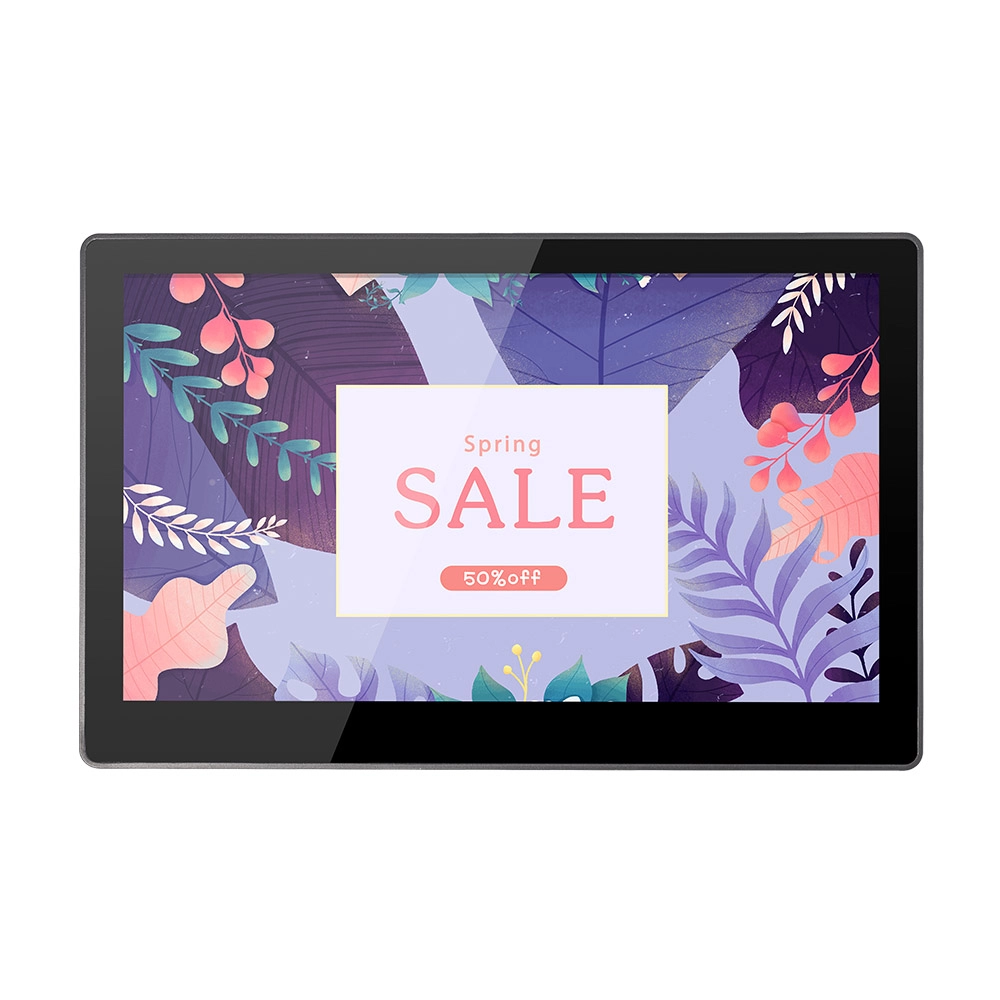
FAVORPOS 11.6-inch capacitive touchscreen, specifically designed for POS machines to deliver a seamless and responsive user experience. This high-definition display offers vibrant visuals and crystal clear clarity, making it easy for staff to navigate through transactions efficiently. The capacitive technology ensures quick and accurate touch recognition, reducing wait times and enhancing customer satisfaction. Built to withstand the rigors of daily use, this touchscreen is perfect for retail and hospitality environments.


Copyright © 2025 Favorpos All Rights Reserved.
