
High-Traffic Restaurant POS Hardware: Touchscreens Built for Spills and Speed
- Introduction: The Anatomy of High-Traffic Restaurant POS Hardware
- Touchscreen Dynamics: Ensuring Lightning-Fast Responsiveness
- Surviving Spills: IP Ratings and Emergency Recovery Protocols
- Thermal Management: Fanless Cooling for Kitchen Display Systems
- Seamless Integration: Maximizing Peripheral Stability During Peak Hours
- Routine Maintenance: Cleaning and Sanitizing Without Damage
- Power Protection Strategies for Restaurant IT Managers
- The Power of Customization: OEM/ODM Solutions for Diverse Venues
- CapEx vs. OpEx: The Financial and Environmental ROI of Industrial-Grade POS
- Conclusion: Elevate Your Tech Stack with FAVORPOS Hardware Solutions
- Frequently Asked Questions (FAQs)
- What makes a POS touchscreen truly "spill-resistant" in a restaurant environment?
- What should my staff do immediately if a large liquid spill occurs on the POS terminal?
- Why is my restaurant POS touchscreen experiencing severe lag during busy shifts?
- How does customizing POS hardware through OEM/ODM services benefit a regional distributor?
- Why are fanless POS systems highly recommended for Kitchen Display Systems (KDS)?
- How does industrial-grade POS hardware align with modern corporate ESG goals?
- Why should global ISVs and distributors choose FAVORPOS as their hardware manufacturer?
Introduction: The Anatomy of High-Traffic Restaurant POS Hardware
In the relentless, fast-paced environment of a high-traffic restaurant, standard retail registers simply cannot survive. During peak dining hours, cashiers process hundreds of transactions while navigating chaotic countertops, meaning speed and durability are not optional—they are the dual pillars of operational survival. Reliable restaurant POS hardware must be engineered to withstand constant physical interaction, airborne grease, and fluctuating temperatures without missing a beat. When equipment lags or fails, it triggers a catastrophic domino effect: lines back up, kitchen orders get delayed, and customer satisfaction plummets. Therefore, durable POS systems for restaurants are essential foundational assets. Upgrading to industrial-grade touchscreens built specifically for hospitality environments eliminates these crippling bottlenecks. This comprehensive support guide breaks down the anatomy of high-performance POS hardware, offering IT managers and regional distributors the technical insights needed to maintain, troubleshoot, and optimize their fleets for maximum speed and longevity.
Touchscreen Dynamics: Ensuring Lightning-Fast Responsiveness
The heartbeat of any restaurant POS hardware setup is its touchscreen interface. High-traffic venues rely on capacitive touch technology, which utilizes the electrical properties of the human body to register input instantly, allowing for rapid-fire order entry. However, when cashiers report that the system is missing taps or "drifting," it severely impacts service speed. To fix POS touch screen lag, IT teams must first determine if the issue is physical or digital. A thick buildup of oils or static electricity on the screen's surface can easily distort capacitive sensors. If cleaning does not resolve the issue, technicians should perform a system-level touchscreen calibration via the operating system's hardware settings. Additionally, software-induced lag—caused by inadequate RAM struggling to handle massive menus—can mimic physical hardware failure. Investing in fast POS systems for restaurants with ample memory and responsive true-flat panels guarantees that cashiers can punch in complex customized orders at lightning speed.
Surviving Spills: IP Ratings and Emergency Recovery Protocols
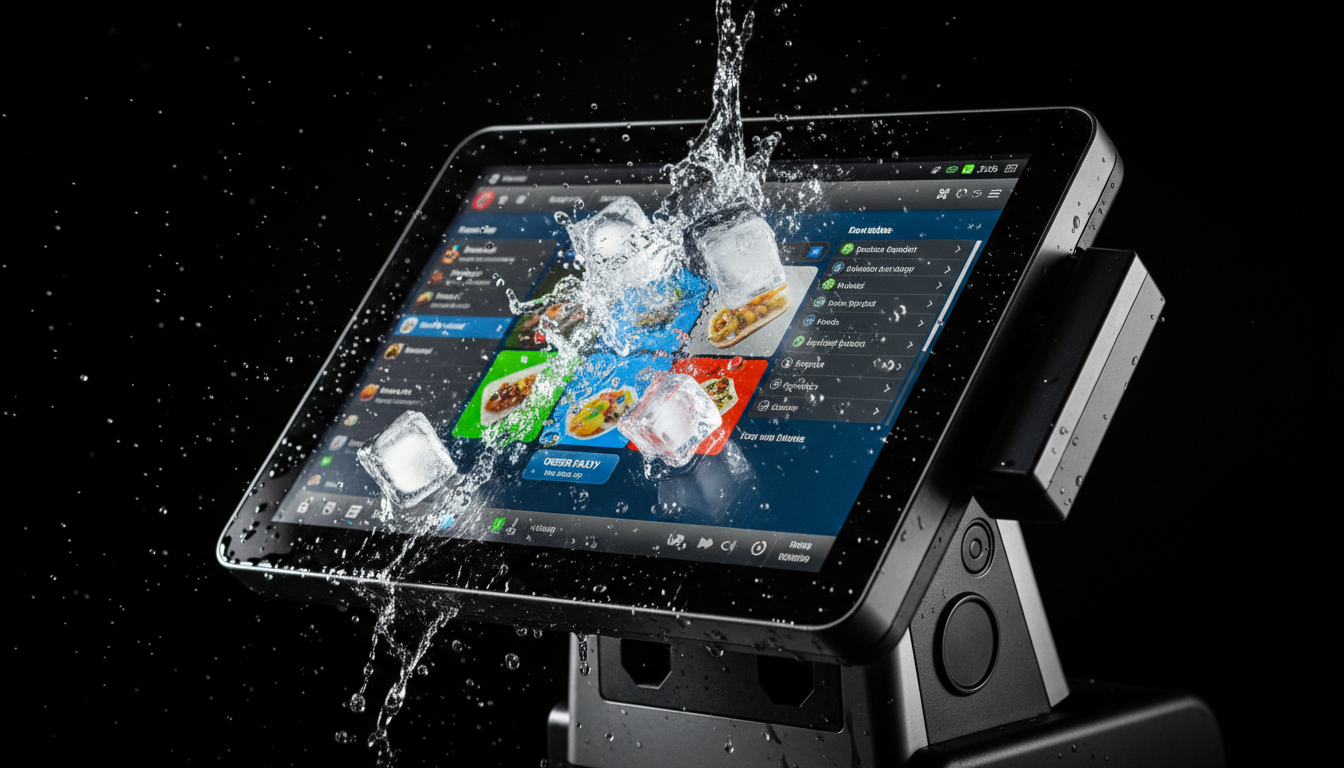
In busy commercial hospitality settings, liquid spills are an absolute certainty. From overturned sodas at the drive-thru window to spilled coffee on the barista counter, your equipment must be protected. This is why investing in waterproof restaurant POS hardware with an IP54 or IP65 rating is critical. These IP ratings signify a seamless, true-flat front bezel design that physically prevents liquids from penetrating the sensitive internal electronics. However, if a massive liquid spill on POS system components does occur, immediate action is required. Staff should instantly use the physical button to power down the unit and unplug the AC adapter to prevent catastrophic short circuits. Do not tilt the monitor backward, as this can force pooled liquid into the rear ventilation slots. Quickly absorb the moisture using dry microfiber towels. Having these strict emergency recovery protocols for your spill-resistant POS systems ensures that a simple accident doesn't result in an expensive motherboard replacement.
Thermal Management: Fanless Cooling for Kitchen Display Systems
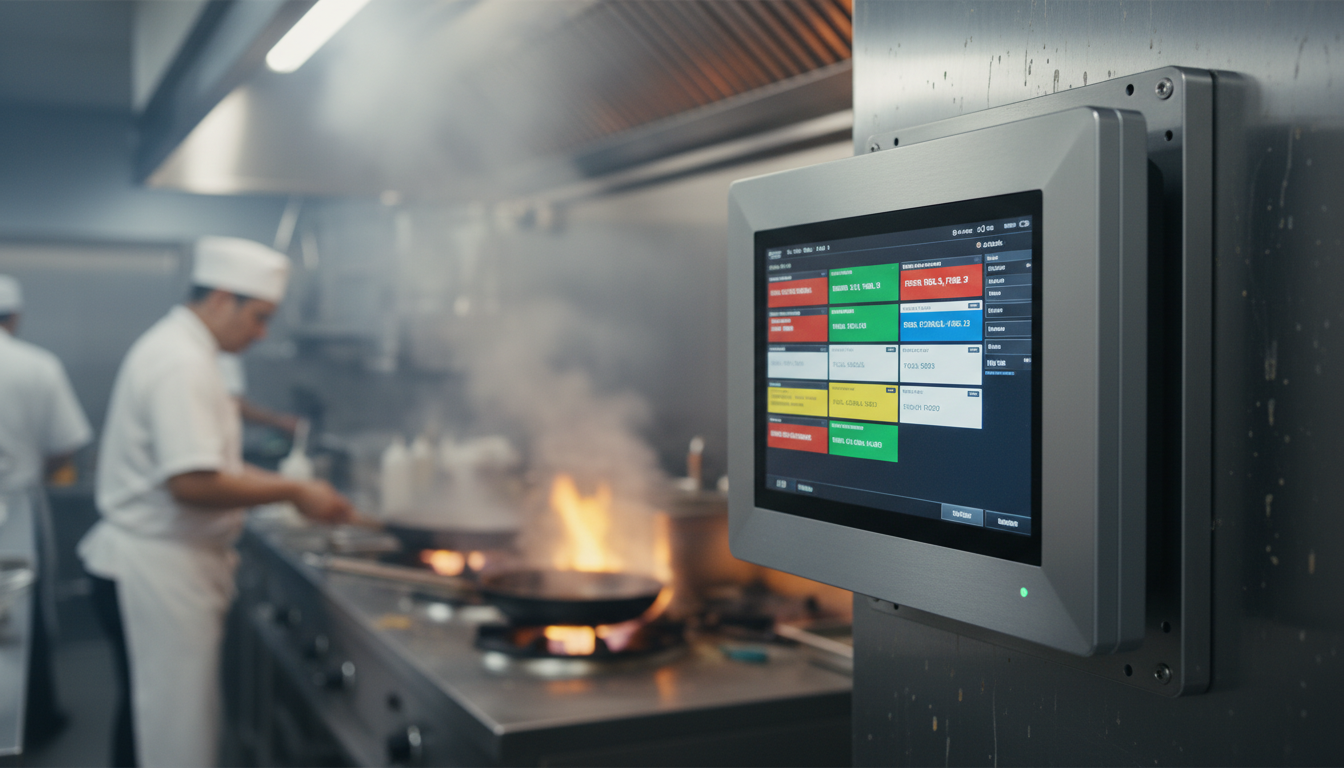
The kitchen is the most brutal environment for any piece of technology. A POS system with kitchen display capabilities (KDS) must operate flawlessly amidst extreme heat, airborne grease, and flour dust. Traditional computers utilize active cooling fans, which unfortunately act as vacuums in a kitchen, sucking in grease that coats the motherboard and eventually causes catastrophic thermal failure. The solution is deploying fanless POS hardware. These industrial units utilize sealed, die-cast aluminum alloy casings that act as giant heat sinks, passively dissipating thermal energy without moving parts. When performing POS system overheating troubleshooting, IT managers should ensure that the KDS monitors are not mounted directly above deep fryers or boiling stations where ambient temperatures exceed the hardware's maximum operating threshold. Keeping the rear cooling fins clear of obstruction ensures continuous, throttle-free performance during the most demanding dinner service rushes.
Seamless Integration: Maximizing Peripheral Stability During Peak Hours
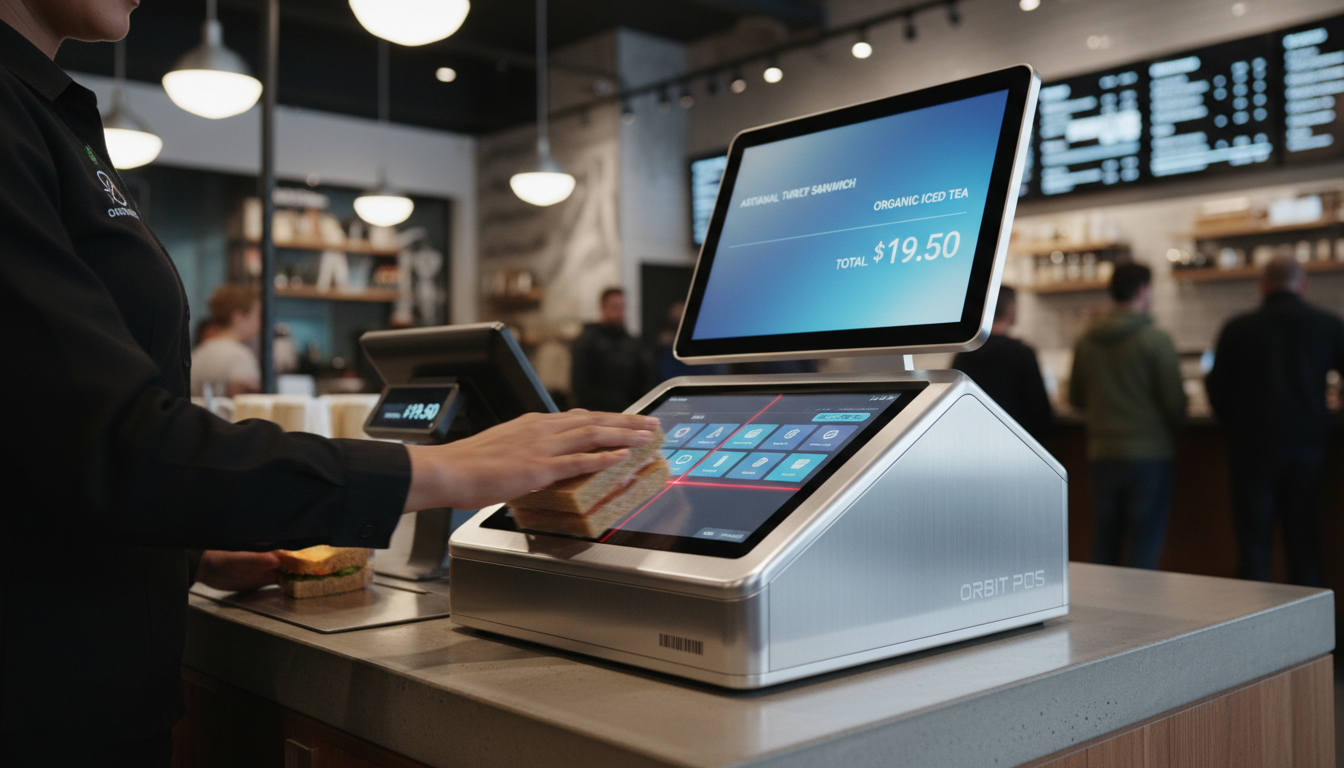
A POS terminal is only as fast as its weakest peripheral connection. High-traffic environments require seamless restaurant POS hardware integration with receipt printers, cash drawers, and payment terminals. When a printer goes offline or a cash drawer sticks during the lunch rush, the entire operational flow collapses. To prevent POS peripheral connection issues, IT personnel should regularly inspect the physical integrity of the I/O ports. Using hardware with shielded, heavy-duty COM and USB interfaces prevents loose cables caused by constant vibration. For quick-service restaurants (QSR) aiming to maximize throughput, deploying a highly integrated Dual-Screen POS Terminal with Barcode Scanner drastically accelerates the checkout process. This setup allows the customer to verify their order dynamically on the secondary screen while the cashier instantly scans loyalty app QR codes or packaged goods. Stable POS I/O ports combined with intelligently integrated peripherals guarantee that your transaction speed never falters.
Routine Maintenance: Cleaning and Sanitizing Without Damage
Consistent preventative maintenance is the secret to maximizing the lifespan of your IT investments. Properly maintaining restaurant POS hardware requires establishing strict, daily cleaning protocols for all staff members. However, improper cleaning methods can cause irreversible damage. You must explicitly ban the use of harsh, ammonia-based glass cleaners or bleach on the displays; these chemicals strip away the factory oleophobic (anti-smudge) coating and degrade touchscreen sensitivity over time. To safely sanitize restaurant POS hardware, staff should use a soft microfiber cloth lightly dampened with a 70% isopropyl alcohol solution. Never spray liquids directly onto the bezel. Knowing exactly how to clean POS touchscreens removes the sticky residue that causes touch lag while preserving the structural integrity of the display. Implementing a documented weekly maintenance checklist ensures your durable equipment maintains its premium appearance and peak functionality for years.
Power Protection Strategies for Restaurant IT Managers
Restaurants run on high-draw electrical equipment—commercial refrigerators, deep fryers, and espresso machines constantly cycle on and off, creating severe electrical noise and unpredictable voltage fluctuations. These invisible power spikes are a leading cause of silent hardware degradation. Therefore, implementing aggressive power surge protection for POS networks is a mandatory responsibility for IT managers. Plugging an expensive terminal directly into a wall outlet is a massive financial risk. At a minimum, every terminal should be connected to a commercial-grade surge protector. For mission-critical server terminals, installing an Uninterruptible Power Supply (UPS) is vital to prevent POS motherboard failure and data corruption during sudden localized blackouts. These power management strategies not only protect the physical hardware but also provide crucial POS system maintenance tips that save thousands of dollars in premature replacement costs and lost revenue from corrupted transaction databases.
The Power of Customization: OEM/ODM Solutions for Diverse Venues
The hospitality industry is incredibly diverse, and a "one-size-fits-all" hardware approach is rarely effective for global distributors. Fast-casual dining chains prioritize customer-facing interactions, while high-end steakhouses require sleek, unobtrusive aesthetics that blend seamlessly with luxury decor. Leveraging OEM/ODM restaurant POS solutions allows independent software vendors (ISVs) and channel partners to completely tailor the hardware to the venue. For instance, an upscale bakery might benefit immensely from a customized Aluminum Dual Screen Pos Terminal, which not only provides a premium, heavy-duty metallic finish that complements modern interior design but also features dual displays for seamless order transparency. Utilizing custom POS hardware for restaurants means you can request specific I/O port configurations, specialized card reader brackets, and proprietary branding. Providing precisely matched POS hardware for different restaurants elevates the entire brand experience and gives distributors a massive competitive edge.
CapEx vs. OpEx: The Financial and Environmental ROI of Industrial-Grade POS
When C-level executives evaluate technology upgrades, the conversation always shifts to the financial bottom line. Purchasing cheap, consumer-grade tablets might seem like an attractive way to lower initial Capital Expenditure (CapEx), but this strategy guarantees a bloated Operational Expenditure (OpEx). The true cost of restaurant POS hardware includes the hidden expenses of constant tech support, replacement parts, and the devastating loss of revenue during system downtime. Investing in durable POS hardware yields a vastly superior ROI of POS systems for restaurants over a five-to-seven-year lifecycle. Furthermore, industrial-grade equipment directly supports corporate ESG (Environmental, Social, and Governance) initiatives. By deploying energy-efficient components that last twice as long as consumer alternatives, massive restaurant chains significantly reduce their electronic waste footprint. This sustainable approach proves that rugged, high-quality hardware is both financially lucrative and environmentally responsible.
Conclusion: Elevate Your Tech Stack with FAVORPOS Hardware Solutions
In high-traffic restaurants, hardware reliability directly dictates profitability. As your dedicated B2B manufacturing partner, FAVORPOS eliminates operational bottlenecks through industrial-grade, spill-resistant, and lightning-fast POS hardware. Our flexible OEM/ODM solutions empower ISVs and global distributors to deploy tailored, fanless terminals that drastically reduce RMA (return) rates and lower the Total Cost of Ownership (TCO). Don't let fragile, consumer-grade hardware disrupt peak hours or damage your brand reputation. Partner with FAVORPOS today to engineer robust, custom POS solutions that accelerate service speed and dominate the hospitality market.
Frequently Asked Questions (FAQs)
-
What makes a POS touchscreen truly "spill-resistant" in a restaurant environment?
-
True spill resistance comes from an IP54 or IP65-rated true-flat front panel. This means there is a seamless bezel design that prevents liquids, such as spilled sodas or cleaning solutions, from seeping into the sensitive internal electronics of the display.
-
What should my staff do immediately if a large liquid spill occurs on the POS terminal?
-
Staff should immediately use the physical button to power down the terminal and unplug it from the wall to prevent short circuits. Wipe the exterior completely dry with an absorbent cloth. Do not tilt the machine in a way that forces liquid into the bottom ventilation slots or rear I/O ports before it is fully dried.
-
Why is my restaurant POS touchscreen experiencing severe lag during busy shifts?
-
Touchscreen lag can be caused by thick layers of grease or food residue interfering with the capacitive sensors. It can also stem from thermal throttling (if the system is overheating due to poor ventilation) or software RAM overloads. Regular cleaning and daily system reboots are critical first steps for troubleshooting.
-
How does customizing POS hardware through OEM/ODM services benefit a regional distributor?
-
OEM/ODM services allow distributors to avoid massive R&D costs while offering exclusive, branded hardware. You can customize the screen sizes, integrate specific payment modules, or adapt the chassis design to perfectly meet the unique needs of your local fast-food chains or fine-dining clients.
-
Why are fanless POS systems highly recommended for Kitchen Display Systems (KDS)?
-
Restaurant kitchens are full of airborne grease, smoke, and flour. A traditional fan will suck these particles inside the casing, coating the motherboard and causing eventual overheating. A fanless design uses a sealed aluminum casing for passive heat dissipation, ensuring the internal components remain clean and functional.
-
How does industrial-grade POS hardware align with modern corporate ESG goals?
-
Industrial-grade hardware features low-power, energy-efficient processors and boasts a significantly longer lifecycle (5-7 years). This drastically reduces the frequency of hardware replacements, directly minimizing electronic waste (e-waste) and supporting your brand's sustainability initiatives.
-
Why should global ISVs and distributors choose FAVORPOS as their hardware manufacturer?
-
FAVORPOS offers a direct-from-factory B2B partnership model, eliminating middleman markups. We provide highly stable, deeply customizable hardware platforms with extensive SDK/API support, ensuring your software runs flawlessly. Our industrial-grade durability drastically lowers your post-sales support costs and protects your brand reputation.
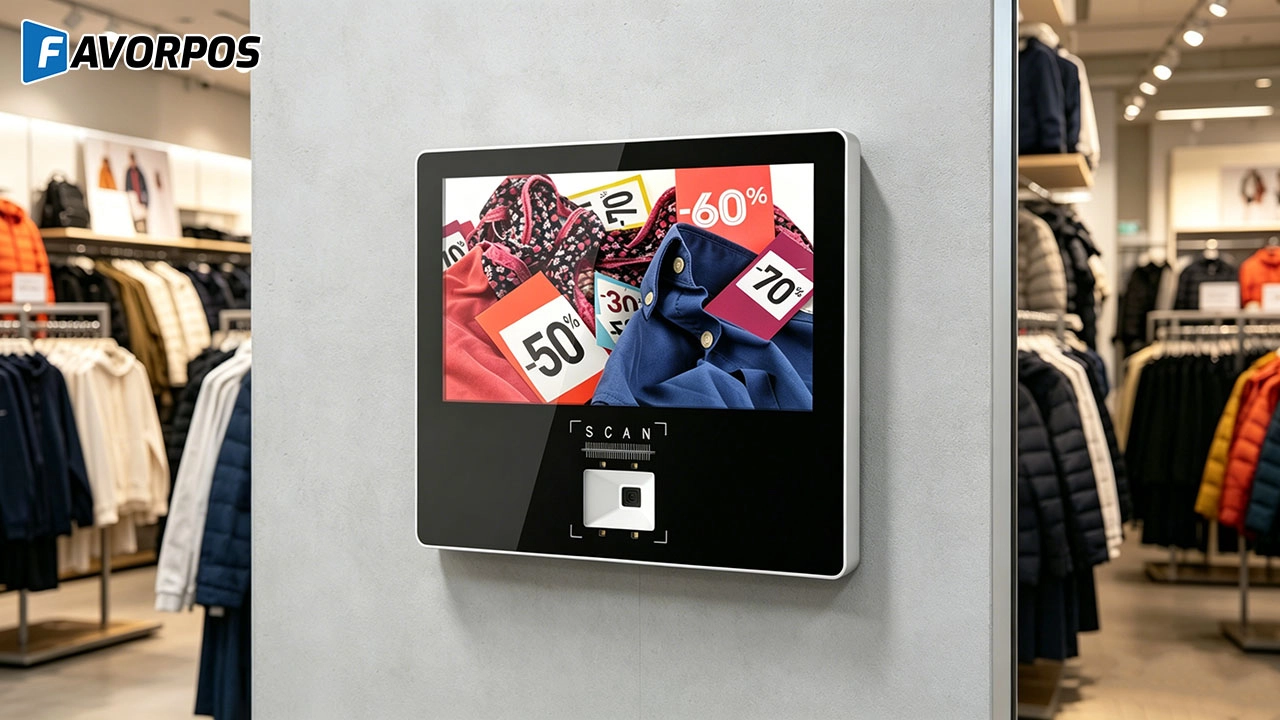
Why Smart Retail Starts with a Screen: The Hidden Power of an 11.6” Wall-Mounted Price Checker

Smart Checkout, Simplified: Exploring the Power of a 15.6-Inch All-in-One POS Terminal

Why a 15.6” Touch POS Terminal Is Becoming the New Standard in High-Traffic Retail

Beyond Checkout: How a 15.6-Inch Aluminum POS System Redefines Retail Efficiency

Understanding 15-Inch Aluminum POS Terminals in Modern Commercial Use
For Restaurants & Cafes
Does your POS system support a variety of payment methods?
Yes, our POS system supports a variety of payment methods, including credit cards, debit cards, mobile payments (such as Apple Pay, Google Pay) and contactless payments (NFC). We ensure that the transaction process is safe and smooth to meet the various payment needs of customers.
For Entertainment & Events
Can your POS system handle ticket sales and on-site catering at the same time?
Yes, our system can seamlessly manage ticket sales, catering services and merchandise, ensuring efficient and smooth online and on-site sales operations.
For Solutions Retail
Can your equipment support multiple languages and currencies?
Yes, our POS system supports multi-language operation interfaces and multi-currency transactions to meet the needs of the global market. You can set different language and currency options according to the specific requirements of the country or region where your business is located.
For ODM
What is the process of ODM service?
Our ODM service process includes the following steps:
1. Preliminary consultation: Discuss project goals, needs and vision with customers.
2. Design and development: Develop and confirm product design.
3. Prototyping & Testing: Prototypes are made, tested and designs are optimized.
4. Production: Carry out mass production, following quality standards and production schedules.
5. Logistics & Delivery: Manage logistics to ensure that products are delivered on time.
6. Post-production Support: Provide technical support and maintenance services.
For OEM
Does your POS machine comply with international payment security standards?
Yes, our POS machine products comply with international payment security standards such as PCI-DSS to ensure that your transaction data is safe and reliable. We also provide customized security features to further protect payment information.

Factory Smart 4 inch Mobile PDA Data Collector with Keyboard
Our Factory Smart 4-Inch Mobile PDA Data Collector is equipped with a convenient keyboard for easy data entry. This compact device is designed for efficient inventory management and logistics operations, offering robust performance in a lightweight design. With a bright display and user-friendly interface, it allows for quick access to essential data on the go. Its durable construction ensures reliability in demanding environments, making it an ideal choice for retail, warehousing, and field operations.

11.6 inch Capacitive Touchscreen for POS Machine POS Monitor
FAVORPOS 11.6-inch capacitive touchscreen, specifically designed for POS machines to deliver a seamless and responsive user experience. This high-definition display offers vibrant visuals and crystal clear clarity, making it easy for staff to navigate through transactions efficiently. The capacitive technology ensures quick and accurate touch recognition, reducing wait times and enhancing customer satisfaction. Built to withstand the rigors of daily use, this touchscreen is perfect for retail and hospitality environments.

HD Dual Screen POS Machine Aluminum Hardware Android Windows Supplier
This dual-screen POS machine supports both Android and Windows systems, providing flexibility for various applications. The dual screens enhance customer interaction and streamline the checkout process, making transactions quicker and more engaging. Perfect for modern businesses looking to elevate their service and improve customer satisfaction, this POS machine is your ultimate partner in success!

Wall Mount Cash Register POS 21.5 inch for Supermarket Touchscreen Windows Factory
Our sleek and modern wall-mounted POS system features a stunning 21.5-inch LED display, providing exceptional visibility and clarity for seamless customer interactions. The capacitive touchscreen ensures a highly responsive and intuitive user experience, perfect for fast-paced retail environments. With its space-saving wall-mounted design, this POS solution is ideal for optimizing floor space while maintaining a professional and contemporary appearance.
Get in touch
Interested in becoming a POS system dealer? Contact us for more information and start the process of joining our dealer network.
We look forward to working with you to expand the market together.


Copyright © 2025 Favorpos All Rights Reserved.
