
How to choose the best POS system for a gas station?
- 1) How can I confirm a POS's forecourt controller will integrate with my legacy dispensers without causing pump downtime?
- 2) What steps and cost components should I expect to reach EMV pay‑at‑pump compliance for a 12‑pump station?
- 3) How do I prevent fuel theft and reconcile shrink between POS sales and tank gauge data?
- 4) For multi‑site chains, should I choose cloud‑based central management or a hybrid system with local edge nodes?
- 5) How do I evaluate and negotiate payment processing fees specific to fuel and fleet cards?
- 6) What is a low‑risk implementation plan for replacing an incumbent POS across 20 sites over weekend cutovers?
1) How can I confirm a POS's forecourt controller will integrate with my legacy dispensers without causing pump downtime?
Choosing a gas station POS means your forecourt integration must match the dispenser hardware, firmware, and communications on each lane. Legacy dispensers commonly use serial (RS‑232/RS‑485) or Ethernet/TCP protocols and require a certified forecourt controller or middleware that can speak those protocols and map pump states to POS sale flows.
Actionable checklist:
- Inventory every dispenser: make, model, firmware version, communication port (serial/Ethernet), and any installed OEM forecourt controller.
- Require vendor proof of compatibility: ask for a published compatibility matrix and a signed statement that the POS vendor’s forecourt controller has been tested with your dispenser model and firmware version.
- Insist on a factory acceptance test (FAT) or lab test: before site work, the vendor should demonstrate a representative dispenser/forecourt controller pair running your payment and pay‑at‑pump scenarios.
- Validate communications: confirm the POS supports both synchronous (immediate authorizations) and asynchronous flows for card declines, authorizations, and offline caching if used.
- Plan phased rollouts and a rollback plan: start with one lane or one site pilot and keep incumbent controller ready to reattach if needed.
Technical validation tests to require from vendor or integrator:
- Pump authorization, sale, and refund cycles for chip, contactless, and magnetic stripe cards.
- Simulated network loss: ensure the forecourt controller handles queued transactions and safe pump shutdowns.
- Emergency cut‑off and reconciliation flow: verify pump holds and abort procedures work without data loss.
Why this prevents downtime: specifying firmware/port details and insisting on lab tests avoids surprises from protocol mismatches. A certified forecourt controller and vendor experience reduces onsite discovery, shortening outage windows during cutover.
2) What steps and cost components should I expect to reach EMV pay‑at‑pump compliance for a 12‑pump station?
EMV pay‑at‑pump compliance is multi‑layered: hardware, certified payment applications, forecourt certification, acquirer/enrollment, PCI scope, and project labor. Instead of one number, budget planning should break costs into clear components so you can compare vendor quotes.
Cost components and steps:
- Hardware per pedestal: EMV card reader, keypad, contactless/NFC reader, rugged enclosure, and mounting. Component quality and certifications drive price. Typical ballpark procurement ranges vary widely by country and vendor—request vendor quotes that include warranty and lifecycle replacement terms.
- Forecourt controller / middleware: either purchased or licensed. This is the piece that mediates between dispensers and POS and often requires certification with the payment application.
- Payment application and certifications: the pay‑at‑pump software must be EMVCo‑approved and certified with your acquirer/processor. Certification cycles add time and cost; ask whether the vendor includes certification in the quote or charges separately.
- Integration & onsite labor: dispenser downtime, conduit/cabling work, and electrician costs. Sites with older wiring or ATG (automatic tank gauge) retrofits increase labor.
- Payment processing & gateway fees: tokenization/gateway setup, acquirer onboarding, and any monthly gateway charges.
- PCI compliance scope & remediation: if you keep cardholder data offsite (tokenization), you reduce PCI scope, but some hardware and network segmentation costs still apply.
Implementation timeline & approvals:
- Site survey and inventory (1–2 weeks).
- Lab certification (2–6 weeks depending on vendor backlog).
- Acquirer certification & pilot (2–4 weeks).
- Site rollout schedule depending on downtime windows.
How to control cost and risk:
- Require total cost of ownership (TCO) from vendors that itemizes hardware, certification, installation, and ongoing support.
- Prefer solutions offering tokenization and gateway services that reduce your PCI DSS scope.
- Demand a fixed‑price pilot that covers at least one pump installation and acquirer certification; this verifies assumptions before large expenditure.
3) How do I prevent fuel theft and reconcile shrink between POS sales and tank gauge data?
Shrink is caused by theft (internal/external), meter errors, calibration drift, and accounting mismatches. Preventing loss requires data alignment between the POS, dispenser meters, and the tank gauge system (ATG), plus operational controls.
Practical reconciliation and loss‑prevention plan:
- Real‑time data feed: integrate your POS with dispenser transactions and with the tank gauge (ATG) so both fuel outflows (from pump meters) and tank levels (from ATG) are in the same reporting system.
- Automated reconciliation rules: configure daily reconciliation that compares pumped volume (from POS/dispenser meters) vs measured tank drawdown (ATG) and expected deliveries. Flag variances beyond a configurable threshold (for example, 0.5% or a volume threshold).
- Meter verification cadence: perform routine pump meter calibration and register test transactions that verify dispenser meters and POS totals match. Keep documented meter test logs.
- Physical controls & CCTV correlation: timestamps from POS and pump transactions should be cross‑checked against CCTV for suspicious patterns (e.g., after‑hours pump activations or manual dispenser manipulations).
- Employee controls: role separation for fueling discounts, refunds, and inventory adjustments. Require managerial approval and 2‑factor confirmation for any manual fuel void/refund.
Technical tips:
- Use tamper‑evident seals & digital signatures in dispenser controllers where supported.
- Ensure your POS and ATG timestamps use the same timezone and NTP server to avoid reconciliation mismatches.
- Keep a daily batch file and archived receipts for forensic audits.
4) For multi‑site chains, should I choose cloud‑based central management or a hybrid system with local edge nodes?
Both architectures are used in modern forecourt operations. The right choice depends on uptime requirements, network reliability, PCI scope, remote management needs, and scale.
Cloud‑based POS (advantages & considerations):
- Centralized updates, reporting, loyalty synchronization, and head‑office inventory visibility.
- Easier multi‑site promotions, pricebook pushes, and consolidated reporting.
- Reliant on network connectivity; must ensure local failover for pay‑at‑pump transactions.
Hybrid (cloud + local edge) approach (recommended for most fuel retailers):
- Local edge (on‑site POS server or forecourt controller) handles pay‑at‑pump transaction processing and dispenser control during WAN outages; it syncs to cloud when connectivity resumes.
- Retains benefits of central reporting while ensuring forecourt resilience and reduced latency to dispensers.
- Reduces PCI scope: tokenization and gateway services in the cloud can limit persistent card data on the site server if implemented correctly.
Key decision criteria and requirements:
- Offline payment handling: ensure the local node can securely cache queued transactions and process offline authorizations if required by acquirer rules.
- Automatic reconciliation: local transactions must auto‑sync with cloud head office to prevent double entries.
- Remote management & security: remote patching, firewall rules, and encrypted VPNs/NAT traversal for secure communications.
- Scalability and support: cloud simplifies software rollouts across hundreds of sites; hybrid requires careful configuration management for the edge nodes.
When to choose hybrid: if you operate pay‑at‑pump, have intermittent WAN connectivity, or require guaranteed pump continuity during outages. When operations are in strong, redundant network environments with limited tolerance for equipment onsite, a full cloud model may suffice.
5) How do I evaluate and negotiate payment processing fees specific to fuel and fleet cards?
Fuel and fleet processing have specialized card types and fee structures. Understanding interchange categories, MCC implications, and fleet card routing is essential for accurate cost comparisons.
Key concepts and negotiation levers:
- Interchange and card types: fuel, fleet, debit, credit, and corporate fleet cards each carry different interchange rates. Fleet cards often route through specialized networks and may have higher fixed fees or network surcharges.
- Acquirer fees vs gateway fees: get both broken down—per‑transaction fees, monthly gateway fees, chargeback fees, and network fees for fleet processing.
- Pay‑at‑pump surcharges: some processors charge a higher per‑transaction fee for EMV at pump or for offline transaction handling. Confirm those surcharges.
- Volume tiers and bundling: aggregate monthly volumes and negotiate tiers. If fuel constitutes the majority of volume, use that leverage to lower per‑transaction fees.
- Transparency and pass‑through pricing: request interchange‑plus pricing where interchange is shown separately and the processor margin is a flat markup.
What to ask processors:
- How are fleet cards routed and settled? Which fleet networks are supported (and at what fees)?
- Are there additional fees for pay‑at‑pump, EMV certification, tokenization, or gateway usage?
- What is the chargeback split and dispute process for fuel transactions?
- Can you provide a sample merchant statement and an annualized cost projection based on my average ticket and monthly volume?
Negotiation tips:
- Use multiple competing bids and leverage incumbency if you bring substantial volume.
- Push for a cap on fixed monthly charges for a multi‑site roll‑out period.
- Include certification costs in the processor’s implementation quote or require the vendor to cover partial costs as part of the contract.
6) What is a low‑risk implementation plan for replacing an incumbent POS across 20 sites over weekend cutovers?
Replacing an incumbent POS across multiple sites requires meticulous planning to minimize downtime, preserve data integrity, and ensure staff readiness.
A phased low‑risk rollout plan:
- Pre‑project discovery: complete site surveys, inventory, and network diagrams for each location. Identify any site that needs cabling, power, or ATG/forecourt controller upgrades.
- Pilot site(s): run a single full pilot that mirrors the worst‑case site (most dispensers, oldest wiring). Test pay‑at‑pump, EMV, fleet cards, loyalty, and end‑of‑day reporting.
- Parallel testing and data migration: export historical product and pricebooks, reconcile opening inventory levels, and pre‑load data onto new systems.
- Staff training & playbook: provide hands‑on training for on‑site attendants and managers, plus quick reference guides for transaction types, refunds, and emergency cutoffs.
- Weekend cutover schedule example:
- Friday evening: shut down incumbent POS, label and photograph wiring; install new hardware; connect forecourt controller.
- Saturday day: conduct integration tests (pump auth, pay‑at‑pump, ATG sync) and run supervised open to public with vendor support onsite.
- Sunday evening: run reconciliation, migrate end‑of‑day batches and confirm back‑office sync. Keep incumbent hardware available for rollback if unresolved critical defects remain.
- Rollback triggers: predefine acceptance criteria (e.g., successful pump transactions for X consecutive hours, zero critical exceptions, successful remote reporting). If criteria not met, enact rollback.
Vendor and contract requirements to demand:
- Onsite vendor technicians for first day per site and 24/7 remote support for first 72 hours.
- Fixed SLA for cutover completion and defined liabilities for excessive downtime.
- Spare parts kit for each site and a drop‑ship plan for emergency replacements.
Concluding summaryModern gas station POS systems that combine certified forecourt controllers, EMV pay‑at‑pump, ATG integration, fleet‑card support, and cloud‑enabled back office deliver better revenue protection, faster reconciliations, and centralized operations for multi‑site chains. A hybrid architecture (cloud with local edge controllers) is often the best balance for forecourt resiliency, PCI scope reduction through tokenization, and centralized fuel management and loyalty programs. By demanding vendor lab certifications, itemized TCO, phased pilots, and clear rollback plans you minimize downtime and control costs.
For a tailored quote and technology assessment, contact us at www.favorpos.com or email sales2@wllpos.com.

8-Inch Smart Price Checker: A Small Device Powering Smarter Retail Spaces

Built for Retail Precision: Manufacturing Excellence Behind the 11.6” Smart Price Checker

Building Stability in an Unstable Market: A 15.6-Inch All-in-One POS Designed for the Long Term
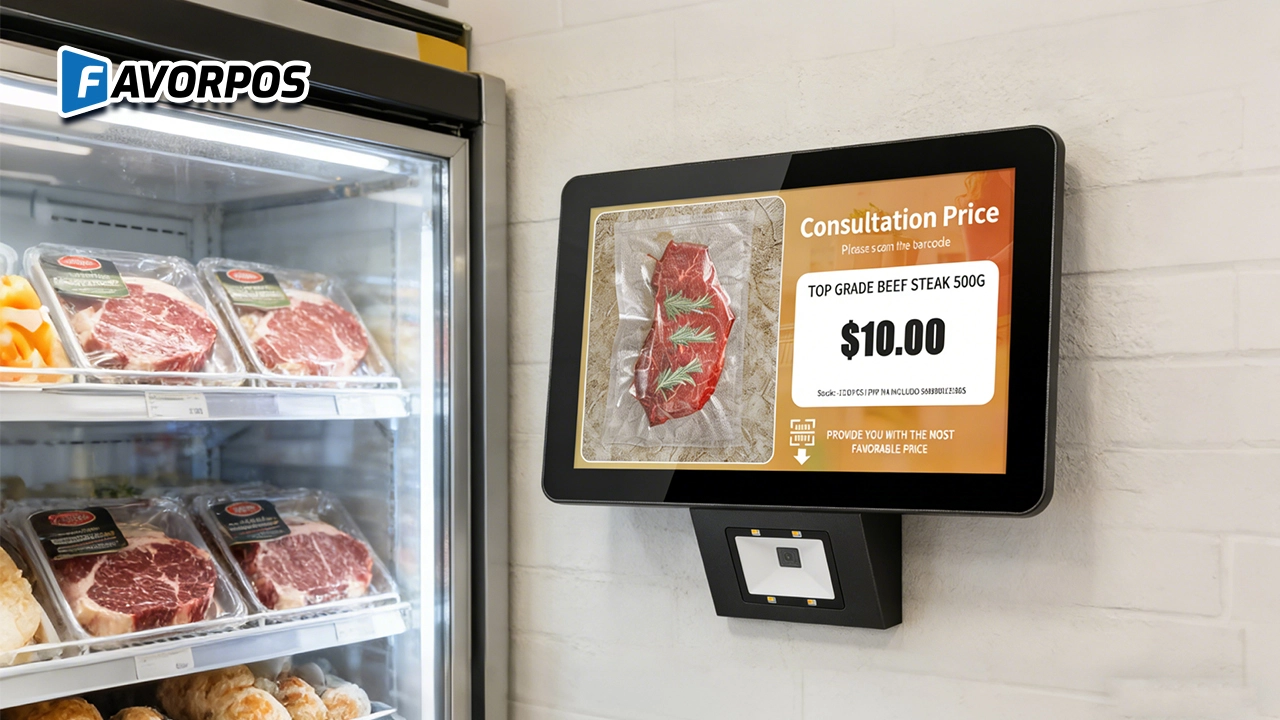
A Smarter Way to Check Prices: How Wall-Mounted Price Checkers Are Reshaping Retail Stores
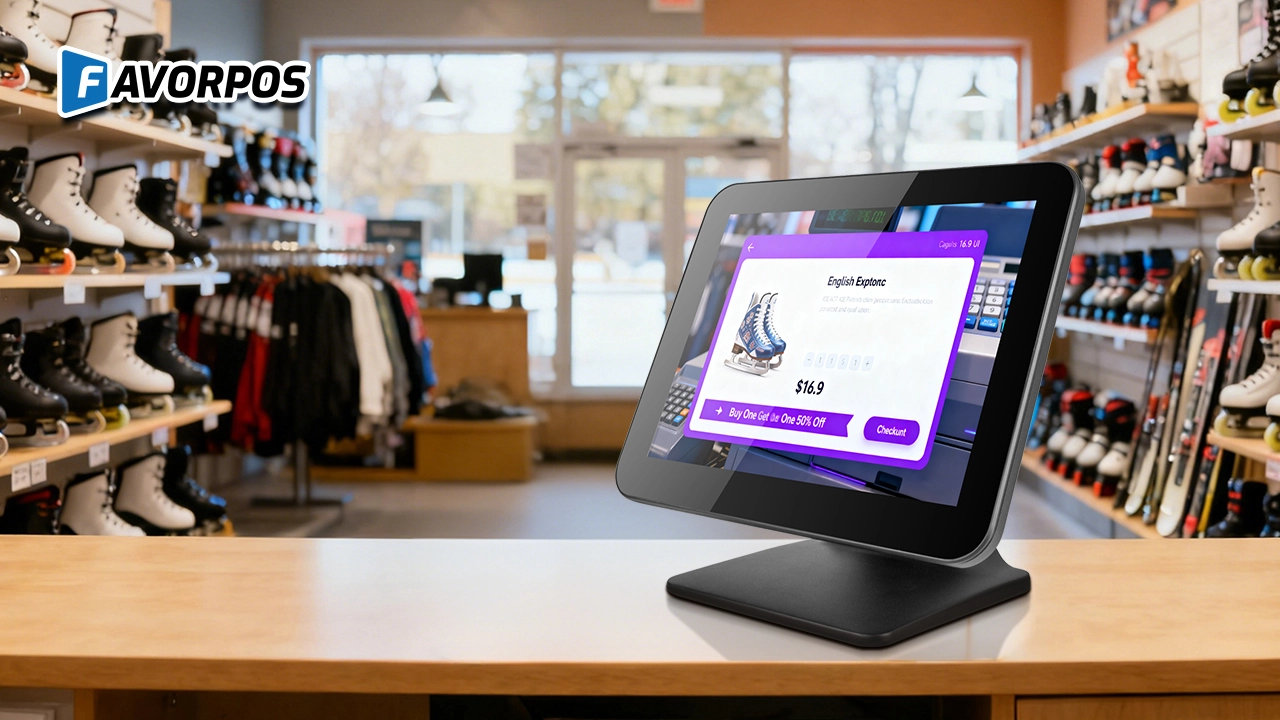
Why a Well-Designed 15-Inch POS Terminal Still Matters in Modern Retail
For Solutions Retail
How long is the warranty period of the equipment?
We provide a standard warranty period of at least one year, and the specific time can be agreed upon according to the terms of the contract.
For Government and Public
Can the system be accessed and managed remotely?
Yes, our POS system provides remote access capabilities, allowing you to manage and supervise from different locations, ensuring centralized control.
For Bakeries
Can custom cake orders be easily managed?
Yes, our system is designed to handle special orders, allowing customers to easily customize cakes and pastries, and employees can track these orders from start to finish.
For Hotels
Can your POS system be integrated with my hotel's PMS system?
Yes, our POS system is designed to integrate seamlessly with most major hotel management systems (PMS), ensuring smooth integration of guest services and billing processing.
For Restaurants & Cafes
If there is a problem with the device, how can I get technical support?
You can contact our technical support team by phone, email or online customer service. We provide 24/7 support to ensure that your issues are resolved promptly and the system is up and running.

All in One POS Terminal Metal 11.6'' Touchscreen Android Windows with Printer
The All-in-One POS Terminal features an 11.6'' touchscreen display, compatible with both Android and Windows. This metal-constructed terminal combines durability with style, making it a perfect fit for any retail or hospitality environment. Equipped with a built-in printer, it streamlines transactions by allowing for instant receipt printing.

8 inch Touchscreen Price Checker Barcode Scanner Wifi Optional Android Win 10
FAVORPOS Touchscreen Price Checker offers a user-friendly interface, perfect for retail environments. With optional Wi-Fi connectivity, this device runs on Android or Windows, providing flexibility and ease of use. The integrated barcode scanner allows for quick price verification, enhancing the shopping experience for customers. Compact and efficient, it's designed to streamline operations and improve checkout speed.

Factory Fast Scan Barcode QR Code Scanner for Supermarket Price Check Device Manufacturer
FAVORPOS is a manufacturer specializing in Barcode/QR Code device. This new designed price check machine have thinner screen, more fashion appearance. 10.1 inch touch screen can bring convenience to customers. This machine can greatly improve the operational efficiency of a business environment.

New Dual Touch Screen Pos Factory Aluminum Adjustable Screen Pos Machine Manufacturer
This new-generation POS terminal features a durable aluminum alloy body and a flexible dual-screen design. The customer-facing secondary display can be adjusted vertically and horizontally to achieve the ideal viewing angle, with multiple screen size options available to meet different retail needs. Powered by either Windows or Android operating systems, the system offers strong compatibility with various POS software solutions. With its modern design, stable performance, and adaptable configuration, this POS machine is well suited for supermarkets, specialty retail stores, and other high-traffic commercial environments.
Get in touch
Interested in becoming a POS system dealer? Contact us for more information and start the process of joining our dealer network.
We look forward to working with you to expand the market together.


Copyright © 2025 Favorpos All Rights Reserved.
