
The Most Popular POS Systems in 2024: A Complete Guide to Costs, Features, and How They Work
- Introduction
- What is a POS system and how does it work?
- What are the most popular POS systems available today?
- How much does a POS system typically cost?
- What is the difference between a cloud-based and traditional POS system?
- What key features should I look for when choosing a POS system?
- Why is a POS system important for a small business?
- What is the difference between a cash register and a POS system?
- How do I choose the best POS system for my specific industry?
- Conclusion
- Call to Action
Introduction
Running a successful business in 2024 requires much more than an excellent product and outstanding customer service; it demands seamless, efficient technology. As consumer expectations continue to rise, the tools you use behind the counter dictate how smoothly your daily operations flow. Whether you run a bustling coffee shop, a boutique clothing store, or a multifaceted enterprise, technology is the backbone of your success.
The shift from manual, clunky cash registers to sophisticated, interconnected point of sale software has completely transformed the retail and hospitality landscapes. Today's systems do far more than simply process transactions. They act as the central nervous system of your business, integrating sales, employee tracking, and customer relations into one streamlined dashboard.
This complete guide will walk you through everything you need to know about these essential business tools. We will explore the costs, delve into the most popular options available on the market, and break down the specific features that can help your business thrive. By the end of this article, you will be fully equipped to make an informed decision for your company's technological future.
What is a POS system and how does it work?
According to Wikipedia, the point of sale (POS) is the time and place where a retail transaction is completed. In practical terms, a POS system is a combination of software and hardware that enables your business to accept payments from customers and keep track of sales. It is the modern equivalent of a cash register, but with significantly more intelligence and connectivity built into its core framework.
A standard setup typically involves several physical components, known as retail POS hardware, paired with specialized software. The hardware usually includes a touchscreen device like a tablet or monitor, a credit card reader, a cash drawer, and a receipt printer. The software serves as the interface where cashiers ring up items, apply discounts, and finalize the sale, all while communicating seamlessly with the hardware.
The workflow of a POS transaction is designed to be instantaneous and user-friendly. When a customer is ready to buy, the cashier scans the barcode of the item, or selects it from the system's digital catalog. The software immediately calculates the total price, including any applicable taxes or promotional discounts, and displays the final amount. The customer then uses their preferred payment method, and the system processes the transaction securely through the integrated merchant services.
Once the payment is approved, the system generates a digital or printed receipt for the customer. Simultaneously, behind the scenes, the point of sale software updates the company's master database. It deducts the sold item from the active stock levels, records the revenue for financial reporting, and even updates the customer's loyalty profile, ensuring that every department has the most accurate, real-time data available.
What are the most popular POS systems available today?
The market for point of sale solutions has exploded over the last decade, leading to a crowded landscape of highly capable providers. Today's top systems are renowned for their intuitive interfaces, robust feature sets, and ability to scale alongside a growing business. Industry giants like Square, Shopify, Toast, and Lightspeed dominate the conversation, each offering unique strengths tailored to different types of merchants.
Square is widely considered the undisputed champion for small to medium-sized businesses and independent contractors. Its popularity stems from its incredibly low barrier to entry, offering free basic software and transparent, flat-rate payment processing fees. Businesses love the sleek hardware and the flexibility to add on advanced modules like payroll and marketing as their needs expand.
For retail-focused businesses, Shopify POS has become a major player, particularly because it seamlessly bridges the gap between online and in-person selling. Retailers who already use Shopify for their e-commerce store find its in-person system invaluable, as it synchronizes online and offline sales data, ensuring that stock levels are always perfectly aligned regardless of where the customer makes their purchase.
In the restaurant and hospitality sector, Toast has emerged as the premier choice. Built specifically for the complex needs of food service, Toast offers features like customized table mapping, kitchen display system integration, and advanced menu management. Meanwhile, systems like Clover provide excellent all-around functionality with a highly customizable app market, making them a popular choice for service-based industries like salons and spas.
How much does a POS system typically cost?
Determining the cost of a new system can be complex because pricing structures vary significantly depending on your business size, industry, and specific needs. Generally, you can expect costs to be broken down into three main categories: software subscriptions, hardware purchases, and payment processing fees. Understanding this breakdown is crucial for budgeting effectively and avoiding unexpected expenses down the road.
Software costs are usually billed on a monthly SaaS (Software as a Service) model. According to a comprehensive breakdown by NerdWallet, basic POS software can range from completely free for entry-level plans to over $200 per month for advanced, multi-location enterprise solutions. Small businesses might spend around $50 to $100 monthly for standard features, while specialized industries requiring extensive add-ons will naturally pay a premium.
When it comes to retail POS hardware, businesses face a one-time upfront cost, though some providers offer leasing options. A simple mobile setup using a smartphone and a basic card reader might cost less than $50. However, a traditional countertop setup featuring a specialized touchscreen terminal, receipt printer, cash drawer, and barcode scanner typically costs between $700 and $1,500 per register.
The final piece of the financial puzzle is the payment processing fee, which is often tied to your chosen merchant services provider. Most companies charge a percentage of each transaction plus a flat cent amount—typically around 2.5% to 2.9% plus $0.10 to $0.30 per swipe, dip, or tap. While these percentages seem small, they add up quickly, making it essential to choose a provider with competitive rates that align with your average transaction volume.
What is the difference between a cloud-based and traditional POS system?
For many years, traditional, on-premise setups were the only option available to businesses. These legacy systems require a local server housed within the physical store to store all data, manage menus, and process transactions. They typically demand a substantial upfront investment for heavy-duty hardware and expensive software licenses, and they often require professional IT support for installation, maintenance, and periodic manual updates.
In contrast, cloud-based point of sale systems operate entirely over the internet, storing your business data securely on remote servers. Instead of bulky legacy terminals, these modern systems run as applications on off-the-shelf devices like iPads or Android tablets. This software-as-a-service model generally involves a manageable monthly subscription fee rather than a massive initial capital outlay, making it highly accessible for new entrepreneurs.
The most significant advantage of a cloud-based setup is unprecedented accessibility and mobility. Because the data lives in the cloud, business owners can log into their dashboard from a laptop or smartphone anywhere in the world to view real-time sales, update inventory, or manage staff schedules. Traditional systems tether the owner to the back office, as data can only be accessed directly from the local hard drive.
Furthermore, cloud systems excel in security and continuous improvement. Software updates, bug fixes, and security patches are pushed out automatically over the internet, ensuring the system is always compliant with the latest payment standards without requiring a technician's visit. While traditional systems may function without internet access, most cloud systems today offer an offline mode that seamlessly syncs data once the connection is restored.
What key features should I look for when choosing a POS system?
Selecting the right system requires looking past the shiny interface to evaluate the functional tools under the hood. One of the most critical features to prioritize is robust inventory management. A strong system will automatically track stock levels in real-time as items are sold, notify you when quantities fall below a specific threshold, and even automate purchase orders with your suppliers to prevent costly stockouts.
Comprehensive reporting and analytics capabilities are equally vital for long-term growth. You need a platform that can break down your data into easily digestible visual reports. Look for tools that allow you to track your best-selling items, identify your busiest operational hours, and evaluate the sales performance of individual employees, giving you the actionable insights needed to optimize your business strategy.
Customer relationship management (CRM) tools integrated directly into the point of sale software can drastically improve customer retention. The best systems allow you to create detailed customer profiles, track their purchase history, and capture contact information right at the checkout counter. This data can then be used to power integrated loyalty programs, personalized discounts, and targeted email marketing campaigns.
Finally, you must consider the system's integration ecosystem. Your chosen solution should interface seamlessly with the other software tools you already use to run your business. Seamless integrations with top-tier accounting software, e-commerce platforms, employee scheduling apps, and specialized merchant services will eliminate tedious double-data entry and create a perfectly synchronized operational workflow.
Why is a POS system important for a small business?
For small businesses, time is often the most precious and limited resource. Implementing a modern checkout solution dramatically improves operational efficiency, freeing owners and staff from the burden of manual, repetitive tasks. By automating inventory tracking, tax calculations, and daily sales reconciliations, the system drastically reduces the likelihood of costly human errors that commonly occur with traditional manual bookkeeping.
Moreover, a sophisticated system provides small business owners with a level of data-driven insight that was previously only available to massive corporations. Access to real-time analytics levels the playing field, allowing local shops to make smart, strategic decisions based on hard numbers rather than gut feelings. Knowing exactly what products are moving and when they sell best empowers owners to optimize their purchasing and staffing models effectively.
From the customer's perspective, a modern setup significantly enhances the overall shopping experience. Today's consumers expect checkout lines to move quickly and demand the flexibility to pay with various methods, including credit cards, mobile wallets like Apple Pay, and even contactless smartwatches. A modern system handles these transactions swiftly and securely, leaving a positive lasting impression on the buyer.
Lastly, investing in a robust platform sets the foundation for future scalability. As a small business grows, adding new product lines, hiring more employees, or opening a second location can cause operational chaos if the underlying technology is weak. A high-quality system scales seamlessly, accommodating increased transaction volumes and complex multi-location management without missing a beat.
What is the difference between a cash register and a POS system?
To understand the difference between the two, it helps to look at their primary functions. A traditional cash register is essentially a highly durable calculator with a secure drawer attached. Its sole purpose is to ring up sales, calculate the change due, and provide a safe place to store physical currency. While functional for basic arithmetic, standard registers operate in complete isolation from the rest of the business.
A POS system, on the other hand, is a comprehensive operational hub. While it certainly handles the transactional duties of a cash register, its capabilities extend far beyond ringing up a sale. It integrates payment processing, continuously updates backend inventory management databases, captures detailed customer metrics, and communicates with other software platforms to manage the entire lifecycle of a product.
The limitation of a cash register becomes glaringly obvious at the end of the business day. Managers must manually count the drawer, match receipts to the recorded totals, and manually deduct sold items from a physical stock ledger. A modern platform automates this entire reconciliation process, generating a perfect end-of-day report with the click of a button and completely eliminating hours of tedious administrative work.
Ultimately, transitioning from a basic cash register to a fully integrated digital solution represents a massive evolutionary leap. It transforms the checkout counter from a simple collection point into a powerful data generation engine. While cash registers only tell you how much money you made, a modern system tells you how you made it, who you made it from, and how you can make more of it tomorrow.
How do I choose the best POS system for my specific industry?
Choosing the perfect solution requires a deep dive into the unique operational demands of your specific industry. A generic, one-size-fits-all approach rarely works because a retail boutique requires vastly different tools than a fast-paced diner. Start by mapping out your daily workflows and identifying the biggest bottlenecks your staff currently faces, as this will highlight the exact features you need to prioritize.
If you operate in the restaurant industry, your software must be capable of handling table mapping, custom menu modifiers, split checks, and direct communication with kitchen display screens. Conversely, a retail business needs advanced matrix inventory management to track items by size and color, barcode scanning integration, and the ability to seamlessly handle complex customer returns and store credit.
After defining your software needs, evaluate your physical hardware requirements. A bustling food truck or pop-up shop will benefit immensely from a highly portable, tablet-based mobile setup that operates over a cellular connection. However, a high-volume grocery store will need durable, stationary retail POS hardware, including integrated weight scales, heavy-duty customer-facing displays, and rapid receipt printers.
Finally, before making a financial commitment, take advantage of free trials and request live demonstrations from multiple vendors. Use this time to test the intuitiveness of the user interface—if it takes too long to train your staff, it will slow down your checkout line. Additionally, scrutinize their customer support availability; when your system goes down in the middle of a busy Saturday rush, you need a provider that offers responsive, 24/7 technical assistance.
Conclusion
The evolution of checkout technology has forever changed the way merchants interact with their customers and manage their internal operations. From handling intricate payment processing seamlessly to serving as the central nervous system for detailed inventory management, modern point of sale solutions are the undeniable foundation of a successful enterprise. They have turned the humble checkout counter into a powerful command center for business intelligence.
While the sheer number of available options, varying costs, and extensive feature lists may seem overwhelming at first, taking the time to understand your unique business needs makes the selection process much clearer. Whether you opt for a sleek, cloud-based application on a tablet or a heavy-duty traditional terminal, the goal remains the same: finding a system that reduces friction, empowers your staff, and delights your customers.
Ultimately, investing in the right technology is an investment in your company's future growth and sustainability. By prioritizing essential features, carefully evaluating hardware requirements, and understanding the total cost of ownership, you can confidently choose a platform that will support your business ambitions today and scale with your successes tomorrow.
Call to Action
If you are ready to streamline your operations and find the perfect POS system for your business needs, contact us today for a personalized consultation.

Understanding 15-Inch Aluminum POS Terminals in Modern Commercial Use

The Smart Way to Check Prices: How a 10.1-Inch Wall-Mounted Price Checker Transforms Retail Stores

A Smarter Checkout Experience: The 15-Inch Dual-Screen POS Built for Modern Retail

8-Inch Smart Price Checker: A Small Device Powering Smarter Retail Spaces

Built for Retail Precision: Manufacturing Excellence Behind the 11.6” Smart Price Checker
For Restaurants & Cafes
If there is a problem with the device, how can I get technical support?
You can contact our technical support team by phone, email or online customer service. We provide 24/7 support to ensure that your issues are resolved promptly and the system is up and running.
For Distributor
What kind of support will I receive as a reseller?
As a reseller, you will receive comprehensive support, including product training, technical assistance, and support from a dedicated account management team.
Are there any fees to become a reseller?
There may be initial costs associated with setup and training, but these details will be outlined in the reseller agreement. Our goal is to ensure that the partnership is mutually beneficial.
For Healthcare
What payment methods does the POS system support?
Our POS system supports a variety of payment methods, including credit/debit cards, mobile payments, contactless payments, and integration with insurance bills.
For company
How long the warranty do you offer?
We provide a 12-month warranty. The warranty period starts from the invoice date.
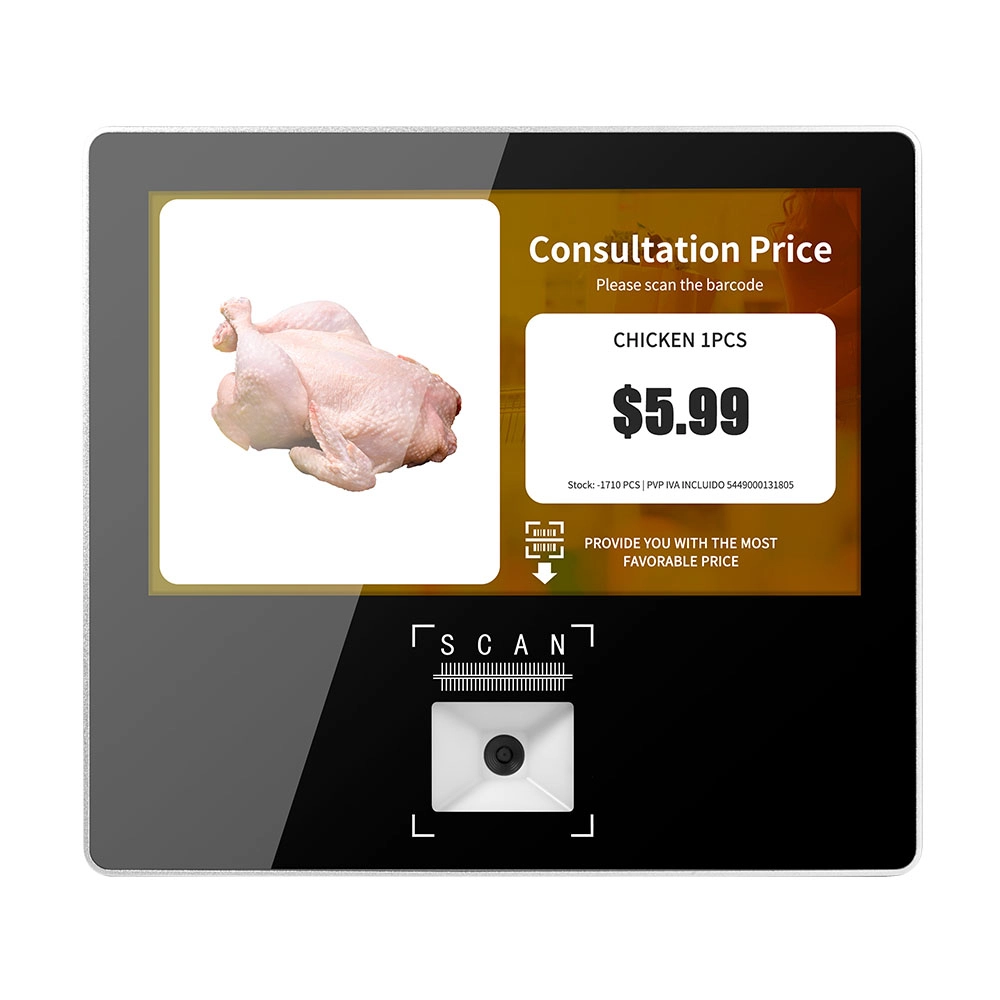
Metal 11.6 inch Price Scanner Machine Android Windows with Wifi Supplier
FAVORPOS Metal 11.6-inch Price Scanner Machine, designed for durability and efficiency in retail environments. This versatile device operates on both Android and Windows, providing seamless functionality for various applications. With built-in Wi-Fi connectivity, it allows for quick access to pricing data and updates. The 11.6'' display ensures clear visibility for easy operation, making it perfect for price checking and inventory management. Enhance your retail experience with this reliable and robust price scanner from a trusted supplier!
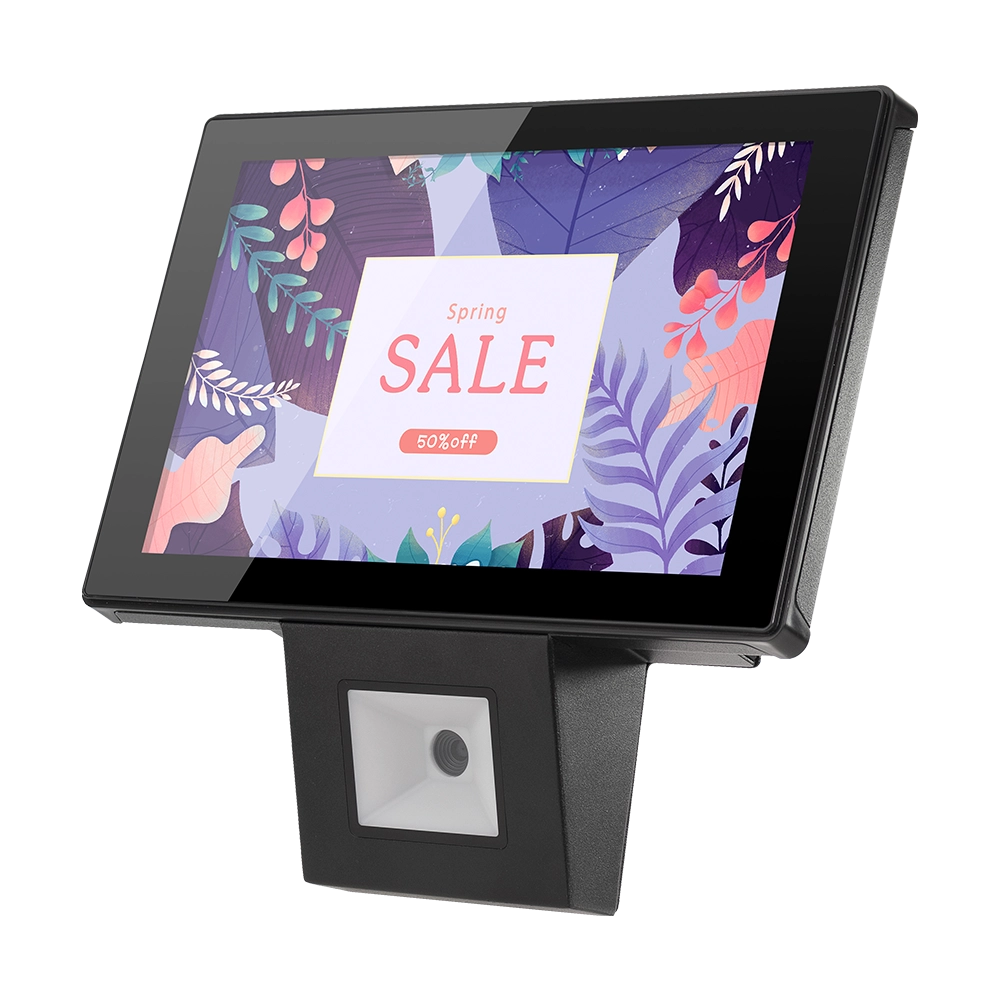
10 inch Price Checker Device Supplier Barcode Scanner for Sale Price Check for Supermarket
FAVORPOS offers 10 inch Price Checker Device, perfect for supermarkets. This wall mounted 10 inch touch screen barcode scanner ensures fast, accurate price checks, enhancing customer experience and operational efficiency. Durable, user-friendly, and perfect for high-traffic retail environments.

Aluminum Dual Screen Pos Terminal Pos Systems 15.6 inch Touchscreen Pos
FAVORPOS Aluminum Dual Screen POS Terminal features a 15.6-inch touchscreen, ideal for seamless transactions. As a trusted OEM Windows POS manufacturer, we deliver durable, high-performance solutions tailored for retail and hospitality businesses.

Android Handheld Pos Device Touch Screen Pos Terminal Manufacturer
Get in touch
Interested in becoming a POS system dealer? Contact us for more information and start the process of joining our dealer network.
We look forward to working with you to expand the market together.


Copyright © 2025 Favorpos All Rights Reserved.
