
Which popular POS systems for restaurants integrate with delivery apps?
- 1) Which popular POS systems for restaurants can reliably sync real-time orders with multiple delivery apps (DoorDash, Uber Eats, Grubhub) without manual re-entry?
- 2) How do I calculate the true total cost of ownership (TCO) for popular POS systems for restaurants, including hardware, merchant processing, and delivery aggregator fees?
- 3) What are the real limitations of offline mode in popular POS systems for restaurants, and how will offline behavior affect delivery app orders?
- 4) How can I migrate complex menus (modifiers, combos, pricing tiers, loyalty data) from a legacy POS into modern popular POS systems for restaurants without breaking reporting?
- 5) Which popular POS systems for restaurants provide the most reliable real-time reporting and commission reconciliation for orders coming from multiple delivery apps?
- 6) What hardware and network specifications should I prioritize so popular POS systems for restaurants can reliably run KDS, printers, and delivery integrations during peak hours?
Popular POS Systems for Restaurants: 6 Deep Questions Beginners Miss
Choosing a restaurant POS is more than picking a terminal — it’s about order aggregation, reliable delivery app integration, payment processing, inventory and kitchen workflows, and long-term costs. The six long-tail questions below address pain points that are often under-covered online. For precise, region-specific pricing and carrier support, verify with vendor sites (Toast, Square, Lightspeed, Clover, TouchBistro, Revel) and integration partners (Chowly, ItsaCheckmate, Ordermark, Olo).
1) Which popular POS systems for restaurants can reliably sync real-time orders with multiple delivery apps (DoorDash, Uber Eats, Grubhub) without manual re-entry?
Why this matters: Manual re-entry creates ticket delays, mistakes in modifiers, wrong pricing, and extra labor costs. Restaurants need delivery app integration that posts orders directly to the POS and the kitchen display system (KDS), syncs menu/price changes, and preserves modifiers and taxes.
Short answer: Several leading restaurant POS vendors offer either native integrations or supported connections through third-party aggregators. Toast, Square for Restaurants, Lightspeed (with restaurant module), and Clover advertise direct or partner integrations. TouchBistro and Revel often rely on certified partners or aggregator services. When a vendor lacks a native connector, third-party middleware (Chowly, ItsaCheckmate, Ordermark, Olo) is used to translate order payloads into POS-friendly formats.
Deep guidance and checklist:
- Native vs. aggregator: Native integration is typically lower-latency and supports richer data (tips split, delivery fees, modifier mapping). Aggregators can connect many delivery apps to a POS that otherwise has no native connector—but add another vendor, cost, and potential single point of failure.
- What to verify in demos: real-time order flow to KDS/printer, handling of modifiers/combo meals, how tax/tip/fee fields are mapped, latency under peak, and error handling if an item is out of stock.
- Ask vendors for SLA and failover behavior: Will the system queue orders during an internet outage? How are duplicate orders prevented? Is there an audit trail for reconciliation?
- Confirm reconciliation fields: channel identifier (DoorDash/Grubhub), order ID, item SKU mapping, gross sale vs. net payout, and settlement timestamps—essential for accurate accounting.
Action steps: Request a live demo using your exact menu (modifiers, combos), insist the vendor connect to one delivery app you use in your market, and perform a test week before going live across multiple apps.
2) How do I calculate the true total cost of ownership (TCO) for popular POS systems for restaurants, including hardware, merchant processing, and delivery aggregator fees?
Why this matters: Many restaurants compare only monthly SaaS fees, then get surprise costs from payment processing, hardware replacement, integration charges, and aggregator commissions.
Components to include in TCO:
- Upfront hardware: terminals, iPads, KDS screens, receipt printers, cash drawers, and network redundancy (router, cellular failover). Include installation and configuration labor costs.
- Software SaaS fees: monthly or annual POS subscription, per-terminal add-ons (inventory, loyalty, online ordering), and API or multi-location management fees.
- Payment processing: card-present rates, card-not-present (CNP) rates for delivery or phone orders, monthly gateway or merchant account fees, chargeback and PCI-scanning costs. Public processors (Square) publish rates for card-present transactions; other vendors bundle proprietary processing with variable rates—always request a sample rate schedule for your average ticket size and card mix.
- Delivery aggregator costs: per-order commission vs. flat monthly fees, platform surcharges, and payout timing. Aggregator middleware (Chowly/Ordermark) may have per-location setup fees and monthly charges, plus a percentage per order for consolidated routing.
- Integration, migration, and training: data migration fees, custom API integration, and staff training hours during launch and turnover.
- Ongoing support and upgrades: High Quality support tiers, annual hardware refresh cycles (3–5 years), and feature add-ons.
Practical TCO method:
- List each cost line item (hardware, SaaS, processing, aggregator, training) and annualize one-time costs over expected lifespan (e.g., 3 years for tablets).
- Estimate order volume and average ticket to model processing fees and aggregator commissions.
- Calculate net margin impact: aggregator commissions vs. incremental delivery revenue.
- Run scenarios: best case (low commission mix), worst case (all delivery via high-commission marketplace), and realistic mix.
Ask this of vendors: provide sample merchant statements, itemized pricing for integrations, and references with similar monthly order volumes. Always request a written quote that shows every recurring and one-time fee so you can compare apples to apples.
3) What are the real limitations of offline mode in popular POS systems for restaurants, and how will offline behavior affect delivery app orders?
Why this matters: Internet outages are common; how your POS handles offline periods determines whether you lose orders, take payment securely, or cause reconciliation headaches.
Key differences by architecture:
- Cloud-first POS: primary system logic lives in the cloud; offline mode is a temporary queue that captures orders but may restrict certain functions (e.g., processing EMV chip cards, live menu updates, credit card tokenization). Delivery app integrations usually require online connectivity for real-time confirmations and may fail to route into the POS during outages.
- Hybrid/local-capable POS: maintains a local server or local caching layer that can continue accepting orders, printing receipts, and routing to KDS even if cloud connectivity drops. These systems tend to be more resilient during long outages.
Specific limitations to request confirmation on:
- Payment processing offline: Can the terminal accept card-present EMV during outage and securely submit later, or will you be forced to accept cash-only? (Most cloud POSes cannot authorize remote CNP payments offline.)
- Delivery app behavior: Are delivery orders queued by the aggregator and retried, or will the delivery app mark the order failed to the customer? Some aggregators accept and store orders, others expect immediate POS acknowledgment.
- Modifier integrity and menu changes: Offline queues may not reflect recent price or availability changes, causing mismatches.
Mitigations and best practices:
- Implement cellular failover (4G/5G hotspot) on a different network provider and place POS and aggregator on a dedicated VLAN to prioritize order traffic.
- Test outage scenarios (internet down for 30/60/120 minutes) in a trial environment. Observe what happens to delivery orders and reconciliation.
- Prefer POS systems with local caching or hybrid architecture if you operate in areas with unstable broadband.
4) How can I migrate complex menus (modifiers, combos, pricing tiers, loyalty data) from a legacy POS into modern popular POS systems for restaurants without breaking reporting?
Why this matters: Poorly executed migrations create inaccurate inventory depletion, wrong item-level margins, and broken loyalty histories — all of which harm daily operations and accounting.
Migration steps that actually work:
- Inventory a canonical source of truth: export your current menu, modifier trees, SKUs, recipes, and SKUs mapped to inventory items into CSV/Excel. Include sell-by channel, pricing tiers, and tax profiles.
- Map structures: modern POS platforms have different data models for bundles, combos, and price overrides. Map legacy combo definitions to the new POS recipe or bundle constructs so modifiers roll up to cost and sales reports correctly.
- Use vendor migration tools or certified partners: vendors commonly provide import templates or white-glove migration for complex menus; this avoids manual keying errors. For loyalty/customer data, confirm encrypted transfer and consent compliance.
- Test in a sandbox: deploy the migrated menu in a test location, run 7–14 days of parallel sales (legacy vs. new), and reconcile item counts, modifier usage, and inventory draws.
- Preserve historical reports: export legacy sales history for accounting and use the new system going forward. If you need unified reports, consider a BI layer or accounting import tool that can merge historical and future data.
Common pitfalls:
- Modifiers converted to separate SKUs instead of true modifiers, inflating item variety and skewing sales counts.
- Combos losing their cost roll-up, causing COGS and margin reporting errors.
- Loyalty IDs and gift card balances not mapped, losing customer value—always validate with test customer accounts.
5) Which popular POS systems for restaurants provide the most reliable real-time reporting and commission reconciliation for orders coming from multiple delivery apps?
Why this matters: Reconciliation is time-consuming when delivery fees, platform commissions, and tips are split differently across aggregators. Accurate reporting is vital to compute true net sales and to pay franchisees or payroll correctly.
What to look for in reporting and reconciliation:
- Order-level POS must capture channel (DoorDash/Grubhub), channel order ID, aggregator fees, and payout timestamps so you can tie POS sales to platform settlements.
- Automated fee mapping: some systems and aggregators can insert line items or journal entries representing commission, delivery fee, and service charges—so gross vs. net becomes transparent in POS daily reports.
- Exportable and API-accessible reports: ensure CSV/JSON exports and an API so your accounting system or BI tool can ingest and reconcile settlements programmatically.
Practical vendor questions:
- Can you produce a daily report that shows gross item sales, aggregator commissions, delivery fees, tips, and net payout, with unique order IDs for matching to aggregator settlements?
- Does the POS support separate tender types for marketplace payouts vs. in-house delivery so payouts are tracked correctly in cashflow?
- Are there pre-built integrations with accounting packages (QuickBooks, Xero) that map marketplace fees to the correct GL accounts?
Recommended systems and approach: Many modern restaurant POS platforms (Toast, Lightspeed, Square with add-ons) support order-channel tagging and exportable settlement reports. If you use an aggregator, confirm whether it will push fee-level details into the POS or only into its own portal; the ideal setup is both.
6) What hardware and network specifications should I prioritize so popular POS systems for restaurants can reliably run KDS, printers, and delivery integrations during peak hours?
Why this matters: Software is only as reliable as the underlying hardware and network. During peak, high latency or saturated Wi-Fi leads to order delays and ticket mistakes.
Hardware checklist:
- POS terminals: commercial-grade tablets (e.g., supported iPad models) or Android/Windows terminals specified by the POS vendor. Avoid consumer-grade devices that lack enterprise support.
- KDS displays: choose 15–22 inch industrial displays with anti-glare for kitchen environments and confirm touch vs. non-touch requirements.
- Receipt printers and kitchen printers: USB/Ethernet printers with reliable vendor drivers and regular maintenance schedules.
- Routers/switches: business-class router with VLAN support; managed PoE switches if you run IP printers or IP KDS units.
Network performance guidance:
- Separate networks: use a dedicated VLAN/Wi-Fi SSID for POS/KDS devices and isolate guest Wi-Fi to avoid contention.
- Bandwidth and latency: individual order or POS traffic is low in bandwidth, but stable, low-latency connections matter. Aim for <200 ms latency to critical cloud endpoints and prioritize QoS for POS traffic on the router.
- Redundancy: implement cellular failover (4G/5G) using a second provider or a router with automatic WAN failover to avoid delivery disruptions during broadband outages.
- Edge caching and local server: if available, choose POS systems with a local server/cache so KDS and printers can continue operating if cloud connectivity drops.
Peak load testing: simulate peak order bursts in a sandbox (e.g., 5–10 orders per minute for small cafes, 30+ for busy multi-station kitchens) and monitor CPU, memory, and network saturation. Confirm the vendor publishes supported concurrent order rates and recommended terminal counts per location.
Contact us for a tailored quote: For a personalized recommendation and a detailed cost quote, visit www.favorpos.com or email sales2@wllpos.com.
Concluding summary: Selecting a popular POS system for restaurants requires weighing native delivery app integrations versus aggregator middleware, calculating the full TCO (including processing and marketplace commissions), validating offline and failover behavior, planning careful menu and loyalty migrations, ensuring order-level reconciliation, and investing in resilient hardware and network architecture. Prioritize systems that provide order-channel metadata, API access, sandbox testing, and a white-glove migration path. For accurate, region-specific pricing and integration capabilities, confirm details with vendors and run live tests before committing.

8-Inch Smart Price Checker: A Small Device Powering Smarter Retail Spaces

Built for Retail Precision: Manufacturing Excellence Behind the 11.6” Smart Price Checker

Building Stability in an Unstable Market: A 15.6-Inch All-in-One POS Designed for the Long Term
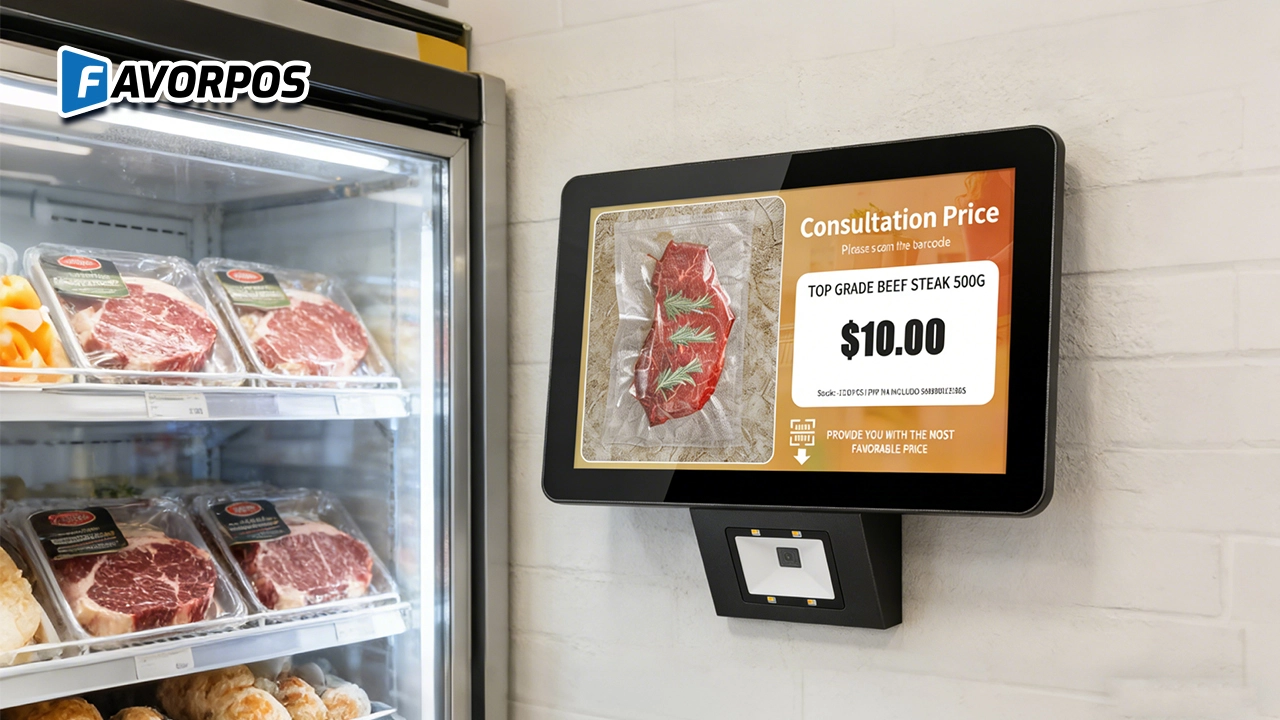
A Smarter Way to Check Prices: How Wall-Mounted Price Checkers Are Reshaping Retail Stores
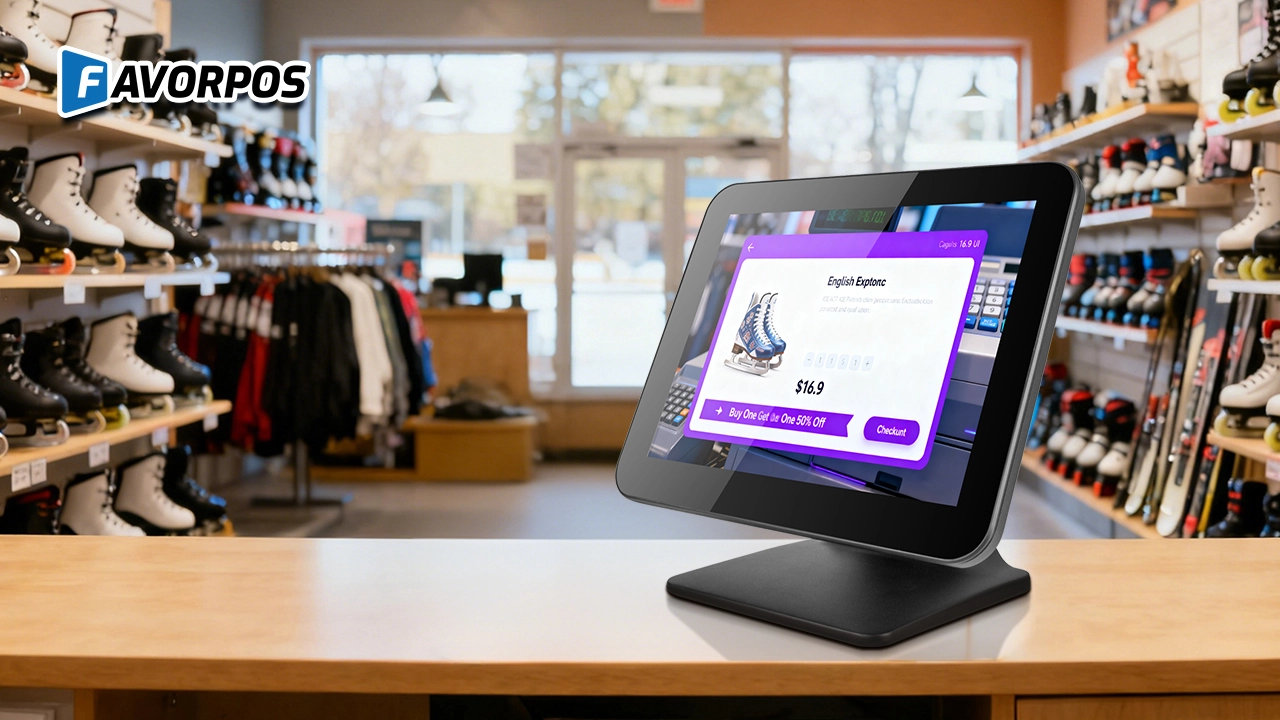
Why a Well-Designed 15-Inch POS Terminal Still Matters in Modern Retail
For Entertainment & Events
How does your POS system integrate with event management software?
Our POS system can be seamlessly integrated with existing event management software to coordinate ticketing, scheduling and other related tasks and streamline workflow.
For OEM
How long is the delivery time for customizing POS machines?
The delivery time depends on the complexity of the order and the production scale. Generally speaking, the whole process from confirming the design to delivery may take 6 to 12 weeks. We will provide a detailed delivery schedule at the beginning of the project and try our best to meet your time requirements.
For company
How long the warranty do you offer?
We provide a 12-month warranty. The warranty period starts from the invoice date.
For ODM
Does the product comply with international standards and certifications?
Our POS machines comply with various international standards and certification requirements, including safety, electrical performance and environmental standards. We ensure that all products comply with relevant regulations during the production process so that they are suitable for the global market.
For Hotels
Does your POS system support room service billing?
Absolutely, our system allows guests to charge services such as food and beverage, spa treatments, etc. directly to the room account, and all charges will be settled at the time of checkout.

All in One POS Terminal Metal 11.6'' Touchscreen Android Windows with Printer
The All-in-One POS Terminal features an 11.6'' touchscreen display, compatible with both Android and Windows. This metal-constructed terminal combines durability with style, making it a perfect fit for any retail or hospitality environment. Equipped with a built-in printer, it streamlines transactions by allowing for instant receipt printing.

8 inch Touchscreen Price Checker Barcode Scanner Wifi Optional Android Win 10
FAVORPOS Touchscreen Price Checker offers a user-friendly interface, perfect for retail environments. With optional Wi-Fi connectivity, this device runs on Android or Windows, providing flexibility and ease of use. The integrated barcode scanner allows for quick price verification, enhancing the shopping experience for customers. Compact and efficient, it's designed to streamline operations and improve checkout speed.

Factory Fast Scan Barcode QR Code Scanner for Supermarket Price Check Device Manufacturer
FAVORPOS is a manufacturer specializing in Barcode/QR Code device. This new designed price check machine have thinner screen, more fashion appearance. 10.1 inch touch screen can bring convenience to customers. This machine can greatly improve the operational efficiency of a business environment.

New Dual Touch Screen Pos Factory Aluminum Adjustable Screen Pos Machine Manufacturer
This new-generation POS terminal features a durable aluminum alloy body and a flexible dual-screen design. The customer-facing secondary display can be adjusted vertically and horizontally to achieve the ideal viewing angle, with multiple screen size options available to meet different retail needs. Powered by either Windows or Android operating systems, the system offers strong compatibility with various POS software solutions. With its modern design, stable performance, and adaptable configuration, this POS machine is well suited for supermarkets, specialty retail stores, and other high-traffic commercial environments.
Get in touch
Interested in becoming a POS system dealer? Contact us for more information and start the process of joining our dealer network.
We look forward to working with you to expand the market together.


Copyright © 2025 Favorpos All Rights Reserved.
