
How do popular cloud-based POS systems for restaurants compare?
- 1) Which cloud-based POS gives the most reliable offline mode and how are offline transactions reconciled after an outage?
- 2) How do true total costs compare (hardware, payment processing, subscription, add-ons) between popular providers like Toast, Square, and Lightspeed?
- 3) Which POS has the best kitchen display system (KDS) and order routing for multi-kitchen restaurants?
- 4) How secure are cloud POS systems (PCI/EMV) and what security responsibilities remain with the restaurant owner?
- 5) Can I run delivery, third-party integrations, and loyalty from one POS to avoid double-cost commissions and order errors?
- 6) How do I evaluate scalability: centralized menu/inventory, reporting, and role-based controls for a multi-location or franchise rollout?
- Concluding summary: Advantages of cloud-based POS systems for restaurants
Popular POS Systems for Restaurants: Cloud-Based Comparison & Buying Guide
Choosing a restaurant POS is a high-stakes decision. This guide answers six specific, often-missed beginner questions about popular cloud-based POS systems for restaurants — addressing offline reliability, true total cost, kitchen display systems, security/PCI responsibilities, delivery and loyalty consolidation, and multi-location scalability. Recommendations include real vendor strengths (Toast, Square for Restaurants, Lightspeed, TouchBistro, Clover, NCR Aloha) and practical evaluation criteria for table management, inventory, integrated payments, and kitchen display workflows.
1) Which cloud-based POS gives the most reliable offline mode and how are offline transactions reconciled after an outage?
Pain point: Wi-Fi or ISP outages during a dinner rush can stop sales, frustrate customers, and break delivery flow. Many beginner guides gloss over how different restaurant POS vendors handle offline sales.
What to check and how leading systems behave:
- Offline architecture: Some systems (Square for Restaurants, Toast, Lightspeed, TouchBistro) use a local caching model where terminals keep an encrypted local copy of open checks and queued credit card authorizations. Systems that rely on a single cloud session with no local cache will fail faster.
- Card payments while offline: Most cloud POS providers do not allow full EMV authorization offline because modern EMV and tokenization require online connectivity; however, some provide fallback magnetic-stripe or offline-authorization modes that carry higher fraud risk and must be enabled intentionally. Ask vendors explicitly whether their integrated payments support offline EMV or only offline magstripe fallback and how they mitigate chargeback risk.
- Transaction reconciliation: Reliable vendors use a transaction queue with timestamping and idempotency keys; when connectivity returns the queue is pushed and the system reconciles receipts, adjusts inventory, and generates consolidated end-of-day reports. Confirm whether reconciliation is automatic or requires manual review (Toast and Lightspeed typically sync automatically; some systems offer manual review toggles).
- Printer/KDS fallback: If the cloud route to KDS/printer is blocked but the LAN remains up, robust POS setups can route orders across the local network to kitchen printers/KDS without internet. Ask for LAN-first routing and a documented failover flow.
- Test offline behavior during onboarding: simulate ISP outage and check order acceptance, card fallback, and reconciliation clarity.
- Insist on written failover procedures and confirm whether the vendor's support team will help reconcile payments after an outage.
- For critical venues, invest in cellular backup (4G/5G) on a router and terminals that support SIM failover; ensure the POS supports automatic reconnection.
- Subscription fee: Many vendors have tiered plans. Square for Restaurants often offers a free entry-level plan and a paid Plus tier. Toast, Lightspeed, and TouchBistro typically require paid subscriptions for full restaurant features. Confirm per-location vs per-terminal billing.
- Payment processing: Integrated payment rates vary and can be a fixed interchange-plus model or flat percentage plus cents. Square is known for transparent flat-rate pricing for small sellers; Toast and Lightspeed frequently offer interchange-plus with custom rates for larger operators. Ask for a sample monthly estimate based on your average check size and card mix.
- Hardware: Expect $300–$1,500 per terminal depending on whether you need all-in-one POS terminals, handhelds, or KDS screens. Toast sells purpose-built rugged terminals; Square and Lightspeed support a mix of proprietary and third-party hardware.
- Add-ons and integrations: Common extras include online ordering, loyalty, advanced reporting, third-party delivery connectors, and gift cards. These can add $20–$300+ per month per location depending on the vendor and features.
- Implementation and support: Onboarding fees, data migration, and High Quality 24/7 support SLAs can add thousands for multi-location rollouts.
- Request a written quote for a 12-month and 36-month term showing: subscription, payment processing assumptions (effective rate based on your sales mix), hardware SKU and costs, and all optional modules priced separately.
- Ask for a modeled monthly cost using your real metrics: average check, transactions per day, gift card volumes, and number of terminals.
- Calculate break-even hardware amortization and check whether month-to-month contracts exist or if you are locked into multiyear terms.
- Order routing and routing rules: Look for conditional routing by item, modifier, prep time, or prep station. Toast and Lightspeed offer robust routing by default in many setups; TouchBistro and Upserve/Lightspeed also excel in configurability for complex kitchens.
- Prep timers, food prioritization, and split-ticket handling: The KDS should allow cooks to mark stages (prepare, ready for pickup), create color-coded priorities, and merge/split tickets easily.
- Offline and print fallback: If the KDS loses connectivity, the system must fallback to kitchen printers or local cache to prevent lost tickets.
- Analytics and waste tracking: Top systems provide ticket times, item-level throughput, and hold times to optimize prep station staffing and reduce food waste.
- Hardware flexibility: Support for touchscreen monitors, tablets, or rugged industrial displays depending on heat/grease exposure in the kitchen.
- Toast: Strong KDS features tailored to restaurants with configurable stations, color-coded routing, and a mature ecosystem for third-party integrations like delivery aggregators.
- Lightspeed: Powerful routing and reporting, with good inventory syncing across prep stations — often preferred by multi-concept venues needing unified inventory control.
- TouchBistro: Excellent for independent restaurants and fine-grain kitchen workflows; KDS is optimized for speed and simplicity for smaller kitchens.
- Encrypted payments and tokenization: Leading cloud POS providers use end-to-end encryption and tokenization so card data never persists on your system in cleartext (Square, Toast, Lightspeed all provide tokenization solutions when using their payment stack).
- EMV and contactless support: Most mainstream providers ship EMV-capable terminals and support contactless payments to reduce fraud and chargebacks.
- PCI reporting assistance: Vendors usually provide the relevant Payment Application Data Security Standard (PA-DSS) or PCI-validated P2PE documentation and may provide a simplified Self-Assessment Questionnaire (SAQ) template.
- Network security: Segment your POS network from guest Wi-Fi using VLANs, strong router firewalls, and separate SSIDs. Vendors cannot protect you from a misconfigured local network.
- Physical device security: Secure terminals, prevent tampering (skimming), and use lockable stands or adhesive mounts for unattended terminals.
- Access management: Enforce unique user accounts, strong passwords, two-factor authentication, and role-based access controls for managers vs staff.
- Patch and update policies: Confirm vendor-managed updates and ensure local peripherals and routers are kept current. Some peripherals require manual firmware updates by staff or integrators.
- Incident response and logs: Maintain daily reconciliation and review discrepancy reports; establish a procedure for suspected fraudulent transactions and reporting to your acquiring bank.
- Obtain vendor PCI documentation and P2PE/PA-DSS status before signing. If you use third-party payment processors through the POS, confirm tokenization and responsibility boundaries.
- Hire an IT vendor to segment networks and implement 2FA. For multi-location chains, central identity management reduces risk.
- Direct integrations: Some POS systems have native integrations with DoorDash, Uber Eats, and delivery aggregators so orders flow into the POS as normal tickets (Toast and Clover have strong native connectors; Square and Lightspeed offer integrations in their marketplaces).
- Aggregator middleware: Third-party platforms consolidate multiple delivery channels into one feed and push into your POS. This can reduce menu management overhead but may introduce monthly fees.
- Native online ordering and loyalty: Systems like Toast and Square offer built-in online ordering and loyalty programs that keep orders commission-free when customers order directly; this reduces reliance on third-party marketplaces and lowers effective commission cost.
- Standardize menu data: Use a single source of truth for menu items, modifiers, and prices. Confirm the vendor supports sync between POS menu and online ordering channels automatically.
- Consolidated settlement: Choose a POS that consolidates settlements and reporting for in-house and third-party orders so you get unified P&L and easier bank reconciliation.
- Consider order routing and prep labeling: Orders from delivery should clearly flag pickup type and include driver instructions, separate printer routing, and packing checklists to reduce mistakes.
- Direct online ordering can eliminate aggregator commissions entirely for those orders, but driving direct traffic often requires marketing spend.
- Third-party marketplaces provide reach but charge commissions; integrating them correctly minimizes labor costs associated with manual entry and order mistakes.
- Centralized menu management: Ability to push menu changes, price adjustments, and promotions to any subset of locations instantly, with auditing and approval workflows.
- Inventory synchronization and transfers: Support for inter-location transfers, centralized purchasing, and ingredient-level inventory so you can track COGS across the chain.
- Granular role-based access: Corporate vs site manager vs staff access with audit logs and single sign-on options for larger enterprises.
- Consolidated reporting and BI exports: Multi-site dashboards with sales by location, product mix, labor cost integration, and exportable data/APIs for external analytics tools.
- API and integrations: A robust API ecosystem and pre-built connectors for payroll, accounting (QuickBooks/Xero), and BI tools help chains automate processes as they scale.
- Onboarding and training: Ask about the vendor's professional services for multi-site rollouts, including templated configurations and corporate-level controls.
- Support SLAs and uptime guarantees: Multi-location operations need 24/7 support and faster SLAs for incident resolution; verify these terms and any cost for High Quality support.
- Pricing model: Ensure quoted pricing won’t explode as you add terminals or locations. Look for volume discounts or enterprise pricing tiers.
Practical advice:
2) How do true total costs compare (hardware, payment processing, subscription, add-ons) between popular providers like Toast, Square, and Lightspeed?
Pain point: Published base prices are misleading. Beginners often compare only monthly software fees but miss payment rates, mandatory add-ons, terminal costs, setup fees, and PCI or integration charges.
Cost components to evaluate:
How to compare apples to apples:
Example reality checks (typical as of 2024): Square may look cheapest upfront for very small cafes due to a free tier and transparent processor rates, while Toast and Lightspeed often become cost-effective as features like integrated delivery, KDS, and multi-location reporting become essential for full-service restaurants.
3) Which POS has the best kitchen display system (KDS) and order routing for multi-kitchen restaurants?
Pain point: Poor KDS or routing adds tickets to the wrong station, delays food, and causes waste. Beginners are sold on shiny front-of-house features but forget about kitchen throughput.
Key KDS capabilities to evaluate:
Vendor highlights:
Recommendation: Choose a POS where you can run a realistic kitchen simulation in onboarding — route orders to three stations, test split tickets, and validate offline printer fallback. Consider vendor support in configuration because KDS optimization often requires professional services.
4) How secure are cloud POS systems (PCI/EMV) and what security responsibilities remain with the restaurant owner?
Pain point: Many owners assume the vendor handles all compliance. In reality, PCI and operational security are shared responsibilities; misunderstanding them creates audit exposure and higher fraud risk.
What vendors typically provide:
Owner responsibilities (commonly misunderstood):
Practical steps:
5) Can I run delivery, third-party integrations, and loyalty from one POS to avoid double-cost commissions and order errors?
Pain point: Relying on multiple platforms creates order duplication, menu mismatches, and reconciliation headaches — often increasing labor and commission costs.
Integration types and how they help:
How to avoid double costs and errors:
Cost trade-offs:
6) How do I evaluate scalability: centralized menu/inventory, reporting, and role-based controls for a multi-location or franchise rollout?
Pain point: Systems that work for a single location often break under multi-site demands: inconsistent menus, inventory drift, and poor consolidated reporting are common failures.
Key scalability features to require:
Operational considerations:
Vendor tendencies: Lightspeed and Toast are commonly chosen by growing groups for their centralized inventory and reporting capabilities; Square is attractive for quick rollouts and low friction for smaller chains; specialized franchise offerings may be needed for large multi-concept operators.
Concluding summary: Advantages of cloud-based POS systems for restaurants
Cloud-based restaurant POS systems deliver centralized menu and inventory control, faster software updates, remote reporting, and easier third-party integrations (online ordering, loyalty, accounting). They support mobile and tableside ordering, real-time sales analytics, and reduce on-site IT burden with vendor-managed infrastructure. The best cloud POS balances reliable offline behavior, secure payment tokenization and EMV support, configurable KDS routing, transparent total costs, and enterprise-capable multi-location tools.
Final steps before buying: run an in-kitchen and in-service proof-of-concept for at least one full service period; request a detailed written quote that models your actual transaction mix and hardware needs; verify support SLAs and PCI/P2PE documentation.
Contact us for a custom quote and implementation plan at www.favorpos.com or email sales2@wllpos.com.

8-Inch Smart Price Checker: A Small Device Powering Smarter Retail Spaces

Built for Retail Precision: Manufacturing Excellence Behind the 11.6” Smart Price Checker

Building Stability in an Unstable Market: A 15.6-Inch All-in-One POS Designed for the Long Term
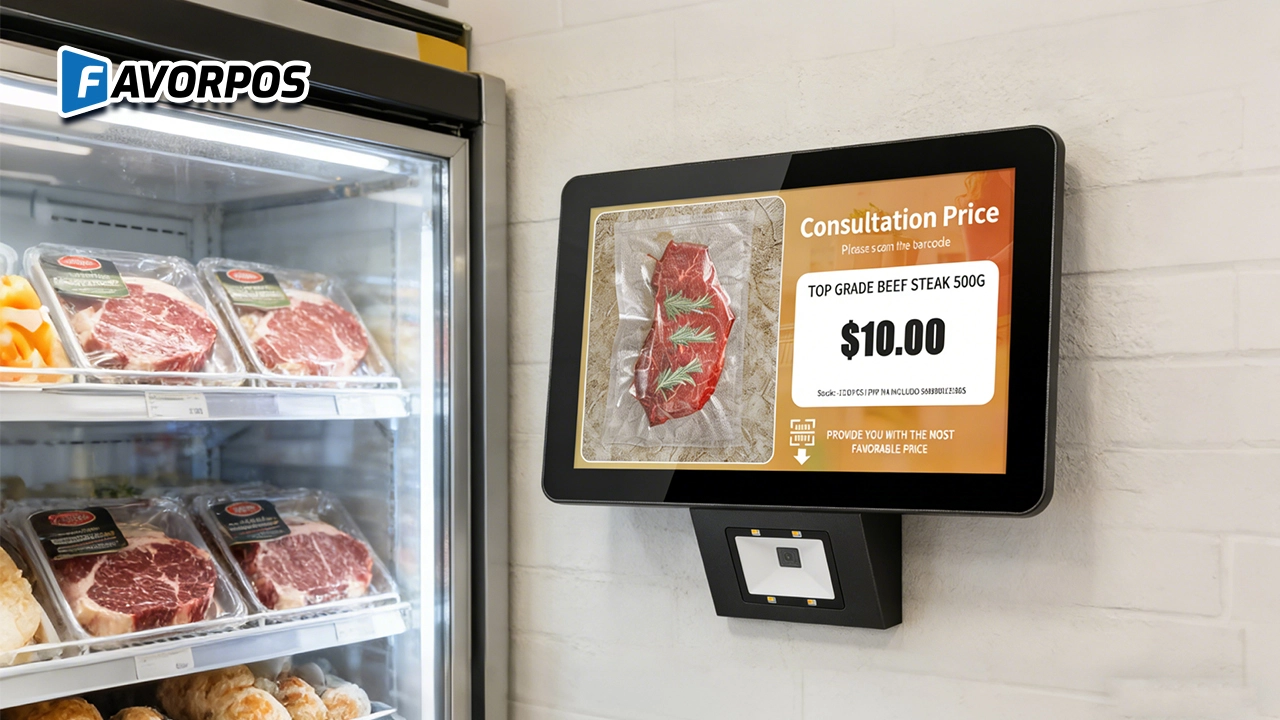
A Smarter Way to Check Prices: How Wall-Mounted Price Checkers Are Reshaping Retail Stores
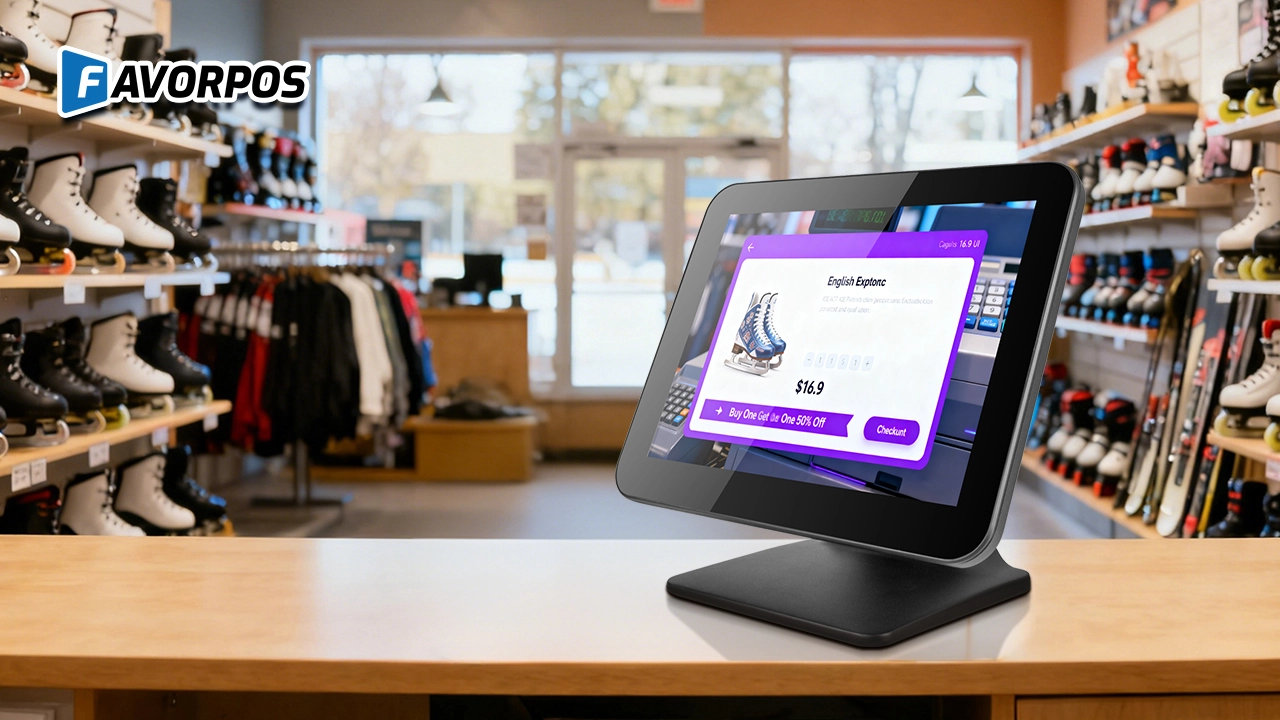
Why a Well-Designed 15-Inch POS Terminal Still Matters in Modern Retail
For company
How many days will I get the sample?
Generally, 3-5 days for production and 3-7 days for transportation, so you will get goods in 6-12 days.
For E-commerce
How long does it take to implement a POS system?
Implementation time depends on the complexity of the customization, but it can usually be completed within a few weeks, including testing and training.
For OEM
How to deal with warranty and repair issues of POS machines?
We provide warranty services for customized POS machines. The warranty period and coverage are subject to specific contracts. During the warranty period, if the device fails, we will provide free repair services. You can submit a repair request through our after-sales service team, and we will handle your problem as soon as possible.
For Distributor
Are there any fees to become a reseller?
There may be initial costs associated with setup and training, but these details will be outlined in the reseller agreement. Our goal is to ensure that the partnership is mutually beneficial.
For Beauty and Wellness
How to ensure data security and compliance?
Our POS system meets industry data security and protection standards to ensure secure processing and storage of customer and transaction data. At the same time, it complies with relevant regulations and standards of the beauty and wellness industry.

All in One POS Terminal Metal 11.6'' Touchscreen Android Windows with Printer
The All-in-One POS Terminal features an 11.6'' touchscreen display, compatible with both Android and Windows. This metal-constructed terminal combines durability with style, making it a perfect fit for any retail or hospitality environment. Equipped with a built-in printer, it streamlines transactions by allowing for instant receipt printing.

8 inch Touchscreen Price Checker Barcode Scanner Wifi Optional Android Win 10
FAVORPOS Touchscreen Price Checker offers a user-friendly interface, perfect for retail environments. With optional Wi-Fi connectivity, this device runs on Android or Windows, providing flexibility and ease of use. The integrated barcode scanner allows for quick price verification, enhancing the shopping experience for customers. Compact and efficient, it's designed to streamline operations and improve checkout speed.

Factory Fast Scan Barcode QR Code Scanner for Supermarket Price Check Device Manufacturer
FAVORPOS is a manufacturer specializing in Barcode/QR Code device. This new designed price check machine have thinner screen, more fashion appearance. 10.1 inch touch screen can bring convenience to customers. This machine can greatly improve the operational efficiency of a business environment.

New Dual Touch Screen Pos Factory Aluminum Adjustable Screen Pos Machine Manufacturer
This new-generation POS terminal features a durable aluminum alloy body and a flexible dual-screen design. The customer-facing secondary display can be adjusted vertically and horizontally to achieve the ideal viewing angle, with multiple screen size options available to meet different retail needs. Powered by either Windows or Android operating systems, the system offers strong compatibility with various POS software solutions. With its modern design, stable performance, and adaptable configuration, this POS machine is well suited for supermarkets, specialty retail stores, and other high-traffic commercial environments.
Get in touch
Interested in becoming a POS system dealer? Contact us for more information and start the process of joining our dealer network.
We look forward to working with you to expand the market together.


Copyright © 2025 Favorpos All Rights Reserved.
