
What features must a POS systems cash register have for restaurants?
- 1. How can a pos systems cash register process EMV and contactless payments reliably during peak service without falling back to insecure manual entry?
- 2. What inventory and recipe features must a pos systems cash register have to prevent shrinkage on high-turnover perishables?
- 3. Can a pos systems cash register integrate kitchen display systems, third-party delivery platforms, and loyalty programs without doubling entry or causing order routing errors?
- 4. What offline mode and data synchronization features must a pos systems cash register have to protect sales and prevent data loss during internet outages?
- 5. Which security and compliance features must a pos systems cash register include to meet PCI DSS, EMV, and local tax rules?
- 6. What hardware reliability and service-level features must a pos systems cash register offer for 24/7 restaurant operations to minimize downtime?
- Conclusion
POS Systems Cash Register: 6 In-Depth Questions Every Restaurant Buyer Asks
Choosing the right pos systems cash register for a restaurant is a purchase that impacts speed of service, loss prevention, regulatory compliance, and guest experience. Below are six long-tail, pain-point questions that beginners often ask but rarely find comprehensive answers to. Each answer provides actionable requirements, practical checks, and integration notes so you can evaluate vendors and protect daily operations.
1. How can a pos systems cash register process EMV and contactless payments reliably during peak service without falling back to insecure manual entry?
Why this matters: Card-present fraud protection and fast guest throughput are critical at busy shifts. Manual keyed entries increase fraud risk and chargebacks and slow down service.
Must-have capabilities and vendor commitments:
- EMV-certified card readers and NFC/contactless support for Apple Pay, Google Pay, and tap-to-pay. Verify the reader model and EMV L2 certification with the vendor during procurement.
- Point-to-point encryption (P2PE) or end-to-end encryption (E2EE) and tokenization so card data never rests in plain text on the POS. Ask for the vendor's encryption partner and P2PE attestation if available.
- Fast payment fallbacks that preserve security. If a chip read fails, the terminal should attempt chip retry, then contactless, and only allow keyed entry as a last resort with proper authorization logging and manager override rules to limit exposure.
- Batching and reconciliation tools that automatically reconcile payments with Z-reports and the merchant acquirer statements to speed dispute resolution.
- Support for multiple payment processors or a certified integrated payments partner. This prevents vendor lock-in and allows switching processors if rates or service degrade.
How to validate: run a PCI and EMV checklist with the vendor, confirm the supported reader models, request a test terminal loan for a high-volume shift, and review sample transaction logs showing authorization codes and tokenized card references.
2. What inventory and recipe features must a pos systems cash register have to prevent shrinkage on high-turnover perishables?
Why this matters: Perishable goods like proteins and produce have tight margins and waste quickly. Simple SKU counts are not enough for restaurants.
Essential features:
- Recipe-level inventory consumption so every menu item reduces ingredient quantities, not just finished SKUs. This enables accurate food cost calculations.
- Portion and yield controls with conversion factors (e.g., raw weight to cooked yield) and batch tracking for sauces/consumables.
- Real-time stock alerts and par level automation so kitchen and purchasing teams get notified before out-of-stocks happen.
- Inventory audit tools: blind counts, scheduled cycle counts with variance reports by menu item, ingredient, and location.
- Integrated vendor ordering and PO creation that uses current inventory levels and sales velocity to suggest order quantities and prevent overordering that leads to spoilage.
How to validate: request a demo scenario with your high-volume dishes and perishable ingredients. Confirm the system can model yield and show how recipe adjustments affect food cost in real time.
3. Can a pos systems cash register integrate kitchen display systems, third-party delivery platforms, and loyalty programs without doubling entry or causing order routing errors?
Why this matters: Fragmented integrations create order mistakes, missed modifiers, and reconciliation headaches between in-house and 3rd-party channels.
Required integration characteristics:
- Native or robust API integrations with common delivery aggregators and online ordering providers to pull orders directly into the POS and avoid rekeying. Confirm which partners are supported out of the box.
- Flexible routing rules to send orders to printers, specific KDS stations, or prep lines by course, ticket type, or delivery channel. For example, delivery platform orders should print a consolidated ticket with delivery instructions while dine-in orders use table routing.
- Modifier and combo mapping so order modifiers, custom notes, and allergen flags stay intact across systems. Incomplete modifier mapping is a common cause of order errors and refunds.
- Two-way loyalty and gift-card integration so points and payments reconcile across channels and guest profiles persist across in-person and online orders.
How to validate: simulate a weekend rush with concurrent dine-in, pickup, and delivery orders and watch for modifier integrity, KDS routing, and consolidated reporting that matches payment totals from each channel.
4. What offline mode and data synchronization features must a pos systems cash register have to protect sales and prevent data loss during internet outages?
Why this matters: Restaurants experience network outages; a robust offline mechanism prevents lost sales and labor interruptions.
Key offline requirements:
- Local transaction queuing that records sales, payments, tips, and inventory changes locally when connectivity drops and automatically syncs them to the cloud once the connection is restored.
- Offline payment strategy: support for capturing card present transactions with secure token storage or encrypted batch capture, with clear reconciliation workflows to avoid duplicate charges.
- Conflict resolution rules and audit trails for edited orders during sync windows (who changed what and when), plus a clear UI for managers to reconcile or approve changes.
- Graceful degraded mode for essential features only: ability to process sales, print receipts, update inventory counts, and close shifts even if advanced analytics are unavailable until sync completes.
How to validate: ask for a vendor-provided test plan that demonstrates disconnects and reconnections, including examples of how payment tokens and shifts reconcile and how the system avoids double-posting.
5. Which security and compliance features must a pos systems cash register include to meet PCI DSS, EMV, and local tax rules?
Why this matters: Noncompliance exposes restaurants to fines, data breaches, and loss of customer trust.
Security and compliance checklist:
- Vendor adherence to PCI DSS requirements for payment card handling. Request the vendor's PCI attestation of compliance or details about their payments partner.
- EMV-capable terminals and attestations for certified hardware. EMV reduces liability for card-present fraud.
- Strong access controls, role-based permissions, and secure remote administration with MFA for management logins.
- Encrypted backups, TLS for data in transit, and vendor transparency about data residency to meet local tax and privacy regulations such as EU GDPR or regional sales tax reporting.
- Audit logging and change history for transaction edits, voids, and refunds to simplify tax audits and chargeback disputes.
How to validate: ask for security whitepapers, compliance certificates, and example audit logs. Also confirm how the POS handles tax configuration for your jurisdiction and whether it supports VAT, GST, or local sales tax rounding rules.
6. What hardware reliability and service-level features must a pos systems cash register offer for 24/7 restaurant operations to minimize downtime?
Why this matters: Hardware failures during peak shifts cause lost revenue and bad guest experiences. Restaurants need resilient, serviceable systems.
Hardware and service expectations:
- Commercial-grade hardware options such as thermal receipt printers with proven duty cycles, kitchen-rated displays or KDS tablets with IP ratings for heat and humidity, and ruggedized tablets for FOH use.
- Redundancy and power resiliency: UPS support for key terminals, battery-backed tablets, and clear guidance on local caching so terminals stay operational during short power outages.
- Service level agreements with defined response times for remote support and optional on-site replacement SLAs. Ask whether spare parts and loaner devices are available for critical incidents.
- Remote diagnostics and zero-touch provisioning so vendors or integrators can push updates and troubleshoot without causing prolonged downtime during service hours.
- Managed rollouts and configuration templates for multi-location chains to ensure consistent deployments and reduce local misconfiguration errors.
How to validate: request hardware MTBF data if available, sample SLA documents, and references from current restaurant customers in similar markets who can confirm uptime and support experiences.
Conclusion
Modern restaurant success requires a pos systems cash register that combines secure payments, recipe-aware inventory, reliable offline handling, native integrations to delivery and KDS platforms, and commercial-grade hardware with clear SLAs. The right system reduces shrinkage, speeds service, improves payment security, and centralizes reporting for smarter purchasing and labor decisions. When evaluating vendors, prioritize demonstrable EMV and P2PE capabilities, recipe-level inventory, API-first integrations, conflict-free offline sync, and strong support contracts.
As POS specialists at FavorPOS we help restaurants evaluate and deploy POS systems cash register solutions that satisfy these requirements across cloud POS, hardware, and integrations. For a tailored quote and a migration checklist, contact us at www.favorpos.com or email sales2@wllpos.com
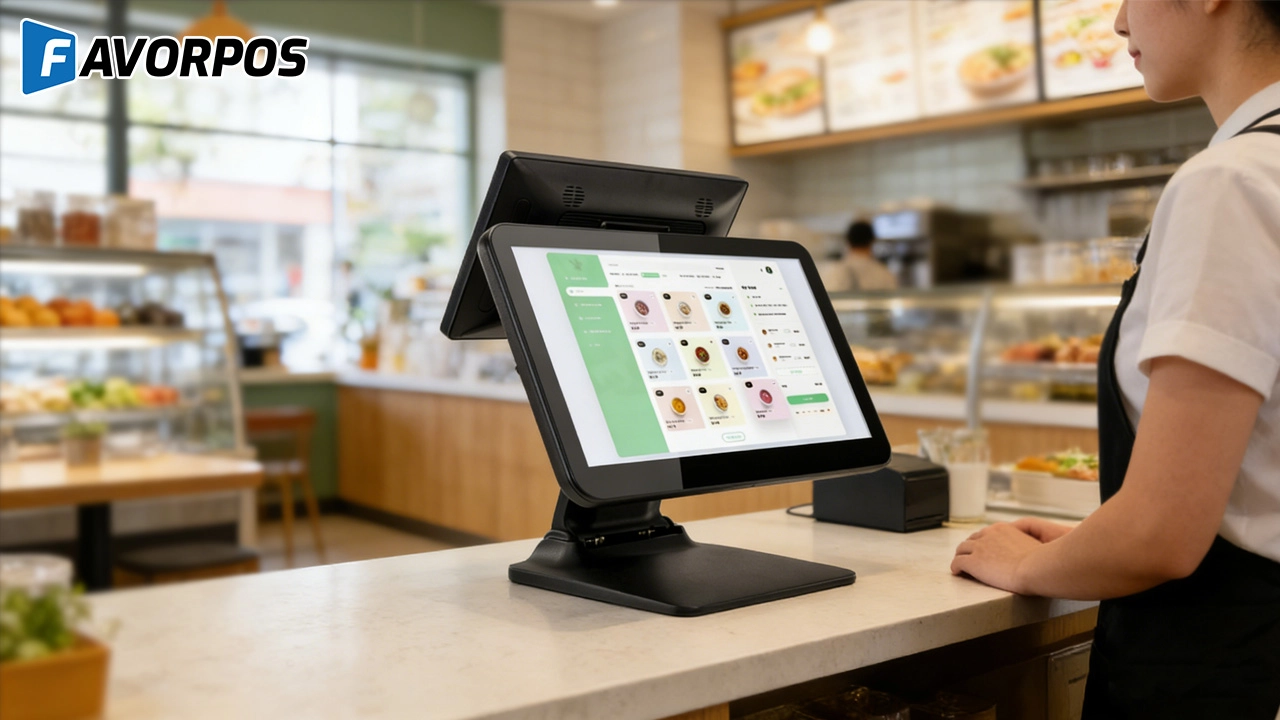
Beyond Checkout: How a 15.6-Inch Aluminum POS System Redefines Retail Efficiency
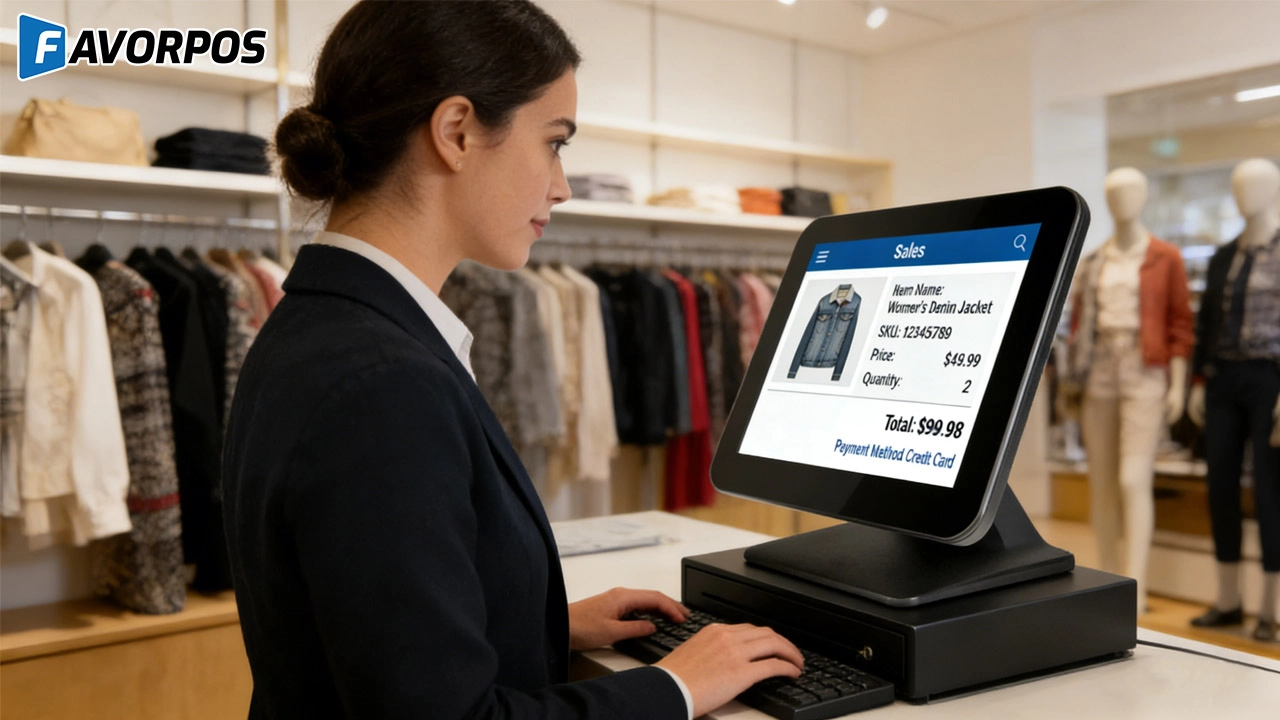
Understanding 15-Inch Aluminum POS Terminals in Modern Commercial Use
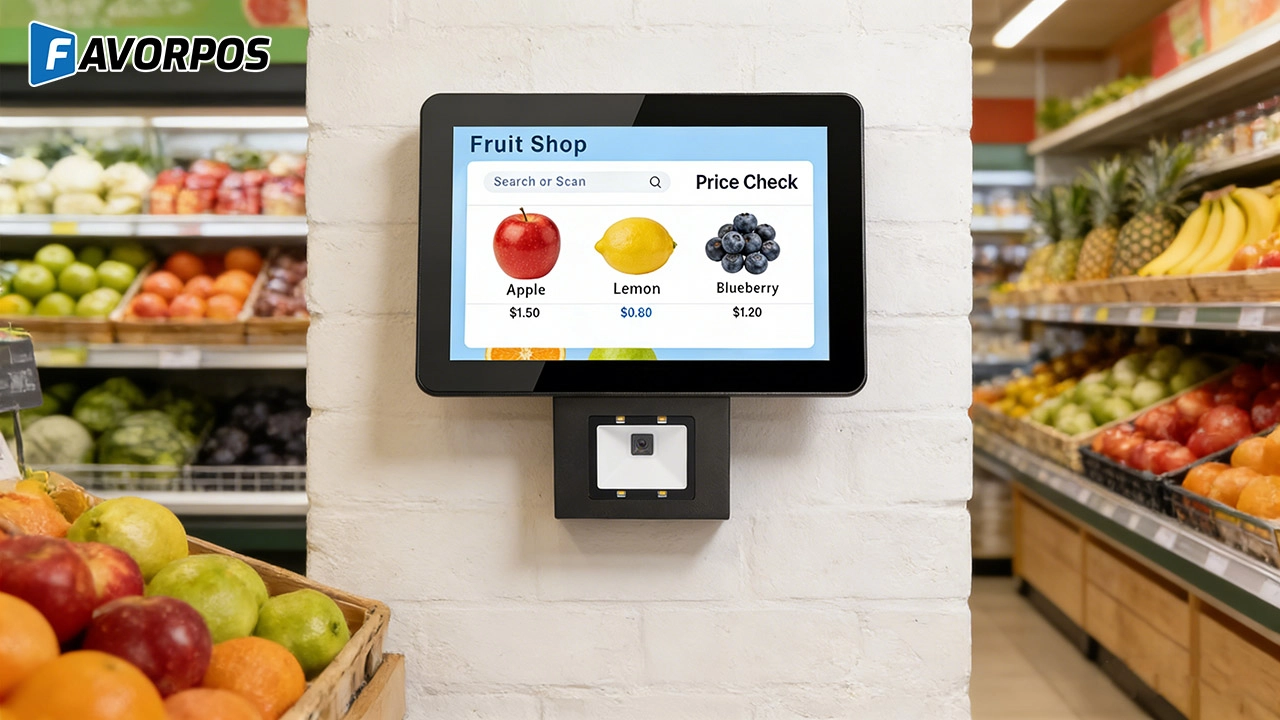
The Smart Way to Check Prices: How a 10.1-Inch Wall-Mounted Price Checker Transforms Retail Stores
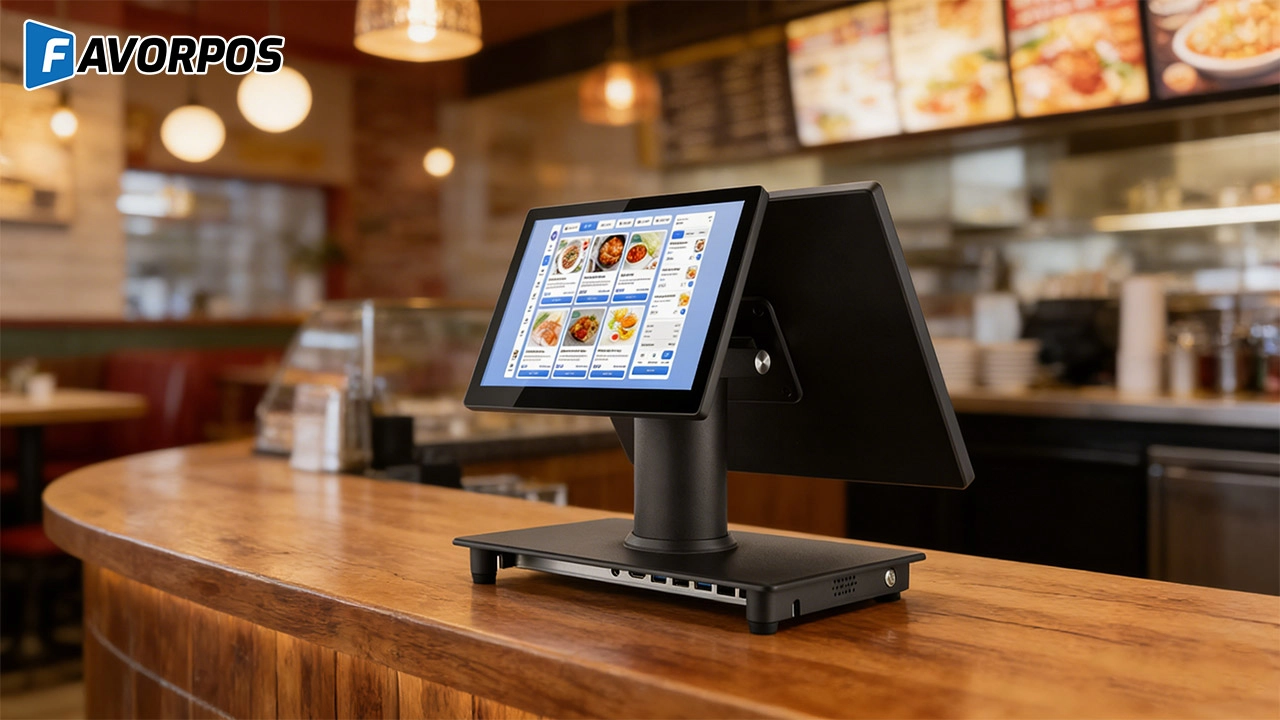
A Smarter Checkout Experience: The 15-Inch Dual-Screen POS Built for Modern Retail
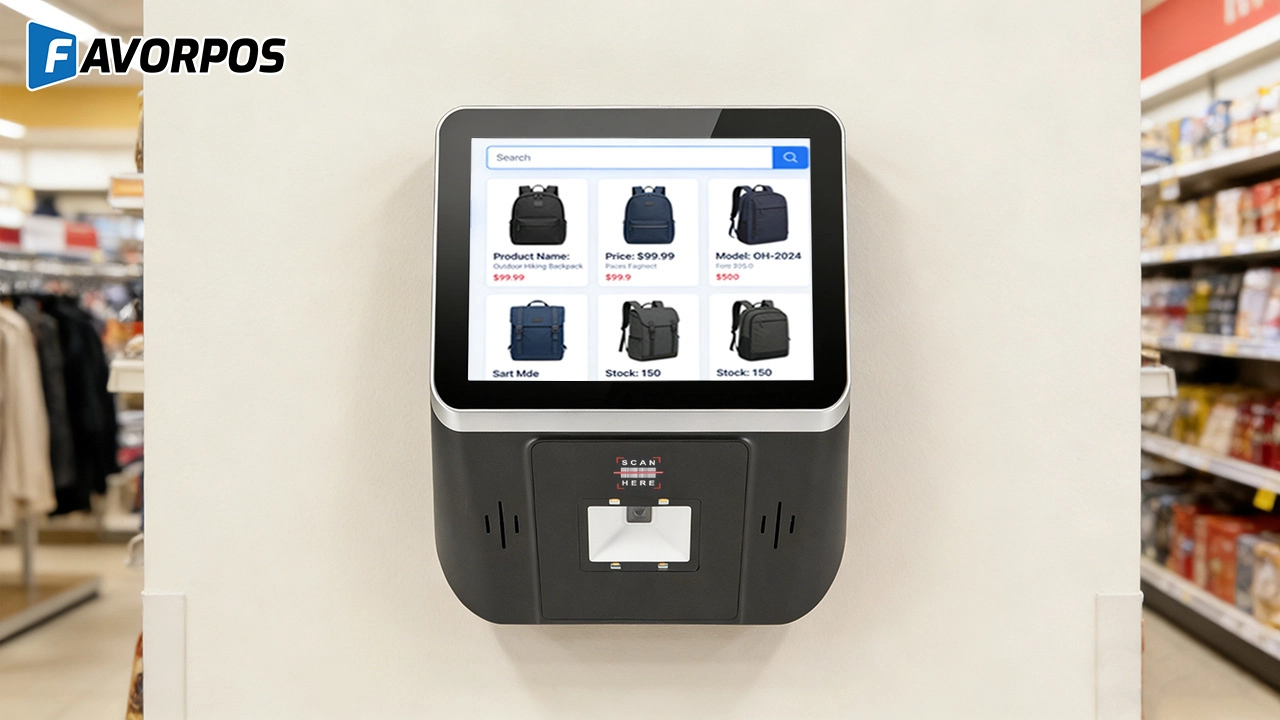
8-Inch Smart Price Checker: A Small Device Powering Smarter Retail Spaces
For Grocery and Supermarkets
How secure is your POS system?
Our POS system is PCI-DSS compliant and uses advanced encryption technology to protect the security of all transactions and customer data.
For Restaurants & Cafes
Does your POS system support a variety of payment methods?
Yes, our POS system supports a variety of payment methods, including credit cards, debit cards, mobile payments (such as Apple Pay, Google Pay) and contactless payments (NFC). We ensure that the transaction process is safe and smooth to meet the various payment needs of customers.
For OEM
What is the development cost of a customized POS machine?
The development cost of a customized POS machine depends on the required design and functional specifications. We will provide a detailed quotation after the initial consultation. The cost includes design, prototyping, production and other related services.
For E-commerce
What kind of support do you provide after the system is implemented?
We provide 24/7 technical support, regular firmware updates, and ongoing maintenance to ensure that the system always maintains optimal performance.
For Bakeries
Can your POS system handle both retail and wholesale orders?
Yes, FAVORPOS's system can manage both retail sales and wholesale orders and offer different price structures for each customer type.
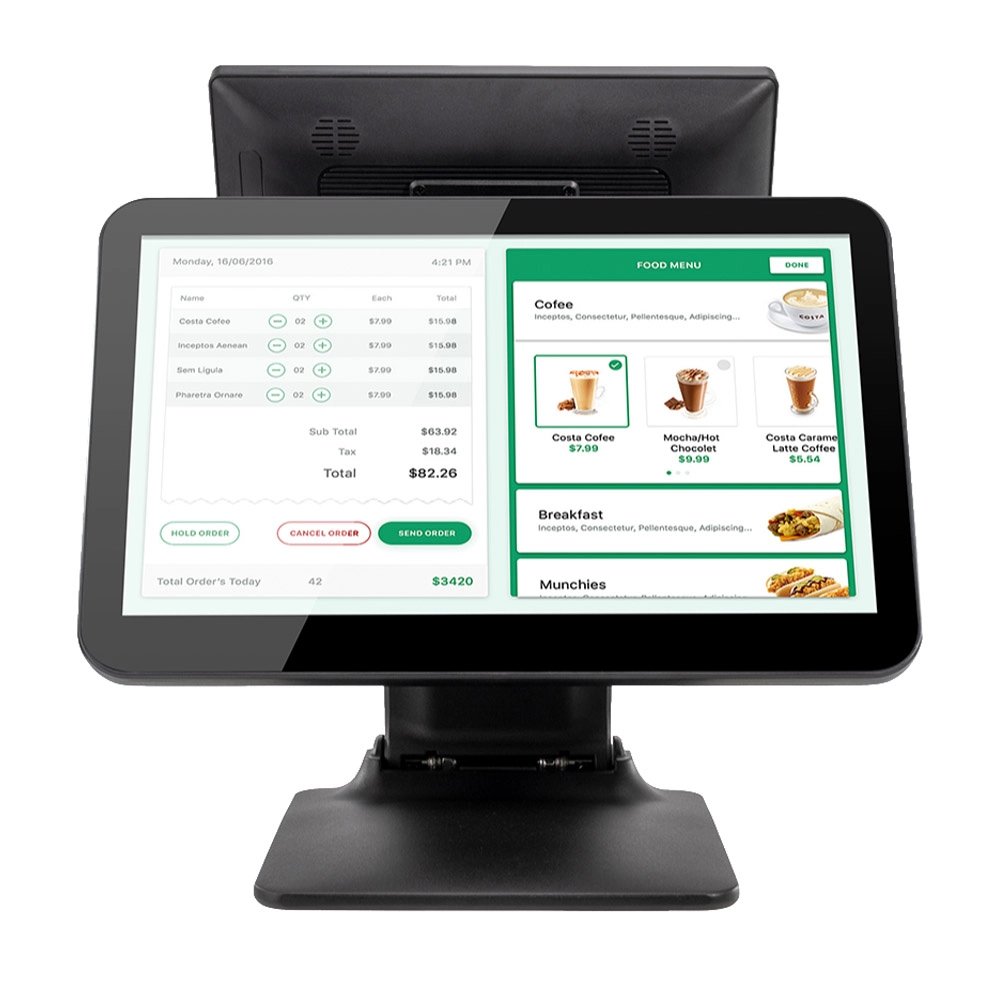
Foldable Touch Screen POS Cash Register 15.6'' Windows Supplier Aluminum
This innovative cash register combines portability with advanced functionality, making it ideal for retail environments. Its aluminum construction ensures durability while maintaining a lightweight design for easy transport and setup. The foldable feature allows for convenient storage and flexibility in various business settings.
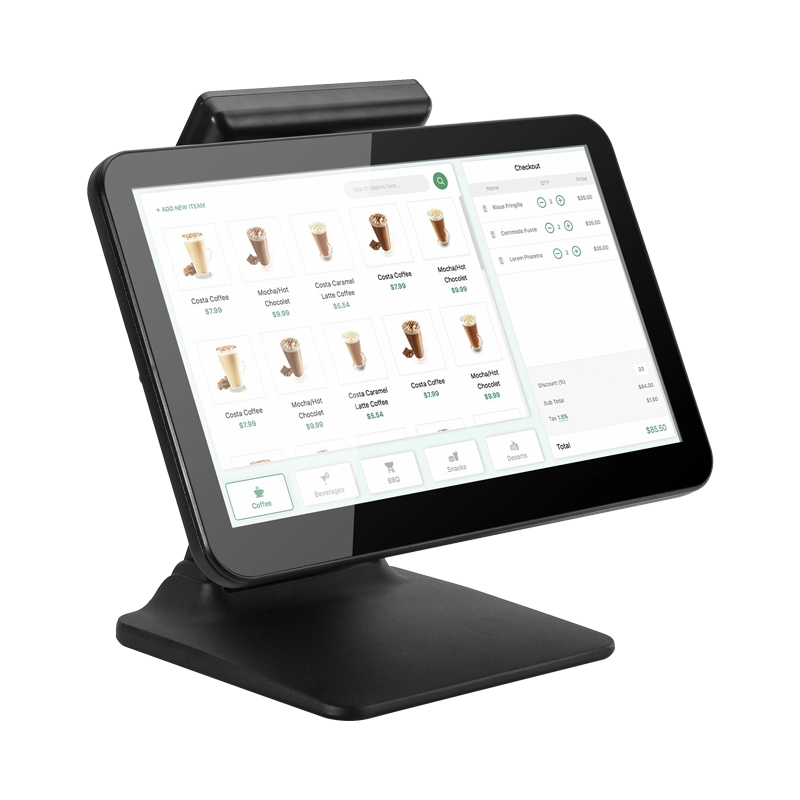
15.6 Inch Windows POS Terminal with VFD Display, Foldable Aluminum Stand Touch Screen POS for Retail & Hospitality
This 15.6-inch POS terminal is built to meet the needs of modern retail and hospitality environments. Powered by a stable Windows operating system, it ensures smooth performance for various point-of-sale applications. The device features a crisp, responsive touch screen and a built-in VFD customer display, allowing customers to view transaction details clearly. Its aluminum alloy stand offers a sleek, professional appearance while providing enhanced durability and stability for busy checkout counters. Ideal for retail stores, restaurants, and service-based businesses, this POS machine delivers a reliable and customer-friendly checkout experience.
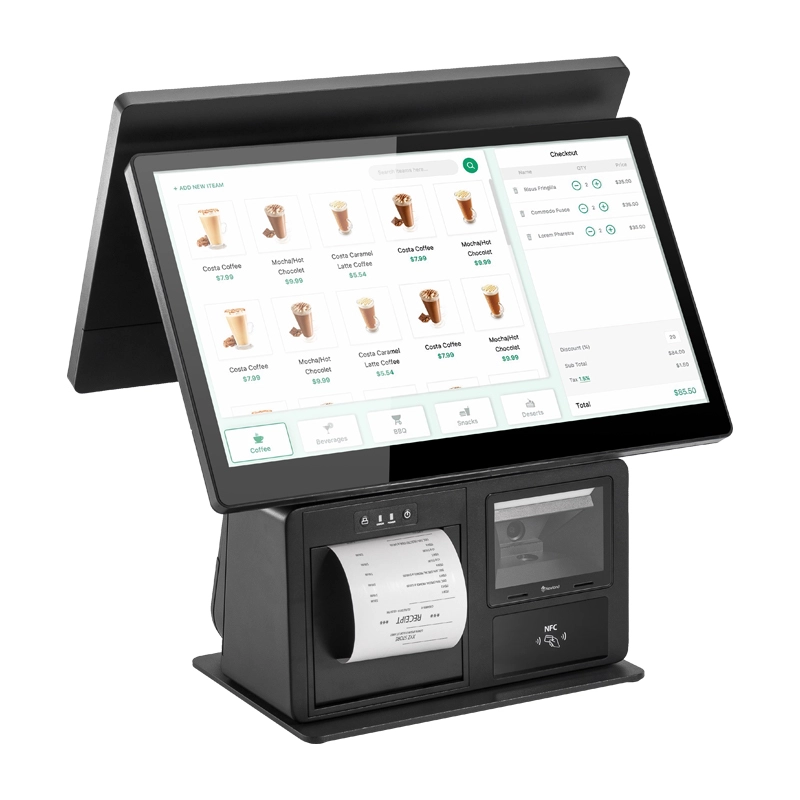
Point of Sale System with Thermal Printer All in One Pos Dual Touchscreen Pos with Barcode Scanner Supplier
FAVORPOS presents the all-in-one Point of Sale System with Thermal Printer, featuring dual touchscreens and an integrated barcode scanner. As a leading POS with NFC factory and barcode scanner supplier, we deliver reliable, efficient solutions tailored for your business needs.
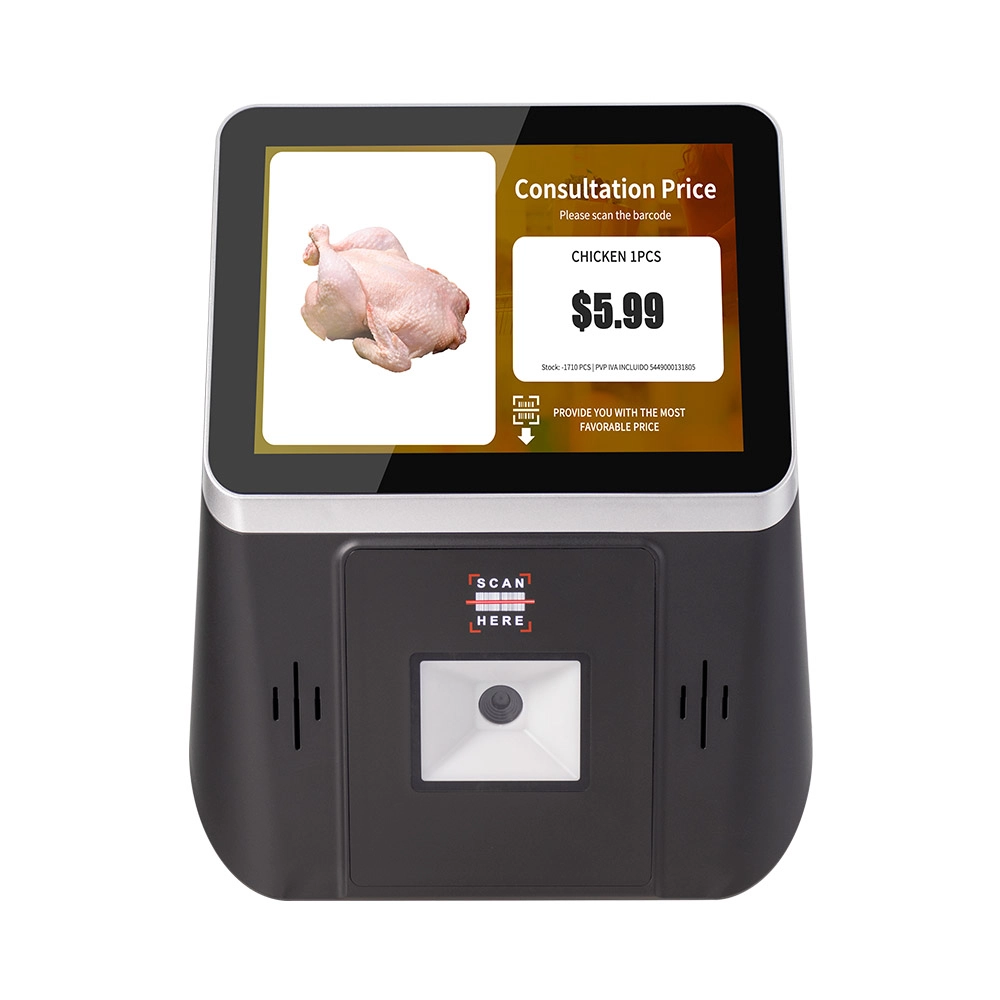
8 inch Wall Mount Price Checker with Scanner Android Windows Factory
Our 8-inch Wall Mount Price Checker is designed for optimal convenience in retail spaces, featuring a sleek design that fits seamlessly into any environment. Compatible with both Android and Windows, this unit includes an integrated scanner for quick and accurate price checks. Its wall-mounted design saves counter space while providing easy access for customers. Ideal for enhancing efficiency and improving the shopping experience.
Get in touch
Interested in becoming a POS system dealer? Contact us for more information and start the process of joining our dealer network.
We look forward to working with you to expand the market together.


Copyright © 2025 Favorpos All Rights Reserved.
