
Everything You Need to Know About how to unlock android pos machine
- Understanding the Basics: What Is an Android POS Machine?
- Common Reasons POS Machines Get Locked
- Preparation Steps Before Unlocking Your Device
- Step-by-Step Guide: How to Unlock an Android POS Machine
- How to Avoid Lockouts in the Future
- Understanding the Importance of POS System Security
- FAQs About Unlocking Android POS Machines
- Q: Is it safe to perform a factory reset on my POS machine?
- Q: How often should I update my POS software?
- Q: Can I unlock my Android POS machine without professional help?
- Conclusion: Enhancing Opera-tions with FAVORPOS
Unlocking the Potential of Your Android POS Machine
In today's fast-paced business environment, efficiency and technology go hand in hand. For businesses relying on point-of-sale systems, ensuring these tools are operating smoothly is vital. An Android POS machine, rich in features and capabilities, stands as a cornerstone for many enterprises. But what happens when you encounter lock-out issues? Understanding how to unlock an Android POS machine not only saves time but also ensures uninterrupted operations. At FAVORPOS, we're committed to guiding you through every step to maximize your POS system's potential.
Understanding the Basics: What Is an Android POS Machine?
Before diving into unlocking procedures, it's important to grasp what an Android POS machine entails. Designed to streamline transactions, these devices leverage Android's flexibility and user-friendliness. Catering to various market segments, from retail to restaurants, FAVORPOS offers sophisticated systems that are at once efficient and reliable. With both OEM and ODM capabilities, our Android POS solutions are tailored to meet diverse business requirements.
Common Reasons POS Machines Get Locked
One of the first steps towards unlocking an Android POS machine is understanding why it was locked in the first place. Common causes include software glitches, incorrect password entries, or expired software licenses. At FAVORPOS, we emphasize the importance of regular software updates and password management strategies to prevent such scenarios. By recognizing these common issues, businesses can take preventive measures to avoid downtime.
Preparation Steps Before Unlocking Your Device
Before attempting to unlock your Android POS machine, it's crucial to gather necessary information and prepare adequately. Ensure you have the device's model number and any relevant documentation, including purchase and warranty details. This information might be needed for verification purposes. Moreover, backing up your POS data is imperative to avoid potential data loss during the unlocking process.
Step-by-Step Guide: How to Unlock an Android POS Machine
Unlocking an Android POS machine may seem daunting, but our step-by-step guide simplifies the process:
1. Check the User Manual: Often overlooked, the user manual is a treasure trove of information specific to your POS model. It may contain reset instructions or default login credentials.
2. Software Update: Ensure your device is running the latest software version. Visit the manufacturer's website or contact FAVORPOS support for guidance on updating your software.
3. Factory Reset: As a last resort, a factory reset can unlock the device. Be warned: this action will erase all data, so ensure a backup is completed.
4. Contact Support: If self-troubleshooting fails, contacting the manufacturer's support team or FAVORPOS's customer service can offer professional assistance tailored to your specific device needs.
How to Avoid Lockouts in the Future
Prevention is always better than cure. By implementing regular maintenance checks and applying robust password management strategies, businesses can minimize the risk of future lockouts. Installing reliable antivirus software and ensuring regular software updates also play a pivotal role in securing your Android POS machine.
Understanding the Importance of POS System Security
Beyond preventing lockouts, ensuring the security of your POS system is paramount. With cyber threats on the rise, protecting sensitive customer data is crucial. FAVORPOS recommends a comprehensive security audit, which should include network security checks and employee training on best practices.
FAQs About Unlocking Android POS Machines
Q: Is it safe to perform a factory reset on my POS machine?
A: While a factory reset can help unlock your device, it will erase all data. Ensure you have backed up everything before proceeding.
Q: How often should I update my POS software?
A: Regular updates, ideally coinciding with the manufacturer's release schedule, are crucial for security and functionality.
Q: Can I unlock my Android POS machine without professional help?
A: Depending on the issue, you may unlock it using manual or software solutions. However, professional assistance from FAVORPOS guarantees a safe and efficient process.
Conclusion: Enhancing Opera-tions with FAVORPOS
Unlocking an Android POS machine doesn't have to be a challenge. By following the steps in this guide, businesses can maintain seamless operations and focus on what truly matters—serving customers. As specialists in advanced POS solutions, FAVORPOS is dedicated to providing reliable support and innovative technologies that empower businesses to achieve their goals. Whether through our sophisticated POS systems or expert advice, we're here to facilitate your success in the competitive market landscape.
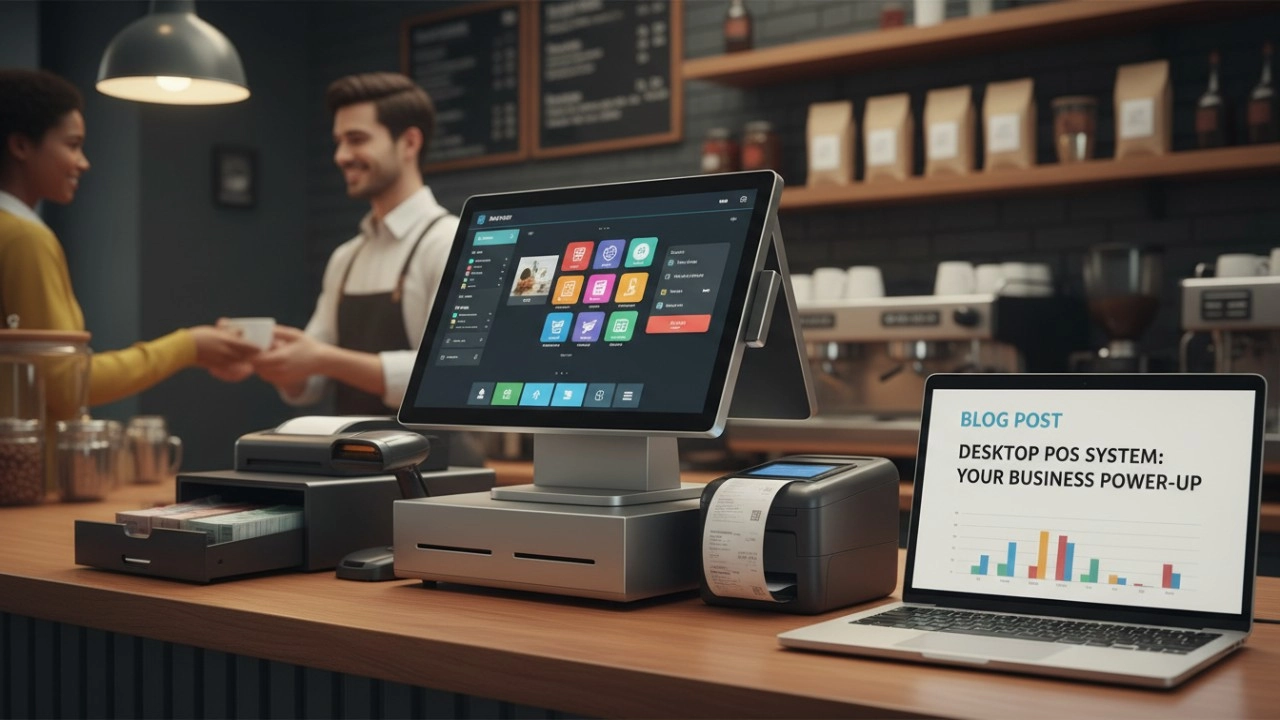
25 Best Desktop Based POS Systems for 2026: The Ultimate Comparison Guide [Updated]
FAVORPOS best professional cash register with cash drawer Manufacturers and supplier brand
Top 5 pos touch screen cash register system Company List and Products Compared
How to manufacturing retail price checker in UK
For company
Can I visit your factory?
Certainly, welcome to visit our factory at any time.
For Restaurants & Cafes
How long does it take to deliver the equipment?
The delivery time for standard equipment is generally 3 to 4 weeks. For customized equipment, the delivery time may be 6 to 8 weeks. The specific time will be provided after the order is confirmed to ensure timely delivery to meet your needs.
For ODM
What are the main advantages of ODM service?
You can enjoy the following advantages by choosing our ODM service:
1. Innovative design: Our team provides cutting-edge design solutions to ensure that products meet the latest market trends.
2. Full process management: Full process management from design to production to reduce your operational complexity.
3. Customization: We provide personalized hardware customization services according to your needs.
4. Quality assurance: Strict quality control procedures ensure high standards for each POS machine.
5. Cost-effectiveness: Efficient production processes help reduce costs while maintaining high quality.
For E-commerce
What kind of support do you provide after the system is implemented?
We provide 24/7 technical support, regular firmware updates, and ongoing maintenance to ensure that the system always maintains optimal performance.
For Healthcare
Do you provide training for our employees?
Yes, we provide comprehensive training materials to ensure that your employees are proficient in using the new machine.

Dual Screen POS With Barcode Scanner Desktop POS Manufacturer POS Factory 15.6 11.6 Client Screen Optional
FAVORPOS: Your leading dual screen POS factory and manufacturer. Our desktop POS with barcode scanner offers 15.6/11.6 client screen options and OS flexibility. Get reliable, efficient dual screen POS with barcode scanner solutions directly from us.

Foldable Touch Screen POS Cash Register 15.6'' Windows Supplier Aluminum
This innovative cash register combines portability with advanced functionality, making it ideal for retail environments. Its aluminum construction ensures durability while maintaining a lightweight design for easy transport and setup. The foldable feature allows for convenient storage and flexibility in various business settings.

Factory 11.6'' Touch Screen POS Terminal Android Windows
The Factory 11.6'' Touch Screen POS Terminal is a versatile solution that supports both Android and Windows operating systems. Designed for durability and efficiency, this terminal is perfect for various retail environments. Its compact size and responsive touch screen enhance customer interactions, making transactions quick and seamless.

HD Dual Screen POS Machine Aluminum Hardware Android Windows Supplier
This dual-screen POS machine supports both Android and Windows systems, providing flexibility for various applications. The dual screens enhance customer interaction and streamline the checkout process, making transactions quicker and more engaging. Perfect for modern businesses looking to elevate their service and improve customer satisfaction, this POS machine is your ultimate partner in success!


Copyright © 2025 Favorpos All Rights Reserved.
