
What POS systems offer the best payment security for retail?
- 1. Which POS systems can securely process offline card transactions for multi-store retail chains and how do I quantify the fraud vs. uptime trade-off?
- 2. How do I verify a POS vendor’s PCI P2PE and PCI DSS claims before signing, and what exact documents/proofs should I request?
- 3. For a medium-sized retail store that needs EMV/contactless and integrated payments, which POS systems offer built-in tokenization and predictable processing costs for growing omnichannel sales?
- 4. What physical hardware and terminal hardening steps actually reduce card-present fraud in boutique retail stores?
- 5. How can I securely migrate inventory, CRM, and payment data from a legacy on-premise POS to a cloud POS without exposing cardholder data or violating PCI scope?
- 6. Which POS vendors and terminal types provide continuous malware monitoring and endpoint protection for Android-based POS terminals, and how should I require that in contracts?
- Concluding summary: Advantages of selecting a secure, modern POS for retail
Best POS Systems for Retail Stores: Specific Security & Purchase Questions Answered
Choosing the right retail POS system means balancing inventory and omnichannel features with strong payment security. Below are six frequently asked, long-tail questions beginners ask but rarely find thorough answers to. Each answer explains what to request from vendors, security standards to verify, and practical implementation steps for retail stores and multi-location chains.
1. Which POS systems can securely process offline card transactions for multi-store retail chains and how do I quantify the fraud vs. uptime trade-off?
Why this matters: Small retail chains and pop-up stores often need reliable offline processing when the internet or WAN links are unstable. Many vendor pages say “offline mode available” but omit the security, reconciliation, and fraud-exposure details you need to make an informed purchase.
Key technical reality: Any true offline card acceptance that stores raw PAN or authorization data locally increases fraud exposure because host authorization and real-time issuer checks are delayed. Modern secure solutions reduce that risk by encrypting card data on-device (P2PE or device-based encryption), tokenizing immediately, queuing only encrypted payloads, and enforcing configurable risk limits.
What to require from a vendor:
- Proof that the payments path uses point-to-point encryption (P2PE) or strong device encryption so PANs never appear in clear in local storage or logs. Verify against the PCI SSC List of Validated P2PE Solutions or the vendor’s security whitepaper.
- Clear offline policy: maximum single-transaction offline limits, total queued-transaction caps per terminal, and automatic decline thresholds when connectivity is restored if issuer refuses.
- Reconciliation and duplicate-detection processes for queued transactions once connectivity returns; ability to flag suspect transactions for manual review.
- Tamper-resistant hardware (PCI PTS-certified PIN pads/card readers) so card data isn’t extracted physically during offline windows.
How to quantify fraud vs. uptime: Define your acceptable risk by measuring average ticket size and peak offline time. For example, small boutiques with average tickets <$50 may accept longer offline windows with higher queued transactions if the vendor supports small-transaction thresholds and velocity checks. For high-ticket jewelry or electronics, insist on real-time authorization only or extremely low offline caps (e.g., single-transaction limits under $50) to avoid large chargebacks.
Practical vendor selection tip: Ask for the vendor’s offline-mode incident log for a like-sized merchant (redacted) or an SLA addendum describing chargeback liability allocation during offline periods.
2. How do I verify a POS vendor’s PCI P2PE and PCI DSS claims before signing, and what exact documents/proofs should I request?
Why this matters: Many vendor marketing pages use “PCI-compliant” loosely. Beginners often accept high-level claims without verifying the specific compliance scope. The distinction between hosting a PCI-compliant environment vs. offering a validated PCI P2PE solution is critical to reduce your cardholder data environment (CDE) scope.
Exactly what to request and validate:
- Proof of PCI DSS compliance: a current Attestation of Compliance (AoC) or Report on Compliance (ROC) if they claim Level 1. Match the AoC date and scope to the services you’ll purchase (payment processing, hosting, POS SaaS, etc.).
- If they claim P2PE, request the PCI SSC-validated P2PE solution ID and verify it on the PCI Security Standards Council website’s list of validated P2PE solutions. A validated P2PE solution reduces the merchant’s scope dramatically because card data is encrypted before entering your systems.
- PCI PTS (PIN Transaction Security) certification information for the specific terminal model they supply — ensures tamper resistance at the point of entry.
- Whitepapers or architecture diagrams showing where encryption/decryption occurs, data retention policies, key management approach (who holds keys: processor vs vendor), and whether tokenization occurs at the processor.
- Security contact and breach notification SLA — require notification within a defined window (48–72 hours) and ask how they handle forensic investigations and remediation costs.
Red flags: Vendors that provide only a marketing line like “we’re PCI compliant” without an AoC, or cannot name the validated P2PE solution and terminal certifications. Always verify certificates against the issuing authority, and if in doubt, request a security review with your IT/security team or an independent assessor.
3. For a medium-sized retail store that needs EMV/contactless and integrated payments, which POS systems offer built-in tokenization and predictable processing costs for growing omnichannel sales?
Why this matters: Retailers moving to omnichannel (online + in-store + curbside) need consistent tokenized payments across channels so returning customers can use stored tokens securely and retention analytics remain accurate. Pricing predictability is also crucial to avoid surprise fees as volumes grow.
Security and architectural essentials to demand:
- Tokenization across channels: card-on-file tokens that work for in-store EMV/contactless, e-commerce checkouts, and mobile wallets so tokens are vaulted with a single processor or token service provider (TSP).
- EMV/contactless acceptance through PCI PTS-certified hardware and support for offline/contactless limits consistent with your risk profile.
- Transparent pricing model or interchange-plus pricing disclosure; ask for examples of monthly statements for comparable merchants to confirm total cost of acceptance as you scale.
- Built-in fraud tools tied to tokenization: velocity rules, AVS/CVC checks for card-not-present, and the ability to flag tokens for manual review or revoke tokens instantly.
Systems to evaluate (feature-focused, not an endorsement): Square for Retail, Shopify POS, Lightspeed Retail, Clover, and Revel are commonly selected by medium retailers because they integrate inventory, loyalty, and tokenized payments. However, vendor offerings change—always confirm their tokenization approach (processor-vaulted vs vendor-vaulted) and request a network diagram showing token flow.
4. What physical hardware and terminal hardening steps actually reduce card-present fraud in boutique retail stores?
Why this matters: Many boutique owners focus on software features but underestimate physical attack vectors: tampered card readers, skimmers attached to terminals, and unprotected cable access points.
Concrete hardware and operational controls that reduce card-present fraud:
- Use PCI PTS-certified PIN pads and card readers with tamper-evident seals and tamper-detection switches. These devices zeroize keys if tampering is detected.
- Secure mounting: mount terminals to anchored pedestals or fixed stands to prevent easy removal; consider enclosures that make it hard to attach a skimmer.
- Regular physical inspections: checklist for staff to inspect terminal housings, seals, and cable connections at shift start and end. Keep inspection logs for audit and insurance purposes.
- Disable unnecessary interfaces: turn off or physically block USB ports not required for operation to avoid rogue devices being added.
- Firmware update policy: ensure terminals receive signed firmware only from the manufacturer; require vendors to push updates and provide an update history for all devices in your fleet.
- Camera placement and employee awareness: camera coverage that deters internal tampering (balanced with privacy laws) and regular staff training on social engineering attempts at the POS.
Procurement checklist: Require the terminal model and its PCI PTS certificate ID in the contract, and include an SLA clause obligating the vendor to replace compromised hardware within a short window and to provide incident reports.
5. How can I securely migrate inventory, CRM, and payment data from a legacy on-premise POS to a cloud POS without exposing cardholder data or violating PCI scope?
Why this matters: Retailers replacing legacy systems are anxious about losing customer records and exposing cardholder data during migration. Many online guides skip the specifics for protecting PANs and reducing PCI scope during transfer.
Step-by-step secure migration approach:
- Scope reduction first: determine where cardholder data (CHD) currently resides. If PANs exist in your legacy POS database, plan to tokenize or move only tokens. Never export unencrypted PANs unless absolutely necessary and only with a QSA-approved plan.
- Prefer processor-led tokenization: ask your payment processor to vault existing PANs and return tokens. Many processors can ingest encrypted file exports or work with a secure file transfer to tokenize without exposing PANs to your team.
- Use secure transfer methods: SFTP/FTPS with mutual TLS, signed encryption keys, and AES-256 for at-rest files. Log and audit all transfers. If files must be temporarily stored, keep them encrypted and set strict access controls with immediate deletion after tokenization.
- Record-level mapping: map legacy customer IDs and inventory SKUs to new system IDs before migration to avoid re-exporting sensitive files. Verify referential integrity with a small pilot before full cutover.
- Test cutover in an isolated environment: validate tokenized payments, reconciliation, and refunds. Perform test refunds and chargebacks with tokens only—no PANs in the test environment.
- Retire or sanitize legacy databases: once migration is verified, securely wipe or destroy databases that contained PANs using NIST SP 800-88 or applicable local standards; retain only required audit logs according to compliance and tax rules.
Documentation to demand from the vendor: migration plan with security controls, data flow diagrams, SFTP certificate fingerprints, list of staff with access during migration, and a rollback procedure. If PANs must be handled, insist on an independent QSA review and a signed attestation of proper handling.
6. Which POS vendors and terminal types provide continuous malware monitoring and endpoint protection for Android-based POS terminals, and how should I require that in contracts?
Why this matters: The proliferation of Android-based POS devices makes them attractive to vendors (lower hardware cost), but Android’s app ecosystem and slower patch cycles can increase malware risk if endpoints aren’t protected and managed centrally.
Technical controls and contractual requirements to insist on:
- Managed Android image and Mobile Device Management (MDM/EMM): the vendor should deploy a locked-down Android build, control app sideloading, enforce OS updates, and provide remote wipe capabilities.
- Application whitelisting: only signed, vendor-approved POS apps and payment agent apps should be allowed to run; forbid third-party app stores on terminals.
- Endpoint protection: anti-exploitation, runtime application self-protection (RASP), and regular malware scanning. Ask vendors to disclose the endpoint protection product/technology and update cadence.
- Security monitoring and alerting: central logging with SIEM integration or vendor-provided monitoring that alerts you to root detection, unexpected apps installed, or network anomalies. Require notification SLA for detected compromises.
- Hardware-level security: prefer terminals with a Secure Element or hardware-backed key store for encryption keys rather than storing keys in standard Android keystores.
How to specify this in contracts:
- Include a security appendix listing required protections (MDM, whitelisting, signed firmware, EDR/malware detection), update cadence (monthly security patches minimum), and incident response timelines.
- Require periodic security reports or dashboards summarizing terminal health, patch status, and detected threats across your estate.
- Right-to-audit clause or a vendor-provided third-party security attestation (e.g., SOC 2) for their terminal management service.
Vendors and devices: Some terminal manufacturers (PAX, Verifone, Ingenico/Worldline) ship Android-based payment terminals with vendor-managed images and partner security suites. Payment processors and POS vendors often integrate these terminals into their solutions. Always verify the specific terminal model, the vendor’s management approach, and request evidence of secure image management in the sales process.
Concluding summary: Advantages of selecting a secure, modern POS for retail
Choosing the right POS for retail stores means more than comparing checkout speed or inventory features. A modern, well-architected POS that adheres to PCI P2PE or PCI DSS standards, uses tokenization and EMV/contactless, ships PCI PTS-certified hardware, supports secure offline handling, and provides centralized terminal management reduces your PCI scope, lowers fraud and chargeback risk, and simplifies omnichannel operations. Additional benefits include improved customer experience through vaulted payment tokens and faster reconciliation across stores and channels.
Next step: if you’d like a security-focused quote or a vendor comparison tailored to your retail profile and transaction volume, contact us for a quote at www.favorpos.com or email sales2@wllpos.com.
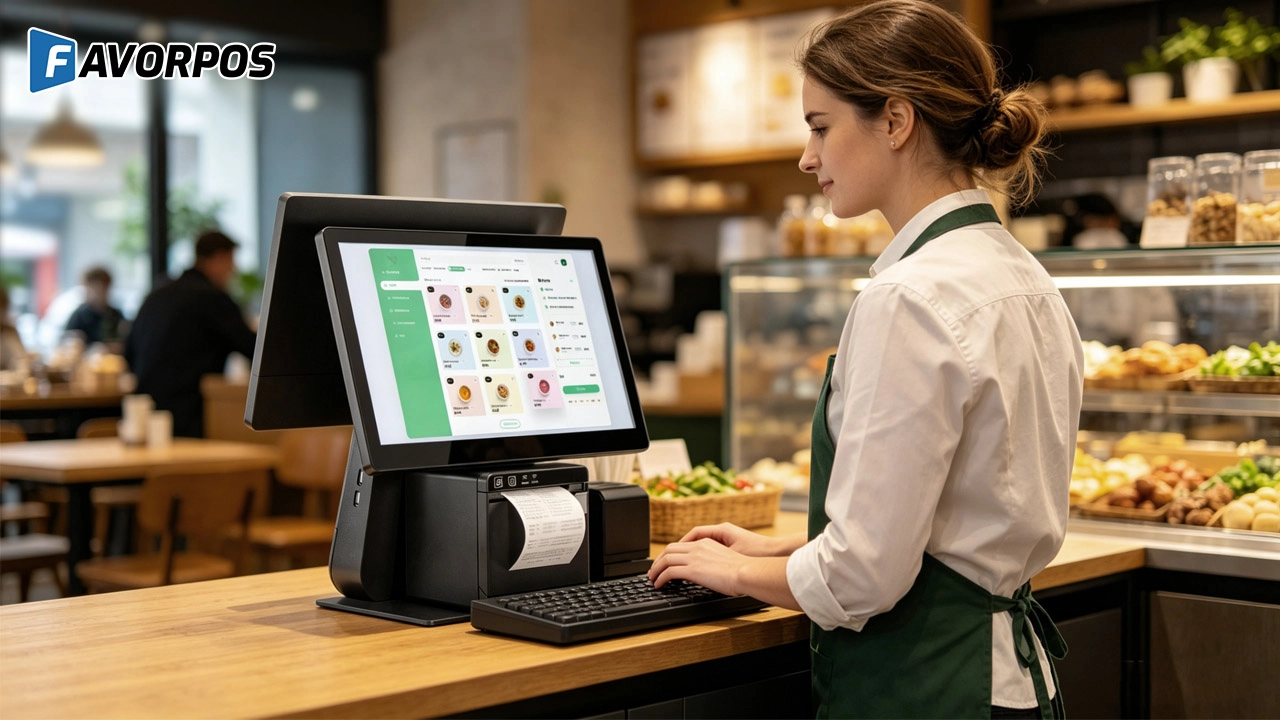
Smart Checkout, Simplified: Exploring the Power of a 15.6-Inch All-in-One POS Terminal
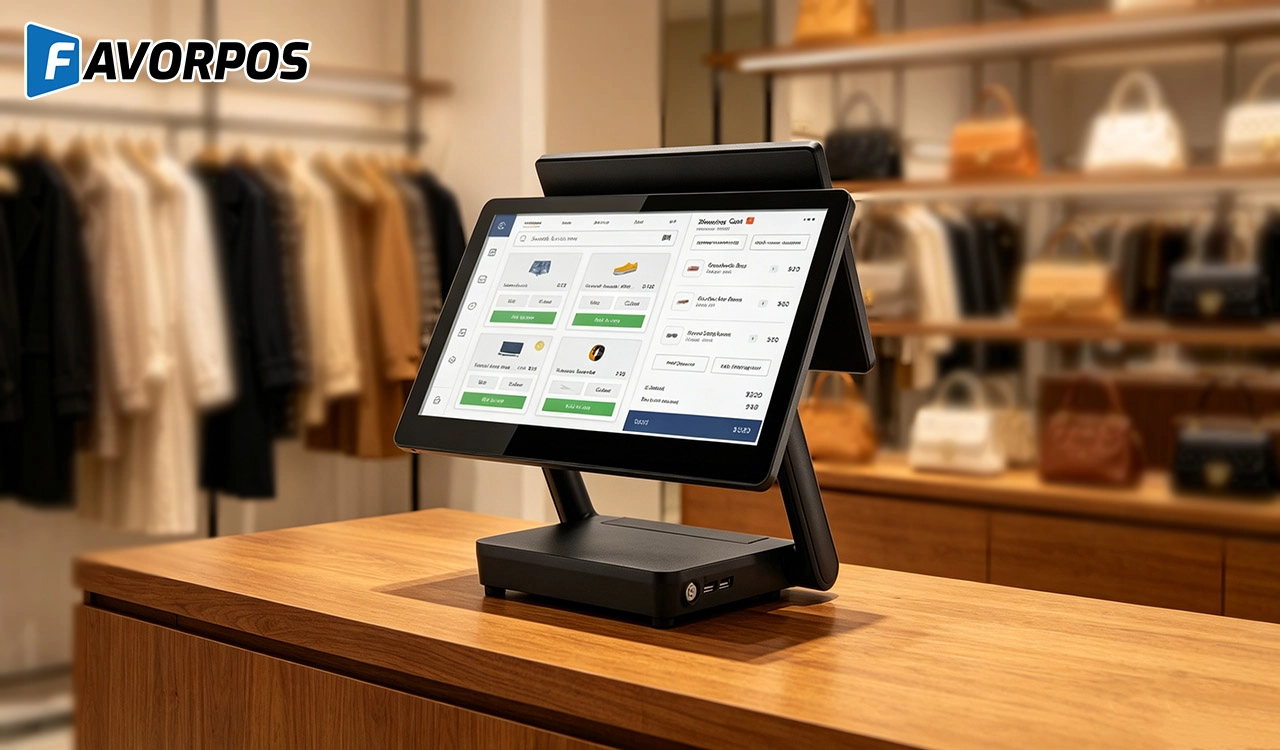
Why a 15.6” Touch POS Terminal Is Becoming the New Standard in High-Traffic Retail
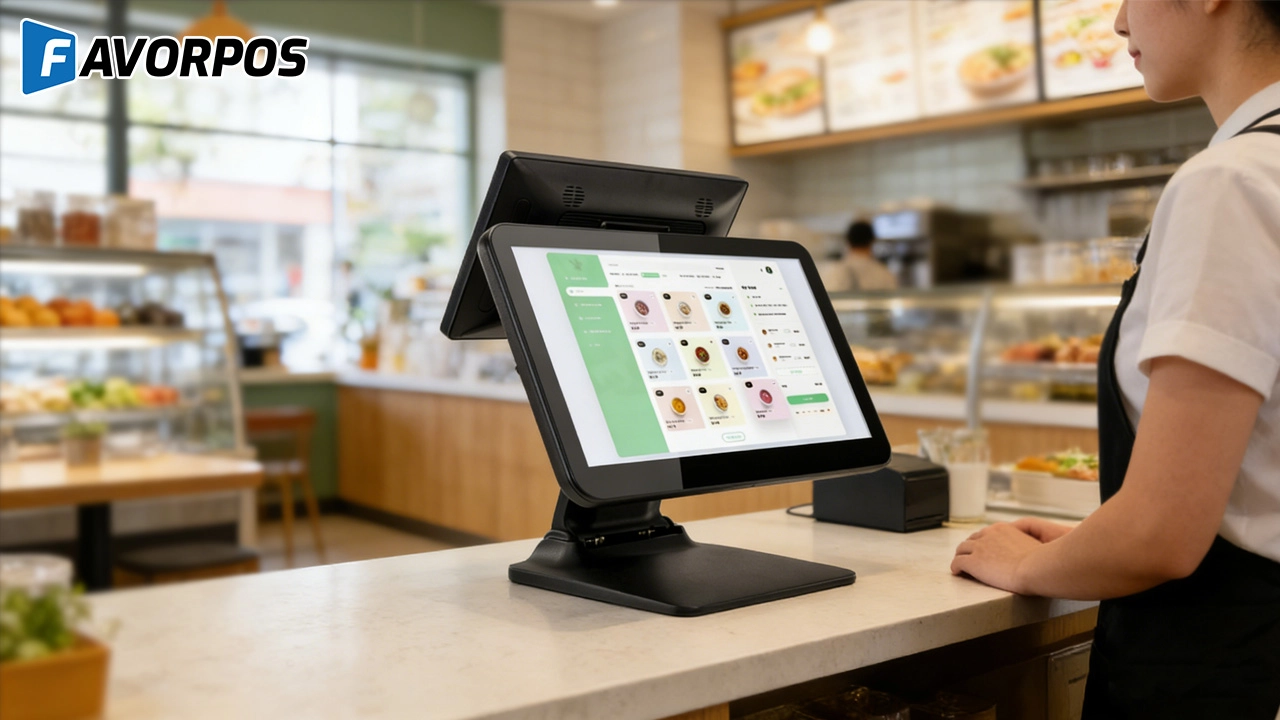
Beyond Checkout: How a 15.6-Inch Aluminum POS System Redefines Retail Efficiency
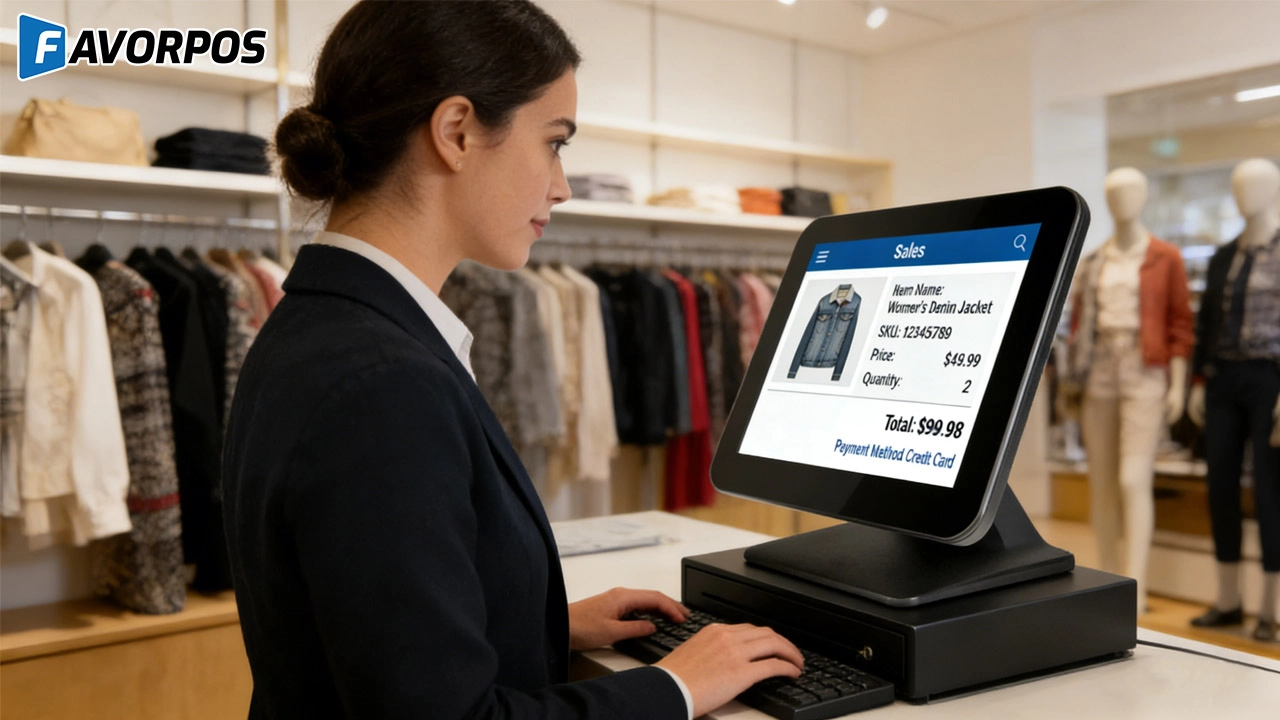
Understanding 15-Inch Aluminum POS Terminals in Modern Commercial Use
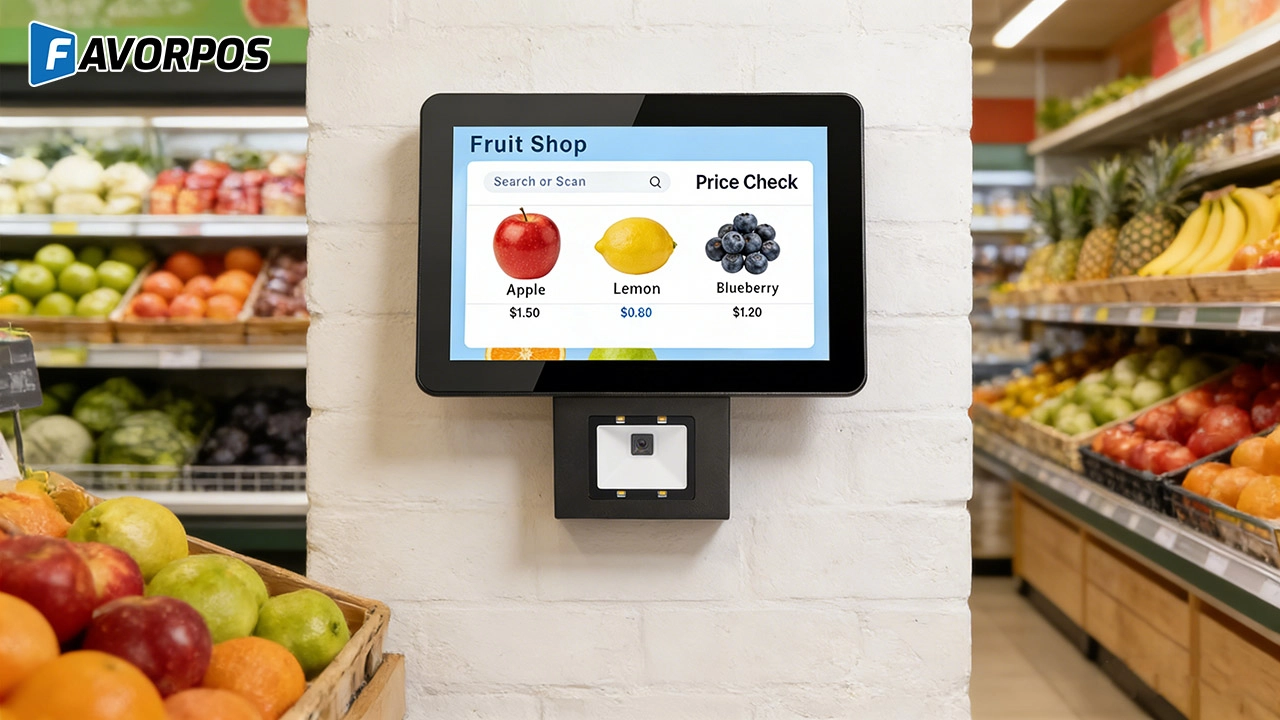
The Smart Way to Check Prices: How a 10.1-Inch Wall-Mounted Price Checker Transforms Retail Stores
For E-commerce
Can I manage multiple online stores from one system?
Yes, our POS system supports multi-location and multi-store management, allowing you to centrally manage all e-commerce operations.
For Solutions Retail
Can your equipment support multiple languages and currencies?
Yes, our POS system supports multi-language operation interfaces and multi-currency transactions to meet the needs of the global market. You can set different language and currency options according to the specific requirements of the country or region where your business is located.
For Hotels
Can I track restaurant and spa inventory through your POS system?
Yes, our system includes inventory management functions, allowing you to track inventory status of various departments such as restaurants and spas in real time.
Does your POS system support multi-currency payments?
Yes, our system supports multi-currency payments, making it convenient for international guests to pay in their preferred currency.
For ODM
Can we provide our own designs?
Of course. We welcome customers to provide their own design concepts and specifications. Our design team will work with you to ensure that your design is implemented in the manufacturing process and make necessary optimizations.
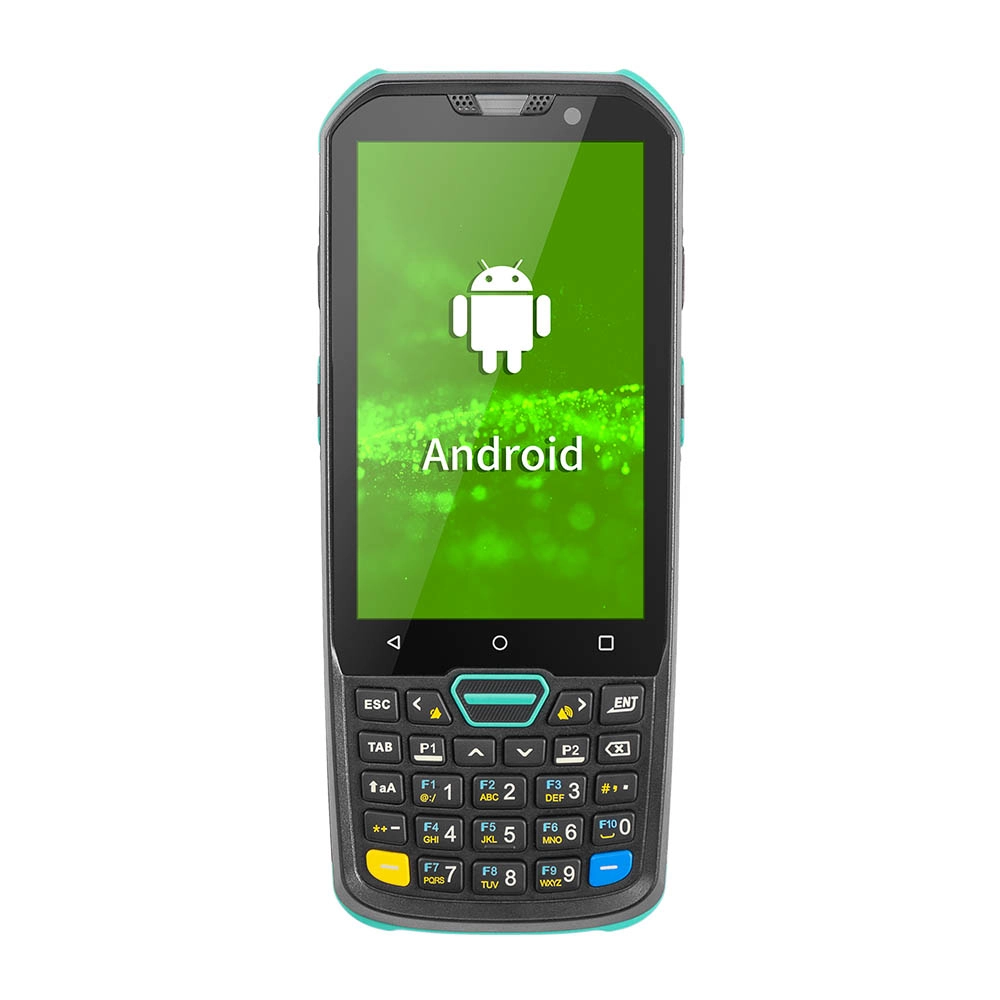
Factory Smart 4 inch Mobile PDA Data Collector with Keyboard
Our Factory Smart 4-Inch Mobile PDA Data Collector is equipped with a convenient keyboard for easy data entry. This compact device is designed for efficient inventory management and logistics operations, offering robust performance in a lightweight design. With a bright display and user-friendly interface, it allows for quick access to essential data on the go. Its durable construction ensures reliability in demanding environments, making it an ideal choice for retail, warehousing, and field operations.

11.6 inch Capacitive Touchscreen for POS Machine POS Monitor
FAVORPOS 11.6-inch capacitive touchscreen, specifically designed for POS machines to deliver a seamless and responsive user experience. This high-definition display offers vibrant visuals and crystal clear clarity, making it easy for staff to navigate through transactions efficiently. The capacitive technology ensures quick and accurate touch recognition, reducing wait times and enhancing customer satisfaction. Built to withstand the rigors of daily use, this touchscreen is perfect for retail and hospitality environments.
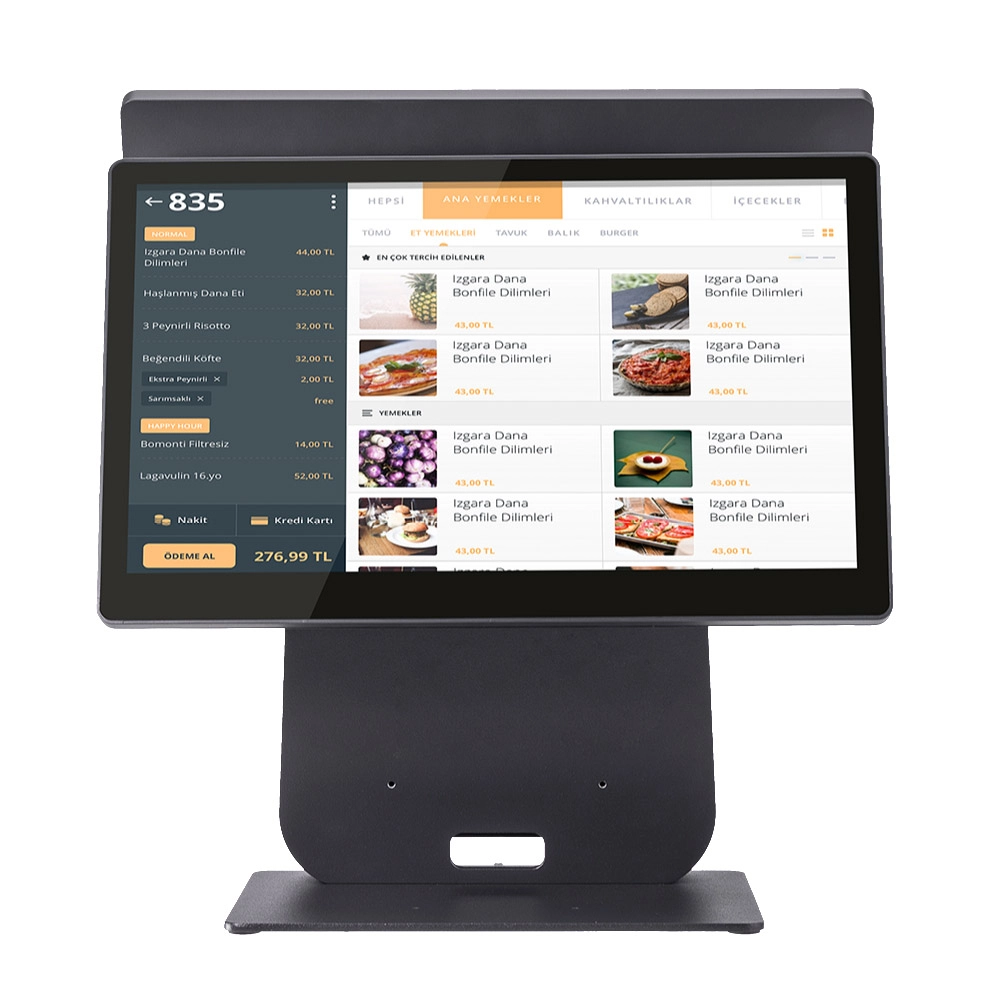
HD Dual Screen POS Machine Aluminum Hardware Android Windows Supplier
This dual-screen POS machine supports both Android and Windows systems, providing flexibility for various applications. The dual screens enhance customer interaction and streamline the checkout process, making transactions quicker and more engaging. Perfect for modern businesses looking to elevate their service and improve customer satisfaction, this POS machine is your ultimate partner in success!
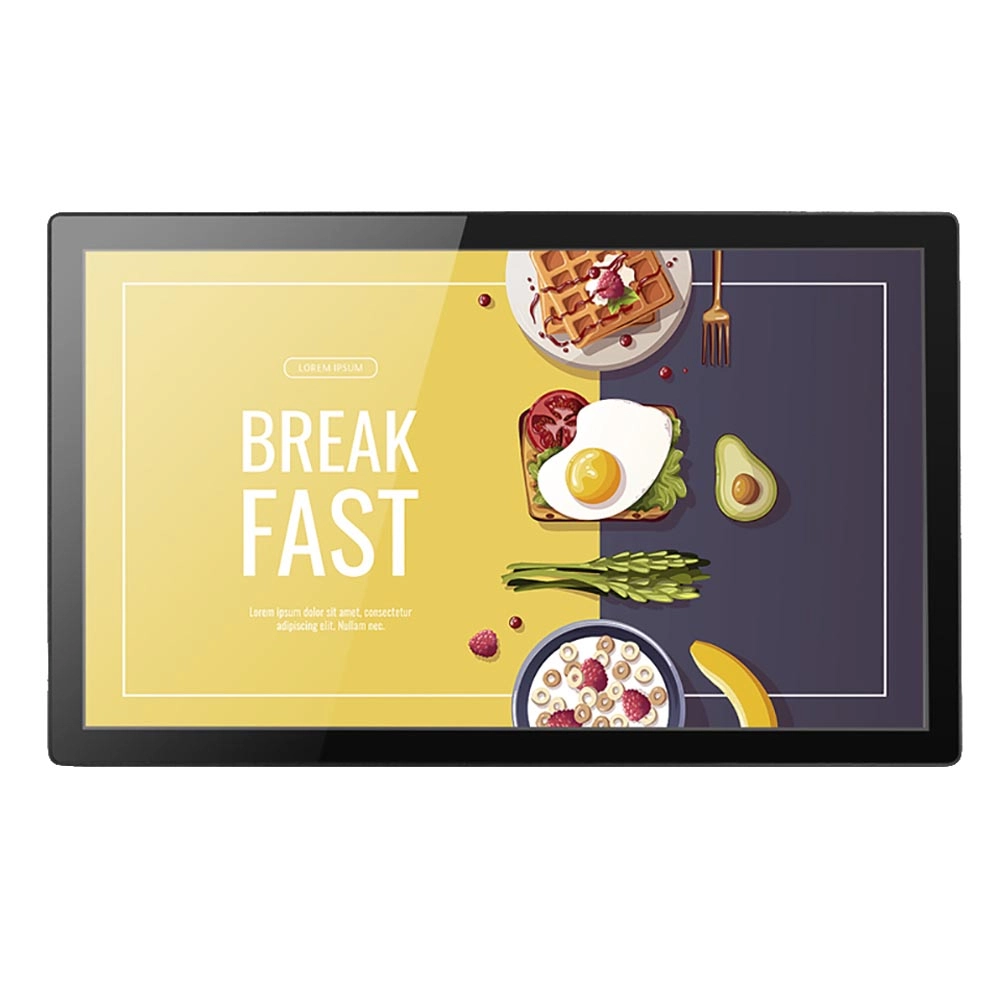
Wall Mount Cash Register POS 21.5 inch for Supermarket Touchscreen Windows Factory
Our sleek and modern wall-mounted POS system features a stunning 21.5-inch LED display, providing exceptional visibility and clarity for seamless customer interactions. The capacitive touchscreen ensures a highly responsive and intuitive user experience, perfect for fast-paced retail environments. With its space-saving wall-mounted design, this POS solution is ideal for optimizing floor space while maintaining a professional and contemporary appearance.
Get in touch
Interested in becoming a POS system dealer? Contact us for more information and start the process of joining our dealer network.
We look forward to working with you to expand the market together.


Copyright © 2025 Favorpos All Rights Reserved.
