
Everything You Need to Know About portable printer for receipt
- What is a Portable Printer for Receipt?
- Advantages of Using Portable Printers for Receipts
- Enhanced Mobility
- Improved Efficiency
- Cost-Effectiveness
- Key Features to Look for in a Portable Printer for Receipts
- Connectivity Options
- Battery Life
- Print Speed and Quality
- Best Practices for Using Portable Printers for Receipts
- Regular Maintenance
- Stay Updated with Software
- Optimize Printer Settings
- Frequently Asked Questions About Portable Printers for Receipts
- What Types of Businesses Benefit from Portable Printers?
- How Do Portable Printers Connect to Devices?
- Are Portable Printers Durable?
- Can Portable Printers Generate Digital Copies of Receipts?
- Conclusion: The Strategic Advantage of Portable Printers for Receipts
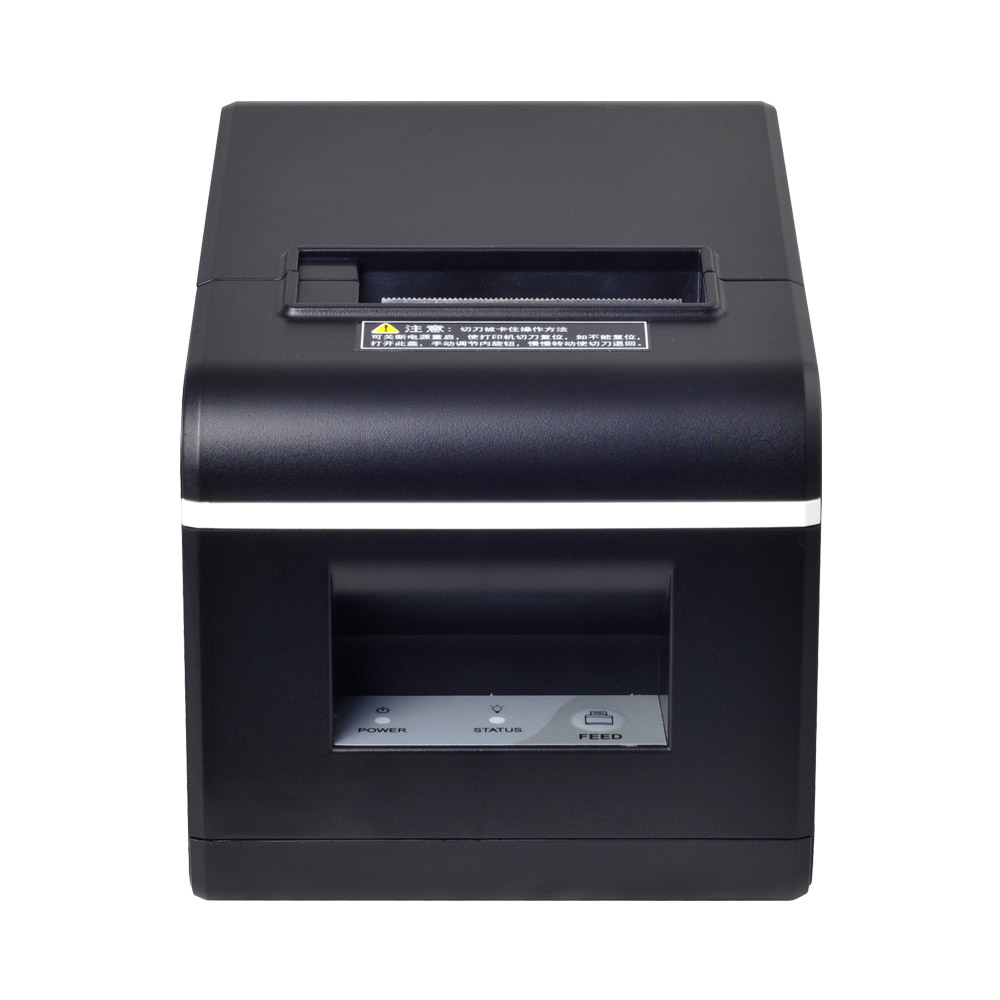
Introduction to Portable Printers for Receipts
In today's fast-paced business environment, optimizing operations is crucial for success. One way to enhance efficiency is by integrating a portable printer for receipts into your point-of-sale (POS) system. These devices are compact, versatile and ideal for businesses that require mobility and quick, reliable printing solutions. FAVORPOS, a leader in the POS industry, offers state-of-the-art solutions to cater to diverse business needs.
What is a Portable Printer for Receipt?
A portable printer for receipts is a compact and lightweight device designed to print sales receipts directly at the point of transaction, wherever that may be. It connects wirelessly to your POS system, allowing for instant printing without the need for stationary setups. These printers are particularly beneficial for mobile vendors, delivery services, and businesses with outdoor operations.
Advantages of Using Portable Printers for Receipts
Enhanced Mobility
The primary advantage of a portable printer is its mobility. These printers are an essential tool for businesses that operate outside conventional storefronts. Whether you're a food truck owner, a festival vendor, or a mobile service provider, a portable printer for receipts allows you to present professional, printed receipts to your clients on the spot.
Improved Efficiency
With a portable printer, transactions can be completed faster. Having the ability to print receipts immediately at the point of sale eliminates the need for handwritten receipts, reducing the chances of human errors and saving time.
Cost-Effectiveness
Portable printers often come with thermal printing technology, which means they do not require ink or toner, making them cost-effective in the long run. Thermal paper is generally more affordable, and the printers are designed to be durable, reducing maintenance and replacement costs.
Key Features to Look for in a Portable Printer for Receipts
Connectivity Options
Modern portable printers for receipts come equipped with multiple connectivity options, like Bluetooth, Wi-Fi, and USB. This flexibility ensures compatibility with various devices, be it smartphones, tablets, or traditional POS systems.
Battery Life
Battery life is a crucial feature as it determines how long the printer can operate before needing a recharge. Look for printers with long-lasting batteries — ideal for businesses that require all-day use.
Print Speed and Quality
Print speed is a significant factor, especially during peak business hours. A faster print speed minimizes waiting time for customers and enhances service efficiency. Additionally, consistent and clear print quality assists in maintaining professionalism in your business transactions.
Best Practices for Using Portable Printers for Receipts
Regular Maintenance
Regular maintenance ensures the longevity of your portable printer. Cleaning the printer heads and using quality thermal paper can prevent jams and extend the printer’s lifespan.
Stay Updated with Software
Manufacturers like FAVORPOS frequently release software updates to improve functionality and security. Keeping your printer’s firmware updated ensures peak performance and protects against potential vulnerabilities.
Optimize Printer Settings
Customize settings to fit your business needs. Adjust print density and paper size for optimal performance. These tweaks can improve both print quality and the device’s battery life.
Frequently Asked Questions About Portable Printers for Receipts
What Types of Businesses Benefit from Portable Printers?
Businesses that operate on the go — such as delivery services, fairs, taxis, and field sales teams — benefit immensely from the convenience and efficiency of portable printers.
How Do Portable Printers Connect to Devices?
Most portable printers connect via Bluetooth or Wi-Fi, ensuring ease of integration with smartphones, tablets, and POS systems.
Are Portable Printers Durable?
Yes, portable printers are designed to be robust to withstand various work environments. Many models also come with protective cases to enhance durability.
Can Portable Printers Generate Digital Copies of Receipts?
While portable printers are primarily designed for printing hard copies, many models can be integrated with POS systems that offer digital receipt options via email or text.
Conclusion: The Strategic Advantage of Portable Printers for Receipts
Incorporating a portable printer for receipts into your business strategy can significantly boost efficiency, reduce costs, and enhance customer satisfaction. Choosing the right model, tailored to your business needs, is essential. FAVORPOS excels in providing advanced, high-quality POS solutions, ensuring that your business remains competitive and efficient in any environment.
By leveraging the power of technology and focusing on customer satisfaction, businesses can benefit from increased operational efficiency and improved service delivery. Trust FAVORPOS to be your partner in navigating the modern POS landscape.
For further information and to explore our range of POS solutions, visit our website or contact our sales team directly.
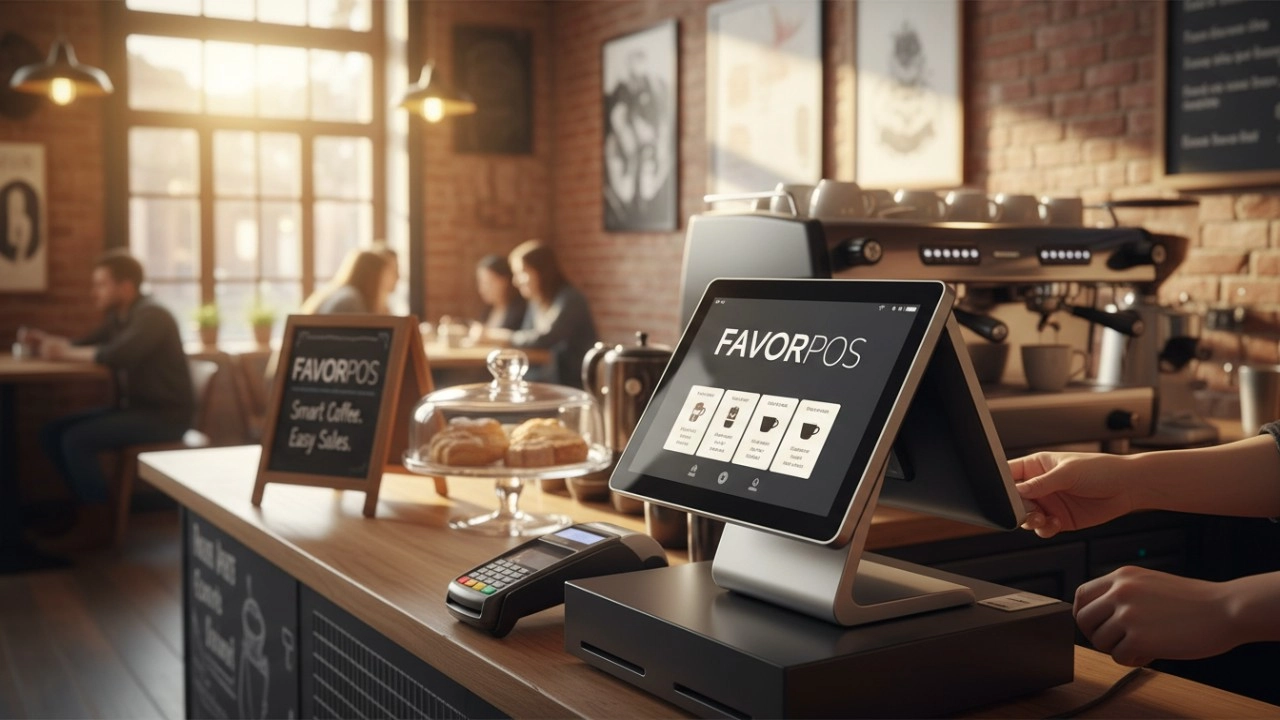
15 Best Coffee Shop POS Systems for 2026: The Definitive Comparison Guide
FAVORPOS best professional android pos Manufacturers and supplier brand
FAVORPOS best professional best pos systems for retail stores Manufacturers and supplier brand
Restaurant POS Integrations: Online Ordering & Delivery
For E-commerce
Can your POS system integrate with my existing e-commerce platform?
Yes, our POS system is compatible with major e-commerce platforms (such as Shopify, WooCommerce, Magento) and supports custom platforms through API integration.
For Entertainment & Events
Does your POS system support seat selection for events?
Of course, our system includes interactive seating maps, allowing customers to select seats in advance, making event management more organized.
For OEM
Can the POS machine be customized with multiple functions?
Yes, we provide a wide range of functional customization options, including hardware configuration, software functions, brand design, etc. You can choose different processors, screens, connection options, payment modules, etc. according to your business needs.
For company
May I have your product catalog?
Yes, contact us and we will send you the catalog for reference.
For ODM
Does the product comply with international standards and certifications?
Our POS machines comply with various international standards and certification requirements, including safety, electrical performance and environmental standards. We ensure that all products comply with relevant regulations during the production process so that they are suitable for the global market.
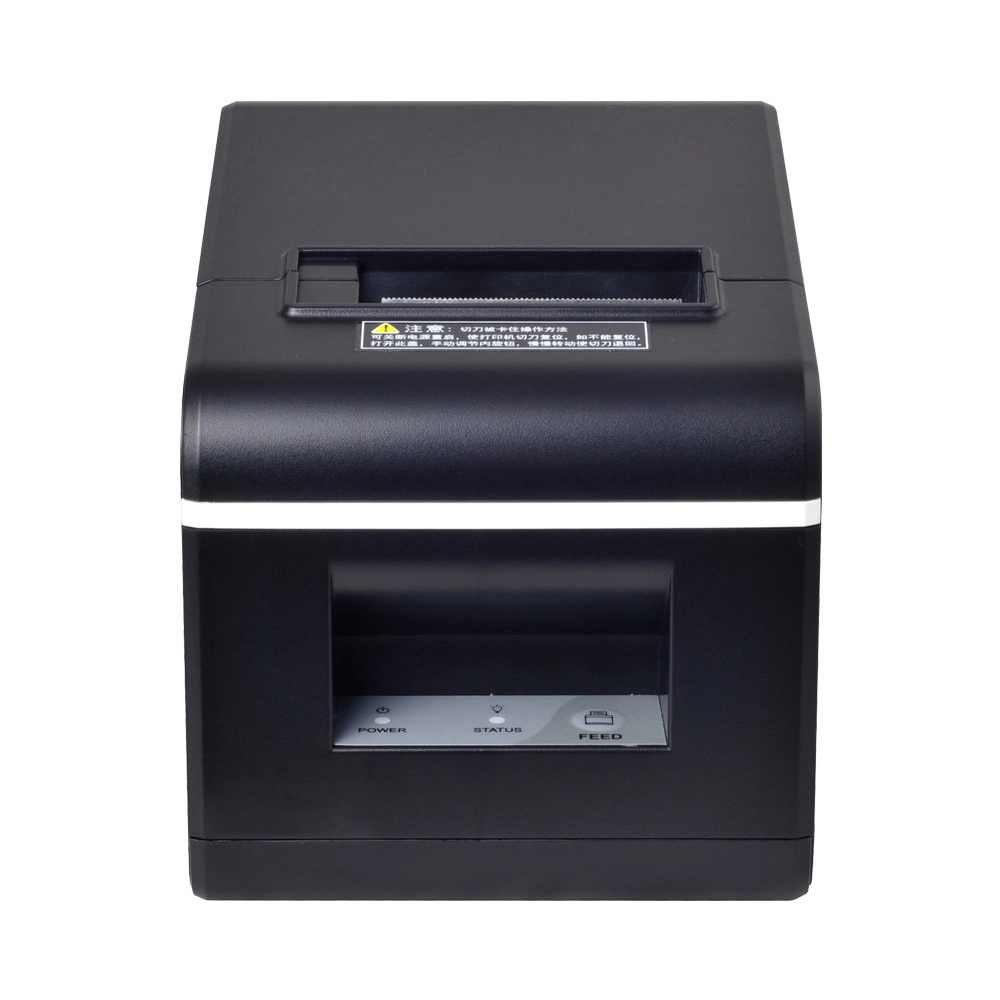
New Model Thermal Printer Bill Printer Manufacturer Portable Printer for Receipt
New Model Thermal Printer, a state-of-the-art bill printer designed for modern retail and hospitality environments. This printer combines advanced technology with user-friendly features, ensuring fast and efficient printing of high-quality receipts. Its sleek design complements any workspace, while multiple connectivity options make it easy to integrate into your existing POS systems.

Dual Screen POS With Barcode Scanner Desktop POS Manufacturer POS Factory 15.6 11.6 Client Screen Optional
FAVORPOS: Your leading dual screen POS factory and manufacturer. Our desktop POS with barcode scanner offers 15.6/11.6 client screen options and OS flexibility. Get reliable, efficient dual screen POS with barcode scanner solutions directly from us.

Foldable Touch Screen POS Cash Register 15.6'' Windows Supplier Aluminum
This innovative cash register combines portability with advanced functionality, making it ideal for retail environments. Its aluminum construction ensures durability while maintaining a lightweight design for easy transport and setup. The foldable feature allows for convenient storage and flexibility in various business settings.

Factory 11.6'' Touch Screen POS Terminal Android Windows
The Factory 11.6'' Touch Screen POS Terminal is a versatile solution that supports both Android and Windows operating systems. Designed for durability and efficiency, this terminal is perfect for various retail environments. Its compact size and responsive touch screen enhance customer interactions, making transactions quick and seamless.


Copyright © 2025 Favorpos All Rights Reserved.
