
How to choose from a restaurant POS systems list for small restaurants?
- 1) How do I calculate total monthly cost from a restaurant POS systems list for a 30-seat cafe doing $25K/month?
- 2) Which POS from a restaurant POS systems list can securely accept EMV/contactless payments while still allowing reliable offline payments?
- 3) How can I verify the hardware compatibility claims in a restaurant POS systems list before buying?
- 4) How to measure the depth of delivery and marketplace integrations listed on a restaurant POS systems list?
- 5) How can a small restaurant evaluate vendor support SLAs and local assistance from a restaurant POS systems list?
- 6) What exact data export and migration assurances should I demand when choosing from a restaurant POS systems list?
- Concluding summary of advantages of selecting from a vetted restaurant POS systems list
Restaurant POS Systems List: How to Choose for Small Restaurants
As a seasoned POS consultant with deep experience in restaurant POS systems, this guide answers six specific, under-covered questions beginners face when evaluating a restaurant POS systems list. Embedded below are practical checks, realistic cost ranges, and negotiation tactics that reflect current industry practices (cloud POS, EMV, PCI DSS, KDS, delivery integration).
1) How do I calculate total monthly cost from a restaurant POS systems list for a 30-seat cafe doing $25K/month?
Beginners often focus only on the monthly SaaS fee and miss card processing, hardware amortization, add‑on modules, and incidental fees. Follow this step-by-step method to estimate realistic total cost:
- Baseline SaaS subscription: check monthly tiers. For small restaurants this ranges roughly $50–$300/month depending on features (multi-location, loyalty, advanced reporting).
- Payment processing: get the effective rate (not just headline). Many card-in-person rates fall between 1.5%–3.5% + $0.10–$0.30 per transaction depending on interchange and the provider’s markup. For $25K monthly sales, a 2.5% blended rate equals $625/month.
- Hardware amortization: list the devices required (POS terminal/tablet, receipt printer, cash drawer, kitchen display system or KDS, scanner). Expect one-time costs of $300–$2,500 depending on new vs. refurbished hardware. Amortize over 24–60 months. Example: $1,200 total hardware / 36 months ≈ $33/month.
- Integrations & add-ons: delivery aggregator bridging, advanced inventory, loyalty or gift card modules often add $10–$150/month each. Include expected monthly transaction fees for gift cards/refunds if applicable.
- PCI & payment compliance costs: if the POS requires specific P2PE hardware or certificate renewals, budget a small annual fee or process-flow changes (sometimes $0–$200/year for SAQ support or validated P2PE solutions).
- Contract & early termination fees: check for minimum terms (many providers use 12–36 month contracts) and note early termination penalties which can appear as cancellation fees or accelerated payments.
- SaaS: $120/month
- Processing @ 2.5%: $625/month
- Hardware amortization: $33/month
- Delivery integration & loyalty: $60/month
- Misc (PCI/maintenance): $10/month
- Certified terminal with EMV and NFC (contactless) support: ensure terminals are from PCI-listed vendors (Ingenico, Verifone, PAX, BBPOS) and the vendor publishes their PCI/EMV certifications.
- Offline transaction policy: ask whether the POS supports offline EMV authorization or only card-entry caching. Offline EMV is inherently risky: most EMV chip authorizations require online communication to validate dynamic cryptograms. Many systems instead cache card details or tokenized transaction data for later submission —increase in risk of declines and chargebacks.
- Liability and chargebacks: EMV liability shift (since 2015) means if you accept an EMV transaction offline and it later proves fraudulent, you could assume liability. Ask vendors specifically how they handle liability during offline approvals and request their written policy.
- P2PE and tokenization: choose a POS that supports point-to-point encryption (P2PE) or tokenization so card data captured during outages remains protected while queued for submission.
- Recommended approach: prefer systems that offer an offline mode that caches only payment tokens or an order record (no raw PAN), and that require staff to retry processing as soon as connectivity returns. If you absolutely need offline EMV acceptance, choose providers that document their bank/processor policy and provide chargeback mitigation support.
- Request a hardware compatibility matrix from the vendor that lists exact models, firmware versions, supported protocols (ESC/POS, OPOS, or USB/Serial), and any known limitations.
- Confirm driver and OS support: does the POS run on iOS, Android, Windows, or Linux? Some peripherals require specific drivers that may not be available for every OS.
- Ask for a live demo using the exact hardware you plan to buy (or for vendor-run tests on the same hardware). If they can’t demo your hardware, request a written compatibility warranty.
- Check power and network requirements: verify PoE needs for KDS, LAN vs USB printer behavior, or Bluetooth pairing peculiarities for mobile POS devices.
- Field-test plan: negotiate a short trial with an easy return policy or hardware exchange guarantee. Use the trial to test print latency, KDS routing/latency to kitchen printers, and whether receipts/labels print reliably under real order throughput.
- Define required integration features: automatic order import, order status updates back to marketplace, menu/price sync, commission reporting, and settlement reconciliation.
- Ask for a published API or a list of certified partners with proof (screenshots, case studies). Vendors that support only CSV-based order import are weak for high-volume delivery operations.
- Two-way sync: ensure the integration updates item availability and modifiers in real time when inventory runs low or an item is sold out on the POS (prevents oversells and refunds).
- Testing and reconciliation: request sandbox/demo accounts connected to DoorDash/Ubereats/Grubhub (or local aggregators) to test tax calculations and settlement reports. Confirm whether tips and commissions are presented correctly in daily P&L exports.
- Marketplace fees visibility: good integrations include gross sales vs commission reports; poor integrations require manual reconciliation between the aggregator and the POS.
- Response vs resolution SLA: ask what the guaranteed initial response time is (e.g., 30–60 minutes for Priority 1) and typical time-to-resolution windows. Get these in writing in the contract.
- Support channels and language: confirm phone, chat, and email availability during your operating hours and whether native-language support is available in your market. If your restaurant relies on localized tax handling or languages, local support matters.
- Onsite support options: for hardware failures or complicated installs, is there a certified local technician network or depot repair? If not, hardware replacement lead times can be long.
- Escalation path and business continuity: clarify how outages are escalated to engineering, whether there is an incident status page, and whether the vendor offers a contingency kit (backup terminal or manual processing workflows).
- Customer references: ask the vendor for references from customers in your city or country, ideally similar size and operating hours, and verify whether they received timely support during critical incidents.
- Export formats and frequency: request that the vendor provides full exports of POS data (transactions, customers, gift cards, loyalty balances, inventory, menu, and employee records) in open, machine-readable formats (CSV, JSON) on a monthly and on-demand basis.
- Ownership and retention policy: include a contractual clause stating you own your operational data, specify retention duration (e.g., 24 months accessible, archived for 5 years), and define who can access it.
- Migration assistance: ask whether the vendor provides free migration tooling or a migration service (paid or included) and whether they will map historical data to the target system. Factor in a migration budget if they don’t.
- Exportability of financial records: ensure transactions and payment settlements are exported with raw processor IDs and settlement references to reconcile merchant statements and tax filings.
- Test export during trial: perform a full data export during any free trial or pilot and attempt to import into your target analytics or accounting system (QuickBooks, Xero) to validate field mapping and completeness.
Example estimate for $25K/month cafe:
Total estimated monthly cost ≈ $848/month. Use this template with actual quotes from a restaurant POS systems list to compare providers apples-to-apples.
2) Which POS from a restaurant POS systems list can securely accept EMV/contactless payments while still allowing reliable offline payments?
Small restaurants that experience occasional internet dropouts need both EMV/contactless acceptance and safe offline fallback. Key technical points to verify with each POS vendor:
Action checklist: ask for the payment terminal model and certification docs, the processor’s offline transaction rules, and a sample merchant agreement clause on offline-authorized chargebacks before you sign.
3) How can I verify the hardware compatibility claims in a restaurant POS systems list before buying?
Vendors often list dozens of compatible printers, KDS, and cash drawers. To avoid surprises, use this verification sequence:
Red flags: compatibility listed as third-party supported without version details, no demo using your hardware, or vendor refusal to put compatibility promises in the contract.
4) How to measure the depth of delivery and marketplace integrations listed on a restaurant POS systems list?
Many POS vendors claim delivery integrations, but integration depth varies from basic order import to full two-way inventory syncing and real-time menu updates. To evaluate:
Practical negotiation tip: insist on a clause that the vendor will maintain integrations with your primary delivery partners and provide timeline commitments for adding new partners popular in your region.
5) How can a small restaurant evaluate vendor support SLAs and local assistance from a restaurant POS systems list?
Support availability makes or breaks service for small restaurants operating during peak hours. Don’t be satisfied with generic 24/7 support claims — validate:
Add an SLA clause: require remedies (service credits, reduced fees, or exit rights) if SLA targets are missed repeatedly — this is essential leverage for small operators.
6) What exact data export and migration assurances should I demand when choosing from a restaurant POS systems list?
Switching POS vendors is costly if data export is restricted. Demand concrete assurances before buying:
Red flag: proprietary export only available via vendor-run procedures, or fees charged per export. Negotiate export rights and a migration timeline into the contract.
Concluding summary of advantages of selecting from a vetted restaurant POS systems list
Using a curated restaurant POS systems list and applying the checks above helps small restaurants avoid hidden processing costs, minimize downtime risk, and secure long-term data portability. The right choice ensures: lower blended transaction costs, certified EMV/NFC payment security, verified hardware compatibility, deep delivery integrations that reduce reconciliation work, real SLAs with local support, and transparent data export/migration policies. These advantages translate into predictable operating costs, fewer chargebacks, smoother delivery operations, and a future-proof tech stack.
If you’d like a custom comparison from a vetted restaurant POS systems list tailored to your kitchen layout, monthly sales, and local delivery partners, contact us for a quote: www.favorpos.com or email sales2@wllpos.com.
Author: experienced POS systems consultant advising small restaurants on cloud POS, EMV, PCI DSS, KDS, and integration strategies.
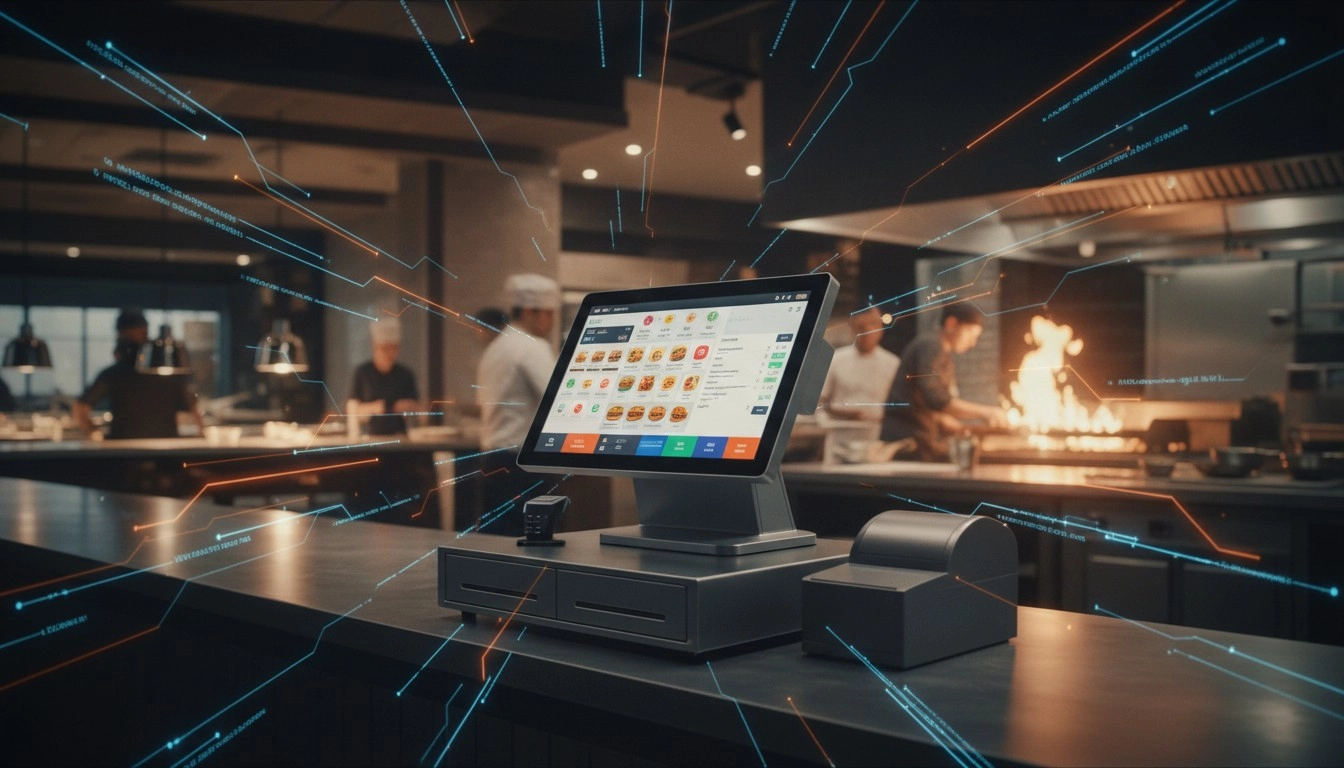
High-Traffic Restaurant POS Hardware: Touchscreens Built for Spills and Speed
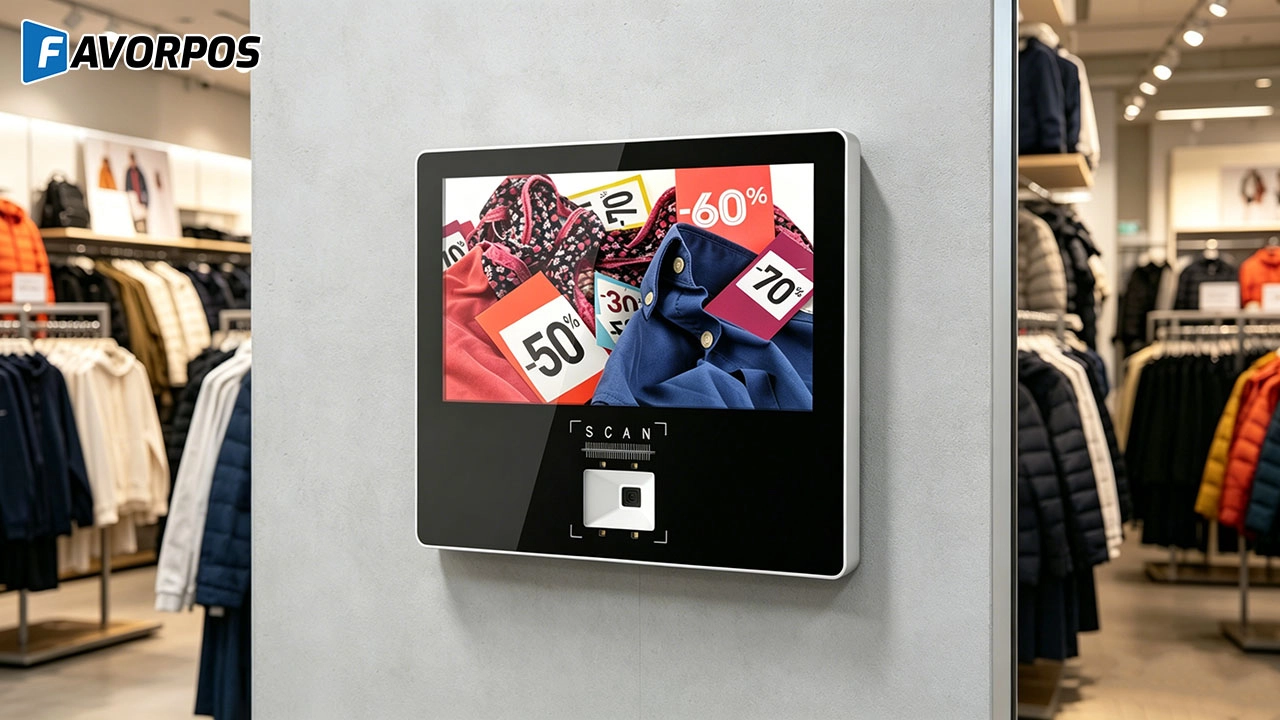
Why Smart Retail Starts with a Screen: The Hidden Power of an 11.6” Wall-Mounted Price Checker

Smart Checkout, Simplified: Exploring the Power of a 15.6-Inch All-in-One POS Terminal

Why a 15.6” Touch POS Terminal Is Becoming the New Standard in High-Traffic Retail

Beyond Checkout: How a 15.6-Inch Aluminum POS System Redefines Retail Efficiency
For Healthcare
How much does it cost to develop a POS solution?
The cost depends on the level of customization, required functionality, and scale of deployment. We offer competitive pricing and work with you to develop a solution that fits your budget.
For Bakeries
Does the system provide real-time sales reports?
Yes, our system provides real-time reporting and analytics to help you monitor performance, track inventory, and optimize sales strategies.
For Restaurants & Cafes
What is the warranty period for the POS system?
We provide a standard warranty period of at least one year. During the warranty period, if the device fails, we will provide free repair or replacement services. The specific warranty period and terms can be negotiated according to the contract.
For OEM
What is the development cost of a customized POS machine?
The development cost of a customized POS machine depends on the required design and functional specifications. We will provide a detailed quotation after the initial consultation. The cost includes design, prototyping, production and other related services.
For company
What are your shipping terms?
It is available to ship via express (DHL/FedEx/EMS/UPS/TNT), via air, train and sea. We will try our best to check the economic shipping way for you.
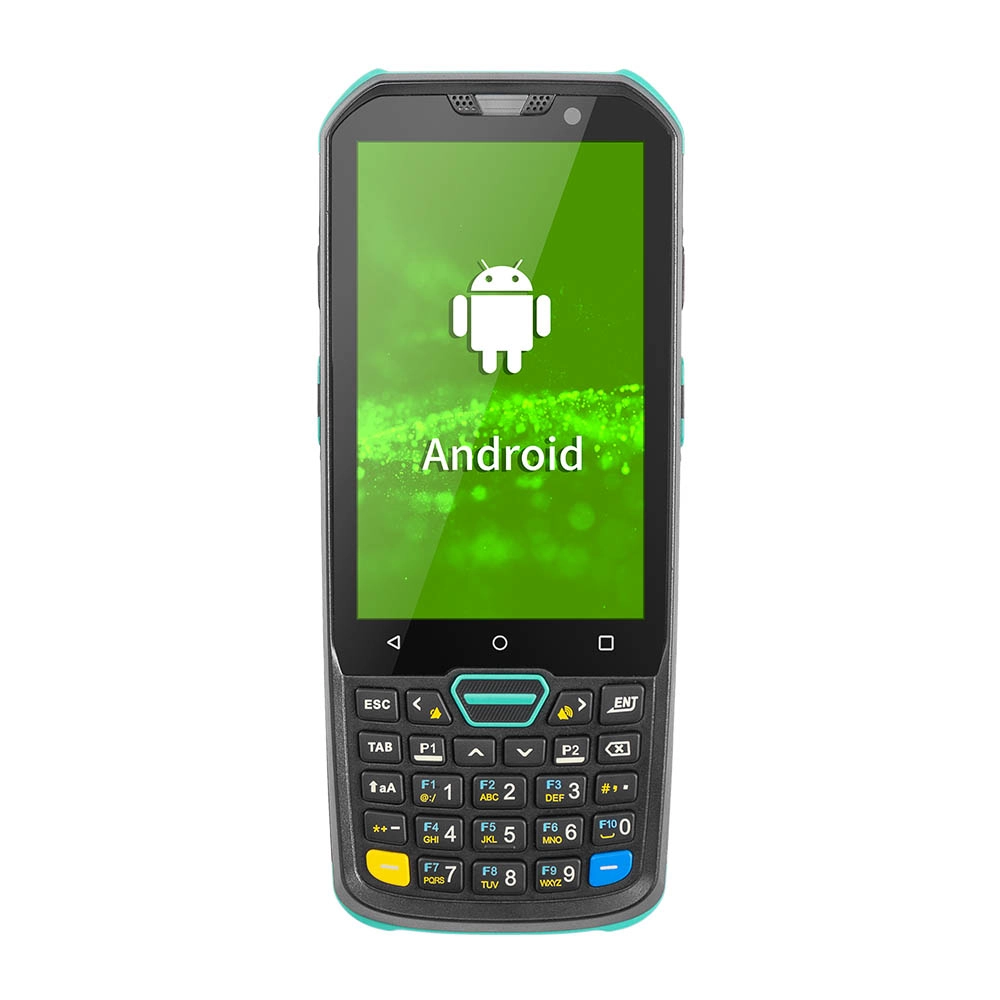
Factory Smart 4 inch Mobile PDA Data Collector with Keyboard
Our Factory Smart 4-Inch Mobile PDA Data Collector is equipped with a convenient keyboard for easy data entry. This compact device is designed for efficient inventory management and logistics operations, offering robust performance in a lightweight design. With a bright display and user-friendly interface, it allows for quick access to essential data on the go. Its durable construction ensures reliability in demanding environments, making it an ideal choice for retail, warehousing, and field operations.

11.6 inch Capacitive Touchscreen for POS Machine POS Monitor
FAVORPOS 11.6-inch capacitive touchscreen, specifically designed for POS machines to deliver a seamless and responsive user experience. This high-definition display offers vibrant visuals and crystal clear clarity, making it easy for staff to navigate through transactions efficiently. The capacitive technology ensures quick and accurate touch recognition, reducing wait times and enhancing customer satisfaction. Built to withstand the rigors of daily use, this touchscreen is perfect for retail and hospitality environments.

HD Dual Screen POS Machine Aluminum Hardware Android Windows Supplier
This dual-screen POS machine supports both Android and Windows systems, providing flexibility for various applications. The dual screens enhance customer interaction and streamline the checkout process, making transactions quicker and more engaging. Perfect for modern businesses looking to elevate their service and improve customer satisfaction, this POS machine is your ultimate partner in success!

Wall Mount Cash Register POS 21.5 inch for Supermarket Touchscreen Windows Factory
Our sleek and modern wall-mounted POS system features a stunning 21.5-inch LED display, providing exceptional visibility and clarity for seamless customer interactions. The capacitive touchscreen ensures a highly responsive and intuitive user experience, perfect for fast-paced retail environments. With its space-saving wall-mounted design, this POS solution is ideal for optimizing floor space while maintaining a professional and contemporary appearance.
Get in touch
Interested in becoming a POS system dealer? Contact us for more information and start the process of joining our dealer network.
We look forward to working with you to expand the market together.


Copyright © 2025 Favorpos All Rights Reserved.
