
Which affordable restaurant POS systems list for new eateries?
- 1) How do I calculate the true first-year cost for an affordable POS from a restaurant pos systems list for a 40-seat bistro?
- 2) Which affordable restaurant POS systems list support reliable offline mode and what are the real limitations?
- 3) For a tight budget, what minimal hardware bundle keeps up-front costs under $1,500 while supporting tableside ordering and a basic KDS?
- 4) Which affordable POS systems on a restaurant pos systems list provide truly open APIs or free integrations with delivery, accounting, and loyalty platforms?
- 5) How do I decide between bundled payment processing and using a separate merchant account (interchange-plus) to minimize fees for a low-ticket restaurant?
- 6) What SLA, data ownership, export formats, backups, and exit-plan clauses should new eateries demand from affordable restaurant POS vendors to avoid vendor lock-in?
- Concluding summary: Advantages of selecting the right affordable POS from a restaurant pos systems list for new eateries
Restaurant POS Systems List: Which Affordable POS Systems for New Eateries?
As a content writer and POS systems expert, this article answers six detailed, beginner pain-point questions missing deep coverage online. The guidance references industry benchmarks and well-known providers (Square, Toast, Lightspeed, Clover, TouchBistro) as of mid-2024 and focuses on practical comparisons across cloud-based POS, offline-capable systems, hardware budgeting, integrations, payment processing, and data-portability requirements.
1) How do I calculate the true first-year cost for an affordable POS from a restaurant pos systems list for a 40-seat bistro?
Problem: vendors often advertise software subscription or “free” terminals but omit setup, payment processing fees, chargebacks, PCI compliance, and replacement hardware. New owners need an itemized first-year total.
Step-by-step template and example (inputs you must gather):
- Projected monthly gross sales (Ms). Example: Ms = $30,000 (local 40-seat bistro with lunch and dinner).
- Average check (A). Example: A = $20, average tickets per month = Ms / A = 1,500 tickets.
- Software subscription (S) — monthly x 12. Entry-level cloud-based packages usually range from $0–$99/mo for single-location basic plans; advanced plans $79–$299+. Use vendor’s mid-tier if you need inventory and KDS. Example S = $79 x 12 = $948.
- Hardware one-time (H). Include terminals, tablets, receipt printers, cash drawer, card reader, kitchen display system (KDS) or printers. Typical ranges: $300–$1,200 per terminal; a minimal two-station setup often $800–$1,600. Example H = $1,200.
- Payment processing cost (P). Estimate effective rate r (card-present restaurants commonly 1.6%–3.5%; online/delivery items higher). P = Ms x r x 12. Example using r = 2.5%: P = $30,000 * 0.025 * 12 = $9,000.
- Card terminal rental or PCI fees (F). Some providers charge monthly payment fees or PCI compliance fees ($5–$25/mo). Example F = $12 x 12 = $144.
- Integrations/setup/one-time services (I). Include menu build, training, third-party integrations (online ordering, accounting). Budget $300–$1,200 depending on complexity. Example I = $600.
- Contingency / replacements (C). Plan 5–10% of hardware per year for wear-and-tear or an additional backup reader. Example C = $120 (10% of H).
First-year total = (S + H + P + F + I + C). Using the example numbers: $948 + $1,200 + $9,000 + $144 + $600 + $120 = $12,012.
How to use this: create a quick spreadsheet with your specific projected sales and desired features. Compare three vendors side-by-side using identical inputs (same hardware quality, same integration needs). This reveals the real economic difference between “free POS” and the total cost of ownership.
2) Which affordable restaurant POS systems list support reliable offline mode and what are the real limitations?
Problem: Many small restaurants face intermittent internet. Vendors claim “offline mode,” but functionality and payment security vary widely.
What to verify (technical checklist):
- Offline ordering vs offline payments: Most cloud-based POS keep order-taking and local printing allowed offline, then sync when online. However, card processing while offline is restricted: EMV/contactless authorizations typically require network connectivity unless you have a certified offline-capable terminal and a specific processor agreement.
- Local data persistence & auto-sync: Ensure the POS caches transactions locally in an encrypted store and offers automatic reconciliation and conflict resolution when reconnected.
- Graceful degradation: The system should allow payment by manual entry or temporary authorization hold procedures for card-not-present cases if offline payments aren’t possible, along with staff training prompts.
- Risk and chargebacks: Offline-authorized transactions (if allowed) can increase chargeback risk and liability. Confirm vendor guidance and processor rules.
How to test before signing: run an in-store demo, disconnect network intentionally for several hours and verify that order taking, ticket printing, kitchen routing (KDS/printers), and subsequent sync work flawlessly. Ask for documented behavior in their SLA or support KB—if a vendor can't answer specifics about offline payment handling, treat it as a red flag.
3) For a tight budget, what minimal hardware bundle keeps up-front costs under $1,500 while supporting tableside ordering and a basic KDS?
Problem: Beginners seek a hardware spec that balances cost and capability—tableside ordering, reliable receipts, and a kitchen solution—without overspending.
Minimum recommended bundle (targets: under $1,500 one-time):
- POS tablet or iPad (1) — $350–$700: a mid-range iPad or Android tablet with a rugged case. If you already have tablets, re-use them to cut costs.
- Card reader — $60–$200: a certified EMV/contactless reader that supports paired payments and, if needed, tethering via Bluetooth.
- Receipt printer — $120–$250 (thermal, Ethernet or Bluetooth): ensure kitchen printing compatibility.
- Cash drawer — $80–$150 (optional depending on delivery/cash mix).
- KDS option — repurpose an extra tablet ($60–$200) for a basic KDS; many POS vendors support tablet KDS apps instead of a dedicated monitor. Alternatively use a kitchen printer only.
Example costbuild: iPad $500 + card reader $120 + printer $150 + cash drawer $100 + spare tablet for KDS $200 = $1,070. Allow $200–$400 for mounting, network switch, or a backup device to stay under $1,500.
Tips to reduce cost:
- Use consumer tablets with enterprise-grade cases and power management; this is widely supported by affordable POS providers.
- Choose a cloud POS with free POS app tiers and pay-as-you-go payment processing if monthly revenue is low.
- Lease hardware or purchase certified refurbished terminals from reputable resellers if you want warranties without large capex.
4) Which affordable POS systems on a restaurant pos systems list provide truly open APIs or free integrations with delivery, accounting, and loyalty platforms?
Problem: Many small restaurant owners assume integrations are included; in reality, some vendors charge per-integration fees or restrict API access.
What to look for in integration policy:
- Public RESTful API with documentation and developer portal — this allows online ordering platforms, inventory sync, and BI exports without proprietary middleware.
- Official marketplace or app store — vendors with marketplaces (integrations with third-party ordering, accounting, payroll, loyalty) reduce point-integration costs and maintenance.
- Costs and rate limits — confirm whether API access is included in your subscription tier or if it requires an enterprise-level plan.
- Pre-built connectors — check for native integrations to major delivery aggregators (DoorDash/UberEats/Grubhub where regionally relevant), QuickBooks/Xero, and major loyalty providers.
Practical approach: create a prioritized integration list (online ordering, accounting export, inventory) and ask prospective vendors for:
- Sample API documentation and scope (endpoints, data formats, webhooks).
- Customer references who have implemented your required integrations.
- Any additional costs (one-time setup, monthly connector fee, or transaction surcharge).
Many affordable cloud-based POS vendors provide APIs but reserve advanced webhook/event volumes or full access for mid/high-tier plans. If your restaurant relies heavily on third-party delivery or subscription accounting, choose a provider that either includes the integrations you need or has a low-cost third-party connector ecosystem.
5) How do I decide between bundled payment processing and using a separate merchant account (interchange-plus) to minimize fees for a low-ticket restaurant?
Problem: Beginners see “flat-rate” bundled processing as simple but sometimes more costly over time. The tradeoff depends on ticket size, monthly volume, and card mix (debit vs credit, consumer rewards cards).
Key concepts:
- Bundled flat-rate (e.g., a single percentage + per-transaction fee): simple pricing, often lower administrative overhead and easier reconciliation. Good for very low-volume or businesses that prefer predictability.
- Interchange-plus: shows the actual interchange charges plus a fixed markup and per-transaction fee. Usually lower cost for higher volume merchants and transparent for card-mix optimization.
Decision rules for a low-ticket restaurant:
- If monthly card volume is low (< $5k–$10k) and you value simplicity, a bundled flat-rate via your POS provider may be acceptable despite slightly higher effective rates.
- If monthly volume exceeds $10k–$20k or you have many corporate/reward cards (higher-cost interchanges), an interchange-plus merchant account typically saves money but requires more setup and reconciliation.
- Ask for a modeled comparison: request a projection from the vendor showing your projected yearly processing expense under both pricing models using your expected ticket counts and card mix.
Operational caveats: separate merchant accounts can cause complications if you change POS providers—ensure the POS supports your chosen gateway/processor. Conversely, provider-bundled processing simplifies onboarding and reduces support finger-pointing (one vendor responsible for POS + payments).
6) What SLA, data ownership, export formats, backups, and exit-plan clauses should new eateries demand from affordable restaurant POS vendors to avoid vendor lock-in?
Problem: Many small restaurants lose access to historical sales, menus, and loyalty data when changing vendors. Avoid this by specifying requirements upfront.
Contract checklist (must-have clauses):
- Data ownership clause: vendor contract should explicitly state you own transactional data, menu items, customer lists, loyalty points, and that you retain the right to export these on-demand.
- Export formats and frequency: require exports in common, machine-readable formats (CSV, JSON) for orders, payments (masked), customers, inventory, and labor. Ask for automated scheduled exports (daily/weekly) and ad-hoc full exports as part of termination process.
- API access: ensure ongoing API access for extracting data in near-real-time; check rate limits and whether API access remains live if you downgrade or terminate the account for a defined period (e.g., 30–90 days) to facilitate migration.
- Backups and retention: request documentation on backup frequency, retention policies, and proof of redundancy (encrypted backups in multiple data centers). For sensitive PII, verify encryption-at-rest and in-transit and compliance statements.
- SLA and uptime: require an uptime SLA aligned with your business needs (99.5%+ for cloud POS used for both front- and back-of-house operations) and transparent incident reporting and RTO/RPO targets.
- Exit and migration support: include a clause for vendor-assisted data export and a reasonable fee schedule for migration support (if any), and a promise of no technical lock-in (e.g., proprietary backup format only readable by the vendor).
Testing and verification: before signing, request a sample full data export for an anonymized demo account and proof of the vendor’s export process and timing. If possible, perform a mock migration to confirm you can import the exported files into your chosen accounting or BI tool.
Concluding summary: Advantages of selecting the right affordable POS from a restaurant pos systems list for new eateries
Choosing the right affordable restaurant POS yields predictable first-year costs, reliable offline order-taking, hardware configurations that protect capex, and integrations that scale your delivery and accounting needs. Prioritize vendors that provide clear offline behavior, open APIs, transparent payment pricing (or a clear interchange-plus alternative), and contract terms guaranteeing data ownership and exportability. This reduces operational risk, avoids vendor lock-in, and improves unit economics—critical for new eateries operating on thin margins.
We follow industry best practices and vendor benchmarks to help you evaluate cloud-based POS, KDS, integrated payments, and hardware bundles. For a tailored, line-item quote and a side-by-side first-year cost comparison for your specific location and sales projection, please contact us for a quote: www.favorpos.com, sales2@wllpos.com.
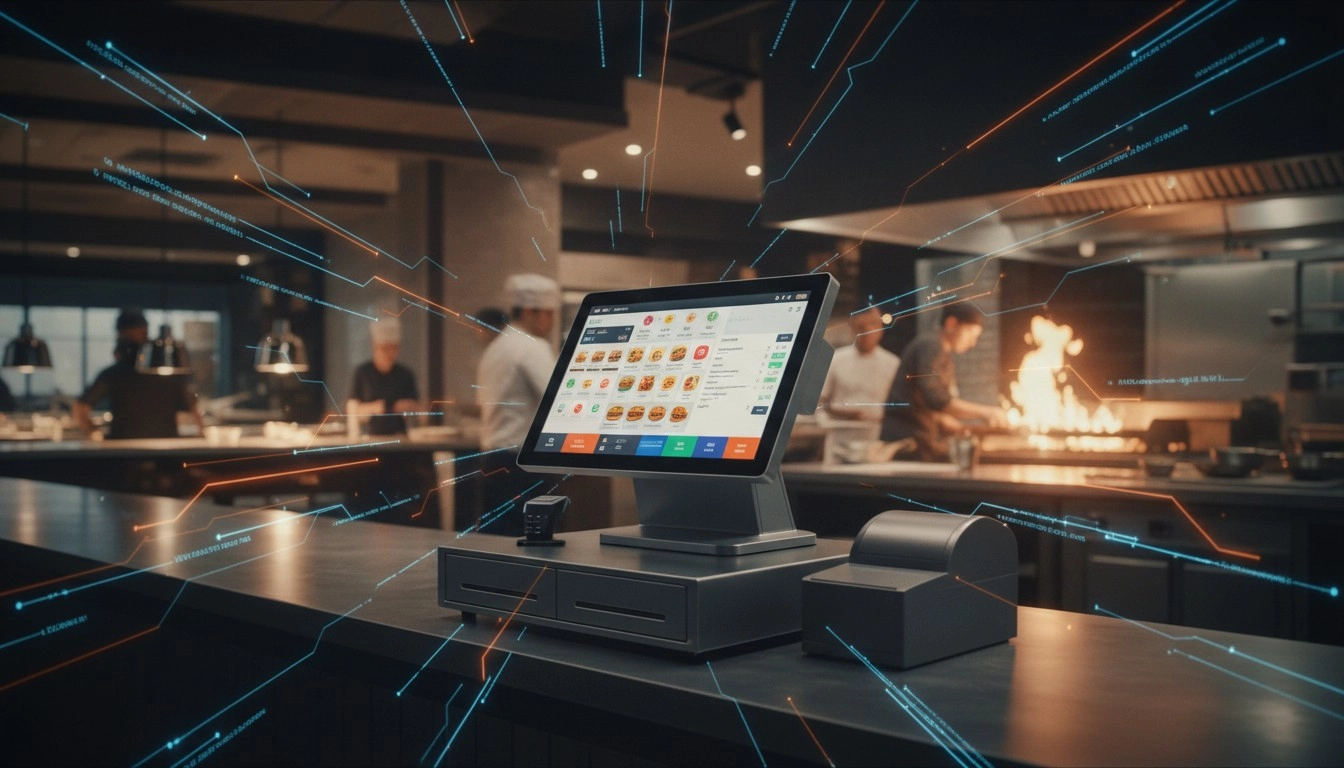
High-Traffic Restaurant POS Hardware: Touchscreens Built for Spills and Speed
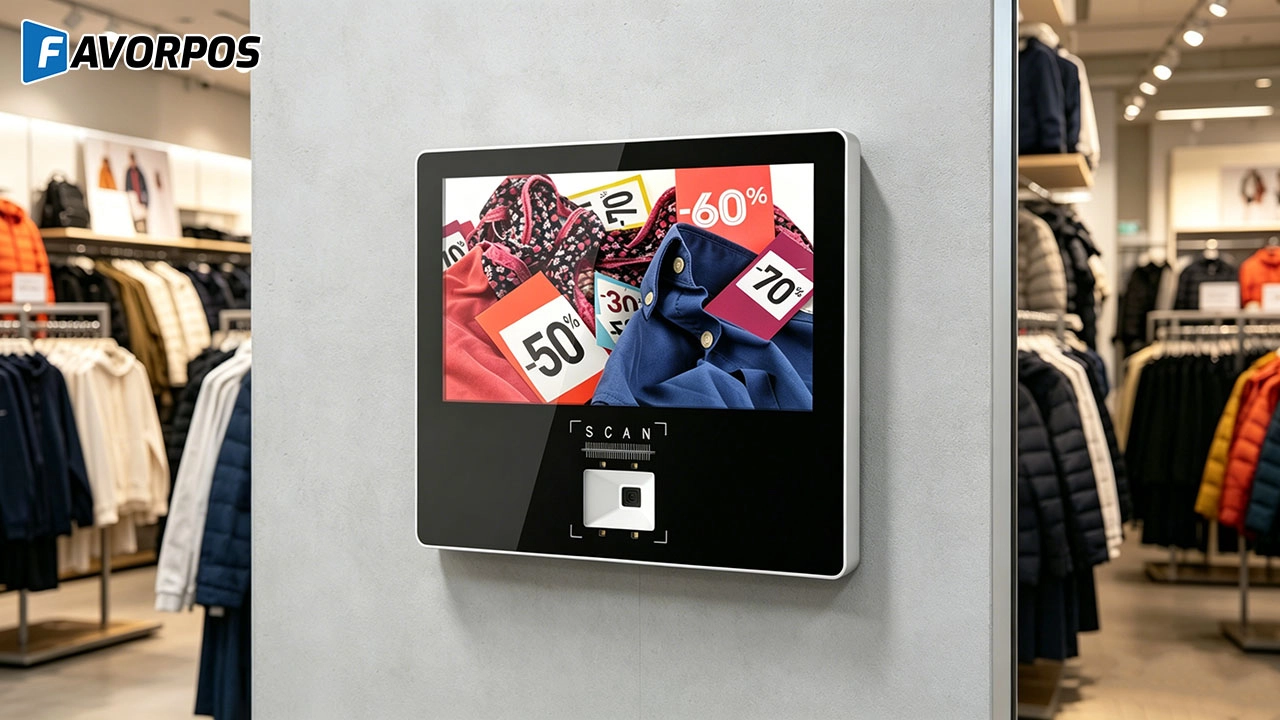
Why Smart Retail Starts with a Screen: The Hidden Power of an 11.6” Wall-Mounted Price Checker

Smart Checkout, Simplified: Exploring the Power of a 15.6-Inch All-in-One POS Terminal

Why a 15.6” Touch POS Terminal Is Becoming the New Standard in High-Traffic Retail

Beyond Checkout: How a 15.6-Inch Aluminum POS System Redefines Retail Efficiency
For Healthcare
How much does it cost to develop a POS solution?
The cost depends on the level of customization, required functionality, and scale of deployment. We offer competitive pricing and work with you to develop a solution that fits your budget.
What kind of support do you provide after installation?
We provide comprehensive after-sales support, including technical assistance, hardware updates, hardware maintenance and employee training.
For Solutions Retail
Can your equipment support multiple languages and currencies?
Yes, our POS system supports multi-language operation interfaces and multi-currency transactions to meet the needs of the global market. You can set different language and currency options according to the specific requirements of the country or region where your business is located.
Do you provide customized POS design services?
Yes, as an OEM/ODM manufacturer, we provide fully customized POS design services. Whether it is hardware appearance design or function integration, we can tailor it according to your brand needs.
For ODM
Does the product comply with international standards and certifications?
Our POS machines comply with various international standards and certification requirements, including safety, electrical performance and environmental standards. We ensure that all products comply with relevant regulations during the production process so that they are suitable for the global market.
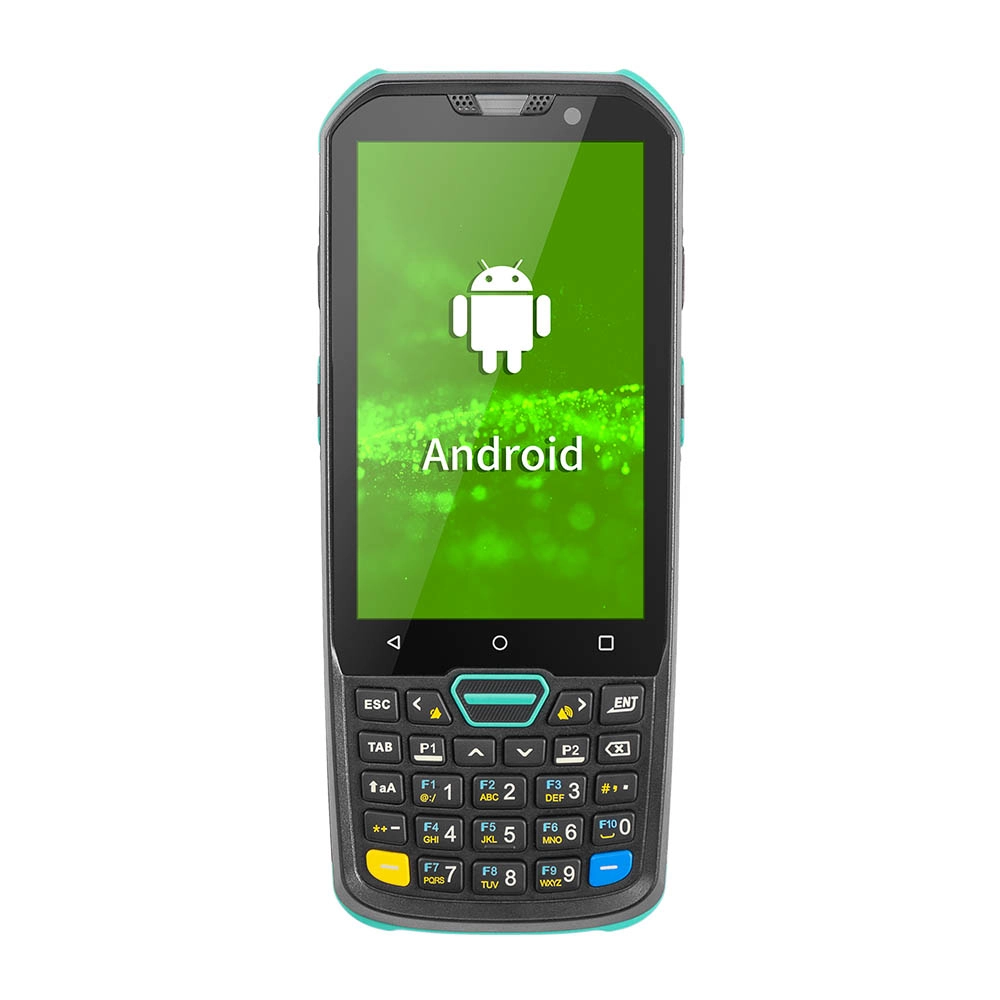
Factory Smart 4 inch Mobile PDA Data Collector with Keyboard
Our Factory Smart 4-Inch Mobile PDA Data Collector is equipped with a convenient keyboard for easy data entry. This compact device is designed for efficient inventory management and logistics operations, offering robust performance in a lightweight design. With a bright display and user-friendly interface, it allows for quick access to essential data on the go. Its durable construction ensures reliability in demanding environments, making it an ideal choice for retail, warehousing, and field operations.

11.6 inch Capacitive Touchscreen for POS Machine POS Monitor
FAVORPOS 11.6-inch capacitive touchscreen, specifically designed for POS machines to deliver a seamless and responsive user experience. This high-definition display offers vibrant visuals and crystal clear clarity, making it easy for staff to navigate through transactions efficiently. The capacitive technology ensures quick and accurate touch recognition, reducing wait times and enhancing customer satisfaction. Built to withstand the rigors of daily use, this touchscreen is perfect for retail and hospitality environments.

HD Dual Screen POS Machine Aluminum Hardware Android Windows Supplier
This dual-screen POS machine supports both Android and Windows systems, providing flexibility for various applications. The dual screens enhance customer interaction and streamline the checkout process, making transactions quicker and more engaging. Perfect for modern businesses looking to elevate their service and improve customer satisfaction, this POS machine is your ultimate partner in success!

Wall Mount Cash Register POS 21.5 inch for Supermarket Touchscreen Windows Factory
Our sleek and modern wall-mounted POS system features a stunning 21.5-inch LED display, providing exceptional visibility and clarity for seamless customer interactions. The capacitive touchscreen ensures a highly responsive and intuitive user experience, perfect for fast-paced retail environments. With its space-saving wall-mounted design, this POS solution is ideal for optimizing floor space while maintaining a professional and contemporary appearance.
Get in touch
Interested in becoming a POS system dealer? Contact us for more information and start the process of joining our dealer network.
We look forward to working with you to expand the market together.


Copyright © 2025 Favorpos All Rights Reserved.
