
What features should a restaurant POS systems list compare?
- 1) How do I calculate and compare the true total cost of ownership (TCO) across a restaurant pos systems list—including payment processing, hardware amortization, and hidden fees?
- 2) What features should a restaurant POS systems list compare?
- 3) How can I verify offline mode and redundancy claims on a restaurant POS systems list before committing?
- 4) How do I validate inventory accuracy and shrinkage claims on a restaurant POS systems list—what metrics and tests should I require?
- 5) For multi-location restaurants, what sync cadence, reporting consistency, and pricing models should a restaurant POS systems list compare?
- 6) How do I assess API quality, integrations, and future-proofing costs when vetting a restaurant POS systems list?
- Concluding summary: Advantages of a tailored restaurant POS systems list
Restaurant POS Systems List: What Features Should You Really Compare?
Beginners use a restaurant pos systems list to shortlist vendors, but common comparison guides are superficial. This article answers six specific, hard-to-find questions restaurants actually need when choosing a POS: how to calculate true cost of ownership, how to validate offline mode, what inventory accuracy metrics to require, multi-location sync requirements, payment compliance proof to demand, and how to test APIs and integrations for future-proofing. Throughout, you'll see practical checks, vendor questions, and test steps—covering cloud POS, mobile ordering, table management, payment processing, and integrations.
1) How do I calculate and compare the true total cost of ownership (TCO) across a restaurant pos systems list—including payment processing, hardware amortization, and hidden fees?
Why this matters: Vendors advertise low monthly fees or free hardware, but long-term costs (processing fees, add-ons, support, termination fees) can double or triple the price over 3–5 years. To compare fairly, use a TCO formula and collect the right data from each vendor.
What to request from each vendor (documented):
- Monthly subscription/license fee(s) and what’s included (updates, support, users).
- Hardware list with MSRP and any lease/discount terms (POS terminal, kitchen printers, tablets, routers, EFTPOS units).
- Payment processing model: interchange-plus, tiered, flat-rate; average markup; per-transaction fee; monthly gateway fees; chargeback fees; batch fees.
- Integration or marketplace app fees (per app or per monthly invoice).
- Onboarding, training, installation, and data-migration fees.
- Support SLAs and fees for High Quality support or on-site visits.
- Termination fees and minimum contract length.
TCO calculation (practical formula):
- Annual subscription fees = monthly fee × 12
- Annualized hardware = (total hardware cost – trade-in or subsidy) ÷ useful years (typical 3–5 years)
- Annual processing cost = (interchange + markup) × annual card volume + per-transaction fees × annual transactions + gateway/monthly processor fees
- Annual add-ons & integrations = sum of app/subscription fees
- Annual support/onboarding amortized = onboarding cost ÷ contract years + annual support fees
- TCO per year = sum of the above; multiply by chosen term (3 or 5 years) for contract comparison
Practical checks and red flags:
- Ask for a sample invoice or pricing worksheet for a customer of similar size.
- Watch for “free hardware” that requires a terminal-specific processing contract.
- Confirm whether EMV/contactless readers are included or extra.
- Check whether offline transactions incur higher processing rates.
2) What features should a restaurant POS systems list compare?
Direct answer: beyond basic ordering and payments, a meaningful restaurant pos systems list must compare the following feature groups—each with measurable criteria:
- Core POS functionality: split checks, modifiers, course timing, seat-level ordering, table maps, and quick-fire order entry speed (transactions/sec benchmarks where available).
- Payments & security: EMV, NFC/contactless, tokenization, P2PE support, and documented PCI scope reduction options.
- Offline resilience: local transaction queueing, EMV offline rules, local reporting, and automatic reconciliation after reconnect.
- Inventory & recipe-level costing: ingredient-level POS deduction, COGS reporting, variance alerts, and integration with purchase orders.
- Multi-location management: centralized menu control, pricing hierarchy, stock transfers, consolidated reporting, and per-location payroll settings.
- Integrations: open API, webhook reliability, prebuilt accounting/ordering integrations, and marketplace quality (ratings/reviews).
- Hardware ecosystem: range of certified terminals, thermal printers, kitchen display systems (KDS), handhelds, and Linux vs Windows vs Android choices.
- Analytics & reporting: real-time sales, labor forecasting, menu engineering, and exportable raw data (CSV/SQL access).
- User management & permissions: role-based access, audit trails, session reports, and forced cashier logouts.
- Support & SLA: hours, response times, escalation paths, and on-site support availability.
How to compare: build a features matrix and score vendors on measurable criteria (yes/no plus performance where applicable). Use a weighting system aligned to your priorities—e.g., if inventory accuracy saves 2–5% of food costs annually, give it heavier weight for full-service restaurants.
3) How can I verify offline mode and redundancy claims on a restaurant POS systems list before committing?
Why this matters: Internet or cloud outages are inevitable—restaurants must continue taking orders and payments without data loss. Many cloud POS systems offer “offline mode,” but implementations vary.
What true offline resilience looks like:
- Local transaction queueing with reliable persistence (transactions stored on device until ACK from server).
- Graceful handling of EMV and contactless during offline—vendor should document EMV offline limits and how chargebacks are handled.
- Local readable reports for managers (X/Z reports) while offline.
- Automatic sync with conflict resolution (timestamps, reconciliation logs) when connectivity restores.
- Optional local server or hybrid (edge-server) architecture for mission-critical sites.
Pre-purchase tests to perform:
- Ask for a demo account you can stress-test: simulate network drop on a terminal and continue entering 100+ orders; verify post-outage sync and data integrity.
- Confirm whether payments processed while offline are queued (and whether terminals support EMV offline) or whether they fallback to manual imprint/authorization.
- Request documentation of past outage incidents and vendor uptime SLA (historical uptime % or incident reports if available).
- Ask how the system handles partial outages (e.g., KDS disconnected but front-of-house connected) and how that impacts order routing.
Red flags: vendors that give only conceptual answers without letting you test offline workflows, or those that require costly hardware add-ons for basic offline resilience.
4) How do I validate inventory accuracy and shrinkage claims on a restaurant POS systems list—what metrics and tests should I require?
Common vendor claim: “99% inventory accuracy.” These claims are only meaningful when tied to specific metrics and processes. For restaurants, inventory accuracy affects COGS, margins, and ordering cadence.
Key metrics to demand and validate:
- Shrinkage rate = (theoretical usage – actual counted usage) ÷ theoretical usage, calculated weekly/monthly.
- Cycle count variance % by category (perishables, liquor, dry goods).
- Time-to-update latency: how quickly sales reduce on-hand counts (real-time, near-real-time).
- Recipe/recipe-level linkage: percentage of menu items mapped to ingredient-level SKUs.
Validation steps:
- Ask for case studies showing measured shrinkage improvement after deployment (with before/after numbers).
- Run a pilot: map 15–30 high-value SKUs to recipes, run a 30-day parallel accounting of POS-led usage vs physical counts to compute variance.
- Test receiving workflow: confirm PO to receiving to stock counts sync and whether vendor supports barcode/RFID scanning.
- Confirm adjustments audit trail: requires who, why, and when entries with attachable receipts or images.
Practical tools to insist on: batch receiving by SKU, blind counts, variance reports by cost impact, and automated par-level alerts. Avoid systems that treat inventory as a simple sales counter rather than ingredient-level tracked stock.
5) For multi-location restaurants, what sync cadence, reporting consistency, and pricing models should a restaurant POS systems list compare?
Multi-site chains need centralized control while preserving local autonomy. Important differences between vendors are often hidden in sync design and reporting latency.
Critical areas to compare:
- Central menu management: can you push updates globally or per-group and schedule effective dates?
- Sync cadence & conflict resolution: real-time vs near-real-time; how are simultaneous edits handled?
- Reporting: consolidated P&L, per-location KPIs, drill-down sales by server/shift, and exportable raw tables.
- Pricing models: per-location license, per-terminal license, or enterprise pricing with seat-based or revenue-based tiers.
- Inventory transfers and inter-store stock movements: are they supported as first-class operations?
- Role-based access and audit logging for HQ vs local managers.
Questions to ask vendors and test:
- Ask for an architecture diagram showing where sync occurs (edge cache, HQ cloud, regional nodes).
- Confirm reporting latency guarantees—if HQ needs near-real-time dashboards, require SLA or technical evidence.
- Get a sample consolidated report and an exported CSV to confirm data normalization across locations (tax treatment, menu IDs, SKUs).
- Validate pricing scenarios: calculate your expected monthly cost for 5, 10, 25 locations using your terminal count per site and anticipated payment volume.
Beware vendors that force you into per-location contracts with no enterprise consolidation discounts or that impose separate databases per site (complicates analytics).
6) How do I assess API quality, integrations, and future-proofing costs when vetting a restaurant POS systems list?
Integrations are a major long-term cost driver. A POS with a brittle or poorly documented API will make it costly to add online ordering, payroll, accounting, or custom analytics over time.
Technical and commercial checks to perform:
- API documentation: require a public, versioned API spec, OAuth2 authentication, rate limits, and example SDKs.
- Sandbox & developer support: access to a sandbox environment, developer keys, and sample data for integration testing.
- Webhook reliability and retry semantics: tests for missed events, idempotency keys, and delivery guarantees.
- Marketplace quality: number of certified integrations (accounting, payroll, online ordering aggregators) and vendor-curated partners.
- Data export/ownership: can you export raw sales, inventory, and labor data in bulk (CSV, SFTP, or direct DB access) without vendor lock-in?
- Costs: integration fees, per-API-call charges, middleware requirements, and whether the vendor charges for webhooks or API access at scale.
Practical integration tests:
- Request developer accounts and perform three quick tests: create an order via API, receive an order webhook, and export a daily sales batch.
- Measure latency and error rates during tests; ask for SLA on API uptime and historical metrics if available.
- Confirm the vendor’s roadmap for breaking changes and version deprecation timelines.
- Include contractual clauses requiring exportable data and an exit data package in machine-readable formats upon termination.
Red flags: closed ecosystems that force you to use only vendor-approved partners or charge high fees to enable basic integrations.
Concluding summary: Advantages of a tailored restaurant POS systems list
Using a tailored restaurant pos systems list that compares TCO, offline resilience, inventory accuracy, multi-location sync, PCI/compliance proof, and API quality gives buyers a defensible decision framework. It reduces procurement risk, prevents surprise costs, preserves data ownership, and protects revenue continuity during outages—ensuring the chosen cloud POS or hybrid POS supports your restaurant's operational and growth needs.
If you’d like a customized comparison and a free quote built around your menu, locations, and transaction profile, contact us at www.favorpos.com or email sales2@wllpos.com.
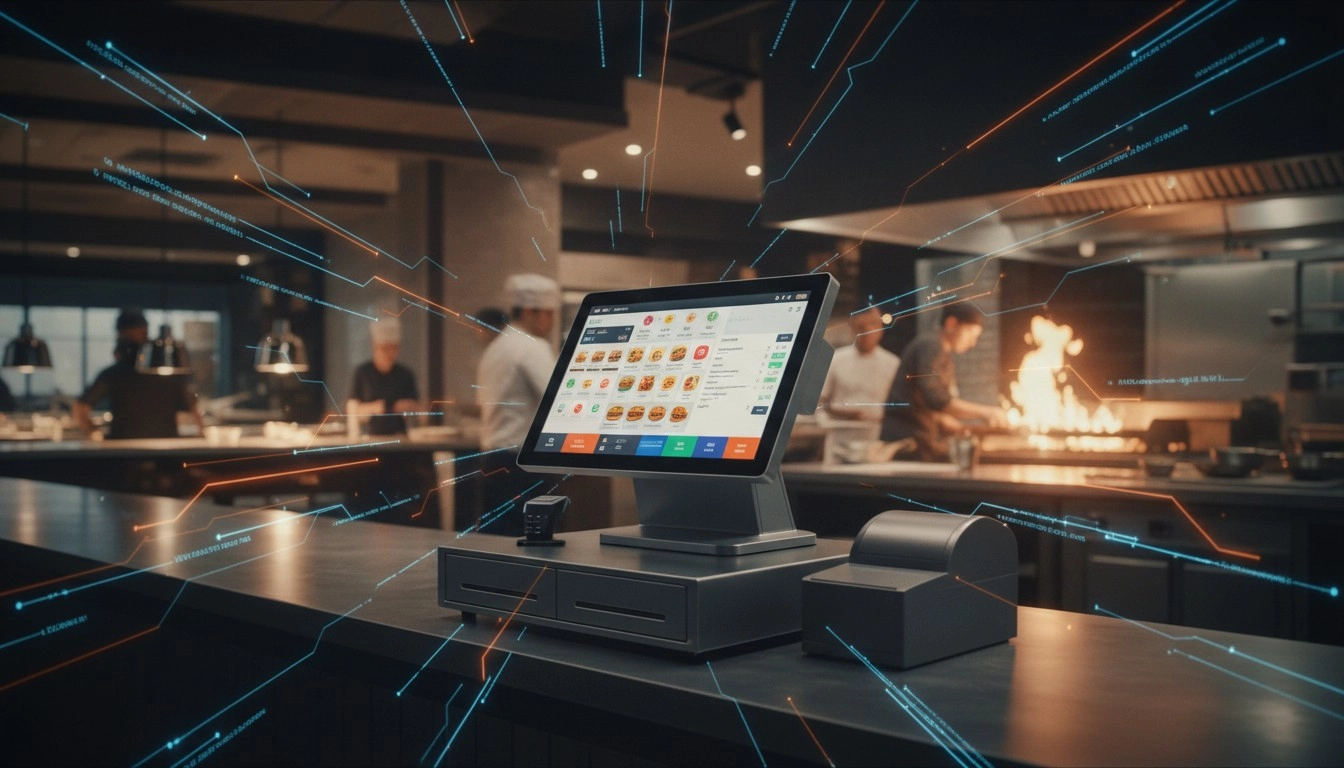
High-Traffic Restaurant POS Hardware: Touchscreens Built for Spills and Speed
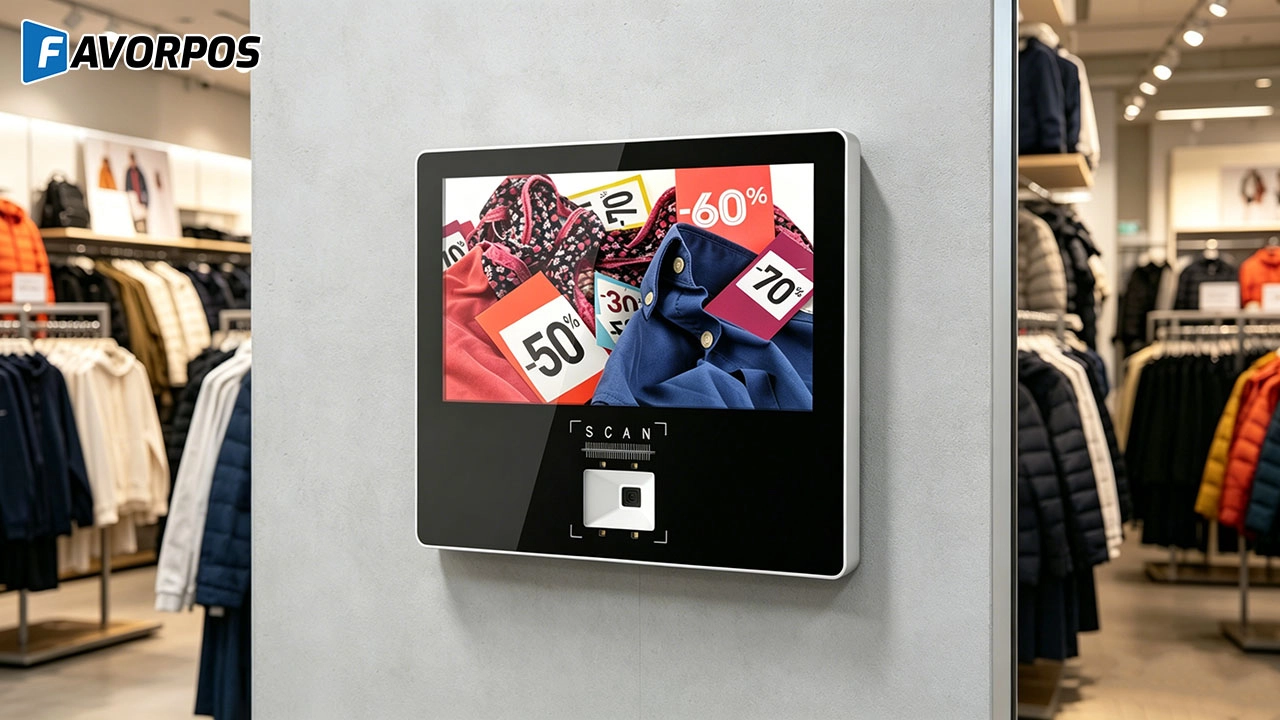
Why Smart Retail Starts with a Screen: The Hidden Power of an 11.6” Wall-Mounted Price Checker

Smart Checkout, Simplified: Exploring the Power of a 15.6-Inch All-in-One POS Terminal

Why a 15.6” Touch POS Terminal Is Becoming the New Standard in High-Traffic Retail

Beyond Checkout: How a 15.6-Inch Aluminum POS System Redefines Retail Efficiency
For Distributor
How often do you update your products and launch new products?
We regularly update our product lines to incorporate the latest technology and meet market needs. Dealers will be kept informed when new products and updates are released.
For Restaurants & Cafes
Is your POS system suitable for different types of catering businesses?
Yes, our POS system is suitable for a variety of catering businesses, including fast food restaurants, high-end restaurants, cafes, as well as food trucks and pop-up restaurants. The system functions can be customized according to different business types to meet specific needs.
How is the installation and training of the POS system carried out?
We provide comprehensive installation and training services. Our technical team will assist you in completing the installation of the POS machine and provide detailed operation training for your staff. In addition, we also provide online training resources and operation manuals to help your team get started quickly.
For Beauty and Wellness
What support is provided after the system is deployed?
We provide 24/7 technical support and regular hardware maintenance to ensure that the system continues to operate efficiently.
For ODM
What is the minimum order quantity for ODM service?
We support different needs, from small batches to large-scale production. The specific minimum order quantity will be determined based on product type, complexity and production requirements. Please contact us for details.

Factory Smart 4 inch Mobile PDA Data Collector with Keyboard
Our Factory Smart 4-Inch Mobile PDA Data Collector is equipped with a convenient keyboard for easy data entry. This compact device is designed for efficient inventory management and logistics operations, offering robust performance in a lightweight design. With a bright display and user-friendly interface, it allows for quick access to essential data on the go. Its durable construction ensures reliability in demanding environments, making it an ideal choice for retail, warehousing, and field operations.

11.6 inch Capacitive Touchscreen for POS Machine POS Monitor
FAVORPOS 11.6-inch capacitive touchscreen, specifically designed for POS machines to deliver a seamless and responsive user experience. This high-definition display offers vibrant visuals and crystal clear clarity, making it easy for staff to navigate through transactions efficiently. The capacitive technology ensures quick and accurate touch recognition, reducing wait times and enhancing customer satisfaction. Built to withstand the rigors of daily use, this touchscreen is perfect for retail and hospitality environments.

HD Dual Screen POS Machine Aluminum Hardware Android Windows Supplier
This dual-screen POS machine supports both Android and Windows systems, providing flexibility for various applications. The dual screens enhance customer interaction and streamline the checkout process, making transactions quicker and more engaging. Perfect for modern businesses looking to elevate their service and improve customer satisfaction, this POS machine is your ultimate partner in success!

Wall Mount Cash Register POS 21.5 inch for Supermarket Touchscreen Windows Factory
Our sleek and modern wall-mounted POS system features a stunning 21.5-inch LED display, providing exceptional visibility and clarity for seamless customer interactions. The capacitive touchscreen ensures a highly responsive and intuitive user experience, perfect for fast-paced retail environments. With its space-saving wall-mounted design, this POS solution is ideal for optimizing floor space while maintaining a professional and contemporary appearance.
Get in touch
Interested in becoming a POS system dealer? Contact us for more information and start the process of joining our dealer network.
We look forward to working with you to expand the market together.


Copyright © 2025 Favorpos All Rights Reserved.
